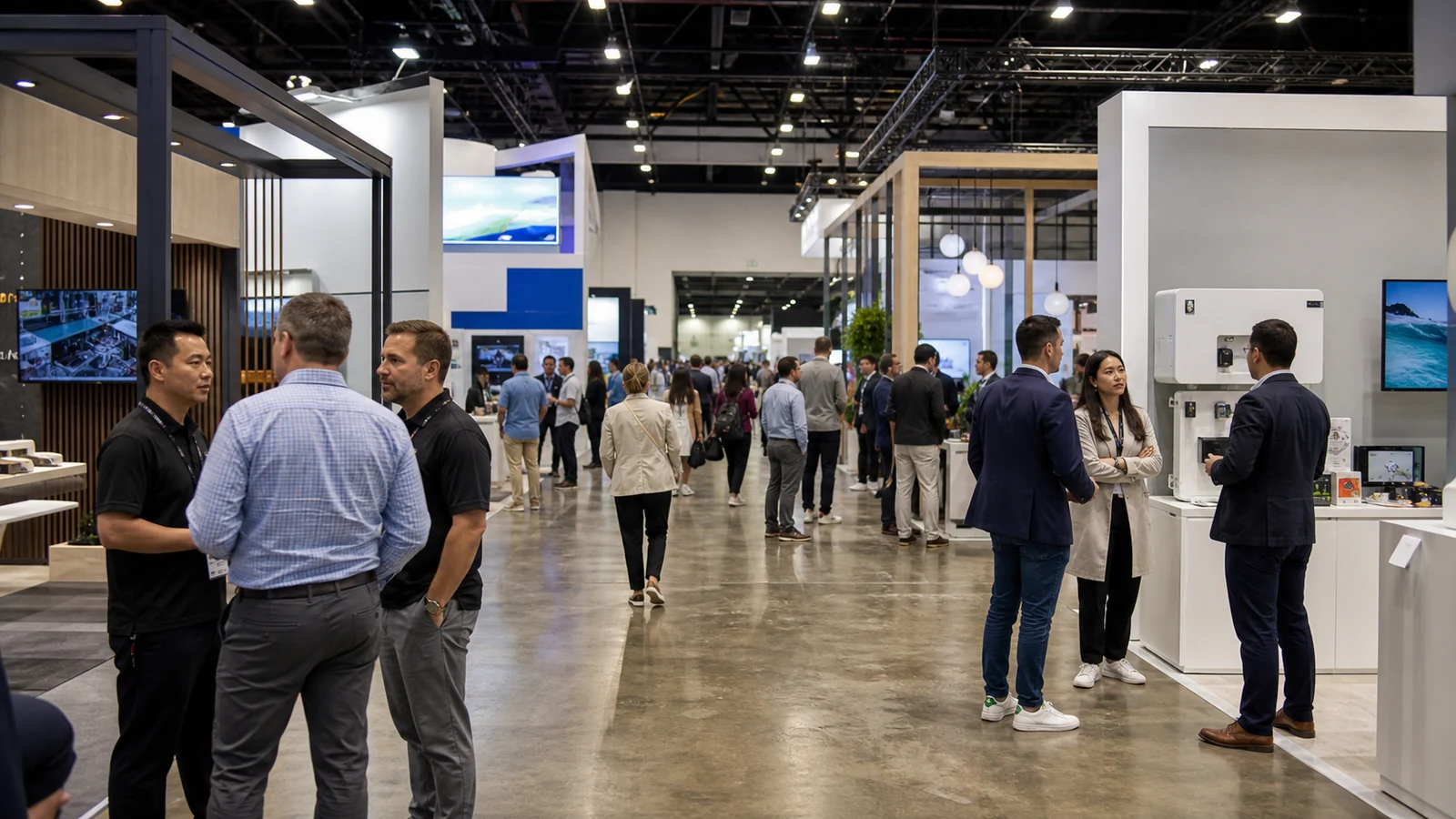
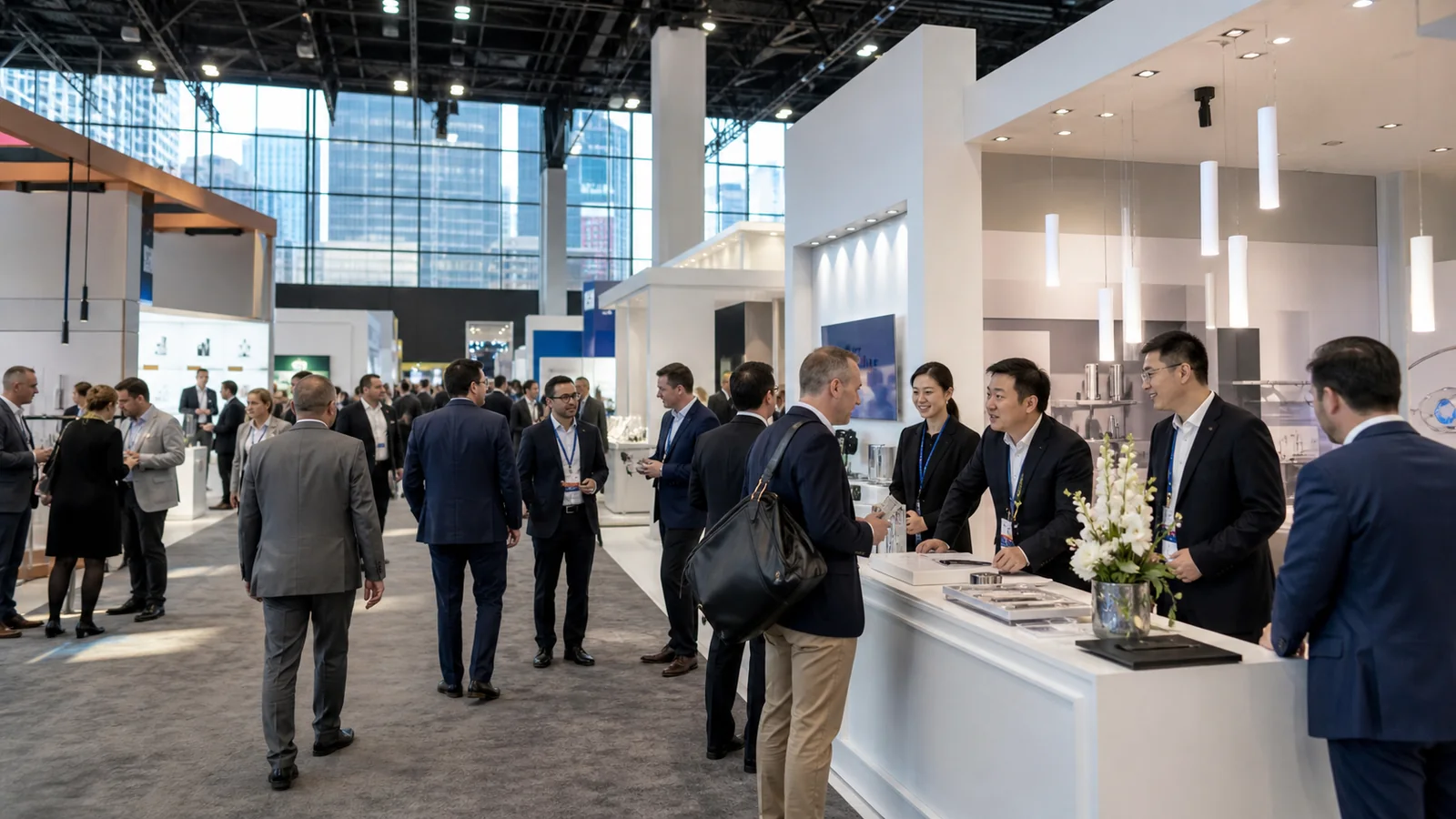
The problem with most trend lists is that they make every new idea look essential. On a real show floor, an idea only earns its space when it helps visitors understand the offer, evaluate it, or have a better conversation. These trade show trends for 2026 are therefore best treated as planning options, not a shopping list.
Three Principles Should Guide Trade Show Booth Planning in 2026
Three principles give 2026 booth planning a clear direction:
- Visitor objectives before features. The space should help people find relevant information and understand the next useful step.
- Participation tied to product evaluation. A demonstration or interaction should help visitors test, compare, learn, or decide.
- Expertise within easy reach. When a question becomes technical or commercially important, the path to the right person should be clear.
Freeman’s research supports these priorities. Its 2025 recap reports that attendees judge events by whether they make progress toward their objectives; 57% considered hands-on opportunities or demonstrations most useful for product or solution evaluation and decision-making, while 84% said access to subject-matter experts was extremely or very important at the most valuable event they attended. See the Freeman research recap.
Open layouts, AI tools, modular structures, and dramatic lighting can support these principles, but none is a strategy by itself. If a feature does not improve an identified visitor task, it is decoration rather than direction.
Open Layouts and Clearer Visitor Paths
Open layouts work when they reduce uncertainty about where to enter, what to look at, and where to go next. Removing a front barrier can help, but openness comes from legibility rather than empty floor space.
When an Open Layout Works
A high-traffic booth may need several visible entry points and a short path to product discovery. A technical exhibit may instead need a deliberate sequence: introduction, demonstration, expert discussion, and follow-up. Both can feel open when the zones are easy to understand.
An open layout is especially useful when:
- products or demonstrations benefit from aisle visibility;
- several conversations need to happen at the same time;
- visitors should be able to enter without first approaching a reception counter; or
- the booth serves multiple audiences that need clear routing.
When More Enclosure Is Still Useful
More enclosure can still be appropriate for confidential discussions, hospitality, noise control, or longer commercial meetings. The right balance depends on the booth footprint, surrounding traffic, demonstration requirements, storage, and the conversations that must happen inside the space.
One primary visitor path is worth mapping while the layout is still flexible. From the aisle, a person should be able to identify the main message, the first point of engagement, and the next action. This simple exercise often reveals problems that a polished rendering can hide.
Stronger Visual Hierarchy, Lighting, and Dimensional Branding
For 2026 booth planning, large graphics, controlled lighting, motion, and dimensional elements are most useful when they shorten the time needed to understand the exhibit. Their job is to organize attention, not compete for it.
Build the Message Hierarchy Before Choosing the Medium
The message hierarchy comes before the display medium:
- Brand identifier: Who is exhibiting?
- Audience or problem cue: Why should the right person care?
- Product or proof focus: What can the visitor see, evaluate, or ask about?
- Next action: Where should the visitor go or what should they do?
Match LED, Backlighting, Fabric Graphics, and 3D Elements to the Content
Different media then serve different content. LED and motion graphics can show a sequence, product behavior, or changing information. Backlit graphics can improve legibility and controlled emphasis. Fabric graphics and dimensional brand elements can create lightweight visual architecture that is easier to update across a show program.
None of these choices has a universal viewing distance or guaranteed performance result. Test the message at the expected aisle approach using a scaled mockup or pre-build review. If the logo is clear but the offer remains vague, adding a larger screen will not solve the information problem.
This hierarchy can then be translated into a physical booth concept without asking one visual element to carry the entire message.
Interactive Experiences That Help Visitors Evaluate the Product
The strongest interactive trade show booth ideas turn product education into an action. A visitor can test a feature, compare two options, configure a solution, diagnose a problem, or discuss the result with someone who understands it.
Product-Led Interaction Versus Generic Entertainment
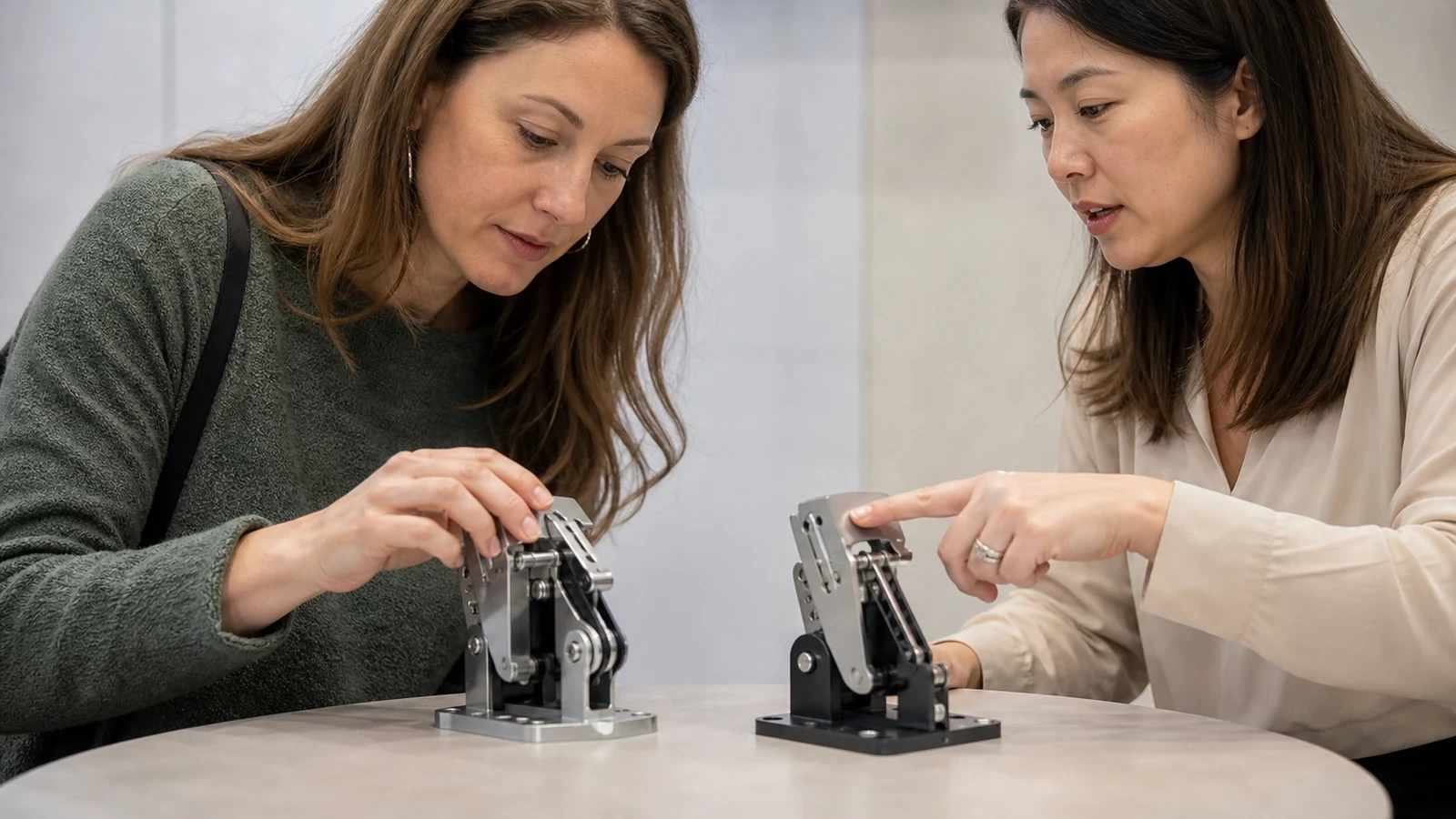
This makes product-led interaction different from generic entertainment. A short demonstration, tactile station, comparison tool, guided configurator, or expert mini-session can reveal real interest while teaching something useful. A game can also work, but it needs a clear connection to the business message. Otherwise, it may build a queue without improving product understanding.
Design the Staff Handoff
A self-service activity needs an intentional handoff to knowledgeable staff rather than becoming a substitute for expertise. The transition point should be part of the interaction design, not left to chance on the show floor.
Write the interaction as an operating script before designing hardware:
- What catches attention and starts the activity?
- What does the visitor do?
- What does the action teach or reveal?
- What information, if any, is captured?
- When does a staff member or subject-matter expert join?
- What does the visitor receive afterward?
For a compact interaction, keep the script short enough to work with realistic aisle traffic. A complex equipment demonstration may need a longer sequence. The script exposes practical issues early: queues, sound spill, safety, reset time, equipment failure, and whether the activity attracts the intended audience.
AI and Data Tools That Reduce Visitor Friction
For a 2026 booth, AI earns a role when it makes a specific task faster or more relevant. It can help route visitors, recommend content, support translation, improve lead notes, or prepare a more useful follow-up. It should not become another screen that visitors must work through before reaching a person.
Useful Roles for AI and Data

Potential roles include:
- directing someone to the most relevant product, demonstration, or expert;
- recommending a content or demo path based on a stated need;
- creating a concise summary for post-show segmentation;
- supporting multilingual explanations; and
- matching a visitor with an appropriate follow-up resource.
AUMA’s 2026/2027 trend report describes AI as a tool that can strengthen matchmaking, performance measurement, and international networking while enhancing rather than replacing face-to-face interaction. That is a useful boundary for booth planning: technology should improve the human exchange around it. Read AUMA’s report announcement.
Operational Questions for AI and Data Tools
Five operating questions expose whether an AI or data tool will reduce friction or create it:
- What input is required from the visitor?
- What useful result appears immediately?
- How does a staff member take over?
- What is the offline or manual fallback?
- What consent and privacy handling does the data require?
If the interface is slow, the value is unclear, or the booth depends on unstable connectivity, the tool adds friction. A simple decision tree run by a trained team may perform the task more reliably.
Modular, Reusable, and Lower-Waste Exhibit Systems
When modularity is part of 2026 booth planning, it needs to cover more than a material choice. Structures, graphics, AV mounts, counters, storage, and layouts can be planned for reconfiguration across a show schedule with fewer unnecessary one-use elements.
What Can Be Designed for Reuse?
Useful reuse questions include:
- Can structural modules work in more than one footprint?
- Which graphics can be replaced without rebuilding the full wall?
- Can lighting and AV hardware move between configurations?
- How will the system be packed, stored, inspected, and refurbished?
- Which elements are event-specific and which should remain consistent?
What Should Be Verified Instead of Assumed?
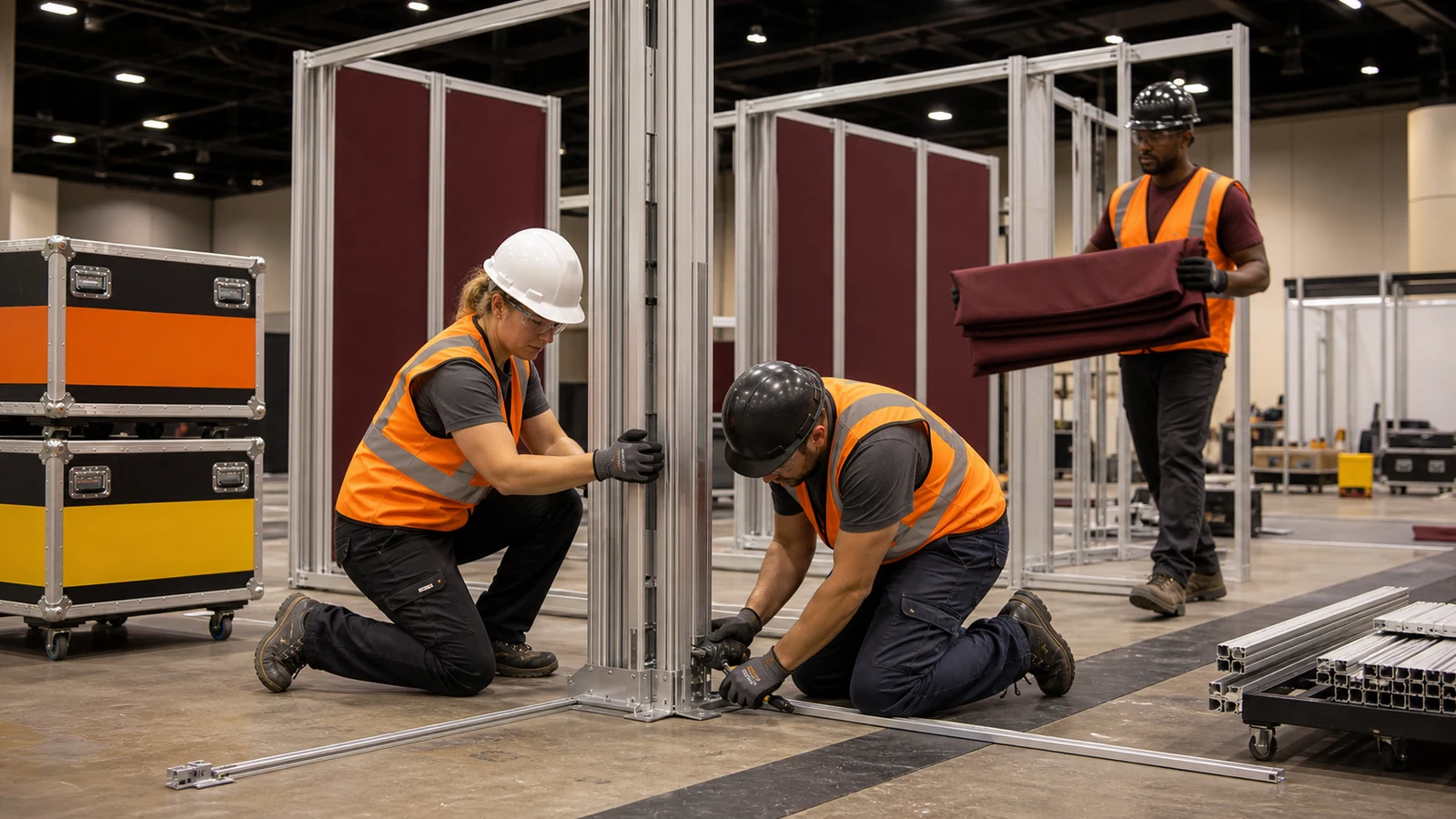
This approach is most valuable when future shows, footprint changes, and brand updates are considered early. A single hero rendering does not show whether a system will work in a 10×20 booth at one event and a larger island booth later. A configuration plan should explain what stays, what moves, and what must be replaced.
Reusable and lower-waste are more precise terms than simply calling a booth sustainable. Modularity does not automatically reduce total cost, freight, or environmental impact. Those outcomes depend on the number of uses, transport distance, handling, storage, refurbishment, material choices, and what the show or venue requires.
If reuse is part of the objective, include it at the beginning of the booth planning process rather than asking for alternatives after the concept is complete.
Human-Centered Spaces for Better Conversations
Human-centered booth design gives each type of conversation an appropriate setting and makes expertise easy to find. As exhibits add digital layers, this becomes more important, not less.
PCMA’s summary of a survey of 447 event professionals found that peer connection ranked highly, participatory formats performed well, and face-to-face interaction was the leading trust builder. While the study covers event experience broadly, the booth-level lesson is relevant: space and programming should make useful interaction more intentional. Read the PCMA summary.
Give Different Conversations the Right Setting
A booth may need several conversation conditions:
- Fast qualification near the aisle: a brief exchange that identifies relevance.
- Visible product discussion: enough room to demonstrate and explain without blocking traffic.
- Semi-private technical or commercial meetings: better acoustics and fewer interruptions.
- A short reset point: a quieter place for focused conversation in an intense show environment.
Make Expertise Visible
Furniture alone does not create these conditions. Staffing, sightlines, acoustics, scheduled demonstrations, and internal handoffs also matter. If a technical question reaches the wrong person, the layout should make it easy to bring in the appropriate expert without restarting the conversation.
The sequence matters: conversation types first; counters, stools, tables, or lounge furniture second. This helps prevent a common problem—a visually comfortable booth that cannot support the discussions it was built to create.
How to Choose Which 2026 Trends Fit Your Booth
A trend deserves space only when it improves a defined visitor task, fits the footprint and staffing plan, and remains useful within the larger show program. Five questions summarize the decision: What should the visitor do? What must the booth communicate? What can the team operate? What can be reused? How will success be evaluated?
| Booth goal | Trend to consider | Best fit | Main requirement | Main risk |
|---|---|---|---|---|
| Faster product discovery | Open path and clear message hierarchy | Busy aisles or multiple offers | Strong zoning and concise copy | The booth feels empty but remains unclear |
| Product evaluation | Hands-on demo and expert access | Technical or B2B products | Demo script, staff handoff, and safety planning | Queues or entertainment without learning |
| Complex portfolio guidance | AI- or data-assisted recommendation | Many products or audience needs | Useful inputs, privacy handling, and fallback | Friction or low trust |
| Multi-show program | Modular, reusable system | Changing footprints or schedules | Configuration and logistics plan | Assuming automatic savings |
| High-value conversations | Human-centered meeting zones | Longer technical or commercial discussions | Staffing, acoustics, and privacy planning | Too much enclosure blocks discovery |
The table is a filter, not a specification. Smaller and larger footprints require different combinations of space, content, and interaction. In every case, adding features before defining the visitor task makes the design harder to operate.
Five Inputs to Give Your Booth Designer
A design conversation becomes more productive when it starts with five inputs:
- Visitor priorities and target accounts.
- The one primary action visitors should complete.
- Products, demonstrations, and expert requirements.
- Footprint, show rules, schedule, and staffing.
- Reuse expectations, measurement plan, and non-negotiable brand elements.
These inputs make the concept easier to evaluate and also improve the value of a pre-build review, because the team can check the design against operating needs before the show floor.
Frequently Asked Questions About 2026 Trade Show Trends
Are trade shows declining in 2026?
There is no useful universal yes-or-no answer across every industry and event. Show performance depends on the sector, audience quality, event format, and whether attendees can achieve relevant goals. For a specific exhibit program, evaluate target-account attendance, meeting and demonstration opportunities, historical lead quality, total participation requirements, and post-show outcomes instead of relying on one global trend statement.
Which 2026 trends can work in a 10×10 or 10×20 booth?
In a small booth, one clear message, open access, one compact product-led interaction, layered lighting or graphics, and reusable components are usually more useful than a miniature version of every trend. The best one or two ideas are the ones that support the main visitor action.
How can you use AI without slowing the booth experience?
The most revealing test is a timed rehearsal with people who have not seen the tool before. Compare the AI-assisted path with the staff-led alternative, and record completion, abandonment, repeated questions, and the points where staff must rescue the interaction. A connectivity-failure test should be included. The tool is worth keeping only if it makes the task faster or more relevant without weakening the human handoff.
Does a sustainable trade show booth require a completely new build?
Not necessarily. A component audit can classify each element as reuse, reconfigure, refurbish, replace, or retire. The next check is how the revised system will be packed, transported, stored, and updated. This produces a specific improvement plan without making a broad sustainability claim, and any show-specific requirements can be checked separately.
What should be confirmed before selecting a trend?
The necessary checks are the booth objective, audience, footprint, show rules, staffing, demonstration needs, technical dependencies, reuse plan, measurement method, and approved budget. A trend that fails one of these conditions should be changed, simplified, or removed before production.
Final Thoughts
The best booth in 2026 will not be the one with the most trends. It will be the one where space, message, interaction, technology, and staff help the right visitors take a useful next step.
If you are preparing a U.S. show, share the show name, booth size, objectives, products or demonstrations, staffing plan, and reuse requirements with King Exhibits. The team can use those inputs to discuss a booth direction that fits the event instead of forcing a trend into the space. International teams should also clarify the local U.S. workflow before the exhibit plan is finalized.