
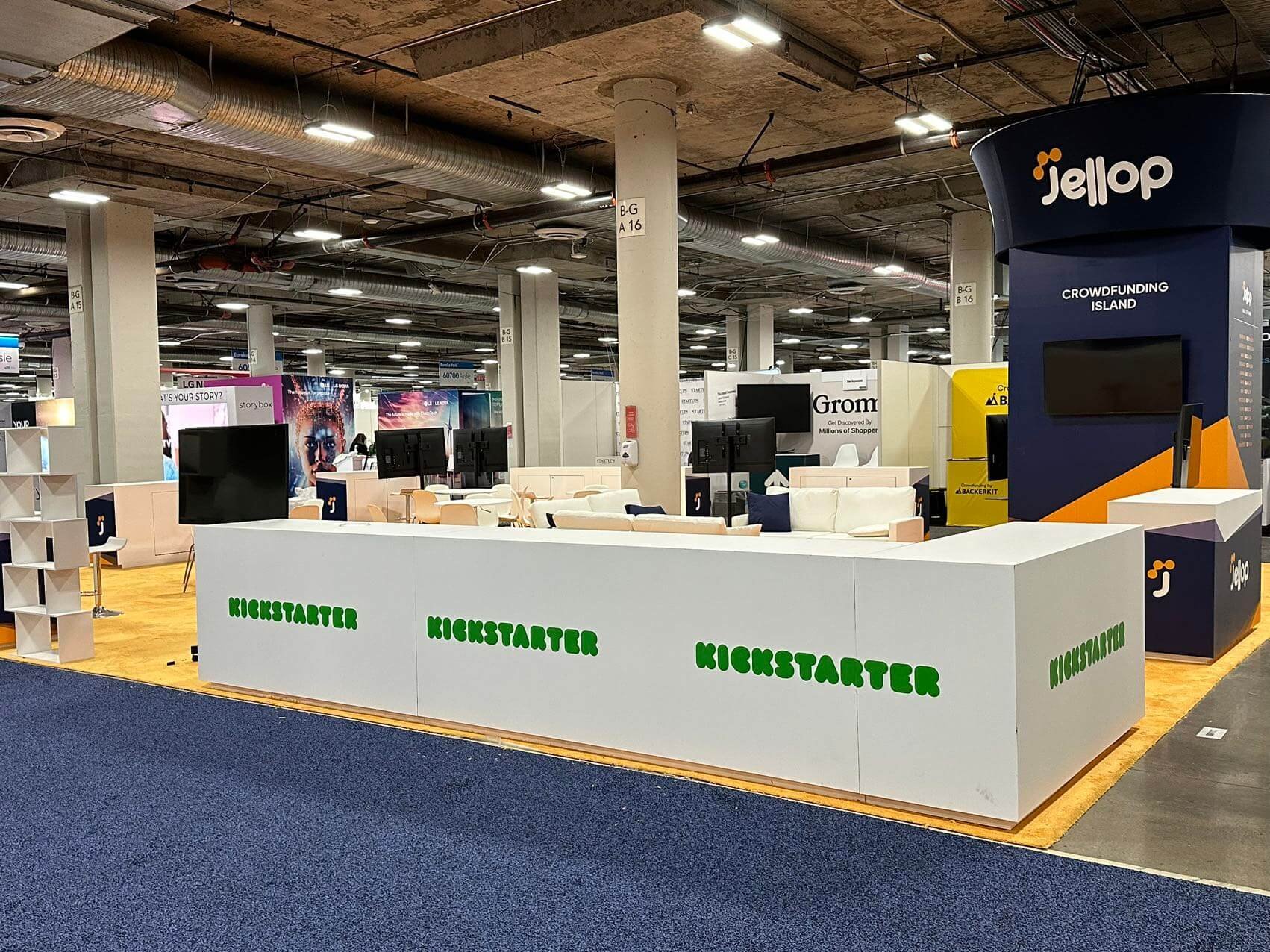
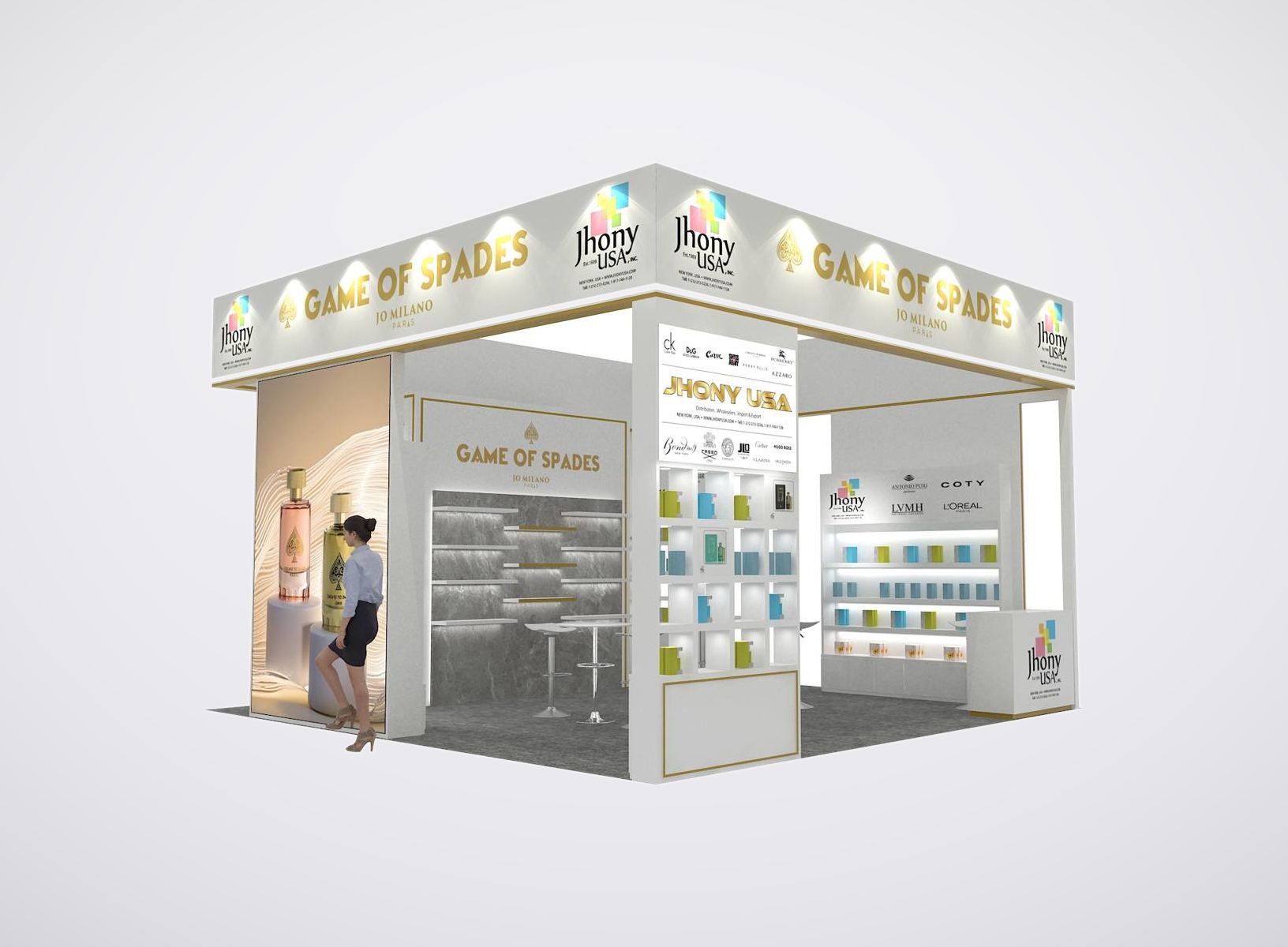
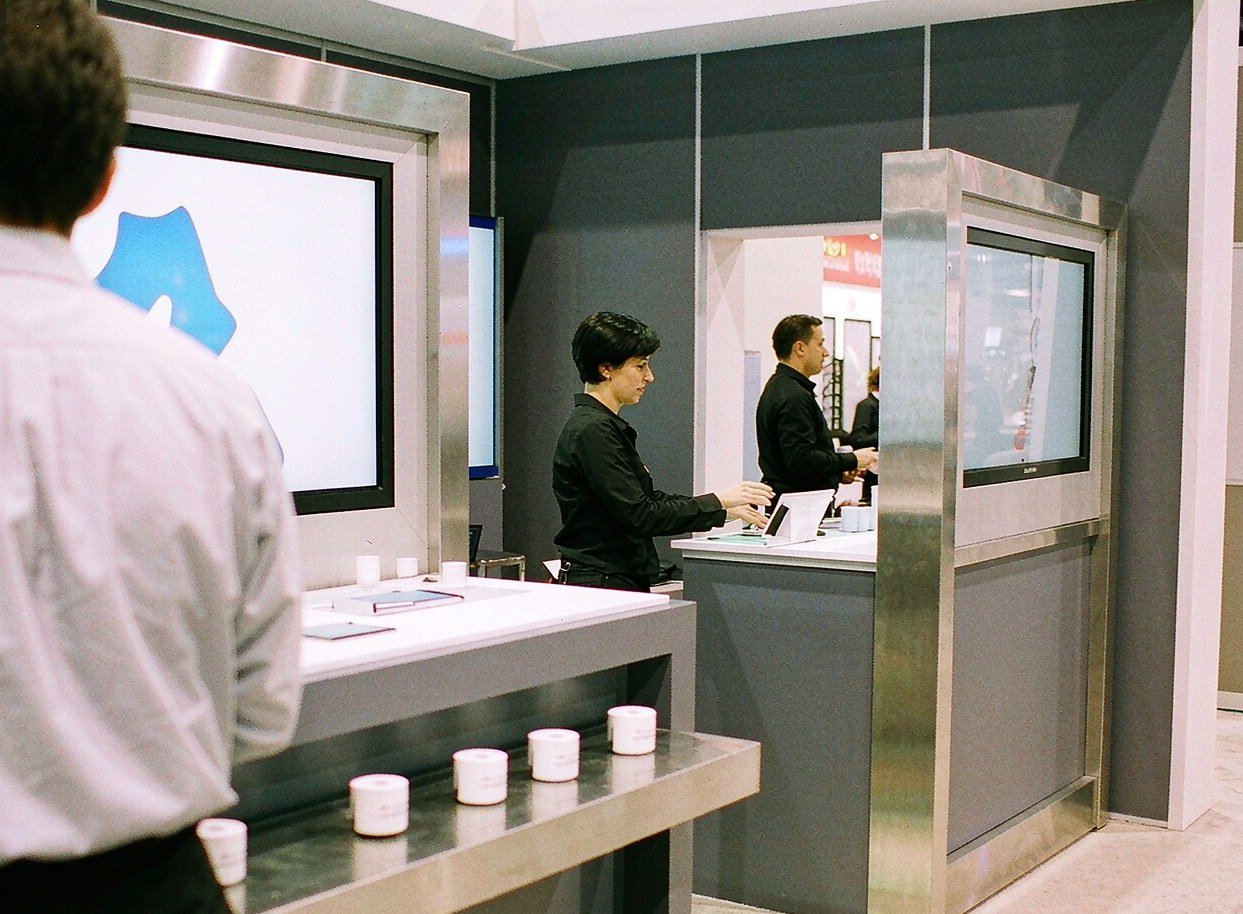
A Double-Sided Kiosk for Screen-Based Demonstrations
- Two presentation faces support demos on opposite sides.
- Two monitor mounting positions keep screens above the work surfaces.
- Folding keyboard shelves provide space for demo controls.
- Locking storage keeps spare materials off the countertop.
- Side lighting gives the tower an illuminated edge.
- Custom header graphics identify your brand or featured product.
Give Each Product Demo Its Own Workstation
When your sales team needs to walk visitors through software or a digital product, a dedicated kiosk keeps the screen, controls and product message together. Your reception counter can stay available for introductions while the demonstration has its own place in the booth. Choose kiosk rental for trade show demos within a complete booth rental from King Exhibits. A double-sided configuration can serve demonstrations facing different directions; a touchscreen setup can suit visitors browsing product information themselves. We help you choose around the demo you want to run, the equipment it needs and the room available for people to use it. We supply the fixed screens and coordinate the workstations, graphics and delivery within the complete exhibit proposal. For a wider multi-station setup, compare interactive trade show displays with a dedicated kiosk before finalizing screens and staff handoff.
Plan Separate Stations for Different Product Demos
If you’re presenting several products, tell us which demonstrations need their own station and which can share one. We’ll recommend a kiosk arrangement that gives each demo a recognizable place, with its product message visible beside the screen. We plan room for the person operating each station and the visitors watching. A double-sided kiosk is useful only when both faces can be reached comfortably; we’ll check its position in your booth before recommending it.
We Coordinate the Workstation Through Show Delivery
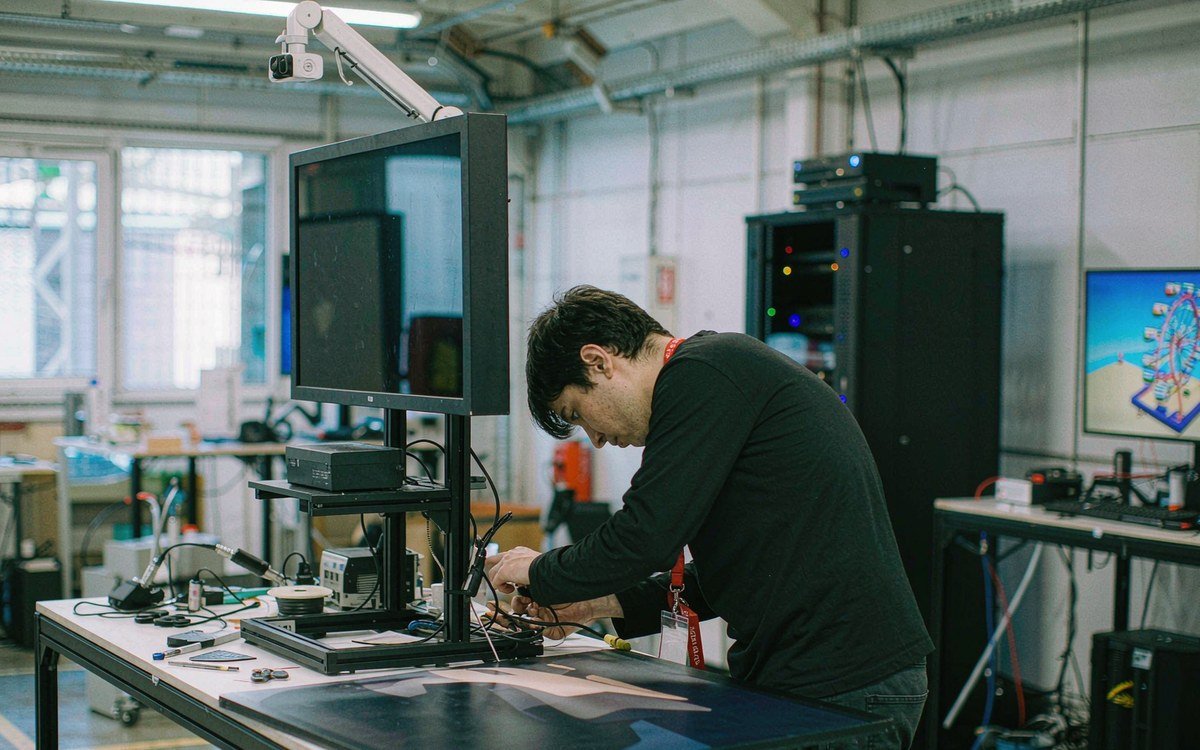
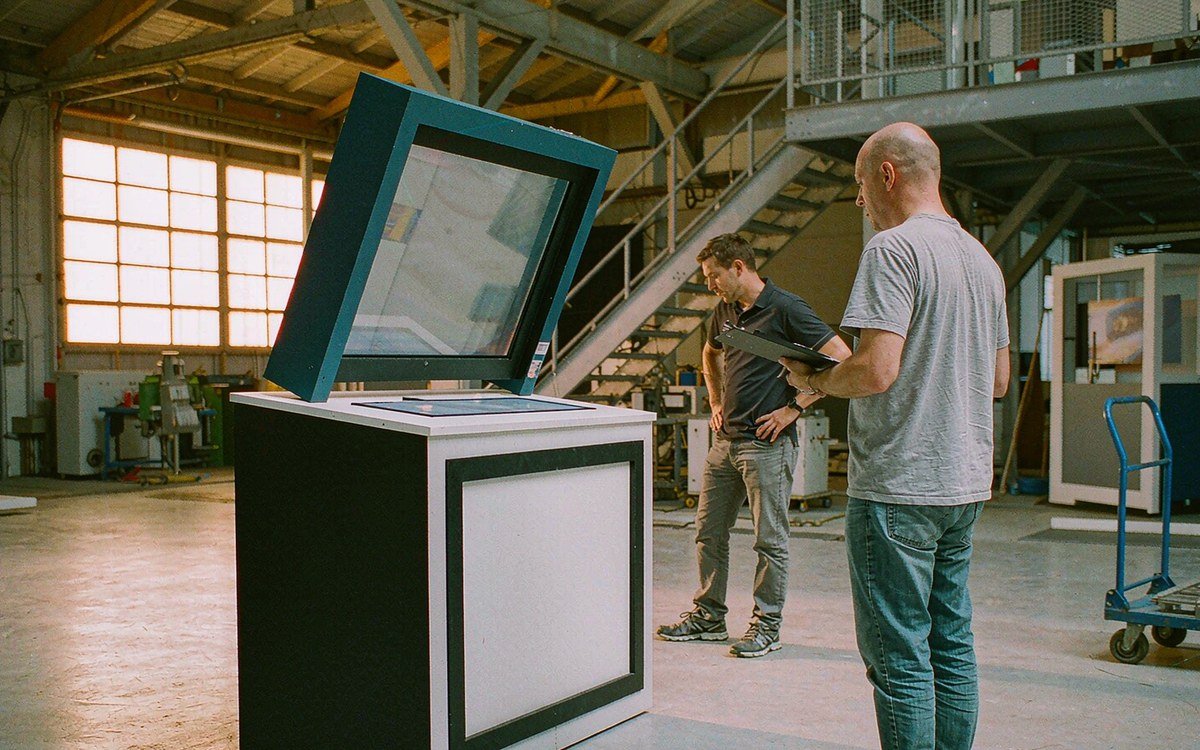
When we supply your rental booth, our project team handles the physical demo setup alongside the rest of the exhibit. We coordinate design approval, graphic production and the exhibit preparation included in your order. During the pre-show build review, we check the supplied workstation’s assembly and graphics and address adjustments before shipment. For projects with installation and dismantling in the quotation, we carry those arrangements through the show schedule and organize the return after closing. For the agreed workstation assembly and graphics check before dispatch, review the trade show booth rental pre-build guarantee.
- Rental Options
- What’s Included
- Delivery & Setup
- Planning & Compliance
| Option | What you get |
|---|---|
| Standard package | Core kiosk rental items sized for a typical booth. |
| Expanded package | Additional units or larger coverage for bigger footprints. |
| Custom configuration | Mix and match items to your floor plan. |
| Short-term | Show-length rental aligned to move-in and move-out. |
| Item | Included or extra |
|---|---|
| Equipment | Kiosk Rental units delivered cleaned and tested. |
| Setup basics | Standard cabling and mounting included. |
| On-site spares | Backup units available on request. |
| Not included | Custom programming, labor and power ordered separately. |
| Step | What we handle |
|---|---|
| Advance order | Book by the show cut-off to secure inventory. |
| Delivery | Materials dropped to your booth during move-in. |
| Placement | Items positioned per your layout. |
| Pickup | Struck and removed after the show. |
| Topic | What to know |
|---|---|
| Venue rules | We confirm height and power limits with the venue. |
| Power & rigging | Electrical and rigging coordinated with the contractor. |
| Lead time | Order early — show inventory is limited. |
| Labor | Show labor booked at contractor rates if required. |
Kiosk Rental Questions
We supply the fixed screens specified for your kiosk within the booth package. A touchscreen is selected when your demonstration calls for touch input; it is not a feature of every monitor. If your team wants to bring a laptop or other portable device, send its details for approval. We’ll confirm the equipment arrangement before the design is finalized.
We quote kiosks within the complete rental exhibit, taking account of the booth size, number of demo stations, graphics, screens and delivery requirements. Send your show city, dates and demonstration plan for a full booth quotation. Official show services, including venue electricity and internet, are identified separately so you can budget beyond the exhibit package.
No. We do not rent kiosks separately from a complete booth package. If you already have an exhibit, you can share its layout to explain your demonstration needs. We can assess those needs when discussing a complete rental exhibit, but that review is not an offer to supply a standalone workstation for your existing booth.
Contact us while you are planning your complete rental booth, especially if several kiosks need custom graphics or specific AV. We’ll check the show date, required configuration and delivery location before proposing a schedule. Your quote will set out the design and artwork approvals needed for that order; there is no single turnaround that fits every setup.
Yes, with a touchscreen configuration and content designed for visitors to use themselves. Tell us what you want them to view or do, and we’ll discuss the required display setup. The kiosk structure alone does not provide your product app, lead-capture software or internet service. We’ll clarify those requirements when preparing your booth proposal.
Build Your Booth Proposal Around the Demonstrations
Send your show, city, dates, booth size and budget, along with the number of demonstrations you want to run. Tell us whether each station will be staffed or visitor-operated. We’ll recommend the kiosk arrangement within your complete rental booth and prepare the exhibit quotation.