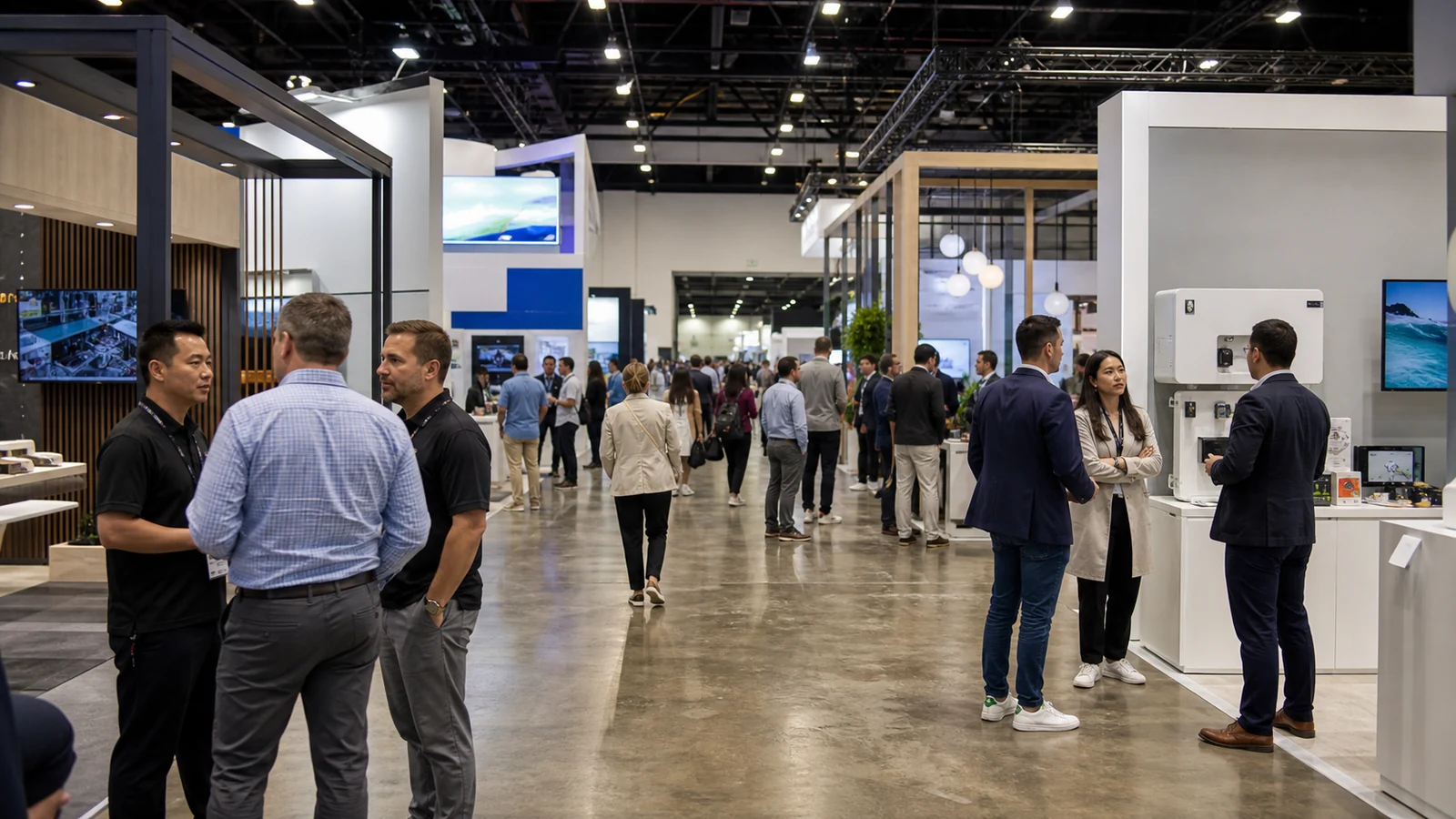
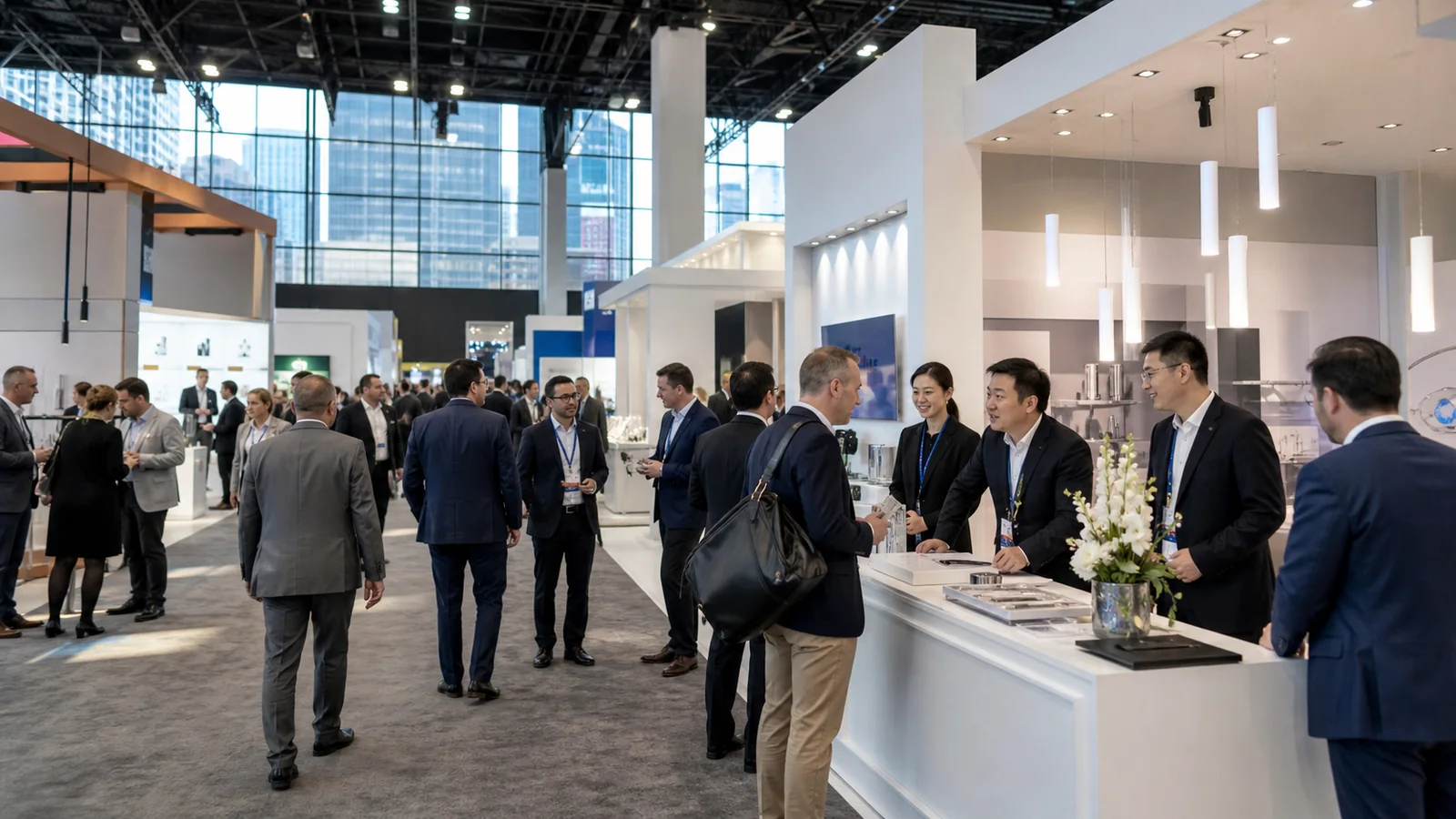
Managing several trade shows is rarely a series of separate booth projects. One decision affects the next: the structure leaving Chicago may be needed in Las Vegas while graphics change, teams compete for the same demo, and no time remains for inspection. A multi-show strategy keeps those dependencies under control.
What Is a Multi-Show Exhibit Strategy?
A multi-show exhibit strategy is a program-level plan for using your exhibit budget, booth assets, messaging, people, and logistics across more than one event. Each show still gets its own brief, but that brief sits inside one annual or campaign calendar. You may also see this approach described as a multi-show trade show strategy, a multi-show exhibit program, or a trade show program strategy.
This distinction matters because show decisions affect one another. Adding a heavy product to one booth can change freight and material-handling needs. Changing the footprint can require a different graphic kit or storage plan. Booking two shows close together may remove the time you expected to use for refurbishment. A program plan makes those dependencies visible before they become show-site problems.
The strategy should answer five practical questions:
- What business job does each show have?
- Which exhibit elements stay consistent, and which change?
- Can the right assets reach each venue in usable condition?
- Who owns each approval and handoff?
- What evidence will decide whether a show stays in next year’s plan?
Give Every Show a Specific Job
Good trade show calendar planning does not begin by giving every event an equal share of the budget. It begins by deciding why each show is on the calendar.
A flagship show may need your strongest product story, senior staff, scheduled customer meetings, and the largest configuration. A repeatable pipeline show may need a simpler version that makes qualification and follow-up easy. A test show may only need enough presence to confirm whether the audience and channel deserve a larger investment next year.
This classification keeps a famous event from absorbing money simply because it is famous. It also prevents a smaller show with a concentrated buyer group from being treated as an afterthought. Record the job of the show in one sentence. If your team cannot agree on that sentence, it is too early to approve the booth.
For each event, capture the same planning fields:
| Program field | What to record | Why it affects the exhibit |
|---|---|---|
| Show role | Flagship, repeatable pipeline, or test | Sets the appropriate investment and proof expected |
| Priority audience | The buyer group or partner you must meet | Controls message, demo, and meeting space |
| Required buyer action | See a demo, compare options, book a technical meeting, or discuss distribution | Gives the booth one clear job |
| Footprint and open sides | Confirmed space and floor-plan position | Changes entrances, sightlines, walls, and traffic flow |
| Products and demonstrations | Dimensions, utilities, operator and visitor space | Affects layout, power, freight, and safety review |
| Message change | Core brand, product launch, market-specific, or language-specific | Determines which graphics and content must change |
| City, move-in, and move-out | Dates and official venue windows | Reveals freight and labor dependencies |
| Next destination | Warehouse, another show, client site, or return point | Determines the outbound plan before the show opens |
| Success evidence | The small set of measures linked to the show’s job | Allows a keep, change, or drop decision later |
The table is useful only when the entries are specific. “Generate awareness” does not tell a designer what a visitor should notice or tell sales what to record. “Show plant managers a five-minute changeover demo and secure a technical follow-up” does.

Separate the Brand Core from the Show-Specific Layer
Consistency does not mean forcing one layout into every booth size. It means deciding which parts of the experience should make your company recognizable and which parts must respond to the audience, footprint, and product at that show.
Your repeatable core might include the main brand architecture, color and material direction, reception approach, primary product story, standard screen content, lighting logic, and selected furniture or counters. The show-specific layer may include the footprint, secondary graphics, featured product, demo fixtures, language, storage, meeting capacity, or rented architectural elements.
Create three columns before design begins:
- Must remain: elements that protect recognition and prevent unnecessary recreation.
- May change: elements that can adapt when the show objective or audience changes.
- Must change: elements that cannot be reused because the footprint, product, venue, regulation, language, or campaign is different.
This exercise is more useful than asking whether the booth is “modular” in the abstract. If you need to understand the reusable structure itself, this guide to modular exhibit frame systems explains the frame, graphics, interfaces, and planned configurations. At the program level, the important point is that every promised configuration must be designed, documented, packed, and checked as a real booth—not assumed to work because the components can connect.
Build a Configuration Matrix Before You Approve the Master Design
A rendering for the largest show does not prove that the same multi-show booth idea will work in the smallest space. Ask for a configuration matrix that shows how the program changes from one event to the next.
| Decision | Flagship configuration | Standard configuration | Test configuration |
|---|---|---|---|
| Visitor task | Full demonstration plus scheduled meeting | Focused demonstration and qualification | One product conversation and audience test |
| Brand elements | Full architecture and complete graphic hierarchy | Recognizable core with fewer surfaces | Essential brand wall and message only |
| Product/display | Priority products and deeper demo support | One main product or solution path | Compact sample, screen, or guided explanation |
| Meeting space | Planned hospitality or private meeting area if justified | Small conversation area | Usually standing conversation unless the brief proves otherwise |
| Storage | Sized for longer staffing and collateral needs | Essential staff and demo storage | Minimum secure storage |
| Show-specific additions | Launch content, larger AV, specialty rental elements | Selected graphics or fixtures | Only what is necessary to test the event |
Use actual show footprints and actual product dimensions. Check open sides, height limits, sightlines, storage access, screen viewing distance, demo clearances, and staff movement for every version. The matrix should also identify the cases and graphic kits that belong to each version so the warehouse does not have to interpret a design drawing under deadline pressure.
Choose Rental, Ownership, or a Hybrid Based on What You Know
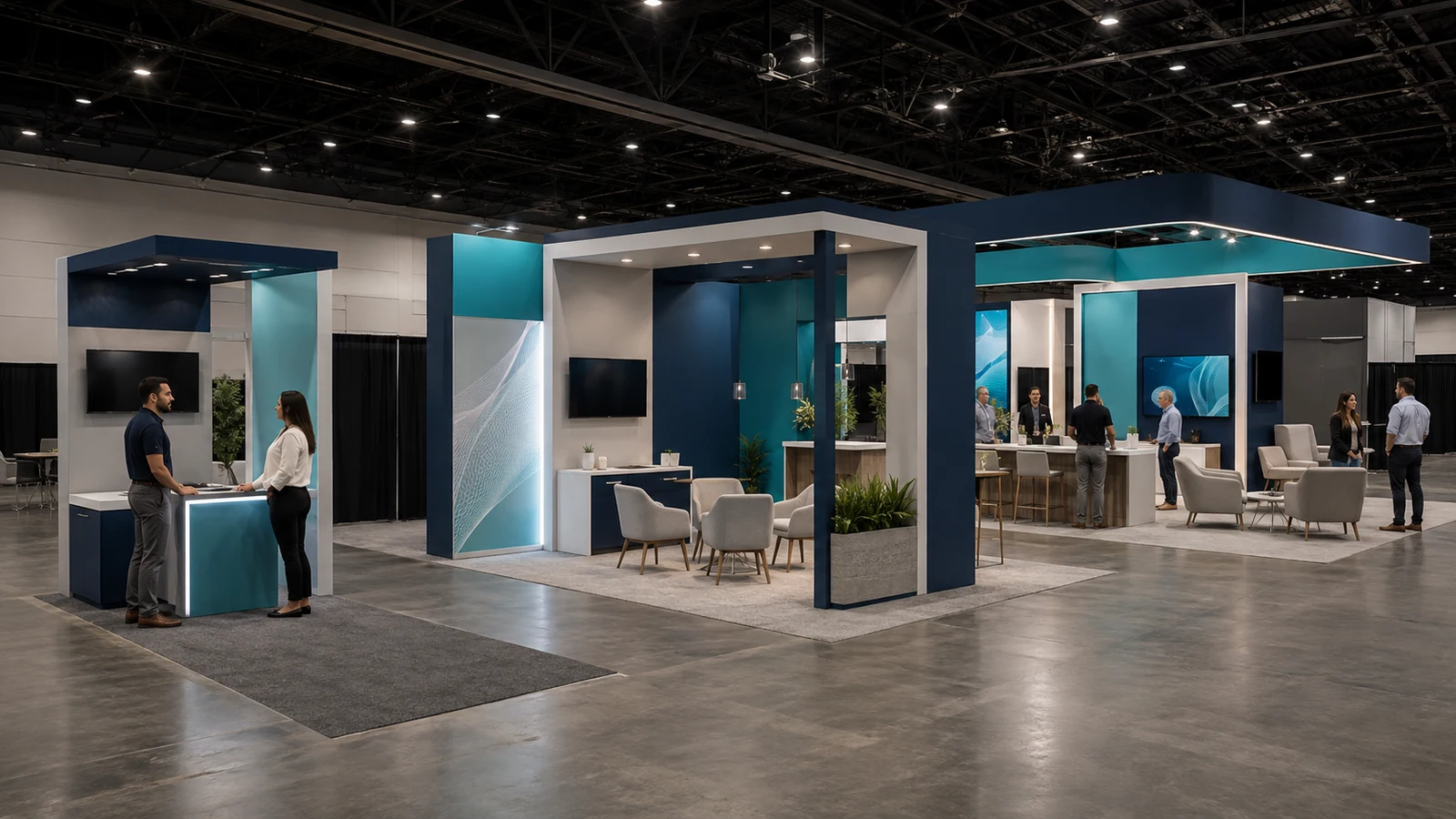
There is no responsible rule saying that a certain number of shows automatically means you should buy a reusable trade show booth. Frequency matters, but so do footprint stability, schedule, storage, repair capacity, creative change, and the cost of moving the assets.
Ownership can make sense when you have a stable core, repeatable configurations, and a team or partner that can store, inspect, repair, and deploy the system. Rental can be the better choice when you are testing events, changing footprints, entering new cities, or avoiding long-term inventory. A hybrid program can keep a recognizable owned core while adding rented structure, furniture, AV, or specialty elements where a larger show requires them. Use hybrid trade show displays to compare the reusable core, rented additions and interface responsibilities for the next show.
Compare the options against your calendar, not against one attractive rendering. Ask:
- How many confirmed uses does the reusable core really have?
- Do the dates leave enough time to return, inspect, repair, repack, and ship?
- Which elements are likely to change with products or campaigns?
- Who owns storage, inventory accuracy, maintenance, and replacement parts?
- Which venue or city costs change even when the physical booth stays the same?
The best answer may differ by tier. You might own the repeatable elements used at core shows, rent for a test market, and add custom or rental features to the flagship configuration.
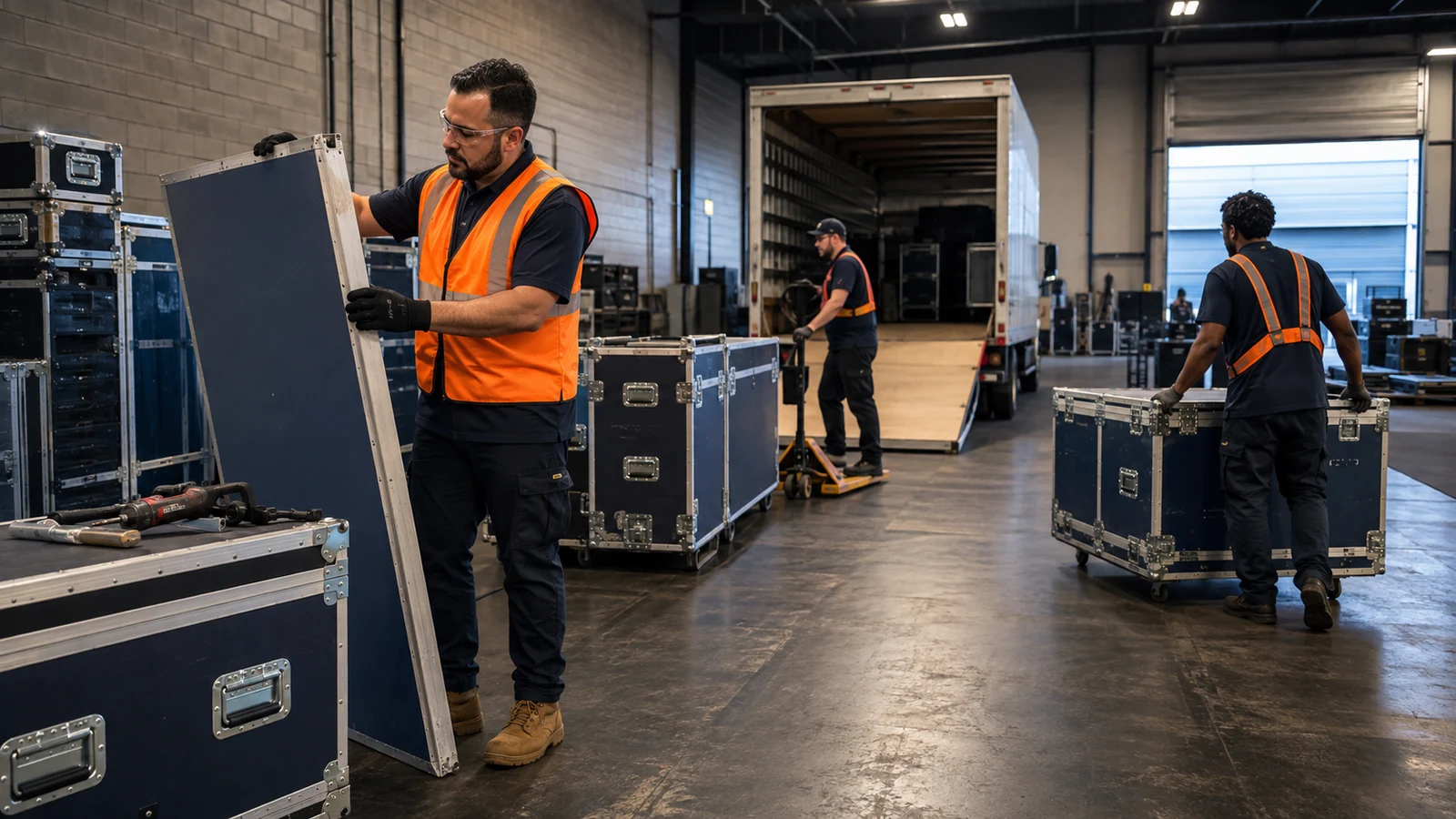
Plan the Asset Route Backward from the Next Show
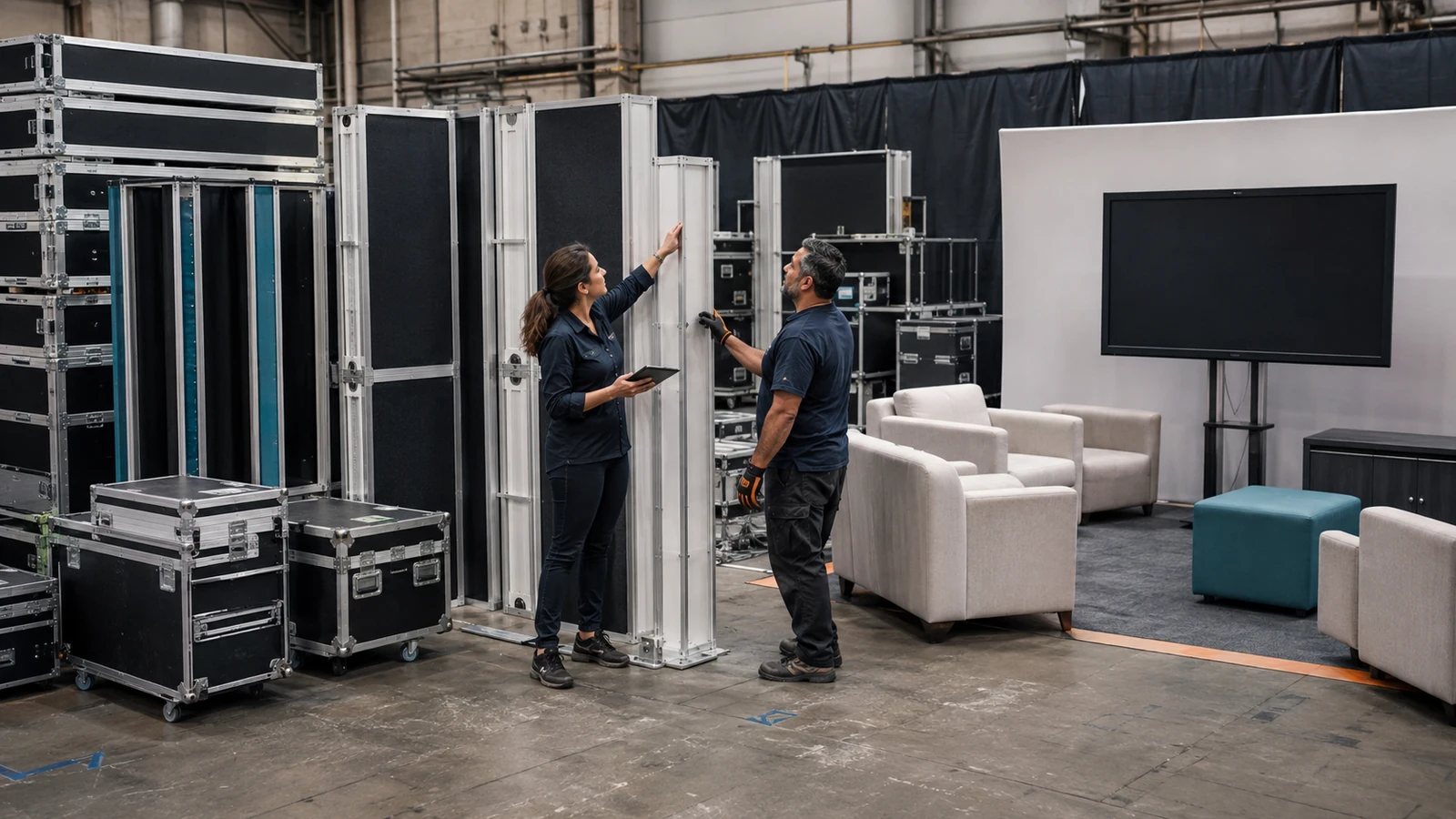
Do not wait until dismantle to decide where the booth goes. Every show should have an outbound plan before the inbound shipment leaves.
Start with the next required date and work backward. Allow for the official move-out window, carrier pickup, transit, warehouse receiving, condition inspection, missing-part reconciliation, graphic replacement, repair, repacking, and the next venue’s receiving window. If the booth is moving directly from one show to another, confirm that the second event can receive it and that the first event’s outbound process leaves a realistic margin.
Shipping and material handling are separate scopes in U.S. trade shows. Freight may move between your warehouse and the venue, while the official show contractor controls receiving and movement from the dock or advance warehouse to the booth. Freeman’s international exhibitor guide explains that distinction and directs exhibitors to the event’s Exhibitor Services Kit for the applicable dates. It also notes that labor rates can vary between cities. Build each route from the current exhibitor manual rather than copying last show’s assumptions.
GES likewise advises exhibitors to compare advance-warehouse and direct-to-show arrangements and to coordinate especially carefully when multiple shows have a tight turnaround. The applicable route still depends on the specific event, contractor, shipment, timing, and scope.
Your trade show exhibit logistics plan should name:
- the asset or numbered case;
- its current location and condition;
- the required next configuration;
- the inbound and outbound carriers or responsible parties;
- advance-warehouse or direct-to-site destination;
- pickup, receiving, and installation windows;
- inspection and repair owner;
- contingency if the planned route fails.
This is where a program can save work without pretending risk disappears. A reusable exhibit only creates value when the correct, complete, show-ready version arrives where it is needed.
Budget the Program in Two Layers
A show-by-show budget can hide repeated design charges, duplicated graphics, emergency freight, and assets that are paid for but rarely used. Keep a program budget and an event budget at the same time.
The program layer can include master design, reusable structure, cases, shared AV or furniture, initial graphic system, storage, inventory management, planned refurbishment, and program management. The event layer can include floor space, the show-specific configuration, new graphics, freight, material handling, installation and dismantle labor, electrical, rigging, internet, cleaning, lead capture, travel, and promotion. For reusable property moving between events, include trade show exhibit storage in the ownership and operating-cost comparison.
Separate one-time, recurring, and show-specific costs. Then compare scenarios across the actual planned uses. The relevant calculation is not simply the purchase price divided by the number of shows; later freight, labor, graphics, storage, maintenance, and replacement still matter.
For a wider cost map, see the real cost of exhibiting at a U.S. trade show. For your program decision, add two columns that single-show estimates often miss: “shared with which shows?” and “who approves a change?” Those columns expose duplicate buying and late scope growth.
Put Approval Dates Around the Whole Calendar
One late graphic approval can affect production for more than one event. One product change can alter a fixture, packing plan, power order, or installation sequence. A multi-show program therefore needs a master approval calendar, not a folder of independent task lists.
For each show, record the responsible person and confirmed date for:
- show participation and space confirmation;
- objective, audience, product, and demo brief;
- configuration and responsibility approval;
- graphic content and artwork approval;
- official service orders and venue submissions;
- prebuild or fit-check review when included;
- packing release and outbound shipment;
- post-show condition and inventory report.
Do not use one universal “order by” date across the program. Each organizer and official contractor publishes its own deadlines and requirements. Place those dates in the same master calendar so your team can see when decisions for two shows compete for the same people, files, or assets.
If you are using a turnkey scope, confirm what the partner coordinates and what remains a venue, organizer, exhibitor, or third-party charge. “Turnkey” should reduce handoffs, but it does not make every outside service part of one price. This guide to turnkey trade show booths explains the responsibility boundary in more detail.

Measure Shows Consistently Without Pretending They Are Identical
You need a consistent measurement protocol across an annual trade show program, but you do not need to give every show the same goal. A flagship launch, a distributor meeting program, and a market test should not pass or fail on one identical lead target. The trade-industry publication EXHIBITOR makes the same essential distinction in its Measurement 101 checklist: connect show goals to company objectives and keep the measurement protocol consistent enough to compare events across the portfolio.
Keep a small common data set across the program:
- total event cost using the same cost categories;
- target accounts engaged;
- qualified conversations based on one written definition;
- agreed next actions and named owners;
- follow-up completion;
- opportunities accepted by sales;
- asset damage, operational issues, and changes required before the next show.
Then add measures tied to the specific job of the event. A launch may track target-account demos and technical follow-ups. A distributor event may track qualified partner discussions. A test show may focus on audience fit, recurring questions, and whether the event deserves a larger commitment.
Define the terms before the season begins. If one team calls every badge scan a lead while another records only sales-accepted opportunities, the comparison is false. Use the post-show review to make a decision: keep the show and configuration, keep the show but change the plan, reduce the investment, or remove the event from the next calendar.
Keep Program Responsibility Visible
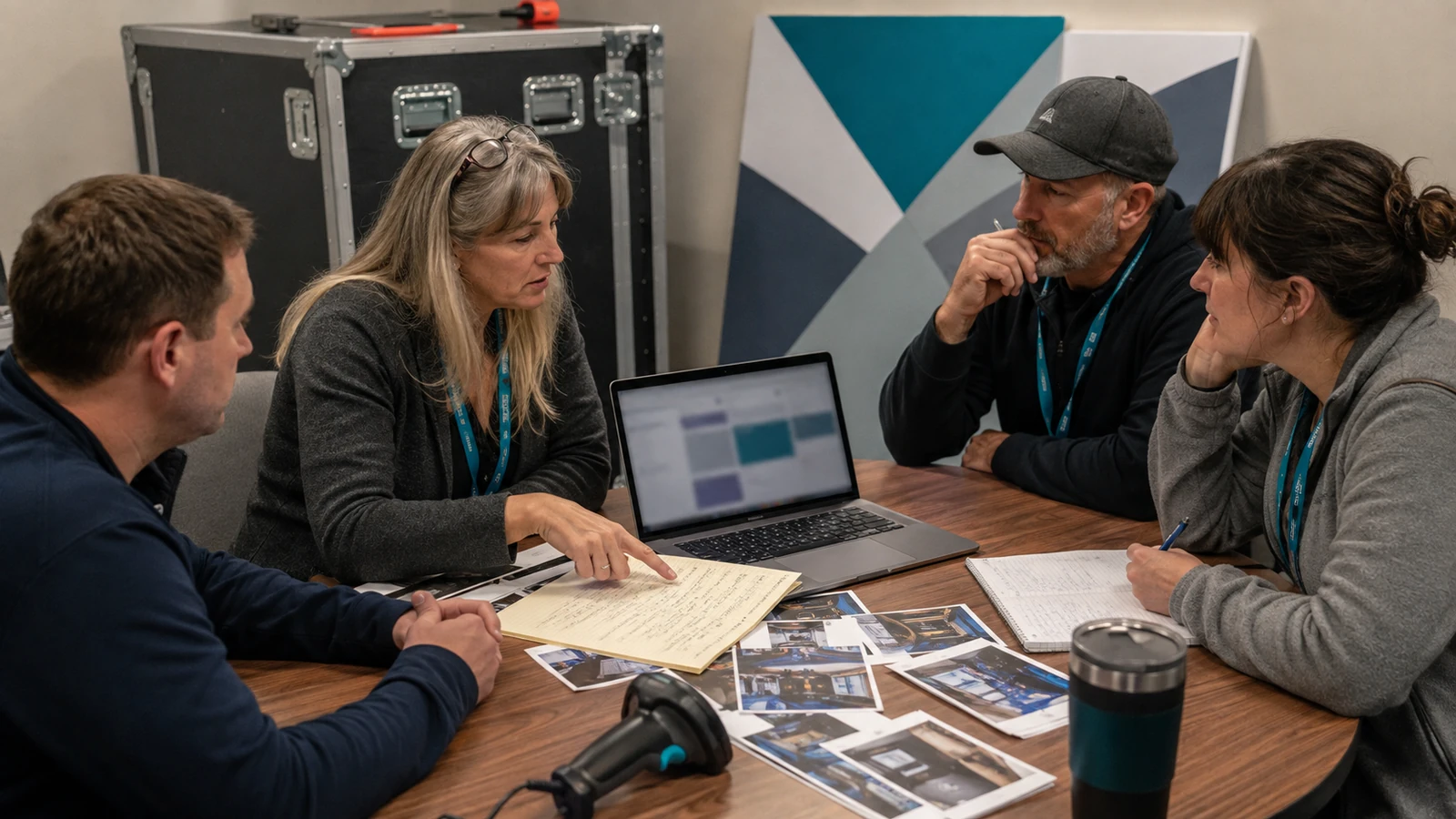
A multi-show proposal should identify who owns design approval, graphic release, inventory, routing, and on-site changes. One responsibility matrix can connect each show to its approved configuration, cases, deadlines, outbound route, and decision owner.
When something changes, the same matrix should show which later event is affected and who decides what happens next. This is the practical test of whether the plan can bridge the separate scopes of the designer, fabricator, carrier, installer, and official service contractor.
Turn Your Current Show List into a Program Brief
Begin with each show’s city, dates, footprint, open sides, audience, product or demo, graphic changes, and the next destination for reusable assets. Mark each field as confirmed or provisional. That is enough to expose the first conflicts and guide the configuration, route, and responsibility discussions.
FAQ
How many events justify a multi-show exhibit strategy?
There is no fixed minimum. The approach becomes useful as soon as two or more shows share budget, people, graphics, products, or booth assets. It becomes more important when dates are close, footprints differ, or separate teams are competing for the same resources.
What if two shows overlap and both teams need the same booth assets?
Treat the conflict as a capacity decision, not a shipping challenge. Reserve critical assets to one event, then price a duplicate, rental, or smaller independent kit for the other. Give each kit its own parts list, graphics, cases, and responsibility owner. A route that requires one physical asset to be in two places is not a plan.
How should several product teams control shared graphic files?
Keep one approved artwork library with a version number, owner, dimensions, configuration, event, and retirement status for every file. Do not let teams rename local copies and send them independently. The packing list should reference the same graphic-kit ID used by design, production, and the warehouse.
What happens if the booked booth footprint changes after design approval?
Run a written impact review before revising the rendering. Check entrances, wall and hanging-sign rules, product clearances, graphics, power, furniture, parts, cases, freight, labor, and approval dates. The change log should show what can still be reused, what must be remade, and which other show configuration may now be affected.
What should happen if one show is canceled after production has started?
Update the master calendar and asset route first. Separate reusable components from dated or show-specific graphics, then check which rental, freight, labor, and service orders can still be changed under their confirmed terms. Removing one stop may also change storage timing or the receiving plan for the next event.
Final Thoughts
A multi-show exhibit strategy works when the calendar, booth configurations, assets, approvals, and post-show decisions are managed as one connected program. You do not need a finished brief to take the next step. If you already have next year’s show list, start with the cities, dates, and known booth sizes. KingExhibits can help you identify what can be reused, what may be better rented, and which design or logistics issues need attention early.