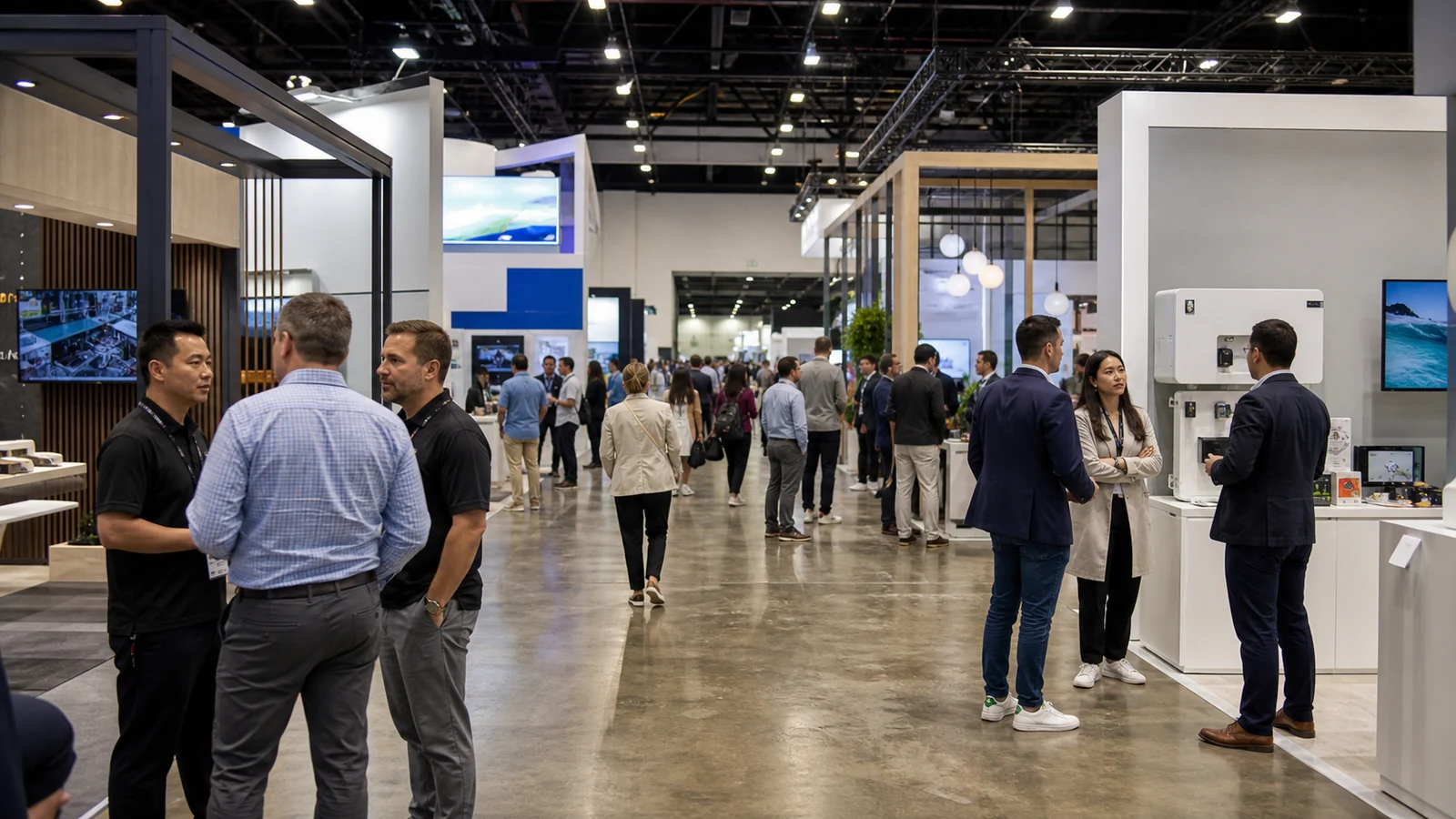
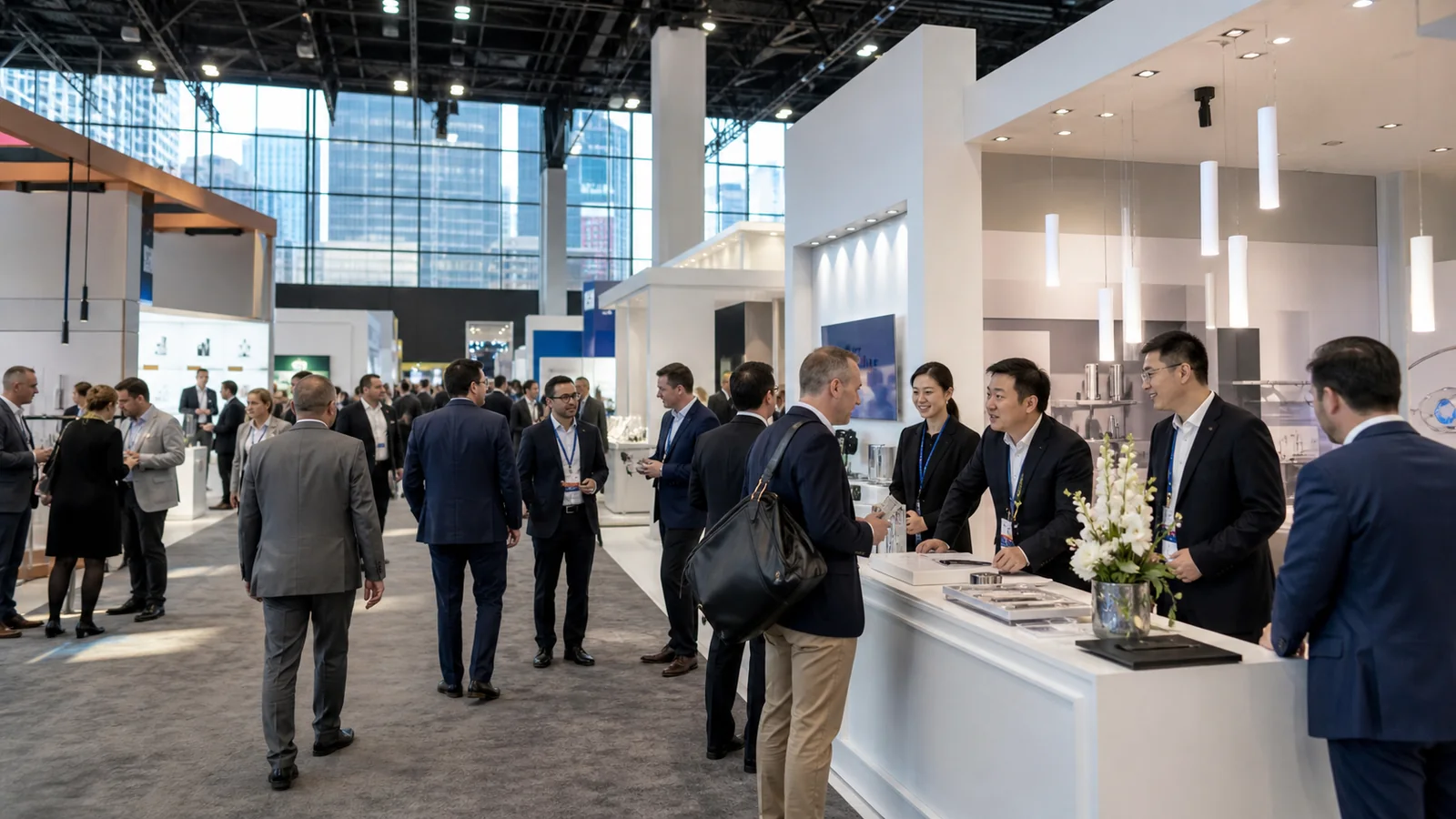
If you move between 10×10, 10×20, or larger footprints, update graphics, or ship one exhibit to several cities, a fixed booth can repeat design, freight, and setup work. Modular exhibit frame systems use reusable structure and planned interfaces for those changes.
Unlike portable displays, they are built for planned reconfiguration; unlike custom exhibits, they trade some one-off freedom for repeatable parts. The key checks are your footprints, product and visitor tasks, and the graphics, freight, labor, and venue requirements for each show.
What Is a Modular Exhibit Frame System?
A modular exhibit frame system is a reusable structure made from sections that connect and combine into planned exhibit configurations. The frame is the base; graphics, panels, counters, shelving, lighting, screens, fixtures, and storage interfaces turn it into a working trade show display.
The terms are related but not interchangeable:
- A modular exhibit frame system is the reusable inventory of structural sections and interfaces.
- A modular booth is one show-specific layout assembled from that inventory.
- A modular display wall or frame may be one element within the larger exhibit system.
Industry guidance describes modular exhibits as prefabricated systems that can be reconfigured for different floor plans and sizes. EXHIBITOR’s portable and modular display guide treats portable displays and larger modular systems as different planning decisions. In practice, modular means planned interchangeability within a known system—not unlimited compatibility between brands.
How Do the Frame Structure and Connections Work?

The frame determines wall positions, corners, openings, and attachment points. Systems commonly use aluminum extrusion profiles, tube-frame sections, or both; similar-looking systems can still use different connection geometry.
Aluminum extrusion and tube-frame families
An extrusion-based trade show booth frame uses profiles with channels or mounting faces for panels, graphics, shelves, or hardware. Tube-frame systems use connected tubular members and are often paired with fabric skins. Profile depth, connector type, base design, and approved loads must come from the system documentation.
Connectors, corners, feet, and stability
Verticals, horizontals, corners, connectors, feet, and leveling elements control alignment, graphic fit, cable paths, and mounting positions. A small connector difference can stop similar-looking sections from working together. Structural connections, suspended elements, electrical work, and venue approvals need review by the responsible design and show-service parties for the specific event.
Common Formats and Configurations of Modular Exhibit Frame Systems

The clearest way to classify these systems is to use three separate lenses: the structural system, the display surface, and the application or delivery model. They can overlap. For example, a rental modular exhibit may use an aluminum extrusion frame with SEG graphics and backlighting.
By structural system
- Aluminum extrusion systems: profiles with channels or mounting faces for panels, graphics, shelves, and hardware.
- Tube-frame systems: connected tubular members, often paired with fabric skins.
- Hybrid frame systems: more than one structural family or a reusable frame combined with a limited custom element.
By display surface
- SEG fabric: a continuous, replaceable fabric surface; confirm the finished size and channel fit.
- Rigid panel: a defined surface for product zones, shelves, cabinets, or durable information panels; confirm panel fixing and load path.
- Backlit graphics: an illuminated surface for visibility; plan power, heat, cable access, and graphic maintenance.
By application or delivery model
- Standard modular: repeatable sections and functions for planned footprints.
- Custom-modular hybrid: reusable structure with selected custom counters, product bays, finishes, or architectural features.
- Rental modular: a modular system supplied under a rental or provider-inventory arrangement; the label describes use or ownership, not a different frame geometry.
These lenses prevent “SEG,” “backlit,” and “custom-modular” from being treated as competing types when one exhibit can include all three.
Which Modular Exhibit System Should You Choose?
Use the table as a first filter, not as a performance guarantee. A hybrid can overlap with more than one direction.
| Your primary need | First direction to evaluate | Why it may fit | Verify |
|---|---|---|---|
| Frequent brand-graphic changes | SEG fabric frame | Replaceable surface and continuous visual field | Finished size, edge tolerance, cleaning, update workflow |
| Heavier product presentation | Rigid-panel extrusion or suitable hybrid | More defined fixing and product-zone planning | Actual load path, fixing method, stability, venue rules |
| Long-distance attention | Backlit lightbox | Illuminated focal surface improves visibility | Power, heat, cable access, graphic maintenance |
| Multi-city, multi-show reuse | Documented modular program | Planned split, transport, and reassembly | Configuration drawings, cases, inventory, maintenance |
If your need is a unique immersive environment for one event, a custom approach may fit better. If the main need is a compact display that one person can move, evaluate portable systems first. If you want to own neither the structure nor its future inventory, compare a rental package and its included services.
What Does a Modular Exhibit Frame System Include?
A usable modular exhibition system has four connected layers. Keep them in one itemized scope so a frame-only quote is not mistaken for a complete booth system.
Structural layer
Frame sections, verticals, horizontals, corners, bases, leveling elements, expansion pieces, and approved stabilizing hardware form the structure. Mark the repeatable core and the sections that change by footprint.
Connection and interface layer
Connectors, panel or graphic interfaces, accessory mounting points, cable paths, and approved adapters determine whether your screens, shelves, lighting, and signs install consistently.
Display and functional layer
This may include SEG graphics, rigid panels, counters, shelving, product fixtures, monitors, lighting, storage, and visitor-facing information surfaces. Select them around product demonstration and staff workflow, not catalog quantity.
Delivery and reuse layer
Part labels, packing cases, configuration drawings, replacement parts, prebuild checks, and post-show records make reuse reliable. Your team must be able to identify, pack, inspect, and deploy the right parts for the next show.
How Do You Reconfigure One Modular Booth System for Different Footprints?
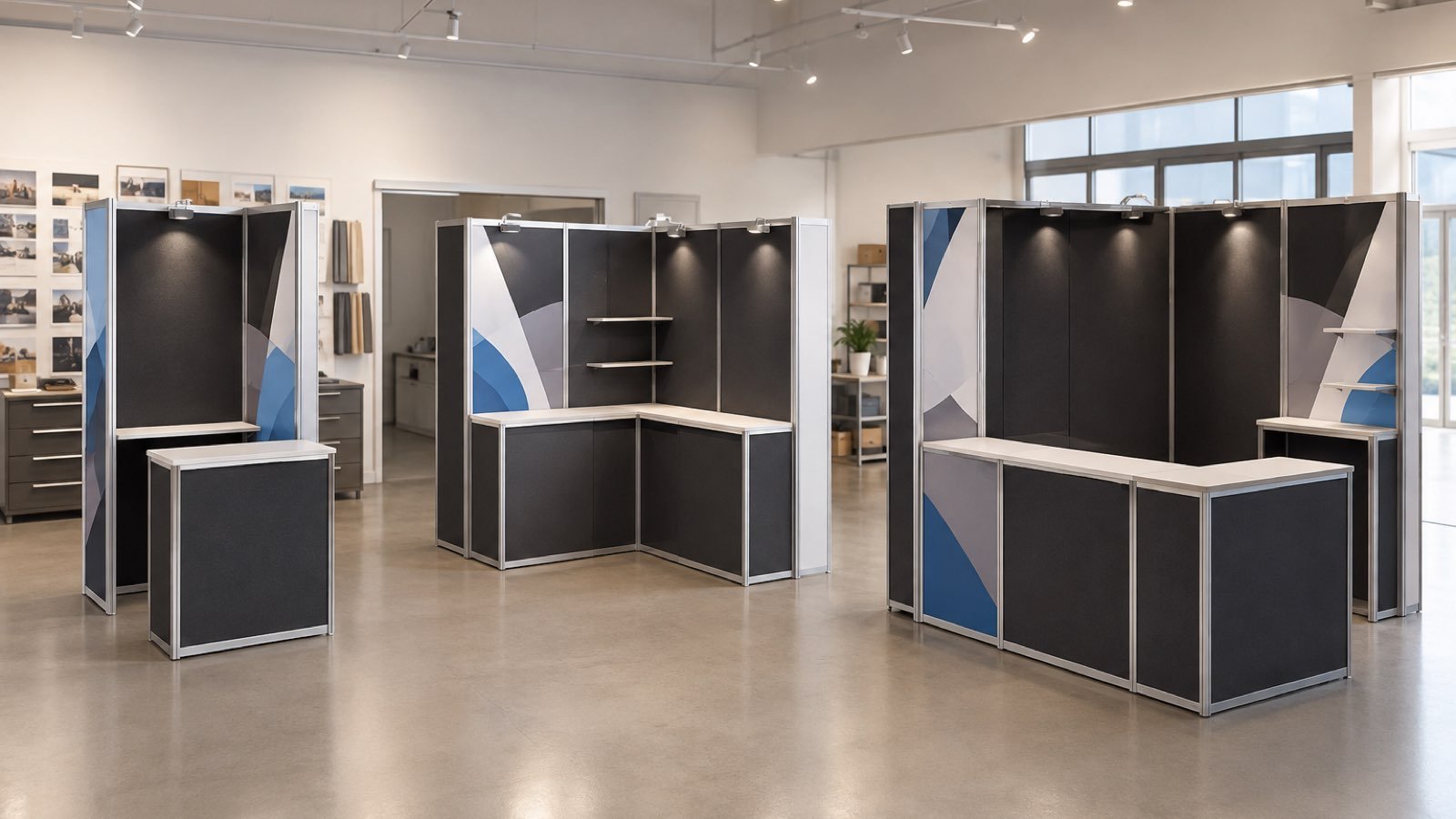
Reconfiguration works when each planned footprint has a documented matrix showing what stays, changes, and belongs to that configuration. For each show, record the footprint, open sides, height limit, frame sections, graphic kit, functional elements, entrance, sightlines, product zone, staff path, and packing cases.
For example, a 10×10 core may become the center of a 10×20 layout by adding a frame run and a second functional zone. A 20×20 layout may need separate brand, demonstration, meeting, and back-of-house areas. The frame can be reusable while the graphics, counters, power, seating, or storage change.
A wall may fit while the old graphic does not; a counter may block the entrance; a monitor may meet a different venue power or approval rule. Test each future booth as its own configuration rather than treating one kit as infinitely adjustable.
How Do Packing, Shipping, Setup, and Dismantle Work?
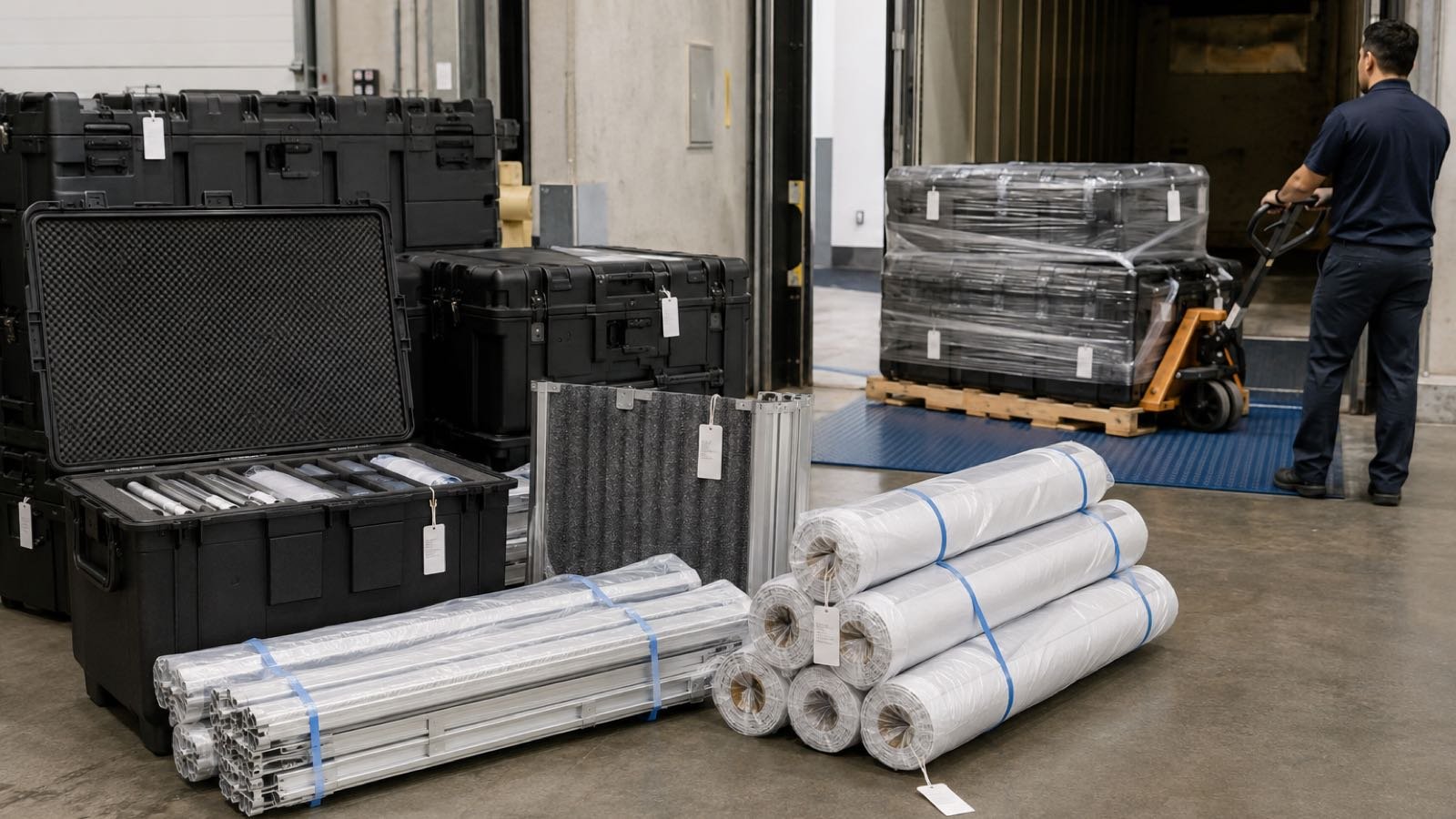
Modularity reduces fixed-structure rebuilds, but it does not remove the logistics work. Keep this module focused on the physical handoff:
- Pack: number frame sections, connectors, graphics, shelves, cables, and replacement parts; use case labels and protect fabric and panels.
- Ship: record case dimensions and weights. For international exhibit freight, add customs documents, delivery terms, official-forwarder instructions, and move-in/move-out windows.
- Set up and dismantle: installation speed varies with configuration, lighting, AV, venue rules, and local labor. Shipping and material handling are separate activities; Informa’s exhibitor service manual shows one event-specific definition of material handling.
- Return: inspect for missing connectors, damaged graphics, bent sections, and worn hardware before storage.
Electrical, hanging, fire, and official-contractor rules also vary by venue. Treat a manual such as the CIIE Exhibitor Manual as a site-specific requirement, not a universal rule.
How Do You Check a Modular Frame Supplier and System Before Approval?
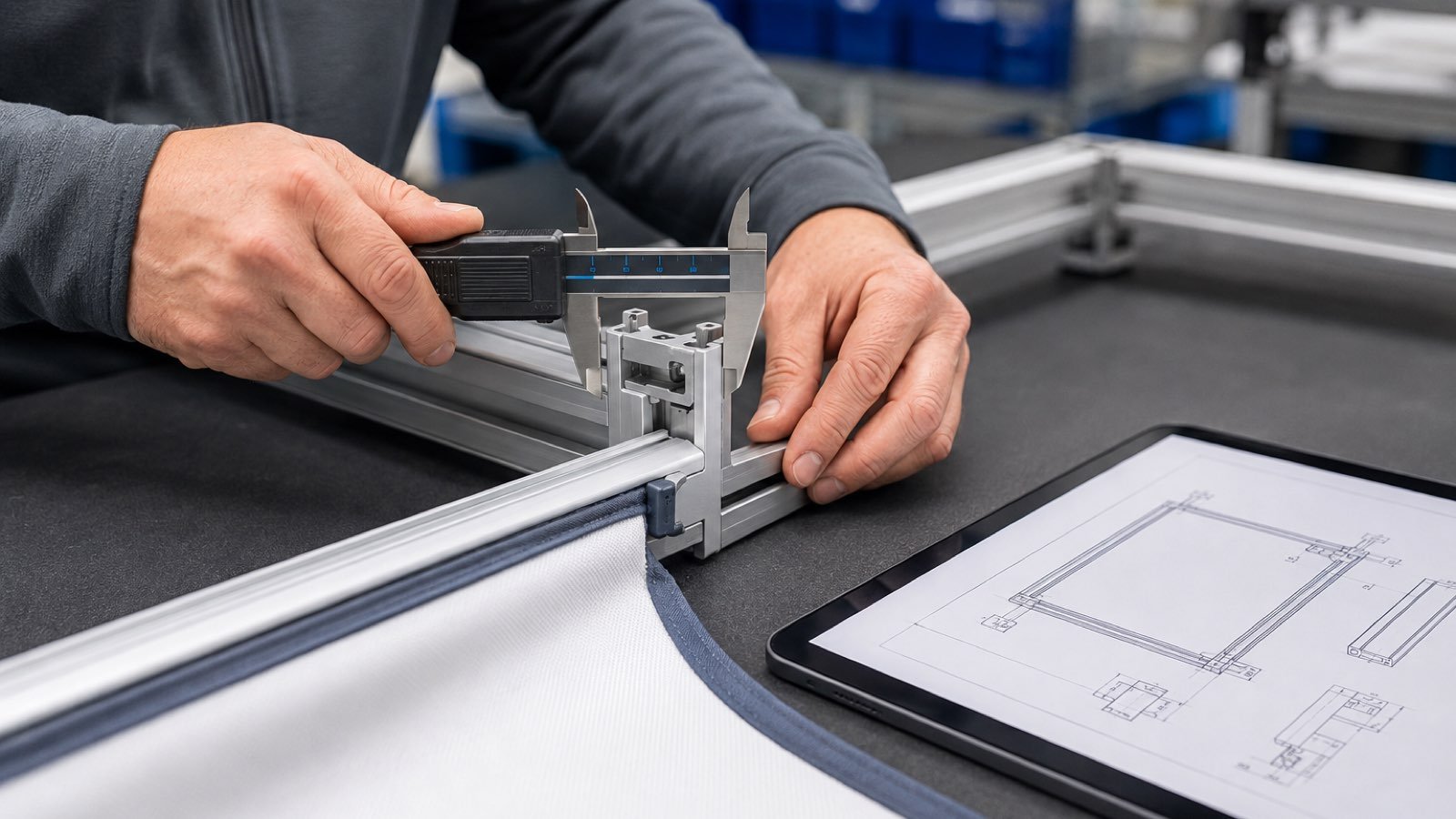
Approve the interfaces before the appearance. A clean rendering cannot prove that graphic tolerance, product mounting, cable routing, or replacement parts work in the real configuration.
Use one supplier-and-show acceptance checklist:
- frame profile, connector geometry, corners, bases, leveling, and stated load assumptions;
- graphic dimensions, edge treatment, panel fixing, replacement method, and artwork assumptions;
- mounting points for shelves, monitors, lighting, signs, and product fixtures;
- a configuration drawing and itemized bill of materials for every known footprint;
- part labels, packing plan, replacement availability, and refurbishment path;
- target-venue assumptions for height, open sides, electrical, AV, fire, rigging, and approvals;
- a prebuild or fit check using the real product, furniture, screens, staff positions, and storage items.
For SEG artwork, use the frame’s own template. SEG Systems’ artwork guidelines gives one supplier’s file, bleed, and safe-area guidance; it should not be treated as a universal tolerance for every SEG frame.
Give every supplier the same fields. Compare scope and evidence, not only rendering quality.
If you prefer one partner to coordinate design, fabrication, graphics, logistics, and installation, use this same checklist to test whether the provider can support the full modular program.
What Does a Modular Exhibit System Cost Over Its Lifecycle?
There is no responsible universal price. Compare the full program cost, because the frame is only one part of using and reusing it.
| Cost layer | Include in the comparison |
|---|---|
| Initial system | Frame sections, connectors, bases, display surfaces, cases, first configuration |
| Graphic changes | Initial artwork, SEG or panel production, campaign/language updates, replacements |
| Logistics | Packing, freight, material handling, storage, city-to-city transfers |
| Show labor | Prebuild, installation, dismantle, AV/electrical coordination, damage handling |
| Reuse | Inspection, cleaning, refurbishment, replacement parts, next configuration |
| Ownership model | Purchase cash flow and control versus rental availability, inclusions, and return terms |
Use this formula:
Lifecycle cost per planned show = (initial system + graphics + cases + freight + labor + storage + maintenance) ÷ planned shows.
Planning arithmetic example—not a market quote: if a confirmed project scope totals $24,000 for the initial system and first-show setup, and you plan four shows, the simple average is $6,000 per planned show before adding later freight, labor, graphics, or repairs. Keep one-time and recurring costs in separate columns.
Modular Exhibit Frame Applications: 10×10, 10×20, and 20×20
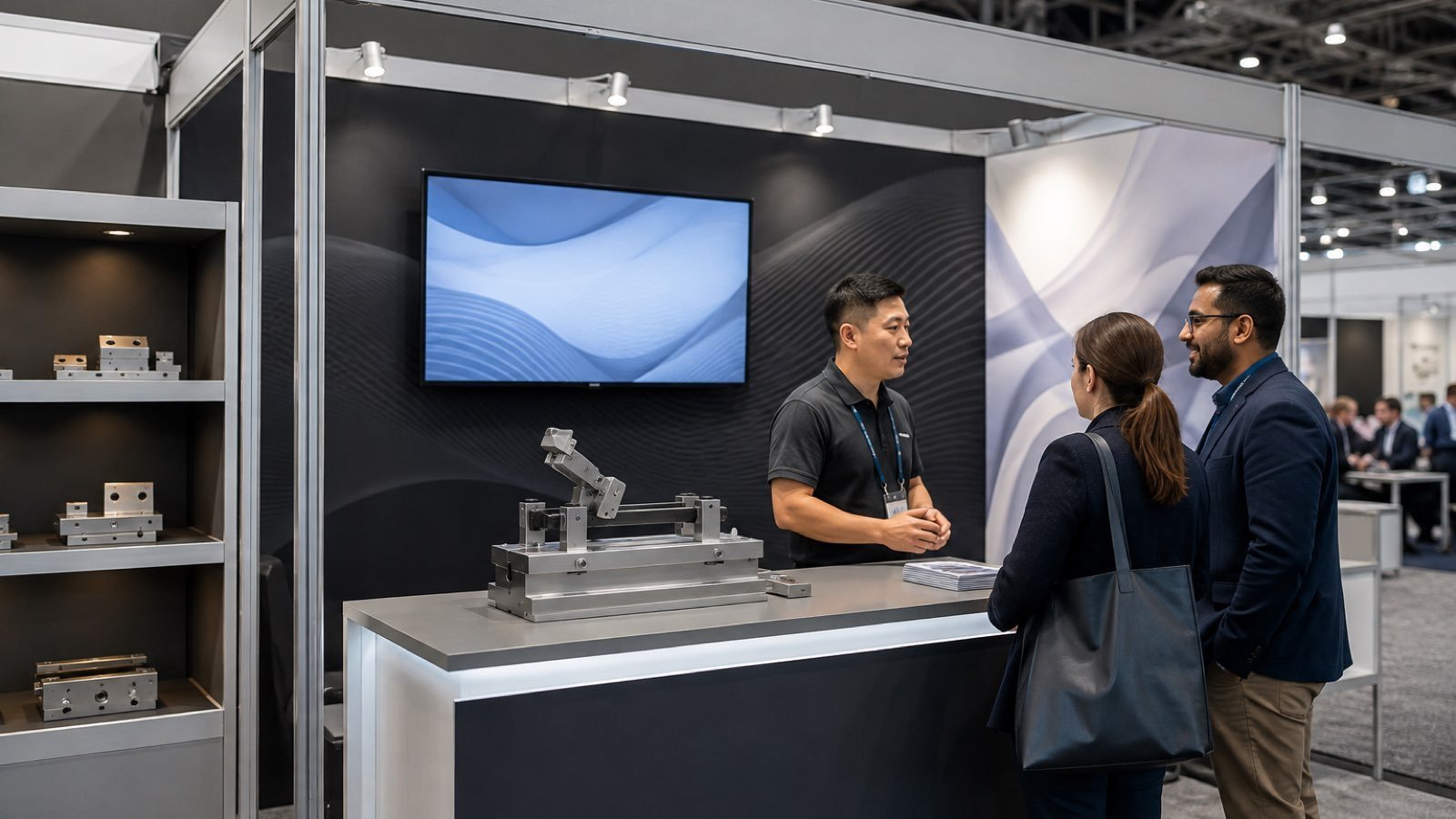
These are planning examples, not fixed KingExhibits products or prices.
| Footprint | Main task | Reusable core | New or changed | Planning check |
|---|---|---|---|---|
| 10×10 ft | Brand recognition, reception, and one compact product or screen zone | Brand wall, counter, core graphics, basic lighting | Small graphic kit, one fixture, or storage module | Entrance, sightline, storage |
| 10×20 ft | Larger demonstration plus a meeting edge | 10×10 core frame and primary graphics | Additional frame run, second graphic set, demo surface, power/AV, seating | Freight volume, cable paths, operator/viewer space |
| 20×20 ft | Separate brand, demonstration, meeting, and back-of-house zones | Documented frame families and repeatable functional modules | More frame sections, graphic kits, lighting/AV, counters, storage, custom elements | Interfaces, traffic flow, approvals, installation |
Multi-show exhibit programs
Useful when your shows share a recognizable brand structure but differ in footprint or audience. The essential asset is a matrix the team can pack and rebuild.
Product demonstration and technical display areas
Leave room for equipment, operator, viewer, power, AV, and the next conversation. Product dimensions and operating clearance matter more than a long accessory list.
Regional, smaller-footprint, and satellite exhibits
A documented core can scale into smaller spaces while keeping your brand recognizable. Each smaller configuration still needs its own entrance, graphics, functional elements, and packing plan.
Brand refresh and campaign-change programs
Replaceable surfaces support new messages, languages, or product priorities while the structural identity stays stable. Define which graphics change and which frame or functional elements remain consistent.
Modular vs. Portable, Custom, and Rental: What Changes?
Portable emphasizes compact transport. Modular describes a reusable, reconfigurable system. Custom describes a design built around a particular experience or footprint. Rental describes the ownership or use model, so a rental exhibit can also be modular or custom.
| Decision | Portable | Modular | Custom | Rental |
|---|---|---|---|---|
| Footprint change | Usually limited | Planned configurations | Often tied to original design | Depends on provider inventory |
| Graphic updates | Simple replaceable pieces | Replaceable within interfaces | May require new production | Depends on package |
| Installation and shipping | Often simpler | Organized parts and labor plan | Build-specific | Depends on provider scope |
| Visual freedom | Lower | Moderate to high within system | Highest | Depends on design and stock |
| Ownership | Usually owned | Owned or rented | Usually project-specific | Provider retains inventory |
Modular may be a poor fit for a one-time show, a highly immersive architectural concept, loads beyond the verified system range, footprints too different for a stable matrix, or a team without storage and maintenance capacity. Compare custom, portable, rental, or hybrid against the actual show plan.
What Will KingExhibits Deliver for a Modular Exhibit Program?
Depending on the confirmed scope, KingExhibits can coordinate services relevant to your project, including booth planning and design, fabrication or rental, graphics, flooring, furniture, lighting, AV, logistics, installation and dismantle, project management, and post-show reuse planning.
The useful difference is a scope you can review. Depending on the confirmed project, ask to see:
- Footprint configuration drawings for each known booth size;
- An itemized bill of materials linking frame sections, interfaces, graphics, and functional elements;
- Graphic production specifications or the applicable frame templates;
- Prebuild photos or an inspection report when prebuild/fit verification is included;
- A shipping and installation schedule showing handoffs and show deadlines;
- A post-show inventory report recording damage, replacements, and the next configuration.
This approach helps you compare modular with custom-modular options and identify configuration, graphic, freight, and installation risks before production. Exact facilities, inventory, certifications, labor coverage, price, timing, and results remain project-specific and belong in the confirmed proposal.
Share your show footprints, product dimensions, graphics requirements, and target reuse plan to request a modular exhibit assessment from KingExhibits.
FAQ: Modular Exhibit Frame Systems
How do you prepare a modular exhibit frame for international shipping?
Use a labeled case plan, record dimensions and weights, protect graphics separately, and align customs, freight handoff, venue material handling, and local installation instructions before dispatch.
Can you replace modular exhibit graphics without replacing the frame?
Often, if the replacement uses the frame’s compatible SEG, panel, or lightbox interface. Confirm the finished size, edge treatment, hardware, artwork template, and every footprint that will use it.
What sizes are available for modular exhibit frame systems?
There is no universal catalog. Available sizes depend on section lengths, interfaces, footprint, open sides, height limits, graphics, and product needs. Review the configuration drawing for your show.
Can you add new modules to an existing modular booth frame system later?
Only when the original profiles, connectors, bases, graphic interfaces, and stability approach remain available and compatible. Check replacement supply and test the new configuration before shipping.
What happens if a modular exhibit frame component is discontinued?
Record the original part number and check whether an approved substitute preserves the connector, graphic, base, and stability interfaces. If not, revise the drawing and test the replacement before the next show.
Final Thoughts
The value of a modular exhibit frame system comes from verified interfaces, planned footprint changes, and repeatable delivery—not the number of parts in a kit. Start with the shows you will actually run, test the layout with real products and people, and compare complete scopes.
KingExhibits can help you turn those inputs into a modular exhibit assessment. Share your show dates, footprints, product and graphic requirements, and target reuse plan to discuss a design and delivery scope.