You have booked your booth, and the organizer has sent a link to an exhibitor kit. Opening it reveals separate forms, supplier portals, and deadlines. Which ones need your attention?
This guide explains how to use an exhibitor kit for a U.S. trade show: find the correct version, identify what applies to your booth, place the right orders, and agree who handles each task before your team arrives.
What is an exhibitor kit?
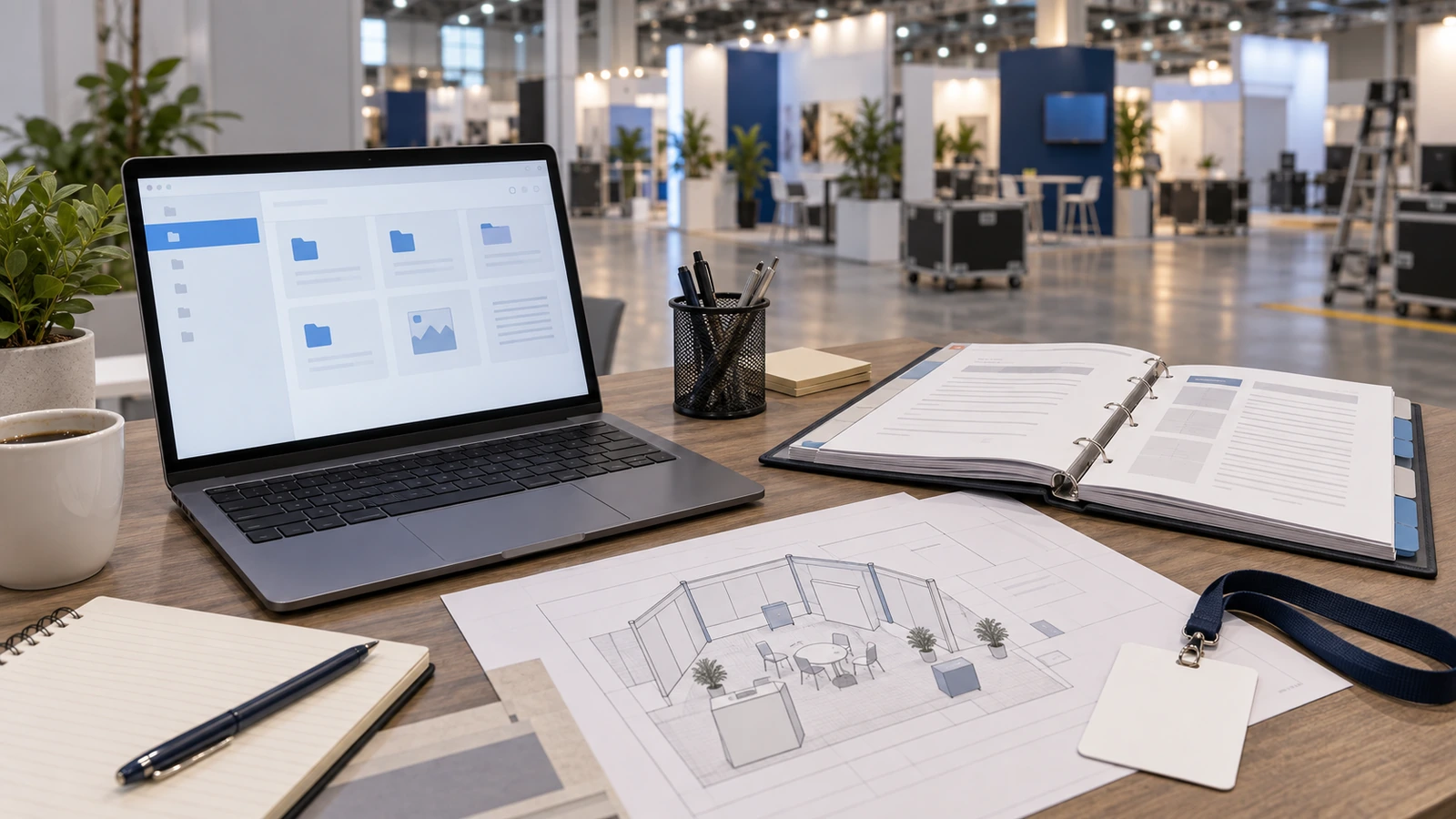
An exhibitor kit is the event-specific collection of information you use to prepare for exhibiting: show rules, schedules, service order forms, and instructions for getting your booth ready. It may be a website, a PDF, or several documents linked from an exhibitor portal.
The Events Industry Council also uses the names exhibitor service manual and exhibitor service kit. Its definition notes that the general service contractor usually develops the manual. That is the company appointed to manage major parts of the exhibition’s physical setup. Events Industry Council glossary
In this context, “kit” means the show’s instructions and service information. A box of emergency supplies or a portable display package serves a different purpose.
The kit also does not mean that every service listed is included in your booth fee. An order form may be there because you need to buy the service separately.
Where can you find the correct exhibitor kit?
Start at your event’s official website and open its exhibitor section. Look for the service kit, exhibitor manual, or exhibitor resources link. If it sends you to a contractor’s ordering site, check that the event and edition match your booking.

Use the organizer’s route rather than choosing an old PDF from a search result. A familiar show name is not enough: confirm the year, venue, and your booth package. If access requires a login you do not have, contact the exhibitor services team through the official event site.
There may be several exhibitor kits for the same event. AWS, for example, links to different service kits for custom booths, turnkey booths, and meeting rooms. Choosing the wrong package can send you toward the wrong furnishings or order forms. AWS exhibitor service kits
If the organizer directs you to a service contractor, use its link for the current event. There is no single manual that replaces every show’s instructions.
Keep the live portal link alongside any downloaded files. Note when you saved a PDF so your team can check for changes before relying on it.
What should you look for inside the kit?
Use the kit to answer questions about your booked space, not to buy everything in its catalog. The following is a reading checklist; your event may group these items differently or place them in separate portals.
| Part of the kit | What you need to establish | What to record |
|---|---|---|
| Booth package and inclusions | What your booking already supplies, and in what quantity | Included items and anything you still need |
| Show schedule and deadlines | When you can move in, complete setup, exhibit, and move out; which forms or orders are due earlier | Each relevant deadline and its stated time zone |
| Display rules and approvals | Whether your proposed walls, signs, layout, or demonstration need changes or submission | Applicable rule, required drawing, and submission contact |
| Service order forms | Who supplies power, internet, furnishings, cleaning, or other services your booth uses | Provider, selected service, price basis, and order reference |
| Freight instructions | Where and when to deliver, what labels to use, and how freight reaches and leaves your space | Chosen route, receiving window, labels, and outbound instructions |
| Contractor and insurance documents | What you and an outside booth company must submit to work at the show | Responsible submitter and required evidence |
| Staff access and exhibitor listing | How your people get access and how your company appears in the event directory | Badge registrations, listing details, and completion status |
For a real example of this structure, NADA separates general information, utility services, shipping labels, exhibitor forms, and official contractor services on its service-kit page. NADA exhibitor service kit
Read the parts that can change your booth first
Start with the dates and rules that could force you to change a design or miss a required submission. Then price and order the services that design needs.
Separate submission deadlines from discount deadlines
A contractor’s discount deadline is a pricing date. A booth-plan deadline is a date for submitting a design. Your freight receiving window is another schedule again.
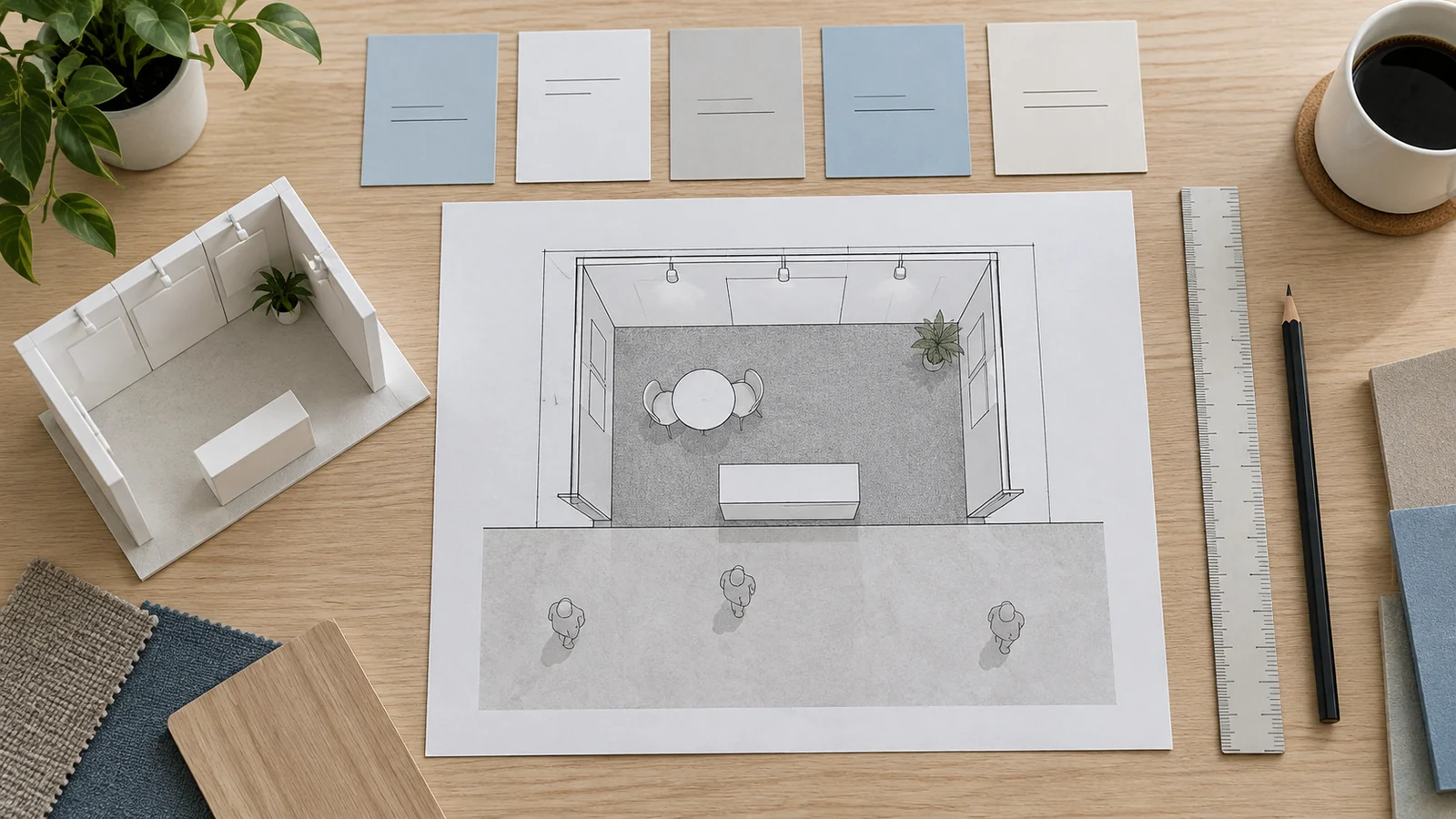
NADA’s planning calendar illustrates the distinction by listing floor-plan submissions, contractor requests, utility incentives, warehouse receiving, and contractor discounts separately. It also tells exhibitors to check individual official contractors because their discount dates can vary. NADA planning calendar
Copy the dates that apply to your booth into your calendar. For anything that needs input from another person, set an earlier internal handoff date. If the drawing is due Friday, asking your designer for it on Friday leaves no room to correct it.
When you have already missed a deadline, contact the team named on that form. Ask whether a late submission or order is still possible and what changes in price or availability. Do not assume paying more will resolve a missed approval.
Check your layout before approving production
Find the rules for your actual booth type and compare them with the proposed drawing. Pay attention to wall heights, neighboring sight lines, hanging signs, and any enclosed areas or equipment demonstrations that need specific review.
NADA explicitly asks exhibitors to pass its design regulations to their display company before construction begins. That is a useful order of work: understand the applicable limits before approving something expensive to rebuild. NADA exhibit design regulations
Send your booth company the relevant rules together with the floor plan and booth location. A rendering can show what a booth looks like while omitting the measurements the organizer needs. Ask who will prepare the required drawings, who will submit them, and who will check the outcome with show management.
A design accepted at another show is a starting point for review, not proof that it fits this one.
Match service orders to the booth you will actually use
Read your booking confirmation beside the kit before placing orders. Inclusions differ: Design-2-Part, for example, lists carpet, drape, tables and chairs among its basic package items. That is an event-specific inclusion, not a promise about another show. Design-2-Part exhibitor kit
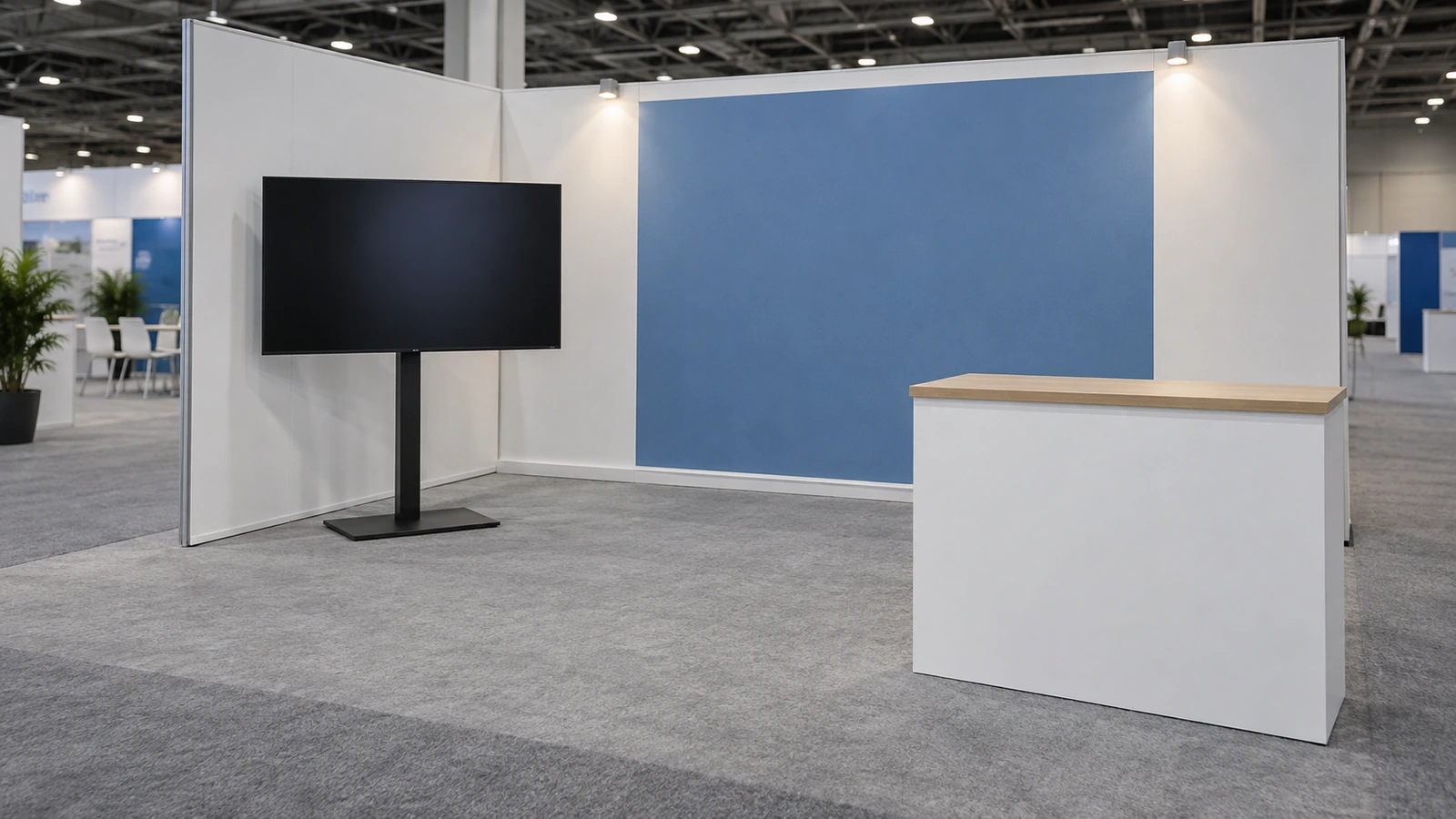
For each extra service, start with the task it supports. If your product demo needs electricity, get the equipment’s electrical specifications and mark its position on the layout before choosing an order. Ask the designated provider which service and connection work you need. For an internet-dependent demo, describe what must run and ask which connection supports it; do not treat a general Wi-Fi reference as confirmation.
Your booth contractor may coordinate these orders, but some services must come from designated providers. For example, Palm Beach County Convention Center lists electricity, internet and phone services, and aerial rigging among the services it provides exclusively. Check the provider named for your event before assigning that work to an outside crew. Palm Beach County Convention Center exhibitor services
Check the booth quote line by line. For each item, agree who places the order, who pays, and whether the quoted price includes it. A service listed in the kit, an allowance in a proposal, and a confirmed order are three different things.
Use the shipping section to plan both journeys
Your freight needs a route into the booth and a route out. Read both before booking a carrier.
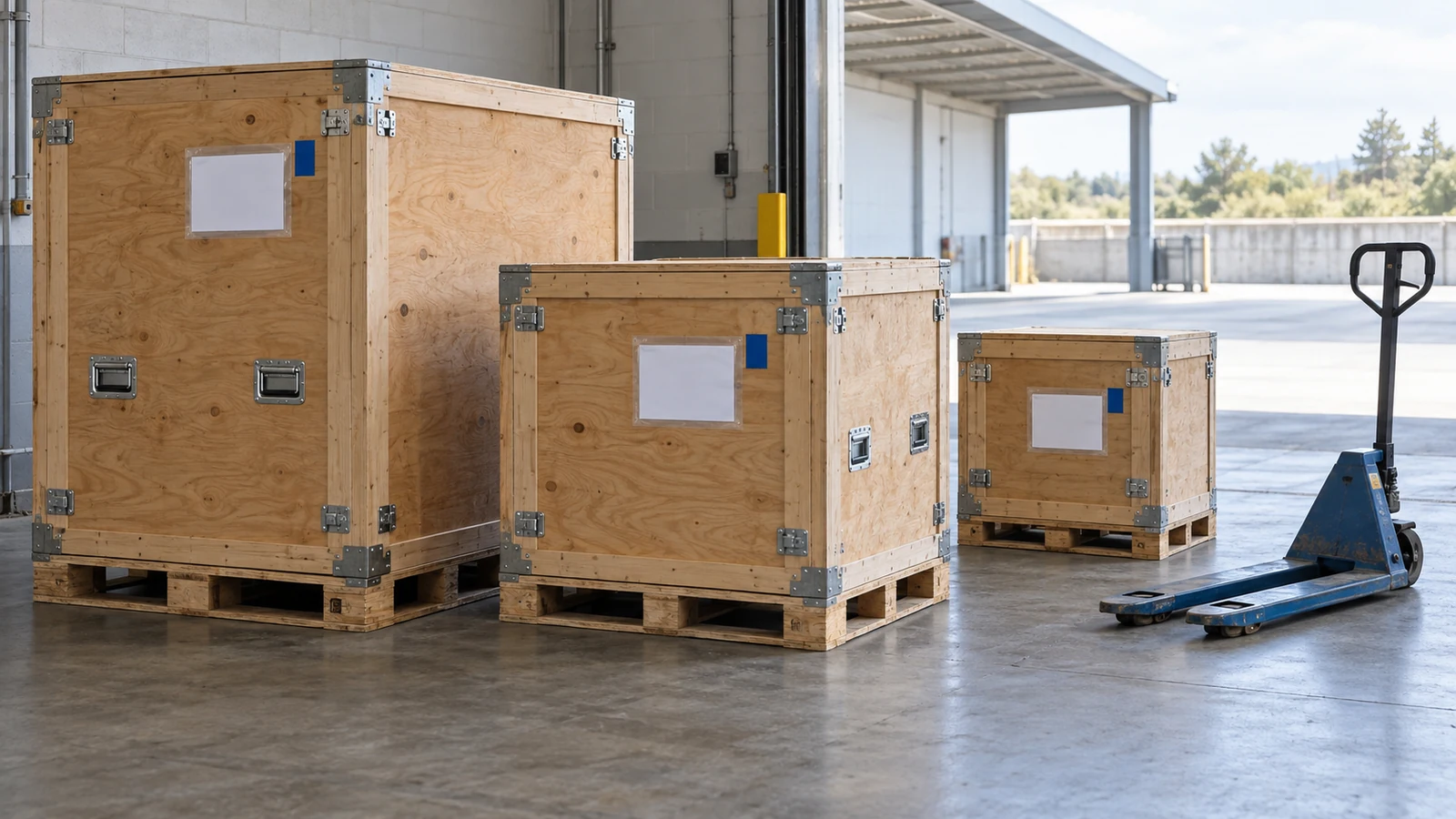
Shipping moves your exhibit materials to or from the event or advance warehouse. Material handling covers work such as unloading, moving freight to the booth, storing empty containers, and returning freight to the outbound vehicle after the show. These are distinct services even when a provider offers both. AHR Expo shipping and material handling instructions
In trade show service kits, material handling is also called drayage. Check that heading if you cannot find the handling information. Events Industry Council material handling definition
Check whether your quote includes each service. Booking freight to the venue does not, by itself, mean that material handling is paid for.
The kit should guide your choice between delivery to an advance warehouse, which holds your freight before the event, and direct delivery to the show. Match its receiving conditions to your shipment. A warehouse can provide more time before setup, but first check whether it accepts your crate sizes and type of freight. Direct delivery depends on the event’s receiving schedule; the venue’s street address alone is insufficient.
For example, AHR Expo’s shipping instructions distinguish warehouse delivery from direct delivery according to a target schedule. Its outbound instructions also require a material handling agreement even when an exhibitor uses its own freight carrier. AHR Expo shipping overview
Give your carrier the correct labels and receiving instructions. For move-out, assign someone to confirm the pickup arrangements and complete the release paperwork the show requires. Booking a truck home does not complete that paperwork.
Agree who does what—and keep proof it is done
Forwarding the whole kit to your booth company can begin the conversation. Follow it with a short review of who will handle each applicable task.
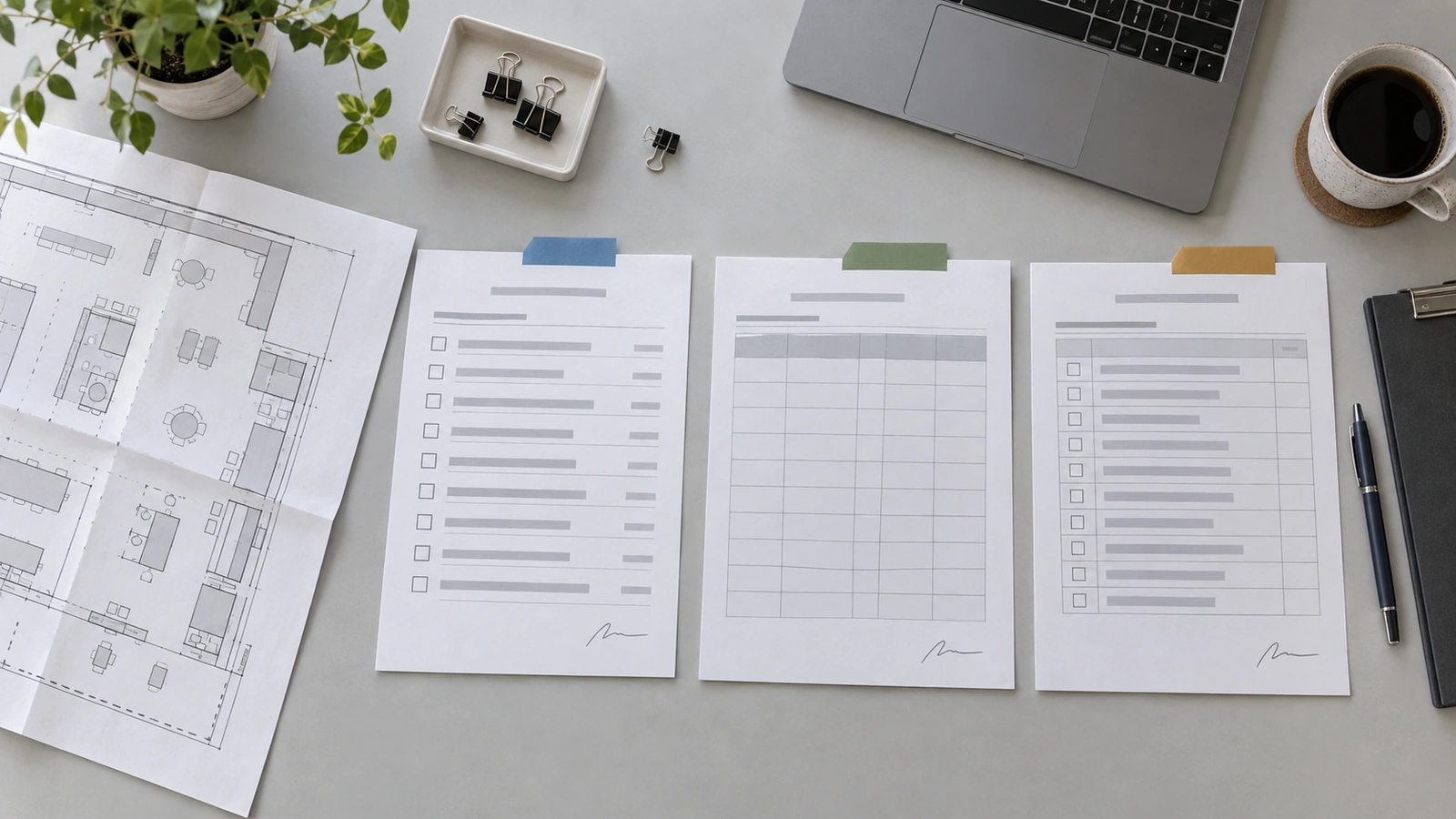
Outside companies may fall under the event’s exhibitor-appointed contractor, or EAC, process. NADA’s contractor rules, for example, require the exhibiting company to request authorization; notice from the contractor alone is not enough. The rules also require a contractor’s certificate of insurance. Read your own show’s process and ask your contractor and insurance adviser to address the documents it calls for. NADA contractor request and regulations
Keep a working record with these fields:
- Task and applicable kit link: the exact form or service, not simply “show preparation.”
- Owner and due date: one named person to move it forward.
- Submission or order reference: evidence that it reached the right destination.
- Current outcome: ordered, accepted, waiting for a response, or needing correction.
- Open issue: what is missing and who can resolve it.
For an illustrative power order, the record might read: “Booth company supplies equipment details and outlet layout; exhibitor places the order with the designated electrical provider; order reference saved; provider clarification still pending.” This makes the unresolved point visible instead of hiding it under “electrical done.”
Track approvals according to the event’s stated process. Some tasks produce a confirmation; others have different acceptance conditions. Where the outcome is unclear, ask the named contact rather than inventing an approval status.
Before your team travels, share the documents they will need on site: the current layout, relevant confirmations, delivery instructions, and service contacts. The person handling setup should be able to find them without searching the entire company inbox.
How does KingExhibits turn your kit into a booth plan?
Once you know what the kit asks for, you need a booth plan that works within it. KingExhibits connects design, fabrication or rental, logistics, installation, and storage through one project team. That gives you a way to discuss the layout and its delivery together, with fewer handoffs between separate teams.
Build the layout around your products and the show rules
We use your exhibitor manual, booth dimensions, and product or demonstration details to develop the layout and 3D concept. Space for products, conversations, storage, and visitor movement needs to work together. You can review how your team will use the booth before deciding how it should be built.
Choose custom, rental, or reusable elements
Tell us what needs to be built around your products and what you hope to use at another show. Our options include rental systems, custom fabrication, and reusable booth elements. We can discuss the structure, graphics, and LED or audiovisual features as parts of the same design, with the selected work set out in your proposal.
Check the build and graphics before delivery
A product display, screen, or large graphic needs to fit the structure shown in the design. We coordinate fabrication and graphic integration, with checks of key assembly details, graphics, and finishes before delivery. The aim is to catch fit or finish issues before the booth reaches the venue.

Keep the plan connected through setup and move-out
Project support can cover staging, loading, venue delivery, installation, dismantling, and post-show repair or storage. The project team follows the agreed scope and on-site decisions through that sequence. Specify the support you need in the proposal, including the handoff to your on-site team and any services that remain with the show’s appointed providers.
Frequently asked questions
What if the current exhibitor kit has not been released?
Ask exhibitor services when it will be available and whether any deadlines or design rules are already confirmed. You can collect equipment details and outline the booth meanwhile. Use last year’s kit only to identify questions; keep orders and production decisions that depend on unconfirmed rules open until you receive current instructions.
Can two companies sharing a booth use one exhibitor kit?
They can read the same event instructions, but sharing space does not settle how the event registers each company. Ask the organizer whether sharing is allowed, what co-exhibitor approval or registration is required, and who handles each company’s listing and badges. Agree which company authorizes orders and receives invoices before either team starts buying services. NADA exhibitor FAQs
What should I do if our booth number changes after ordering?
Tell each provider that holds an order or shipment instruction for your booth. Update shipping labels, drawings, badge or listing records where relevant, and your internal task record. Request confirmation that existing orders are assigned to the new space. Check whether the new location also changes the booth type or delivery instructions before reusing the old paperwork.
Is an exhibitor prospectus the same as an exhibitor kit?
A prospectus generally helps you decide whether and how to exhibit, with information such as participation options and sponsorship opportunities. SSP’s prospectus overview is one example. SSP prospectus overview
A kit helps you carry out the booking. Organizers may combine the documents, so judge by the contents: a sales brochure without operational instructions and service forms is not enough to prepare your booth.
What if the exhibitor kit and venue guide give conflicting instructions?
Ask exhibitor services to clarify the conflict with the venue or responsible provider. Send the two passages, their links or page numbers, and a description of what you plan to do. Keep the affected design decision on hold until you have a clear answer, and save that answer with the relevant documents. A newer upload date alone does not tell you which instruction takes priority.
Final Thoughts
Open your kit alongside your booth plan and booking confirmation. Resolve the first unanswered item that could delay design, ordering, or access, and give it a named owner.
If you need help planning the booth itself, send KingExhibits your show details, booth size, floor plan, and current exhibitor manual. Those documents give the team a basis for discussing the design and the work to include in your booth proposal.