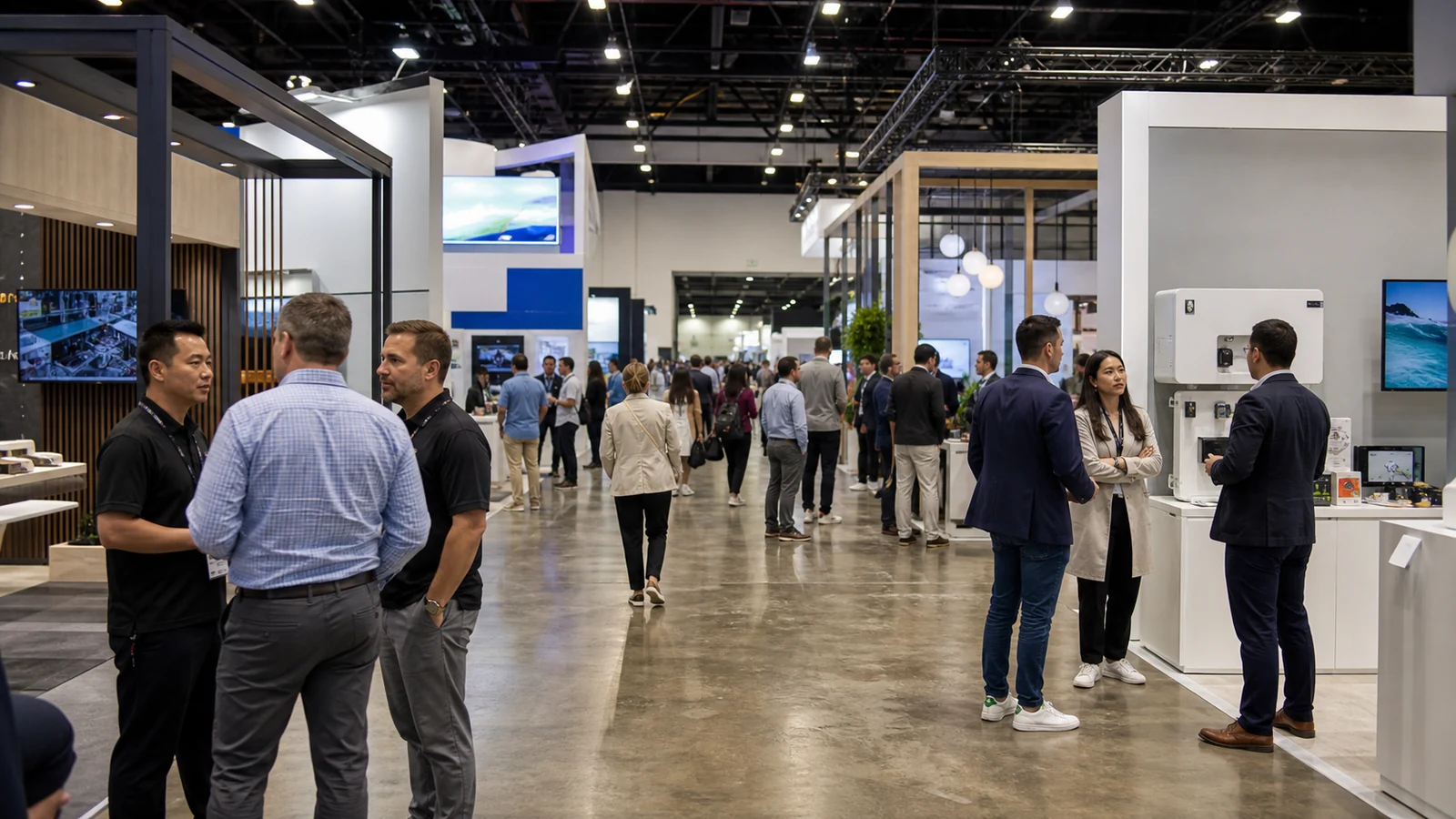
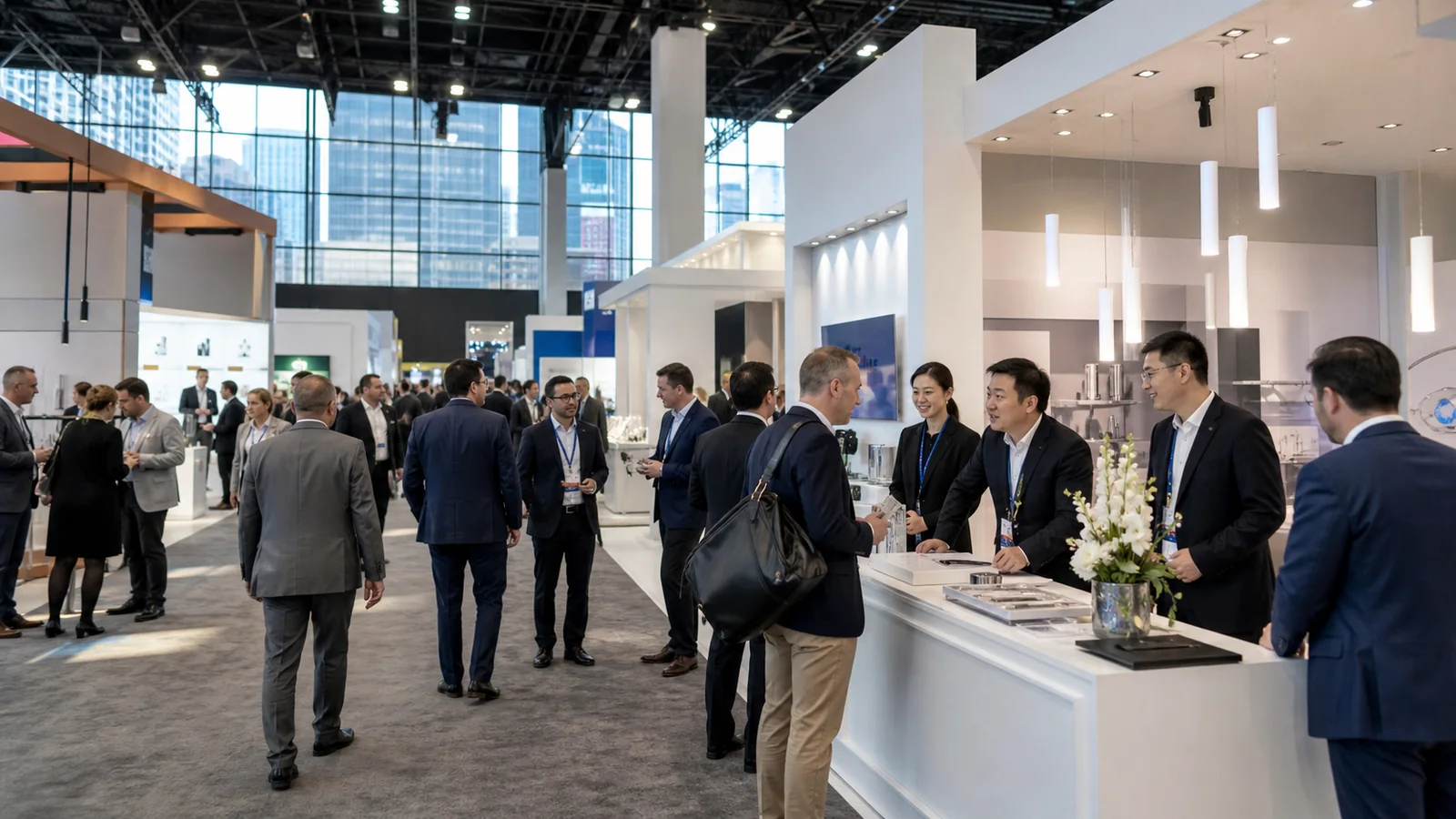
A good trade show booth idea has to do more than look different. It should be easy to recognize from the aisle, understandable within a few seconds, useful for your product or message, and connected to a next step such as a demo, conversation, resource download, or appointment. It also has to fit your booth footprint, staffing plan, and budget.
This guide covers 20 ideas for B2B exhibitors: creative visual concepts, interactive experiences, product demonstrations, small-booth and low-budget options, meeting and lead-capture ideas. You can use the comparison table to shortlist a direction, then test the practical requirements before you approve a build.
Quick Comparison of Trade Show Booth Ideas
| Booth idea | Best for | Space needed | Cost level | Engagement |
|---|---|---|---|---|
| Bold message wall | Brand awareness | Low | Low | Low |
| Backlit graphic | Visibility | Low | Medium | Low |
| Live product demo | Product education | Medium | Medium | High |
| Hands-on test station | Physical products | Medium | Medium | High |
| Touchscreen product finder | Complex products | Low | Medium | High |
| Industry quiz | Lead qualification | Low | Low–Medium | High |
| Expert workshop | Technical B2B sales | Medium | Medium | High |
| Open meeting lounge | Business discussions | Medium | Medium | Medium |
| QR lead-capture point | Follow-up resources | Low | Low–Medium | Medium |
| Modular story system | Reuse | Medium | Medium–High | Medium |
These are relative planning levels, not quotes. Your product size, show services, graphics, technology, labor, shipping, and reuse plan can move an idea up or down. As you shortlist options, use the table to choose what deserves a deeper brief, not to skip a project estimate.
Creative Trade Show Booth Ideas
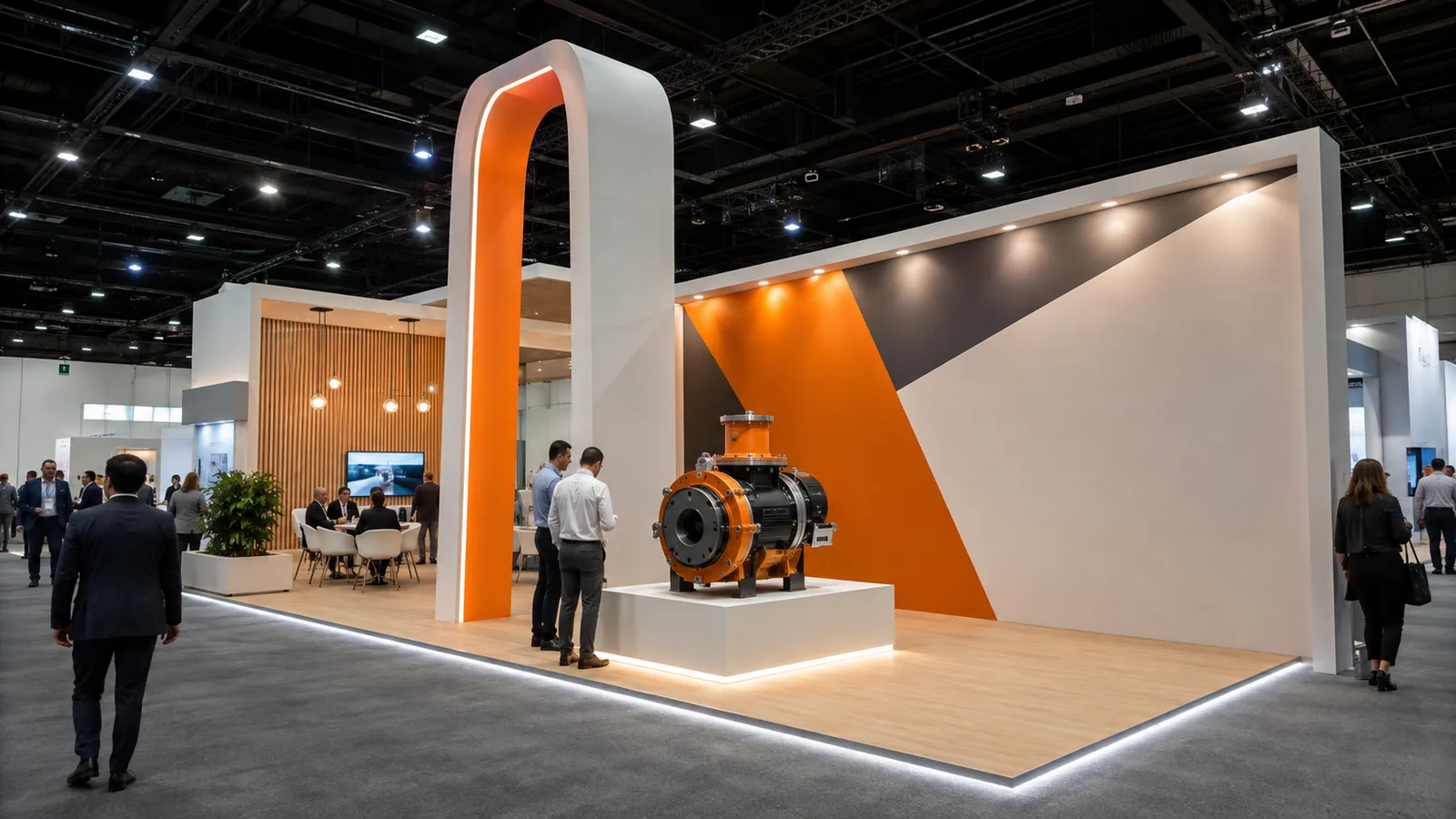
Creative ideas work when they make your offer recognizable and give the eye one clear place to land. They are especially useful for a launch, a new category, or a product that needs a simple first explanation. Picture the visitor’s first few seconds: what appears across the aisle, what becomes clear at the entrance, and what invites a closer look? The ideas below use that short scene as their starting point.
Use One Bold Message Wall
Build the clearest wall around one sentence that identifies the problem you solve, the product category, or the outcome you support. Add one hero image, sample, or proof detail rather than a full product catalog. This is a strong fit for brand awareness and product launches where visitors need a fast orientation.
Use it when you need a three-second explanation of what you do. A single hero image or sample can turn the wall into the first step toward a demo or conversation; a crowded wall cannot.
Create a Distinctive Brand Landmark
Use a branded arch, shaped tower, three-dimensional logo, approved overhead feature, or sculptural product display as a visual landmark. The landmark should identify your booth before a visitor can read every detail. Tie its shape or material to your product story so it feels intentional rather than oversized for its own sake. If a vertical landmark fits your approved height and circulation limits, compare a trade show display tower with the actual graphic and storage needs.
Use it when a visitor should recognize your booth before they can read every detail. Let the landmark borrow a shape, texture, or component from your product so it becomes a photo-worthy brand cue rather than a generic object. The build team can resolve structure and approval details during the planning pass.
Use Backlit Graphics and Accent Lighting
A backlit wall, illuminated logo, product spotlight, LED shelf, or focused accent light can separate one message or product from a busy hall. You can push the idea further with a themed color world, projected texture, or a light path that leads visitors from the aisle to a product reveal. Use light to direct attention to the next action—a sample, demonstration, or meeting point—not to illuminate every surface equally. For a product spotlight, compare trade show lighting rental options by fixture placement, power and the sample visitors need to inspect.
Build a Cutaway or Exploded-View Display
Show one meaningful internal relationship with a cutaway, transparent section, exploded component, or process layer. This is useful for machinery, electronics, building products, automotive components, and other products whose value is hidden inside the finished form. Label only the parts that help a visitor ask a better question.
Use it when a visitor needs to see what a specification hides. Connect one internal layer to a real sample or short demonstration; detail that does not change understanding only adds visual weight.
Interactive Trade Show Booth Ideas
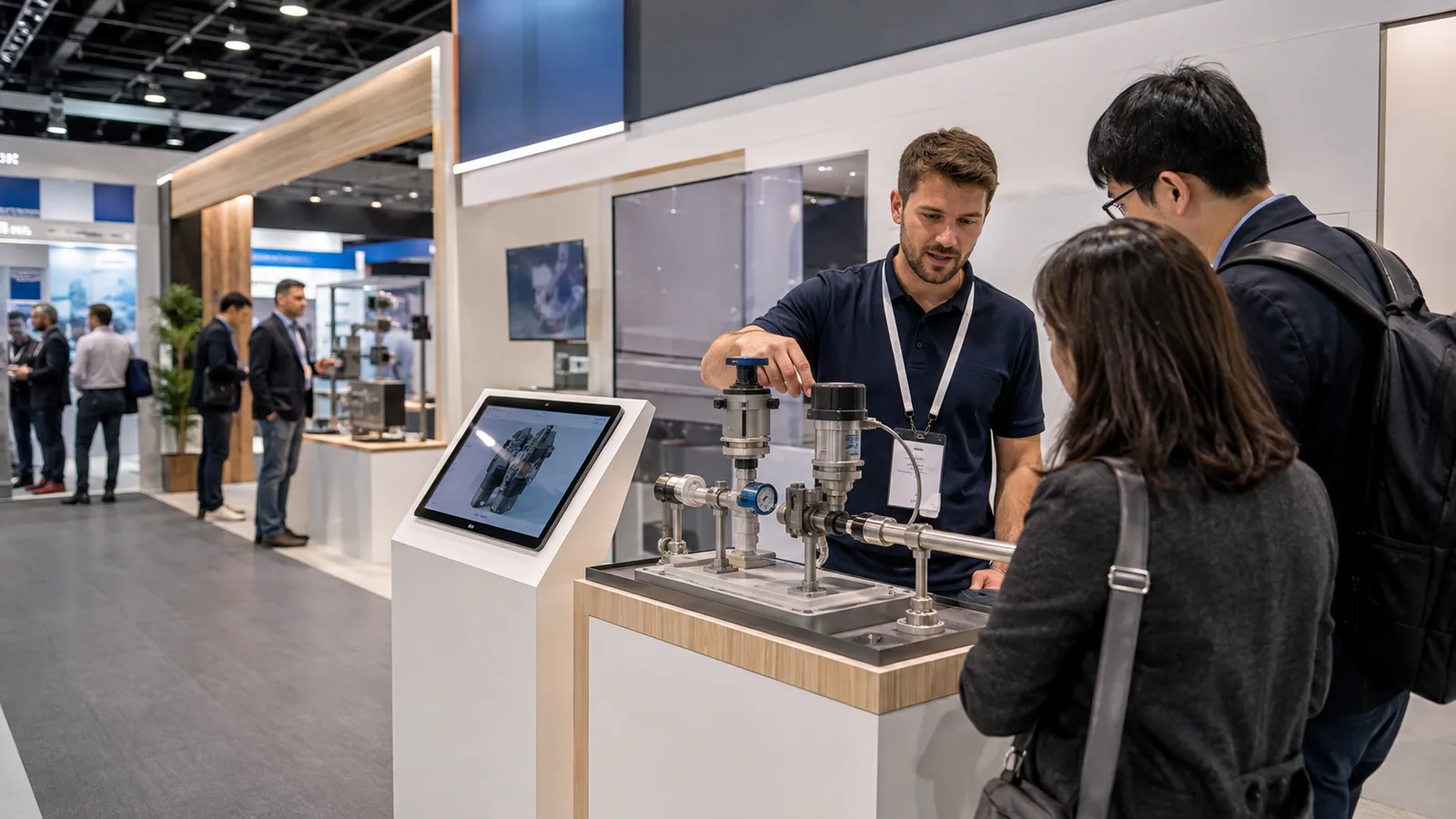
Interactive trade show booth ideas should make it easier for visitors to understand a product, express a need, or complete a measurable next step. You do not need a complex device for every interaction: tactile displays, polls, touchscreens, QR resources, social walls, and AR/VR can all work when the action has a clear purpose. Derse’s creative list includes lighting, projection, co-creation, hospitality, and kinetic displays, while Exhibit Potential’s interactive guide groups interaction from low-tech polls and touch labs through product finders and immersive tools. These sources support the range of formats, not a guaranteed dwell-time or conversion result.
Create a Hands-On Product Test Station
Let visitors touch, inspect, fit, configure, or operate a representative product or material. A clear start-and-finish action works better than an open-ended “try anything” table because staff can reset it quickly and know when to ask a follow-up question.
Give the station one satisfying action—inspect, fit, configure, or operate—so a visitor knows when they have completed it. A staff member can then connect the result to the next conversation.
Add a Touchscreen Product Finder
Use a short sequence of questions to help a visitor narrow a complex product range or solution set. You can let the result point to a product sheet, comparison chart, appointment, or staff conversation. Keep the interface legible without a long explanation, and make the first screen useful even when the network is slow.
Let the result point to one relevant product sheet, comparison chart, appointment, or staff conversation. Keep the first screen useful even when the network is slow; the tool should start a conversation, not replace one.
Run an Industry Quiz or Diagnostic
Ask a few industry-specific questions and return a practical direction: a risk to check, a product family to compare, or a next-step resource. A diagnostic helps a technical sales team begin with the visitor’s situation rather than a generic pitch.
Return a practical direction—a risk to check, a product family to compare, or a next-step resource. Keep the questions short and make the staff handoff feel like useful advice, not a scorecard.
Use Live Polling or a Co-Creation Wall
Invite visitors to vote on an industry question, add a note to a physical wall, contribute to a digital mosaic, or choose a preferred feature. Show the result where participants can see it change. This turns a passive graphic into a record of the market conversation.
Turn the responses into an interactive data-visualization wall: show the leading concern, preferred feature, or changing vote as it develops. That gives visitors something to discuss while giving your team a visible source of questions. Decide in advance how responses are moderated and stored.
Add a QR Code Resource or Challenge
Place one clearly labeled QR code beside a product or message and connect it to a product selector, technical guide, comparison chart, quote request, or appointment form. Before you print it, test the full path on several phones. A small challenge can encourage exploration, but the reward should never be the only reason to scan.
Use one clearly labeled code to unlock a product selector, technical guide, comparison chart, quote request, or appointment form. You can add an instant-print or on-site customization payoff after the scan, but the useful resource should be the reason to continue. Keep the path short and offer a non-QR alternative.
Use AR, VR, or a Digital Product Walkthrough
Use AR to reveal internal components, VR to show a factory or use environment, or a guided video to explain a product that is too large or difficult to transport. The digital layer should answer a question that a physical sample cannot answer as efficiently.
Use the digital layer to answer a question a physical sample cannot answer efficiently: how a large machine fits, how a process runs, or what sits inside a product. Keep an observer view and a simple offline story so the experience remains shareable and easy for staff to hand off.
Product Display and Demonstration Ideas
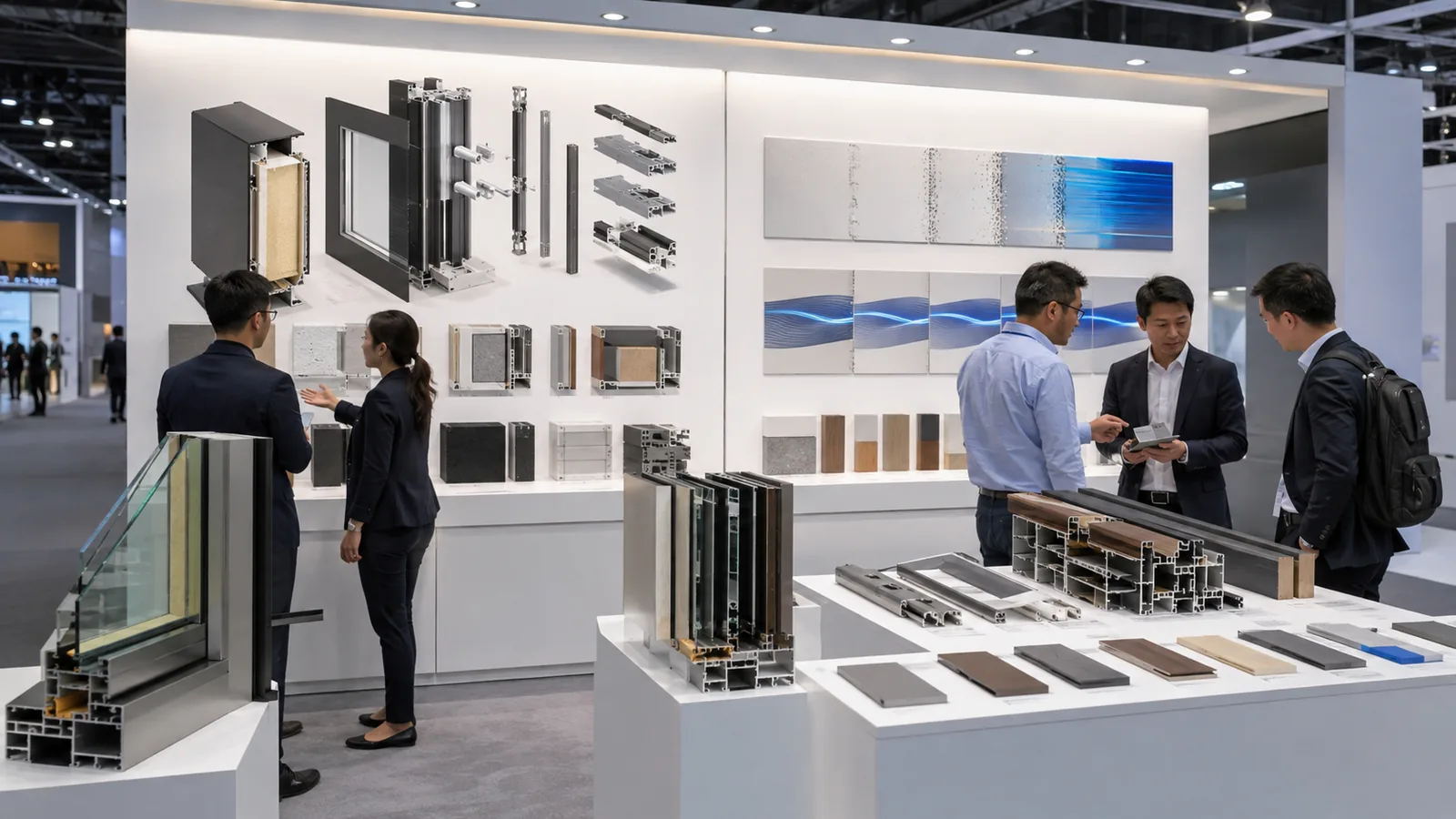
These ideas make the product itself the evidence. A demonstration is more useful when you can repeat it, explain what the visitor should notice, and connect it to a business conversation. You get a more realistic plan when you test those conditions together; smaller-booth guidance from Freeman likewise treats product size, weight, viewing, meetings, and storage as one planning problem rather than separate decisions.
Run a Short, Repeatable Live Demo
Design a short sequence that shows the starting problem, one important action, and the visible result. You need the operator, observers, queue, samples, cables, reset area, and conversation point on the same plan. A staff member should know when to invite a deeper discussion.
Give the demo a recognizable opening and closing so a passerby can join without waiting for a full presentation. The operator should be able to reset it while another visitor moves toward the conversation point.
Show a Before-and-After Workflow
Use four visual steps—Problem, Process, Result, Next Step—to explain how your product changes a work situation. Each frame should answer one question and connect to evidence you can show. A visitor with limited time can scan the sequence while a salesperson uses it to begin a detailed conversation.
Make the change visible: show the old bottleneck, the intervention, and the business situation after it. A visitor can scan the story in seconds and ask about the step that matches their operation.
Build a Side-by-Side Comparison Bar
Place products, materials, finishes, components, or results at the same height and viewing angle. Choose one comparison dimension—such as structure, finish, output, or use case—and label it next to the samples. The physical contrast should do more work than a long specification sheet.
Put the comparison at the point where a sales conversation naturally begins. One labeled contrast—finish, component, output, or use case—lets your team explain the difference without reciting an entire specification sheet.
Create a Sample Library or Material Wall
Organize swatches, components, colors, textures, or small product versions in drawers, shelves, or a labeled wall. A visitor can make a first selection, compare alternatives, and take the chosen sample into a meeting. This works well for materials, packaging, textiles, flooring, coatings, hardware, and industrial products.
Arrange the library like a decision path: start with a few families, let visitors narrow the choice, then move the selected sample to a meeting. The display becomes a working tool for specification conversations rather than a wall of swatches.
Host a Mini Workshop or Expert Q&A
Schedule a short technical explanation, demonstration, or Q&A with a defined topic and capacity. When the session is not running, the zone should function as an open display or meeting area. This makes expert content part of the booth instead of an empty stage.
Frame the session as a small “case theater” or industry scenario: a real problem, a short explanation, and a question period. When no session is running, the same zone can host a sample review or scheduled meeting.
Small and Low-Budget Trade Show Booth Ideas
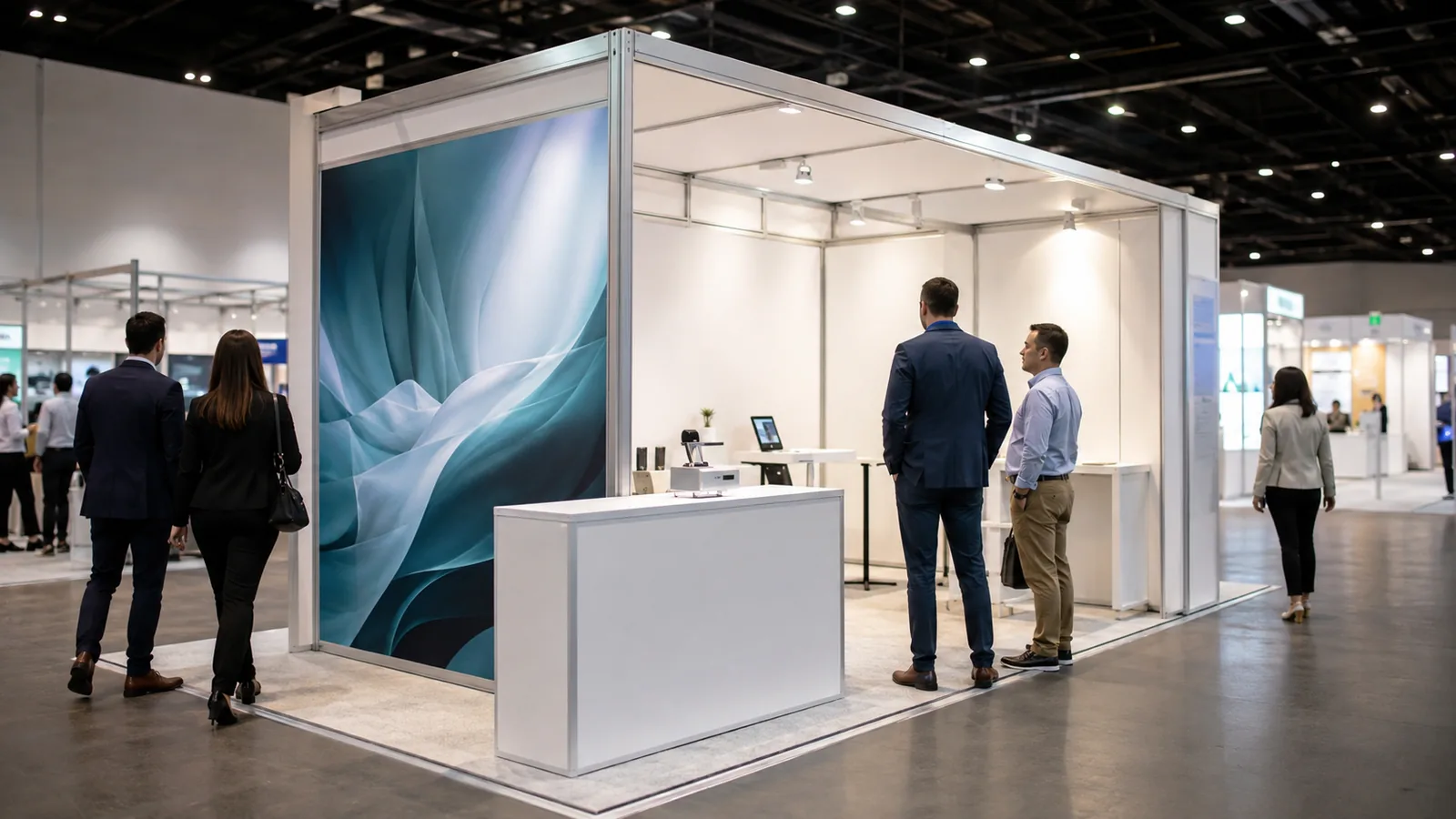
Small and low-budget booth ideas succeed by narrowing the story, not by pretending that space and production constraints do not exist. If you have a compact footprint, reduce the number of structures, products, messages, and technical dependencies. Keep one clear action that staff can execute repeatedly.
Use a Vertical Backdrop With One Hero Image
For a 10×10 booth or another compact footprint, use a vertical backdrop and one strong product or application image. Put the next action—sample, demo, conversation, or QR resource—at a reachable level rather than filling the wall with small text.
Use the vertical plane for the first message and keep the floor for one action. You can make a compact 10×10 footprint feel intentional by placing the hero image, sample, and staff position on one clear sightline.
Combine a Branded Counter With a Tabletop Demo
Use a branded counter, one core sample, and a short table-top demonstration to create a compact conversation point. This gives a smaller company a tangible product moment without committing to a full custom environment.
Let the counter frame the sample instead of blocking it. A visitor should be able to approach from the side, handle the product, and step into a short conversation without waiting at a reception line.
Use Portable or Modular Displays
Combine a pop-up display, tension fabric, portable lightbox, modular shelving, or retractable banner with replaceable graphics. Portable and modular components make it easier to adjust the story for different shows, provided the connections, packaging, and installation method are reliable. If a fabric surface is central to the concept, compare the tension fabric trade show display construction and graphic options before choosing the frame.
Use portable pieces as a repeatable story kit: a hero graphic, a product shelf, a counter, and a replaceable message panel. You get more value from modularity when each part has a job and can be packed, updated, and installed consistently.
Turn a Corner Booth Into a Two-Sided Experience
Use one open side for brand recognition and the other for a product display, demo, or meeting invitation. A corner footprint can feel more open when each side has a job instead of repeating the same graphic twice.
Give each open side a different invitation—“see the product” on one, “talk through your application” on the other. The visitor can choose a quick visual stop or a deeper conversation without crossing through a crowded center.
Meeting, Hospitality, and Lead-Capture Ideas
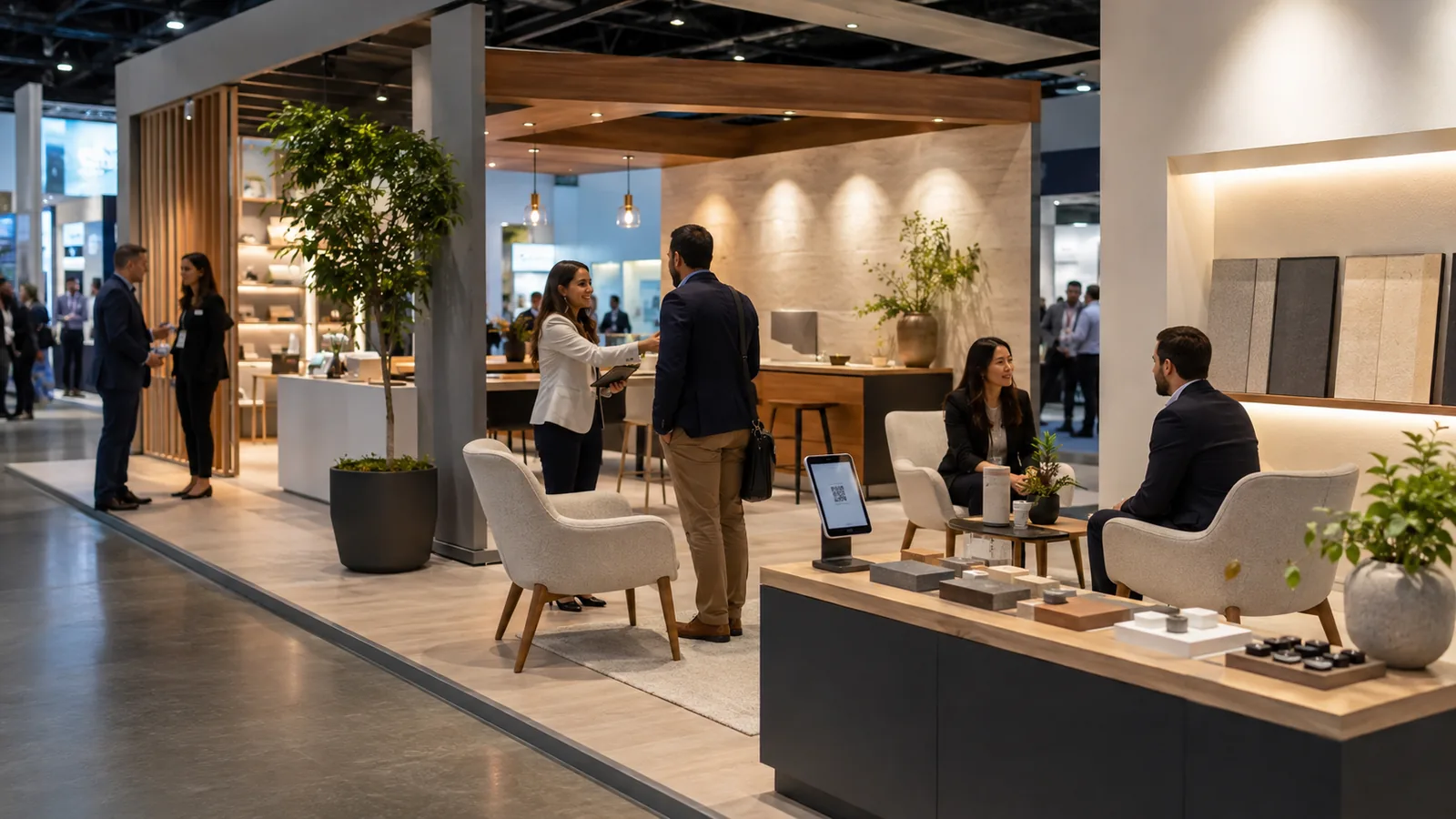
Create an Open Meeting and Lead-Capture Lounge
Combine approachable seating, visible proof, and one clear lead-capture point: a badge scanner, tablet form, QR form, or appointment-booking station. The lounge should help a visitor move from a quick question to a useful conversation, not hide the team behind furniture. For a lounge that supports product conversations, review trade show rental furniture within the booth layout before confirming the seating mix.
Make the lounge feel open from the aisle, then place the lead action where it is easy to explain: scan for a technical resource, complete a short form, or book a time. Hospitality can support the conversation, but the product proof and business reason should remain visible.
How Should You Choose the Right Trade Show Booth Idea?
Choose one primary visitor action first. Ask yourself what you want a visitor to do next, then add supporting ideas only when they make that action easier. Use the table below as a starting point:
| Main goal | Recommended ideas |
|---|---|
| Attract attention | Bold wall, lighting, landmark structure |
| Explain a complex product | Cutaway, workflow wall, live demo |
| Encourage product interaction | Test station, sample library, product finder |
| Generate qualified follow-up | Quiz/diagnostic, QR resource, appointment point |
| Support sales meetings | Open lounge, expert session |
| Work with a small booth | Vertical backdrop, tabletop demo, corner layout |
| Control costs | Portable display, modular system, manual interaction |
| Reuse at multiple shows | Reconfigurable story system, modular components |
If a concept needs more staff, power, queue space, or content than your plan can support, it is not ready for production. Simplify the main action before adding a second attraction.
Trade Show Booth Ideas for Different Budgets
Low budget
Use a bold printed backdrop, branded counter, tabletop display, product samples, a QR resource, simple spotlights, and a staff-led demo. Manual interaction can be more dependable than a screen when you have limited power, content, or technical support.
Medium budget
Consider backlit graphics, a touchscreen, modular shelving, a custom counter, lighting zones, a semi-private meeting area, or a workshop station. Assign ownership for content, power, setup, and reset before you add technology.
Higher budget
An LED wall, projection mapping, AR/VR, a custom landmark, immersive environment, multi-zone exhibit, or large product installation may be appropriate when the experience is central to your objective. Higher spend should buy a clearer visitor action, not just more equipment. If a large display is the selected experience, compare LED wall rental with the audience area, content plan and service order before committing to LED.
The most expensive booth idea is not automatically the most effective. You can compare each option against your business objective, booth area, staff capacity, production requirements, and reuse plan.
What moves an idea from one cost level to another?
The main cost drivers are booth area, structural materials, graphic production, technology, shipping, labor, show services, and how many times you plan to reuse the components. A simple printed wall may stay low when the message and product are ready; the same concept can move up a level when it adds custom structure, backlighting, multiple graphic versions, or on-site labor. Use those drivers to explain a budget change instead of treating Low, Medium, or Higher as a universal price band.
How Can You Turn a Booth Idea Into a Buildable Exhibit?
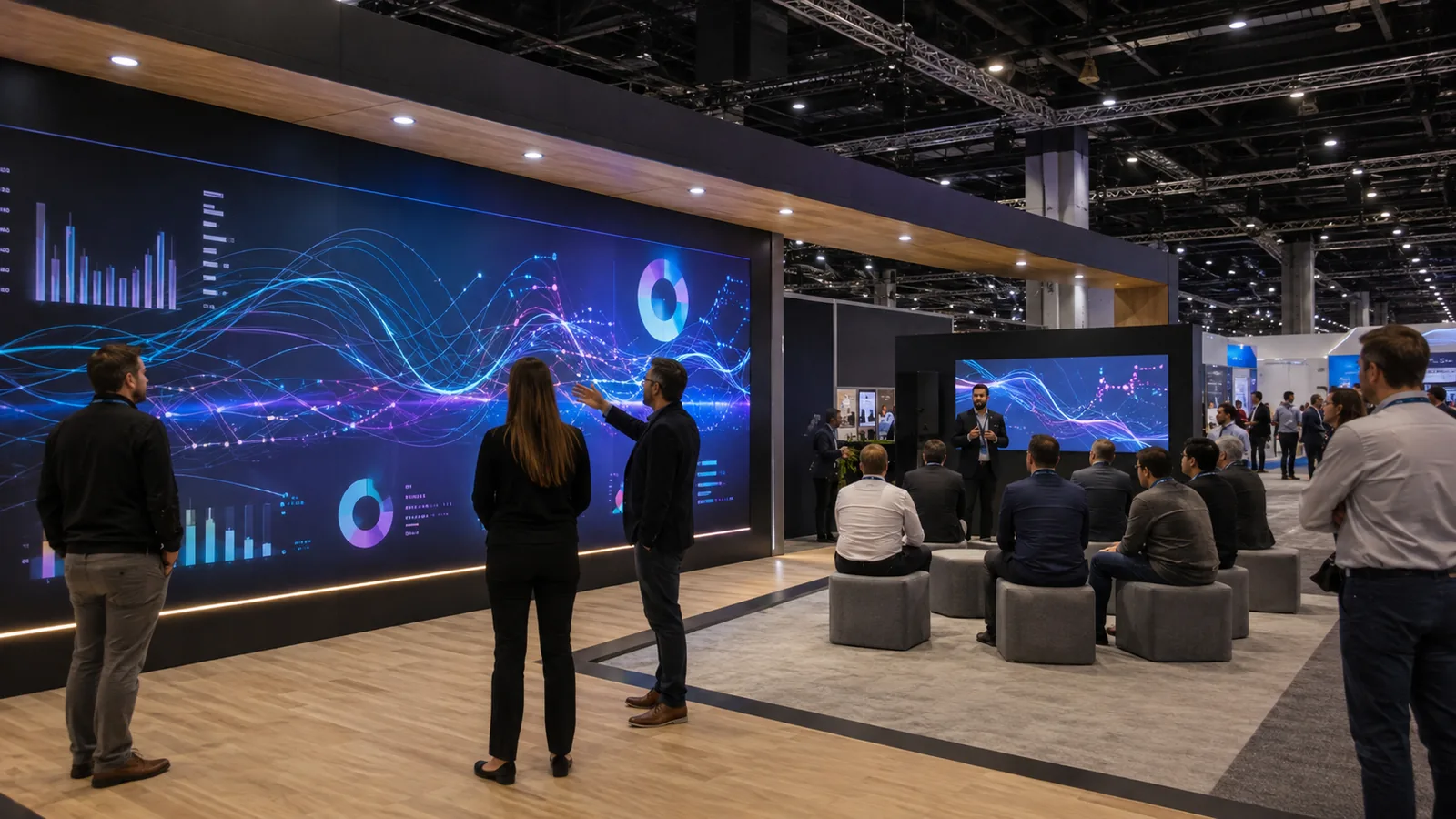
Confirm the real booth conditions
Record the booth size, open sides, visitor flow, product dimensions, staff count, meeting needs, storage, accessibility, power, network, and setup time. Before you approve a drawing, use the current exhibitor manual for event-specific requirements. IAEE’s display guidance shows why configuration and line-of-sight assumptions should be verified rather than copied from another show.
Match the concept to production requirements
Put graphic sizes, materials, structural stability, lighting, screens, cables, shipping, installation, dismantling, and reuse in one brief. Name the owner for each decision. A concept is buildable when the visitor scene, production method, and on-site responsibility agree.
How Can You Test a Booth Idea Before the Show?
Run a rehearsal with the real or representative product, furniture, samples, staff, and storage. You can catch most workflow problems before the show if you check:
- demo reset and staff script;
- touchscreen, video, sound, QR code, and lead form;
- queue and observer positions;
- backup equipment or offline content;
- product protection, cleaning, and replenishment;
- the handoff from interaction to conversation or appointment.
Judge the rehearsal by whether the primary visitor action can be completed clearly and repeatedly. “Busy” is not a test result, and a beautiful empty rendering is not a workflow.
Frequently Asked Questions
What are the best trade show booth ideas for attracting visitors?
Start with one clear message, a recognizable visual anchor, and a visible action such as a product demonstration or test. The best combination depends on what you want a visitor to understand or do next; a large structure without a useful message may attract a glance without starting a qualified conversation.
How do you attract qualified visitors instead of just more traffic?
Aim the main message at the role, problem, or application you can actually support, then pair it with a diagnostic question, product proof, or short demo that reveals fit. Give staff a simple follow-up prompt and capture the context of the conversation, not only a badge scan. More traffic is useful only when the booth gives the right visitors a reason to continue.
What should you include in a trade show booth?
At minimum, include a clear primary message, a product or proof element, a defined visitor action, a place for staff to continue the conversation, and a next-step path such as a resource or appointment. Add seating, storage, technology, samples, or hospitality only when they support that main action and fit the real footprint.
Are interactive trade show booth ideas worth the investment?
They can be worthwhile when the interaction helps visitors understand the product, express a need, or complete a trackable next step. Evaluate staff time, network, maintenance, hygiene, data handling, and an offline fallback. Do not approve an interactive element simply because it looks impressive in a rendering.
How do you choose between a custom, modular, and rental booth?
Choose custom when you need maximum control over a distinctive structure or experience, modular when repeat use and reconfiguration matter, and rental when the event is short-term or the scope is tightly controlled. Compare the show schedule, footprint changes, graphics, storage, installation responsibility, and future reuse before deciding.
Final Thoughts
The right trade show booth idea makes one visitor action easy to see, understand, or complete. Choose it first, test it with real people and products, and cut complexity that does not help.
KingExhibits supports U.S. projects with booth design, rental or production coordination, and on-site delivery support; scope is confirmed per project.
Ready to move forward? Send KingExhibits your show details, footprint, product or demo, visitor action, staffing, reuse plan, and budget. We can discuss a direction and coordinate the confirmed scope.
230 container
231