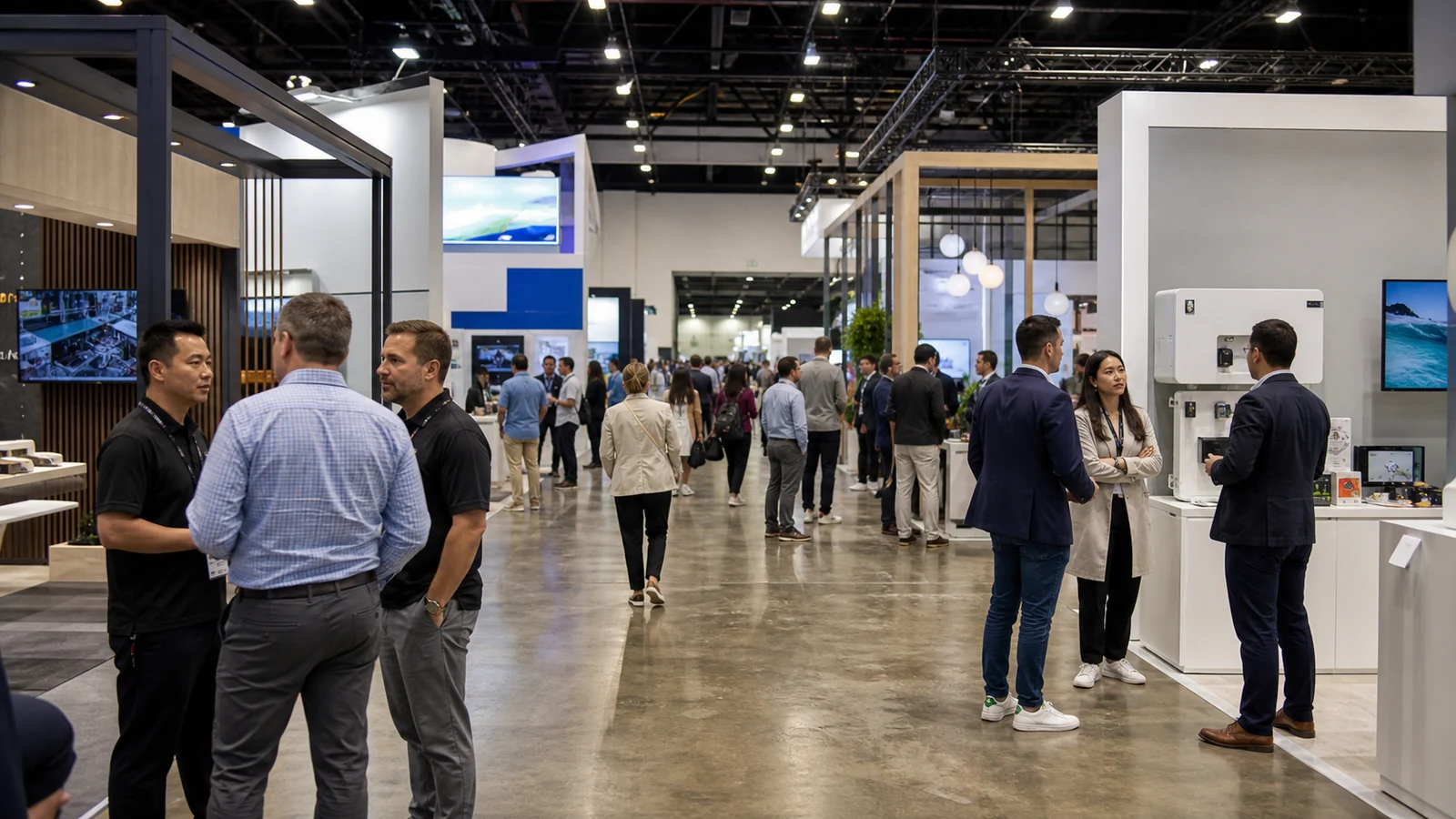
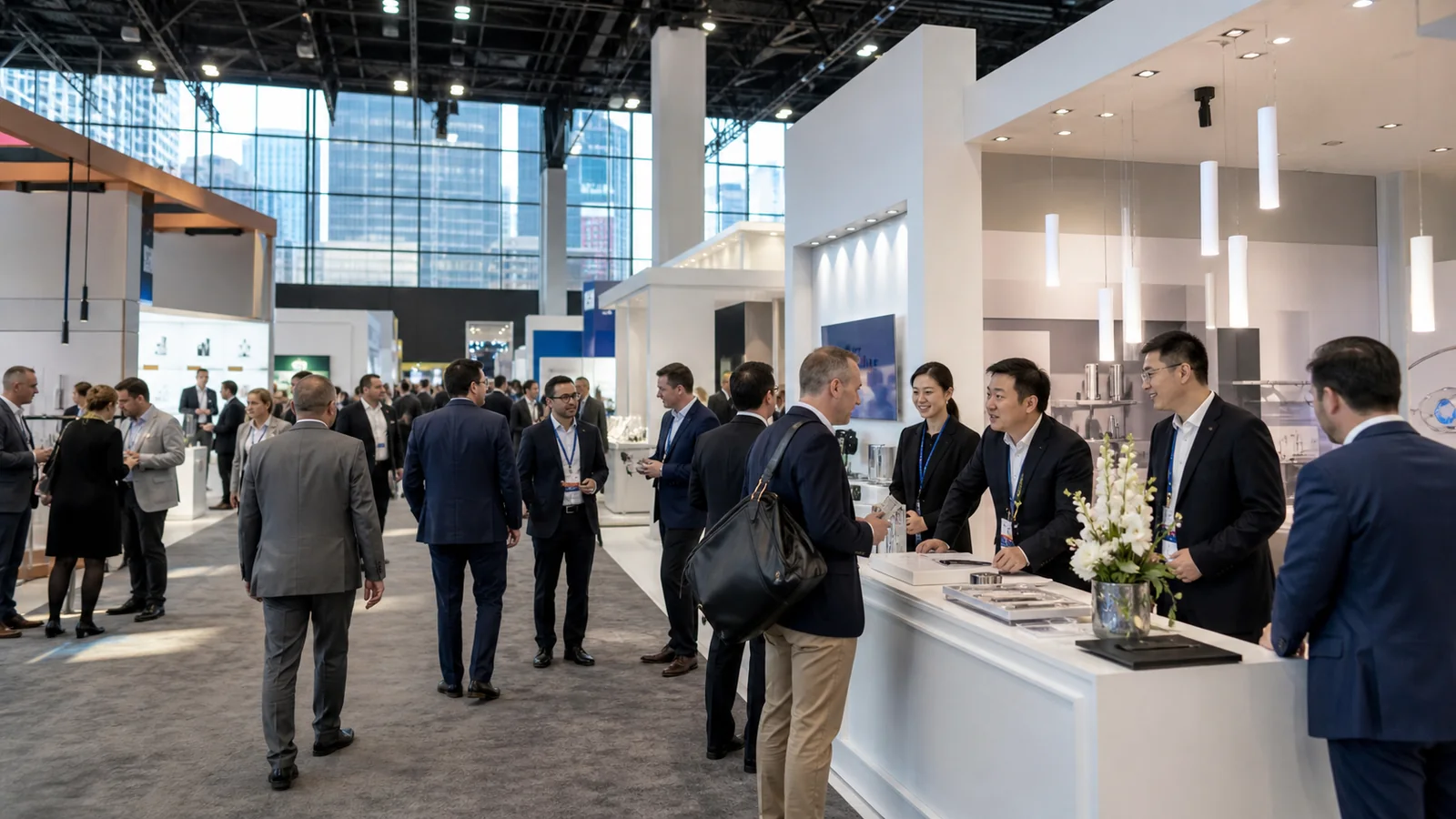
If you are the marketing manager responsible for a B2B trade show booth, a polished design is not enough. Your booth can draw a crowd and still disappear from visitors’ memory by the next morning, leaving your sales team with badge scans but few conversations people can place.
This guide shows you how to create a memorable trade show experience around one buyer-relevant message and visible proof. You will learn how to connect the aisle view, demonstration, staff conversation, takeaway, and follow-up, then turn that complete path into a one-page brief your booth partner can design and price.
Start With the Sentence You Want a Visitor to Repeat
Before choosing a game, screen, theme, or giveaway, finish this sentence:
After visiting our booth, a qualified buyer should be able to say, “They help companies like mine ________, and I saw that when ________.”
The first blank is the useful idea. The second is the proof. If your team cannot fill in both blanks in plain English, a creative supplier will have to decorate an unclear message.
This is not an advertising slogan. “Innovation without limits” may sound confident, but a visitor cannot connect it to a problem or verify it. A stronger memory sentence identifies a buyer, a change, and a visible reason to believe. For example: “They help beverage plants reduce product-change cleaning steps, and I compared the two changeover sequences at the booth.”
Use three questions to test the sentence:
- Would the intended buyer recognize their own problem in it?
- Can the booth demonstrate or substantiate the claim?
- Could a visitor repeat it without using your internal product language?
If any answer is no, improve the message before expanding the experience.
Make the Aisle View Begin the Story
A visitor should not have to enter the booth to understand why it may be relevant. From the aisle, show one clear buyer problem, outcome, or product category. Then give the eye an obvious place to go next: a product in use, a demonstration point, a comparison, or a person ready to help.

That requires restraint. Five equal headlines, a wall of product names, and several screens competing for attention make the visitor decide what matters. Most will keep walking. Give the most important message visual priority and let supporting details appear only after someone chooses to engage.
The booth entrance also needs to reveal what participation involves. If a demonstration takes two minutes, the visitor should be able to see where it starts and where to stand. If the next step is a private technical discussion, the route to the meeting area should be apparent without making the booth feel closed.
A distinctive shape, color, motion, or material can help people find the booth again, but it should support the memory sentence. A visual device that has no relationship to the buyer’s problem may make the attraction memorable while leaving the company anonymous.
Put the Proof at the Center of the Experience
B2B visitors remember evidence they can connect to their work. Instead of placing the product beside a list of features, decide what the visitor should see change.

That change could be a faster task, a cleaner result, a simpler assembly, a clearer comparison, or a more controllable process. The demonstration does not need to be theatrical. It needs a visible starting condition, an action, and an outcome.
Write the demonstration as a short sequence:
- What should the visitor notice before anything begins?
- What will your staff member or the visitor do?
- What changes on the product, sample, screen, or workpiece?
- Which buyer question does that change answer?
- What evidence can the visitor take away or review later?
If the product cannot operate on the show floor, do not default to a looping brand video. Use a cutaway, a real sample, a controlled comparison, a recorded operating sequence, or a working subassembly. Label what is simulated and what is real. Credibility is more memorable than spectacle.
Let Visitors Make a Useful Choice
Participation becomes valuable when it helps a visitor understand their own decision. The right interaction depends on what you need to prove.

| Experience type | Best used when | Visitor action | Main risk to control |
|---|---|---|---|
| Live demonstration | Performance is visible in a short cycle | Watch, handle, test, or compare an outcome | The crowd sees motion but misses the business meaning |
| Side-by-side comparison | Buyers confuse two options or specifications | Choose conditions and examine the difference | The comparison appears biased or hides relevant limits |
| Guided diagnostic | The right solution depends on application details | Answer a few practical questions and receive a direction | The activity becomes a disguised lead form |
| Sample or configuration exercise | Material, finish, fit, or setup affects the decision | Build, select, arrange, or inspect a realistic option | Too many choices slow the booth and blur the conclusion |
A game can still work when the action reinforces the product idea or opens a relevant conversation. If it mainly rewards speed, luck, or prize interest, it may attract people who cannot benefit from your offer. Define the qualifying cue before approving the activity: the problem, role, application, or decision that makes participation useful.
Train the Staff to Continue the Same Story
The visitor should not experience a strong visual idea followed by an unrelated sales pitch. Give booth staff a small set of conversation routes tied to what the person just saw.
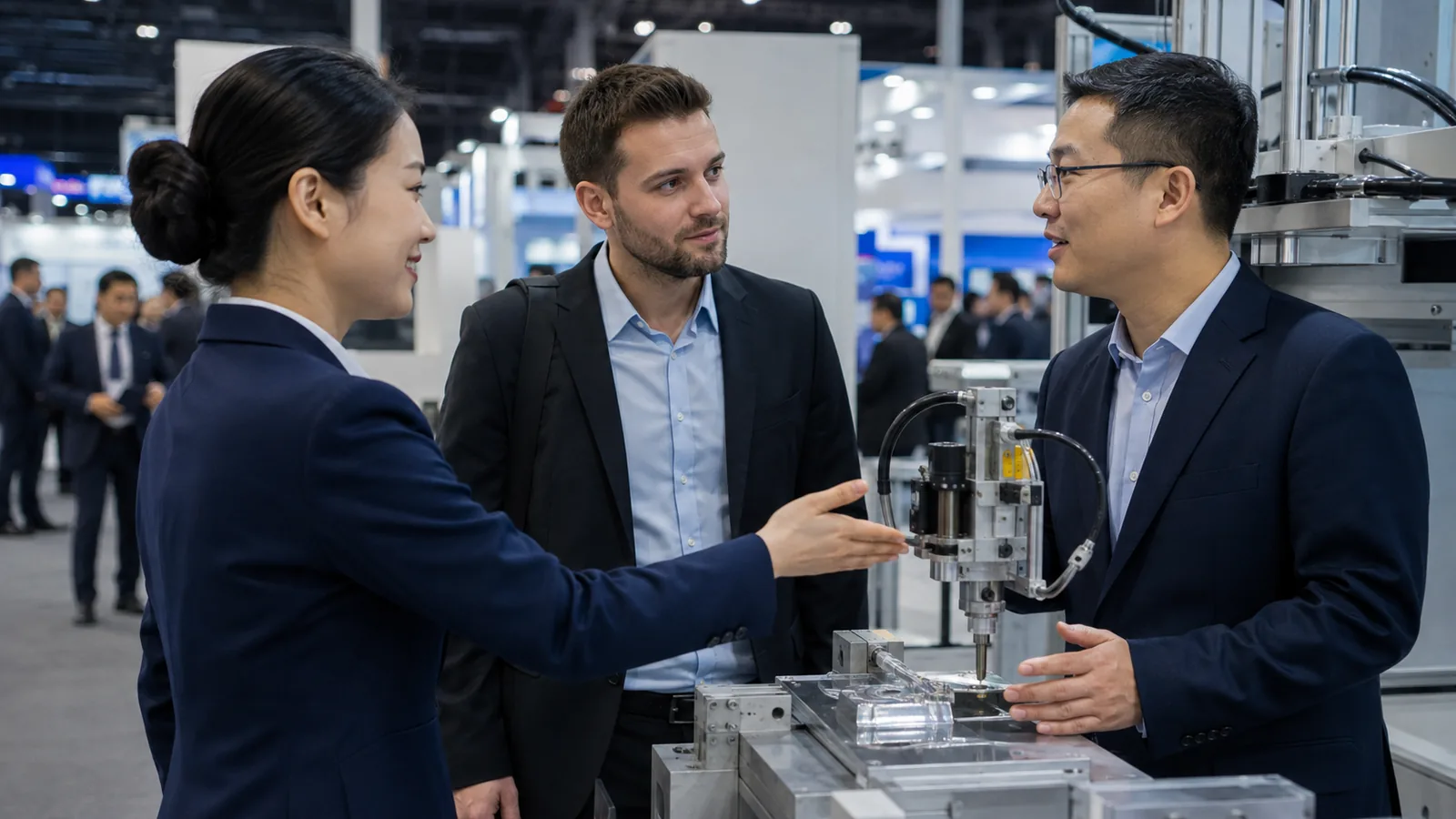
Start with an observation or question that belongs to the experience:
- “Which part of that process is hardest to control at your site?”
- “Are you comparing these options for a new line or an existing one?”
- “Would the size, cleaning step, or changeover time affect your decision most?”
These openings help a visitor explain context. “Can I help you?” and “Have you heard of us?” put the burden on the visitor and often lead nowhere.
Assign operating roles before the show. One person welcomes and directs. One runs the proof without blocking the aisle. A product specialist handles deeper questions. Another team member records the decision context and confirms the next step. In a small booth, one person may cover several roles, but the handoff still needs to be rehearsed.
The staff brief should also define a respectful exit. A visitor who is not a fit should be able to leave without sitting through a pitch. That protects staff time and leaves a better impression than forced engagement.
Remove Friction Before It Becomes Part of the Memory
Visitors also remember confusion: a queue with no entry point, a screen that will not load, sound that makes conversation difficult, or a demonstration they cannot reach. Review the experience as an operating system, not only as a rendering.
Walk through these conditions before approving the concept:
- Can someone understand the starting point without stepping into a private conversation?
- Can people move through the experience without blocking the aisle or trapping someone inside?
- Can visitors with different mobility, reach, hearing, or vision needs access the essential information and action?
- Will sound, lighting, motion, samples, food, machinery, or live performance comply with the current show and venue rules?
- Are power, internet, waste, storage, replenishment, cleaning, and equipment cooling included in the plan?
- What will staff do if the main screen, connection, scanner, or moving component fails?
Do not rely on a rule remembered from another event. Sound limits, sampling approvals, demonstration controls, booth-plan reviews, and service requirements can differ by show and venue. Check the current exhibitor manual and service documents, then make the fallback experience useful even without the most fragile technology.
Give Each Qualified Visitor a Retrieval Cue
A retrieval cue helps someone reconstruct the useful moment later. It could be the sample they tested, a photo of their chosen configuration, a one-page comparison, a calculation based on their application, or a short technical note promised during the conversation.
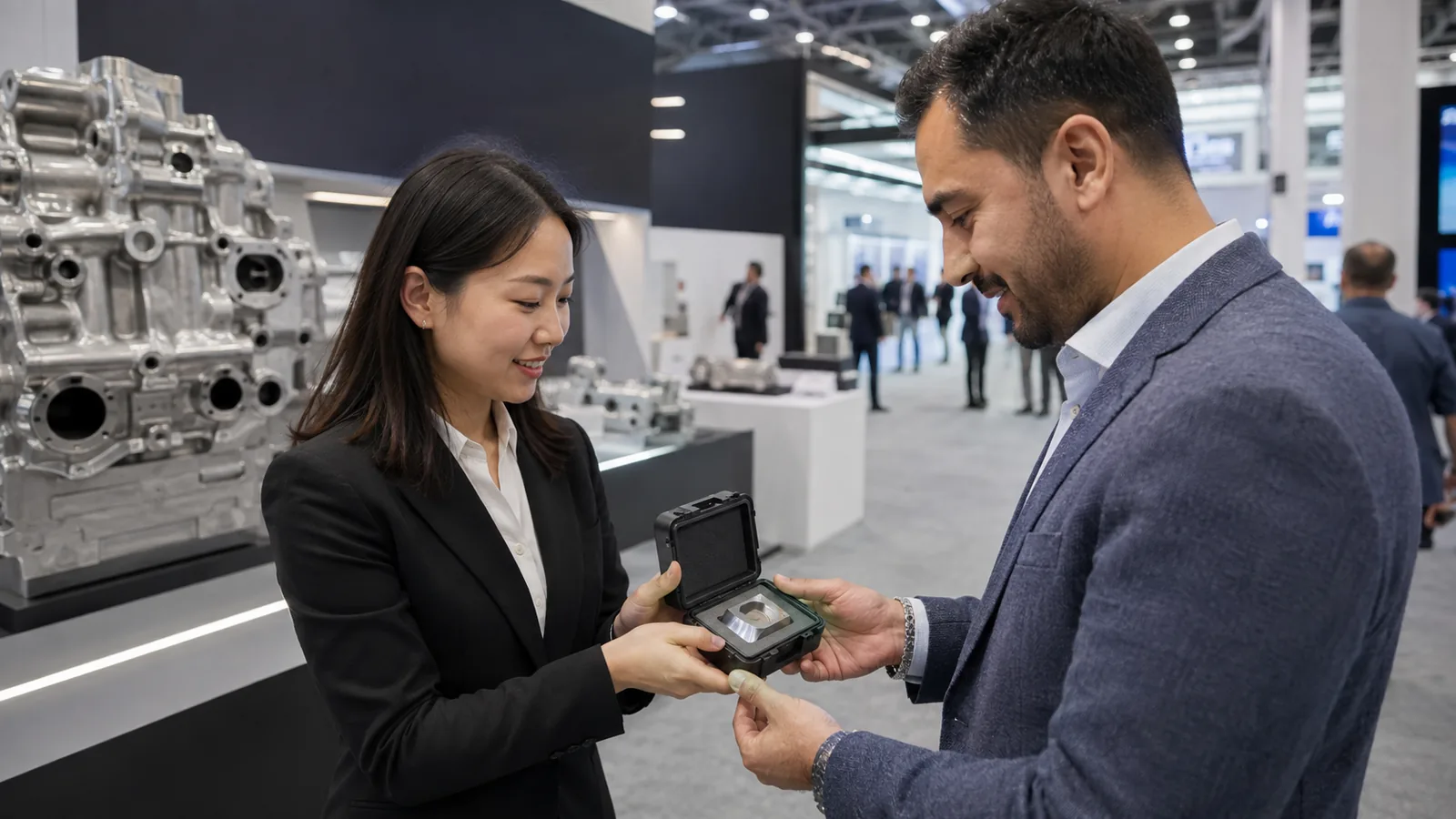
Generic merchandise rarely carries that context by itself. If you use a giveaway, connect it to the experience. The item, label, packaging, or follow-up page should remind the visitor what they learned and why it matters to their work.
Record the same context in the lead note. A badge scan identifies a person; it does not preserve the conversation. Capture the problem, the evidence they responded to, the question still open, the promised asset, and the owner of the next action. This gives the follow-up a real starting point.
Make the Follow-Up Feel Like the Next Scene
The first message after the show should continue the booth interaction, not restart with a company introduction. Refer to the product, sample, comparison, or question the visitor actually discussed. Then deliver the promised proof and make one appropriate next step easy.
For one visitor, that may be a technical data request. For another, it may be a configuration call, a sample, or a conversation with an engineer. Do not send every scanned contact the same “great meeting you” email and expect the physical experience to do all the memory work.
Agree on follow-up ownership before the event. If the booth team cannot say where a lead note goes, who reads it, and how the promised item is delivered, the experience ends at the most commercially important point.
Rehearse the Experience With a Recall Test
Test the booth path with someone who did not help design it. Let that person approach from the aisle, decide where to go, complete the interaction, speak with a staff member, and leave with the intended cue. Do not explain the concept during the test.
After a gap, ask four questions:
- Who did you think the booth was for?
- What problem or outcome did you associate with the company?
- What made the claim believable?
- What did you expect to happen next?
The answers show where the chain breaks. If the person remembers the activity but not the company, reconnect the cue and proof to the brand. If they remember the message but not why it was credible, strengthen the demonstration. If the next step is unclear, repair the staff close and takeaway.
Treat trade show engagement as a chain rather than a crowd count. During the show, track completed relevant interactions, qualified conversations, promised next steps, and the questions visitors repeatedly ask. Those signals help you improve the experience without confusing popularity with buyer interest.
Turn the Idea Into a One-Page Experience Brief
Before asking for a booth concept, put the experience on one page:
- The one buyer you most need to reach
- The sentence you want that visitor to repeat
- The visible proof that supports it
- The aisle cue that signals relevance
- The action the visitor takes
- The question staff asks next
- The information staff must capture
- The retrieval cue the visitor receives
- The next step and its owner
- The show rules, services, accessibility needs, and fallback conditions that affect delivery
This brief gives the design and event teams something stronger than “make it memorable.” It shows what the space must help a visitor notice, believe, do, and recall. Use it to judge every creative idea: if an element does not strengthen that path, it may not deserve space in the booth.
Frequently Asked Questions
How can a 10×10 booth create a memorable experience?
A small booth benefits from a single proof point. Use the back wall or a permitted upper graphic area for one clear relevance cue, keep the front open, and let one product, sample, or comparison carry the explanation. Avoid adding a game, reception counter, video wall, and meeting area if they compete for the same limited space. Confirm the current show’s display rules before fixing graphic height or equipment placement.
How can a service company create a memorable experience without a physical product?
Choose an observable decision instead of a physical feature. Let the visitor diagnose a process, compare two approaches, map a risk, or build a sample plan using their own inputs. Show the resulting recommendation on a card or screen and send it after the show. The experience should reveal how your company thinks and solves the problem, not simply disguise a lead form as an activity.
How much technology should the booth experience use?
Use technology when it makes the proof easier to understand, lets the visitor explore a meaningful choice, or captures information that improves the next conversation. Remove it when it adds waiting, training, failure points, or novelty without clarity. Always design a low-tech version of the core explanation.
How should you handle several products in one memorable booth story?
Do not give every product equal visual weight. Choose one buyer problem that connects the portfolio, use the main proof to establish that idea, and let visitors branch by application through samples, comparison cards, or guided questions. If the products serve different audiences or solve unrelated problems, create clearly separated paths or feature them in different show programs instead of forcing them into one experience.
Should every visitor follow exactly the same booth journey?
Keep the core sequence consistent—relevance, proof, conversation, retrieval cue, and next step—but vary the depth. A first-time visitor may need a short orientation, while an active buyer may move directly to specifications or a meeting. Design clear branches so deeper conversations do not obstruct the main path.
Final Thoughts
Your experience plan is ready for design when one buyer, one memorable claim, the proof, the visitor path, and the fallback all fit on the same brief. When you are ready to translate that brief into a physical booth, share it with KingExhibits together with your event, booth size, product or service, demonstration needs, and current exhibitor manual so the project team can confirm design priorities, responsibilities, and delivery scope.