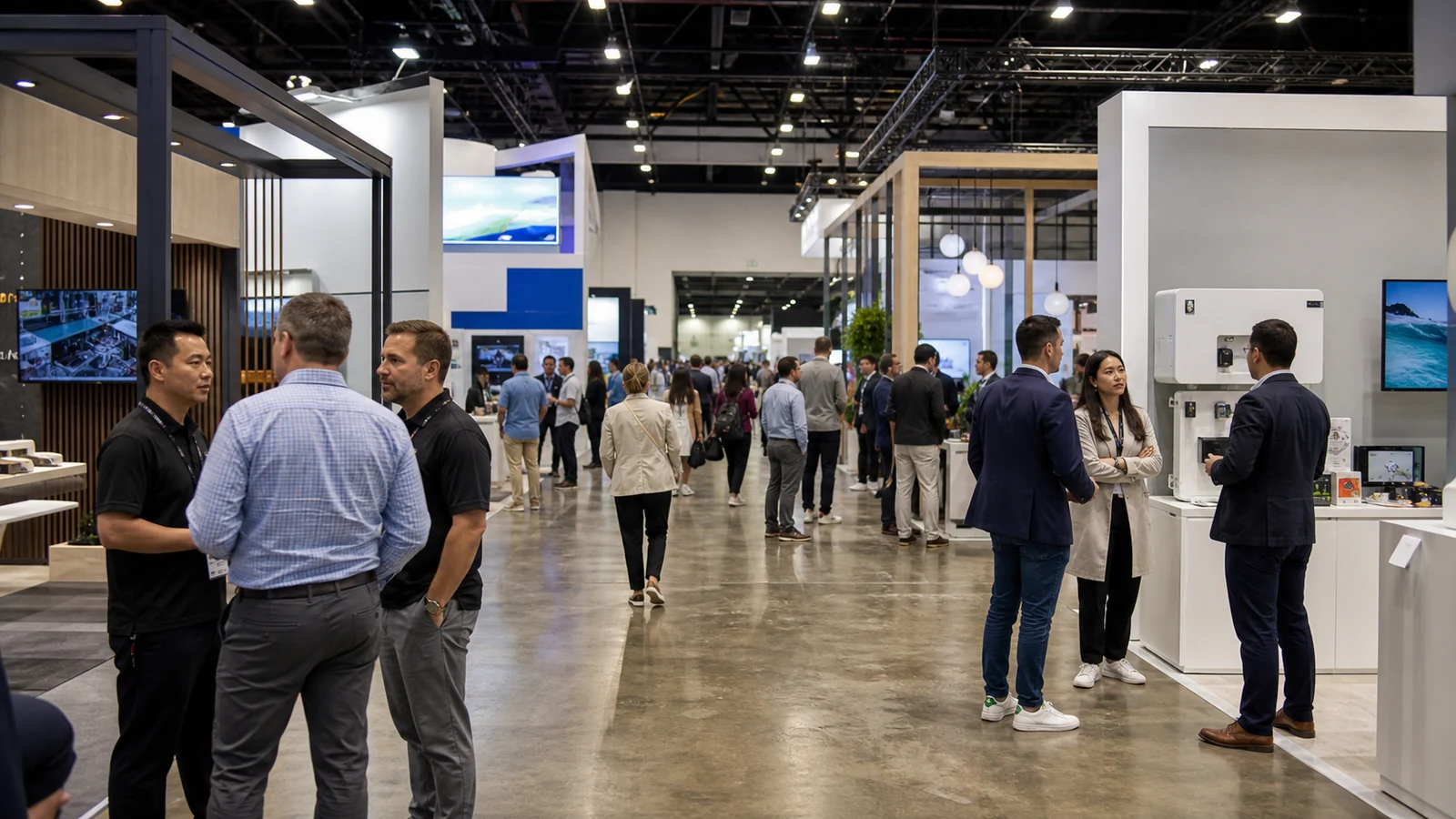
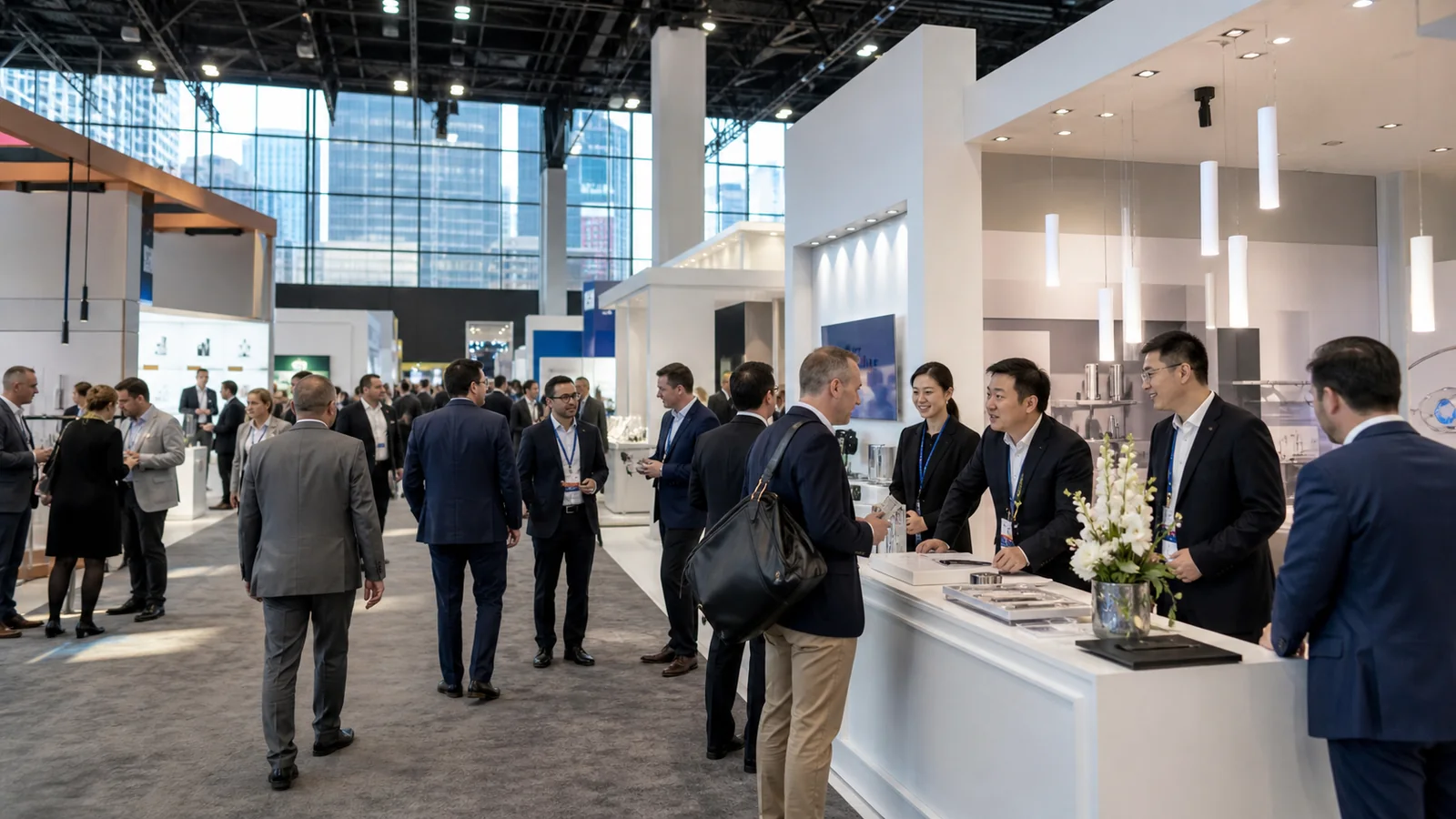
Your automation system may run perfectly at the factory and still fail as a trade-show demonstration. A missing service connection, a fragile network dependency, or an unclear buyer question can turn an impressive machine into an expensive moving display. This Automate exhibitor guide helps you prepare the technology and the exhibit as one 2027 project.
Automate 2027 Trade Show at a Glance
| Item | Current official information | What it means for an exhibitor |
|---|---|---|
| Dates | May 10-13, 2027 | Build the project around four show days, with a shorter public day on Thursday |
| Venue | Las Vegas Convention Center, 3150 Paradise Road, Las Vegas, Nevada 89109 | Do not reuse Chicago freight, labor, service, or move-in assumptions from 2026 |
| Public show hours | Monday-Wednesday, 10:00 a.m.-5:00 p.m.; Thursday, 10:00 a.m.-3:00 p.m. | Plan demonstrations, breaks, meetings, maintenance, and shutdown around the published hours |
| Producer | Association for Advancing Automation (A3) | Use the organizer's site, contract, portal, and current notices as the show-level authority |
| Exhibition scope | Robotics, AI, machine vision, motion control, software, system integration, autonomous systems, sensors, digital twins, and related automation technologies | Define the exact problem your offer solves; a broad “automation” message will disappear on this floor |
| 2027 space | The official floor plan is live and the organizer is booking space | Confirm availability and package terms directly with Automate before designing around a booth number |
| Exhibitor operations | The public 2027 service manual, move-in schedule, shipping addresses, and service deadlines were not available when this guide was checked | Keep operational details pending until the current contract, exhibitor portal, and manual supply them |
The official show name covers both an exhibition and a conference. They are related, but they are not the same product. Walking the show floor, visiting booths, and attending keynotes are currently free. Conference sessions and certification exams use separate paid registration. Budget exhibitor badges and conference access as different needs rather than assuming a booth allocation covers every learning activity.

Decide Whether Automate Matches the Decision You Need From a Buyer
Automate brings together people who build, specify, buy, integrate, operate, and study automation. The organizer lists roles across engineering, manufacturing, purchasing, management, research and development, and sales. It also names industries such as automotive, electronics, food and beverage, healthcare, energy, logistics, consumer goods, and general manufacturing.
That reach is useful only when your team narrows the booth's job. A robot manufacturer, a vision-software company, a motion supplier, and a system integrator may share the same aisle while solving very different buying problems.
Write one sentence before you reserve space:
We need [one priority role] to see that our solution can [one measurable or observable result] under [one relevant operating condition], then agree to [one next evaluation step].
If the team cannot complete that sentence without using “innovative,” “intelligent,” or “Industry 4.0,” the product story is not ready for the floor. Attending as visitors, holding prearranged meetings, or applying to speak may produce better learning than operating a booth with no clear evaluation task.
The 2026 event had more than 50,000 registrations, 1,230 exhibitors, and 425,000 square feet of show floor, according to A3's post-show report. Those are 2026 measurements, not promised 2027 results. They still reveal the navigation problem: buyers will have many alternatives. Your category, directory entry, invitation, first message, and live proof must help the right visitor understand why to stop.
Enter Through the Current Exhibitor Route
The public process begins with the official Automate exhibit page and the live Automate 2027 floor plan. The organizer asks prospective exhibitors to contact its sales team to discuss space, benefits, and A3 member pricing. This is the point to request a written proposal and clarify what the quoted booth package includes. The Automate 2027 exhibitor directory is still changing, so use it to study categories and neighbors rather than treating it as a final roster.

Use this sequence:
- Submit the official exhibitor inquiry or contact the sales address shown on the floor plan.
- Describe the company, product category, demonstration, desired footprint, and any unusual operating needs.
- Review the current floor plan with the audience route and neighboring categories in mind, but do not design to a location that has not been contracted.
- Read the exhibit-space agreement and package description. Confirm deposits, cancellation terms, included furnishings or services, badges, directory rights, insurance, and any A3 member conditions.
- After acceptance, identify the primary show contact who controls the exhibitor portal and official communications.
- Build a dated register of the current manual, service providers, target schedule, forms, approvals, and order deadlines as each item is released.
Do not buy an attendee list or service from a message merely because it uses the event name. Verify every vendor and link inside the official portal or through a known organizer contact.
Build the Demonstration Brief Before the Booth Layout
The exhibit should be designed around what the buyer must observe, not around how many products the team wants to display. Start with a demonstration brief that engineering, sales, marketing, the exhibit team, and the show-service contacts can all use.

Define the proof
State the buyer question and the evidence the demonstration can honestly provide. A machine-vision company might show how its system detects a defined defect under controlled lighting. An autonomous mobile robot provider might show navigation, obstacle response, and task handoff within a marked operating area. A motion-control supplier might compare positioning or changeover under a declared load and cycle.
The demonstration does not prove more than its conditions support. A loop running for three minutes on a show floor does not establish plant-wide uptime, payback, throughput, or safety certification. Put the test condition beside the claim so a technical visitor can judge what was actually shown.
Record the operating envelope
Create one controlled sheet for every live machine or system:
- packed and operating dimensions, weight, center of gravity, and lifting points;
- door swings, robot reach, moving axes, guarding, and visitor clearance;
- floor-loading, anchoring, leveling, and vibration needs;
- voltage, phase, amperage, startup load, and connection location;
- compressed air, vacuum, water, drainage, exhaust, or other utility needs;
- wired internet, private wireless, local server, cloud, or license dependencies;
- heat, noise, light, emissions, batteries, lasers, fluids, samples, and waste;
- startup, calibration, reset, maintenance, shutdown, and emergency-stop procedure;
- operator qualifications and the person authorized to approve a change.
Do not send a visual booth concept to production while these fields are blank. A screen, counter, wall, or storage room can block maintenance access just as easily as it can improve presentation.
Design the failure path
Decide what visitors will see when the live system pauses. Keep a recorded sequence, local data set, physical samples, annotated output, or component display ready, but label it accurately. A fallback should preserve the buyer conversation without pretending the machine is still running.
Assign a reset limit as well. If a fault cannot be cleared safely within that limit, move the conversation to the fallback and let the technical owner diagnose the system away from the visitor path. Repeated public troubleshooting rarely produces a better product discussion.
Treat the Exhibition and Conference as Separate Staff Plans
Automate's show floor is where visitors compare technologies, watch demonstrations, and meet exhibitors. The conference is a separate education program with sessions, classes, and certifications. Keynotes and show-floor theater programming have their own access rules.
This distinction changes staffing. The engineer who needs a paid conference session may not be available to run every demo. A speaker may also need preparation and travel time away from the booth. Put conference attendance, speaking commitments, certification exams, customer meetings, and booth shifts on one schedule before buying passes.
It also changes content. A conference presentation can explain a method or application in depth. The booth must make one relevant result understandable amid noise and movement. Do not turn the exhibit into a compressed lecture. Give the visitor enough proof to choose the next technical or commercial conversation.
Control the Current Documents Before You Approve Production
Automate is moving from Chicago in 2026 to the Las Vegas Convention Center in 2027. That makes version control an operating requirement.

As of September 7, 2026, the public Automate site confirms the 2027 dates, venue, show hours, exhibit inquiry, and floor plan. It does not provide a valid public Automate 2027 exhibitor manual, target move-in/move-out schedule, freight addresses, service-order calendar, or complete show-contractor matrix. The exhibitor section of the public FAQ still displays move-in and move-out dates from 2017. Those legacy entries are not instructions for 2027.
Use a status register with four labels:
| Label | Meaning | Example |
|---|---|---|
| Confirmed current | Directly supported by a 2027 organizer or venue source | Event dates and venue |
| Contract-specific | Applies only after your space and package are confirmed | Booth number, payment dates, included items |
| Pending current manual | Must wait for the 2027 portal, manual, target schedule, or vendor form | Shipping labels, move-in window, service deadlines |
| Internal planning assumption | Helps the team estimate but cannot authorize an order or design | Draft power load before equipment data are final |
Record the source URL or document name, issue date, date checked, owner, and next review trigger. Replace superseded documents; do not silently mix a new venue page with an old show form.
Plan Las Vegas Services Without Guessing the Show Assignment
The Las Vegas Convention Center's current venue page identifies Cox as the exclusive provider of telephone, internet, wireless, and data-network services. It identifies Sodexo as the exclusive food-and-beverage provider and provides a permit route for exhibitor-appointed contractors.

These are useful baselines, not a complete Automate order guide. Your 2027 show manual and portal must still identify the correct order path, official contractor, deadlines, insurance documents, booth-plan approvals, material handling, electrical and plumbing process, rigging, cleaning, security, and other services.
For a connected automation demo, send the network provider a simple architecture drawing. Show every cloud endpoint, local controller, wired device, wireless device, stream, license check, remote user, and data-security restriction. “We need Wi-Fi” is not a technical order. If the demonstration cannot tolerate shared-network behavior, define the required connection and a lawful local fallback before the deadline.
If you use a third-party exhibit house or technical contractor, confirm both organizer requirements and the LVCC exhibitor-appointed-contractor process. Ask about authorization forms, insurance, permits, access credentials, supervision, and which work remains reserved for official or exclusive providers. A contractor's ability to build elsewhere in Las Vegas does not automatically authorize work at this event.
Lock Freight and Move-In to the Current Target Schedule
Do not ship to the venue street address. Do not copy a 2026 Chicago label. Do not treat the obsolete 2017 dates on the public FAQ as a usable schedule.
Wait for the official 2027 shipping instructions, then confirm:
- advance-warehouse and direct-to-show addresses;
- receiving windows and booth-specific target time;
- carrier check-in and marshalling instructions;
- material-handling rates and what weight documentation is required;
- machinery handling, lifting, spotting, and empty-container process;
- international freight, customs, temporary import, and broker responsibilities;
- late-arrival, off-target, overtime, and forced-freight conditions;
- outbound labels, carrier deadline, return destination, and unsold consumable plan.
Work backward from the live demonstration. The machine must be placed before the booth closes around it. Utilities must be ready before commissioning. Commissioning must leave time for calibration, safety checks, cleaning, staff rehearsal, and a full shutdown-and-restart test.
Give the logistics owner a packing map. Mark what travels with the machine, what travels with staff, what is sourced in the United States, and what cannot be replaced locally. Keep critical controllers, license files, configuration backups, test samples, specialist tools, and approved spares under controlled ownership rather than scattering them across untracked cases.
Run the Booth Around a Repeatable Evaluation
A useful Automate demonstration has a beginning, a visible change, and a result the buyer can discuss. It also recovers between visitors without consuming the technical team.

Write three versions of the same demonstration:
- a 60- to 90-second orientation that lets a passing visitor decide whether the problem is relevant;
- a five-minute evaluation that shows the condition, action, output, and limitation;
- a scheduled technical session for deeper questions, data, integration, and next-step qualification.
These are presentation targets, not Automate rules. Test them with your own system and audience. If the cycle takes longer, use a clear progress display and make the waiting time part of the explanation.
Staff roles should follow the evaluation. One person welcomes and identifies the visitor's application. One owns safe operation. One explains the technical result. One records the condition the visitor wants to test next. Smaller teams can combine roles, but nobody should change a live system while another person assumes it is in a known state.
Capture more than a badge. Record the application, current process, material or part, desired result, integration boundary, decision stage, technical owner, and agreed next action. That information determines whether the follow-up should be a sample test, engineering call, site assessment, distributor discussion, quotation, or no action.
Frequently Asked Questions
Can we reserve exhibit space before the 2027 service manual is public?
Yes, the organizer is already booking space. Keep the concept conditional when operations are still pending. Your agreement can confirm space and package terms, while the final design and shipping release wait for the current rules, target schedule, service matrix, and written approvals.
Which exhibit category should a system integrator choose?
Choose the category a qualified visitor would use to find the problem you solve, then confirm the available product and service tags with Automate. A system integrator may span robotics, vision, controls, software, and applications; listing every capability equally can make the directory entry harder to understand.
What should we send when asking Automate about exhibit space?
Describe the company and product category, desired footprint, live demonstration, machine dimensions and weight, likely utility and internet needs, moving or guarded equipment, hanging elements, and any special handling. This gives the organizer enough context to route the inquiry and identify questions that must be answered before contracting.
What should a prospect bring to a scheduled technical demonstration?
Ask for only what the team can handle safely and lawfully: a representative part or image, current-process description, cycle or quality target, interface information, and the condition the prospect wants to test. Agree in advance on confidentiality, ownership, data retention, sample handling, and whether the exercise is a demonstration or a formal test.
What needs early disclosure for a live robotics exhibit?
Disclose moving machinery, robot reach, guarding, lasers, batteries, compressed gases, fluids, heat, noise, emissions, overhead loads, floor anchoring, and unusual power or network needs in the space inquiry and approval process. The current organizer and venue documents determine the forms, engineering review, permits, and authorized work.
What should the team do when the exhibitor manual is revised?
Log the new issue date and compare the revision against the booth drawing, equipment sheet, orders, shipping plan, staffing, and approvals. Assign each change an owner and due date. Reapproval is needed when a revised rule affects a regulated element, service order, target move-in, or installation method.
Can public show-floor Wi-Fi be the only connection for the demo?
Do not assume it can. Define the application's bandwidth, latency, security, login, and uptime needs, then order through the current official route. Ask whether wired service or a private network is required. Keep an accurate local fallback and do not operate an unauthorized access point.
Leave With the Next Test Defined
Automate rewards technology that can be seen, questioned, and connected to a real application. Before your team approves the booth, lock one buyer question, one honest proof, one operating sheet, one fallback, and one next evaluation step. Then hold every design, service, freight, and staffing decision against that chain.
The 2027 dates and Las Vegas venue are confirmed. The operational details that control production and shipping are not yet fully public. Keep those fields open until your current contract, exhibitor portal, service manual, target schedule, and approved providers close them in writing.