If you are deciding whether SIGGRAPH deserves a place in your exhibit budget, start with the question your demo reel cannot answer: will the product hold up in a real workflow? This guide helps you check the 2027 facts, judge whether the audience fits your sales path, and turn one product claim into a demonstration that technical visitors can inspect.
SIGGRAPH 2027 at a glance
| Item | Current official information |
|---|---|
| Event | SIGGRAPH, the annual conference and exhibition on computer graphics and interactive techniques |
| 2027 dates | August 8–12, 2027 |
| City | Anaheim, California |
| Venue | Anaheim Convention Center, announced by ACM SIGGRAPH through its official LinkedIn channel |
| Conference chair | Kristy Pron |
| Edition | 54th annual conference |
| 2027 exhibition dates and hours | Not yet found on a current official 2027 page as of September 7, 2026 |
| 2027 booth rates, floor plan, and exhibitor manual | Not yet found on a current official 2027 page as of September 7, 2026 |
Use the confirmed dates to reserve an internal planning window, not to book five days of booth labor. In 2026, the conference ran for five days while the Exhibition opened for three. That earlier pattern suggests a staffing question; it does not answer it for 2027. Wait for the current exhibit schedule before fixing demonstration shifts, freight appointments, or labor orders.

Understand the room before you choose the booth
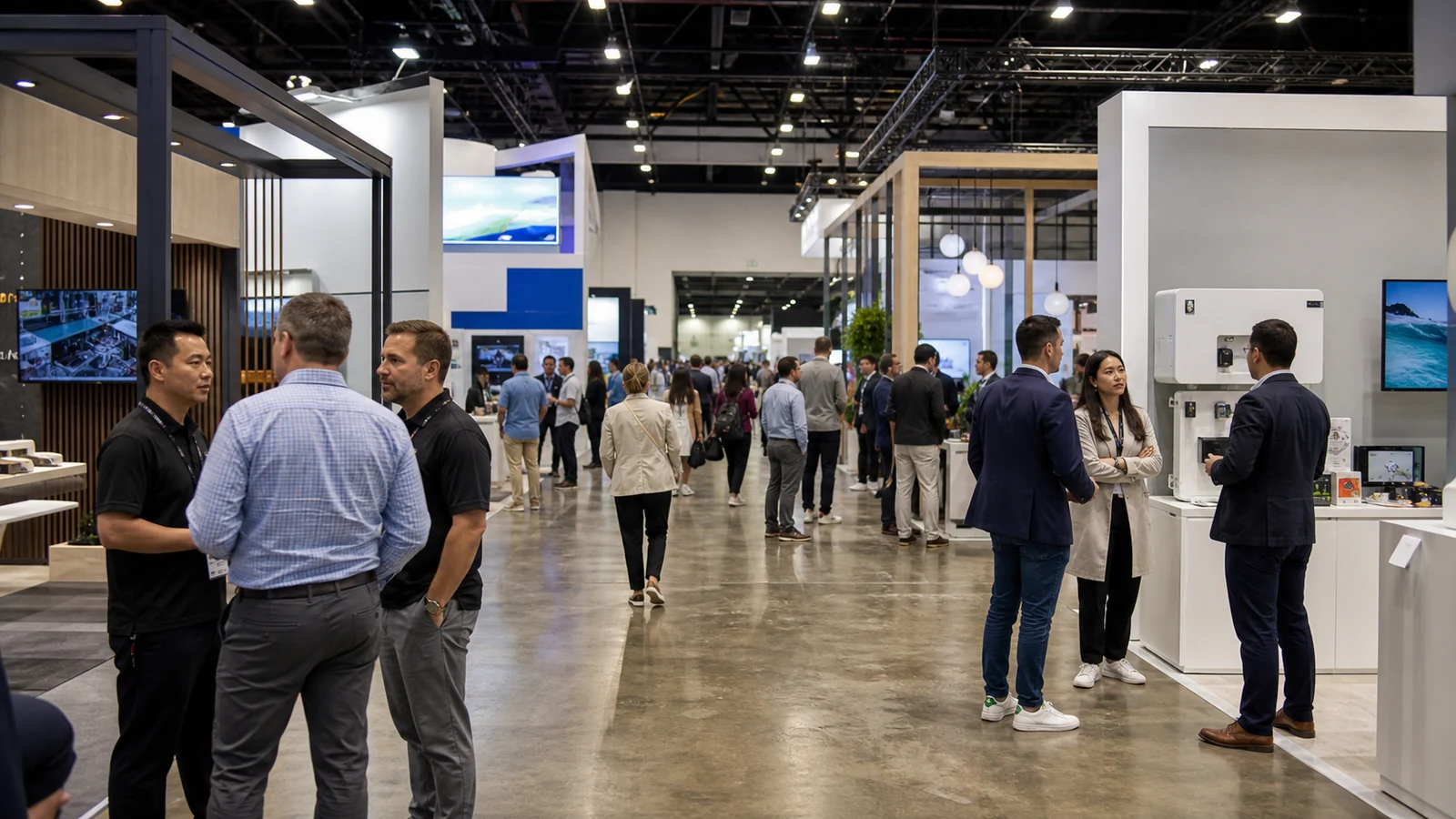
Use the audience mix to test fit before you choose booth size. SIGGRAPH is not a buyer fair built around one supply chain. Researchers, artists, developers, engineers, educators, studios, and technology companies meet around computer graphics and interactive techniques, so research questions and production needs often share the same floor.
The official 2026 recap shows the range: AI, robotics, neural rendering, Gaussian splatting, games, immersive storytelling, animation, visual effects, and real-time graphics. Exhibition materials also covered hardware, software, creative services, educational institutions, research collaborations, and nonprofit projects.
That range can expose a weak audience definition. “Faster content creation” means one thing to a VFX pipeline lead and something else to a graphics researcher or game developer. Before you reserve space, name one primary user, the workflow decision your product changes, and the proof that person needs before agreeing to a post-show test.
Decide what a technical visitor should believe after the demo
Start with one production decision, not a feature list. If you sell rendering software, let the visitor see the time, hardware configuration, and resulting image. With capture hardware, show calibration, occlusion handling, export, and a repeated run. When AI is part of the product, disclose the source of training or reference data, show what remains editable, and point to the step where a person reviews the output.

Write the visitor's decision in one sentence: “I can test this in our pipeline because I understand the input, output, integration point, limit, and next technical step.” Use that sentence to decide what goes on screen, what the presenter says, and what follow-up you offer.
Build the demonstration around four visible parts:
- a recognizable input or starting condition;
- the actual task, not only a finished highlight reel;
- a result the visitor can inspect at the booth;
- the boundary conditions, including hardware, data, time, operator skill, and known limitations.
Do not hide setup work that would reappear after purchase. If the impressive result required hand-cleaned data, a private model, an unreleased plug-in, or an expert operator, say so. Technical visitors may accept a narrow capability. They are less likely to trust a broad claim after discovering that its conditions were omitted.
Match the exhibit format to the evidence
| Product or offer | Strong exhibit format | Evidence the visitor should leave with | Common failure |
|---|---|---|---|
| Creative or production software | Short guided workflow with a repeatable task | Supported formats, workflow steps, output quality, system requirements, and trial path | Feature tour runs long without reaching a production decision |
| Graphics hardware or compute platform | Controlled benchmark plus hands-on inspection where practical | Test configuration, workload, performance measure, thermal or power conditions, and availability boundary | Headline number has no reproducible setup |
| AI image, video, or 3D system | Prompt or source-to-editable-output sequence | Data and rights boundary, controllability, editability, failure cases, and export path | Curated reel hides selection and cleanup |
| XR, spatial, display, or interaction product | Timed individual experience with visible reset and sanitation steps | Fit, calibration, latency, comfort, content requirements, and deployment needs | Queue draws attention but produces too few completed evaluations |
| Capture, scanning, motion, or robotics system | Live acquisition followed by processing and export | Capture volume, calibration, occlusion limits, processing time, file compatibility, and repeatability | Staff give a stage performance but cannot explain the system |
| Studio, education, or creative service | Case walkthrough focused on process and handoff | Scope, client inputs, review stages, deliverables, ownership, and next evaluation step | Showreel gives no view of how the work is produced |
Make the proof easier to see instead of asking the booth to compete with it. Use a large LED wall only when viewers can still distinguish a live result from a pre-rendered clip. Label what is live, what is recorded, and which configuration is running. If visitors cannot tell, the display creates doubt at the moment you want confidence.
Plan for a demo that can fail in public
Design the recovery path before you approve the booth. Keep essential assets locally, prepare an offline explanation, use known-good test files, carry spare adapters, and define the reset steps. Record a truthful fallback from the same product version and configuration so a network or hardware fault does not force the presenter to switch to an idealized marketing film.

Mark every dependency on the booth plan before you approve it: product hardware, displays, sensors, computers, network, power, mounting, audio, storage, and reset steps. Assign each item to the product team, exhibit producer, venue, or official contractor. Leave a cable or service order unassigned, and it can stop the demonstration you built the booth to support.
Wait for the 2027 exhibitor manual before treating service or operating conditions as fixed. Current public material does not yet establish the 2027 rules for internet and power orders, rigging, special effects, life safety, or demonstration approval. Your booth drawing can show where equipment sits; it cannot confirm permission to operate it.
Separate the conference program from a commercial product pitch
The latest official submissions FAQ separates the conference program from the Exhibition. It directs a simple product announcement or sales presentation to the Exhibition, while a methods or systems description may fit program review when it explains engineering design and algorithms.
Use that distinction to divide the work, not to predict 2027 acceptance. If you want both a commercial exhibit and a conference contribution, assign separate owners and approval dates. Buying exhibit space does not secure program time, and submitting technical content does not create a booth.
Before showing unreleased work, ask the product and legal owners what can become public and when. The 2026 submissions FAQ warns that accepted submission information can become public and advises companies to consider legal guidance on patent timing. Use the 2027 submission materials for the actual disclosure dates and terms; this article does not provide legal advice.
Staff for questions that go past the pitch
Assign two responsibilities before you build the staff schedule. Whoever owns the demo must be able to run and reset the product under pressure. Whoever owns the conversation must be able to explain integration, limitations, commercial access, and the next evaluation step without inventing an answer. In a small booth, one trained person can cover both responsibilities, but the schedule still needs a named backup.

Prepare short answers for the questions that decide whether a visitor will continue the evaluation:
- Which product version and hardware configuration are running?
- What part of the workflow is live?
- Which file formats, engines, APIs, or pipeline tools are supported now?
- What fails first, and what is the documented workaround?
- What can the visitor test after the show, with whom, and under what access terms?
- Which claims can staff support with a technical document rather than a slogan?
Do not force every technical conversation into immediate sales qualification. Researchers, engineers, and production users may influence adoption without holding the budget. Record the person's role, the problem discussed, the evidence requested, and the agreed next step. That record is more useful than labeling every badge as a buyer or lead.
Get the 2027 documents before locking the exhibit
Use four current document sets to control the project once the organizer publishes them:
- 2027 exhibit prospectus or sales kit: confirm available space, participation options, pricing, and the sales contact.
- Floor plan and space-selection information: confirm location, booth type, neighboring features, and space-specific limits.
- 2027 exhibitor manual: confirm official contractors, service orders, move-in and move-out, freight, insurance, display rules, and demonstration approvals.
- 2027 conference schedule and registration terms: confirm exhibition hours, badge access, session timing, and staff credentials.
Ask for the source document when a service provider gives a deadline or restriction. Store the file name, edition, page, and date with your project record. Treat a checklist copied from another city or SIGGRAPH year as a source of questions, never as authority for Anaheim in 2027.
Decide whether to exhibit or attend first
Choose to exhibit when your product clearly belongs in the computer-graphics or interactive-technology ecosystem, the live proof survives technical scrutiny, and your team can offer a concrete post-show evaluation. SIGGRAPH is most useful when visitors need to see the workflow, output, interaction, or hardware before deciding whether to test the product.

Attend first if you cannot name the primary user, cannot show inspectable proof, have no practical post-show test, or cannot yet support U.S. deployment. During the visit, note who stops at relevant exhibits, what they ask after a demonstration, and which claims require the most explanation. Those observations should determine whether you buy space the following year and what you demonstrate there.
The decision is not “Can we make an impressive booth?” It is “Can a knowledgeable visitor leave with a more confident reason to test our product?” If the answer is not yet clear, observation is a better first investment than a larger screen.
Frequently asked questions
Is SIGGRAPH the same event as SIGGRAPH Asia
No. ACM SIGGRAPH presents two annual conferences: SIGGRAPH and SIGGRAPH Asia. They serve the same wider computer-graphics community but have different dates, locations, programs, participation documents, and exhibit arrangements. Use the 2027 Anaheim materials for this project, not a SIGGRAPH Asia exhibitor kit.
How long should a SIGGRAPH booth demonstration be
Do not force every visitor through the same presentation. Prepare a short version that proves one claim and lets the visitor choose whether to continue. Keep a deeper version for scheduled conversations or people who ask for the setup, limits, and integration path. Time both versions during rehearsal, then set staffing and reset capacity from the real run time rather than an arbitrary target.
Should an exhibitor demonstrate a beta product
Only when staff can identify the version, unfinished functions, known failure cases, data or rights conditions, and the access visitors can receive afterward. Keep a stable fallback and do not present a planned integration as available. Internal legal and product owners should approve what can be shown before the files reach the booth.
How should an international exhibitor plan equipment shipping
First separate temporary demo equipment from display products, consumables, giveaways, and anything intended to stay or be sold in the United States. Then obtain the 2027 shipping instructions, warehouse and direct-to-site dates, labels, material-handling terms, and customs guidance from the responsible providers. Booking freight does not settle temporary-import or re-export requirements.
What should a qualified visitor receive after the demonstration
Give the visitor a next step that matches the conversation: a trial or evaluation route, the configuration that was shown, the known limits, and the name of the person who owns the follow-up. Do not send a generic brochure when the visitor asked for technical proof. Record the requested evidence before the person leaves so the follow-up continues the same evaluation instead of restarting the pitch.
Final thoughts
SIGGRAPH is a better fit when your product can survive the second question. Choose one workflow decision, show the real task and its limits, and prepare a credible next test. Use the confirmed August 2027 dates and Anaheim venue for internal planning, but wait for the current floor plan, exhibit schedule, rates, and manual before you commit to booth services or freight.