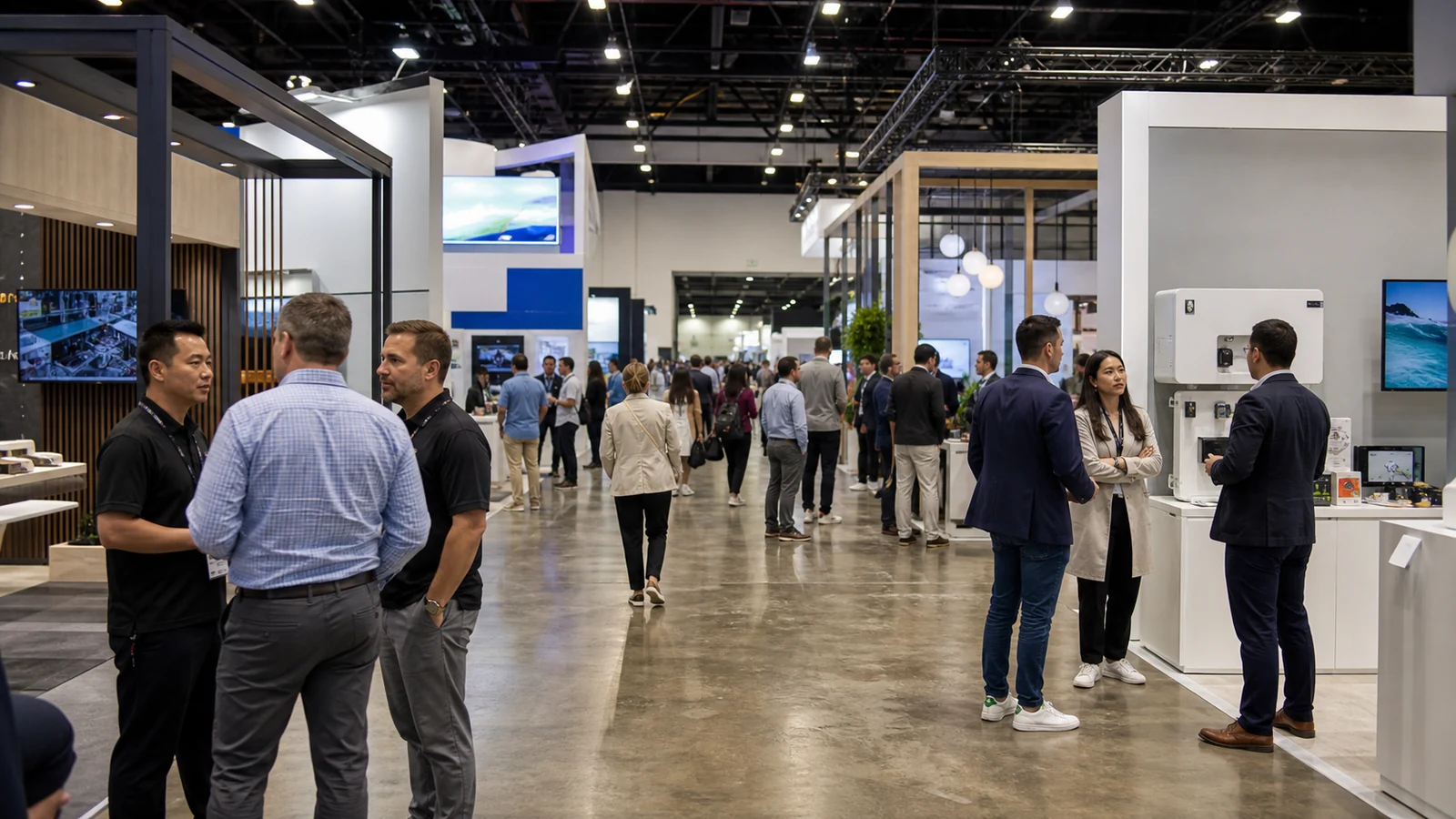
Your booth can be built, your graphics can be approved, and your team can still lose valuable floor time to a dead phone, a missing adapter, a coffee stain, or a contact number buried in someone’s inbox. These are small problems, but they become expensive distractions when the person who can fix them has to leave the booth.
You may see similar on-site lists called a trade show survival kit, trade show emergency kit, booth supply kit, or day-of bag. In this article, a go-bag means the items your team may need within minutes, not everything you might use during the event. Use this checklist to decide what stays with each staff member, what belongs in one shared booth kit, and what should remain with your freight or professional service team.
Quick Trade Show Go-Bag Checklist
Use this one-page overview to sort your trade show essentials before you work through the details. The first two columns stay accessible on show day; the third belongs in planned freight, storage, or an approved service scope.
| Personal go-bag | Shared booth kit | Freight or service scope |
|---|---|---|
| ☐ Registration and badge-replacement information | ☐ Tested spare cables and adapters | ☐ Structural hardware and replacement exhibit components |
| ☐ Phone, power bank, and device-matched cable | ☐ Paper lead forms, pens, and notepad | ☐ Replacement graphics and booth parts |
| ☐ Offline floor map, schedule, and current contacts | ☐ Show-day contact and reference sheet | ☐ Bulk brochures, samples, and giveaways |
| ☐ Business cards and a tested QR contact option | ☐ Microfiber cloth and surface-approved cleaner | ☐ Electrical distribution and extension cords |
| ☐ Offline demo and approved pricing or product-reference files | ☐ Labels, marker, and permitted small fasteners | ☐ Installation and dismantling tools |
| ☐ Personal notebook and show-day brief | ☐ Small sewing and stain kit | ☐ Installer-controlled hardware and tools |
| ☐ Water and a compact snack | ☐ Compact first-aid kit | ☐ Spare components held in freight or storage |
| ☐ Personal medication and assistive items | ☐ Dated restock sheet | ☐ Travel-, venue-, or organizer-restricted supplies |
| ☐ Tissues, sanitizer, and foot-care backup | ☐ Named owner and secure storage position | ☐ Items assigned to the official show contractor |
Copy or print this table for the staff briefing, then add the item owner and exact storage position. The sections below explain what to test, what to keep secure, and what must be verified against the current exhibitor manual.
A Go-Bag Is Not Your Full Trade Show Packing List
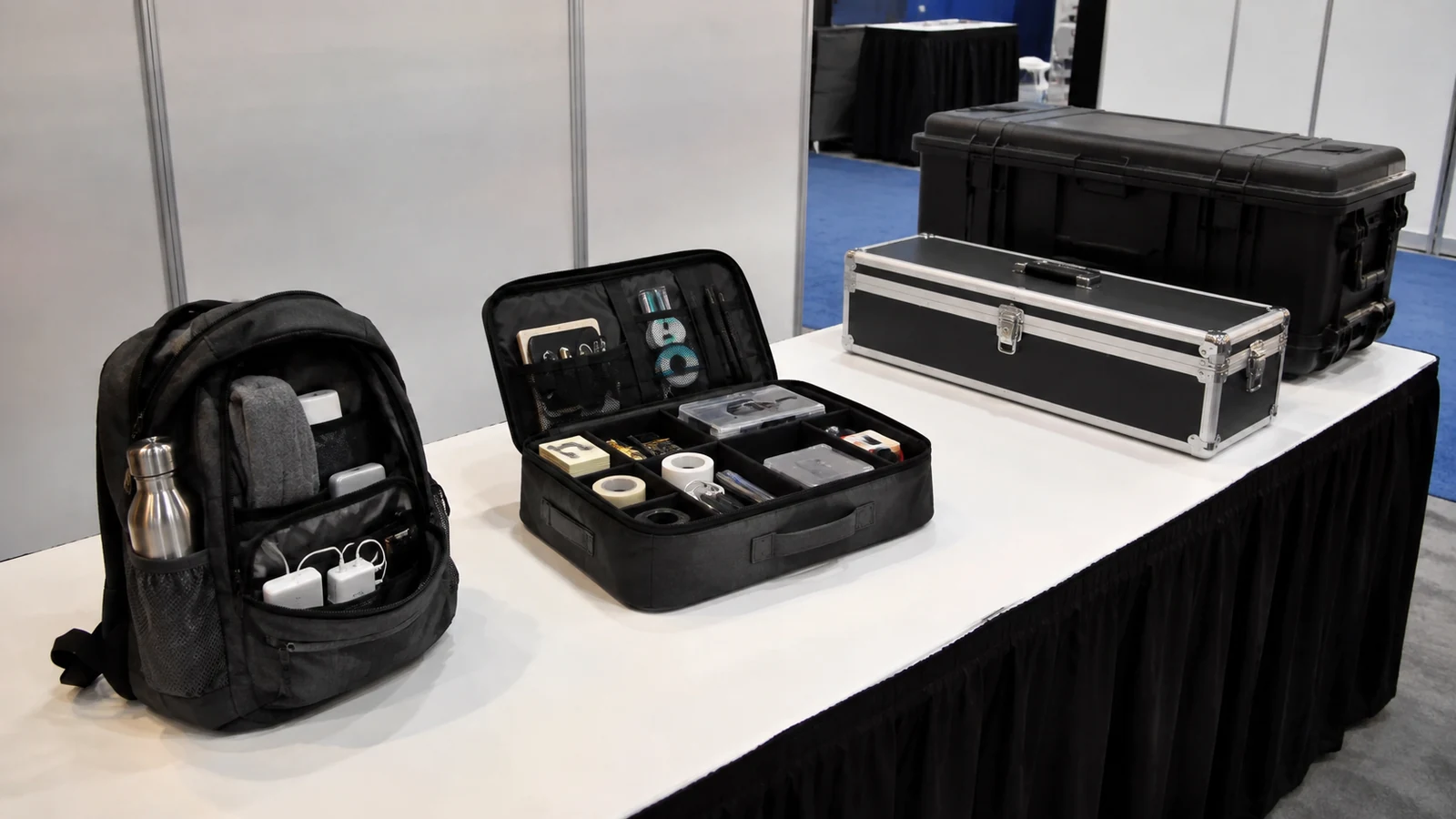
Start by giving each item a home. If you put every cable, brochure, tool, and personal item into one bag, the items you need quickly will be the hardest to find.
The dividing line is not simply size. Ask who needs the item, how quickly it must be available, whether it creates a safety or show-rule issue, and whether leaving it unattended would create a security problem. That keeps the go-bag compact enough to carry and useful enough to open under pressure.
Trade Show Go-Bag Checklist
Do not copy the list blindly. Match cables to your devices, contacts to your current show, and personal supplies to the people who will actually use them.
Access, Schedule, and Emergency Contacts
- Registration and badge-replacement information: Keep the event app, registration email, or organizer-approved replacement instructions available without searching through a long inbox. Carry the identification the organizer requires, but do not copy, transfer, or share a badge unless the organizer expressly permits it.
- Offline booth and floor details: Save your booth number, a floor map, move-in access point, meeting locations, and the day’s schedule where you can reach them without venue Wi-Fi.
- A short contact sheet: Include show management or the service desk, your exhibit partner, your carrier if freight is still moving, and the internal person who can approve an urgent decision.
- Essential reference numbers: Record only the order, shipment, or service reference numbers you may need on site. A one-page summary is more useful than a folder full of old confirmations.
Make the contact sheet specific to the current event. A number saved from last year is not a backup unless someone has confirmed it still reaches the right team.
Power and Demo Backups
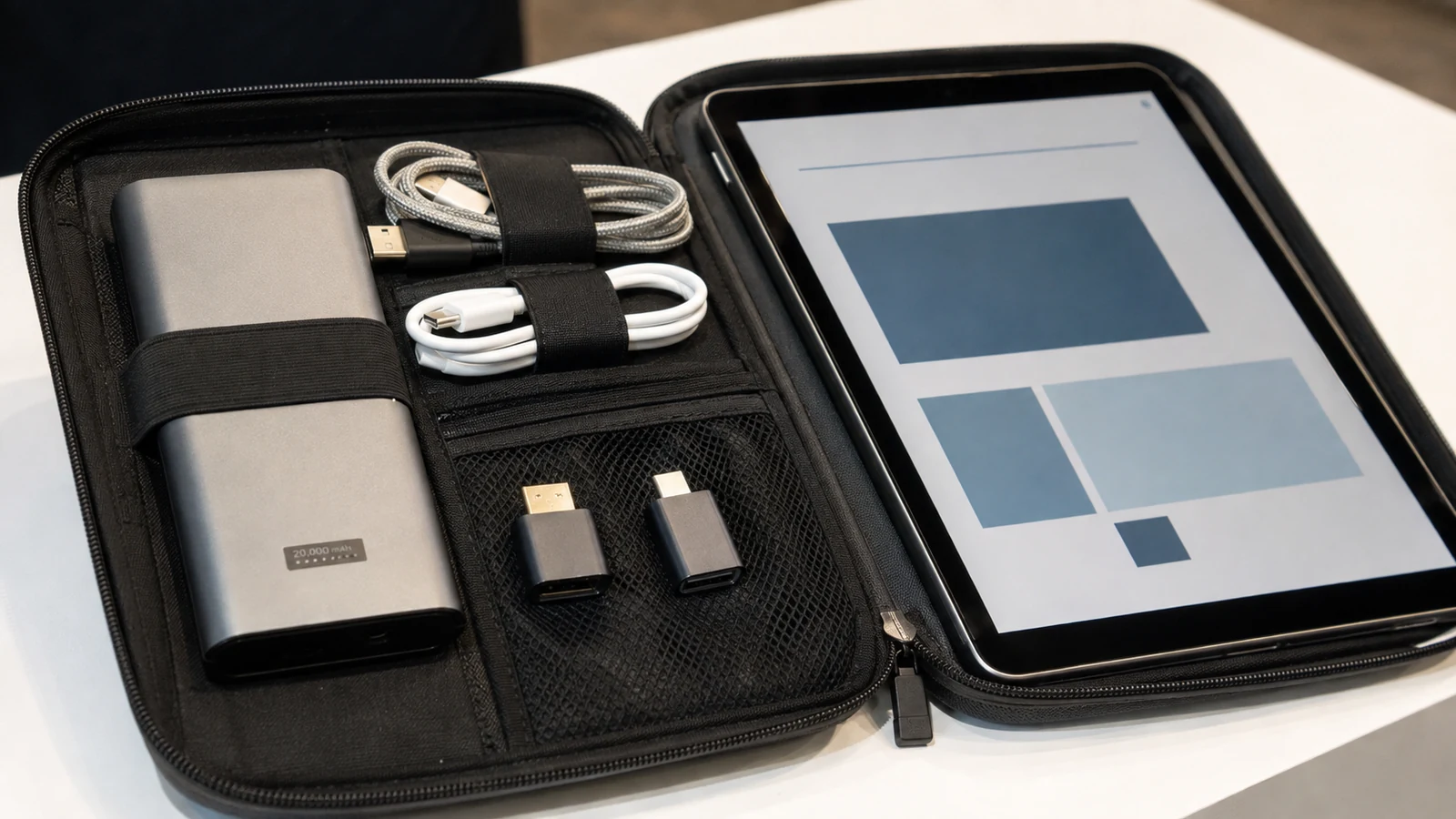
- A charged power bank: Choose one that can support the phone, tablet, or lead device your team cannot operate without. If you fly to the show, check current TSA and airline battery rules before packing it.
- Device-matched charging cables: Label the cable that belongs to each critical device. “Extra USB cables” do not help if none fits the scanner or tablet on your counter.
- The adapters your demo actually needs: Pack only the HDMI, USB-C, DisplayPort, audio, or network adapter confirmed during testing.
- Offline demo files: Store the approved presentation, product video, approved pricing or product-reference sheet, or product images locally on the device you will use. Confirm that the files open without a login or internet connection.
- A no-power lead backup: Keep a simple paper form or note card that captures name, company, need, urgency, promised follow-up, and the owner on your team.
For flights departing from or within the United States, power banks containing lithium-ion batteries must remain in carry-on baggage under current TSA guidance. Check the watt-hour rating and protect the terminals from short circuits. Current FAA PackSafe guidance limits most personal lithium-ion batteries to 100 Wh; batteries rated 101–160 Wh require airline approval and are limited to two spares per person. Do not travel with a damaged or recalled battery. Other countries, connection airports, and airlines may apply different or stricter rules, so verify every flight segment.
Conversation and Lead-Capture Essentials
- A small supply of current business cards: Check the title, phone number, email, and brand before packing them. Keep bulk stock in booth storage instead of making every staff member carry a box.
- A digital contact option that has been tested: Open the QR code or digital card on a second device before the show. A code that points to an old profile or needs a password is not a backup.
- A pen and compact notebook: Use them to preserve the buyer’s wording when a scanner fails or when a conversation deserves more context than a badge record provides.
- A one-page show-day brief: Include the products or demos being prioritized, scheduled meetings, important visitors, and any promise the team must not make without approval.
The purpose is to preserve the conversation, not to build a second CRM in a notebook. Move each handwritten record into your normal system and assign the follow-up before the context disappears.
Protect the record as carefully as the device. Use screen locks, restrict access to offline customer files, collect only the information your approved process needs, and keep paper lead forms, contact sheets, and shipment references with an accountable person. Move paper leads into the approved CRM promptly and secure or dispose of the paper according to your company policy. Charge from your own power source and cable instead of connecting a data-capable device to an unknown public USB port.

Personal Comfort and Presentation
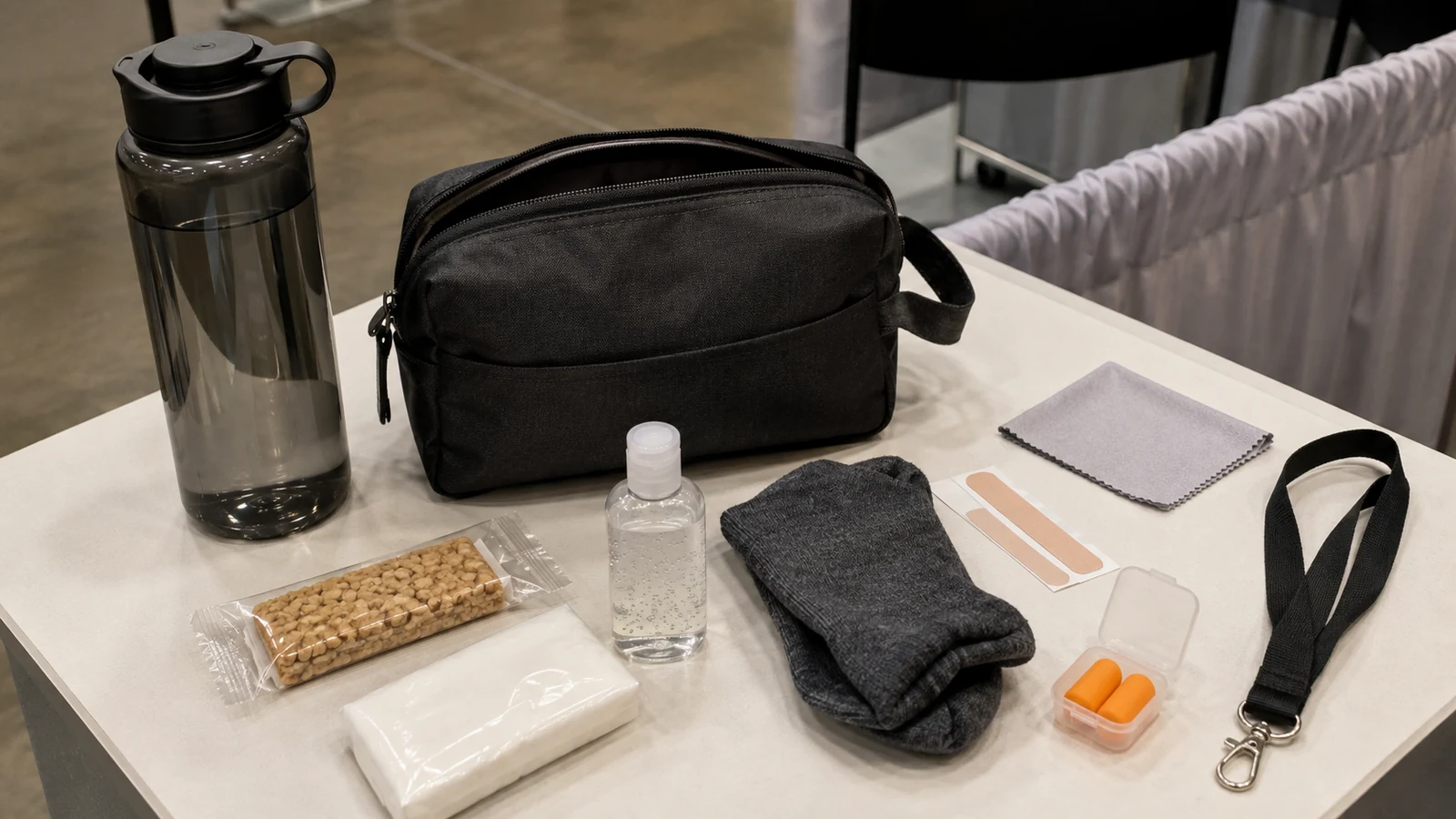
- Water and a compact personal snack: Pack them where venue rules permit. Choose a snack that fits your needs, requires no refrigeration, and will not create an odor or mess in the booth.
- Breath mints, tissues, and hand sanitizer: Keep these as personal supplies rather than an excuse to turn the counter into a toiletries shelf.
- A small stain or lint solution: A stain-remover wipe or lint roller can solve a presentation problem without sending a staff member back to the hotel.
- A personal foot-care backup: Blister bandages, spare socks, or another item you already know helps you through a long day can be more useful than carrying an extra pair of untested shoes.
This is not a dress-code list. Your clothing and footwear still need to match the event, your role, and any setup-day safety requirements.
Optional Items Based on the Person and Event
- Personal assistive or sensory items: Depending on your needs and the event, these may include hearing-aid batteries, prescription glasses supplies, or earplugs for a noisy industrial show.
- Small personal-care extras: Lip balm, a throat lozenge, or a spare mask may be useful for you, but they are not universal team supplies.
- Return-trip and payment backup: Save the hotel address, return route, ride-hailing details, and a personal backup payment method without putting unnecessary financial information in the shared kit.
- Organizer-approved badge accessories: A spare lanyard or badge holder may help only if it is compatible with the organizer’s credential and does not alter or duplicate the badge.
Add an optional item only when a named person or event condition justifies it. If nobody can explain when the item will be used, leave it out.
Basic First Aid and Personal Medication
- First-aid location and basic shared supplies: Identify the venue’s first-aid point before opening. Keep a compact team kit with basic wound-care items where staff can find it; it does not replace professional help.
- Your personal medication: Keep it labeled, within its storage requirements, and with the person it belongs to. Do not create a shared medication supply.
- Emergency contacts and expiration check: Review the kit before travel and replace anything used or out of date.
The American Red Cross recommends carrying a first-aid kit or knowing where one is, including personal medication and emergency numbers where appropriate, and checking expiration dates. Treat this as a preparedness baseline, not medical advice for your staff.
Small, Non-Structural Fixes
- Microfiber cloth and approved screen cleaner: Match the cleaner to your screen, glass, or finished surface before using it.
- Labels and a marker: These help identify a cable, box, sample, or temporary instruction without changing the booth structure.
- A small amount of approved fastening material: Hook-and-loop strips, removable tape, or zip ties may help with a minor non-structural issue, but only if the show rules and the surface permit them.
- Photos of the approved setup: A few clear reference images help the team see whether a graphic, product, or movable accessory has shifted from its intended position.
Stop when the problem is structural, electrical, suspended, unstable, or outside your team’s approved work. Stop using the affected item or area if it is safe to do so, keep visitors away, and contact the responsible show or booth-service team. A personal go-bag is not an installation toolkit.
What Belongs in the Shared Booth Kit Instead?
Some items are useful to everyone but waste space when five people carry five copies. Put them in one shared kit and make its owner and location clear during the staff briefing.
| Shared item | Why it is shared | Opening check |
|---|---|---|
| Tested spare cables and adapters | Several devices may need the same backup | Match labels to devices and test one connection |
| Labels, markers, notepad, and paper lead forms | Supports quick identification and manual capture | Confirm the forms and pens are usable |
| Microfiber cloths and surface-approved cleaner | Keeps screens and counters presentable | Check the cleaner against the actual surface |
| Small sewing and stain kit | Handles minor clothing problems | Replace used items |
| Compact first-aid kit | Gives the team a known source of basic supplies | Check contents, location, and expiration dates |
| Show-day contact and reference sheet | Gives every shift the same escalation path | Confirm names and numbers for this event |
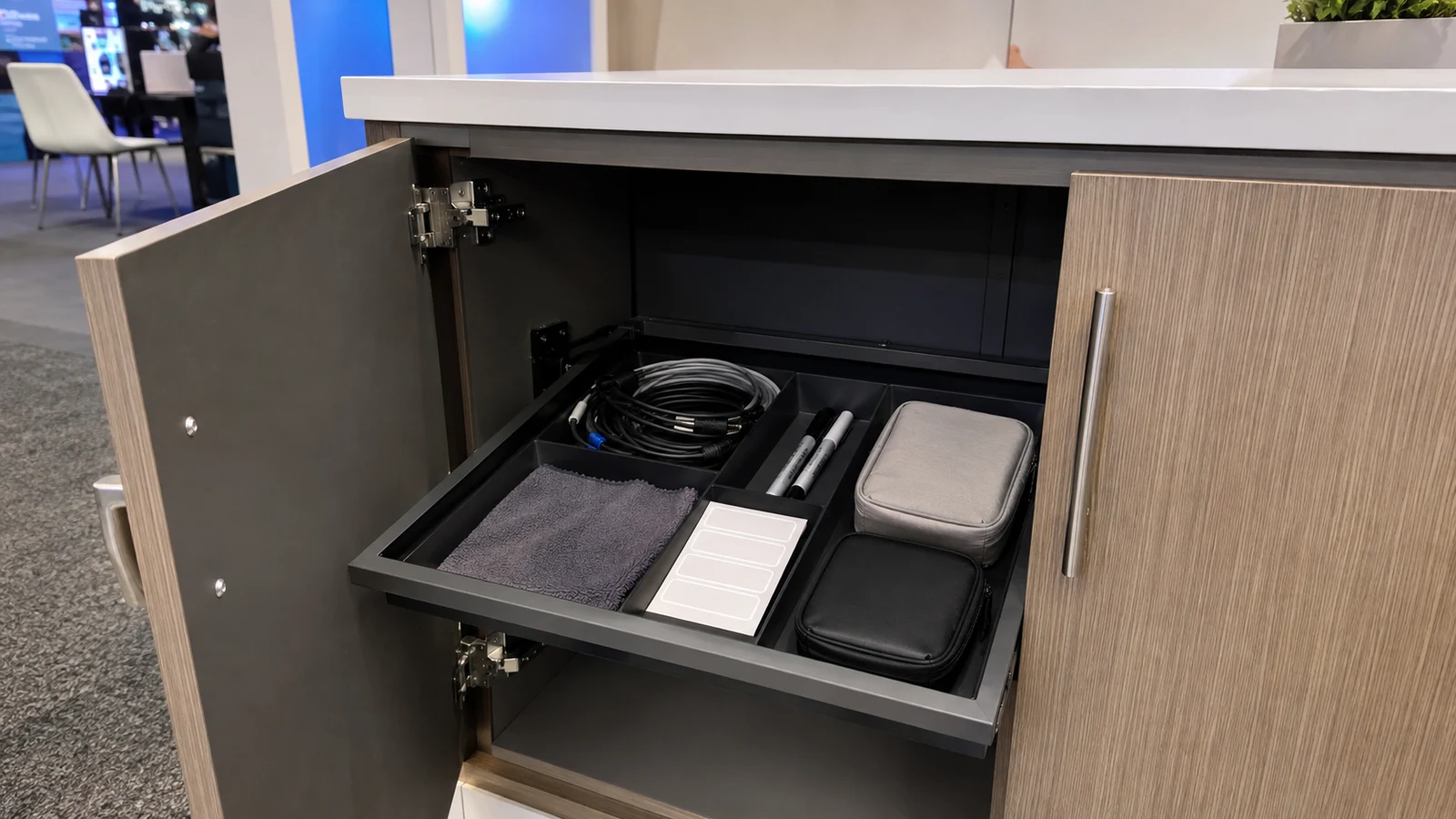
If the kit includes tape, hook-and-loop fasteners, zip ties, scissors, or other tools, check the current exhibitor manual before travel and again before show-floor use. Keep valuables, unnecessary identity documents, personal medication, and confidential customer information out of an unattended shared kit.
Store the kit where staff can reach it quickly but attendees cannot see or trip over it. Do not bury it under giveaway cartons, place it in an empty shipping crate that will be removed, or leave it in an unlocked public area.
Keep Freight, Installation Tools, and Restricted Items Out of the Go-Bag
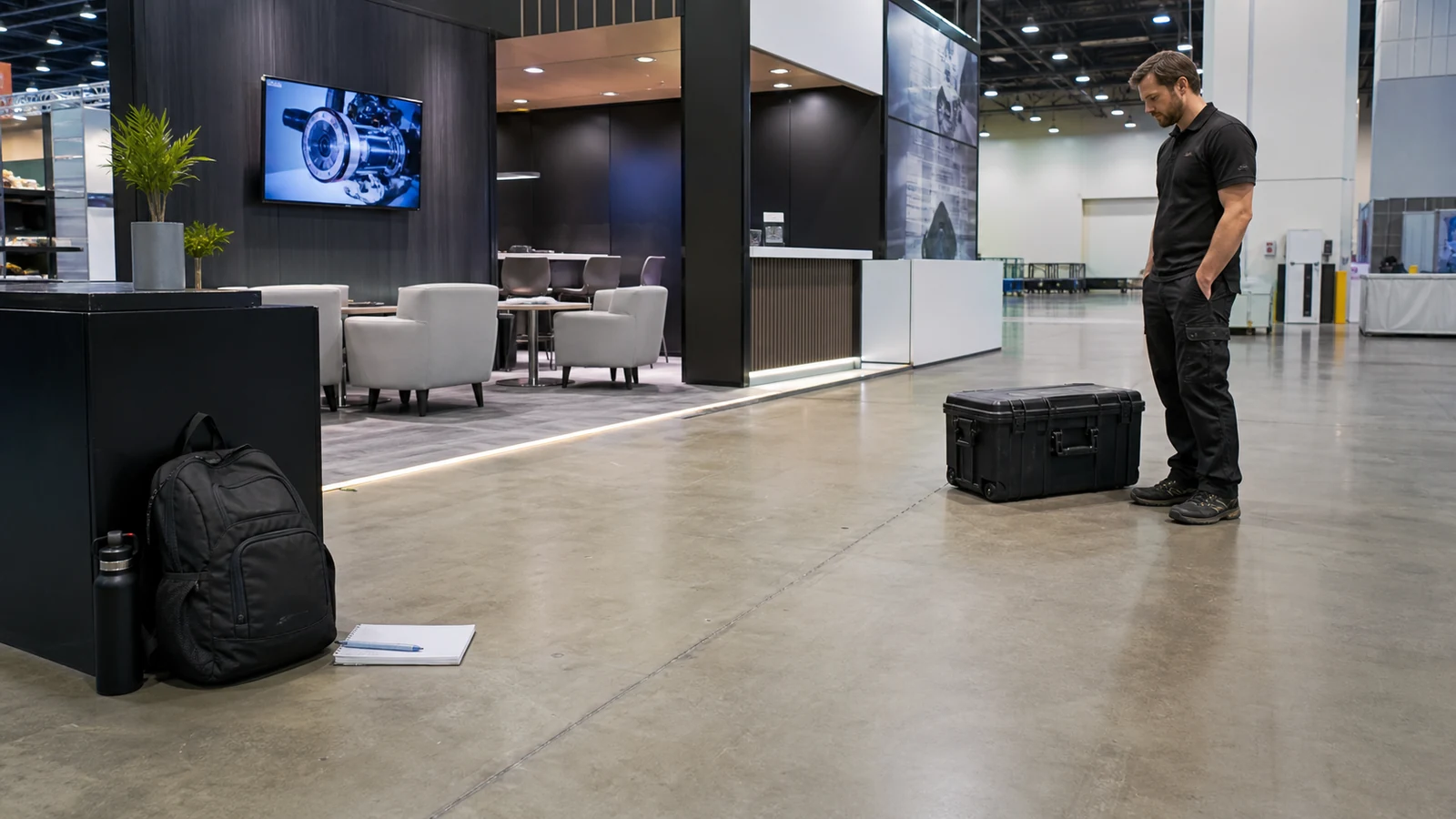
Several common “survival kit” lists mix personal supplies with knives, power tools, extension cords, replacement booth parts, and bulk marketing material. That creates three problems: the bag becomes difficult to use, some items may be restricted in transit, and using them may cross a venue or labor boundary.
Keep these items out unless the current travel and show plan gives them a clear, permitted home:
- utility knives, pocket knives, and sharp multi-tools in carry-on baggage;
- structural hardware and replacement exhibit components;
- electrical distribution, extension cords, or adapters that have not been approved for the booth plan;
- ladders and installation tools intended for setup or dismantling;
- bulk brochures, samples, giveaways, and spare graphics;
- food, liquids, aerosols, or cleaning products restricted by travel, venue, or organizer rules.
For U.S. screening, use the current TSA list as a starting point:
| Item | U.S. carry-on starting point |
|---|---|
| Utility knife or box cutter | Not allowed |
| Pocket knife or Swiss Army knife | Not allowed |
| Scissors | May be allowed when the blades are less than 4 inches from the pivot point |
| Multi-tool | A bladeless tool may be allowed; a knife blade is prohibited, and included scissors must meet the size limit |
TSA guidance applies to U.S. screening, and the final decision remains with the security officer. Check the rules for every departure and connection airport, as well as your airline. Even when an item can travel, that does not mean your staff may use it on the show floor. Confirm the exhibitor manual and the party responsible for installation before packing or using tools.
If a wall, counter, monitor, light, hanging element, or powered component becomes loose or unsafe, do not improvise a repair because a tool happens to be in the bag. Stop using the affected area and escalate it to the team responsible for that scope.
Assign an Owner and Reset the Kit Every Day
A complete kit with no owner becomes incomplete as soon as someone borrows the only cable or uses the last bandage.
Use a simple routine:
- One to two weeks before departure: Identify missing specialty cables, batteries, printed material, backup devices, or personal prescriptions. Order what you need and verify current airline and exhibitor-manual restrictions while there is still time to change the plan.
- Two days before departure: Match cables and adapters to the actual equipment, open offline files, charge batteries, confirm contacts, and check expiration dates.
- Before the floor opens: Put the shared kit in its agreed location, confirm the lead-capture backup, and tell every shift who owns restocking and escalation.
- During the show: Return shared items after use. Record anything that must be replaced instead of relying on memory at the end of a long day.
- After the floor closes: Use five checks—used, missing, recharge, replace, secure. Prepare the kit for the next morning before the team leaves.
- After the event: Remove lead forms and confidential records, then note what was missing, unused, or difficult to access before storing the kit.
Each person remains responsible for personal identification, medication, clothing, and health-related items. The shared-kit owner is responsible for common supplies, not for guessing what every colleague needs.
King Exhibits Support Before Move-In
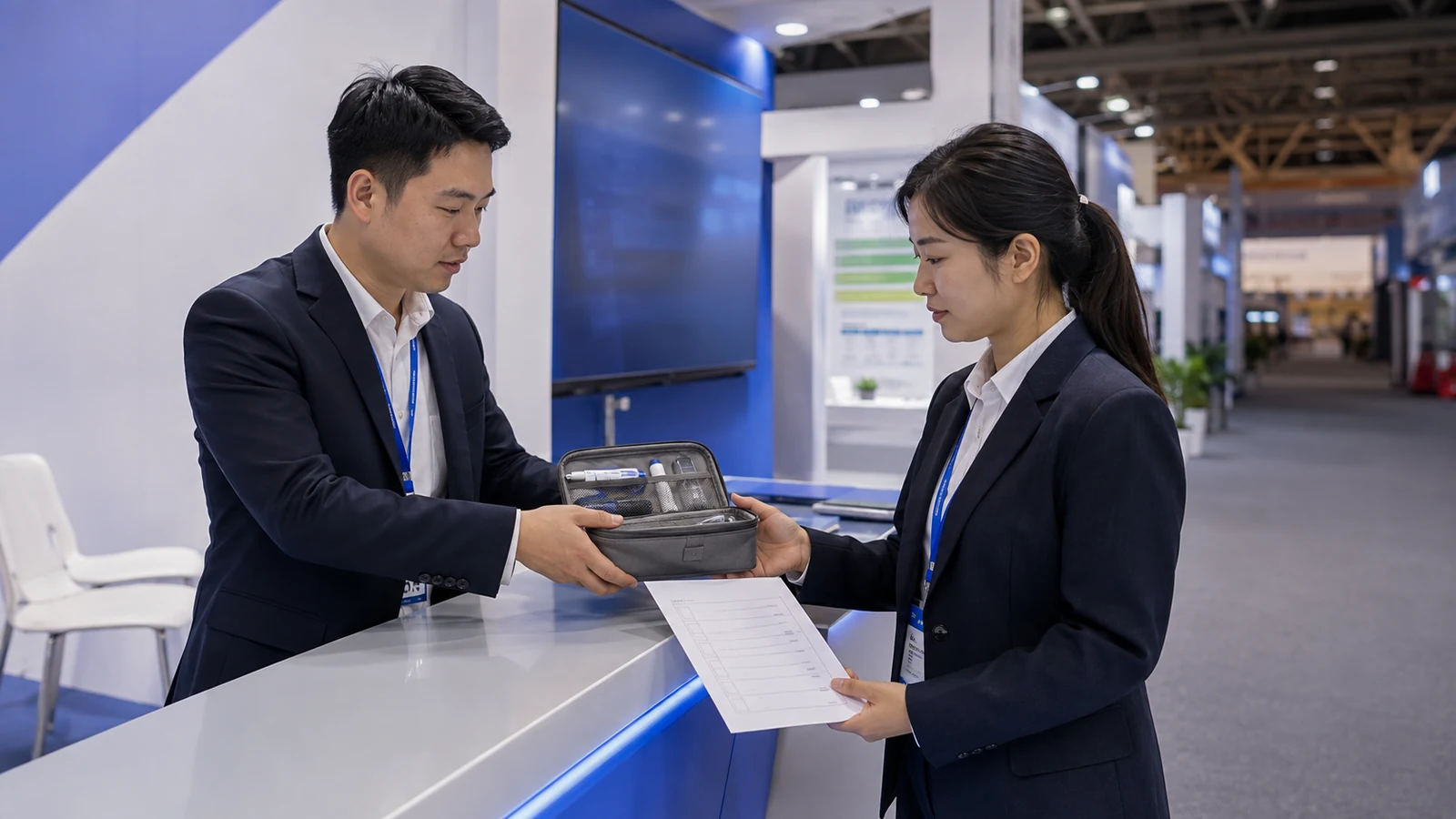
Your staff go-bag is only one part of show readiness. King Exhibits can help define the agreed booth scope before move-in, so your team does not confuse personal backups with booth-delivery, storage, or installer responsibilities.
| Responsibility | What King Exhibits can clarify | What your team still confirms |
|---|---|---|
| Booth delivery | Which approved structure, graphics, rental components, and accessories are included in the booth scope | Which demo units, product samples, and business materials your staff or freight plan must supply |
| Logistics and storage | The agreed delivery, freight-handoff, and booth-storage plan | Carrier references, staff-carried valuables, and anything the exhibitor manual does not permit in booth storage |
| Installation and dismantling | Which work sits with the King Exhibits team and which work must go to an official show contractor | Client approvals, access requirements, and any late equipment or layout change |
| Show-day escalation | The project contact and the shipment, order, or service references needed to identify a booth-scope issue | The internal person who can approve a cost, substitution, or operational change |
Send King Exhibits your show name, booth number and size, floor plan, demo or AV list, freight schedule, and current show-service orders. We can review them against the agreed booth scope and flag unanswered ownership questions before move-in. Your team then knows what arrives with the booth, what an official contractor handles, and what must remain with staff.
Frequently Asked Questions
What Should Exhibitors Bring to a Trade Show Booth on Setup Day?
Build a separate setup-day layer around the current manual: required access credentials, clothing and footwear appropriate for your approved tasks, current service contacts, and the documents needed to identify freight or orders. Keep installation tools with the party authorized to use them. Before leaving setup, remove anything you will not need during open hours so the show-day go-bag stays compact.
What Should Stay With Your Team If Booth Freight Is Delayed?
Keep the minimum items that let your team hold useful conversations: access credentials, current carrier and show contacts, charged devices, offline demo files, a manual lead-capture method, and a small amount of current business material. This does not replace the shipment, but it gives your team a workable fallback while the carrier, show, and exhibit partner trace the freight. Record who is handling the trace so booth staff do not make duplicate calls.
How Compact Should a Trade Show Go-Bag Be?
Choose a bag one person can carry comfortably and open without unloading it onto the counter. Its exact size depends on venue bag rules, your storage space, and the person carrying it. If an item is not needed by a named person within minutes, move it to the shared kit or service scope instead of choosing a larger bag.
Should Sales, Demo, and Management Staff Carry the Same Trade Show Essentials?
No. Give everyone the access, contact, personal health, and communication items they need, then add role-specific items. A demo owner may carry the tested adapter and offline files; a manager may carry escalation contacts and approval references; sales staff may carry the tested contact option and a compact note backup. Shared supplies still need one owner rather than being duplicated across every bag.
Can You Reuse the Same Trade Show Survival Kit for Every Event?
Reuse the categories and the container, not a sealed set of contents. Empty the kit and check it against the next exhibitor manual, flight route, demo equipment, booth storage, staff roles, and vendor responsibilities. Replace expired supplies, obsolete contacts, and cables that no longer match the equipment, then attach a dated restock sheet.
Final Thoughts
Open the current exhibitor manual and label every item on your existing list as personal, shared, or freight/service. Then add an owner, storage position, and reset time. If the handoff between your team, the booth provider, and show services is still unclear, put those responsibilities into your booth brief and confirm them before move-in.
If you want King Exhibits to review the handoff, use the project inputs listed above and close any unanswered ownership gaps before your team travels.