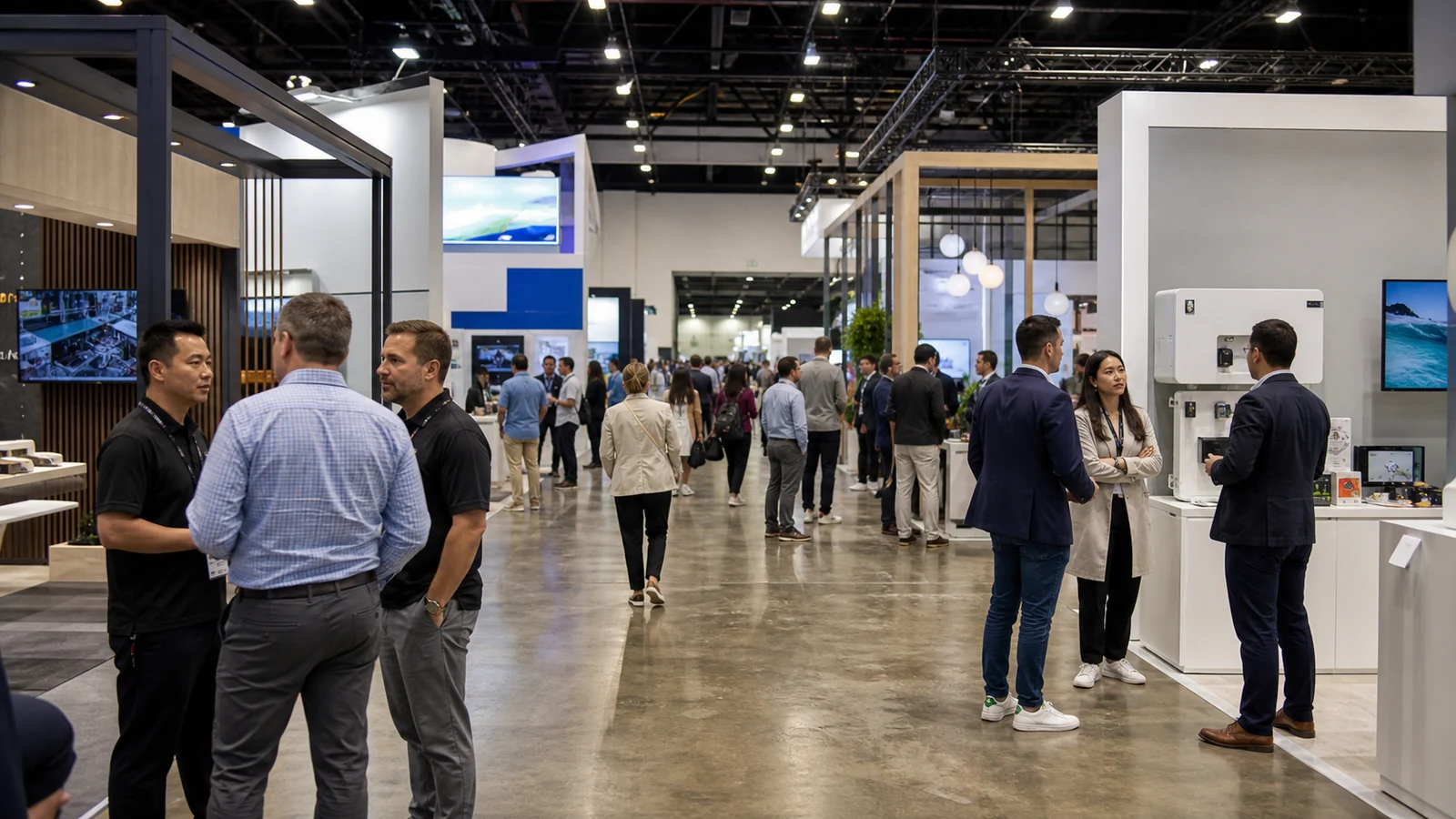
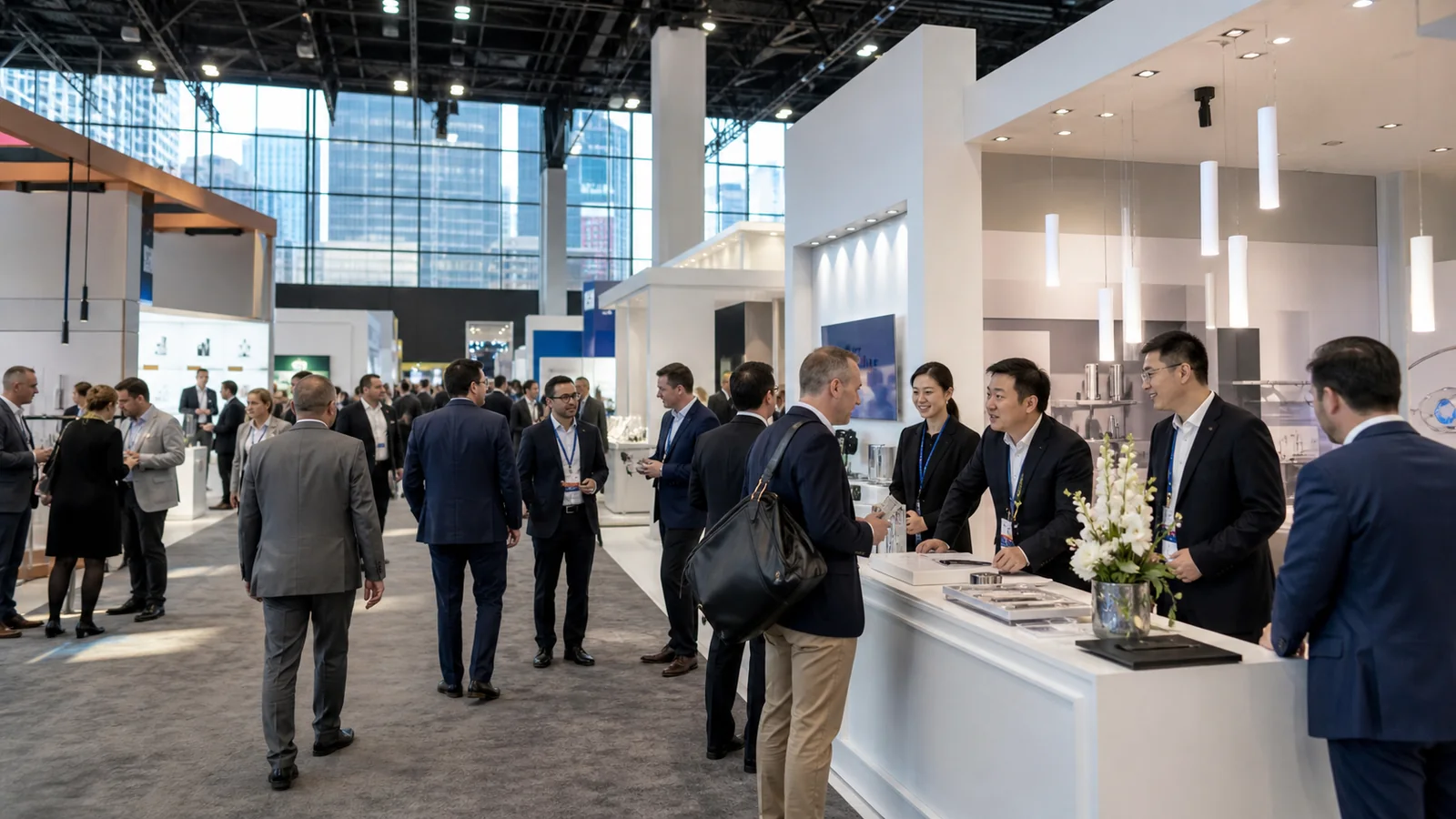
The word “hybrid” is used loosely in the events industry. A livestream, a replay library, and an event deliberately designed for onsite and remote participants may all receive the same label, even though they create very different experiences. Before you choose the format, you need to know what the remote path contributes and whether your team can operate both experiences well.
This practical guide explains hybrid events broadly, then focuses on trade shows and exhibit booths where physical space must support cameras, screens, demonstrations, presenters, onsite visitors, and remote-production handoffs.
What Are Hybrid Events?
Hybrid events combine an in-person experience with an intentional digital participation path under one event objective. Some participants share a physical venue, while others access selected content, conversations, or actions remotely. The two groups do not need identical schedules or content, but each needs a clear reason to participate.
The MPI Hybrid Meetings Playbook describes a hybrid meeting as connecting at least one face-to-face group with participants in one or more other locations. In practice, the connection is what separates a designed hybrid experience from an in-person event that happens to have a camera.
Hybrid Events Are More Than Livestreamed Events
A livestream sends content from a room to viewers. A hybrid experience first decides what remote participants should understand, contribute, or do next, then designs content, interaction, staffing, and follow-up around that purpose.
Use four questions to test the format:
- What is the purpose of the physical experience?
- What can remote participants do besides watch?
- What connects the two paths: content, questions, appointments, conversation, data, or a shared outcome?
- Who owns the remote experience and the follow-up it creates?
If the online audience can only watch, “livestreamed event” may be the more accurate description. That can still be a sensible format. The problem is not the stream; it is promising participation without assigning a meaningful way to participate.
Equal value also does not require identical delivery. People in the venue may need product access and face-to-face discussion. Remote participants may need close demonstration views, moderated questions, downloadable material, or scheduled conversations. Design each path for the environment in which it will be used.
What Are the Main Types of Hybrid Events?
The main types of hybrid events are defined by where presenters and participants are located. Timing is a separate layer: any of these structures may use live, repeated, staggered, or on-demand components.
| Format | How it works | When it fits |
|---|---|---|
| One main venue with remote participants | A central event serves an onsite group while another audience joins digitally | The physical venue remains important, but travel, timing, or capacity prevents everyone from attending |
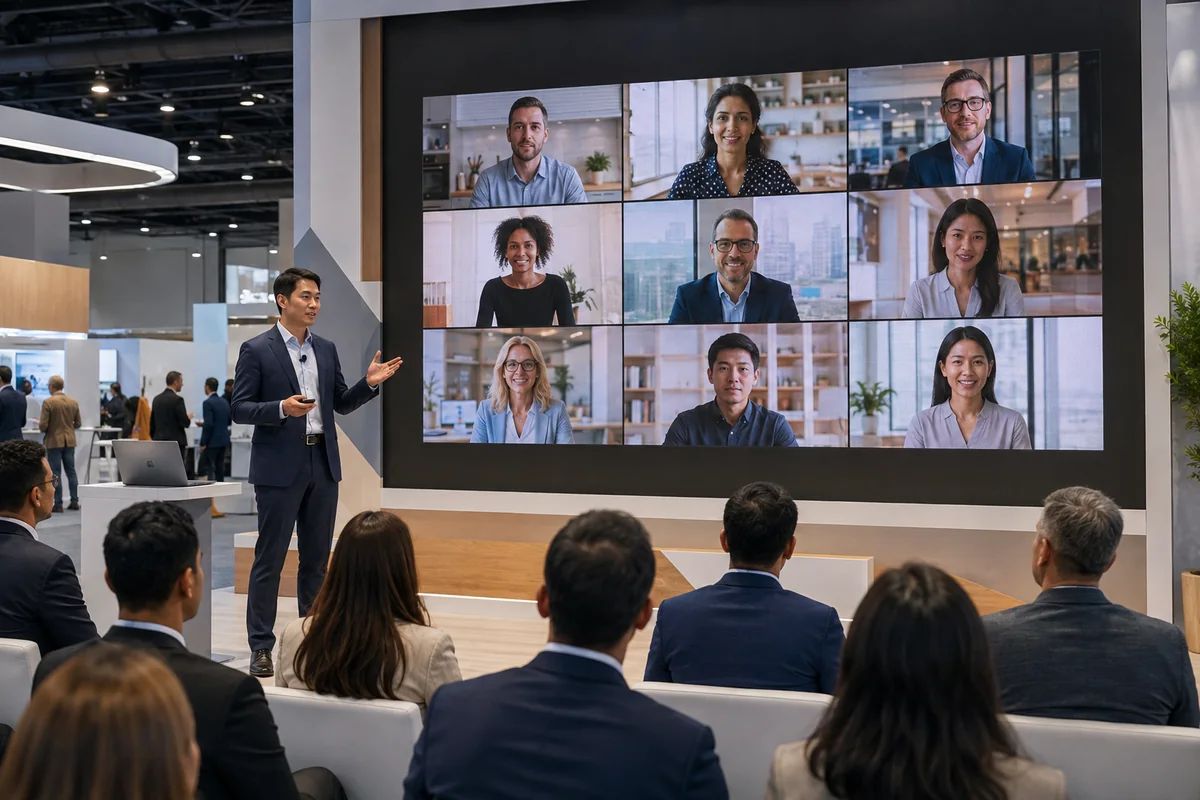
| Studio or small live audience with a digital-first audience | Presenters and a limited onsite group use a controlled production space while most participants join online | Reliable content delivery matters more than a large physical gathering |
| Multiple connected hubs | Several physical locations join one coordinated program, sometimes with individual remote participants | Regional face-to-face participation matters, but one central location is impractical |
One Main Venue With Remote Participants
A central venue remains the anchor while another audience joins digitally. The remote offer should be narrower and clearer than “access to the event.” Specify which sessions, demonstrations, questions, appointments, or resources are available online.
A Studio or Small Live Audience With a Digital-First Audience
This structure suits launches, executive briefings, interviews, and content-led programs. The physical setting still affects the result: presenter movement, sightlines, lighting, audio, displays, branding, and camera positions must work together rather than being planned independently.
Multiple Connected Hubs
Each hub needs a defined role. Decide whether it will only receive content, contribute speakers, run local discussions, or interact with other locations. Otherwise, the program may feel like several rooms watching the same broadcast rather than one connected event.
Live, Staggered, and On-Demand Components
Both audiences may participate at the same time, but simultaneity is not mandatory. PCMA's discussion of nonparallel hybrid events explains why physical and digital experiences can be scheduled differently instead of mirroring one another minute for minute.
You might repeat a session for another time zone, release supporting content before the physical event, or host a moderated digital follow-up afterward. A replay library alone is still on-demand content. It becomes part of a wider hybrid program when you define how people will use it, interact around it, or move from it to a next step.
Before choosing a type, identify the primary audience, presenter locations, live moments, and interactions that must cross locations. Those decisions should drive the format—not the appeal of the word “hybrid.”

In-Person vs. Virtual vs. Hybrid Events: What's the Difference?
In-person events are designed around a shared physical venue. Virtual events are designed to happen fully online. Hybrid events intentionally connect at least one physical group with remote participants. The IEEE comparison of virtual and hybrid formats confirms that hybrid programs can use several structures depending on where presenters and participants are located.
| Decision dimension | In-person | Virtual | Hybrid |
|---|---|---|---|
| Participation location | Physical venue | Fully online | Physical plus remote |
| Primary value | Product or space access and face-to-face interaction | Digital access and geographic reach | Physical depth plus remote access |
| Audience design | One venue-centered journey | One screen-centered journey | Two audience journeys and their connection |
| Production | Venue and onsite operation | Platform, digital content, and online support | Physical and digital production must coordinate |
| Main cost groups | Venue, travel, physical production, and onsite staffing | Platform, content, digital production, and online support | Physical costs plus digital production and integration |
| Strongest fit | Physical presence carries most of the value | Objectives can be achieved online | Both audiences have a clear job and value |
Hybrid is not automatically the safer compromise. A product demonstration may need to work for someone standing beside the product and for someone seeing only the camera view. A panel may need both room microphones and a digital question queue. Registration, content access, staffing, data, and follow-up split into two paths and then need to reconnect.
Choose from the objective and audience. If nearly all of the value is tactile, private, local, or spontaneous, an in-person event may protect the experience better. If physical presence contributes little to the objective, virtual may be more efficient. Choose hybrid only when you can name the remote audience and the outcome it needs.
Where Are Hybrid Events Used?
Hybrid events are used when physical presence adds value but selected content, participation, or follow-up can also work remotely. The strongest applications give the digital path a specific job instead of broadcasting every activity.
| Business event | Physical value | Remote value | Main fit question |
|---|---|---|---|
| Conference or convention | Sessions, networking, and sponsor presence | Selected sessions, moderated Q&A, interviews, and content access | Which interactions still work outside the room? |
| Product launch or demonstration | Product access, close inspection, and live discussion | Directed views, questions, supporting content, and appointments | Can the product story remain clear without physical access? |
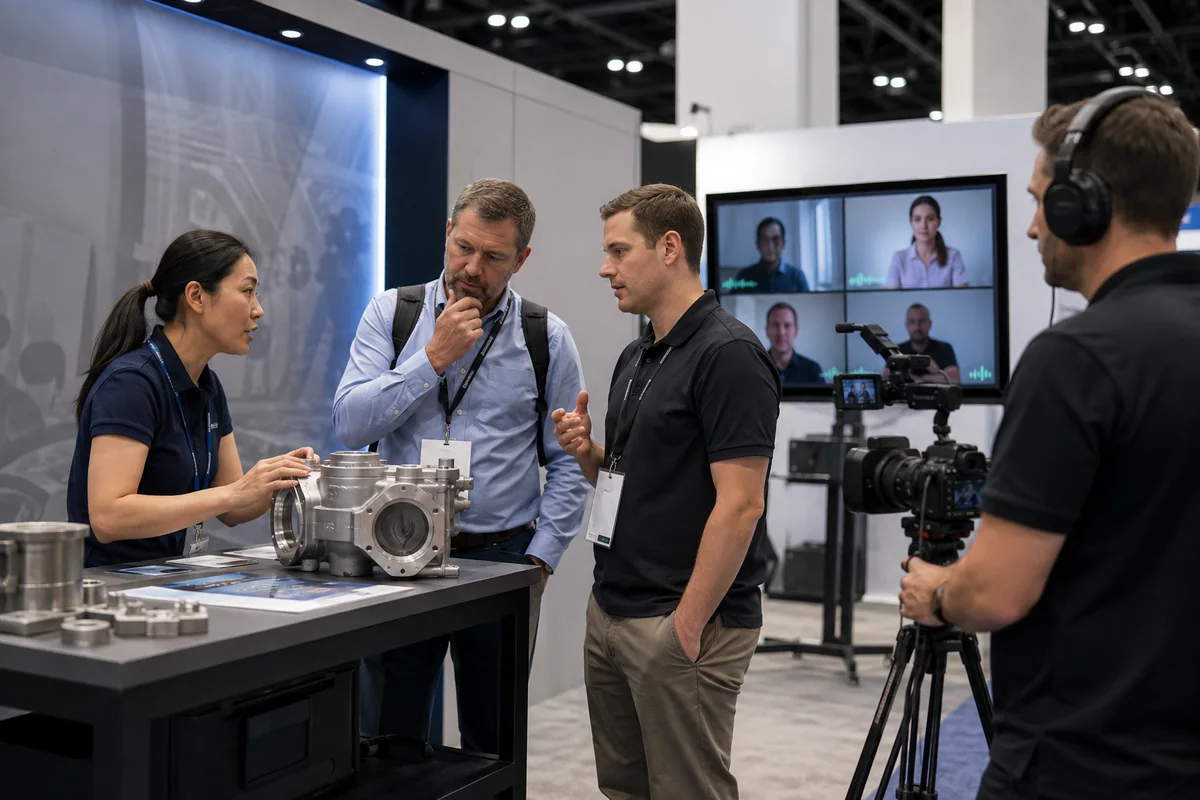
| Trade show or exhibition | Booth conversations, demonstrations, and tactile product experience | Scheduled demos, interviews, Q&A, content, and follow-up | Which booth moment is worth sharing digitally? |
| Town hall or sales meeting | Leadership presence and local discussion | Access and participation for distributed teams | Which decisions or questions must cross locations? |
| Training or workshop | Hands-on practice and facilitator feedback | Instruction, observation, and digital exercises | Can remote participants complete the required task? |
Conferences and Conventions
Decide which sessions still make sense without the surrounding room experience. A focused keynote or moderated panel may travel well. An unstructured reception usually does not. More coverage is not always better coverage.
Product Launches and Demonstrations
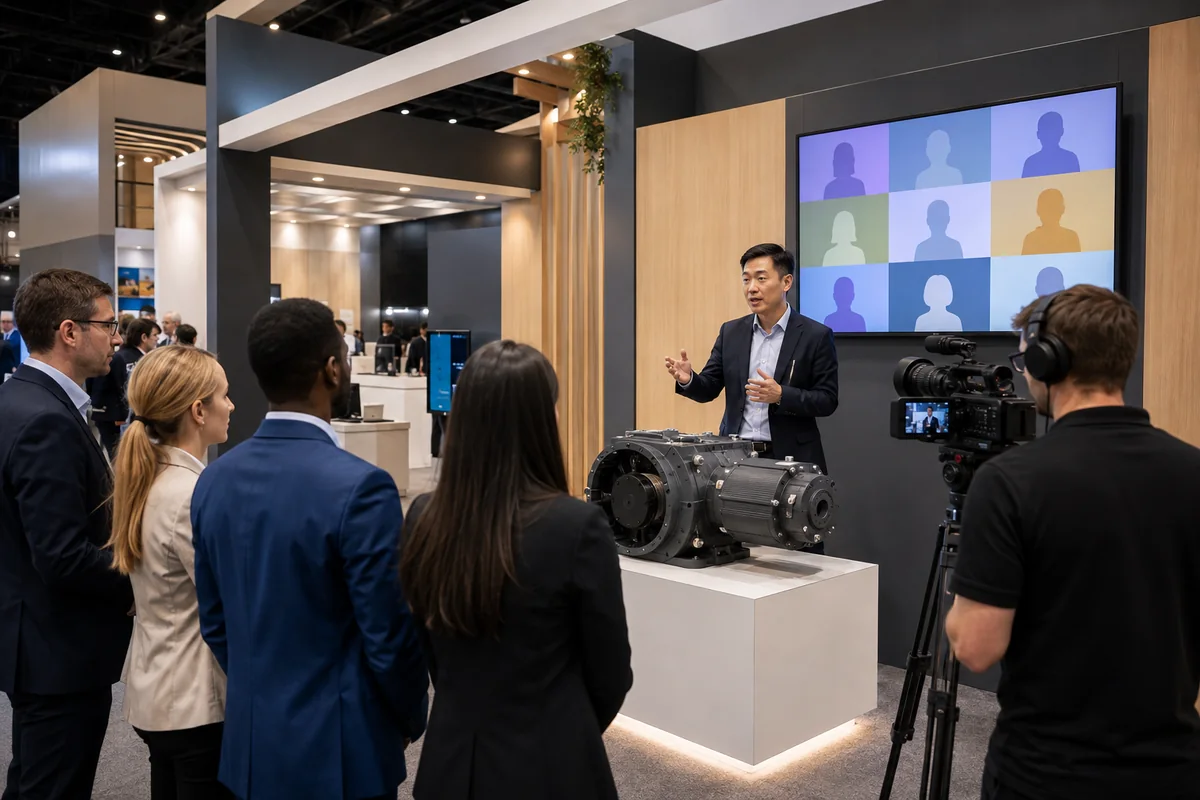
A live product moment can be extended through directed camera views, a host who supplies context, moderated questions, supporting content, and follow-up appointments. If the product depends on touch, scale, texture, fit, or hands-on testing, let the remote path explain and qualify interest rather than pretending to replace physical evaluation.
Trade Shows and Exhibitions
Booth conversations, demonstrations, and physical product access remain central. Remote interviews, scheduled demonstrations, expert Q&A, or digital appointments can extend selected moments beyond the show floor.
Start with the booth moment worth sharing. A controlled product demonstration may translate well; an open aisle conversation usually does not. Once that moment is clear, you can plan the space, content, people, cameras, screens, audio, and next action around it.
Town Halls, Sales Meetings, and Training
Distributed teams can share leadership updates, decisions, or instruction while local groups retain face-to-face discussion. Watching an update, contributing to a decision, and completing a hands-on exercise are different tasks, so each needs a suitable interaction path.
What Are the Benefits of Hybrid Events?
Hybrid events can broaden access, increase participation flexibility, extend the useful life of content, create additional digital signals, and offer more ways to package exhibitor or sponsor value. None of these benefits appears automatically; each needs a mechanism, an owner, and enough resources to deliver it.
| Potential benefit | What makes it useful |
|---|---|
| Broader access | Remote participation is easy to enter, relevant, and reliable |
| Attendance flexibility | The onsite and online offers are explained clearly before registration |
| Reusable content | Permissions, editing, hosting, context, and distribution are planned |
| Digital interaction signals | Questions, responses, and appointments connect to a follow-up workflow |
| Extended exhibitor or sponsor value | Physical and digital deliverables are defined separately |
Broader access matters when remote participation serves people who cannot justify travel, cannot fit the schedule, or only need part of the program. It adds little if the online experience is hard to enter or gives people no reason to stay.
Recorded content can extend a session, but raw recordings often lose value because no one owns editing, navigation, distribution, or the next action. Digital signals have a similar limitation. Registration totals, views, and poll responses are useful only when you know what they mean and where they go.
For every expected benefit, name the mechanism, owner, and additional resource. If you cannot explain all three, treat the benefit as an assumption rather than a planning fact.
How Do You Plan a Hybrid Event?
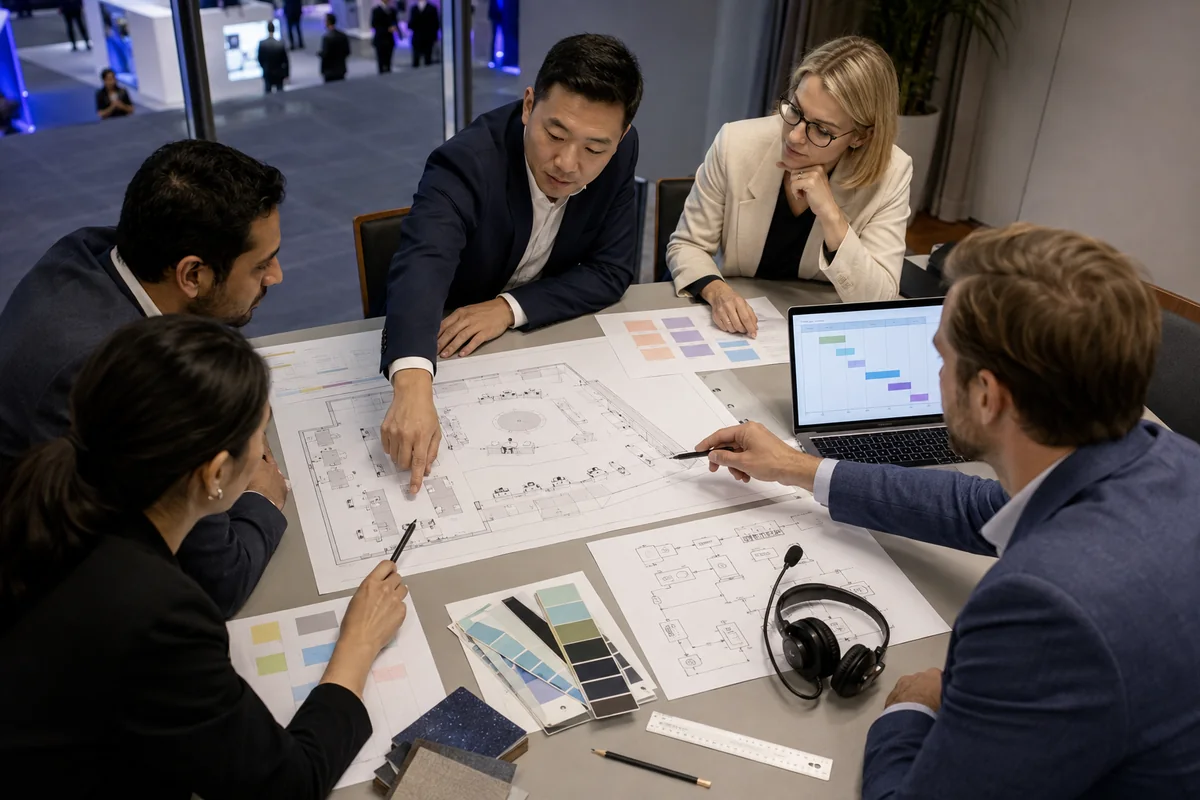
Plan a hybrid event in this order: objective, audience journeys, content and engagement, registration and promotion, technology, responsibilities, timeline, rehearsal and fallback, data, and follow-up. The plan should show decisions and owners, not only a list of features.
The IEEE Going Hybrid guide also treats format, IT setup, promotion, participant expectations, and financial planning as connected parts of the same event decision.
Define the Objective and Two Audience Journeys
Write the onsite and remote paths from registration through follow-up. What must each group know, see, discuss, request, or complete? Then mark the moments that should connect them. This prevents the online experience from becoming a copy of the physical agenda.
Plan Content, Engagement, Marketing, and Registration
Decide what should be live, shorter, repeated, on demand, interactive, or exclusive to one path. A long presentation in the room may need a tighter remote version. A physical demonstration may need close camera coverage and a moderator who explains what the online audience cannot see.
Registration should record the intended attendance mode and deliver the correct access instructions, schedule, reminders, and support path. Promotion should describe the actual value of each mode. Do not promise the same access or interaction when the two experiences are deliberately different.
Confirm how questions, appointments, consented data, and recording permissions will be captured and used. These decisions affect marketing, platform setup, onsite scanning, follow-up, and reporting.
Assign the Technology Stack and Responsible Parties
The technology stack should follow the audience job. At a minimum, identify the capture, audio, lighting, display, connectivity, encoding or streaming, platform, interaction, monitoring, power, cabling, and backup requirements. Then assign every category to a named party.
| Planning area | Key decision | Typical responsible party |
|---|---|---|
| Event objective | What outcome should each audience achieve? | Event owner |
| Physical or booth layout | Where do presenters, products, visitors, cameras, screens, and cables go? | Company team plus booth partner |
| Broadcast production | Who owns cameras, audio, switching, streaming, and recording? | AV or streaming provider |
| Venue or show services | Who orders internet, power, rigging, labor, and other services? | Company team plus venue or general contractor |
| Online participation | Who owns platform access, chat, Q&A, moderation, and support? | Platform or digital team |
| Registration and promotion | How are attendance mode, access promises, and reminders managed? | Marketing or registration team |
| Follow-up and data | Who receives questions, appointments, leads, and permissions? | Sales, marketing, or data owner |
| Contingency | What continues if either path fails? | Event owner plus responsible providers |
These are typical roles, not universal contract terms. Put the actual owner, deliverable, deadline, and acceptance point into the written scope for your event.
When comparing providers, require each proposal to state what is included and excluded, which venue or show services you must order, what information another provider must supply, when integrated testing will occur, who is onsite or on call, how failures are escalated, and how scope changes are priced and approved. A lower quote is not comparable if it leaves critical interfaces unassigned.
Use a Phase-Based Timeline and Rehearse the Handoffs
The exact lead time depends on the venue, show, scale, suppliers, and content, so work backward from real deadlines rather than using one universal number of weeks.
| Project phase | Decisions and outputs to complete |
|---|---|
| 1. Approve the direction | Objectives, audiences, format, initial scope, and budget ceiling |
| 2. Confirm constraints and owners | Venue or show rules, supplier scopes, registration plan, booth and production inputs, service deadlines |
| 3. Produce the experience | Content, promotion, registration flows, booth, graphics, platform setup, and technical system |
| 4. Test the integrated plan | Pre-build or room review, technical checks, content cues, data routing, full run-of-show rehearsal, and backups |
| 5. Deliver the event | Live operations, moderation, support, issue escalation, and fallback decisions |
| 6. Close and follow up | Data reconciliation, content editing, follow-up, supplier closeout, reporting, storage, and reuse decisions |
Test the real show flow, not only whether each device powers on. Rehearse speaker cues, presentations, videos, room questions, digital questions, return audio, screen views, session changes, and fallback transitions. One approved run of show should display both audience paths and every handoff.

How Should You Build a Hybrid Event Budget?
Build a hybrid event budget from the chosen scope rather than applying a universal price or percentage split. A practical starting model is:
Total hybrid event budget = physical event costs + digital production and platform costs + integration and support costs + contingency
This formula does not produce a number until you define the event, but it prevents the digital path—and the work needed to connect both paths—from disappearing inside a generic event estimate.
| Cost group | Typical inclusions | Main scope variables |
|---|---|---|
| Venue and event space | Meeting room or exhibit space, venue fees, onsite facilities | Locations, dates, audience size, access hours |
| Booth rental or fabrication | Structure, graphics, product areas, presentation space, storage | Booth size, design, materials, reuse plan, show rules |
| Venue and show services | Internet, power, rigging, labor, material handling, service orders | Venue rates, order deadlines, capacity, service level |
| AV and streaming production | Cameras, microphones, audio, lighting, switching, encoding, recording, crew | Sessions, duration, coverage, interaction, complexity |
| Digital platform and support | Access, chat, Q&A, moderation, remote help, platform administration | Users, features, event duration, support level |
| Content, registration, and marketing | Registration flow, promotion, speaker preparation, graphics, editing | Content volume, audiences, channels, formats |
| Testing and contingency | Rehearsals, technical tests, backups, extra support | Failure impact, redundancy, recovery plan |
| Logistics and post-event work | Shipping, installation, dismantling, hosting, reporting, follow-up | Locations, physical assets, content volume, retention period |
What Changes the Budget Most?
The largest scope changes usually come from the number of locations, number and duration of live sessions, camera and audio coverage, one-way access versus two-way interaction, demonstrations or interviews, recording and editing requirements, and how long digital content must remain available.
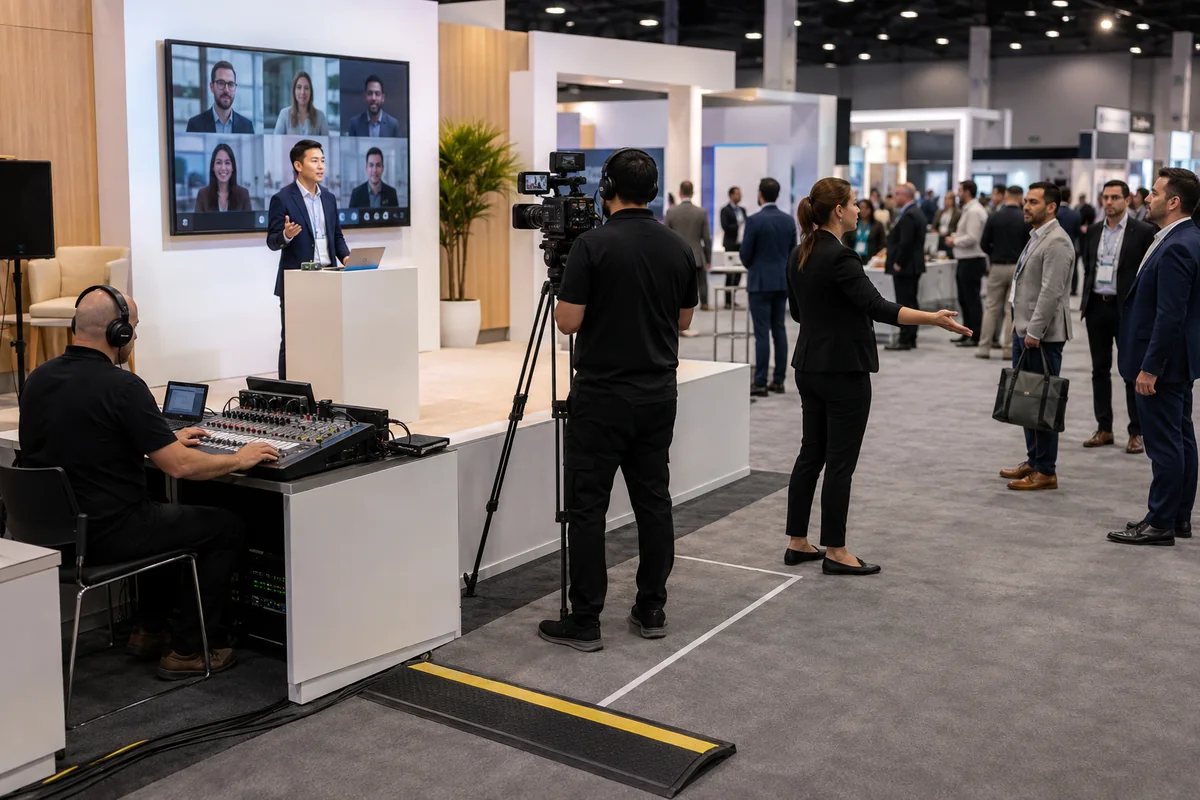
For a trade show, the booth may also need space and services for camera positions, presenters, operators, screens, lighting, audio control, cables, power, data, and testing. These requirements can affect design, show-service orders, labor, and onsite time.
Build one responsibility-aligned budget. For every optional feature, ask which audience job it supports, who owns it, which physical or digital dependencies it creates, and what must be tested. This is more useful than comparing proposals that include different scopes under the same “hybrid event” label.
What Challenges Do Hybrid Events Create?
Hybrid events create a second experience and more dependencies. The central risk is that remote participants become an afterthought while the onsite team inherits extra work it cannot absorb.
Unequal Audience Experiences
People in the venue can read the room, approach a speaker, inspect products from different angles, and start spontaneous conversations. Remote participants receive only what the cameras, microphones, content, platform, and moderators deliver. One wide camera and an unmonitored chat rarely provide enough context or participation.
Define what remote participants should see, when they can respond, how their questions enter the room, and what happens during physical activities that do not translate to a screen.
Venue and Production Dependencies
Connectivity, power, service orders, cameras, audio, lighting, displays, platform access, and backup paths affect one another. A camera may obstruct an aisle. A screen may compete with a product display. Audio that sounds clear in the room may be unusable for remote listeners.
Test the actual room and program. Avoid universal bandwidth, staffing, camera, or rehearsal numbers that ignore the production method and venue conditions.
More Roles and Handoffs
Presenters, show callers, AV operators, platform operators, remote moderators, audience support, data owners, and follow-up teams need clear responsibilities. One person should not present, monitor questions, solve connection problems, and manage the room at the same time.
Use a responsibility matrix that shows who receives a remote question, who decides when it reaches the speaker, who responds if time runs out, and who follows up afterward.
Budget and Scope Creep
Hybrid scope often grows through individually reasonable additions: one more session, another camera angle, longer platform access, edited clips, an extra remote host, or a last-minute booth interview. Together, these changes can affect equipment, labor, content, rehearsals, service orders, and the run of show.
Freeze a baseline scope and evaluate each addition against four questions: What audience job does it perform? Who owns it? What does it cost? What new dependency or test does it create? If those answers are unclear, the addition is not ready for approval.
Is a Hybrid Event Right for Your Business?
A hybrid event is right for your business when the remote audience has a real objective, the content can become a useful digital experience, and your organization can fund, staff, and test both paths. It is a poor fit when the remote component is passive decoration or when the dependencies cannot be supported reliably.
Use this decision checklist before selecting a platform or adding production requirements:
- What must onsite and remote participants achieve?
- Who cannot attend physically, and what value do they need?
- Which content or interaction translates well online?
- Which moments must remain physical?
- Can the venue, technology, people, budget, and schedule support both paths?
- How will registration, questions, appointments, data, and follow-up reconnect?
- What continues if either path fails?
Your answers may support a limited hybrid program rather than a complete mirror of the event. You might share one launch, schedule several remote demonstrations, or add a moderated digital follow-up instead of broadcasting every session or booth activity.
Choose an in-person event plus organized content when the remote path adds no meaningful participation. Choose a virtual event when physical presence contributes little to the objective. Hybrid earns its additional cost and complexity only when both environments perform a useful job.
How Can KingExhibits Support Hybrid Trade Show Booth Projects?
KingExhibits can support the physical U.S. trade show booth when a demonstration, presentation, interview, appointment, or Q&A must also work for remote participants. The practical advantage is that physical requirements can be considered before design approval and carried through rental or fabrication, pre-build, logistics, installation, onsite use, dismantling, and post-show planning. The digital platform and broadcast operation are separate services and need their own responsible providers unless your written project scope states otherwise.
Physical Booth Services From Strategy Through Reuse
The booth brief can incorporate your products, onsite traffic, demonstration sequence, presenter and operator positions, camera sightlines, screens, storage, staff movement, cable routes, and applicable show requirements before drawings are approved. This is the stage to resolve space conflicts, not after equipment reaches the exhibit hall.
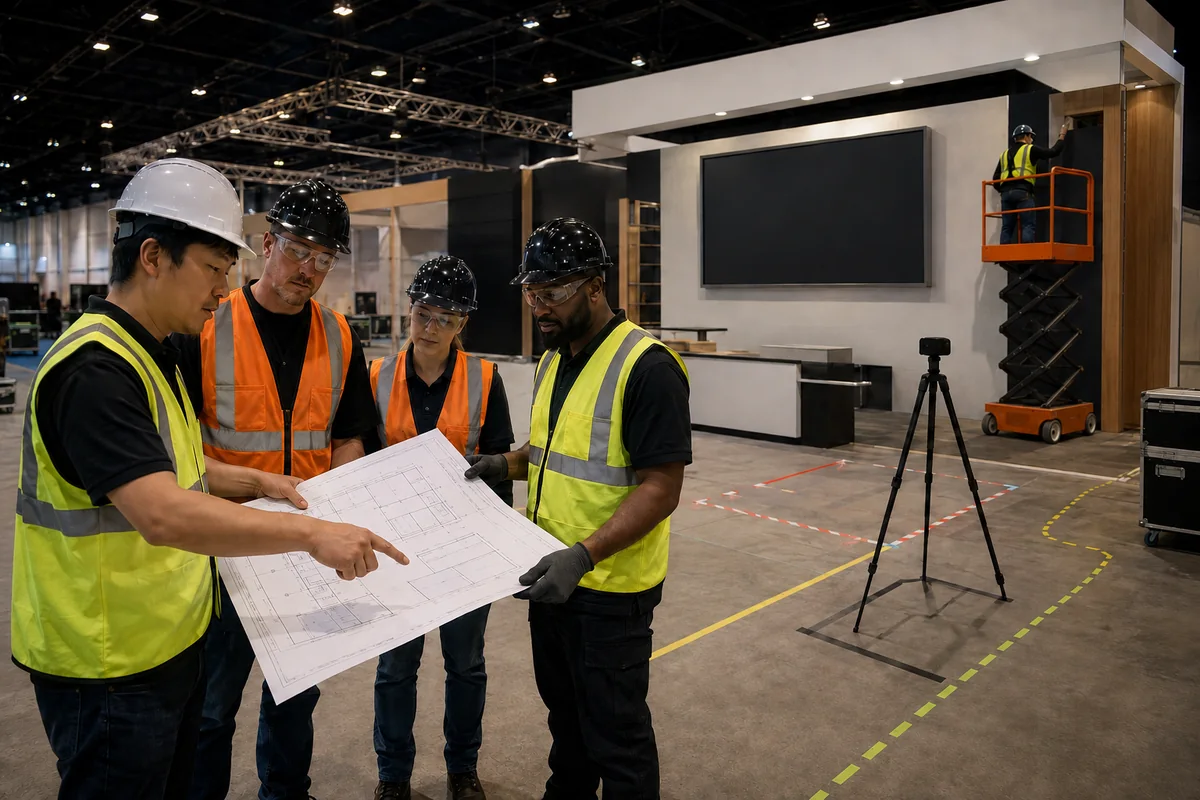
Depending on the approved project scope, KingExhibits can provide rental or fabricated booth elements and coordinate a pre-build review. The review should show the occupied space—not only an empty structure—so the products, people, camera position, presentation area, screens, and visitor paths can be assessed together.
The physical delivery can include shipping coordination, show-service inputs, installation sequencing, onsite booth support, dismantling, and the handoffs needed for the booth to be ready for production testing. Venue internet, rigging, power, labor, sound, and other show services still need named owners and confirmed orders.
Eligible booth assets can be stored, refurbished, and adapted for later shows. Reuse does not mean repeating the same hybrid setup without review: venue rules, booth dimensions, product plans, production inputs, and audience goals may change from one event to the next.
KingExhibits' role in this type of project is the physical booth and its delivery interfaces. Streaming crews, platform operation, online moderation, registration software, content production, and remote technical support should remain with the responsible digital partners unless they are separately included in writing.
One Physical Plan Across the Booth Lifecycle
Early decisions about cameras, screens, demonstrations, people, power, data, and visitor flow can affect engineering, production, packing, installation, and reuse. Keeping those inputs connected reduces the chance that a late digital request conflicts with the approved structure or show schedule.
Occupied-Space Planning
A polished rendering may appear spacious because it does not show the presenter, operator, products, onsite visitors, queue, cases, cables, or staff tasks. Reviewing the occupied booth helps you see whether the digital moment can run without blocking product access, aisle engagement, storage, or normal sales conversations.
Clear Responsibilities and U.S. Show-Floor Coordination
Hybrid projects often involve the company's event team, booth partner, organizer, general contractor, venue, AV provider, streaming team, and platform provider. A useful physical-project plan identifies where booth responsibilities end and where another party must supply information, equipment, approval, labor, or testing.
The booth must satisfy the show's operating process as well as the presentation concept. Coordinating physical requirements with service deadlines, move-in, installation, testing, show hours, dismantling, and storage helps keep the booth work aligned with the event schedule, even though third-party performance remains outside the booth provider's control.
Before design approval, prepare the show name and dates, booth size, products, demonstration plan, expected visitor flow, presenter and operator positions, camera and screen inputs, service deadlines, digital production owner, and approved responsibility matrix.
Frequently Asked Questions About Hybrid Events
What Is an Example of a Hybrid Event?
Consider a B2B product launch inside a U.S. trade show booth. The onsite objective is to let visitors inspect the product and speak with the sales and technical team. The remote objective is to let invited contacts see one controlled demonstration, ask questions, and request a follow-up meeting.
The company schedules the demonstration instead of streaming the booth all day. Registration records whether each contact will attend onsite or remotely. The booth plan includes the product, presenter, camera and operator positions, a screen, visitor standing space, storage, cables, power, and an aisle-safe viewing path. The AV or streaming provider owns capture, audio, switching, streaming, and remote monitoring; the booth partner owns the agreed physical booth scope and delivery interfaces.
The budget includes booth work, show services, network access, production, platform and remote support, rehearsal, and follow-up content. Questions, appointment requests, and consented contact details must be routed to the right team after the session. This scenario shows how one objective can connect two deliberately different experiences.
What Is a Hybrid Meeting Format?
A hybrid meeting connects at least one physically gathered group with remote participants for a shared information, collaboration, or decision-making task. Presenters may be onsite, remote, or mixed. The meeting may use one main room, several connected offices, or a studio with a primarily online audience.
What Equipment Is Needed for a Hybrid Event?
Typical equipment categories include reliable venue connectivity, cameras, microphones, audio mixing and return audio, lighting, displays, an encoding or streaming path, a digital platform, operator monitoring, power, cabling, and backups. The exact system depends on the room, audience, content, platform, interaction, and production method. Define the experience first, then have the venue and production provider specify and test the system.
Do Hybrid Events Have to Happen Live?
No. A hybrid program may connect audiences live, repeat sessions for different time zones, combine live discussion with recorded content, or schedule digital activities before or after the physical event. Label the model clearly. A replay library alone remains on-demand content unless it supports an intentional participation or follow-up path within the wider program.
How Do You Keep Virtual Attendees Engaged During a Hybrid Event?
Give remote participants a dedicated host or moderator, clearly timed opportunities to contribute, responsive Q&A or chat ownership, suitable pacing, useful activity during onsite breaks, and a defined next step. Engagement comes from attention and response, not from the number of platform features. Decide who will acknowledge each interaction and what the participant receives afterward.
Final Thoughts
A hybrid event earns its additional cost and complexity only when the physical and remote paths each perform a useful job. Start with the objective and audience, then align the format, budget, responsibilities, technology, physical space, and timeline around that job.
If a U.S. trade show booth needs to support a remote demonstration, presentation, interview, Q&A, or digital appointment, share the show, booth size, products, onsite traffic plan, camera and screen inputs, service deadlines, digital production owner, and responsibility matrix with KingExhibits. We can then discuss the relevant physical scope: booth strategy, design and engineering, rental or fabrication, pre-build, logistics, show coordination, installation and dismantling, onsite support, storage, refurbishment, and reuse.