
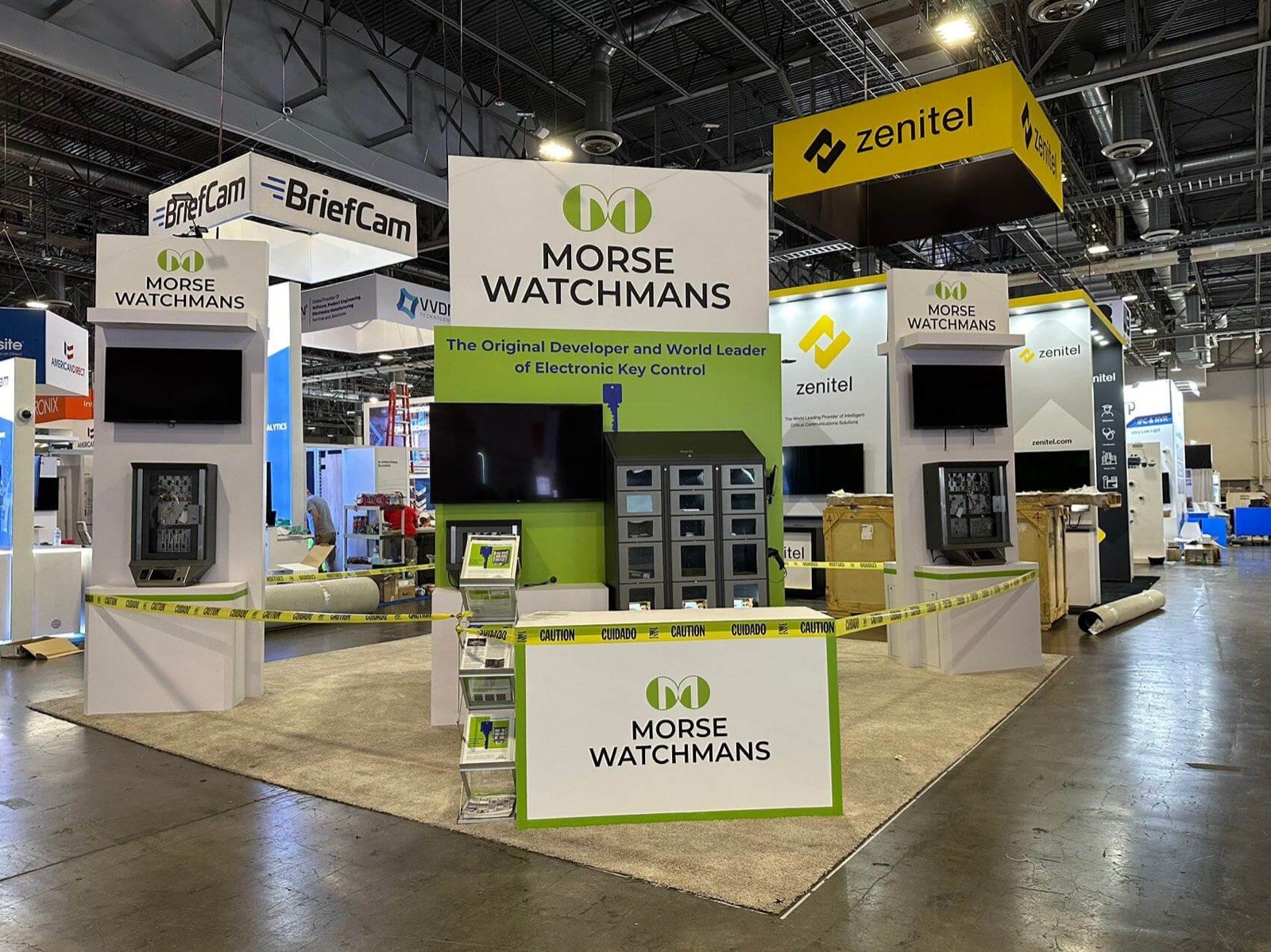

Lead with the workload, performance problem or operating result the visitor recognizes. The hardware and software stack can then explain how that result is achieved.

Reserve the cable paths, rear access, ventilation openings and restart position your technical staff needs instead of hiding them behind finished walls.

Move engineers, IT leaders and partners from the quick demo into a staffed conversation area without stopping the next demonstration.

Keep recorded output, a local dataset, diagrams or a guided walkthrough ready when an external connection or live system is unavailable.
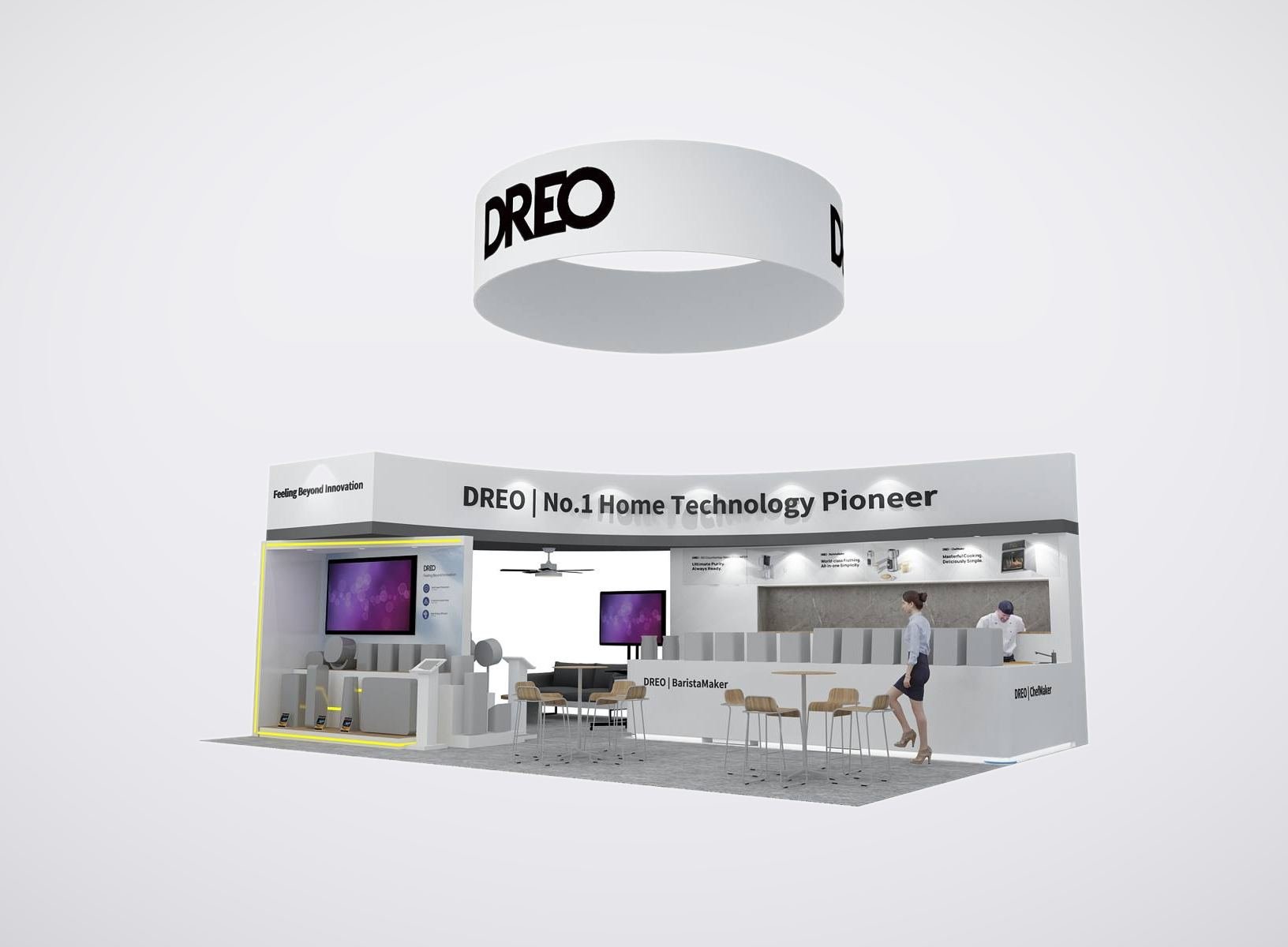
Select the Exhibit Layout from the Equipment Load
| Demonstration | Inputs to Confirm | Exhibit Response | |—|—|—| | Servers, accelerators or complete racks | Dimensions, weight, service side, airflow direction, power and cable entry | Access clearance, structural interface, screen position and protected cable route | | Networking, interconnect and storage | Device count, ports, fiber/copper path, network handoff and operator position | Visible connection story, controlled patching area and service access | | AI, cloud or software workflow | Screen count, control device, local/remote compute dependency and fallback | Clear sightline, guided interaction and a second way to show the result | | Research or institutional demonstration | Equipment owner, specialist, demo sequence, technical content and meeting need | A defined live-demo point plus room for a deeper technical discussion |
Your engineers remain responsible for accurate equipment specifications and operating requirements. King uses those inputs to plan the physical exhibit interfaces within the accepted scope.
Treat the SC Exhibit as a Technical Demo Environment
SC brings computing researchers, engineers, developers, infrastructure teams and technology decision-makers into the same exhibit program. They do not all evaluate a system in the same way. A passerby may need one clear use case; a specialist may inspect the architecture; a buyer may need an integration and follow-up discussion.
King develops the rental exhibit around those encounters and the confirmed equipment schedule. Official floor space, SCinet, electrical service, rigging, venue approvals, equipment operation and exhibitor credentials remain separate responsibilities unless a proposal expressly assigns a coordination task.
Give Each SC Visitor the Right Level of Detail
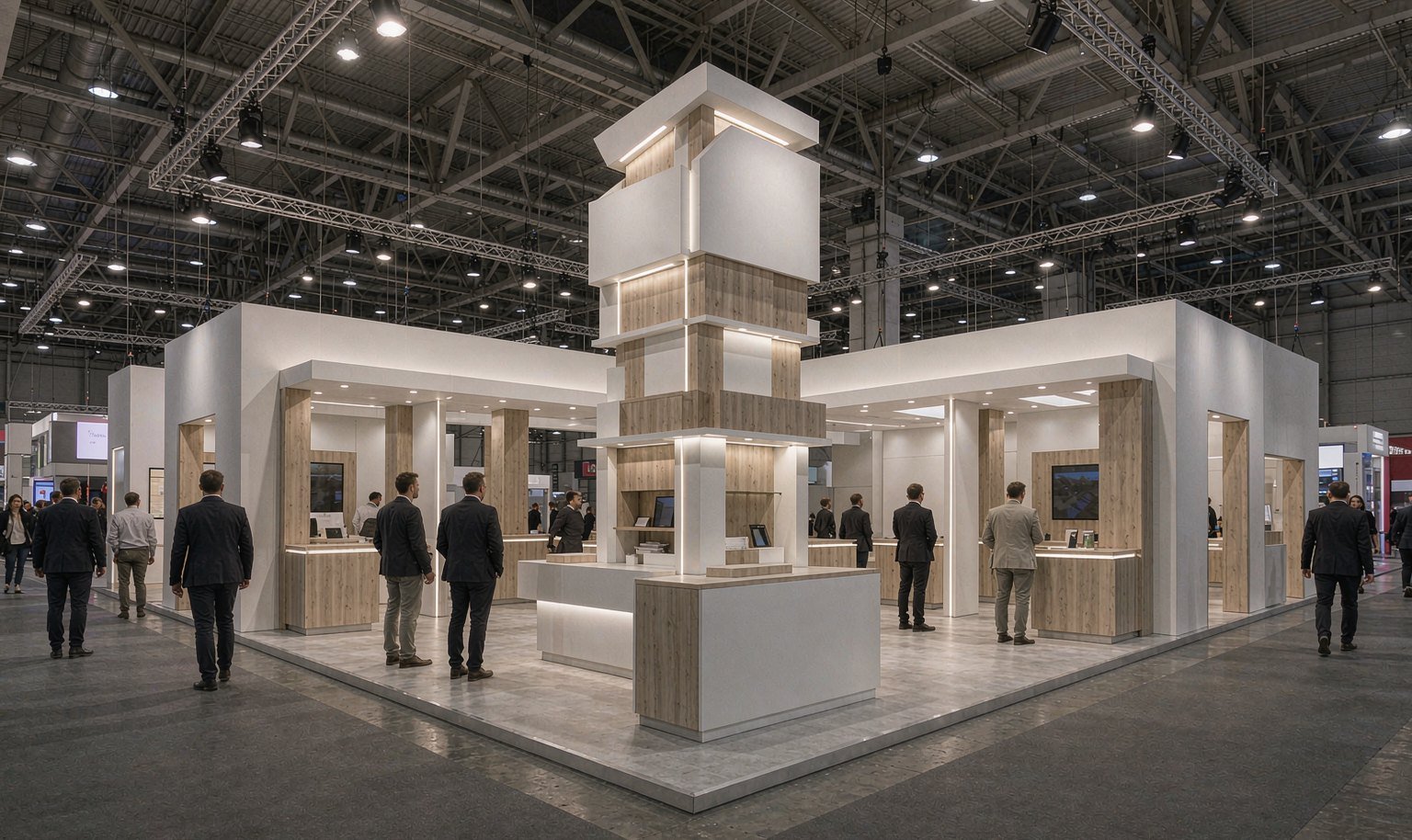
Provide access to the architecture, interfaces, workflow and technical specialist without letting the service side dominate the visitor view.
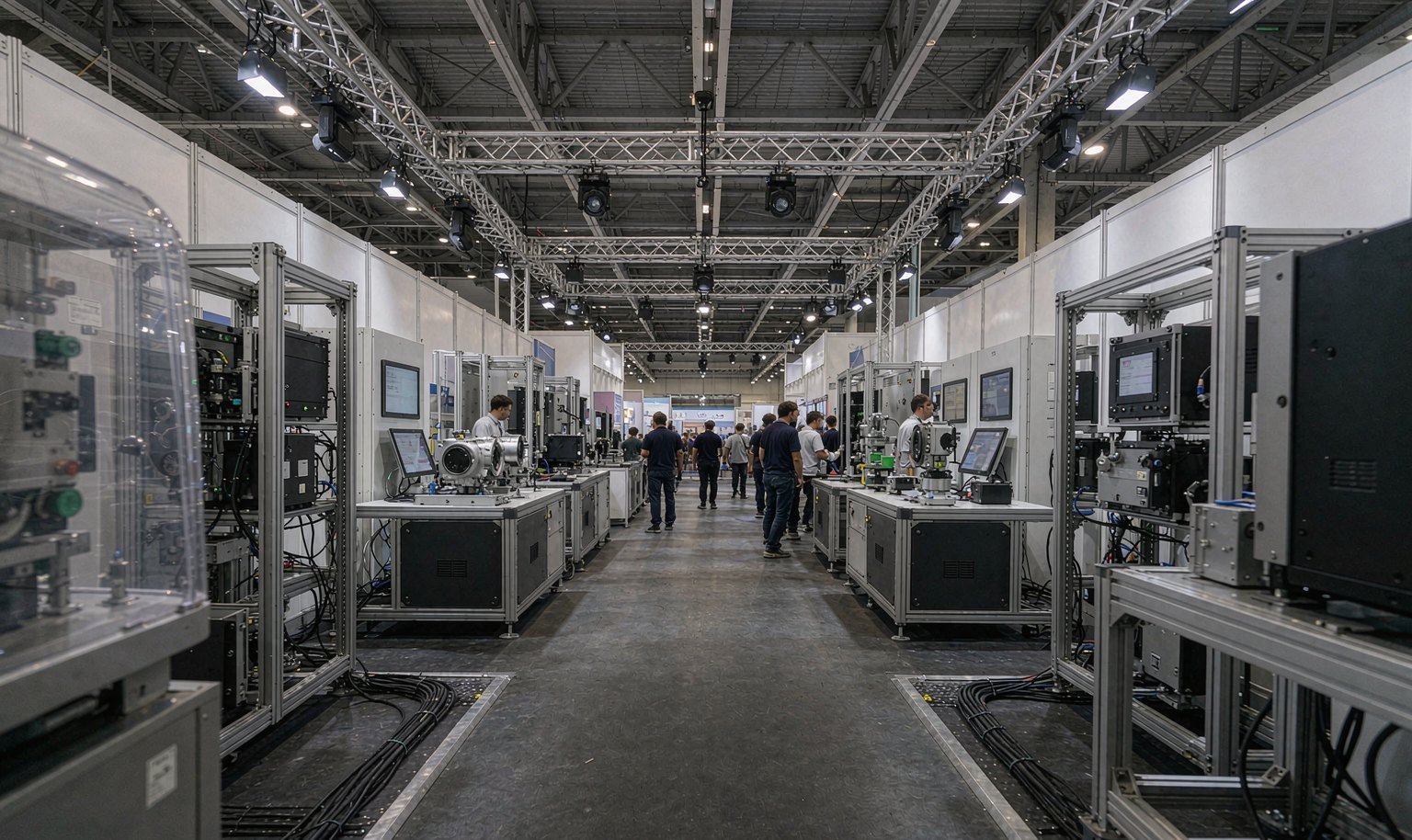
Connect the live demonstration to the workload, dataset, method or operating constraint they recognize.

Make deployment fit, integration responsibility and the next commercial conversation easy to find after the technical proof.

Create a place to discuss compatibility, joint solutions and follow-up tasks away from the active demo station.
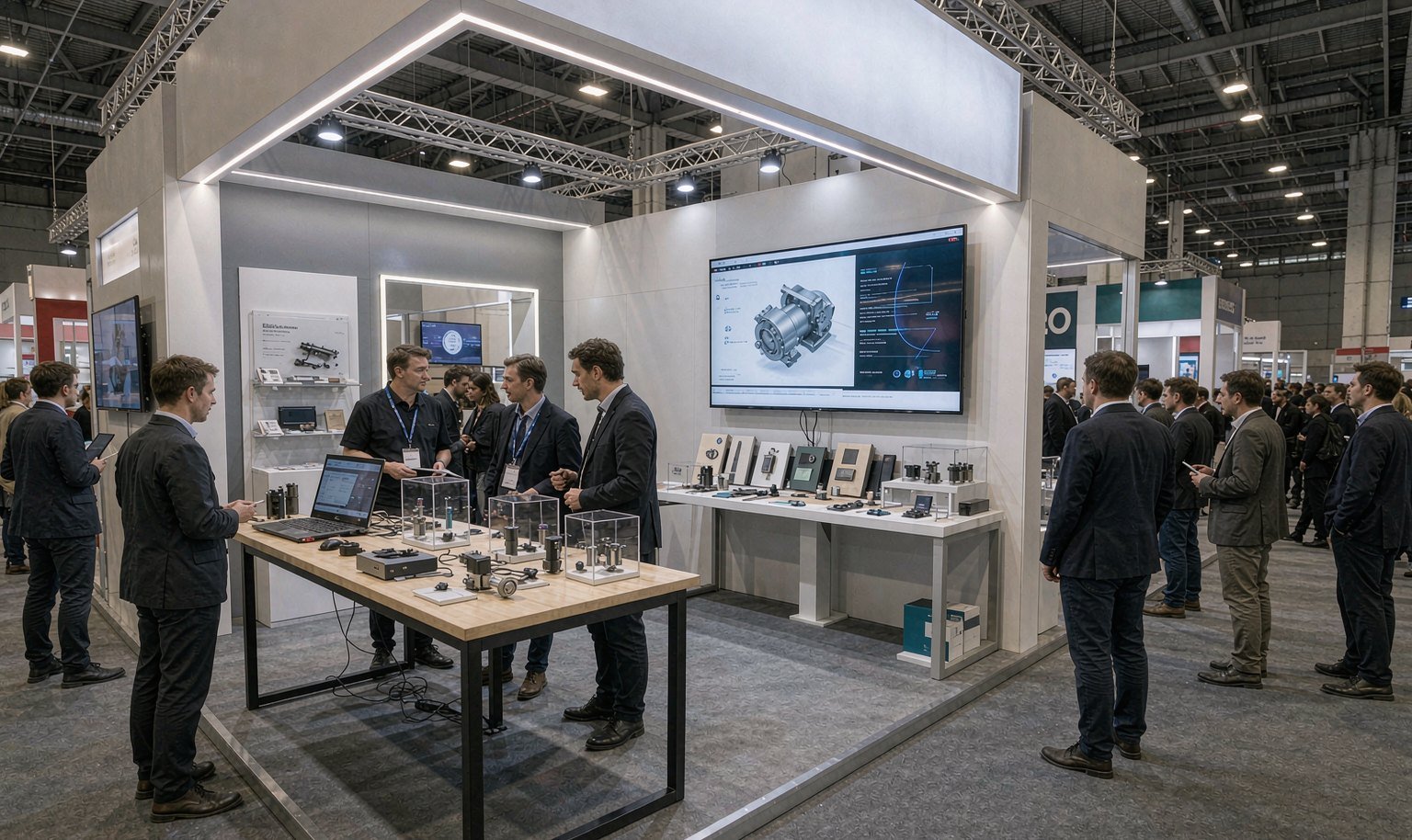
Give them a concise system statement, a named spokesperson and a visual that can be understood without a long briefing.
Lock the Rack and Service Clearance Before the Walls
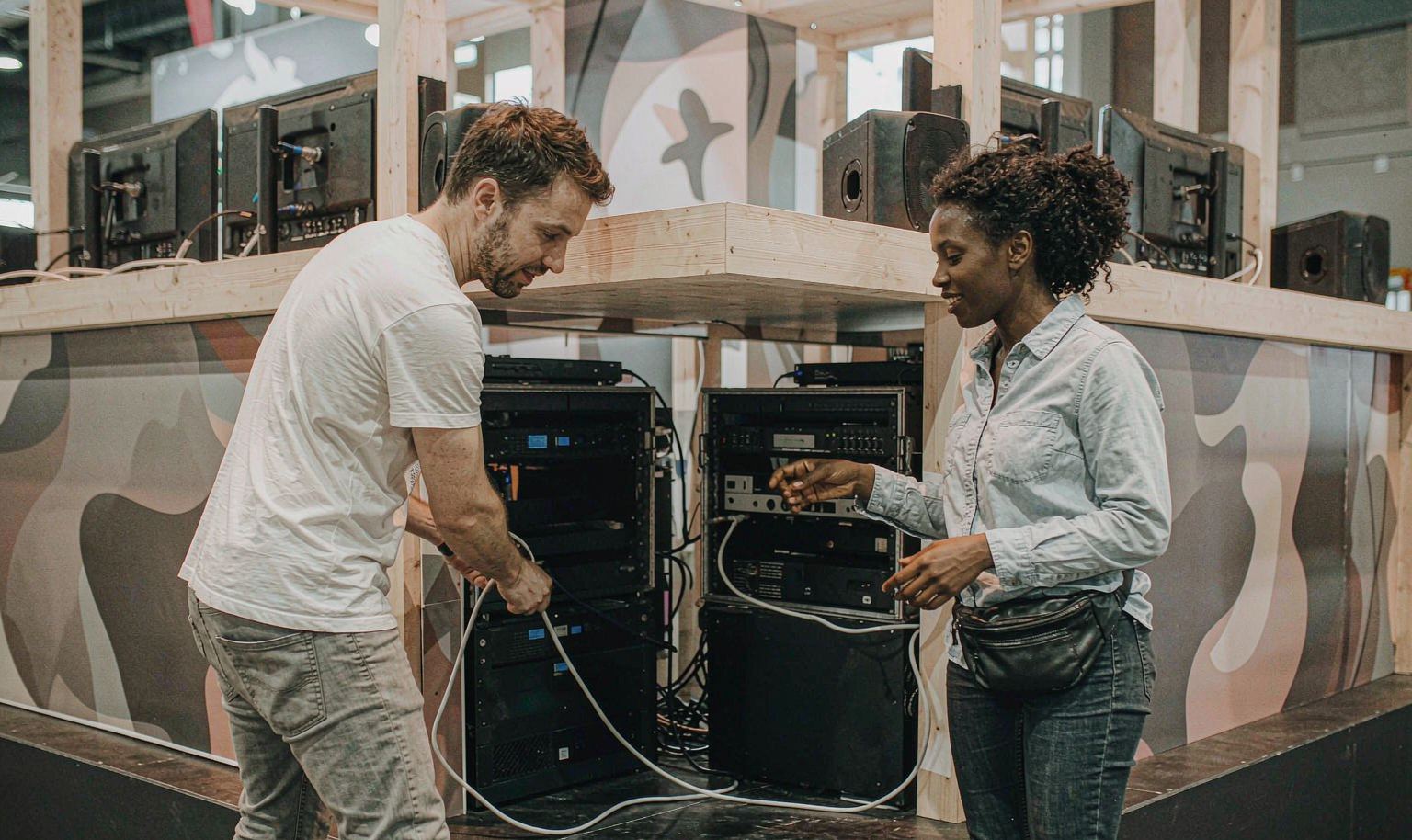
Give every rack, server, switch, storage unit, screen and control device a stable name in the equipment schedule. Record its dimensions, weight, operating side, airflow direction, cable entry, power and network inputs, support method and owner. King can then position the physical openings, supports and service routes in the 3D exhibit. Your engineers and the responsible official providers must validate loads, utilities and equipment operation before production is released.
Put the SCinet Handoff at the Demo Station
A high-bandwidth demonstration should not depend on a network request buried in a general show checklist. Identify the required connection, device count, physical handoff, cable path, specialist and fallback beside the demo itself. SCinet controls its available services, review and network policy; King can reserve the physical route and coordinate a quoted interface, but does not sell the connection or guarantee its performance. Confirm the current request process before design release.
Run Two Conversations Without Breaking the Live Demo
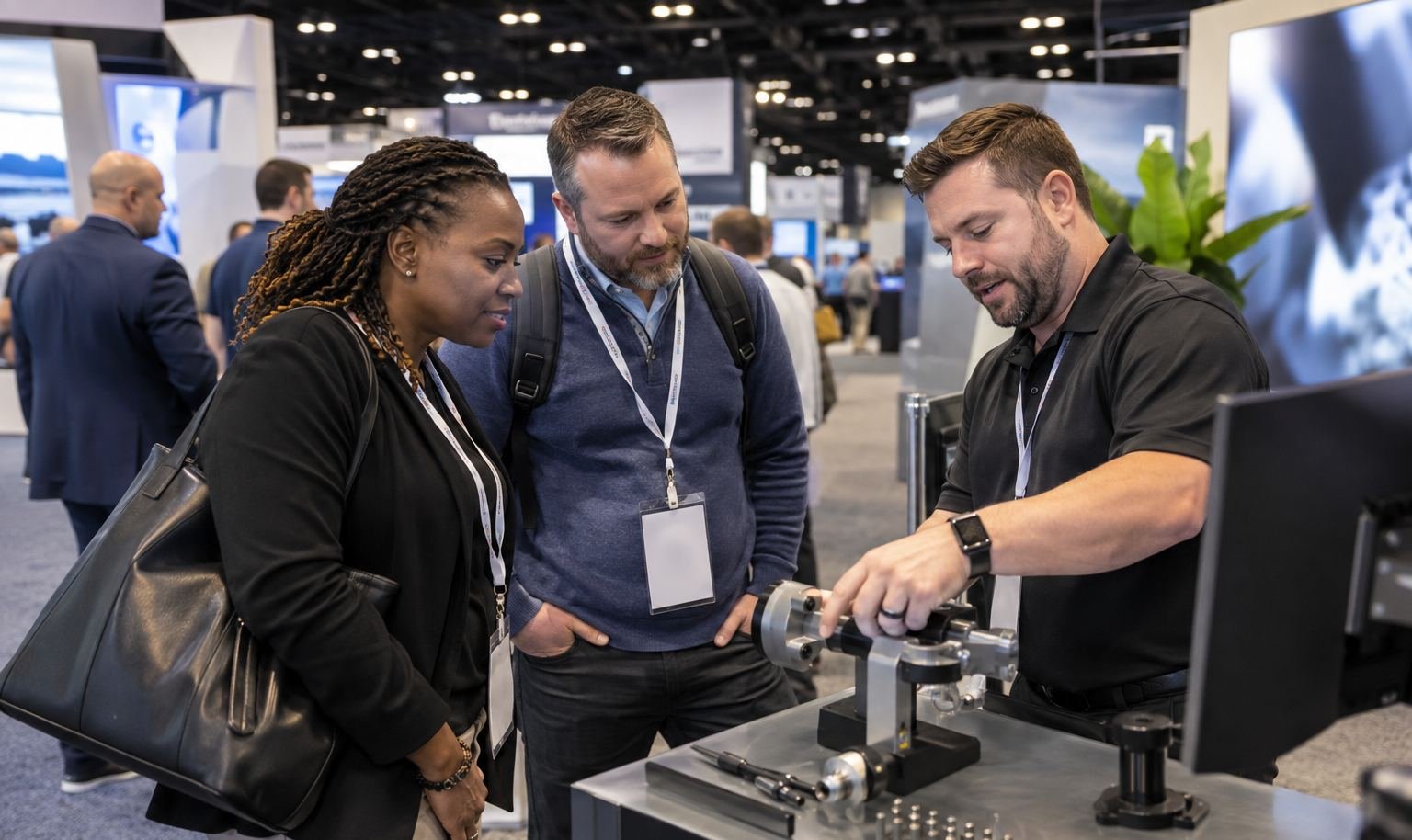
Use the aisle-facing side for a short statement of the workload, result and system role. Put architecture diagrams, component details and specialist discussion where an interested visitor can continue without blocking the next group. Screens, product labels, operator positions and meeting furniture should support those two speeds. The result is not simply more information—it is an exhibit where a quick scan can become a qualified technical discussion.

Review the Exhibit Shell and Equipment Interfaces in One 3D Plan
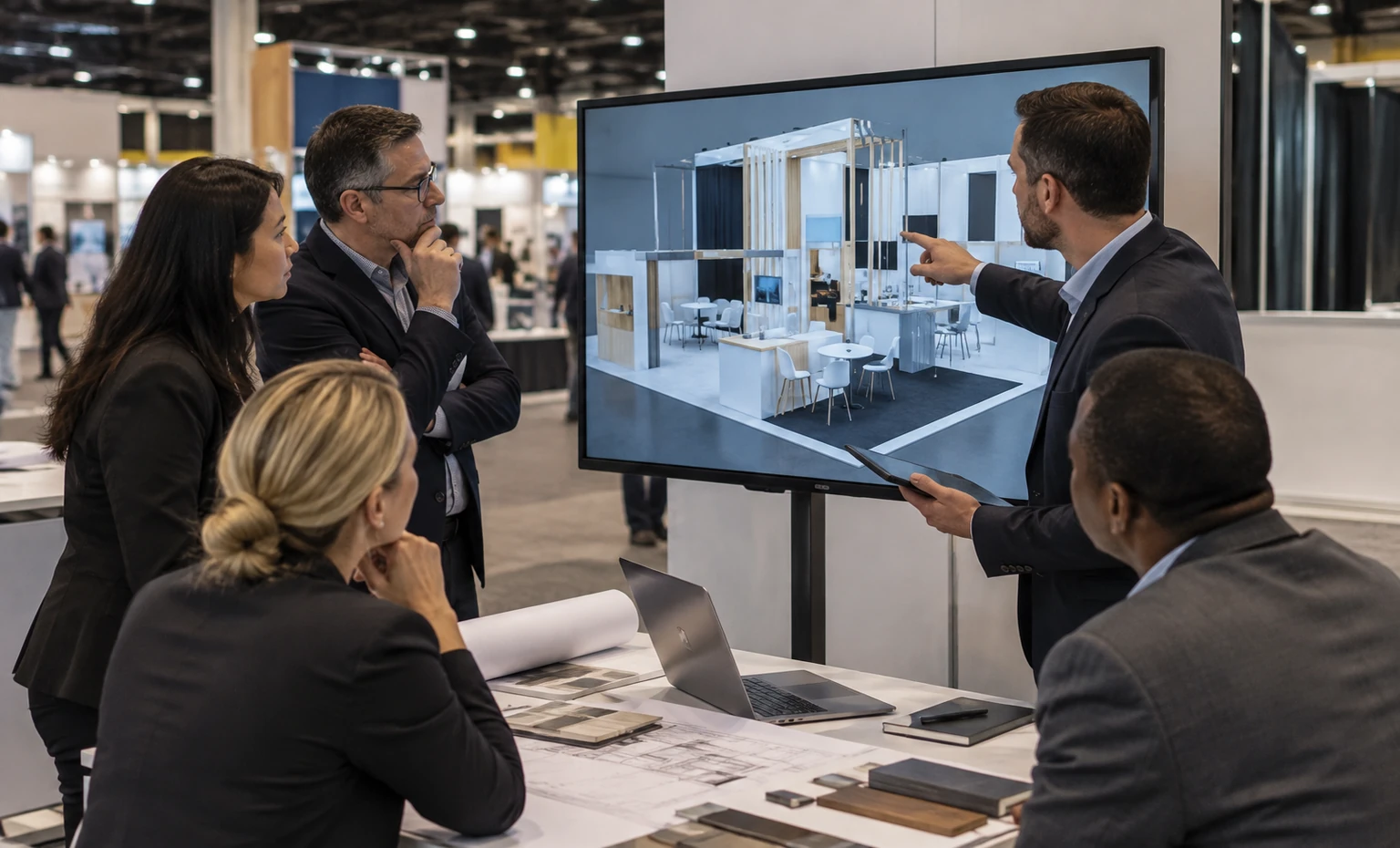
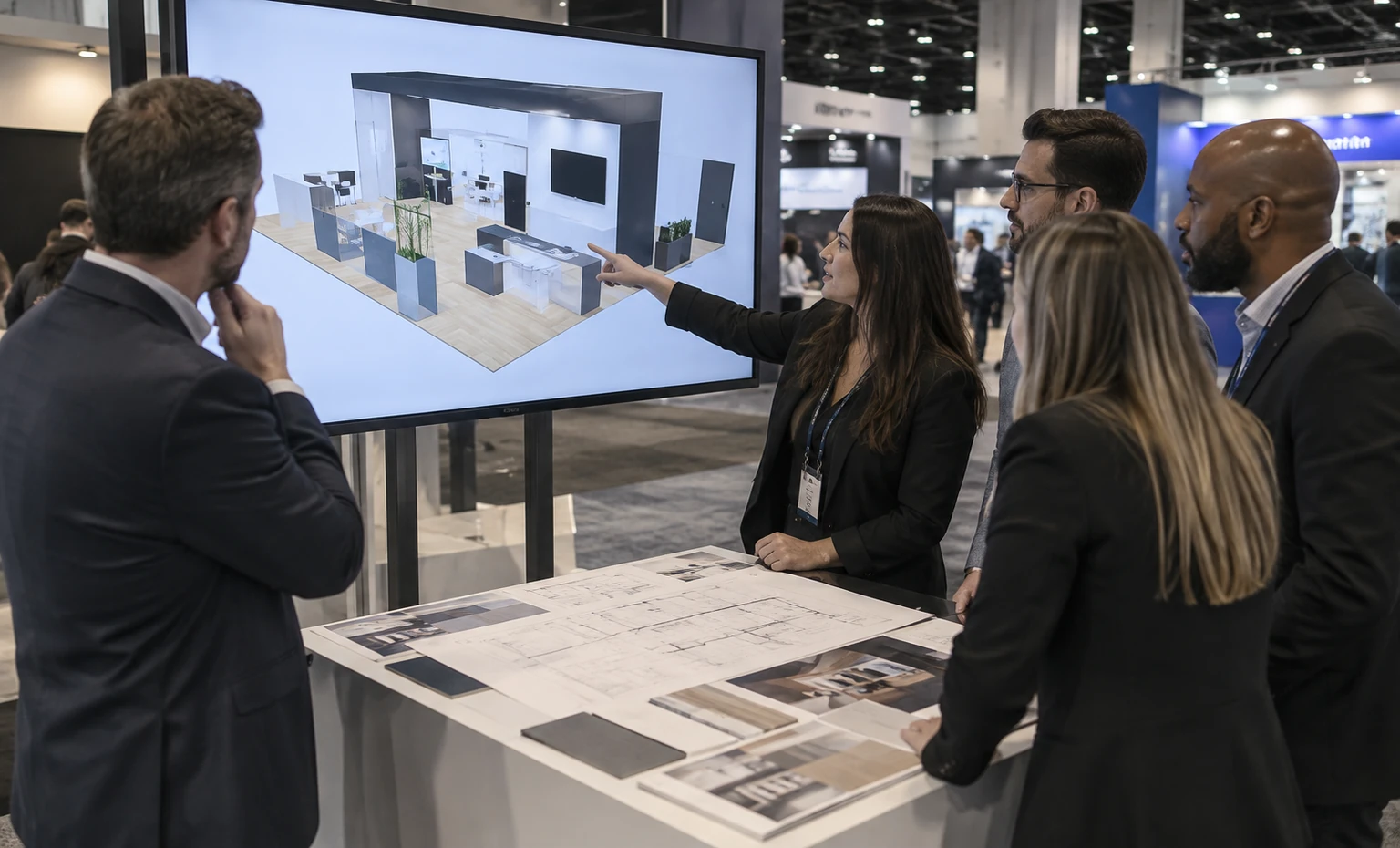
King Exhibits can place the confirmed equipment, screens, storage, meetings, graphics and service access into one 3D direction before the rental and custom elements are released. The approved equipment names can then carry into interface review, graphics, packing and the onsite scope.
The proposal separates what King supplies from the equipment, technical operation and official services owned by the exhibitor or show providers. That lets marketing, engineering, operations and procurement review the same physical plan without assuming that every system requirement is automatically included.
Close These Inputs Before SC Exhibit Production
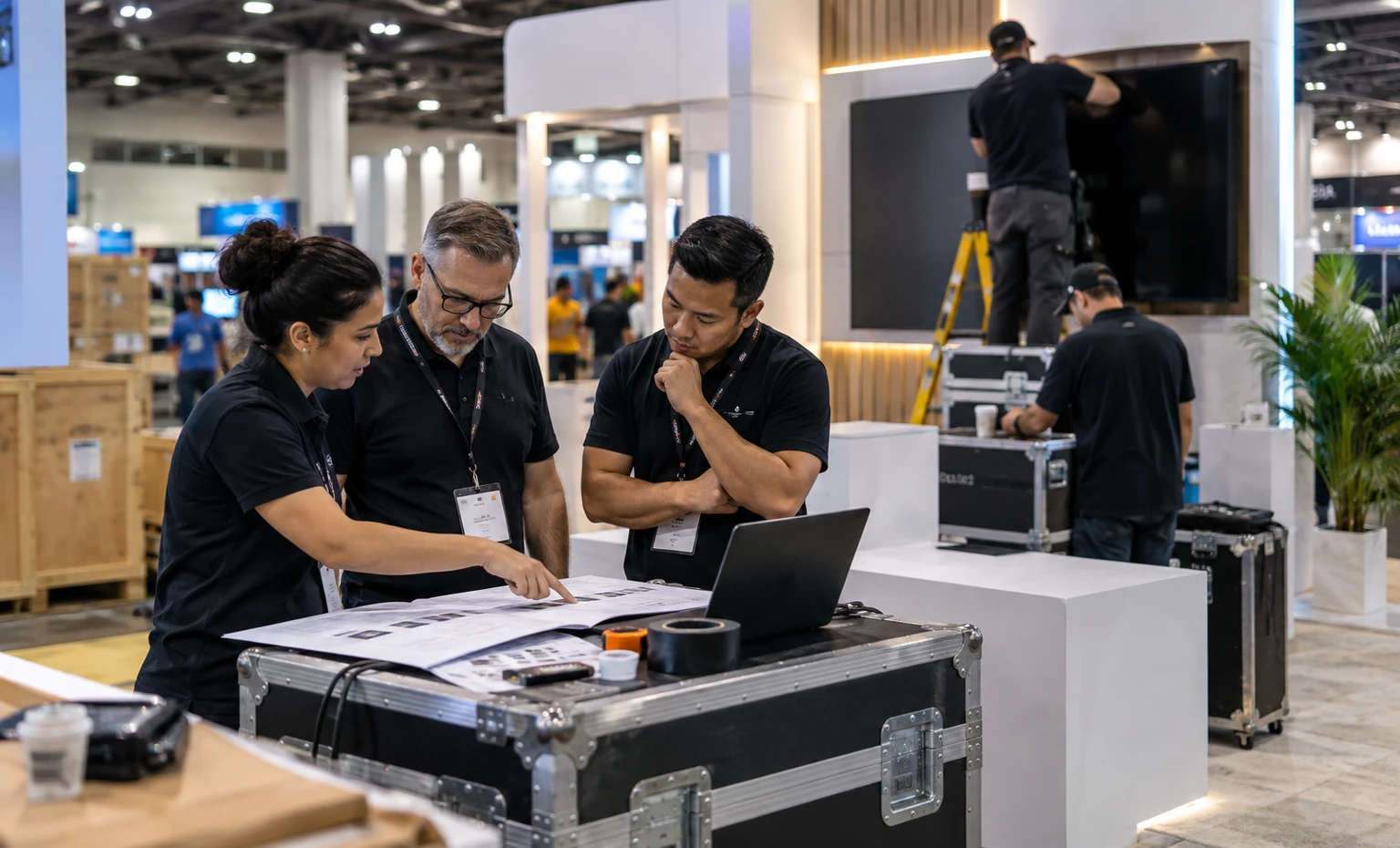
Finalize each device, dimensions, weight, operating side, interface, operator, demo sequence, backup and packing owner.
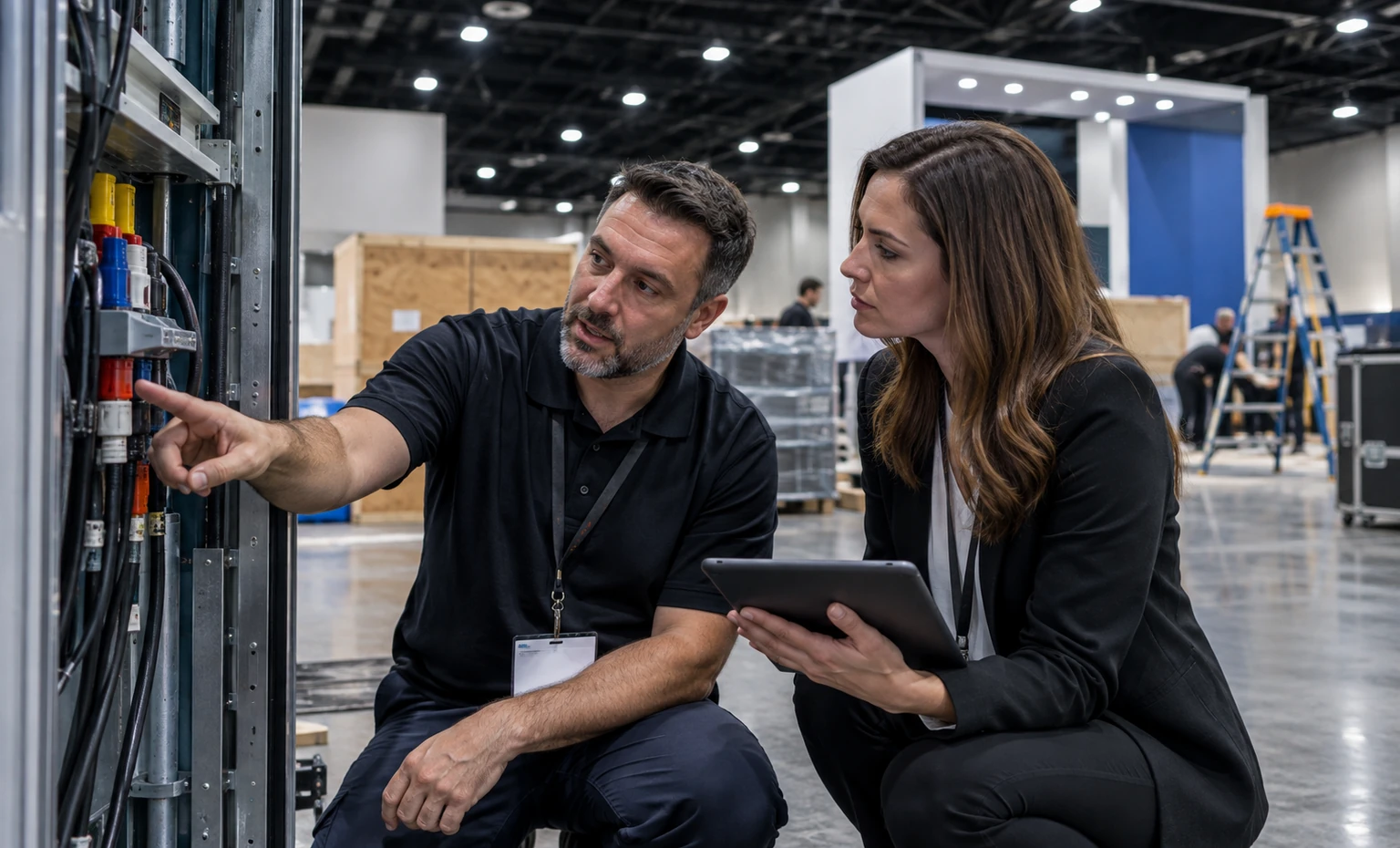
Confirm loads, heat information, power, wired network, approved wireless needs, cable entry, service orders and who submits each request.
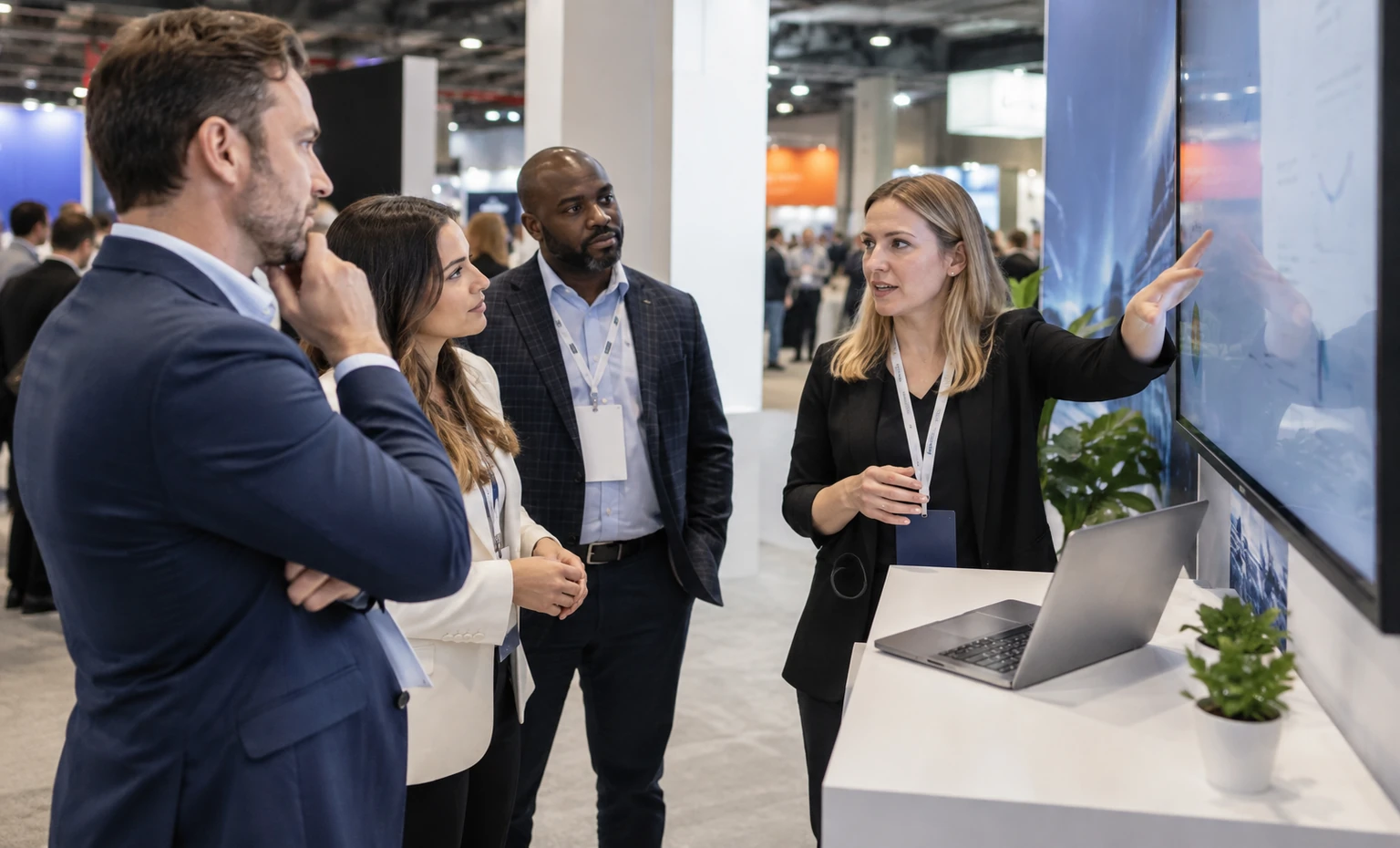
Approve the use case, result, architecture explanation, product labels, screens, spokespersons and meeting handoff.
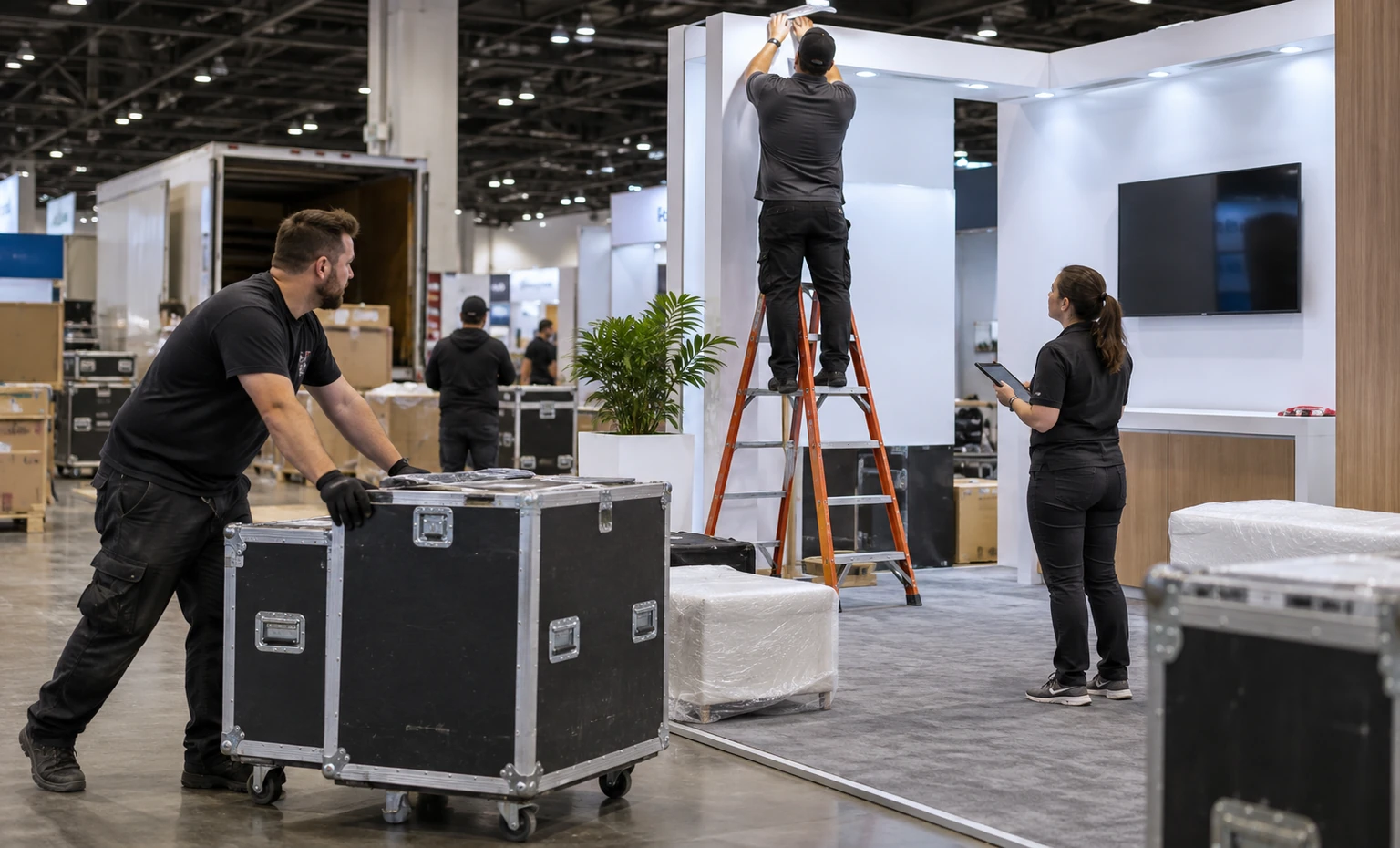
Confirm ship-to destination, handling, delivery timing, installation, customer equipment placement, testing, show support and dismantling responsibility.
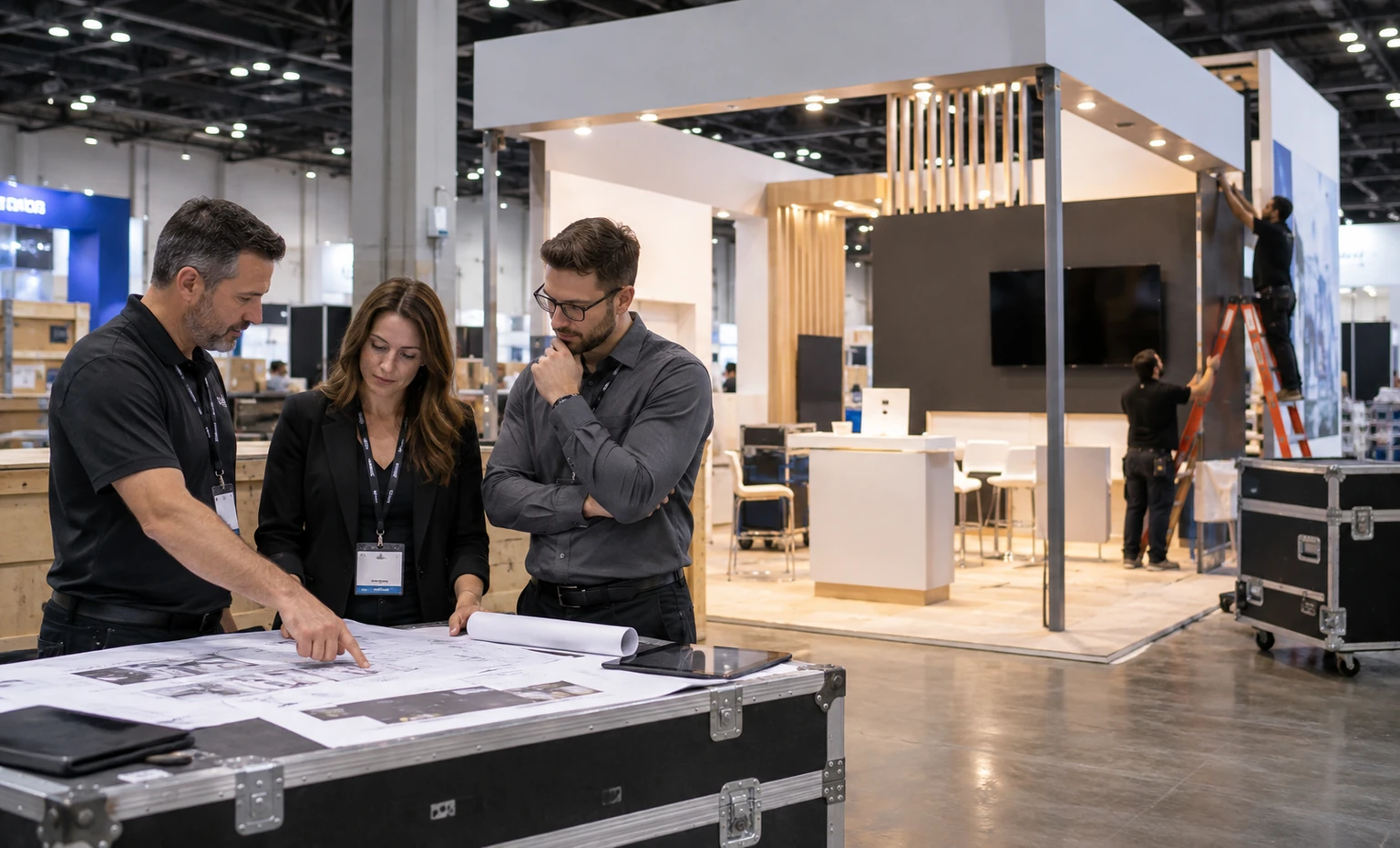
Move from Demo Schedule to Accepted Exhibit Scope
List the SC edition and assigned footprint first, then attach the equipment/demo schedule, graphics, meeting plan, utility requests, shipping route, budget range and the field work you want priced.
We place visitor view, operator position, equipment, screens, service access and technical discussion around the real sequence.
Marketing and engineering check the message, footprint, interfaces, clearances and responsibilities before release.
The proposal identifies King scope, exhibitor inputs and show-provider services so required orders and approvals stay visible.
The team prepares only the rental structure, custom interfaces, graphics and pack plan named in the signed-off scope, using the final equipment labels as the control record.
Onsite work follows the responsibility list: King handles its quoted exhibit tasks, your specialists operate the computing equipment, and official providers deliver their ordered services.
Yes, when the assigned footprint, verified equipment dimensions and weight, structural interface, access, utilities and current show rules support the installation. Send the exact equipment schedule before the 3D design is approved.
No. SCinet controls its services, requests and network policy. King can plan the physical handoff and cable route or coordinate a task only when it is listed in the accepted proposal.
Not without the review required by the current SC network policy. Current SCinet materials prohibit unauthorized exhibitor wireless access points. Confirm the active policy and any approved exception directly with SCinet before the show.
Your technical team should provide actual loads, heat output, airflow direction, redundancy and operating limits. The responsible official providers control venue services. King uses the approved inputs to keep physical access, openings and cable routes in the exhibit plan; it does not certify system performance.
The footprint, structure, equipment supports and interfaces, screens, graphics, flooring, storage, meeting areas, freight and onsite work all affect scope. Official network, electrical, rigging, material handling and other show services remain separate unless the proposal says otherwise.
Send the show edition, assigned size and configuration, equipment and demo schedule, graphics, screens, network/power/cooling inputs, meetings, storage, freight plan, budget and the onsite work you want King to quote.
Booth Sizes for HPC Equipment and Technical Meetings
-
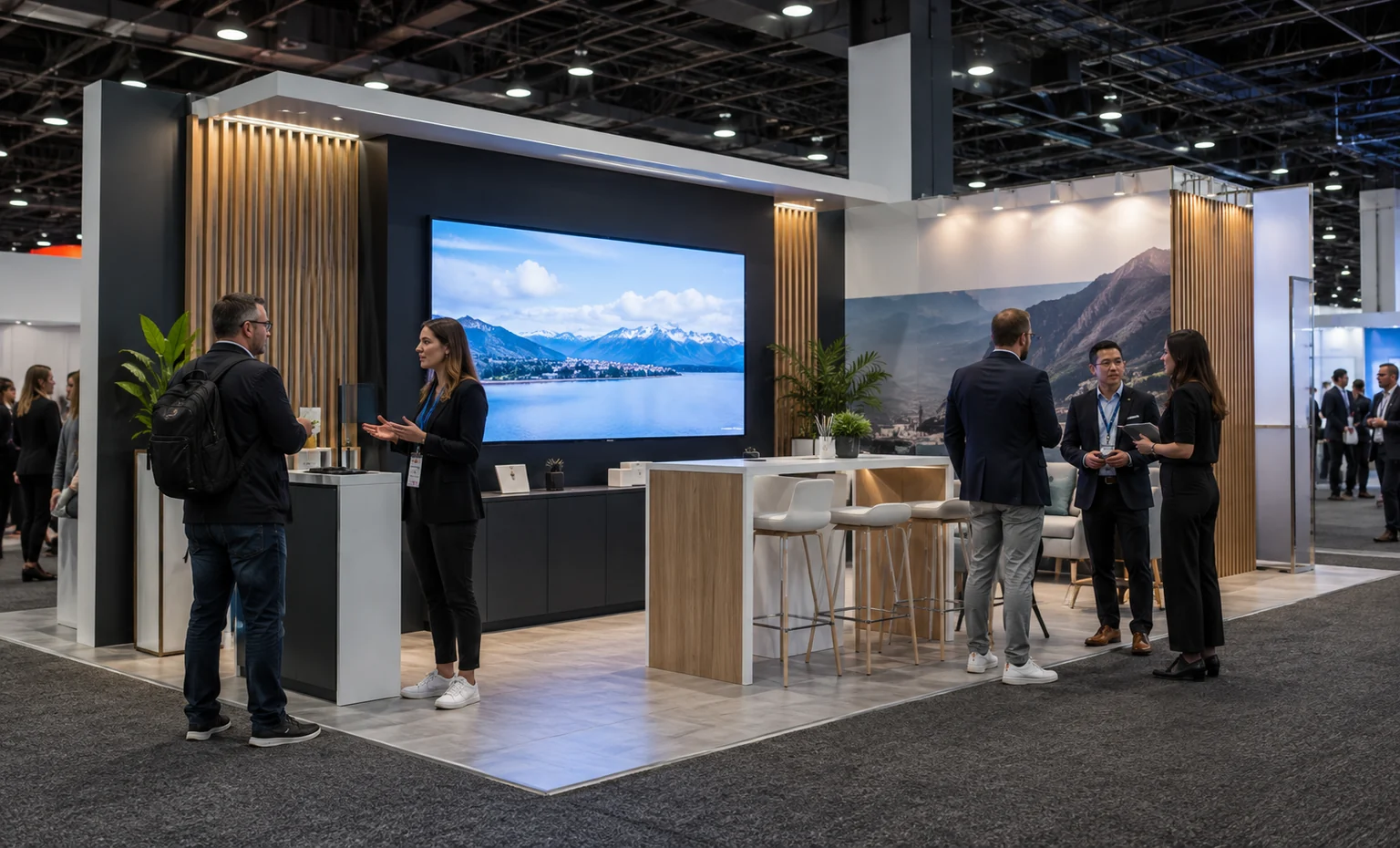
A compact footprint can support one screen-led system story when the operator, equipment, service side and follow-up point all fit without blocking access.
-
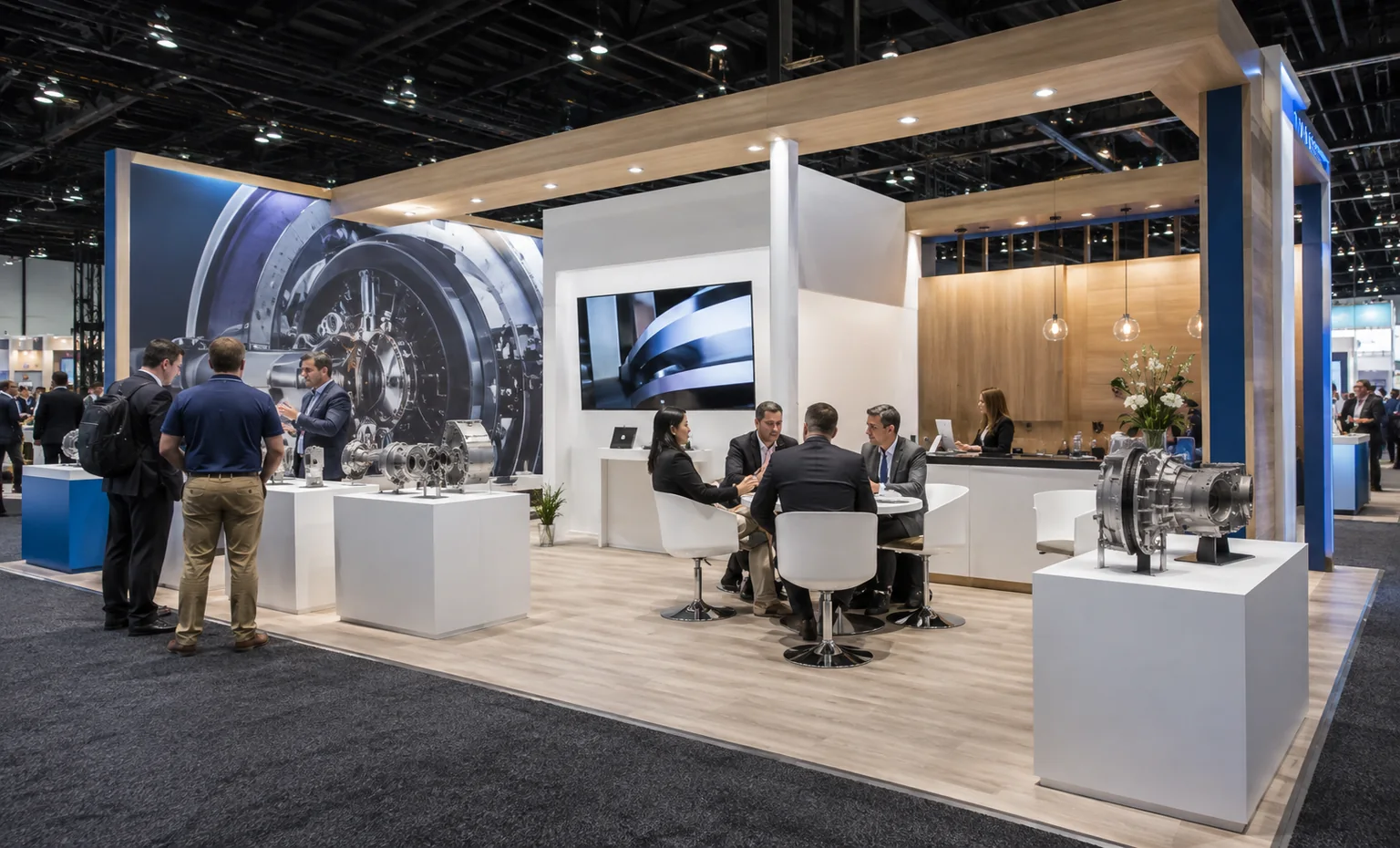
Additional depth helps separate component displays from a seated technical review while retaining a rear route for cables, replenishment and equipment checks.
-
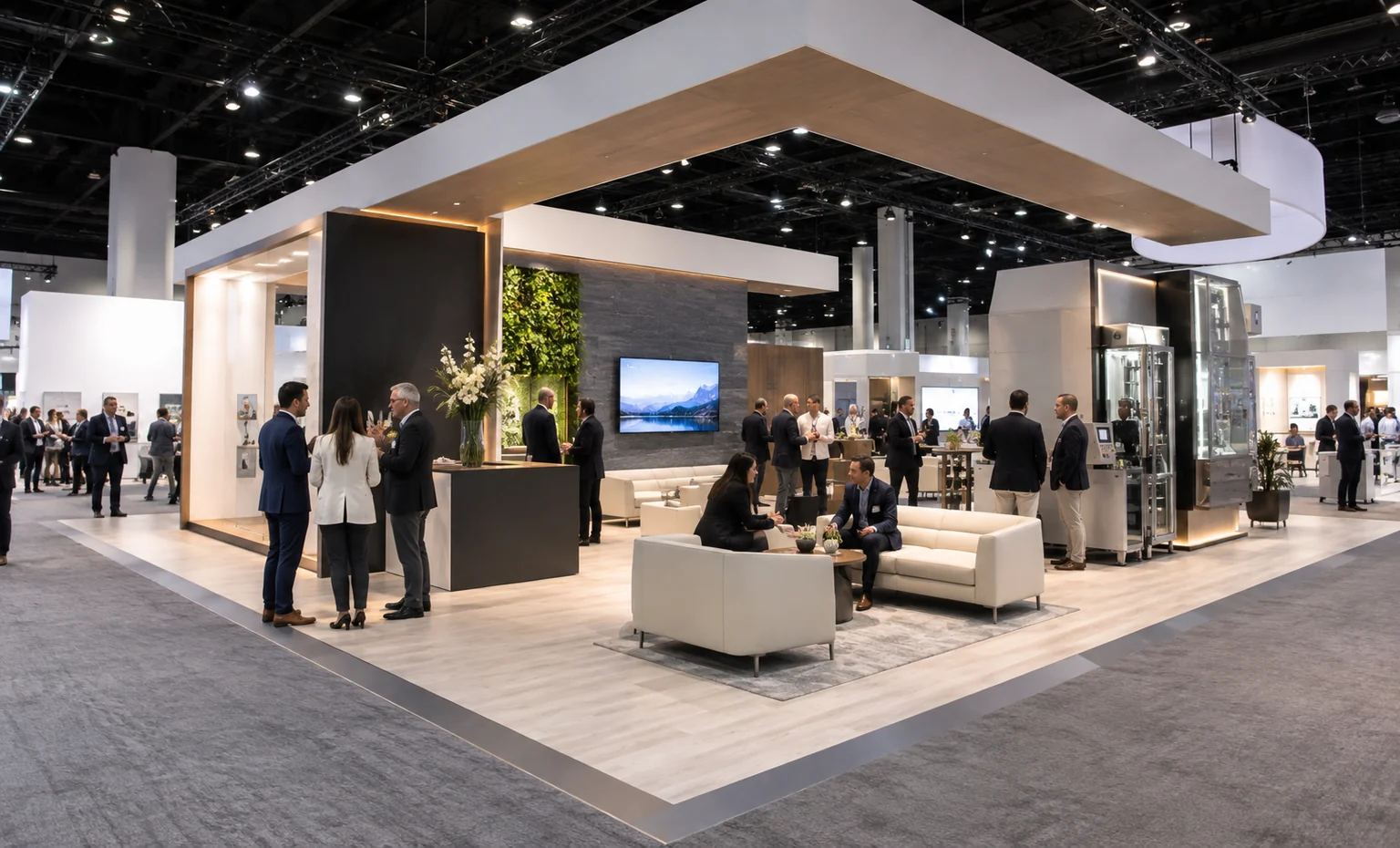
An island-scale plan can give independent demonstrations their own sightlines and operators, with larger equipment, scheduled meetings and support functions kept out of the main circulation path.