
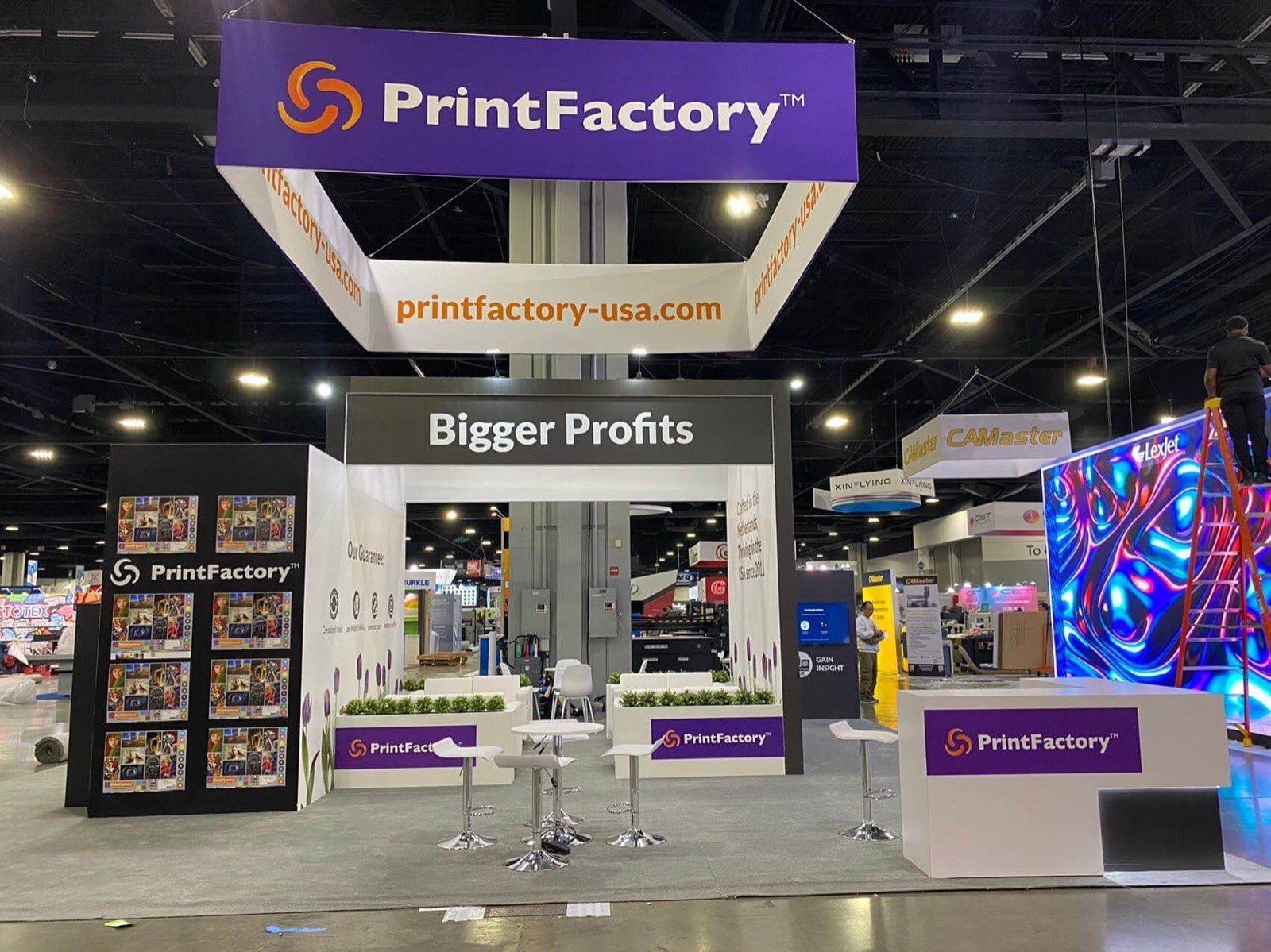

Organize samples by application, substrate, process or finishing result so the visitor can compare relevant work quickly.

Set machine, operator, screen and audience positions before walls and counters close around the equipment.

Connect file preparation, production, finishing and business output without forcing the buyer to visit unrelated stations.

Place technical data, account specialists and meetings close to the demo or sample that qualified the opportunity.
Choose the Exhibit Format by the Proof You Need to Run
Printed Sample and Application Gallery
Use controlled lighting, accessible racks and application labels for packaging, graphics, apparel, labels, décor or commercial print. Reserve storage for replenishment and buyer takeaways.
Live Press or Finishing Demonstration
Build from machine footprint, delivery route, operating clearance, stock input, output, utilities, heat, ventilation, waste and specialist access. Visitor boundaries belong in the same plan.
Software and Workflow Exhibit
Give each station a real job: job onboarding, color, automation, RIP, MIS, inspection or production control. Use representative files and a tested offline fallback.
Integrated Production Line
Several machines can show a complete application, but the material path and audience need room. Product identity and staff roles should remain clear at every stage.
A Printing Expo Exhibit Built Around Output Buyers Can Judge
Print buyers want evidence. They compare color, texture, registration, finishing, productivity, workflow and the business applications the system can produce. A booth filled with equipment but no clear output story makes the visitor work too hard to understand why one solution matters.
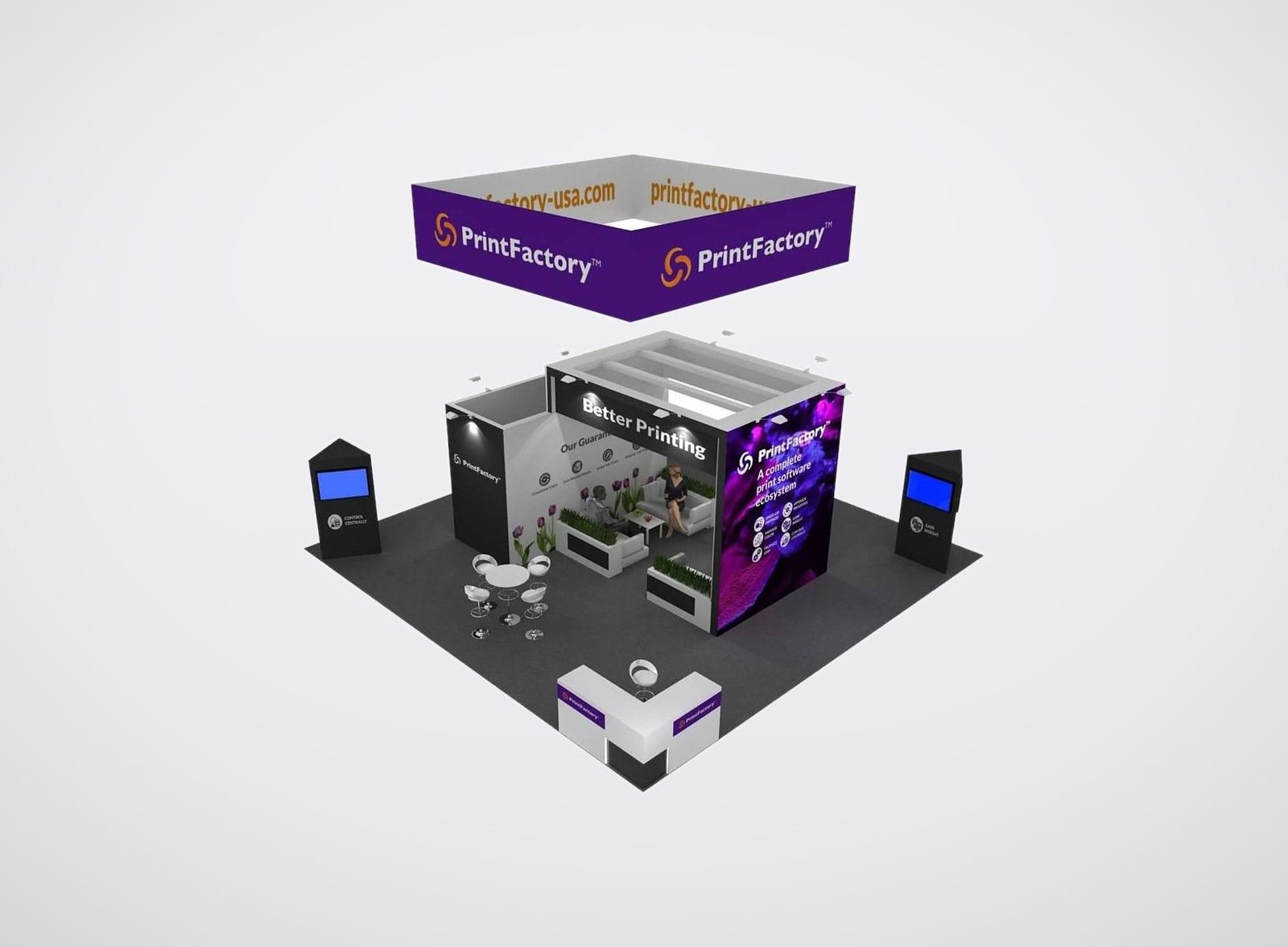
King Exhibits links the samples, demonstration, application graphics and meeting area in one 3D plan. Reusable rental walls, towers, counters, flooring, lighting and storage create the environment. Quoted custom work can fit machines, sample systems, material paths or branded architectural details.
The proposal identifies King’s exhibit scope. Customer equipment, specialist installation, stock, inks, consumables, compressed air, extraction, power, internet, material handling and official show services require named responsibilities. Resolving them before production protects both the booth build and the live demonstration.
Organize the Booth by What the Buyer Wants to Produce
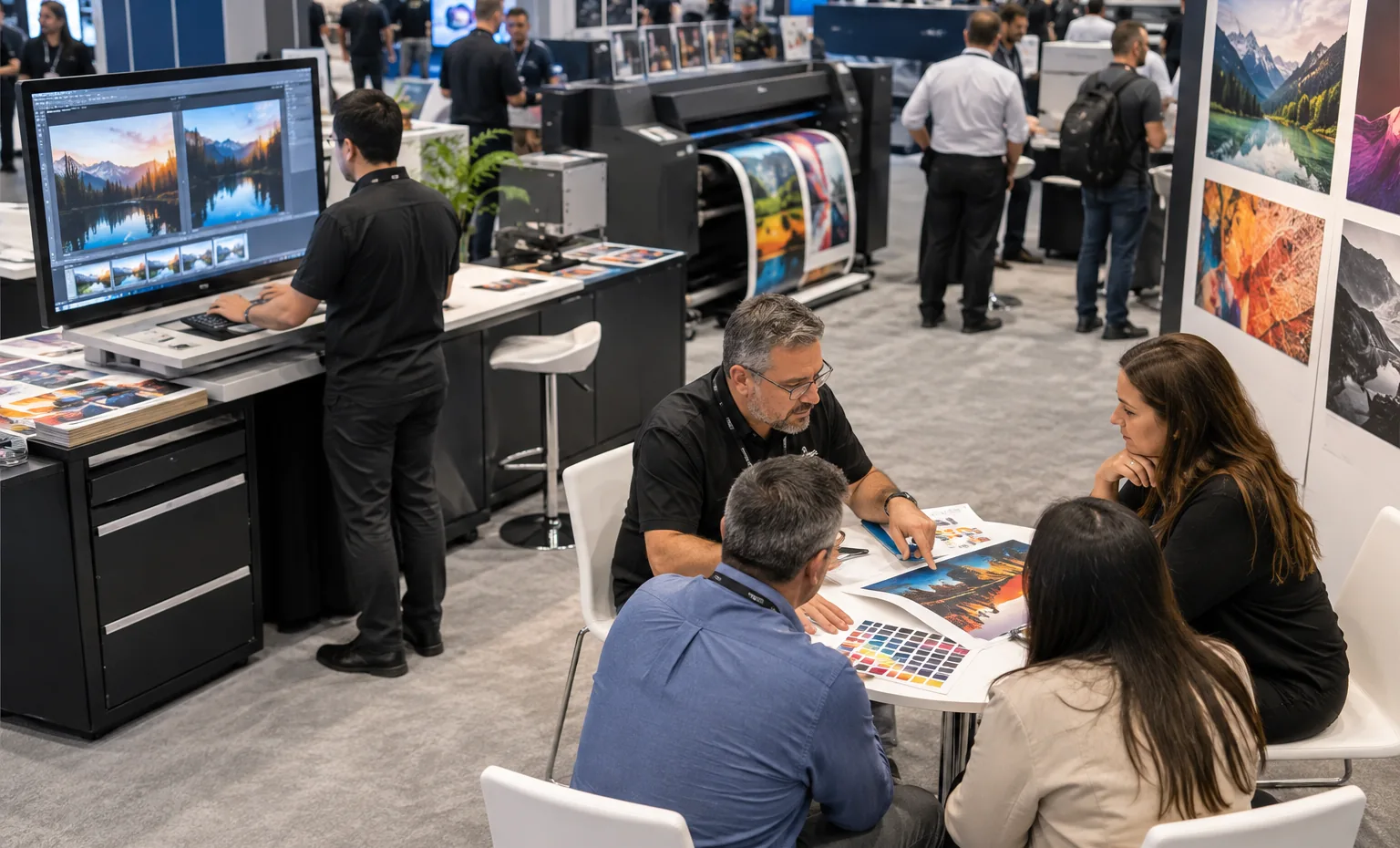
Run task-based demonstrations with visible before/after output and enough seating for deeper integration questions.
Give Every Sample a Production Story
Group output by the application or buyer problem, then label substrate, print process, ink, finishing and relevant result. Keep the sample removable when touch, flexibility or reverse-side construction matters. Test color and surface effect under the final booth lighting. A visitor should be able to connect the sample to the machine or workflow that produced it, while staff can retrieve a related version without leaving the conversation.
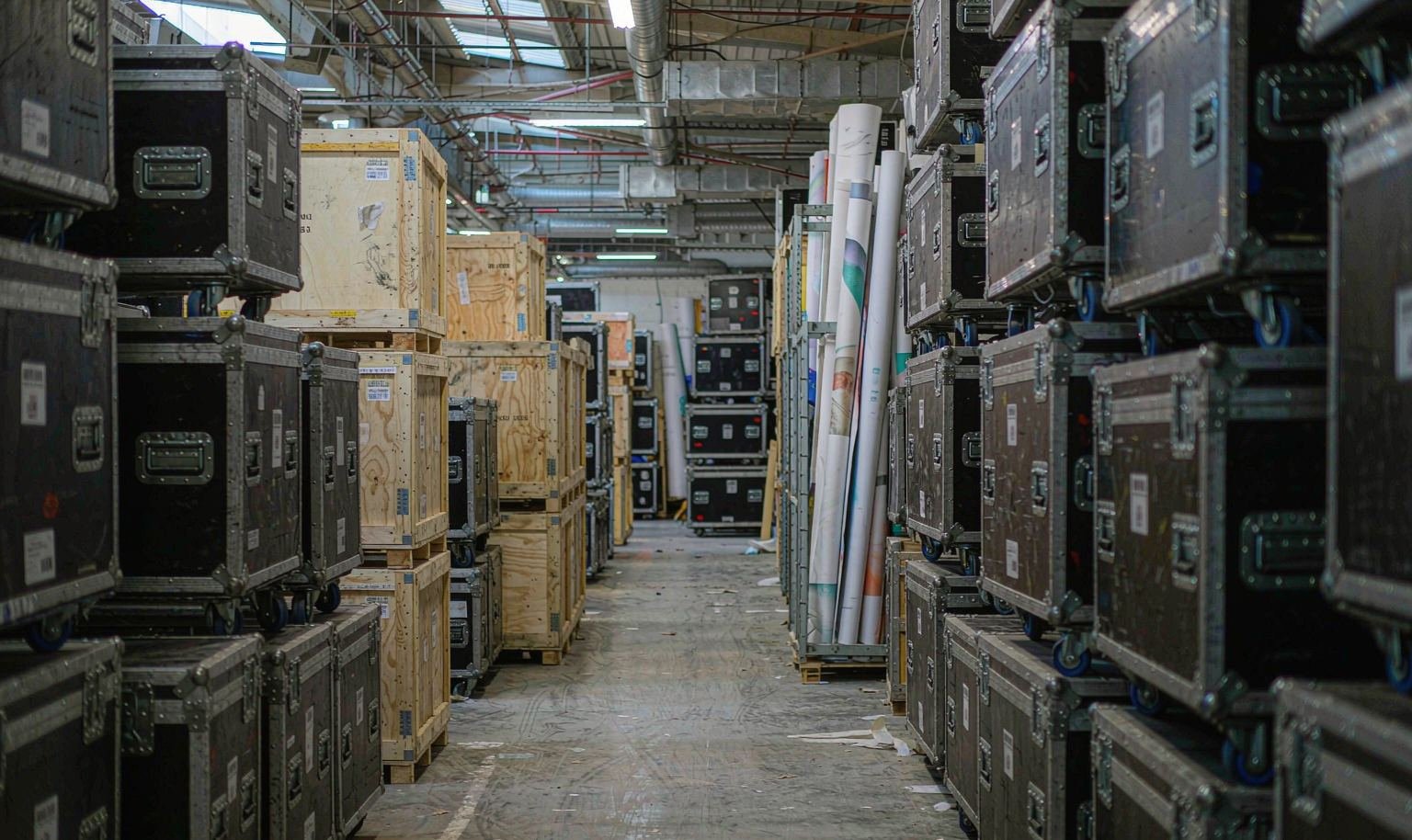
Map Stock, Utilities and Waste Around the Live Machine
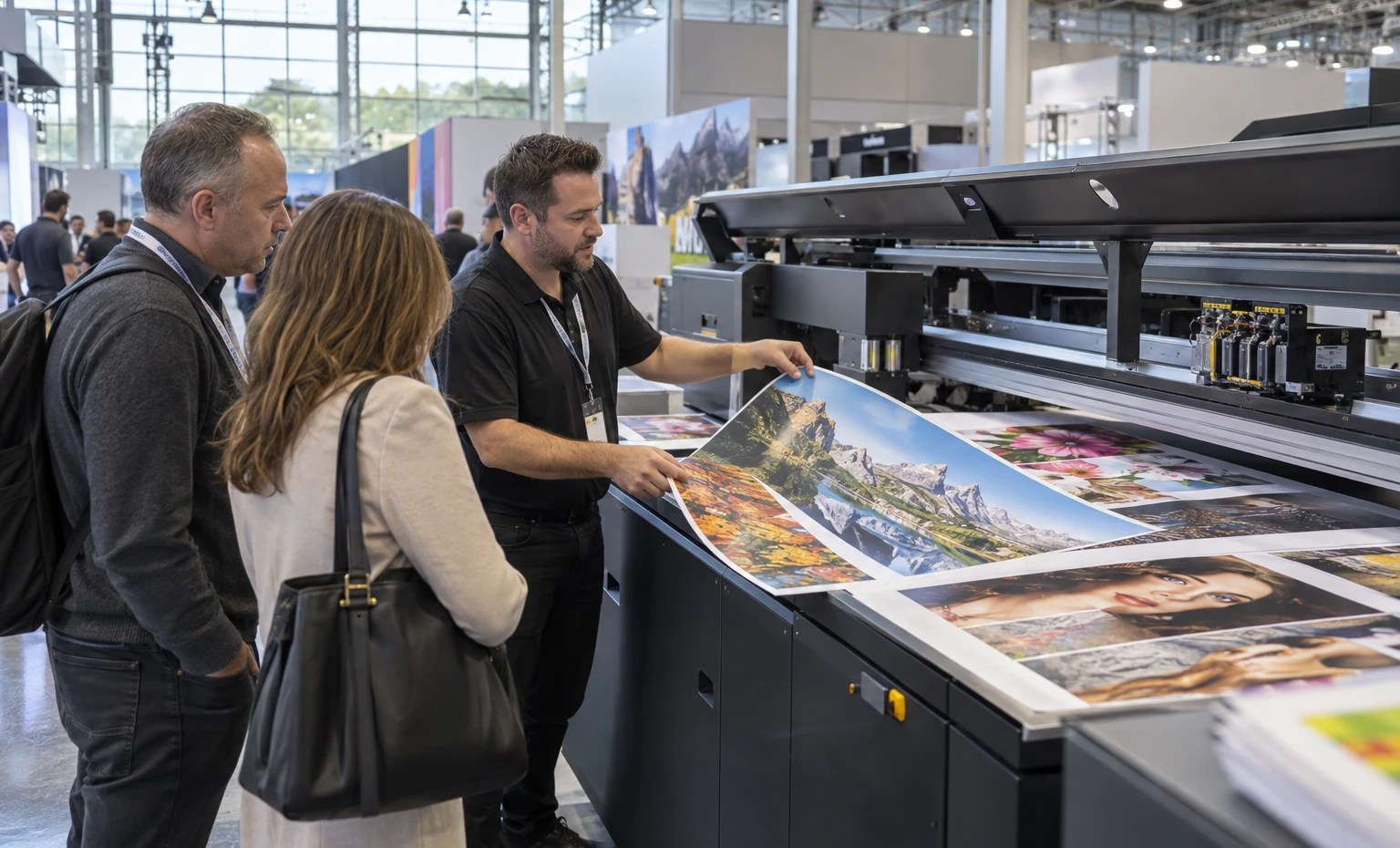
Record machine dimensions, weight, operator side, service access, stock input, finished output, power, air, network, heat, ventilation and waste. Add the material used for every scheduled demonstration and where it is stored between runs. King Exhibits can then keep booth structure and visitor circulation clear of the working path. The resulting plan also shows which services and equipment tasks belong to the customer, manufacturer technician or official provider.
Move from the Demo Result to the Buyer's Application
End each demonstration beside the finished output, then ask which substrate, run length, workflow or market the buyer serves. Place application samples and the correct specialist close to that point. Capital-equipment, software, distribution and consumables conversations need different follow-up materials. A clear transition prevents the next demo crowd from pushing a qualified buyer away before the team can discuss fit, implementation and commercial scope without losing the application context.
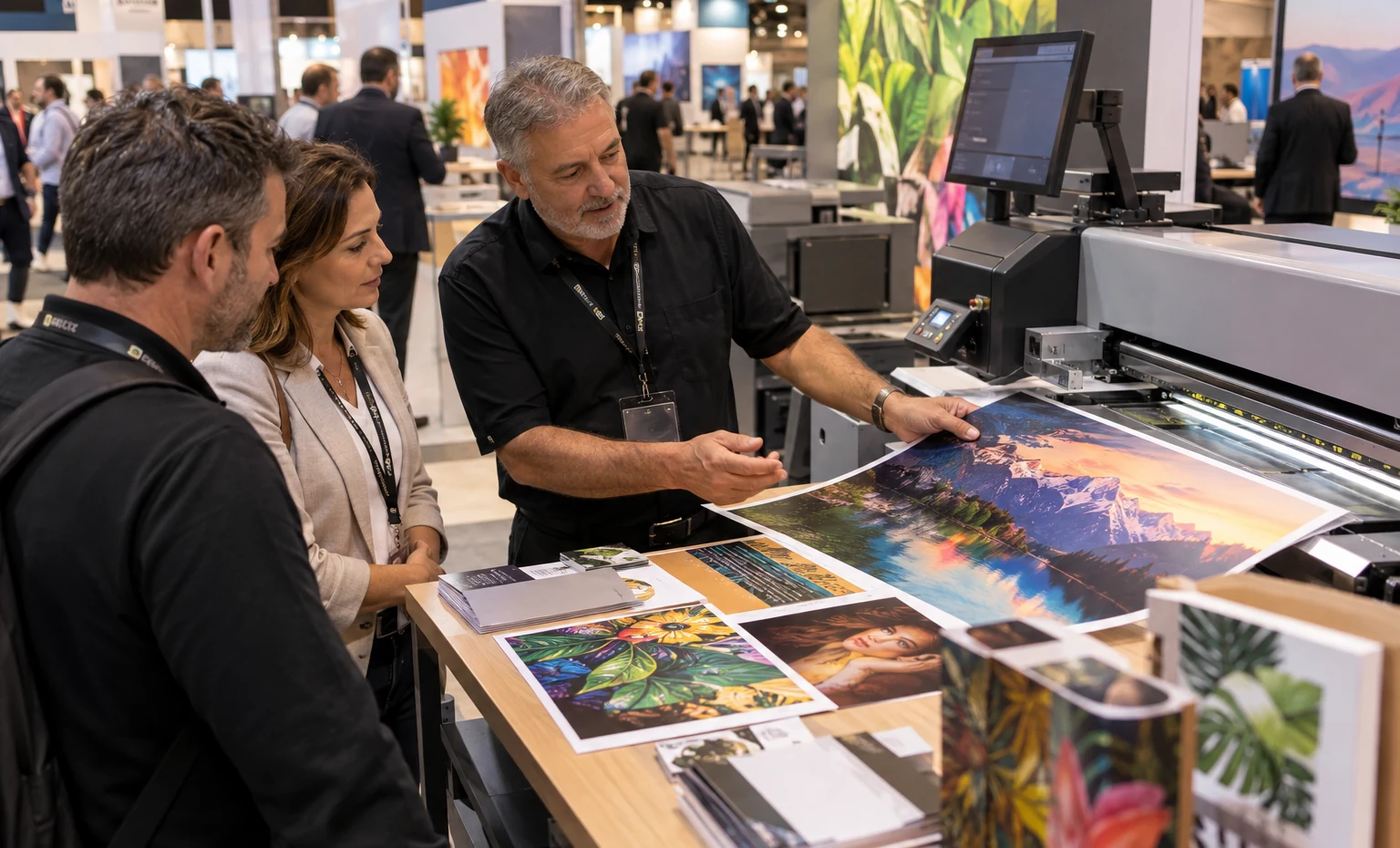
One 3D Plan for the Booth, Machine and Sample System
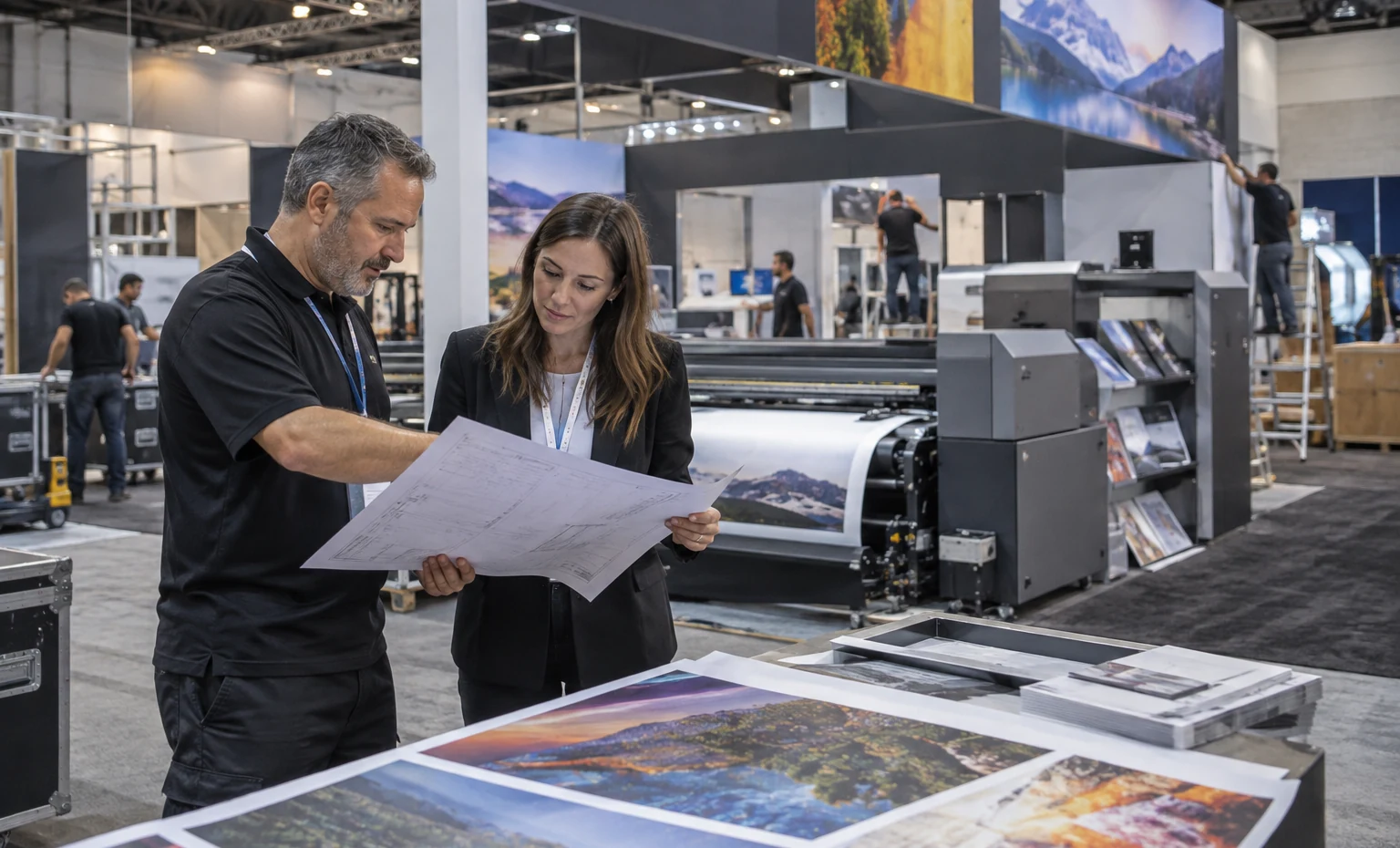
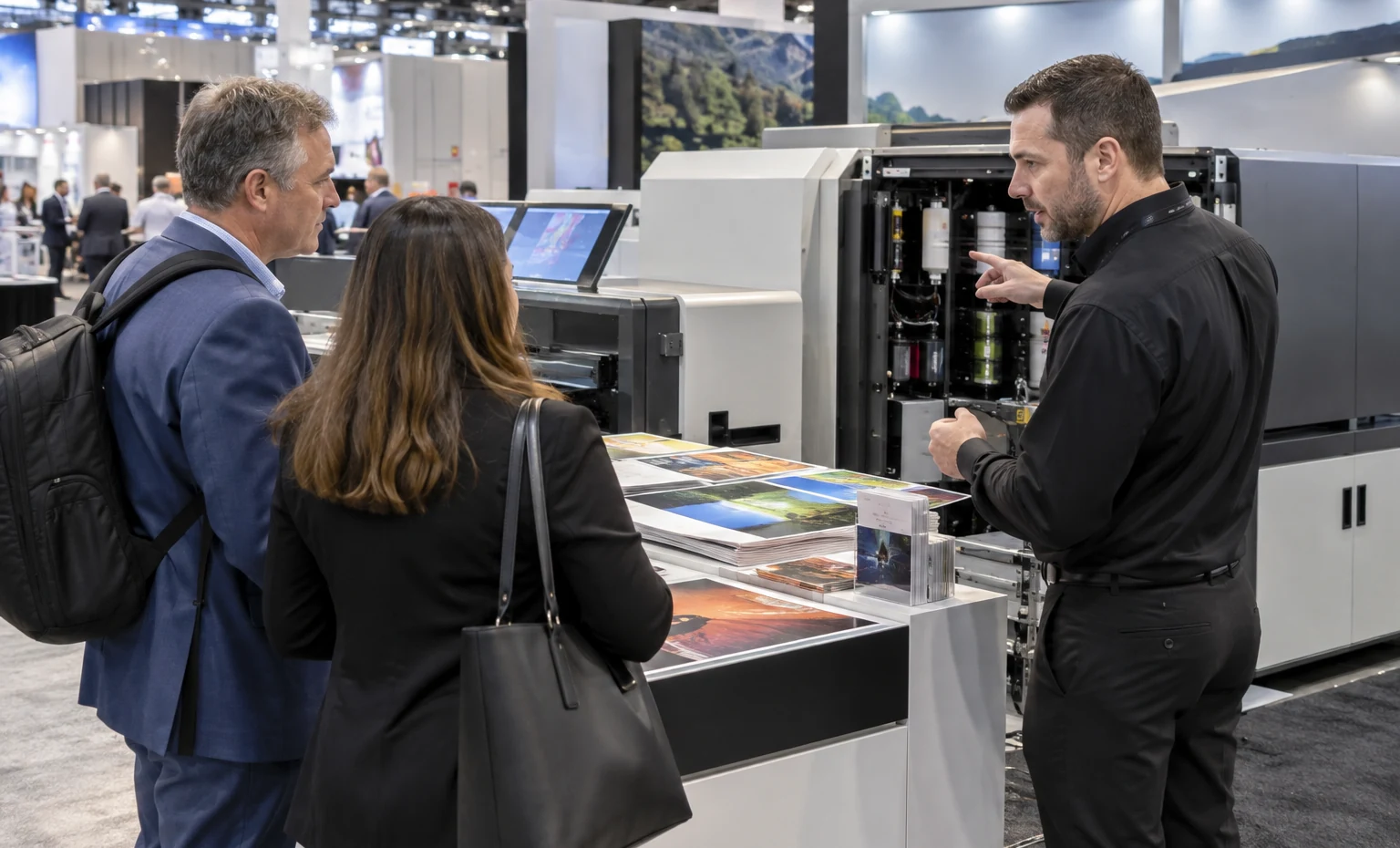
King Exhibits can develop the rental architecture around confirmed equipment and sample records. Machine clearances, demo counters, sample racks, lighting, graphics, storage and meetings remain visible in the same 3D plan. Quoted custom fabrication supports the interfaces that standard rental furniture cannot solve.
Component and graphic identification can follow the approved application and product map through packing. This gives the installation team a clearer order and helps the exhibitor protect the route needed for equipment placement and testing.
Close the Production Demonstration Before Shipping the Exhibit
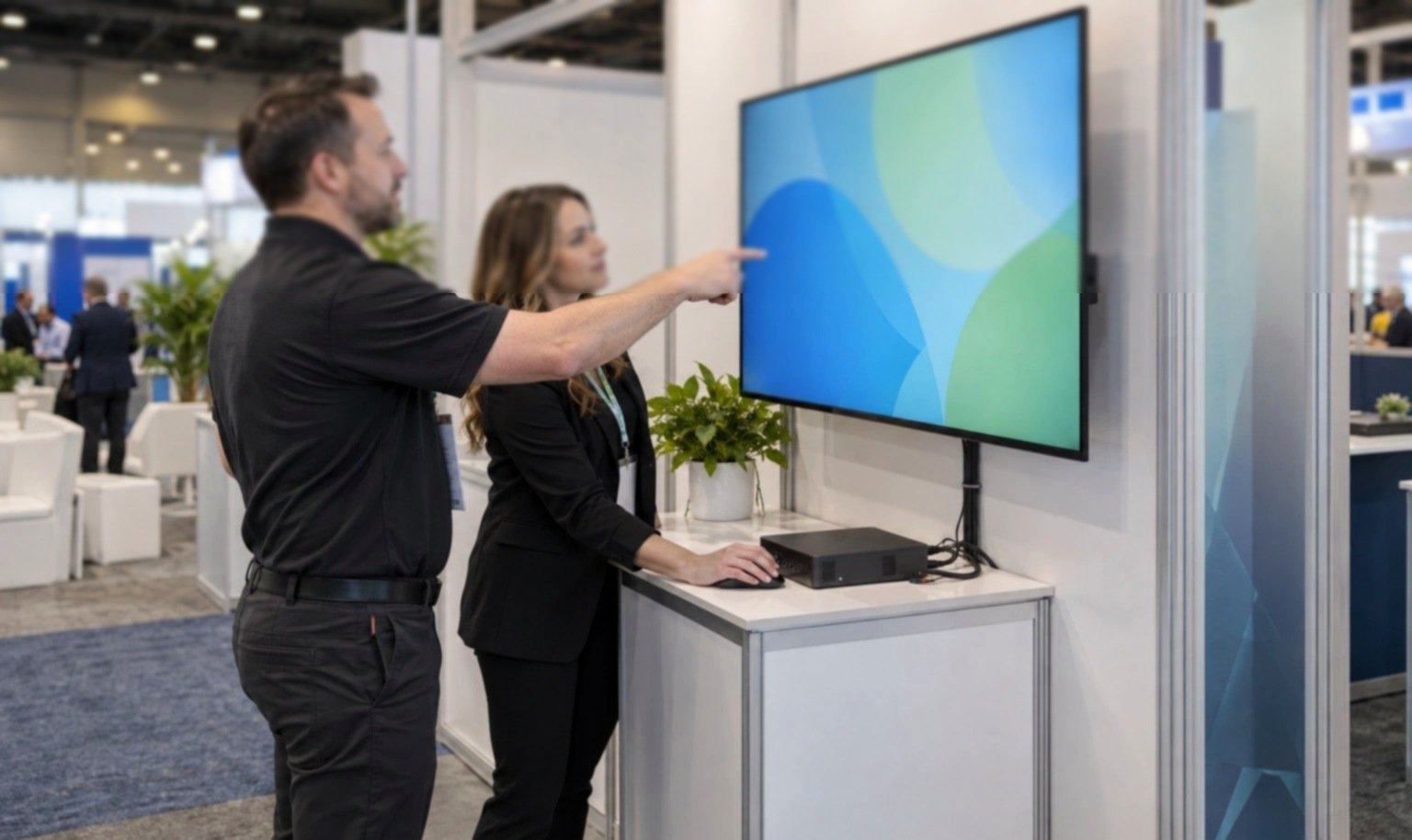
Confirm direct or advance shipment eligibility, delivery dimensions, lifting, placement, specialist access and the order in which exhibit pieces install.
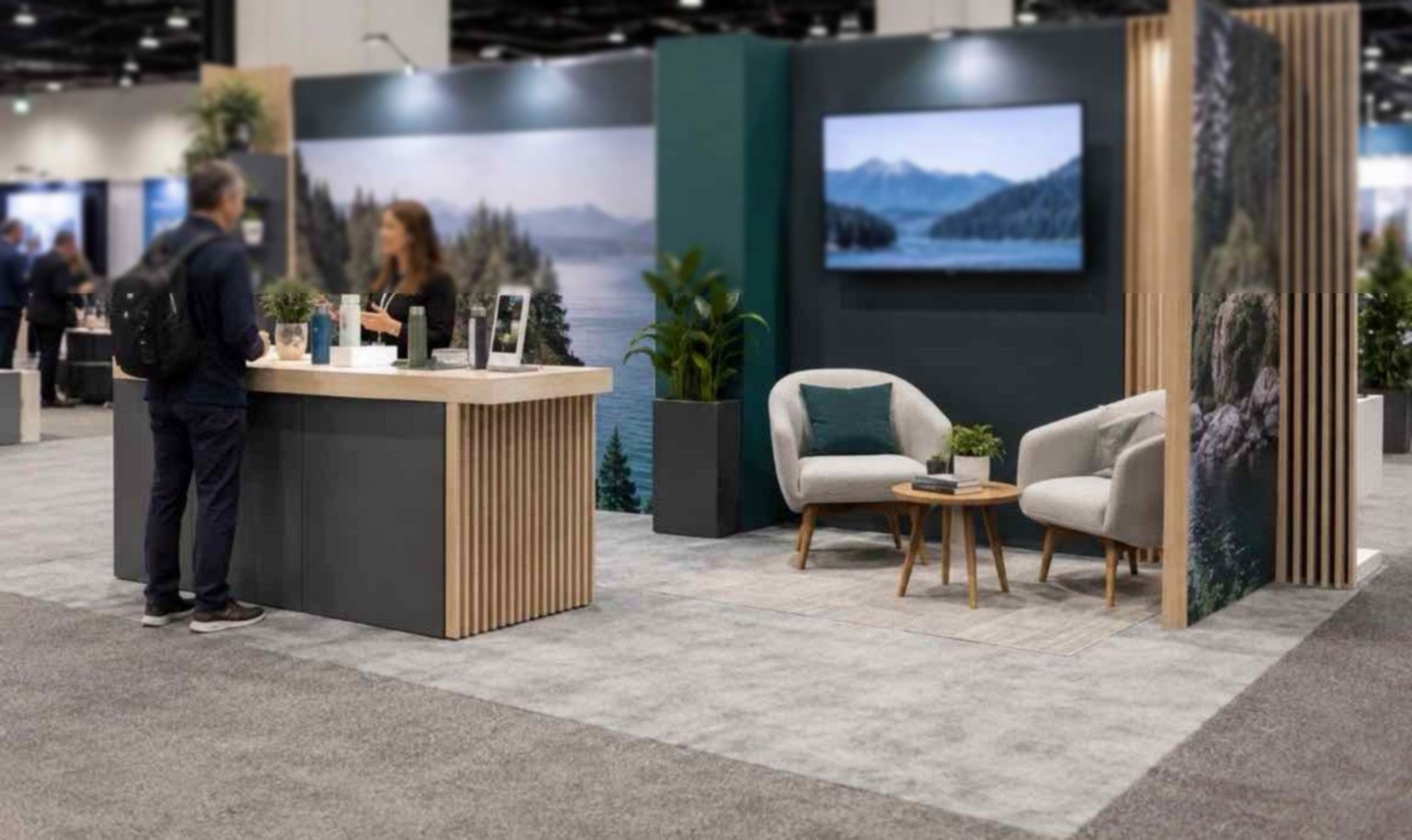
Separate opening stock, daily demo stock, finished samples and waste. Give each a dry, accessible place.
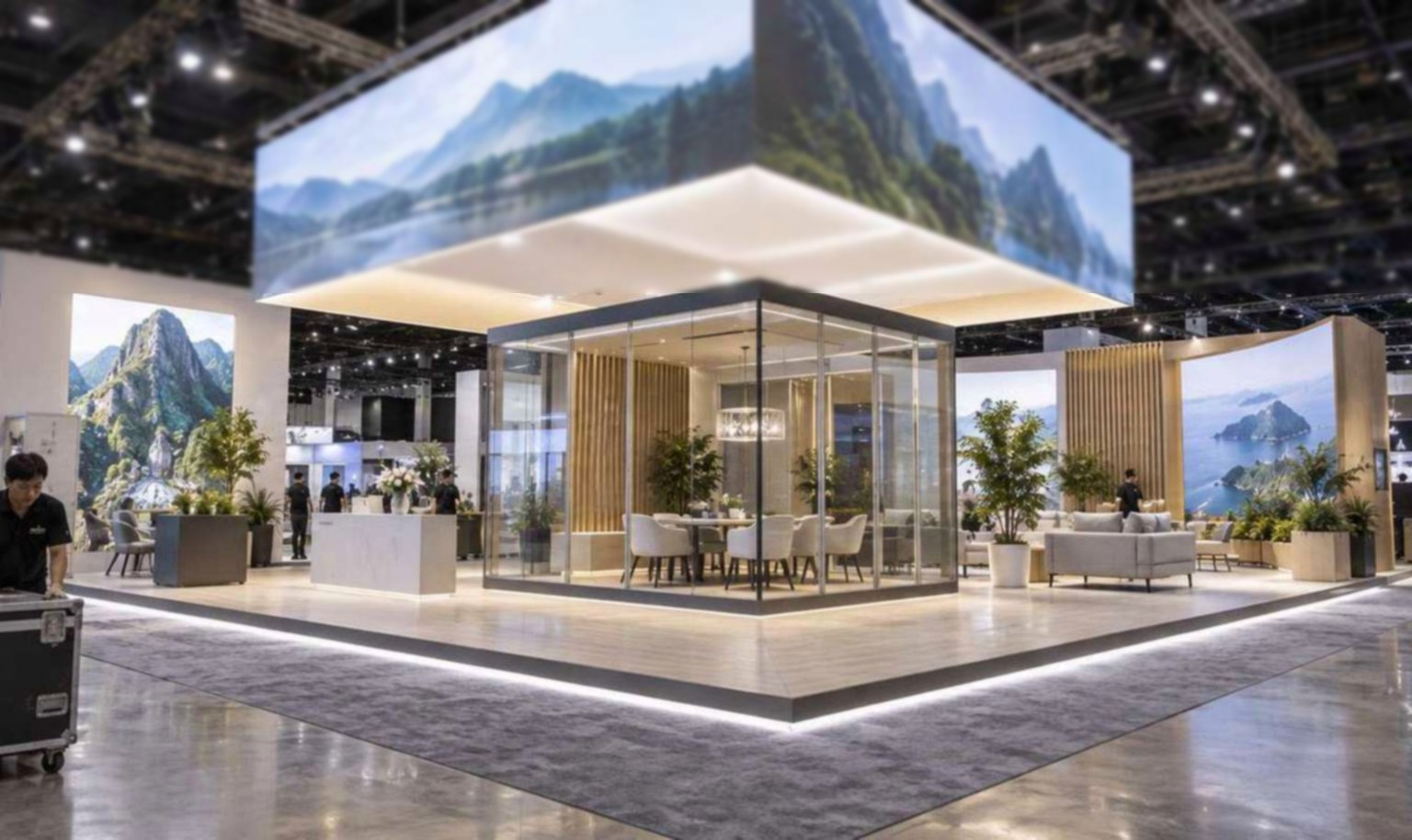
Use approved files, calibrated production where required and booth lighting that lets output comparisons remain meaningful.
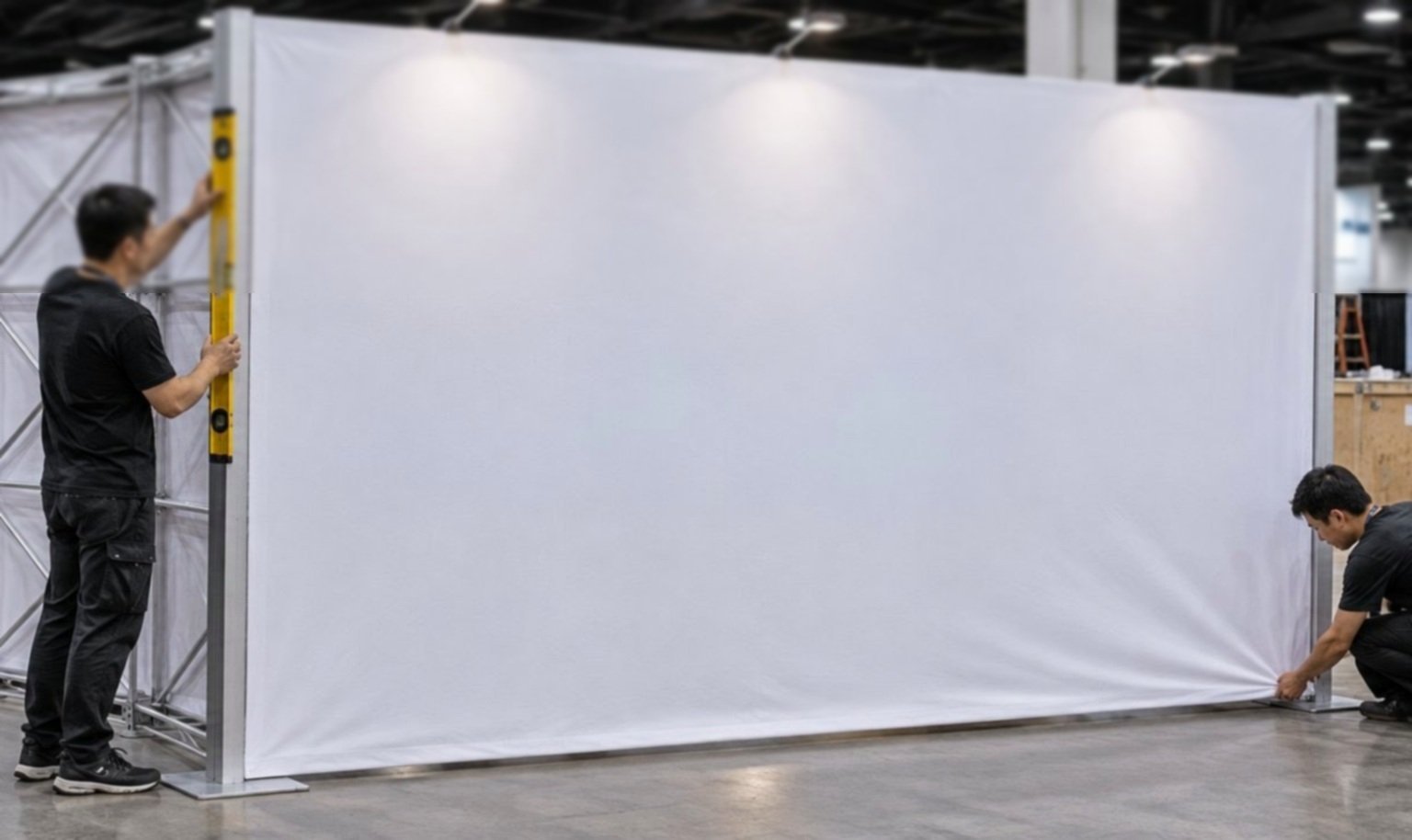
Current rules call for drawings on certain larger booths. Recheck the active ESM, utility providers, machine rules and approval thresholds before release.
Turn the Print Demo into a Show-Ready Exhibit
Include dimensions, weights, workflow, samples, utilities, output, meetings, freight and scope.
We place equipment, stock, output, operators, visitors, samples, storage and follow-up.
Review architecture, interfaces, lighting, graphics and responsibilities.
Confirm machines, services, content, sample labels and application groups.
Quoted exhibit pieces are checked against the approved plan.
King completes agreed exhibit work while assigned specialists handle customer machines and official services.
Yes, after the machine route, weight, operating clearance, utilities, heat, ventilation, stock, waste and specialist responsibilities are confirmed.
Yes. Samples can be mounted, shelved or stored for handling. Final design depends on size, weight, finish, replacement frequency and whether buyers need to touch or remove them.
Only when the accepted proposal says so. Electrical, air, internet, rigging, material handling and specialist equipment work may be ordered separately from official providers.
Send the edition, booth assignment, equipment, software, sample families, dimensions and weights, utilities, demo schedule, meetings, freight, budget and requested onsite scope.
Booth Sizes for Print Samples, Software and Equipment
-
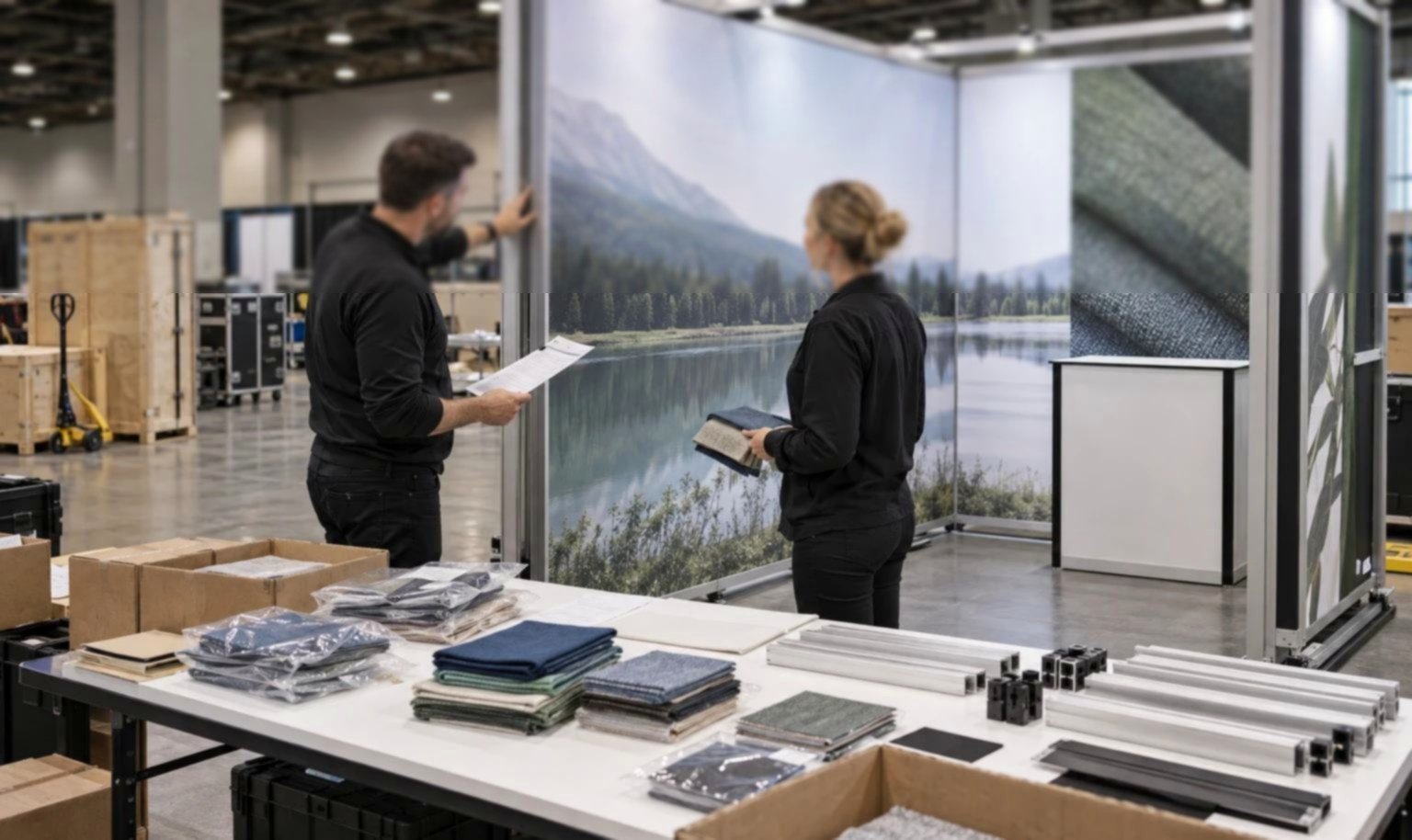
Fits a focused software workflow, sample application or compact equipment demonstration.
-
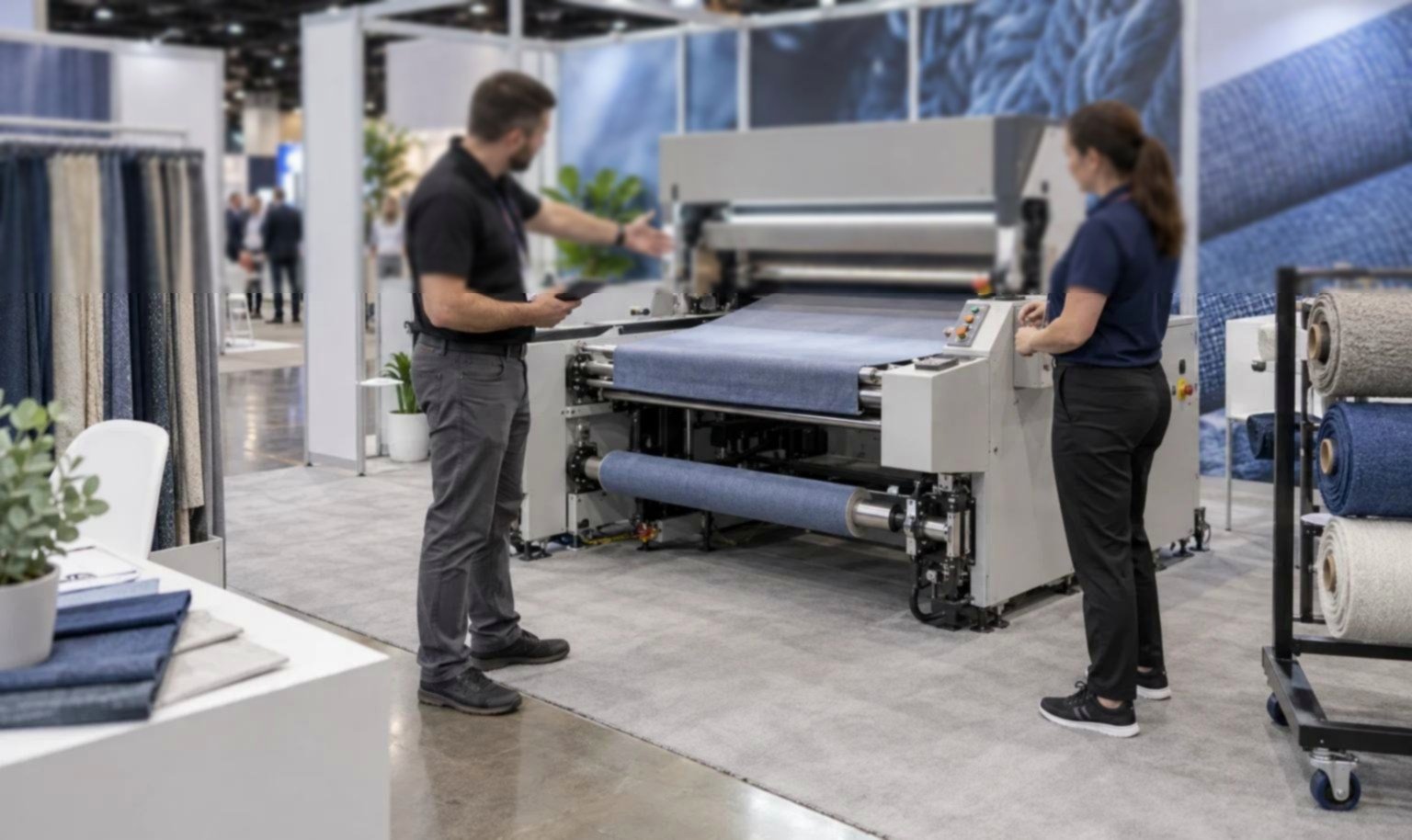
Supports several sample groups, working screens, storage and open buyer conversations.
-
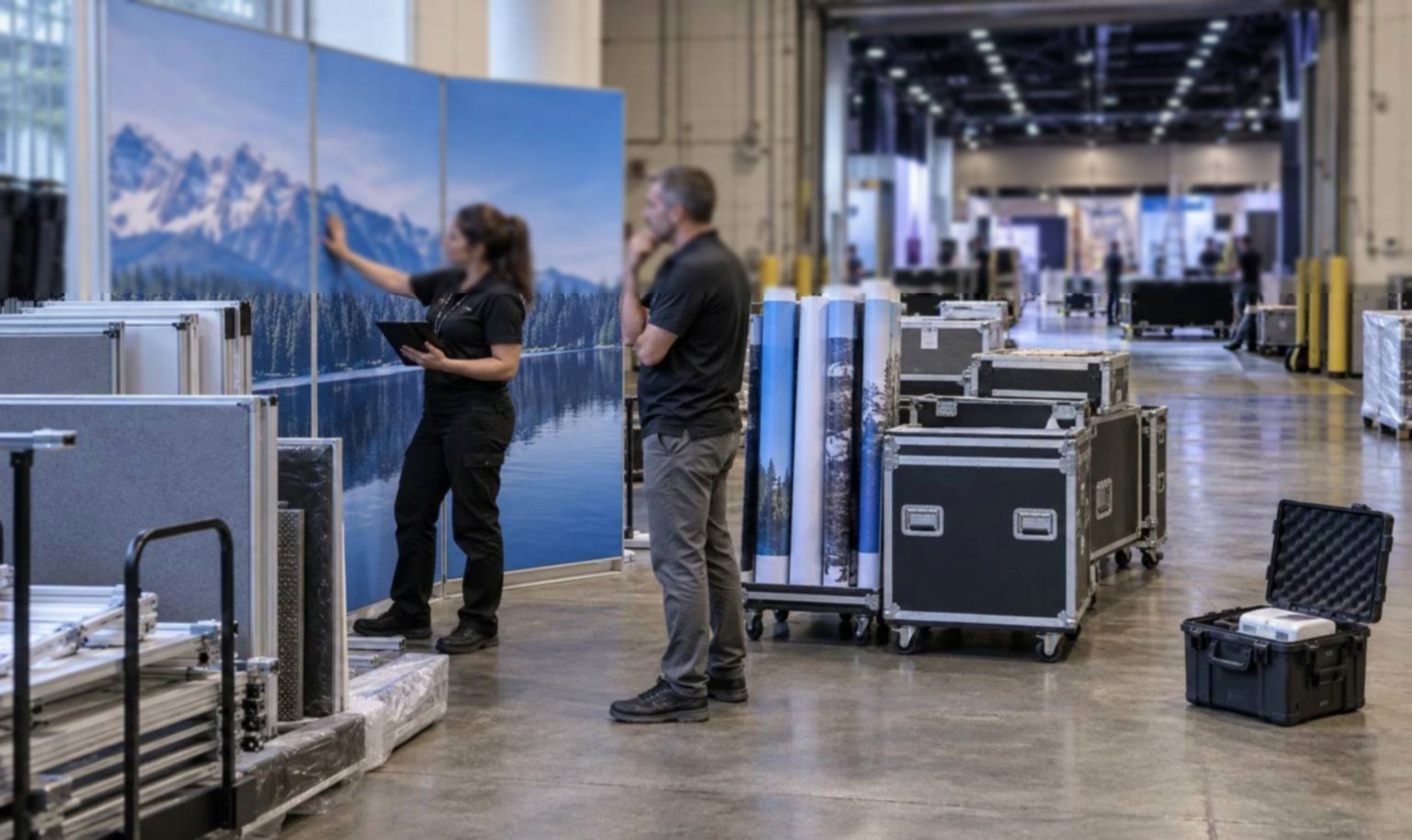
Creates room for operating equipment, material paths, output galleries and multiple commercial discussions.