


Choose the NADA Exhibit Around Your Sales Motion
Walk-Up Software DiscoveryUse a visible screen, one clear dealership problem and a short demo path. Keep the station open without allowing two viewers to block the booth entrance.Scheduled Platform DemonstrationsProvide seated viewing, controlled sound, power/data and a transition from overview into the customer’s rooftops, systems and goals.Group and Enterprise MeetingsDealer groups, OEM partners and strategic accounts need enough table space, acoustic separation and secure materials for implementation and commercial discussions.Physical Dealer Products and ServicesFacilities, service-lane equipment, merchandising, protection and operating products need samples or applications that show where they fit inside the dealership.
A NADA Exhibit Rental Built for Dealer Decisions
Dealership leaders come to NADA with different operating priorities. A dealer principal may ask about group economics, a GM about adoption, a fixed-ops director about throughput and an IT leader about integration and security. The booth should help each visitor reach the relevant workflow and the right specialist quickly.King Exhibits develops rental architecture, branded graphics, screen mounts, demo counters, storage and meeting areas around that operating plan. The 3D design assigns each station a dealership job and shows how walk-up traffic coexists with booked meetings.The proposal identifies King’s exhibit work and responsibilities. Software environments, data, network security, official internet, electrical, rigging, freight and venue services are assigned separately unless included in the accepted quotation. Your team receives a clearer division between the built exhibit and the technology or show orders it depends on.
Create a Demo Route for Each Dealership Department

Show the customer journey, lead handoff, desking or purchase step with representative data and a clear business outcome.

Use campaign, attribution, response and retention workflows that a marketing leader can recognize without a long platform tour.

Recreate appointment, inspection, lane, technician, parts or follow-up tasks at the station used by the operational buyer.

Provide controlled viewing and a quieter conversation for processes that involve sensitive information or detailed policy questions.
Begin Every Demo with the Dealer's Job
Name the dealership role, operating problem and first screen for each station. A fixed-ops leader may begin with appointment capacity, while a general manager starts with store performance and a marketing director with lead response. Keep the opening short enough for walk-up use, then prepare the deeper path. This gives booth staff a repeatable conversation and prevents every visitor from receiving the same unfocused platform tour.
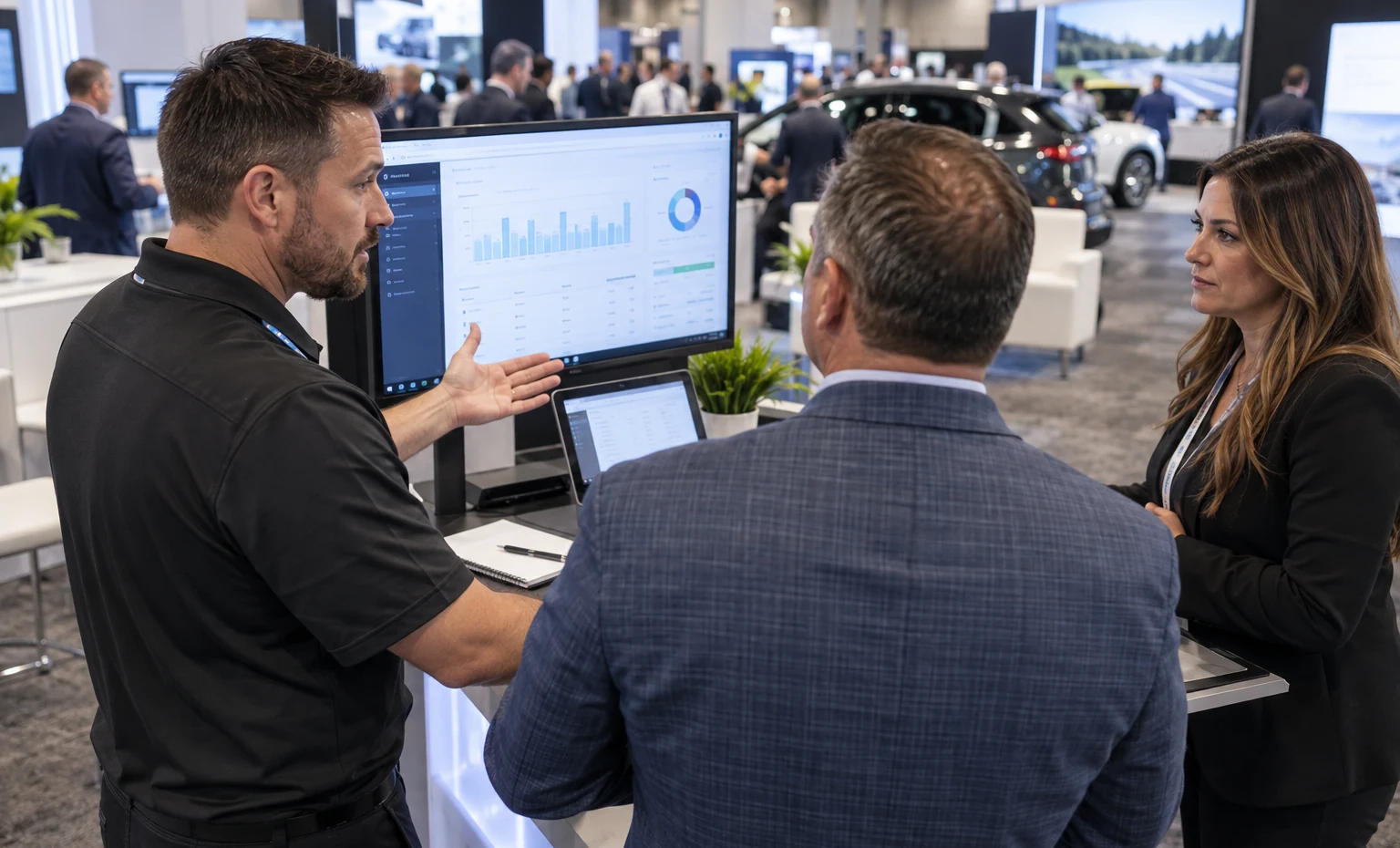
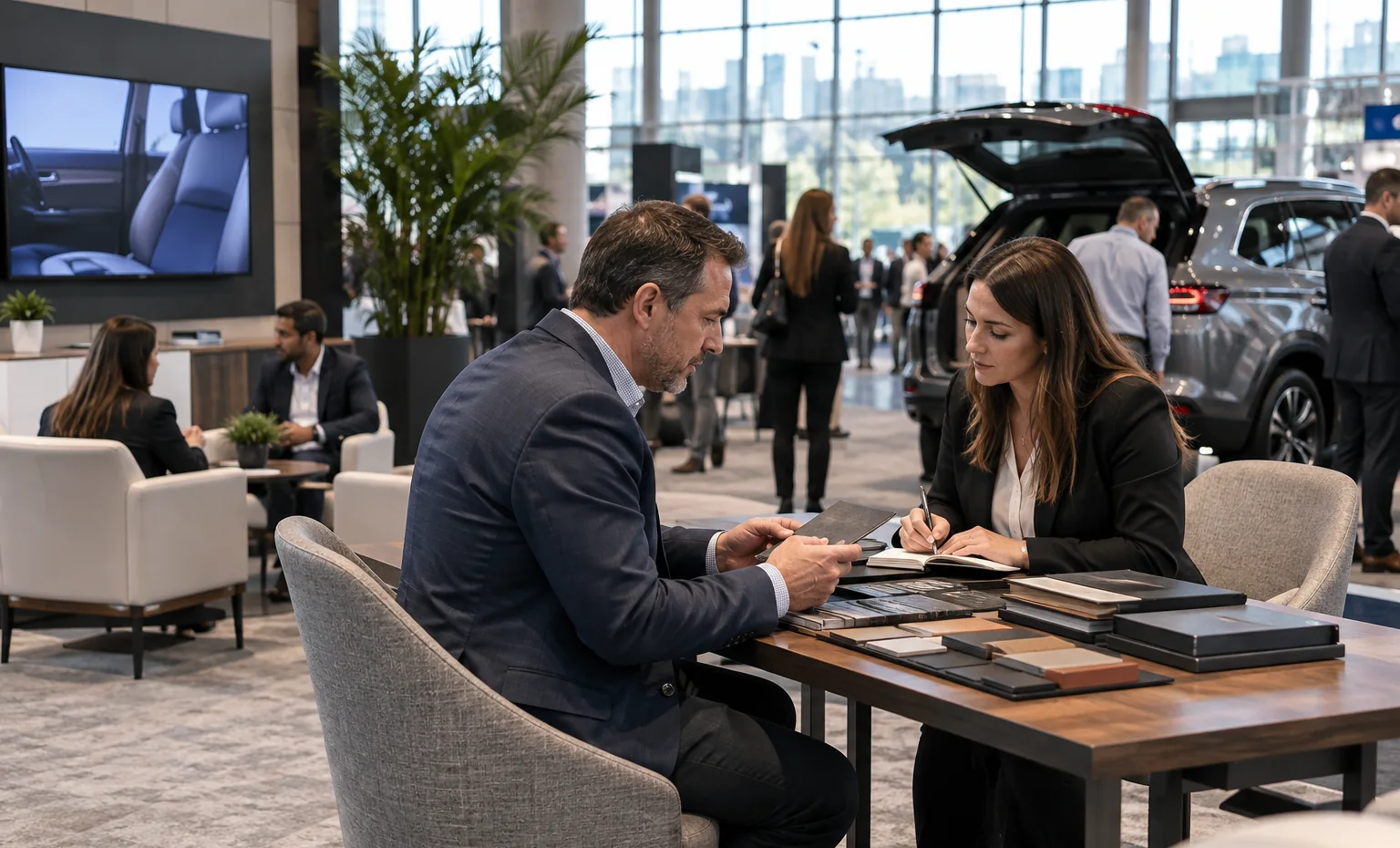
Design the Booth Around the Appointment Calendar
Count simultaneous demos, meeting length, group size, required specialists and the time needed to reset a station. Reserve the best-controlled seats for qualified appointments and keep a separate place for walk-up discovery. Provide waiting and handoff points without filling the aisle. When the layout matches the real calendar, sales teams can protect important dealer meetings while still capturing new interest throughout each busy Expo day.
Keep Dealer Data Out of the Public Demo
Use approved demonstration accounts, de-identified records and a clear reset routine. Decide which integrations are live, simulated or recorded, and prepare local content for the core story. Position screens so nearby visitors cannot read information from another meeting. Store laptops, credentials and support equipment securely. The booth structure can support privacy and cable control, while your technical team retains responsibility for the software environment and data policy.
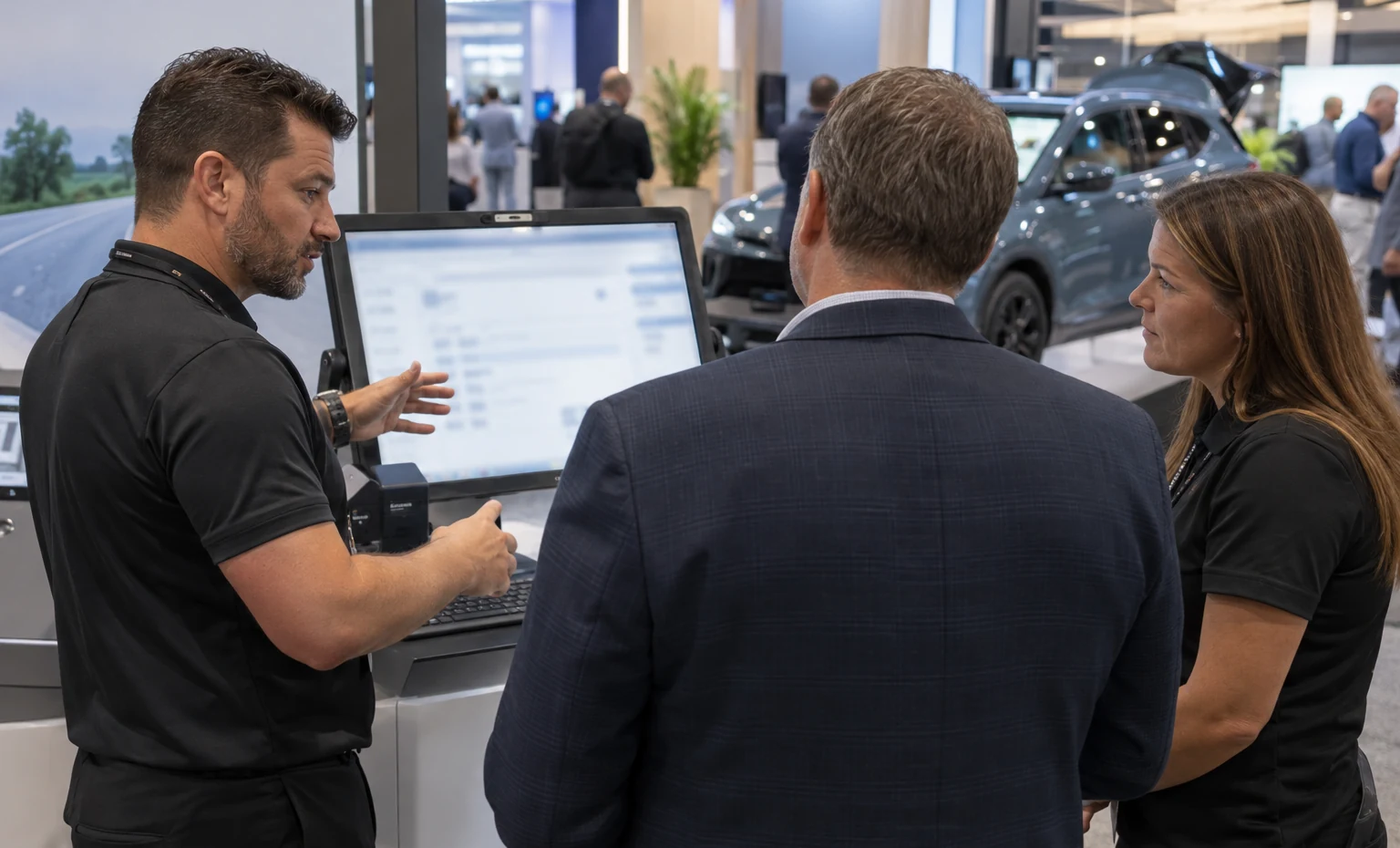
Turn the Dealer Demo Schedule into a Buildable Floor Plan
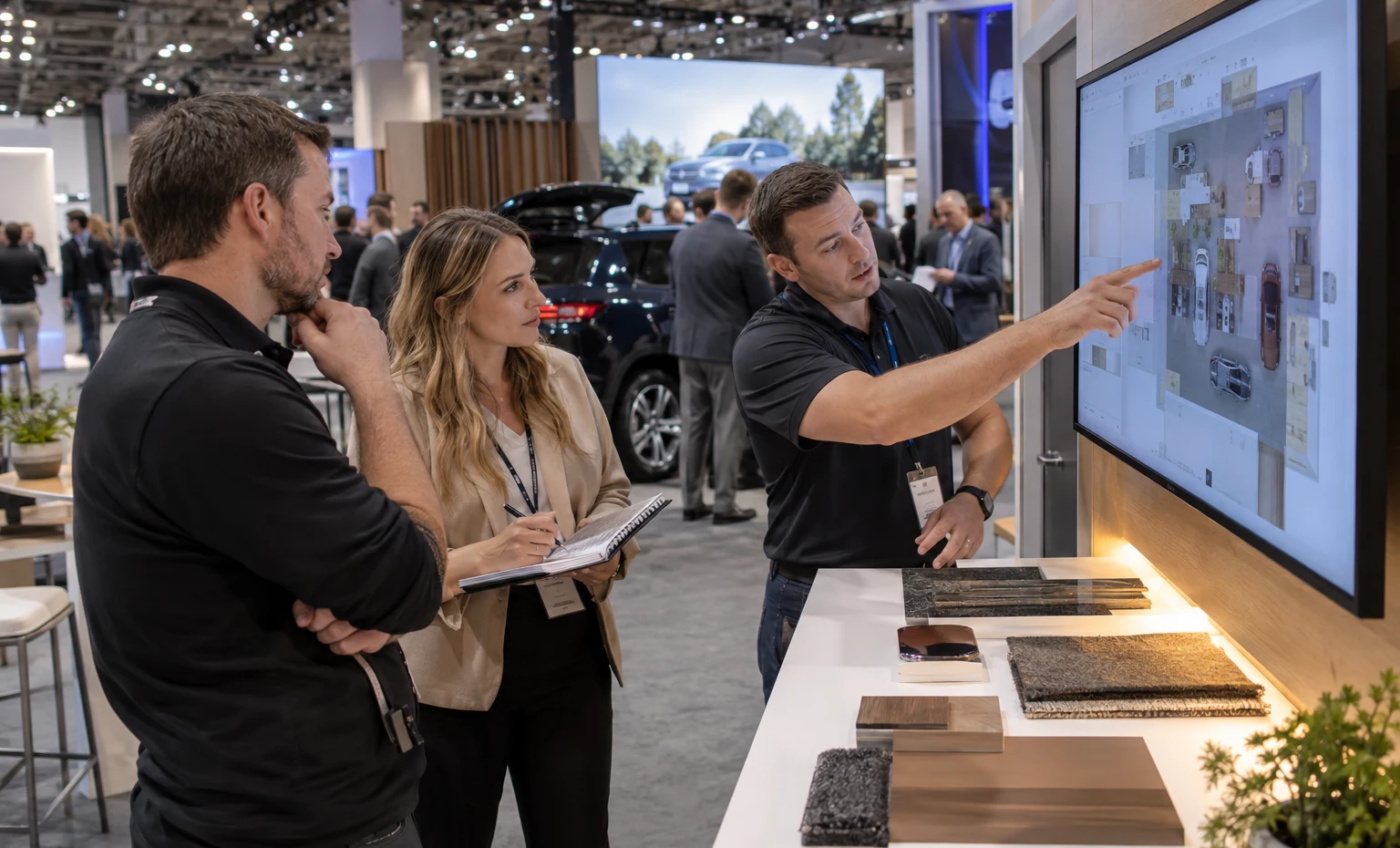
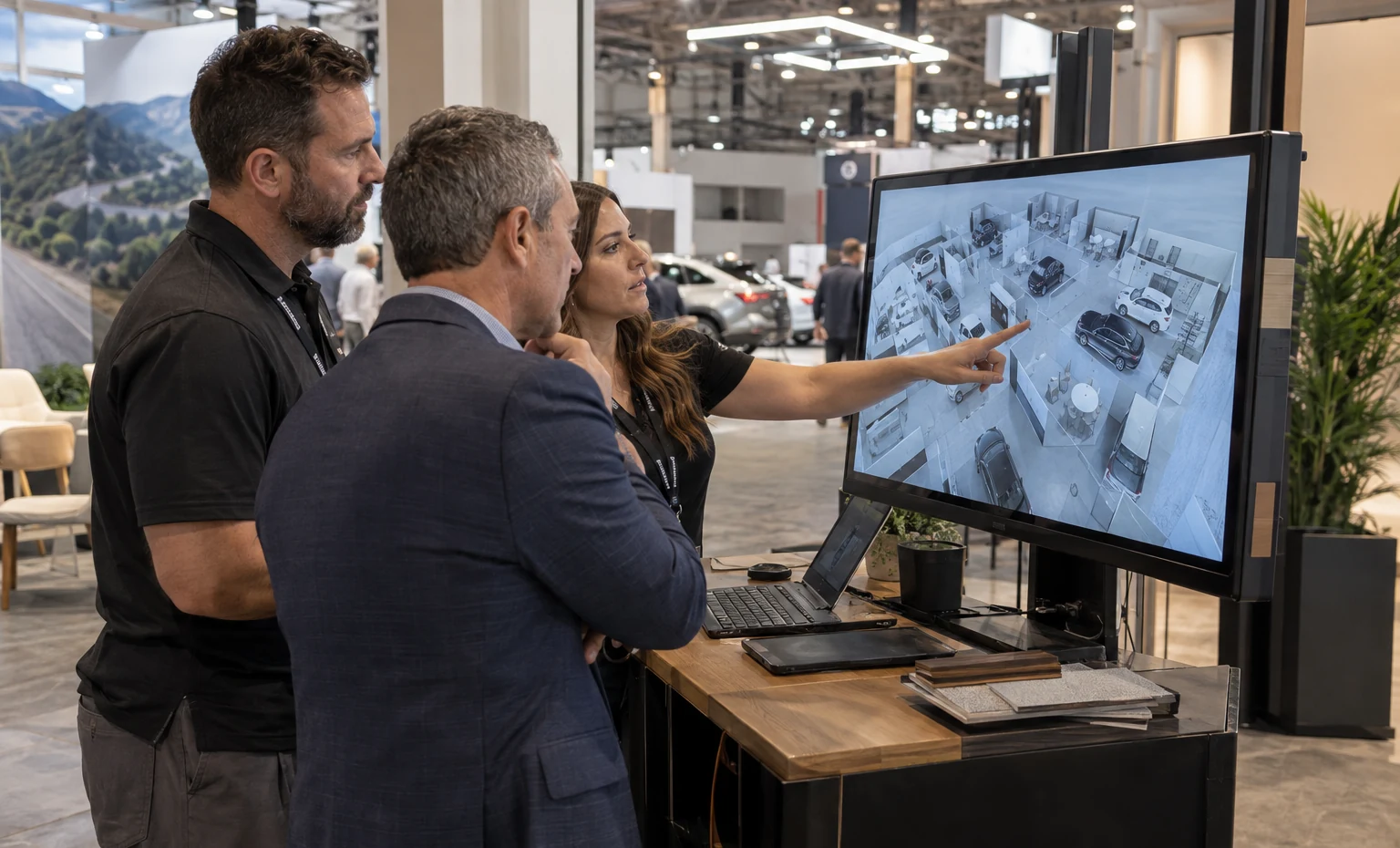
King Exhibits can assign each workflow, screen, specialist and meeting type to the 3D design before counters and walls are produced. Rental components provide the main structure; quoted custom details solve screen, equipment, storage or brand-specific needs.The same approved station names can carry into graphic placement and packing records. This gives the event team a practical way to verify that every scheduled demo has the furniture, display position, access and supporting message it needs.
Prepare the Booth for a Full Dealer Meeting Day

Order current show internet where needed, test the environment and keep the essential workflow available locally or in a recorded path.

Set display height, viewing group and speaker direction for each station. Nearby meetings should remain usable.

Provide hidden storage, charging, water/material access and a reset method so one appointment does not disrupt the next.
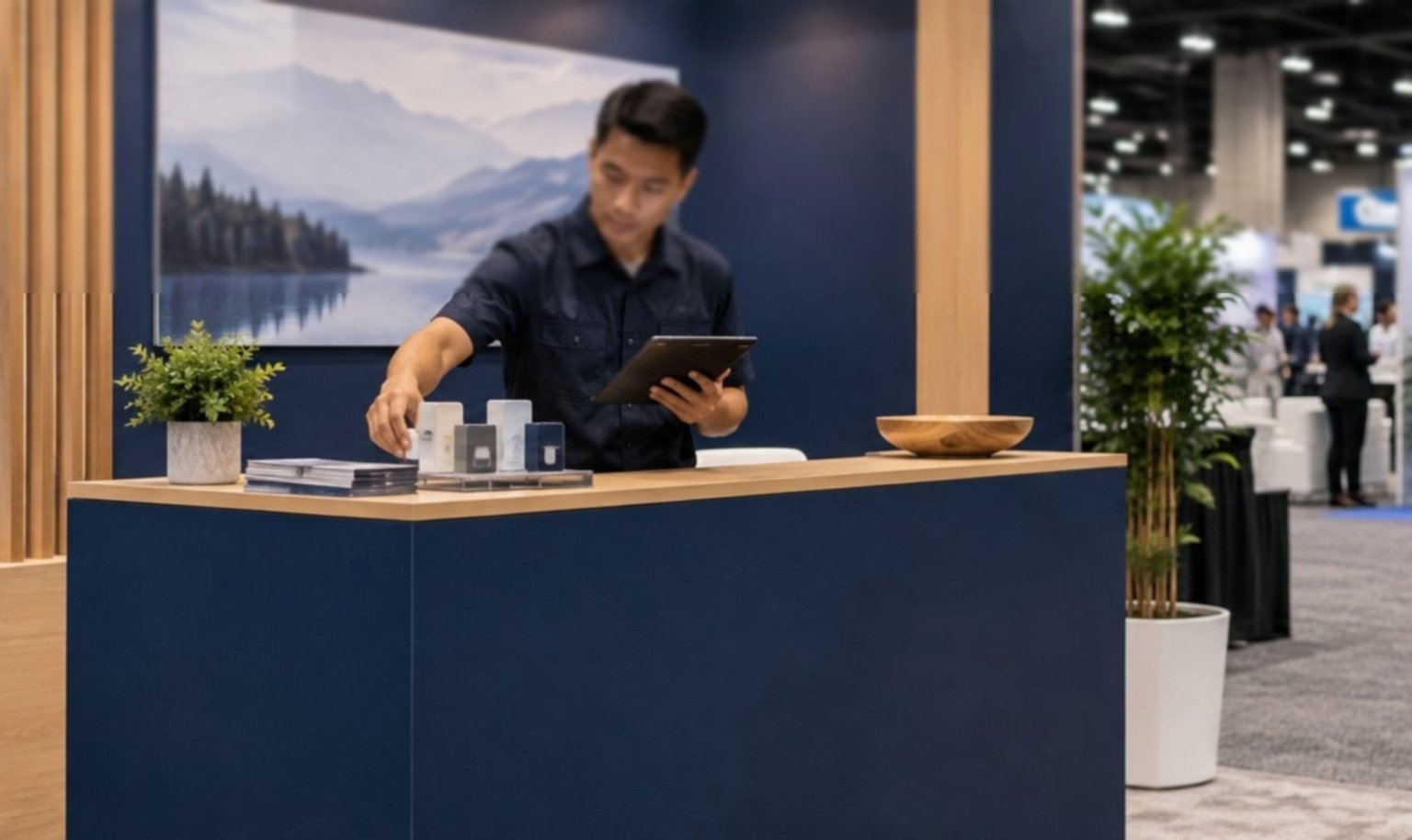
Use the 2027 West Concourse assignment and current service kit for freight, utilities, rigging, labor and EAC decisions.
From Dealer Workflow to NADA Show Floor
Provide workflows, buyer roles, demos, meetings, screens, utilities, graphics, freight and scope.
We place discovery, scheduled demos, specialists, private talks and support storage.
Review architecture, technology interfaces, graphics and responsibilities.
Confirm demo hardware, files, station names, network and meeting needs.
Quoted exhibit elements are checked against the approved plan.
King performs its agreed scope while named teams handle software, official services and customer equipment.
Yes. Provide station count, meeting duration, group size, displays, audio, internet and staff roles so the layout can separate simultaneous conversations.
Yes, an enclosed or semi-private meeting area can be included when footprint, height, accessibility, room capacity and current show approvals allow it.
Only if the accepted quotation states so. Current NADA information lists utilities and other show services outside booth-space cost, and official orders may remain separate.
Send the 2027 assignment, dealer roles, workflows, demo schedule, screens, power/data, meetings, graphics, storage, freight, budget and requested onsite services.
Booth Sizes for Dealer Demos and Meetings
-

Fits one or two focused workflows, standing demos, storage and a compact conversation area.
-

Supports several dealer roles, scheduled demos and a distinct meeting area.
-

Adds room for multiple departments, group demonstrations, private meetings and hospitality.