
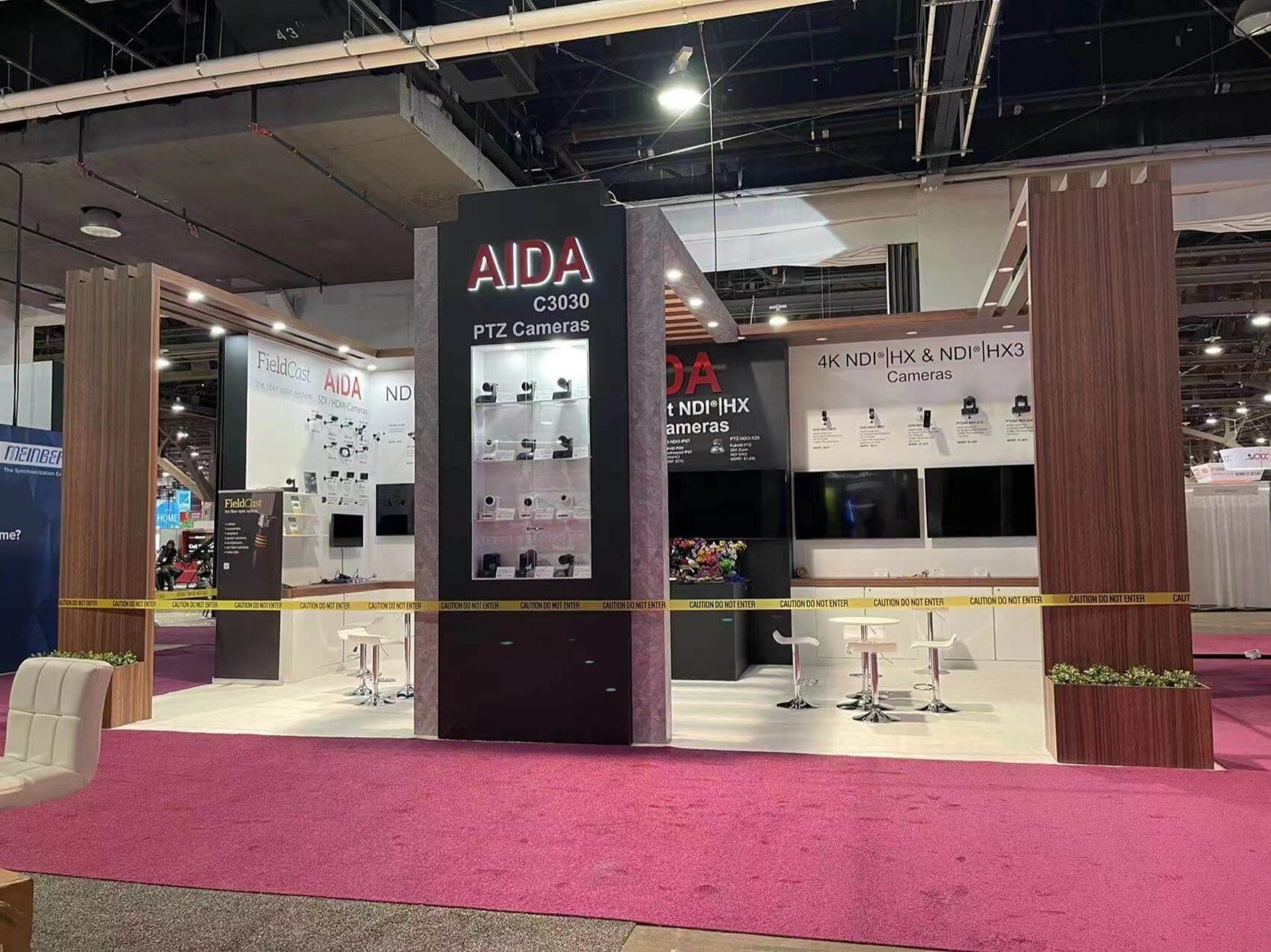

Tell visitors whether the system captures, creates, edits, stores, moves, manages, monitors, distributes or monetizes content.

Connect the input, important processing step and visible or audible result so the demo does not depend on a long verbal explanation.

Give the presenter access to the controls, equipment, cables and backup content needed to restart the same useful demonstration throughout the day.

Place technical and commercial meeting space close enough for qualified buyers to review architecture, integration, deployment and the next evaluation.

Select the Right Demonstration Layout for Your NAB Product
Presenter-Led Workflow
Hands-On Product Bench
Buyer Architecture Table
A Media Technology Exhibit Should Show What Changes in the Workflow
NAB buyers are rarely judging a product in isolation. A camera feeds a production chain. Audio must travel through a real environment. Storage, cloud, editing, automation and monitoring products sit inside a larger operation. A screen full of features cannot replace the moment when a visitor sees better control, faster access, cleaner output, a simpler handoff or a more manageable system.
The booth should make that change easy to find. Name the starting condition, show the product at work and keep the result visible long enough to compare. Some exhibitors need a scheduled presentation. Others need several small hands-on stations or a system discussion supported by diagrams and live data. The layout follows the demonstration and buyer task, rather than treating every screen as the same display.
King Exhibits designs the NAB booth rental around confirmed equipment, audience position, screens, graphics, staff access, storage and meeting needs. The accepted quotation may include rental walls, towers, counters, lighting, display supports and selected custom features, plus agreed packing, freight coordination and installation or dismantling services.
The current show spans several halls and maps product categories to different areas. Hall assignment affects route, freight, service and technical planning, while live equipment can add power, data, cable, sound, light, heat and security requirements. Those interfaces are identified in the booth plan and then confirmed through the current organizer, venue and authorized providers.
Build the Booth Around the Part of Media Production You Sell
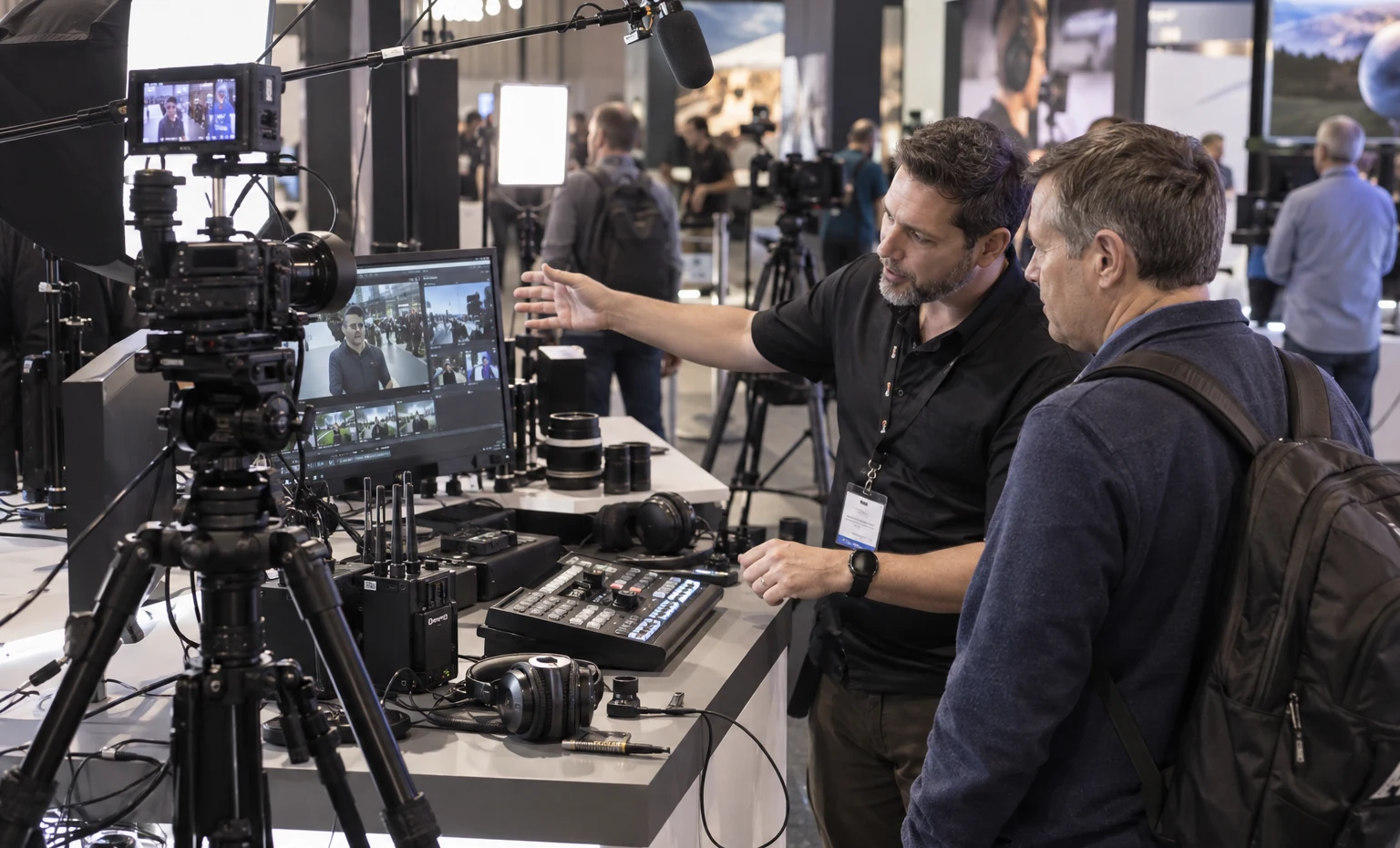
Create a usable shooting, listening or operating position with controlled sightlines and enough working room for the product specialist. Cameras, support, lighting, microphones, control surfaces and accessories should be visible without turning the aisle into part of the demo.

Translate an invisible process into a short, believable task. Show the file, decision, transfer, version, edit, search, approval or automation step that matters, then support deeper technical questions with an architecture view and a focused conversation area.

Let buyers compare the source, signal, delivery or monitored result. Keep labels and screens consistent so they know what is live, what is recorded and what is being measured. Equipment access and cable routes must remain usable after the rental structure is installed.
Size the Demo for the Audience and the Reset Time
Count how many people can watch, how long the useful sequence takes and what the presenter must reset before repeating it. A five-minute group demo needs a different footprint from a two-person hands-on test. Reserve the presenter’s working side, the audience edge and a route for the next visitor. Scheduled sessions can then build energy without allowing one crowd to close access to every other product in the booth.


Give Camera and Audio Buyers a Fair Test
Camera buyers need a subject, viewing path and monitor position that make comparison possible. Audio buyers need a clearly defined listening or control experience, with the surrounding show-floor noise considered honestly. Mark the operator, product, source and buyer locations before choosing walls or hospitality. Where the environment cannot support a controlled test, the booth should explain the limitation and direct buyers to the next approved evaluation.
Keep Power, Data and Cable Access Out of the Sales Path
List every screen, workstation, rack, appliance and network-dependent device, then show where power, data and signal cables enter and where technicians need access. Concealed routes should remain serviceable, and heat-producing equipment needs the clearance approved by its supplier. King Exhibits can fit the quoted counters, walls and storage around those confirmed requirements. Current connections and official services must be ordered through the assigned show channels.

Review the Booth and the Demo Equipment in the Same Drawing


The booth structure cannot be approved in isolation when screens, cameras, control surfaces and demonstration equipment define the visitor experience. King Exhibits places the confirmed equipment, operating sides, audience positions, storage, graphics and meetings into the 3D direction. A change to a screen, rack or station can then be checked against the rental structure and floor space before production.
The accepted quote identifies what King will supply and which show, venue, exhibitor or technology-team tasks remain separate. Approved booth assets can carry consistent position references into graphic and packing records. This gives the demo owner a clearer environment, procurement a more legible purchase and the onsite team fewer unlabeled pieces to reconcile during setup.

Turn the Media Workflow into a Show-Ready Demonstration
What You Provide: Target buyer, starting condition, product action, visible or audible result, approved claims and next sales step.
What We Do: We identify what visitors must see, hear or operate and what can remain supporting content.
What You Provide: Equipment list, dimensions, operating sides, screens, power, data, signal, sound, lighting, security, storage and presenter capacity.
What We Do: We arrange the station, presenter, audience and technical access before adding the rest of the booth.
What You Provide: Booth assignment, design feedback, artwork, meeting needs, shipment plan and current exhibitor-service information.
What We Do: We revise the 3D direction, define King’s quoted assets and services, and identify third-party or exhibitor-owned interfaces.
What You Provide: Final approvals, demo equipment, test content, service orders, carrier information, onsite contacts and operating plan.
What We Do: We prepare the quoted exhibit, packing references and agreed setup work so your technical team can install, connect and test its system in the approved space.
Yes. Send each demo’s purpose, duration, equipment, operator, audience size, utility needs and reset method. We can plan stations and shared resources in the quoted exhibit, but your team should decide which demos can run at the same time and supply accurate technical requirements.
Yes, when the equipment, operation, mounting, access, power, data, signal, sound, lighting and security conditions are approved. The exhibit design can support the operating environment; the exhibitor remains responsible for its technology, content and technical operation unless a different written scope is accepted.
Define the bandwidth, wired or wireless connection, public internet dependency, device count, addressing or security needs and fallback content with your technical team. Confirm available services through the current official provider before finalizing the station. A recorded or local fallback can protect the conversation, but it should be clearly described rather than presented as a live cloud result.
The booth can include quoted lockable storage, controlled display positions and staff-side access after the product list and use method are known. Security devices, overnight procedures and show requirements must be confirmed separately. No exhibit layout replaces the exhibitor’s inventory control and staffing plan.
Footprint, height, rental structure, custom finishes, demonstration stations, screens and supports, graphics, lighting, storage, meeting space, freight and installation scope all affect the quote. Technical products may also require separately ordered power, network, rigging or other official services. Submit the equipment and demo plan with the booth brief for a more useful proposal.
Send the show edition, hall and booth assignment, size and open sides, featured workflow, equipment dimensions, demo count, screens, utilities, cable and access needs, graphics, storage, meetings, shipment plan, schedule and the services you want King to include.
Compare Booth Sizes for Your NAB Demonstrations
-
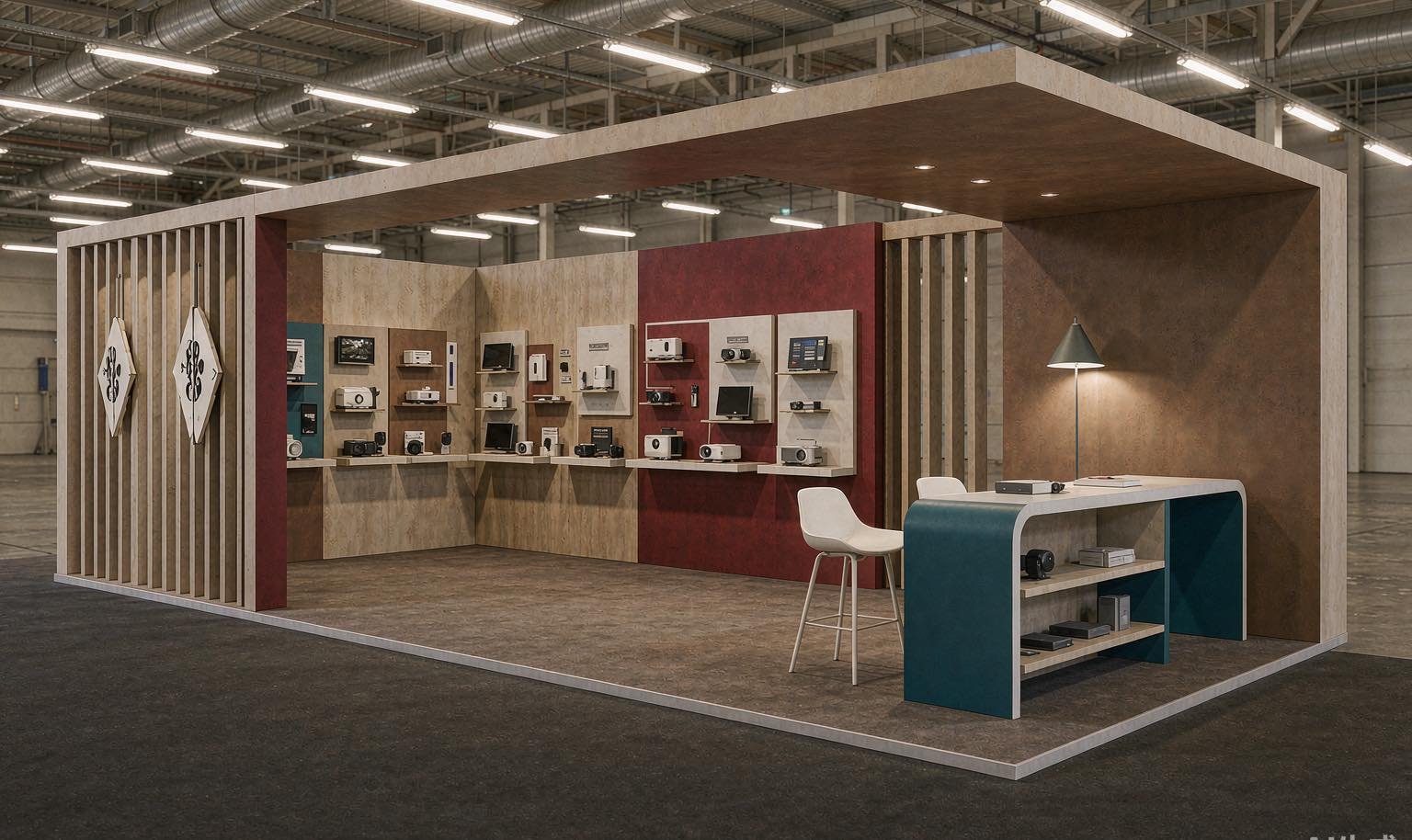
A focused inline exhibit for one primary demo, one viewing screen and compact technical conversations.
-
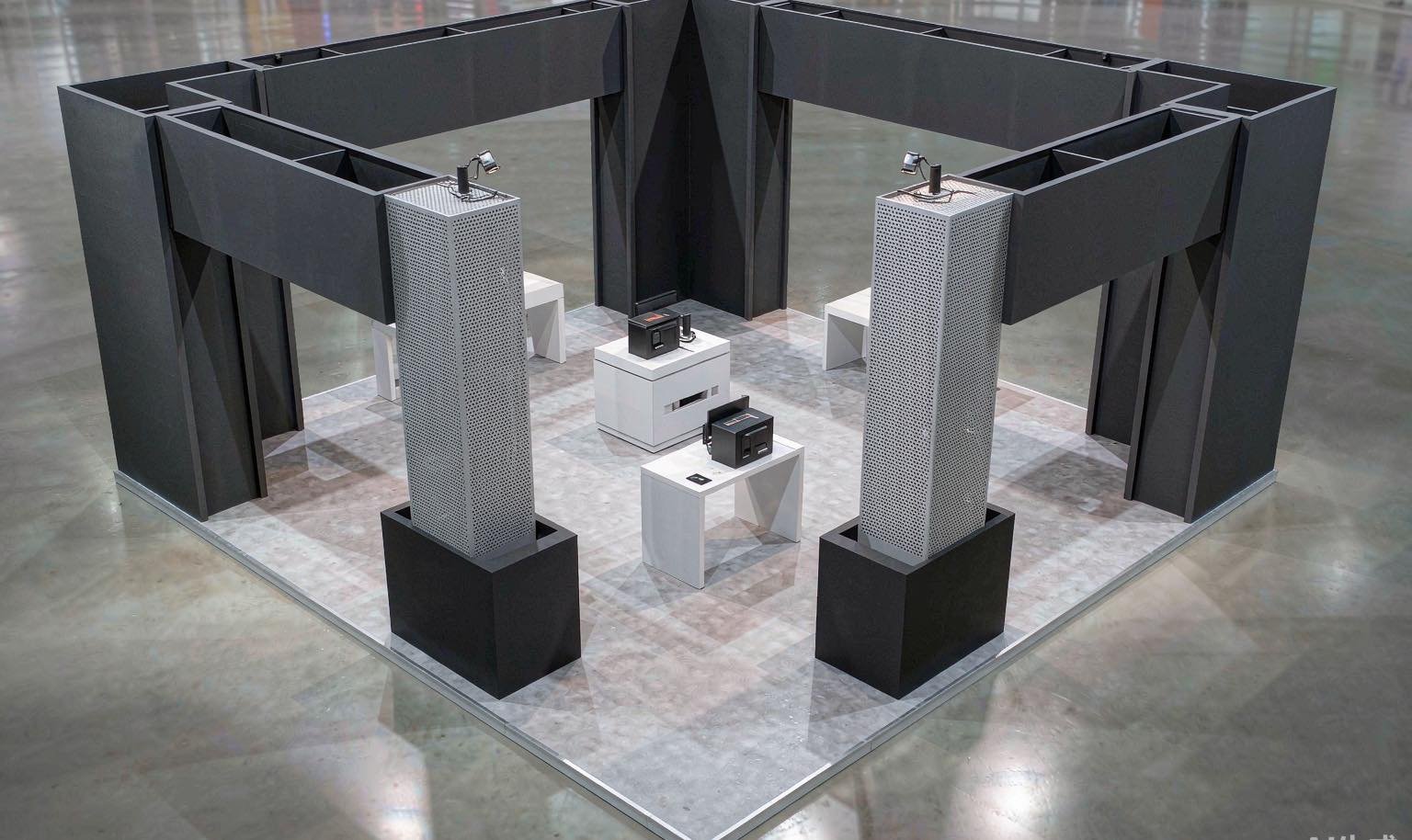
An island footprint for several product viewpoints, hands-on stations and an accessible discussion area.
-
More capacity for scheduled demonstrations, several workflows, equipment storage and technical or commercial meetings.