
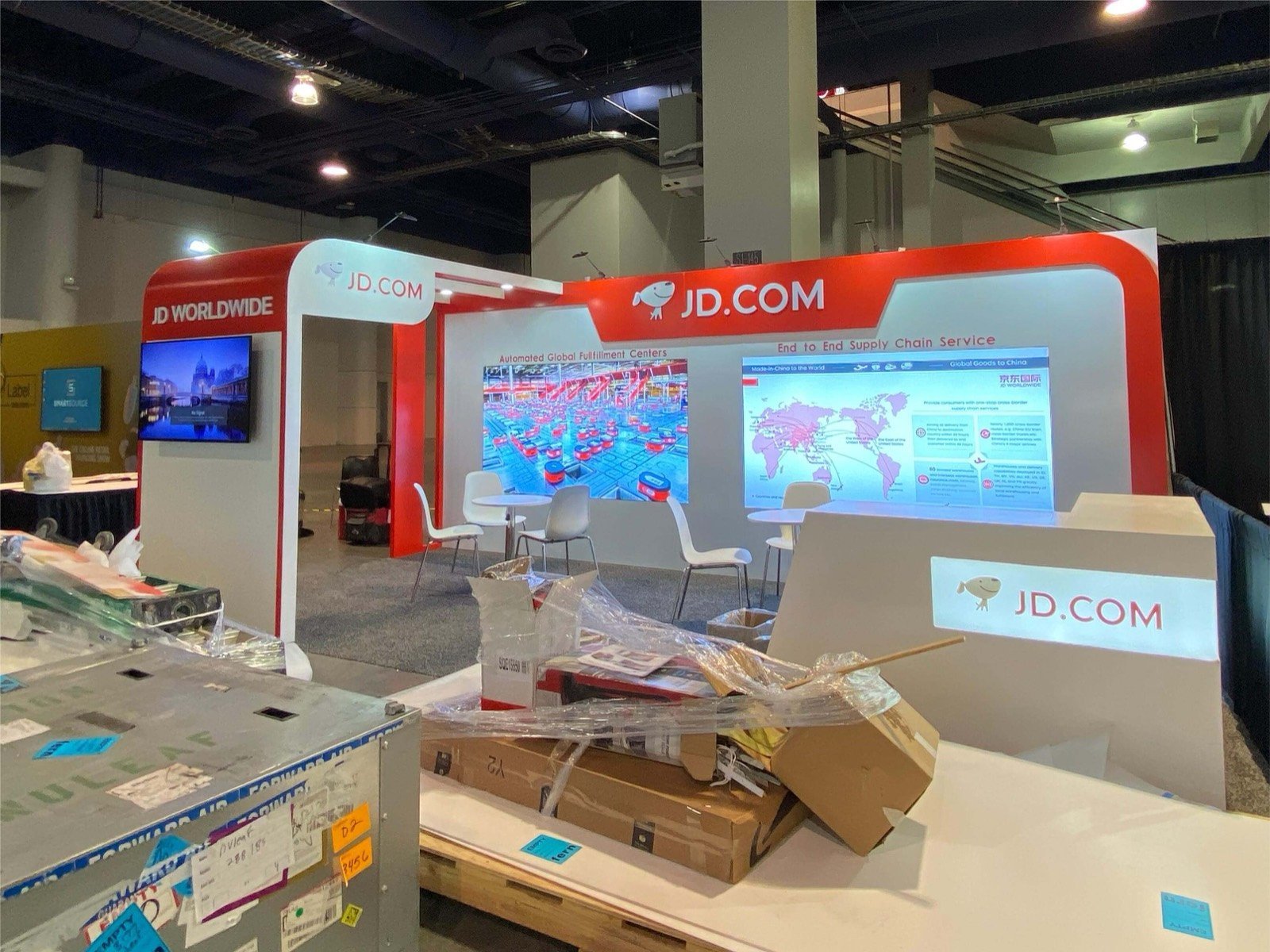

Name the delay, labor step, storage constraint, safety risk, error or visibility gap the solution is built to improve.

Let a tote, case, carton, pallet, part or data event show what enters the system, what happens and what leaves it.

Controls, scanners, end effectors, safety devices, interfaces and service points should be placed where a qualified buyer can inspect and discuss them.

Move from the show-floor action to throughput, SKU profile, facility dimensions, integration, labor and project timing at a nearby technical table.

Match the MODEX Exhibit to the Product You Are Bringing
Robotics and Moving Automation
AMRs, robotic arms, pick-and-place systems and other moving products need an operating box before they need a booth shell. The layout should reserve travel or reach, guarding, operator control, audience setback, charging or power, and a repeatable reset route. Rental architecture then frames the action without narrowing the safe working area.
Conveyor, Storage and Handling Equipment
Full systems rarely travel to the show. Bring the section that proves transfer, orientation, accumulation, lift, sortation, storage or access, then explain the upstream and downstream equipment with samples, graphics or a screen. Buyers should be able to see the mechanical interface and reach the service side without entering the demonstration path.
Warehouse Software, Controls and Services
A screen alone can look interchangeable. Build the presentation around one recognizable workflow: receiving, putaway, replenishment, picking, packing, shipping, labor planning or exception handling. A physical tote, rack bay, scanner or workstation can give the software a real operating context and make integration questions easier to start.
A MODEX Exhibit Rental Built Around Product Flow
MODEX visitors come to compare systems that move, store, identify, control and fulfill products. Operations leaders may be looking for throughput and labor improvements. Engineers need to understand dimensions, interfaces and service access. IT and automation teams ask about controls, data and integration. Procurement wants a workable scope and a credible path from demonstration to evaluation. A useful exhibit lets these buyers enter the same product story at the point that matters to them.
King Exhibits begins with the equipment or workflow rather than filling the floor with a standard rental package. We map the item path, buyer viewpoints, moving or service clearances, screen content, staff positions and follow-up area. The MODEX booth design can then use rental walls, towers, lightboxes, counters, flooring, lighting, monitors, storage and meeting space where they support that working plan.
Selected custom supports, access panels, screen openings or demo counters can be quoted from confirmed dimensions. Packing, freight coordination and installation or dismantling are included only when named in the proposal. Equipment handling, utilities, internet, rigging, approvals and other show-controlled work follow the current exhibitor resources and their assigned providers.
This approach gives marketing, product, engineering and procurement one layout to review. It also gives the proposal a real basis: what King supplies, what the exhibitor brings, which interfaces must meet onsite and what information must be closed before production.
Build the Booth Around the Facility Step You Improve

Show how the product identifies, moves, stores or retrieves incoming inventory. A short route with a pallet, tote, carton, rack section, scanner or lift point can establish scale and operating logic. Use the nearby graphic or screen for capacity, compatibility and facility questions that cannot be proven by the display alone.
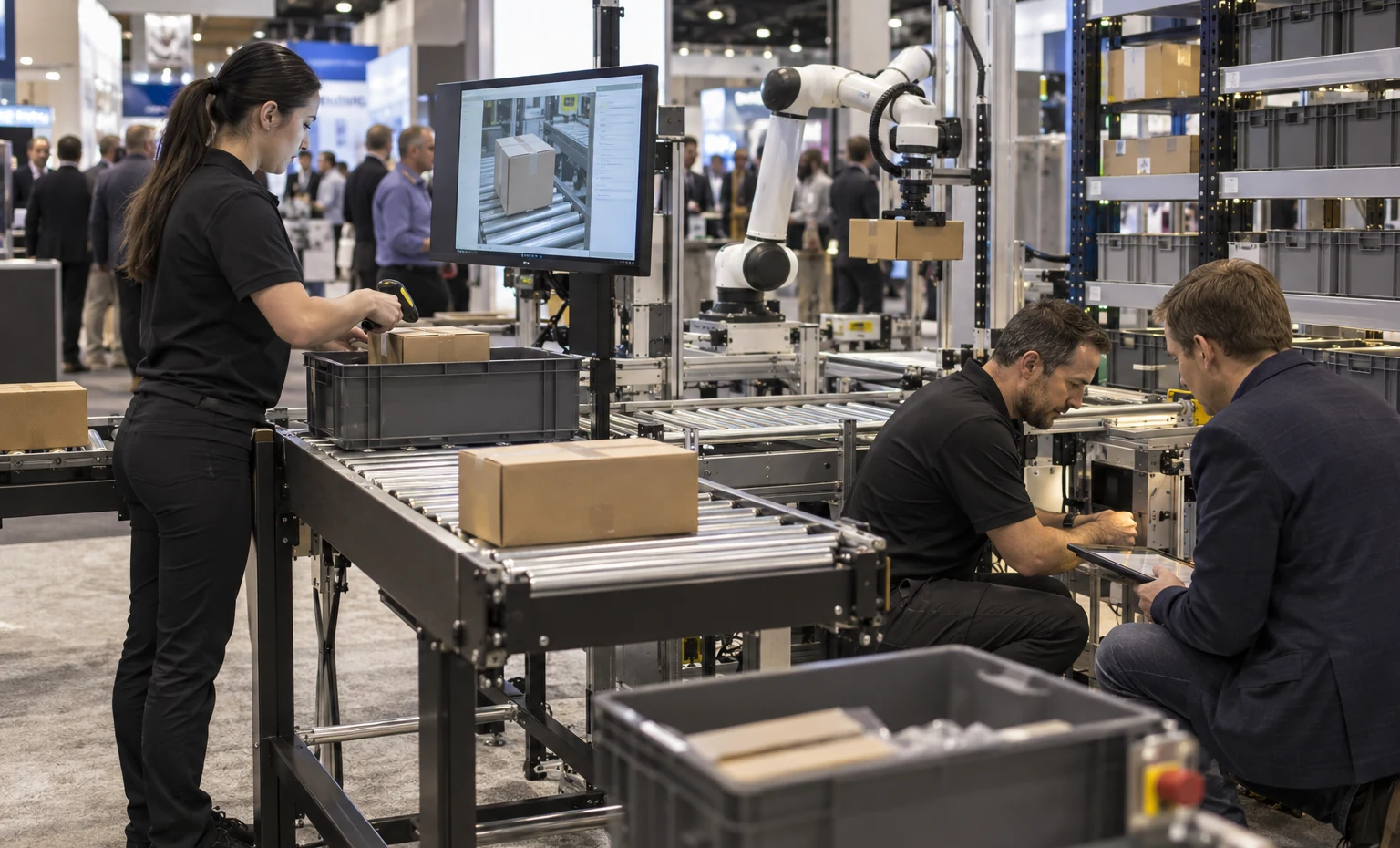
Let visitors follow one order or item through the action that differentiates the solution. Workstations, put walls, conveyors, robots, print-and-apply equipment, packaging machinery and software should share a readable sequence. Keep replenishment, operator access and sample reset out of the main visitor path.

Large dock, trailer, vehicle and yard products may need a representative section, model, control station or digital simulation. Use the exhibit to clarify where the product sits, who operates it and what information or material crosses the interface. Technical tables can then support site dimensions, traffic, safety and implementation discussions.

Connect WMS, WES, controls, analytics, labor tools or visibility platforms to a real event the visitor can recognize. A scan, exception, task release, routing decision or performance change gives the screen a purpose. Separate the guided demonstration from open browsing so staff can support both quick discovery and deeper technical review.
Let Buyers Follow One Item Through the System
A moving tote or carton can explain more than a wall of system diagrams. Mark the start, the action and the handoff so visitors understand the demonstrated step before staff adds technical detail. The route may be short, but it should still show direction, operator position and the next process. King Exhibits uses that sequence to place viewing edges, graphics and screens without interrupting the equipment path or the reset needed for the next demonstration.


Reserve the Working Area Before Adding Booth Architecture
Robot reach, vehicle travel, conveyor transfer, access doors and technician positions define where walls, counters and visitors can safely go. Send both transport dimensions and the full operating envelope; they are rarely the same. We can keep removable access or sightlines in the rental plan and locate storage outside the service side. The current event rules and technical providers still control permissions, utilities, equipment placement and any required protection for a live demonstration.
Connect the Demonstration to the Facility Conversation
The equipment action earns attention; the project discussion earns the follow-up. Place the control screen, process graphic and technical table close enough that staff can move naturally from what just happened to throughput, SKU range, interfaces, labor, footprint and deployment. Software exhibitors can reverse the sequence by letting a screen command create a visible physical result. The booth then supports a useful sales path without claiming performance that belongs in the exhibitor’s approved technical material.
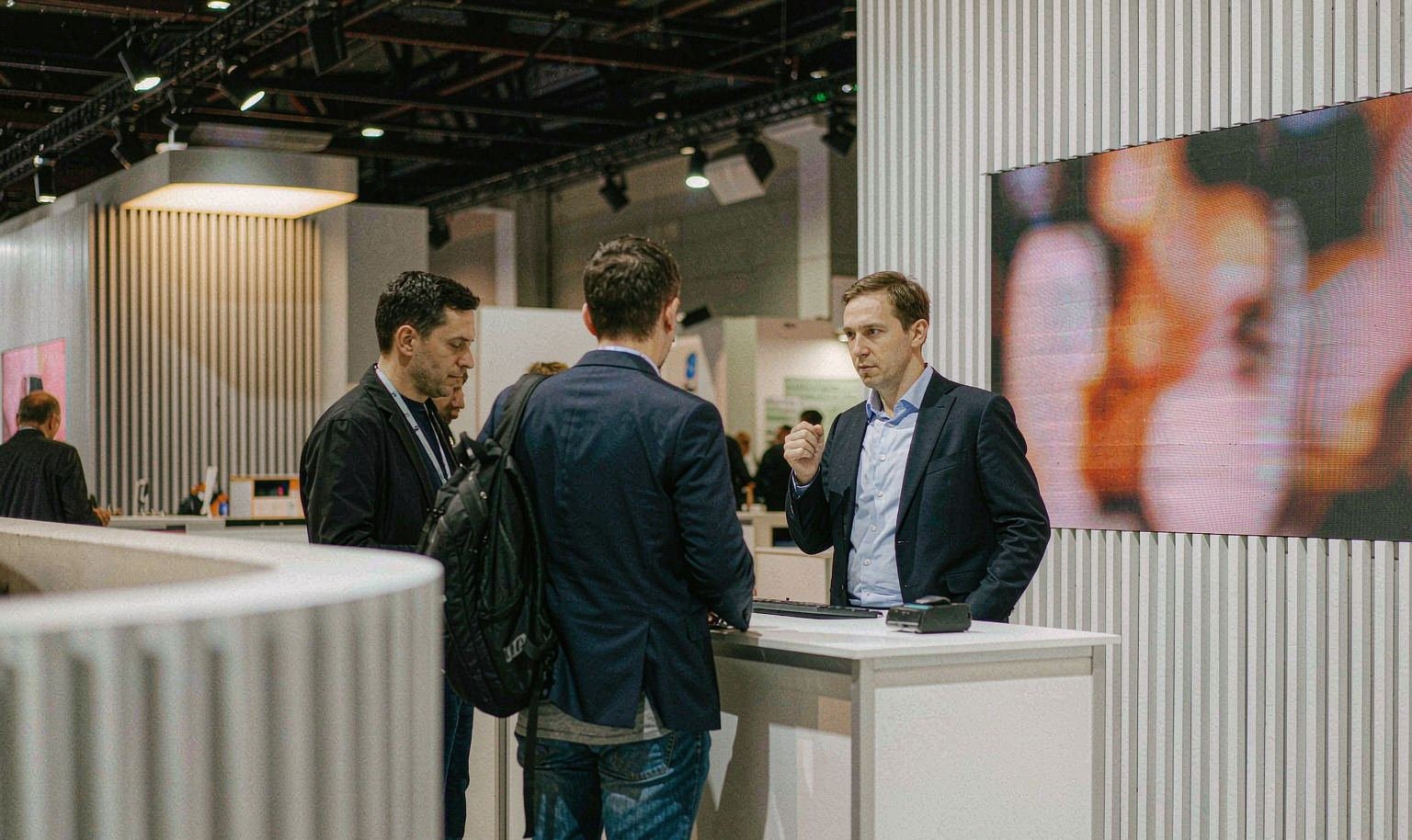
One 3D Plan for the Equipment, Rental Booth and Sales Team
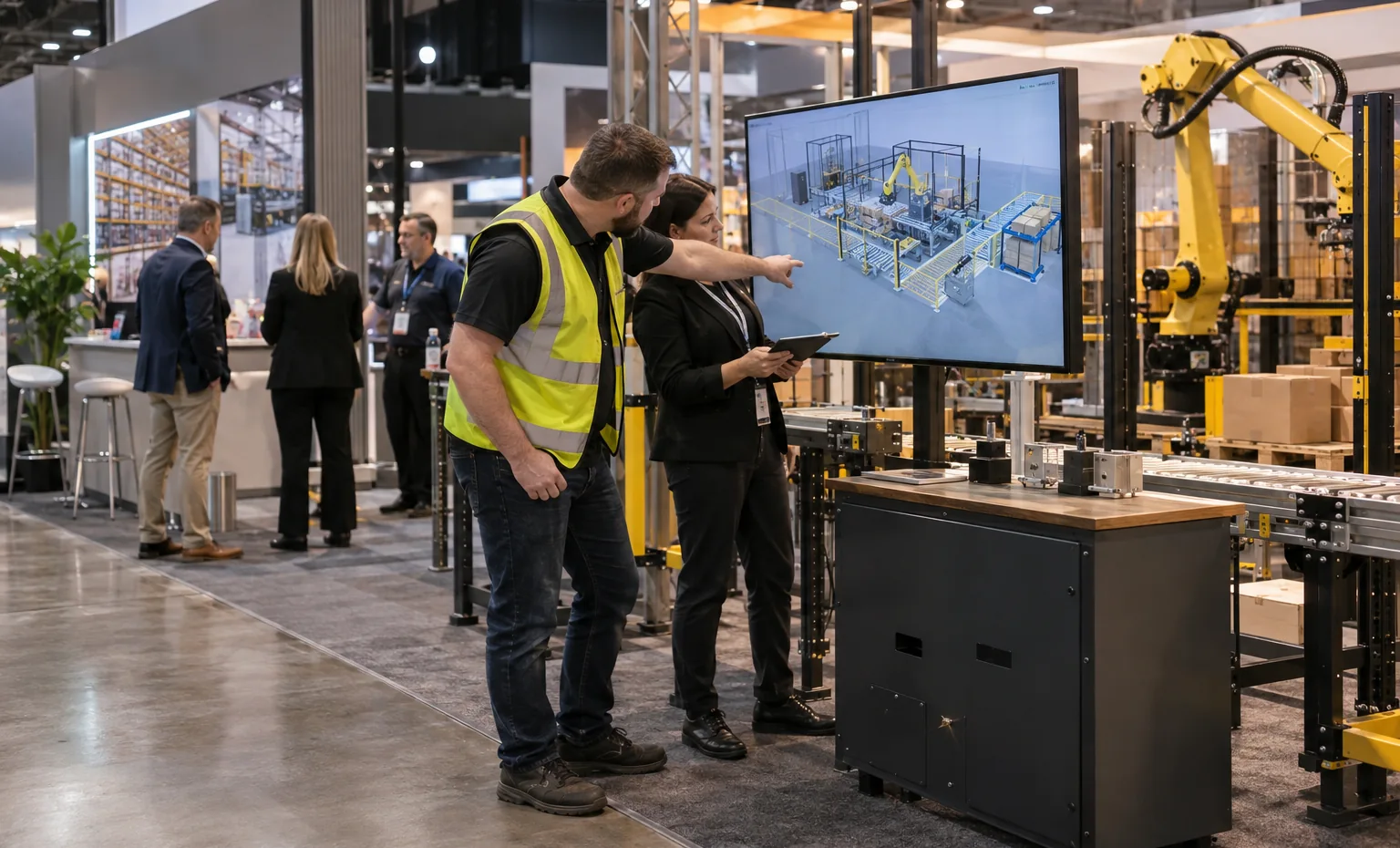

King Exhibits places the confirmed machine, robot, rack section, workstation, screens and staff areas into the same 3D exhibit plan as the rental structure. Product teams can check what buyers can see. Engineers can review clearances and interfaces. Marketing can approve the message and visitor route. Procurement can see which physical pieces and services are actually included before accepting the proposal.
Where the job calls for more than standard rental components, confirmed dimensions can continue into quoted product supports, screen openings, removable panels, demo counters or protective details produced with our CNC and wood-fabrication capabilities. Graphics, component identification and packing references can follow the approved positions, giving the setup team a clearer connection between the rendered booth and the pieces arriving for installation.
The proposal separates King-supplied exhibit work from customer equipment and current show services. That distinction matters at MODEX because machine placement, material handling, power, air, internet, rigging, approvals and commissioning may involve different parties. The booth is easier to buy when every important interface is visible before production begins.

From Equipment List to a Buildable MODEX Booth
What You Provide: Target accounts and roles, the operating problem, the product or system being promoted, the claim your team approves and the next sales action.
What We Do: We identify the one product flow or software action the booth must make immediately understandable.
What You Provide: Equipment drawings, transport and operating dimensions, weight, travel or reach, infeed and outfeed, service sides, guards, operator positions, demo items and reset method.
What We Do: We establish the demo footprint, buyer viewing edges and technical access before the rental architecture is designed.
What You Provide: Booth assignment, open sides, graphics, monitors, furniture, meeting needs, staff count, storage, utilities, network and shipment plan.
What We Do: We develop the 3D direction, integrate the selected exhibit elements and show the responsibilities that affect the design or price.
What You Provide: Consolidated feedback, approved artwork and content, accepted proposal, current exhibitor resources, carrier information, service orders and onsite equipment contacts.
What We Do: We prepare the quoted booth assets and agreed packing, freight or installation work so equipment, official services and exhibit components can meet in the planned sequence.
Yes, when the equipment and operating method can meet the current show requirements. Send the full moving envelope, product route, guards, controls, operator and technician areas, utility needs, demo materials and reset plan. We will use those inputs to shape the rental exhibit while the organizer and authorized providers determine approvals, placement and controlled services.
Provide transport and operating dimensions, weight, base or support points, moving clearances, infeed and outfeed, service sides, doors or panels that must open, utilities, networking, heat or ventilation, rigging needs, arrival method and onsite contacts. Photos and drawings help reveal conflicts that a simple length-and-width measurement misses.
Yes. A software-led exhibit can use guided screens, a small physical workstation or item, process graphics and technical meeting space. Start with the facility decision or workflow the software improves. We will plan the rental environment around the demonstration, while your team supplies the approved product content, system access and technical claims.
The current MODEX exhibitor resources and the accepted proposal determine the responsible party for each service. King Exhibits records the booth-side requirements and can include agreed coordination in the quote. Show-controlled utilities, handling, rigging, approvals or other official services remain with their assigned providers unless the written scope states otherwise.
The booth size, height, rental structure, custom supports, graphics, flooring, lighting, screens, storage, meetings, equipment access, packing, freight and installation scope shape the King proposal. Moving equipment may also create separate costs for handling, power, air, internet, rigging or technical labor. Accurate demo information makes the commercial comparison far more useful.
Often, but the next assignment must be planned as a new floor and service condition. Rental structures and replacement graphics may adapt, while equipment interfaces, height, open sides, utilities, freight and event rules can change. Share the second footprint and product plan early so reusable elements can be identified without assuming the complete MODEX layout will transfer unchanged.
Send the show edition, hall and booth assignment, open sides, target buyers, equipment or software demo, drawings and dimensions, item path, utilities, screens, graphics, storage, meetings, freight plan, timing and the work you want King to quote. We will return a 3D direction and a defined proposal for review.
Compare Booth Sizes for Automation Demonstrations and Technical Meetings
-
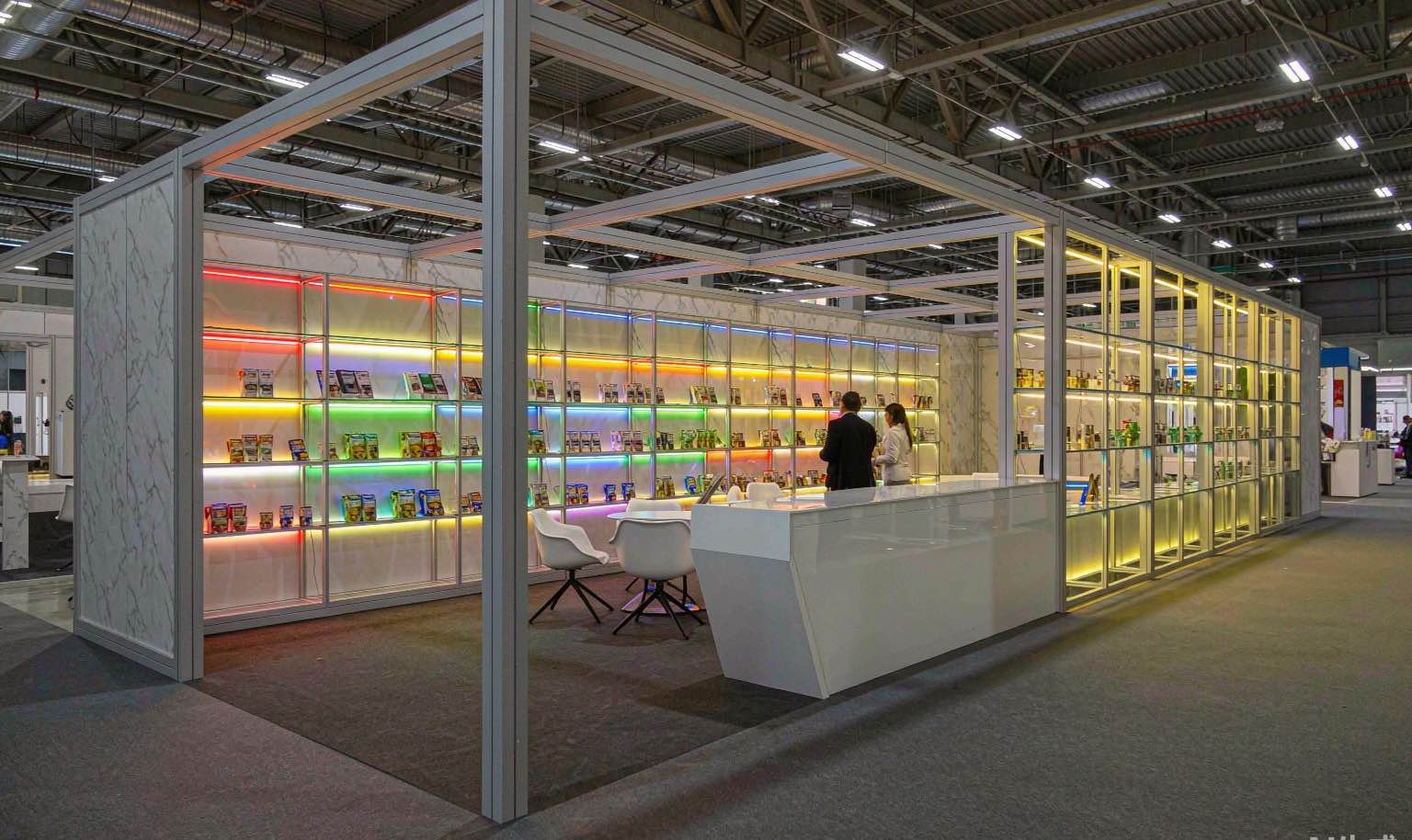
Useful for one compact machine, workstation, component, software workflow or guided demo with an open technical conversation area.
-

An island layout that can open several buyer viewpoints around a robot, conveyor section, rack bay or integrated software demonstration.
-

More separation for equipment movement, operator and service access, screens, storage and facility-level meetings.