
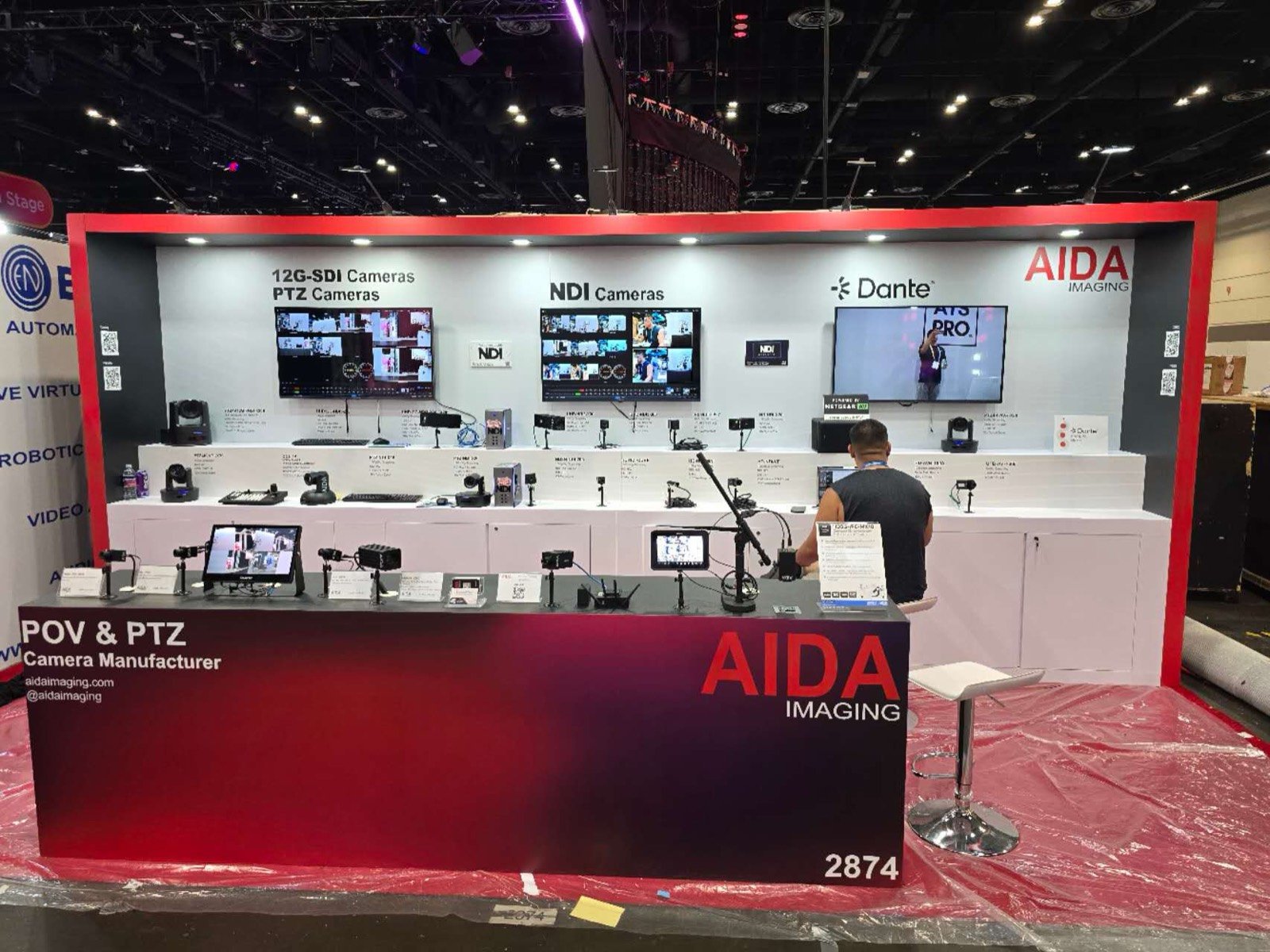

Map every source, processor, endpoint, control device and display before deciding where the counters, walls and racks belong.

Set screen distance, ambient light, speaker direction and visitor position around the technology being evaluated.

Provide rear access, ventilation and labeled cable routes so specialists can reset equipment without opening the public face of the exhibit.

Place application graphics and meeting space close enough to turn product interest into a system, channel or deployment conversation.
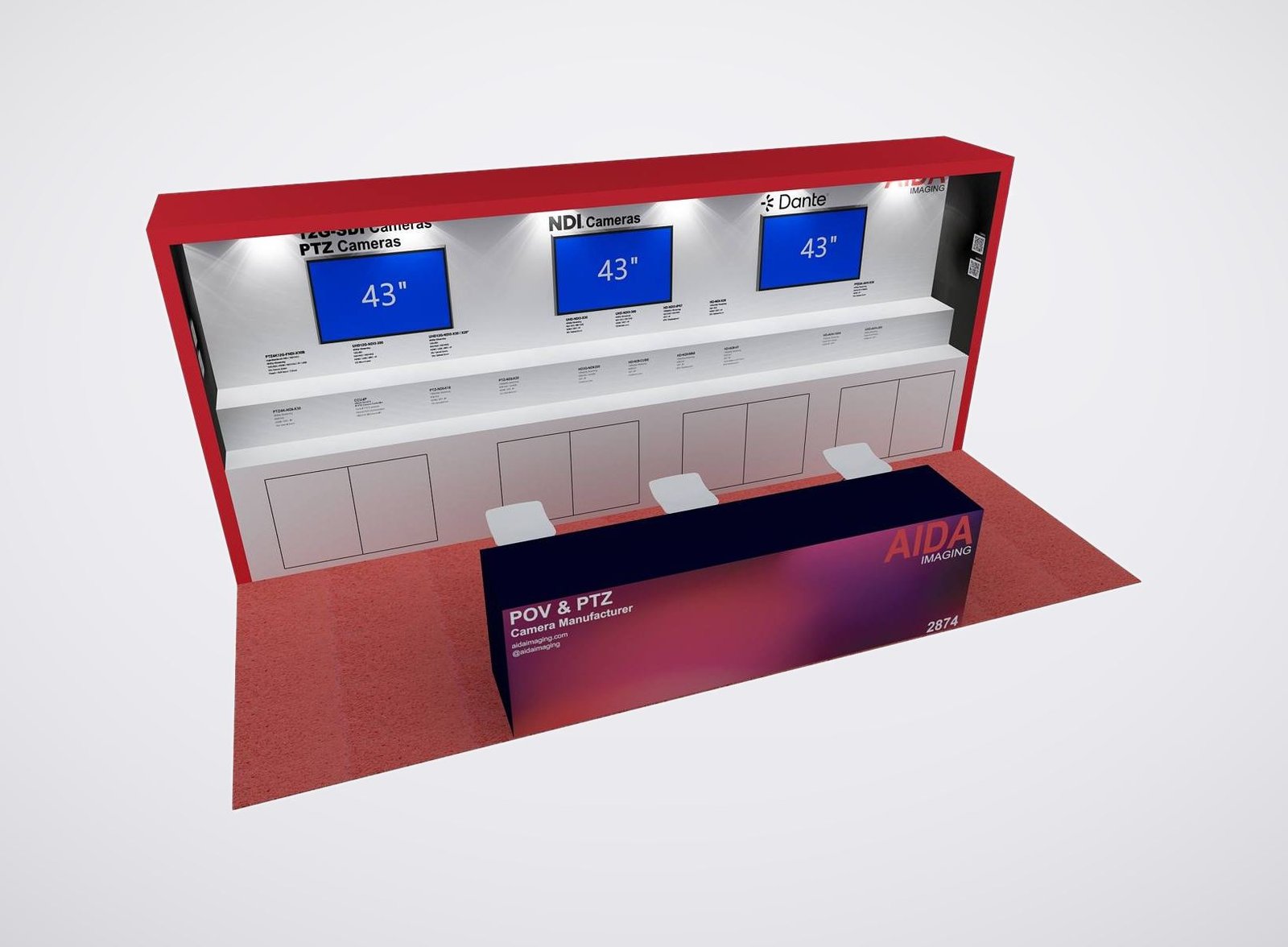
Match the Exhibit to the AV Experience You Are Selling
Display and LED Demonstration Booth
Compare screen size, brightness, pixel pitch, viewing distance, mounting load and content resolution before setting the wall. The booth should protect the viewing angle without creating a crowd across the aisle.
AV-over-IP and Signal Workflow Exhibit
Show the source-to-endpoint story through a working rack, clear device labels and a concise signal diagram. The structure needs concealed pathways and fast service access, not a decorative counter that traps the equipment.
Audio and Conferencing Experience
Plan speaker direction, listening position, microphone use, acoustic spill and audience size. A controlled demo or approved off-floor audio room may serve the product better than an open presentation aimed at passing traffic.
Integrated Solution Environment
Recreate the boardroom, classroom, control room, retail, worship or live-event application at a scale that lets the buyer operate the system. Keep the product brands and system value visible inside the application.
An InfoComm Exhibit Rental for Products Buyers Need to See and Test
InfoComm visitors understand AV. Integrators, consultants, end users, distributors and technology partners will notice a weak viewing angle, a buried rack, a noisy audio demo or a system that cannot recover after a reset. The exhibit has to present the brand well while giving the technical team a reliable place to prove the product.
King Exhibits builds the rental architecture around a confirmed demonstration schedule. Screens, demo counters, rack openings, device mounts, storage and meeting points are assigned in the 3D plan. Custom fabrication can address fitted interfaces and branded features when quoted, while reusable rental components control the main structure.
The proposal states which booth elements, graphics, packing, freight coordination and onsite work are included. Show management, venue and official providers may control rigging, electrical, internet, material handling or other services. Assigning those responsibilities early gives your event manager a more useful budget and gives the AV team a clearer installation plan.
Make the Technology Easy to Judge in Its Real Application
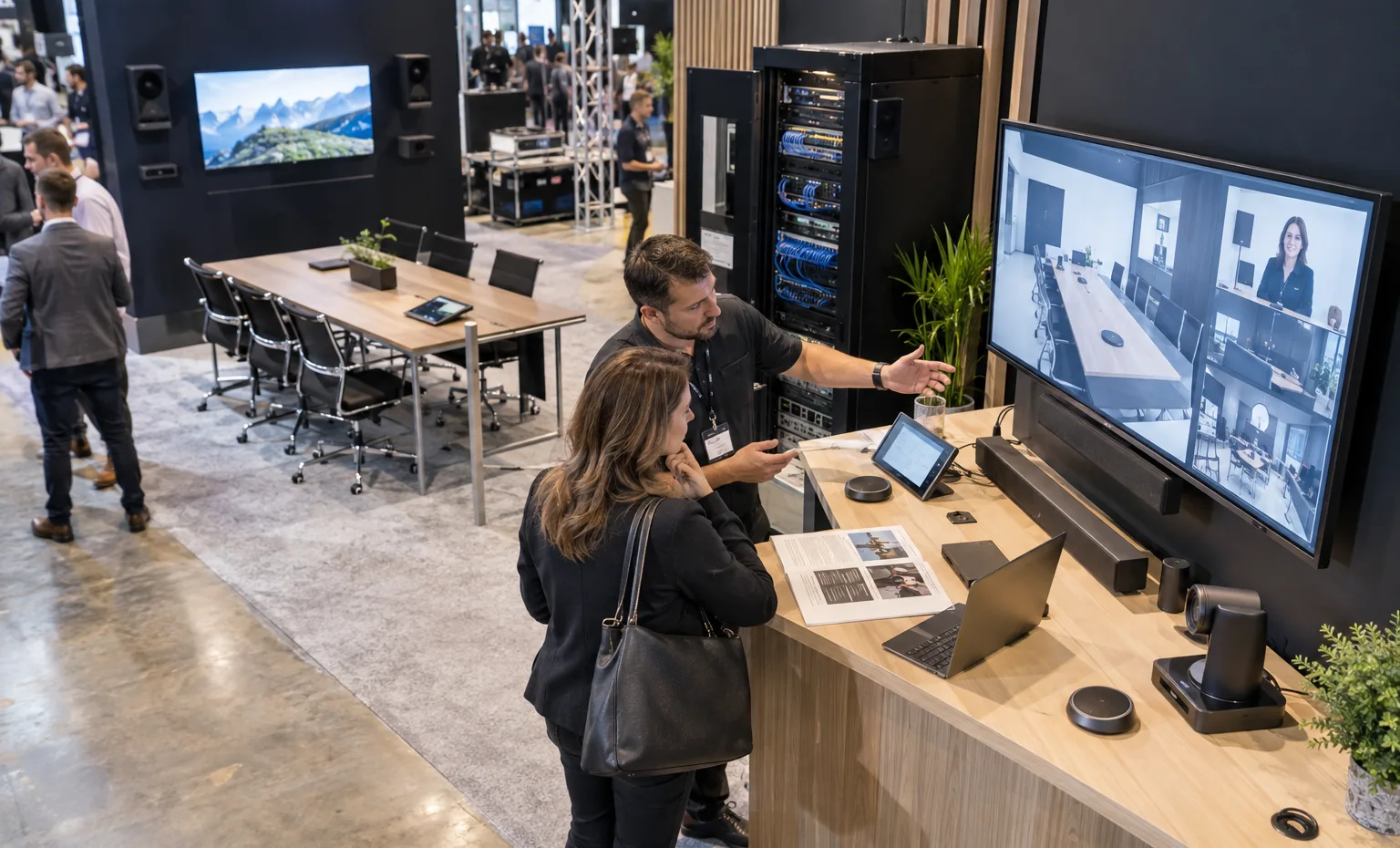
Use visible connection logic, product labels and service access. These categories need enough technical detail for specialists without turning the booth into an equipment storeroom.
Draw the Signal Path Before You Draw the Counter
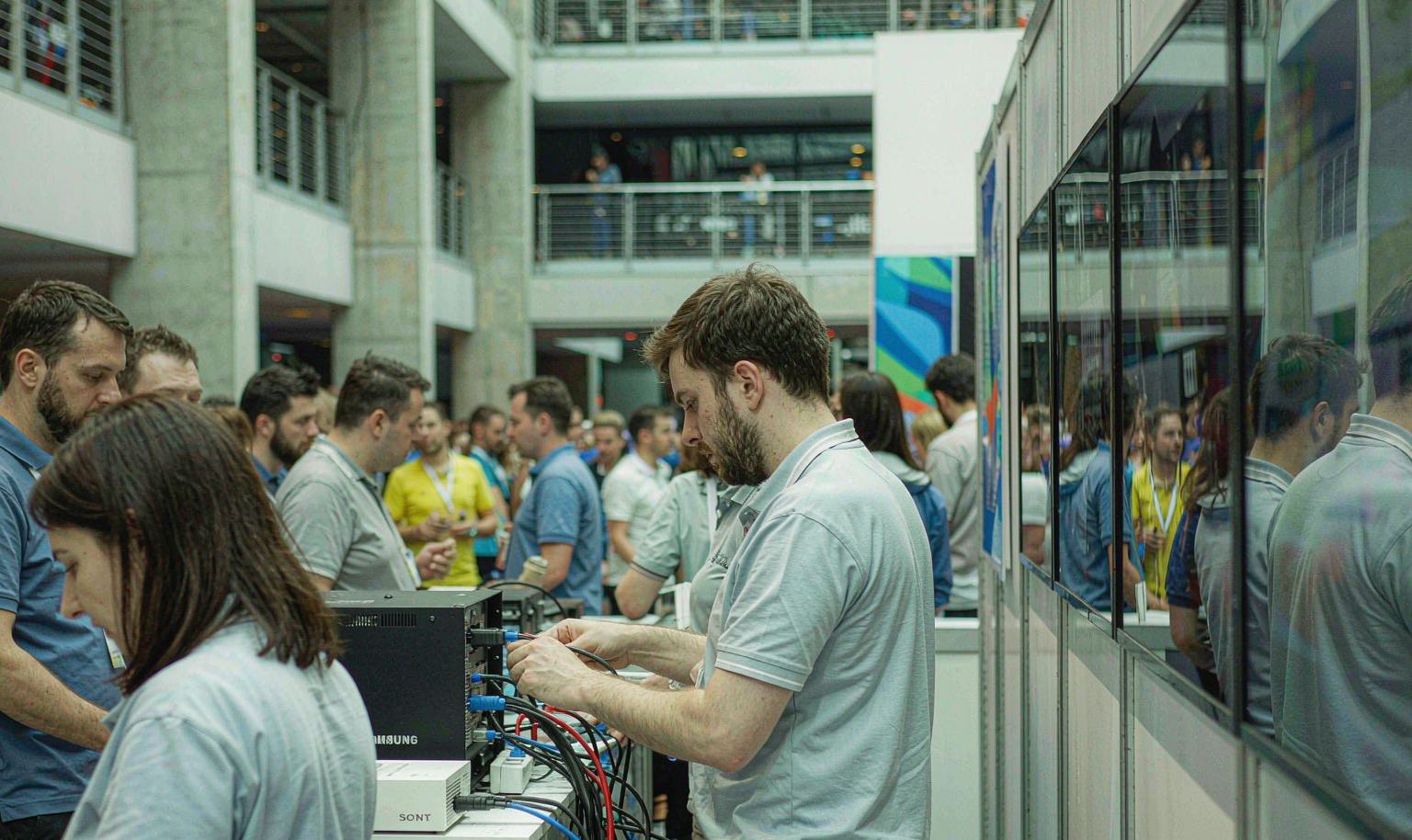
List every source, processor, switch, endpoint, display and control device for each demonstration. Record the primary connection, cable route, power, network, startup order and fallback content. Then place the operator, viewer and service access around that chain. King Exhibits can fit the counters, racks and concealed pathways to the approved system instead of forcing your AV team to rebuild the demonstration inside furniture designed without it.
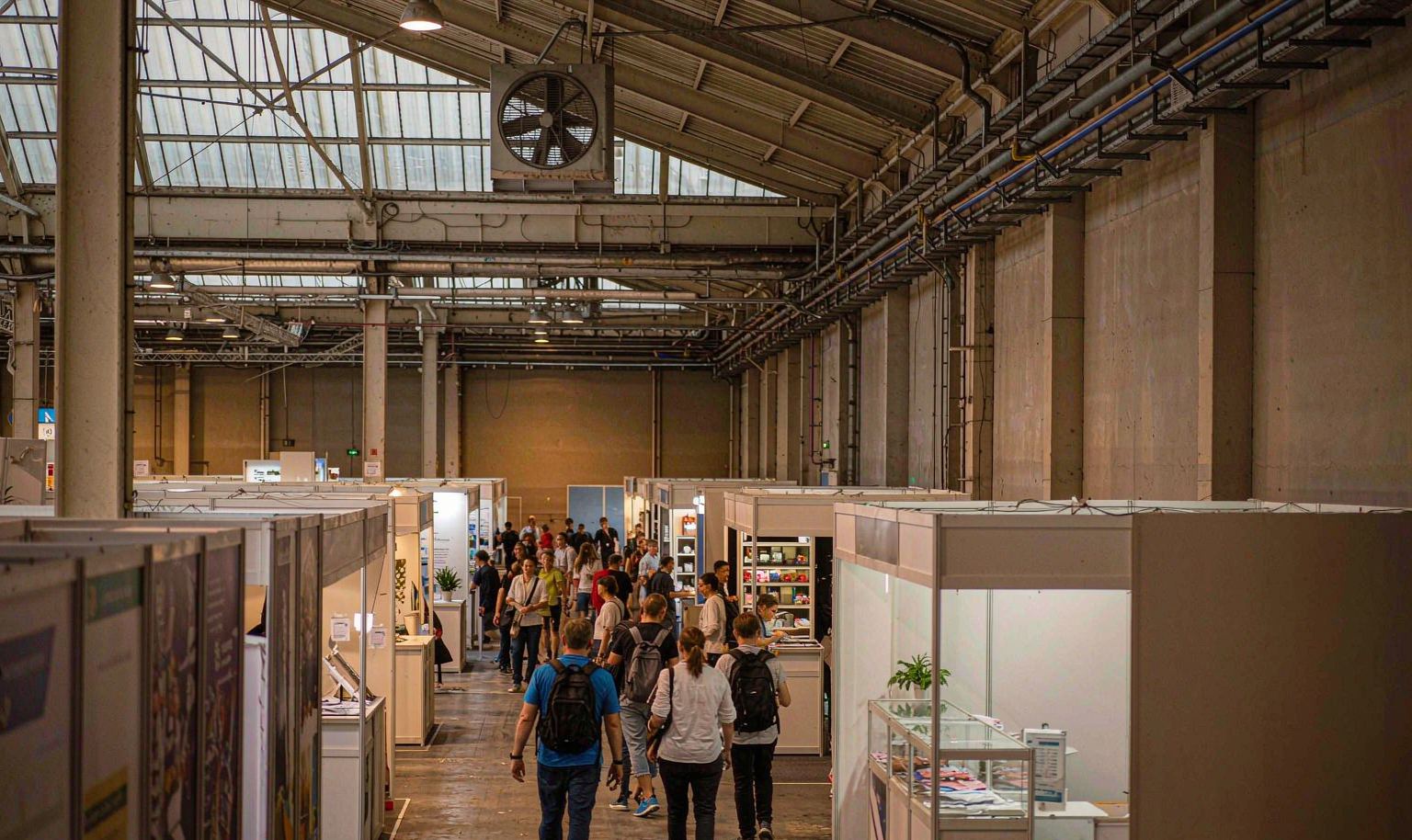
Keep the Audio Experience Inside Your Space
Choose the listening position first, then aim speakers and screens toward it. Record the expected program level, microphone use, audience size and demo duration. Walls, soft finishes and orientation may help, but they do not replace the current show rules or a sound check. A contained listening group hears the product more clearly, leaves the aisle open and allows neighboring booths to continue their own sales conversations.
Give the Rack and Cables a Service Side
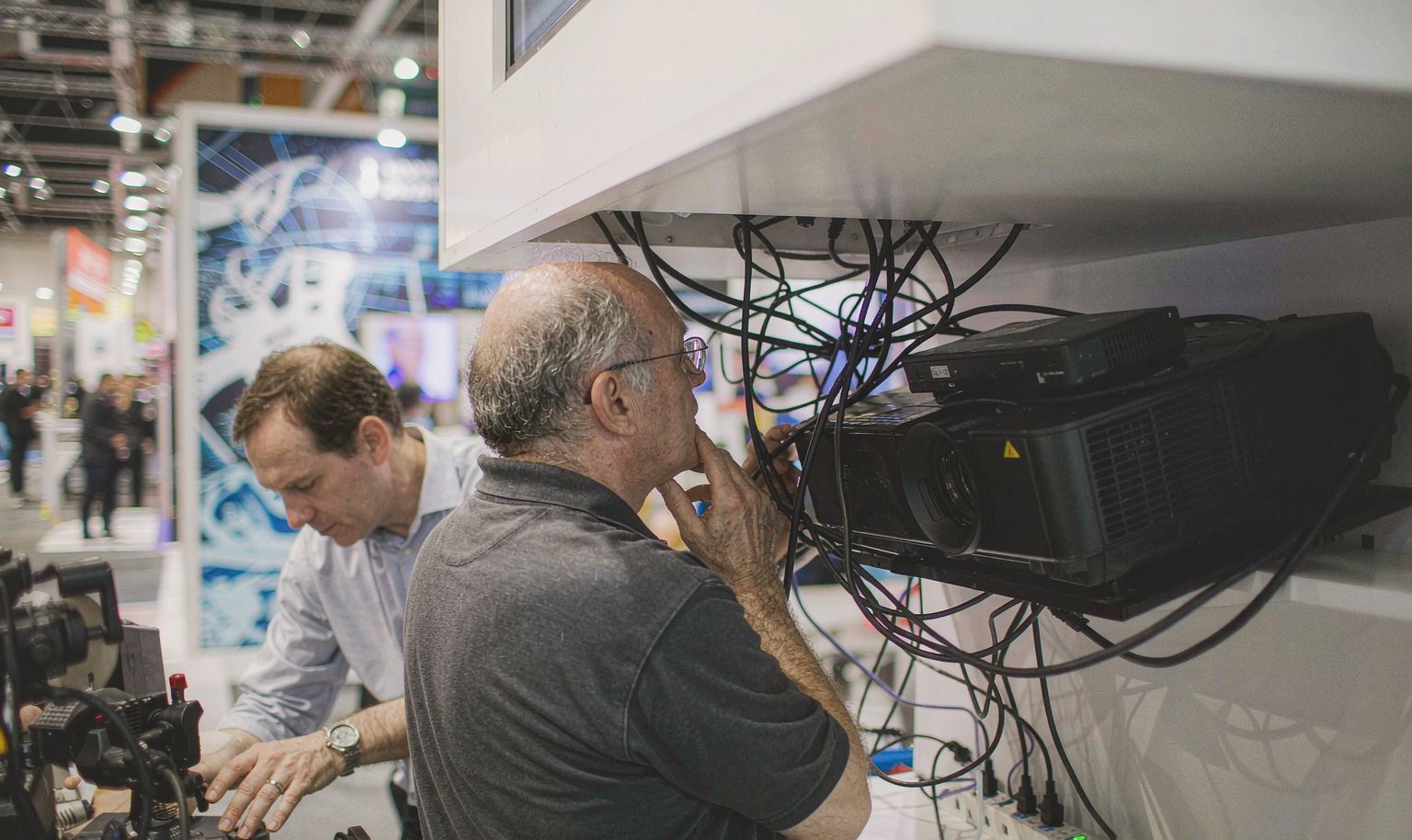
Confirm rack size, heat load, door swing, ventilation, patch points and the space a technician needs to work. Keep spare devices, adapters and labeled cables nearby without exposing them to visitors. Fitted panels should open without moving the product demonstration. This service side lets the team replace an endpoint, trace a signal or restart a processor while the customer-facing side of the InfoComm trade show display remains presentable.
Review the Booth and the AV System as One Build
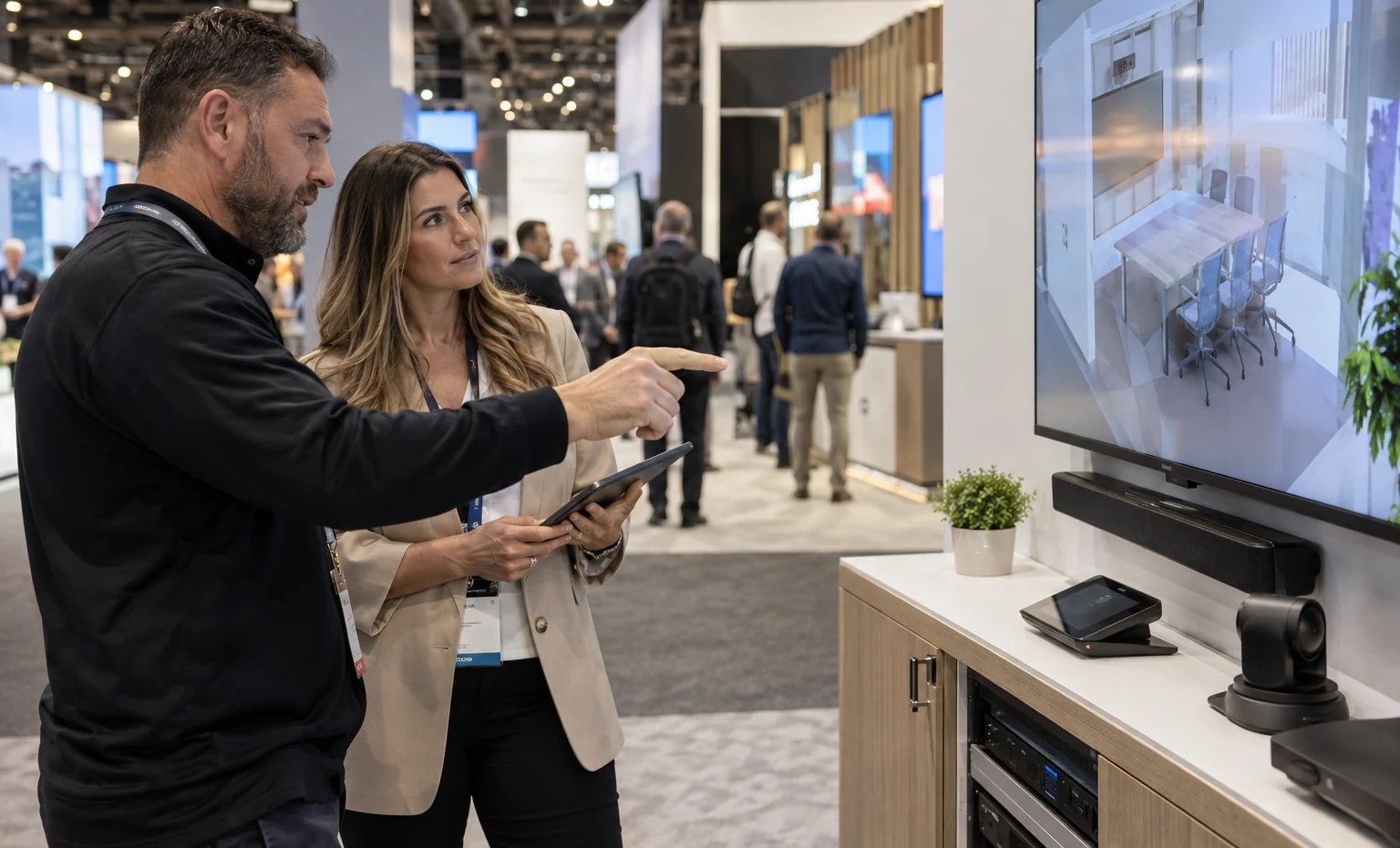
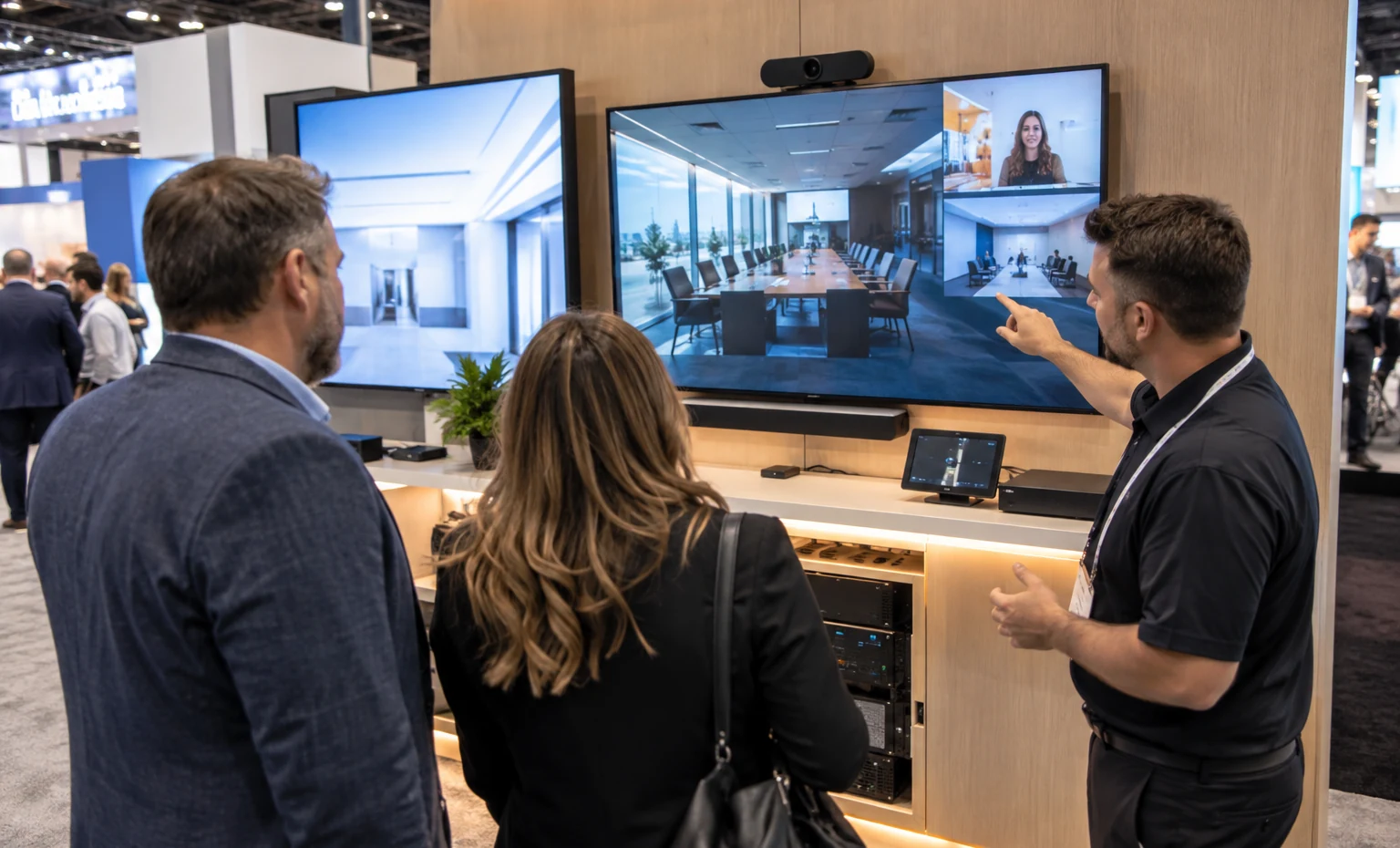
King Exhibits can translate the approved AV plan into screen mounts, rack openings, ventilated storage, cable access, product supports, graphic positions and visitor clearances. These details remain tied to the 3D layout during fabrication and graphic production, so the brand environment and the working system are reviewed together.
Staging is checked against the component, graphic and interface records before packing. Your AV team can use the same plan to confirm what it installs, what King supplies and which services require separate show or venue orders. That is more useful than receiving a finished-looking shell with unanswered technical access problems.
Close These InfoComm Details Before Releasing Production
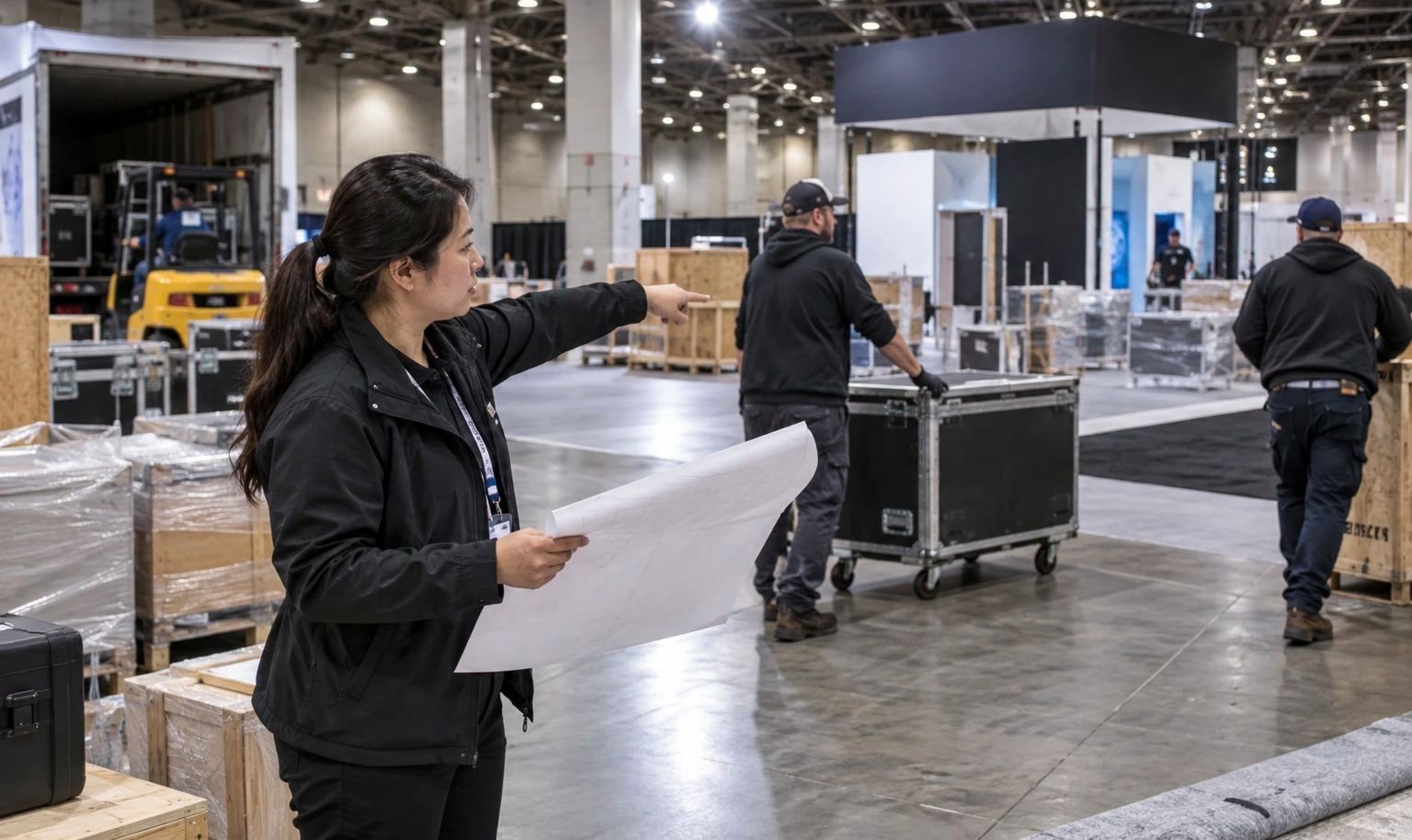
Confirm the booth type, height zone and current rigging permission. Current rules do not permit rigging in inline and linear booths; never design a hanging identity for a space that cannot support it.
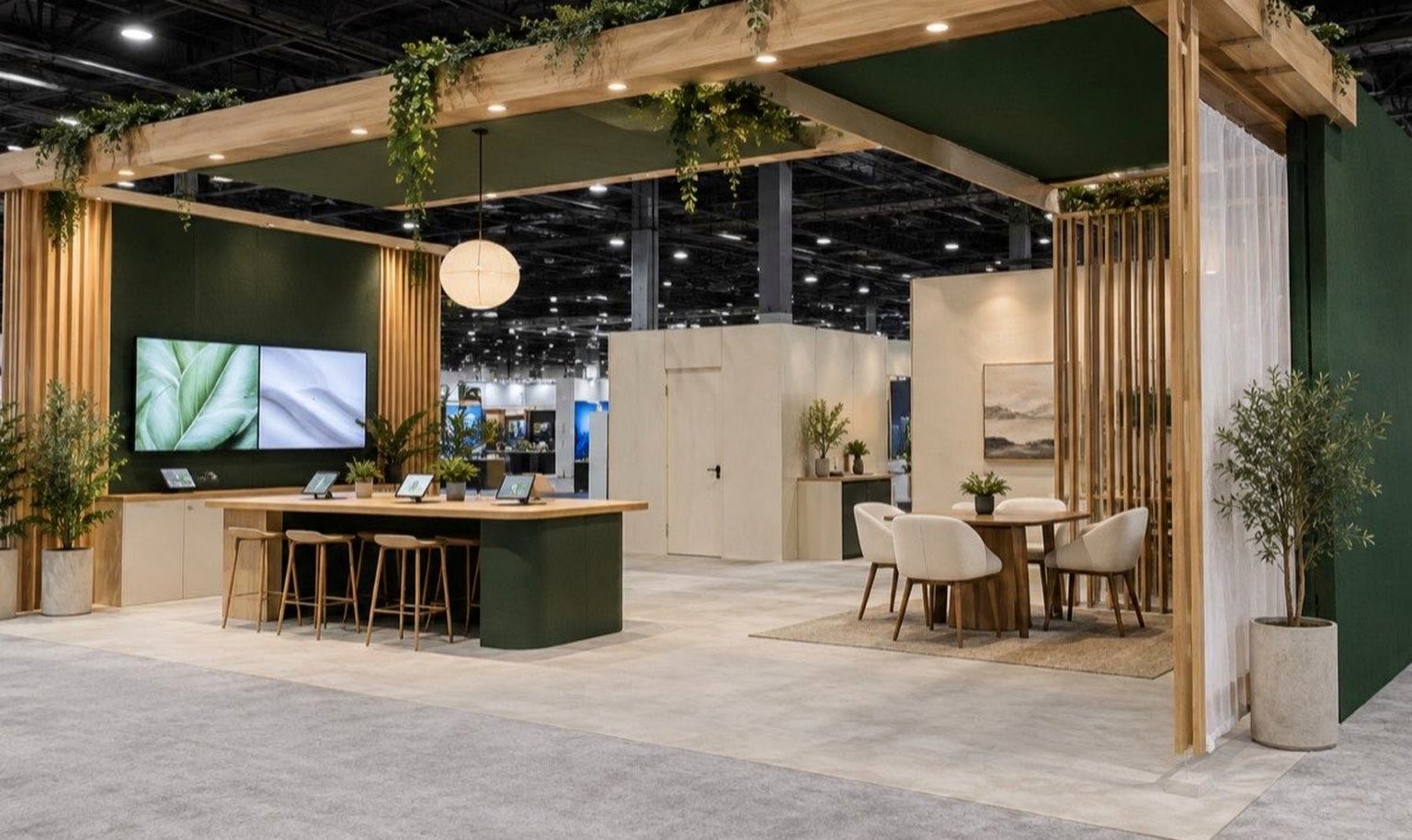
Build an outlet and connection schedule from the working system. Separate booth lighting and hospitality from demonstration circuits, and decide where a local or recorded fallback protects the customer experience.

Record heat-producing equipment and required air paths. Concealed processors, transmitters and power supplies need access and ventilation throughout show hours.
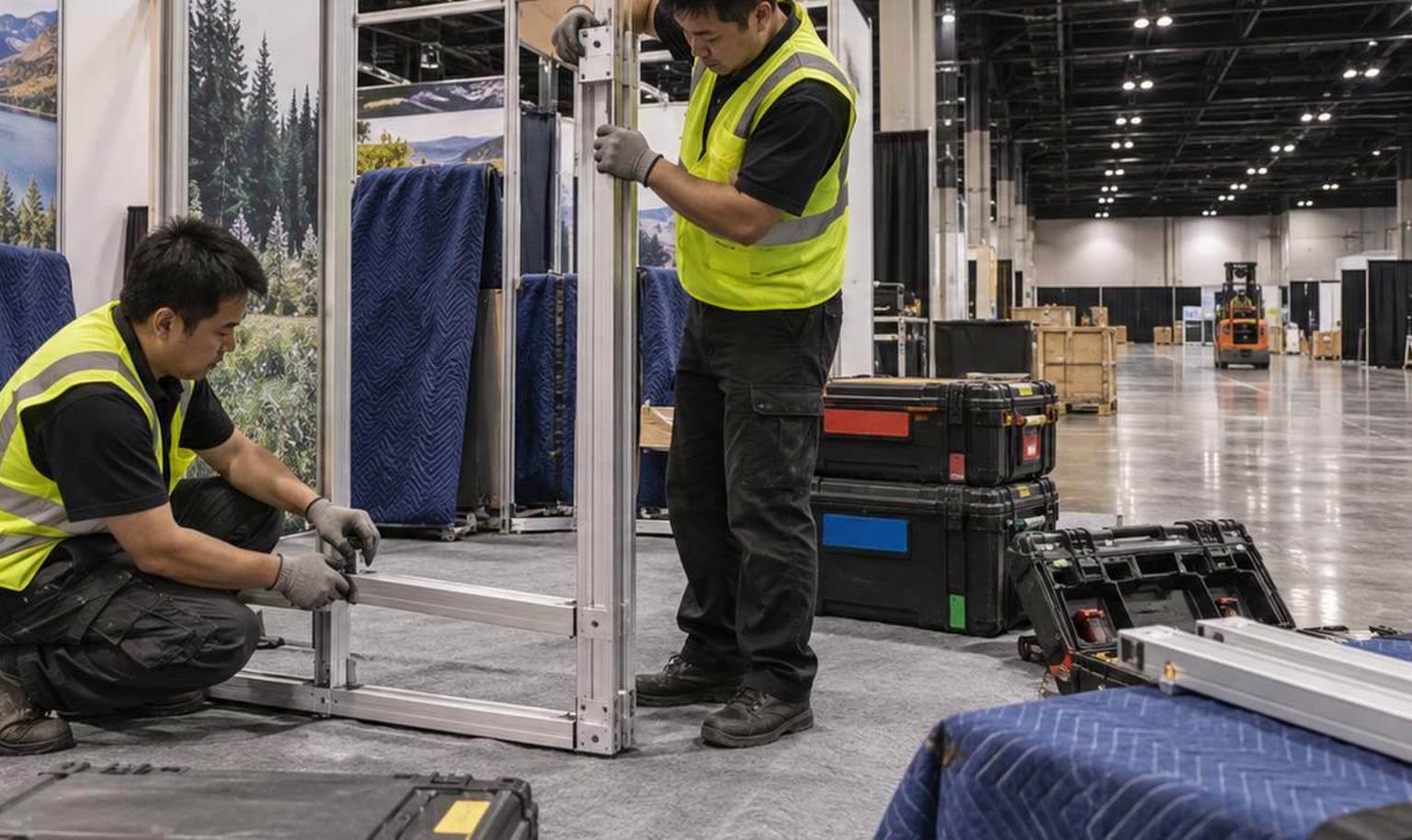
Decide which stations run continuously, which need a specialist and which operate at set times. The floor plan should match the real staffing plan, not the maximum number of products in the catalog.
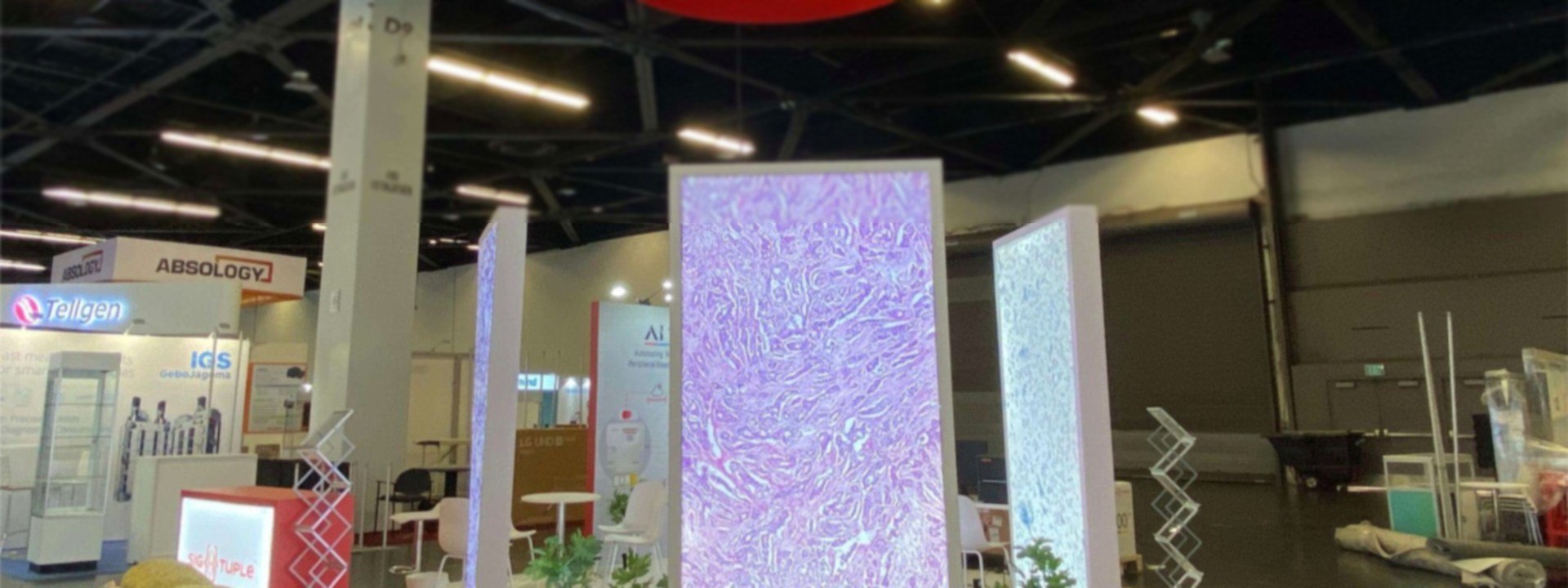
InfoComm Booth Rental: Displays, Audio Demos & Racks
Compare display and audio demo conditions, rack and signal interfaces, and the rental scope.
- Visual Displays
- Audio Demos
- Racks & Connections
- Rental Scope
InfoComm Display and Viewing Arrangements
How should buyers view a display so they can judge it in its real application?
| AV Display Type | Buyer Viewing Task | Space and Mounting Need |
|---|---|---|
| LED and large-format screens | The buyer judges brightness and uniformity at distance. | Mounting structure plus a clear viewing distance in front of the wall. |
| Projection | The buyer needs controlled light for the image to read. | Dimmer zone or hood position, with ambient light set before production. |
| Close-range image comparison | The buyer compares two images side by side. | Paired mounts at equal height with matched viewing angles. |
| Multi-screen systems | The buyer watches how several screens work together. | Wall run with a cable path and a single control position. |
| Displays in a meeting or application scene | The buyer sees the product where it would actually be used. | Furnished scene with seating and a realistic sightline. |
InfoComm Audio and Conferencing Demo Layout
How do you place listening positions and demo rhythm so demos do not interfere with each other?
| Audio Experience | Listener and Operator Position | Acoustic and Flow Constraint |
|---|---|---|
| Fixed listening position | The buyer sits in one spot to judge the mix. | Marked seat with a defined speaker-to-listener distance. |
| Speaker directivity demo | The buyer moves to hear coverage change. | Clear floor space reserved for the movement path. |
| Conferencing pick-up and playback | The buyer hears how a meeting sounds at both ends. | Table set with microphones and a far-end playback point. |
| Presenter-led audio demo | A group listens together on a schedule. | Group standing area that does not block the aisle. |
| Waiting group and repeat testing | The demo repeats through the day. | Queue space plus a reset routine between sessions. |
AV Rack, Signal and Service Interfaces
Can the rack and signal system be serviced and reset inside the booth?
| System Interface | Access or Connection Need | Booth Detail to Confirm |
|---|---|---|
| Signal path from input to output | Every source and destination mapped. | Cable schedule drawn and labeled before production. |
| Rack door opening and rear access | A technician reaches the back of the rack. | Clearance behind the rack and a door swing that clears the structure. |
| Heat and ventilation | Rack heat must leave the enclosure. | Vented panel and an airflow path built into the surround. |
| Power, data and wiring | Outlet count, load and data drops. | Outlet position, cable route and the official order. |
| Operator control and backup equipment | An operator runs the demo and a spare is ready. | Control position plus storage for the backup unit. |
| Removable panels and service route | Panels come off without disturbing visitors. | Removable panel positions and a service side away from the aisle. |
InfoComm Booth and AV-System Scope
How are the booth, AV equipment and venue technical services quoted and handed off?
| Item or Service | Quote Boundary | Setup and Commissioning Handoff |
|---|---|---|
| Display walls, screen supports and custom openings | Quoted once screen sizes and loads are known. | Exhibitor supplies displays and mounting drawings. |
| Listening area and application-scene structure | Quoted as booth structure and finishes. | Exhibitor defines the scene and listening positions. |
| Rack enclosures, panels and cable paths | Quoted by panel count and run length. | Exhibitor supplies the rack and signal equipment. |
| AV and lighting inside the quote | Quoted where we supply the hardware. | Exhibitor confirms sources, content and control. |
| Packing, freight and install of booth assets | Quoted against the show schedule. | Freight and hall access confirmed in writing. |
| AV commissioning plus official power, network and rigging | Booth-side provisions quoted; rigging and services ordered from the venue. | Exhibitor’s AV lead plus official contractor orders. |
Turn the AV Demo Plan into an Installed Exhibit
Provide booth dimensions, products, signal flow, displays, speakers, racks, utility and rigging needs, meetings, graphics, freight and requested support.
We place equipment, operators, visitors, sightlines, listening points, cable access, storage and the next sales conversation.
Review architecture, interfaces, graphics, materials and responsibility. The accepted proposal defines King Exhibits’ work.
Your team supplies confirmed device dimensions, loads, connection needs and approved content. We close the production details around them.
Quoted rental and custom elements are prepared, reviewed against the records and packed for the agreed route.
King performs its accepted onsite scope while the named parties complete official services, AV integration and customer-equipment work.
Yes, after display dimensions, weight, support, power, content source, viewing distance and service access are confirmed. The final mounting and any rigging must follow the active show and venue requirements.
The booth proposal may include agreed display mounts, equipment interfaces and exhibit components. Screens, processors, audio, control, networking and integration should be listed separately and are included only when the accepted quotation states so.
Yes, with a current venue/show internet order and a tested system plan. Prepare a local or recorded fallback for the core sales story because a crowded show environment can affect external services.
The proposal identifies rental structure, custom work, graphics, flooring, furniture, packing, coordination and onsite services from King Exhibits. Venue, organizer and official-provider charges may be separate.
Send the booth assignment, product and demo list, signal map, display/speaker/rack details, utilities, rigging, content, meetings, freight, budget and the work you want King Exhibits to quote.
Booth Sizes for Pro AV Demonstrations
-
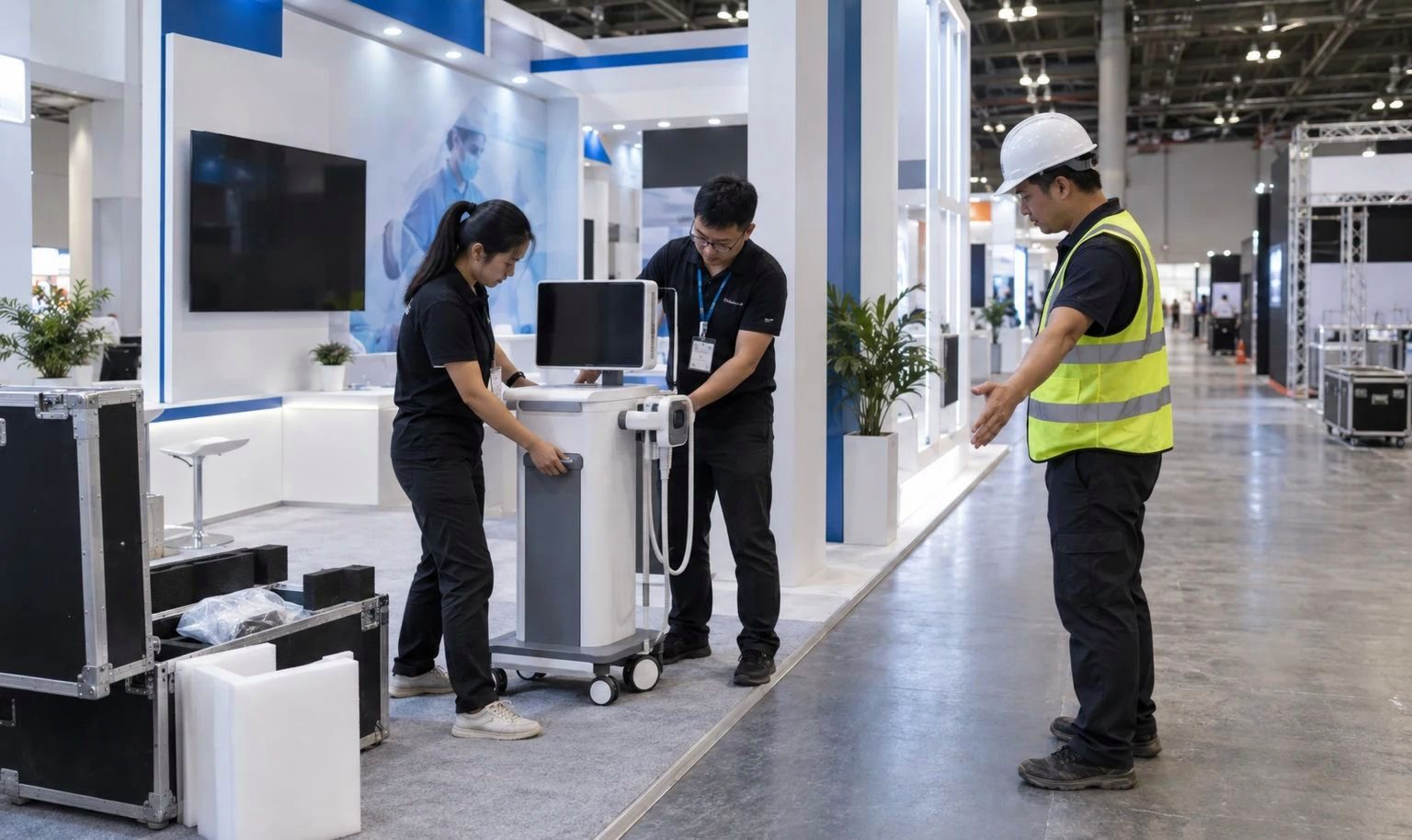
Fits one focused system story, working display or rack, concealed storage and short technical conversations.
-
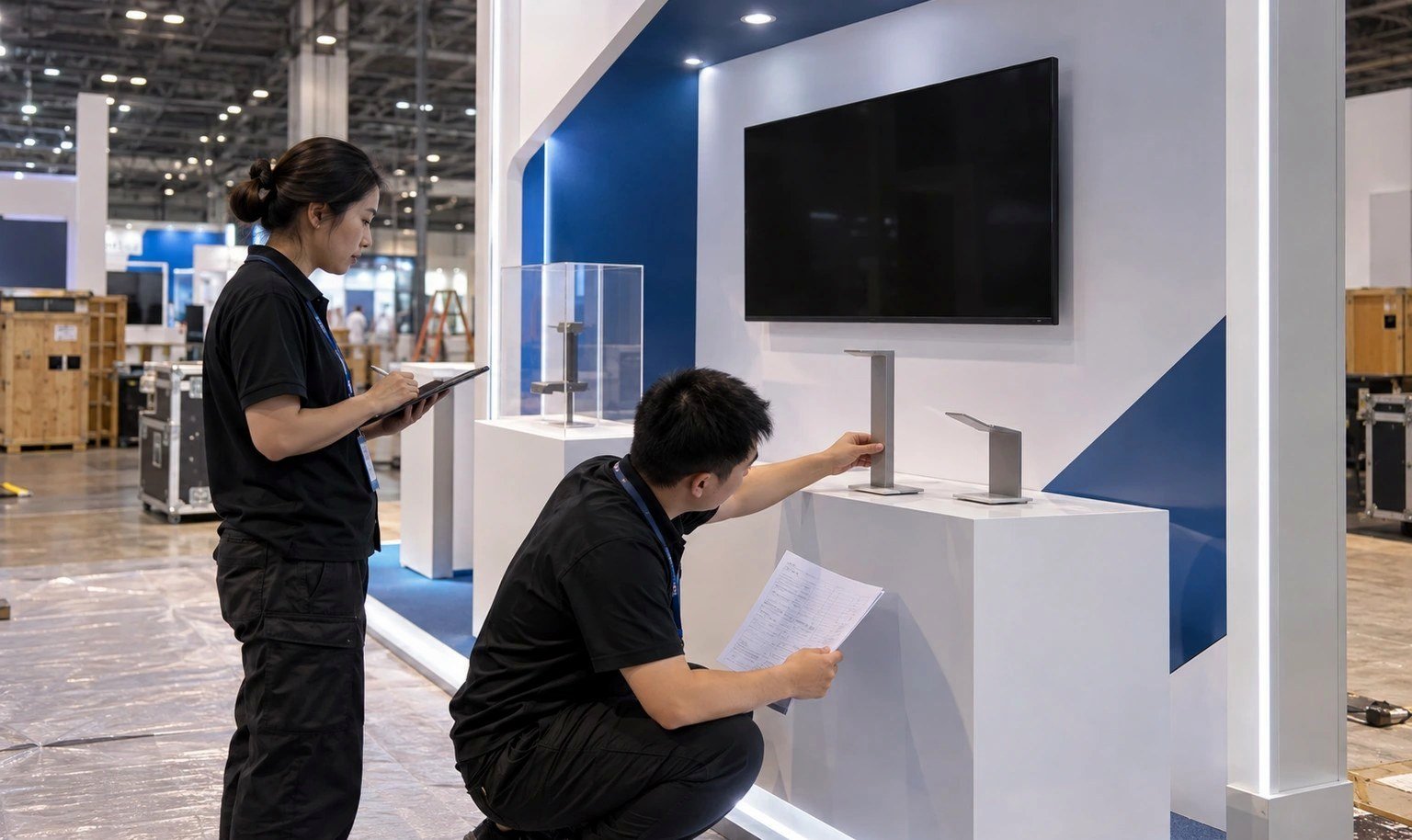
Adds several demonstration stations, a small application environment and a qualified meeting area.
-
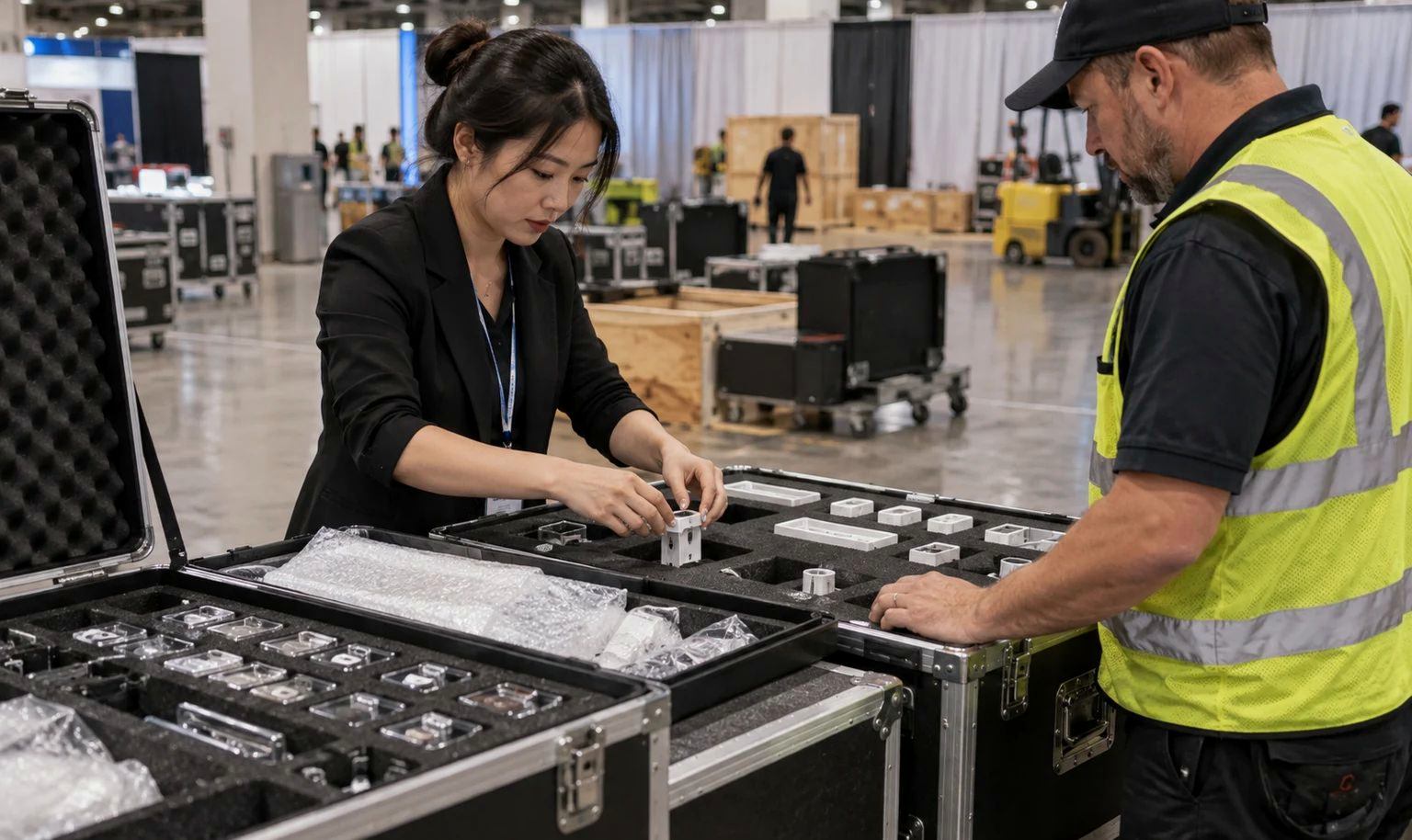
Supports large LED or audio experiences, multiple workflows, presentation space, storage and private meetings.