


Display Details for Geoscience Presentations
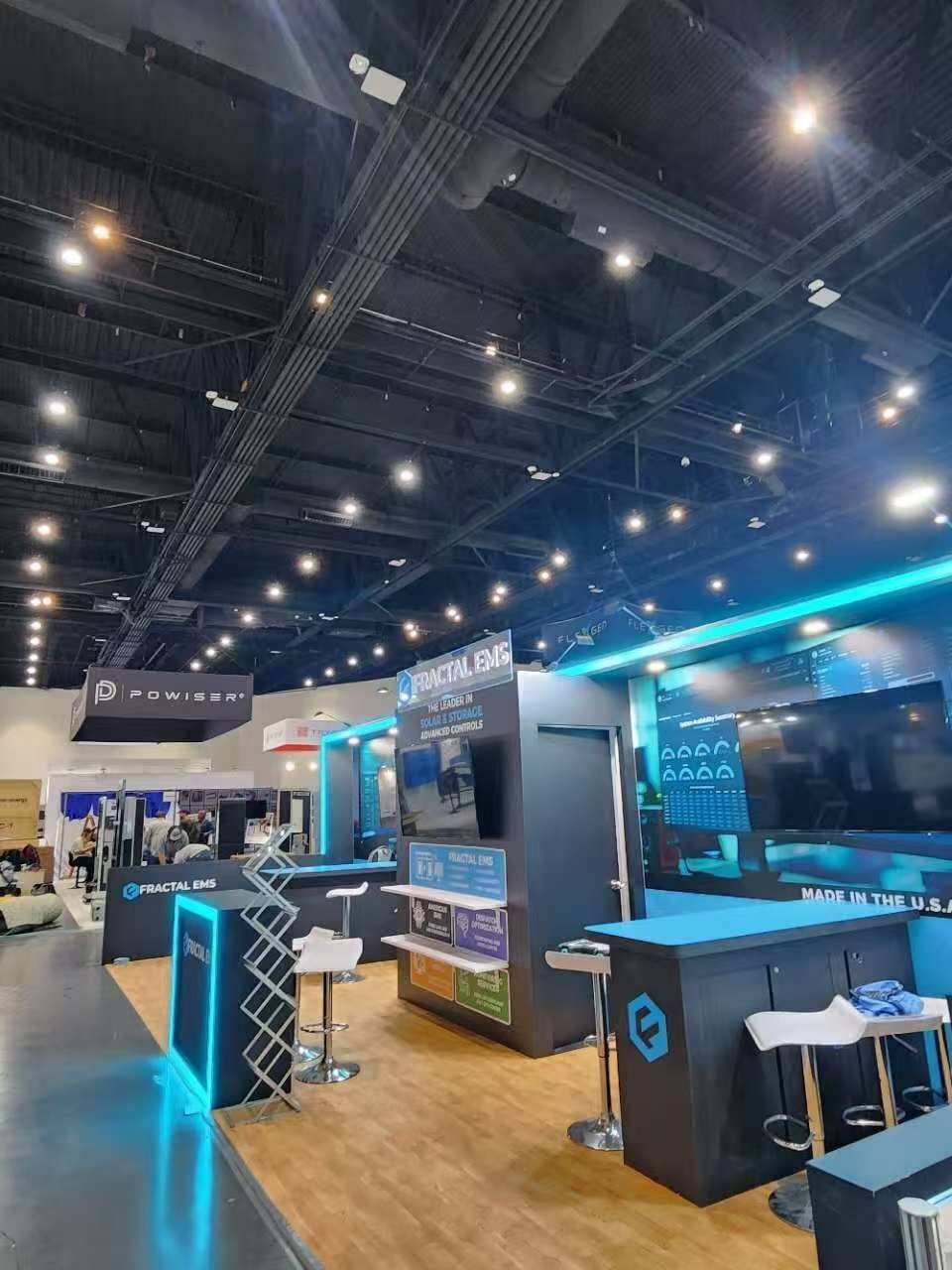
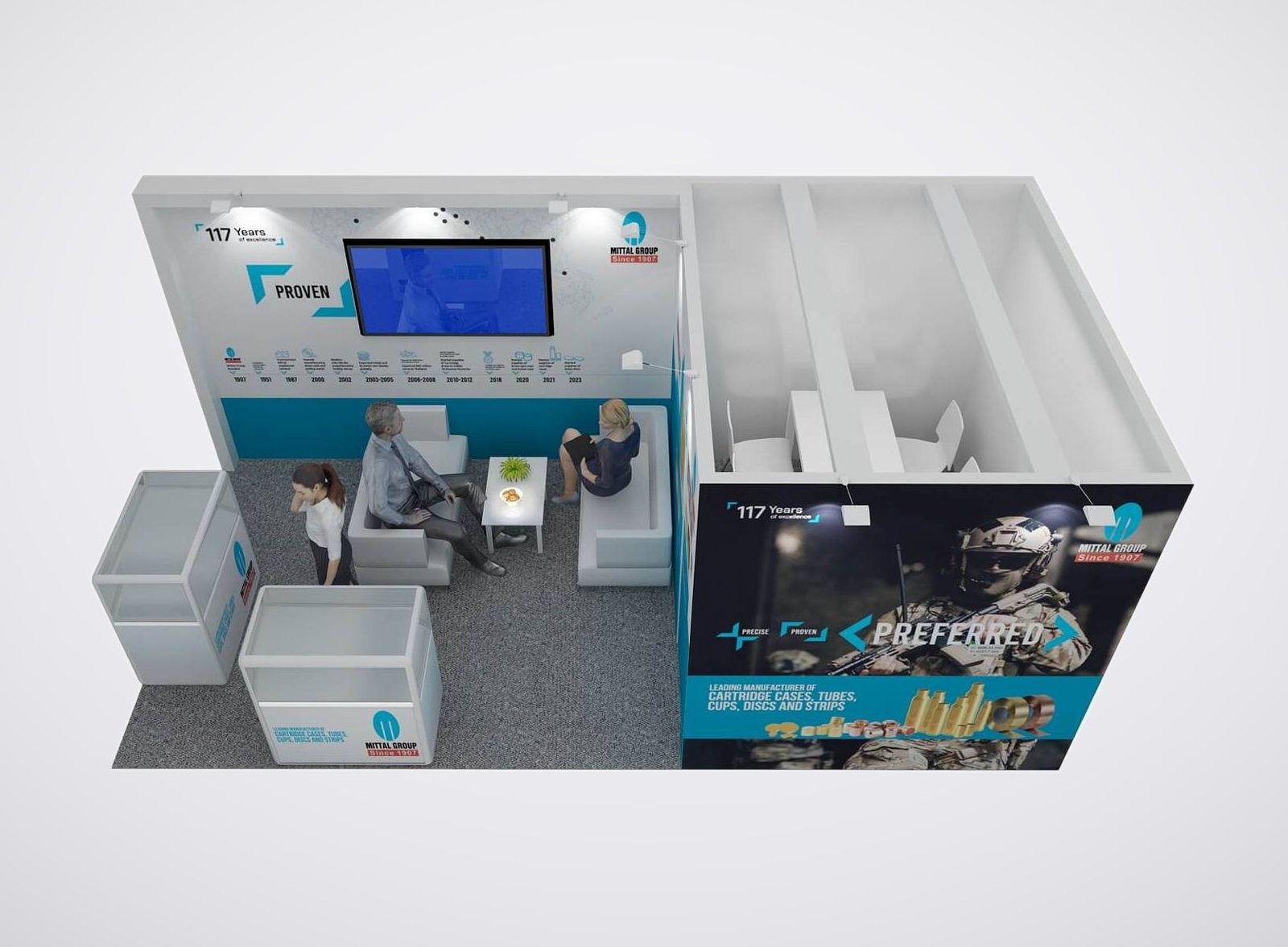
• Screen backdrops frame seismic sections without competing with their color scales.
• Workstation counters provide a surface for the presenter’s keyboard and pointing device.
• Sample plinths place compact instruments or rock specimens beside the related visual.
• Branded graphic panels identify the software or service shown at each demonstration position.
Rental Exhibits for IMAGE Software and Technology Teams
A seismic section can attract attention from the aisle, but the valuable conversation often starts when someone asks about a particular feature on the screen. Your booth needs to accommodate that closer look.This rental service is for exhibitors presenting seismic interpretation software, subsurface imaging and related geoscience technology. Rental structures, branded surfaces, demonstration furniture and AV are selected around what your team will actually show. Custom fabrication is available where a standard rental component does not suit the presentation. Explore our [booth design directions](/#designs) to compare exhibit styles.IMAGE 2027 is scheduled for August 30–September 2 at Houston’s George R. Brown Convention Center. Start with your assigned space and the demonstration your specialists want to deliver; the booth should give that presentation a practical setting.
Compare Booth Footprints for Your Demonstration
These are layout directions for an assigned space, with the final arrangement dependent on its open sides and the event’s display requirements.

Prioritize a single workstation and a short conversation beside it. Keep furniture selective so the presenter, visitor and screen have a workable relationship; a full meeting suite would compete with the main demonstration.
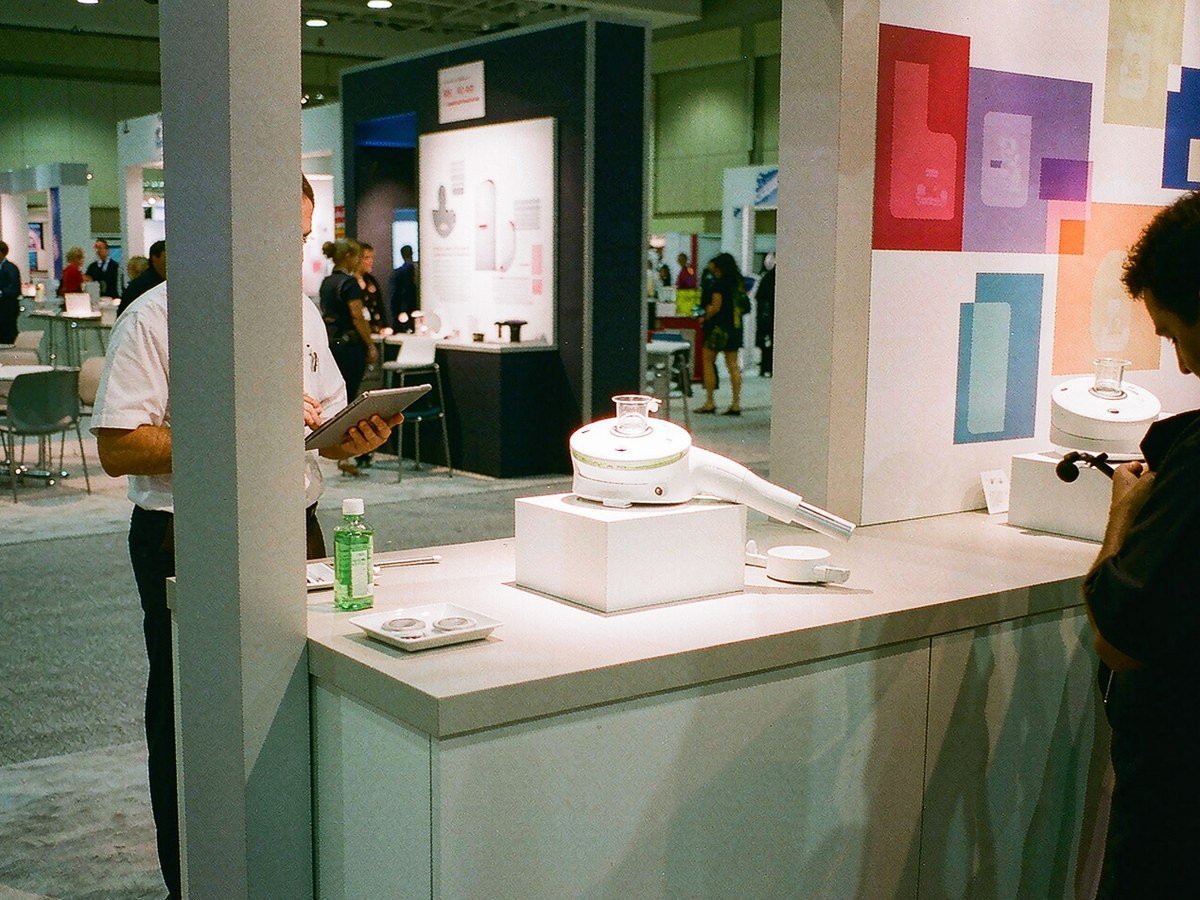
Use the extra frontage to separate the demonstration position from initial greetings. A small table may support follow-up questions, with the screen and furniture arranged to keep access through the booth.
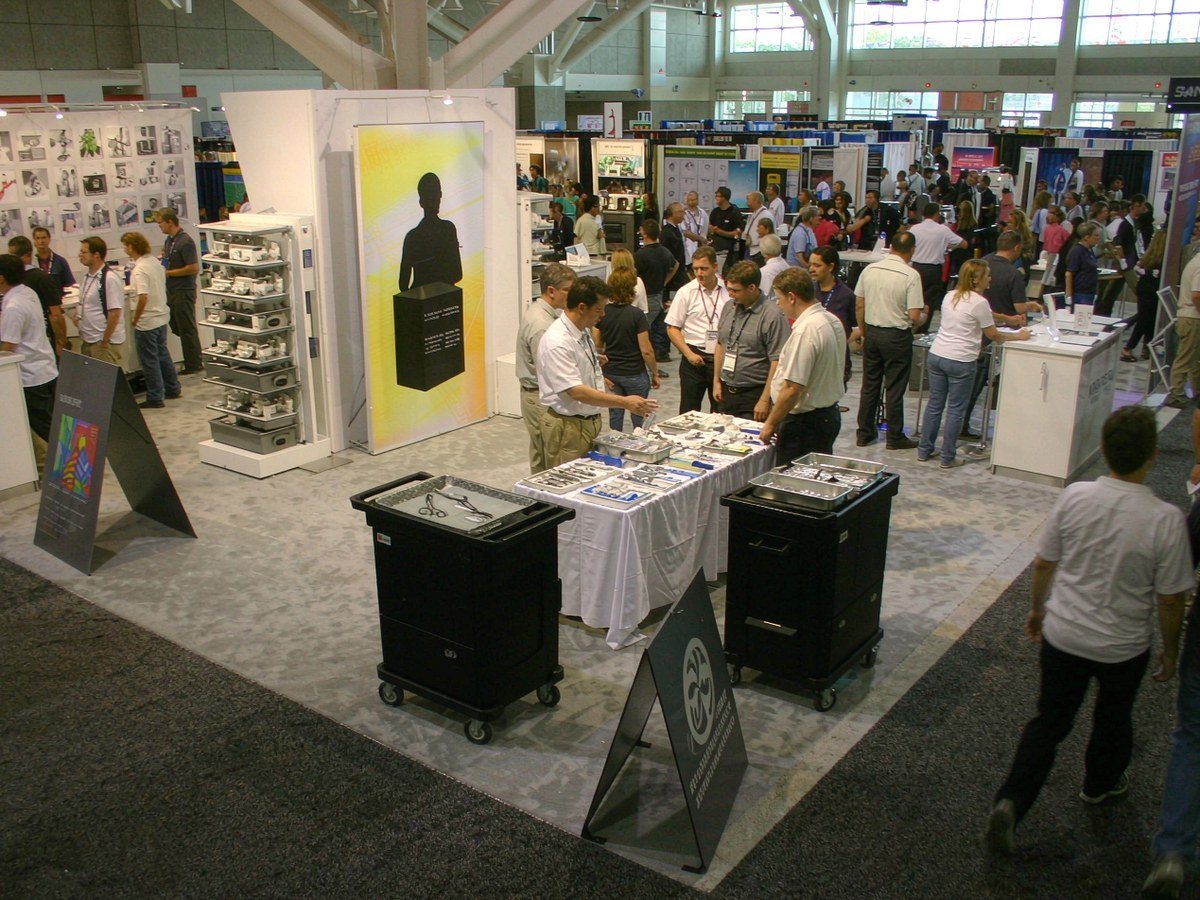
Divide an island layout between live software presentations and seated discussions. Place specialist stations so separate groups can use them without crowding one central screen; confirm that the allocated booth has the assumed aisle access.
Choose Screens for the Seismic Detail You Show
A large screen can still leave a fault label unreadable. Bring a representative seismic section or interpretation view into the screen discussion, including the menus your presenter uses. The smallest annotation and the intended viewing position are more useful starting points than diagonal size alone. For a close technical demonstration, compare a monitor with any proposed LED display using that same content before agreeing to the AV specification. Keep brand animations on a separate display when space allows.
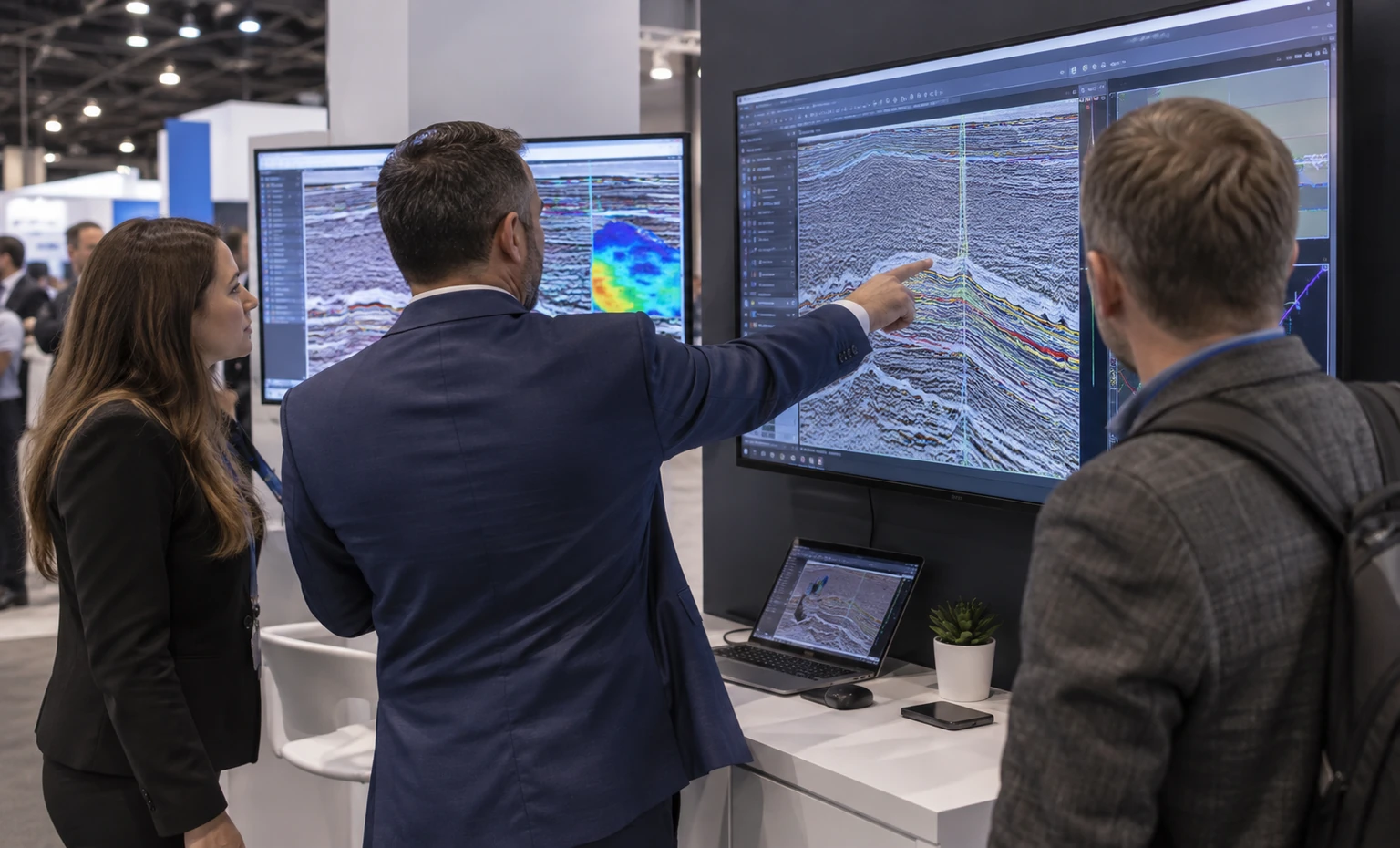
Connect the Exhibit Design to Its Construction
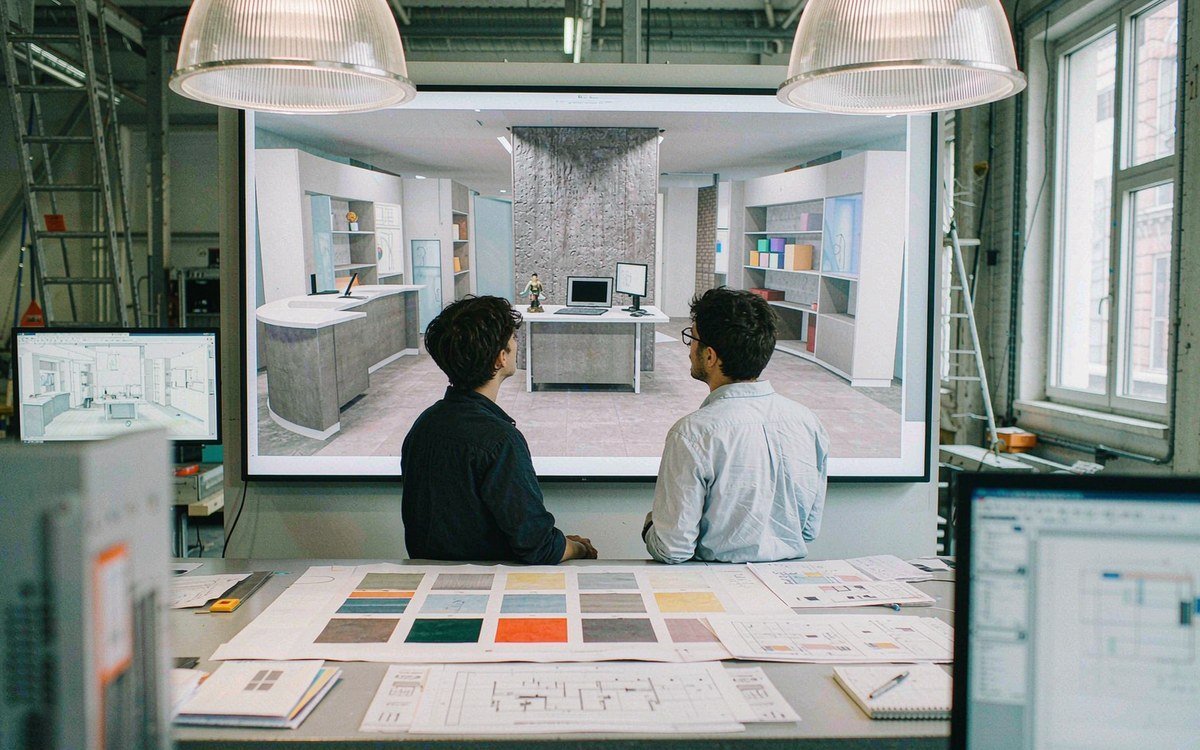
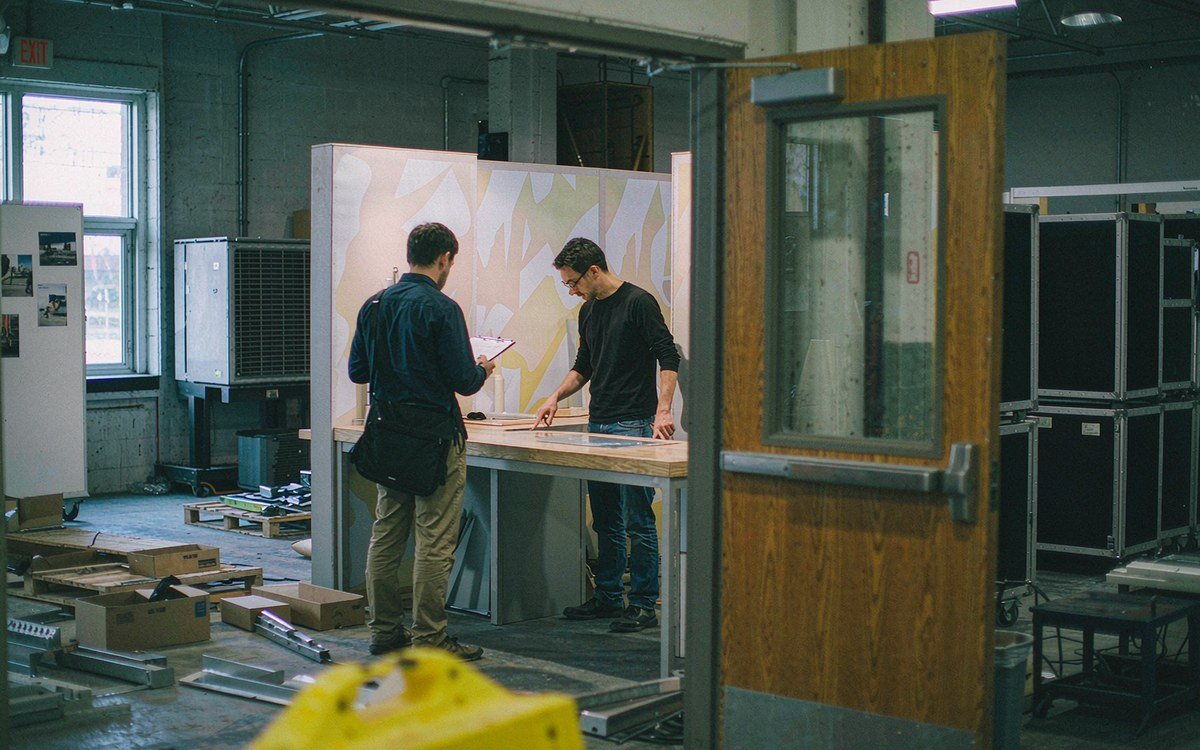
King Exhibits offers 3D trade show booth design alongside custom fabrication. The workstation opening, branded wall and display surround are considered together, so your team can review how the software presentation fits within the built exhibit.Our rental, graphics and LED/AV services bring the structure, printed message and screen arrangement into the same supplier discussion. This helps you select a rental structure with the custom display elements your presentation needs.
Prepare the Booth and the Demonstration for Handover
Our pre-show review covers key assembly, graphics and finishing details. For an IMAGE workstation, identify the display surround and equipment openings that need checking against the agreed dimensions. Confirm any test requiring your computer or specialist hardware before shipment.
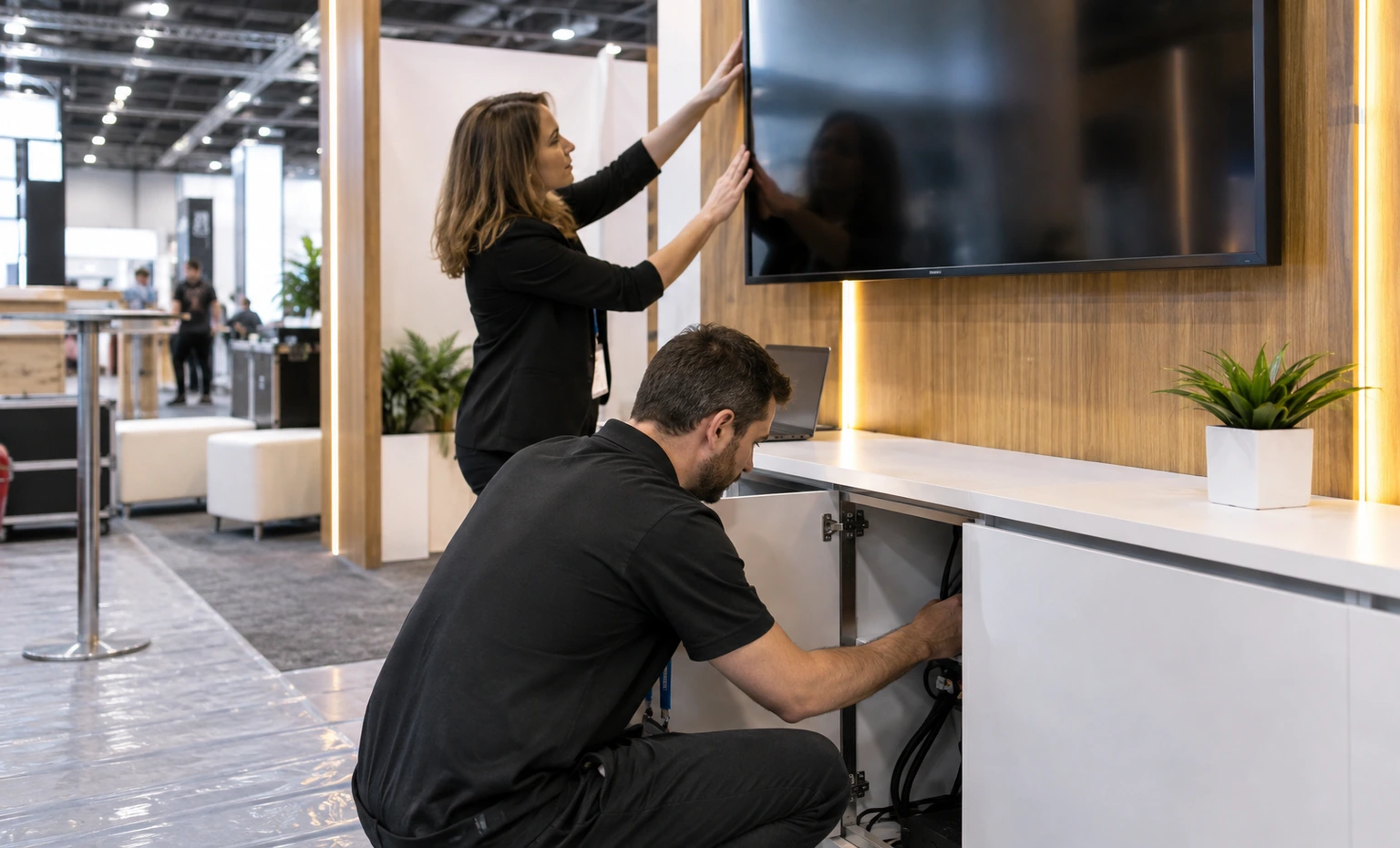
Our pre-show review covers key assembly, graphics and finishing details. For an IMAGE workstation, identify the display surround and equipment openings that need checking against the agreed dimensions. Confirm any test requiring your computer or specialist hardware before shipment.
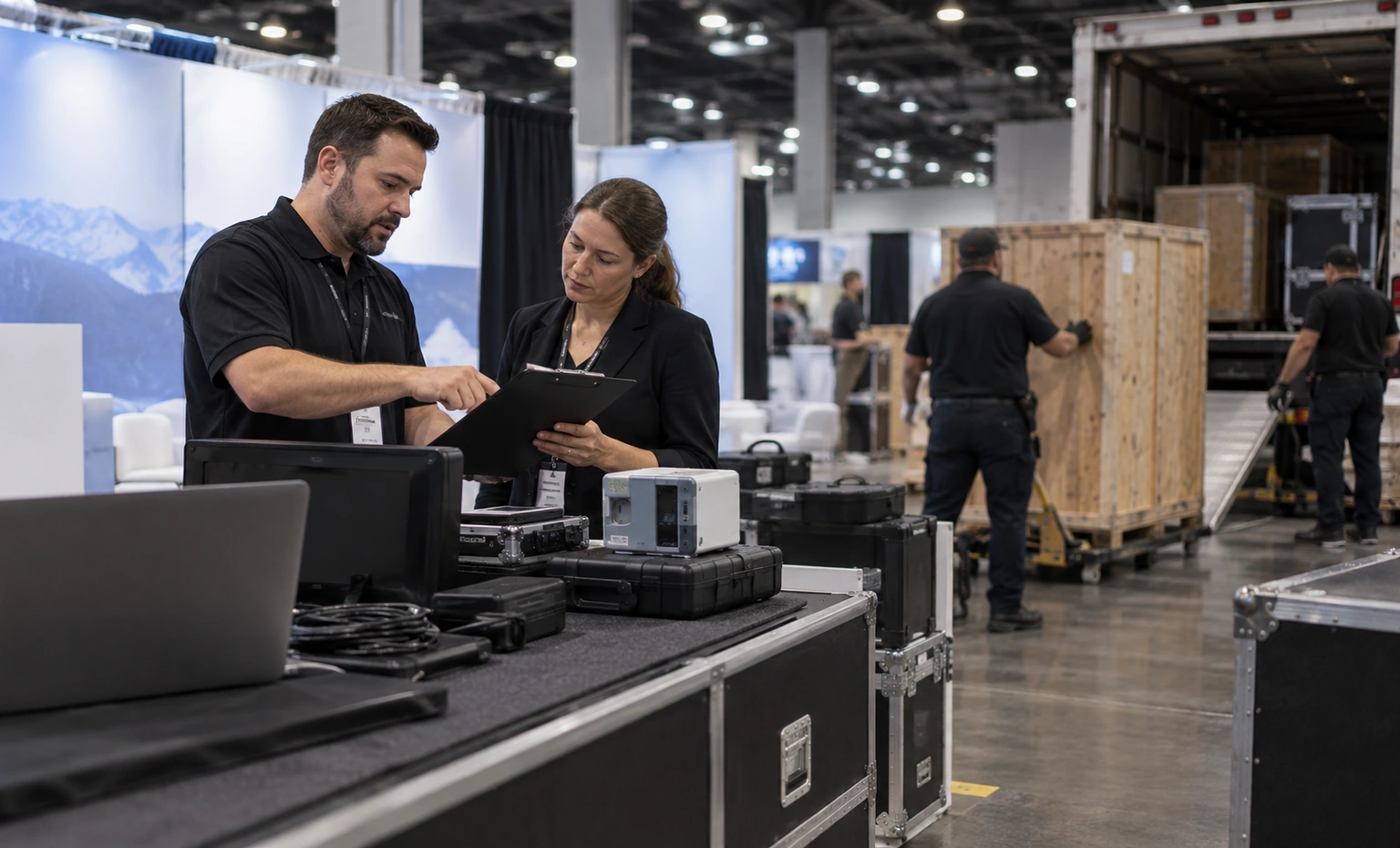
King coordinates booth staging, transport and installation. List any computers or instruments traveling with your staff separately, with their handover time and packing arrangements. The installation plan then identifies what arrives in the booth shipment and what the demonstrator brings.
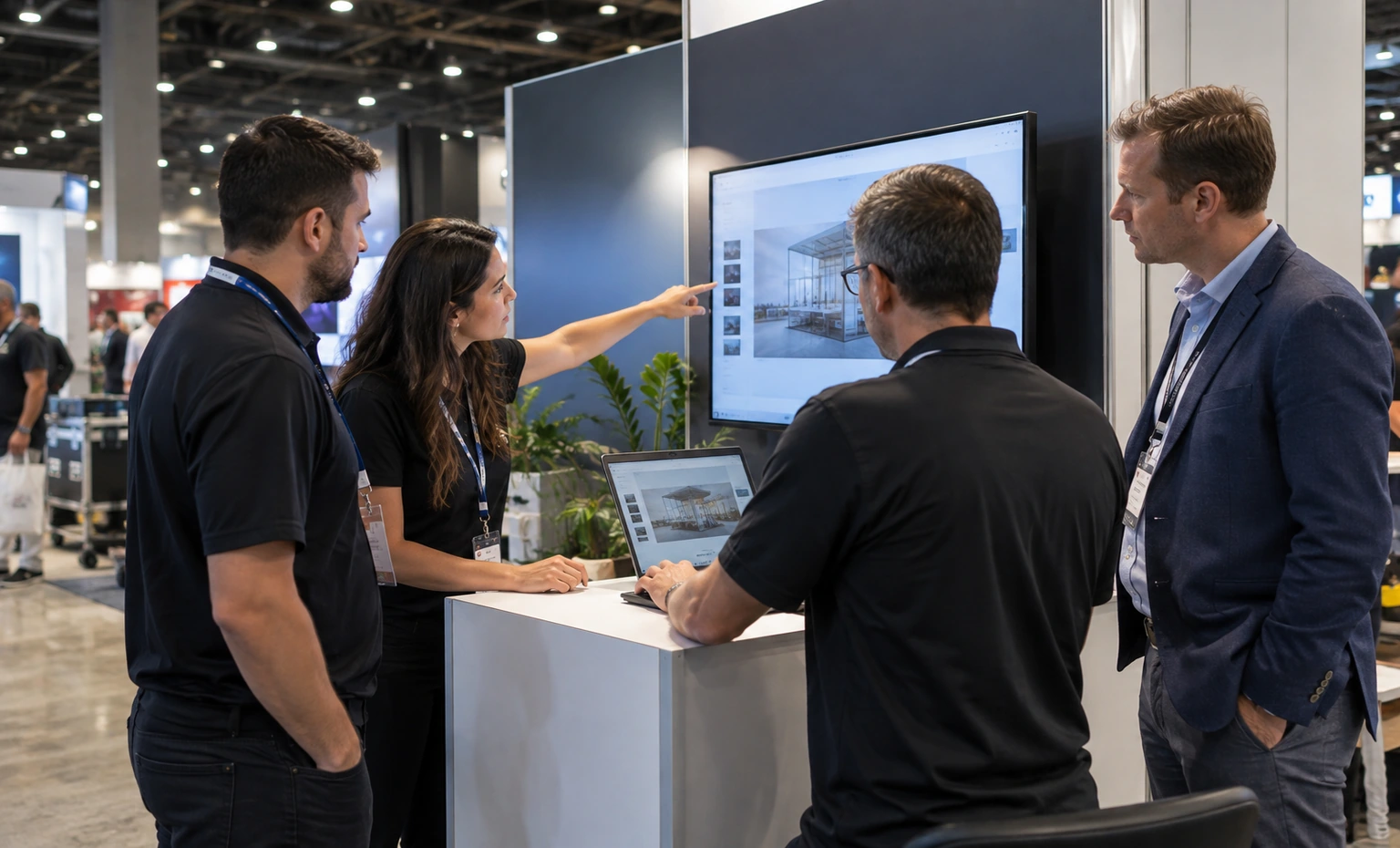
Assign a technical contact to load the approved content and check the software on site. King handles the agreed exhibit installation; your software team confirms its own application, licenses and demonstration data. Arrange that check while the relevant equipment and people are available.
From Your IMAGE Presentation to a Rental Proposal
Send the booked footprint, open sides, budget and a short description of the software demonstration. King assesses how the presentation fits and proposes a starting arrangement, identifying any equipment details still needed.
Provide hardware dimensions, representative screen content and brand artwork. We develop the booth design and identify the rental, custom and AV elements, giving you a proposal to review for fit and cost.
Return design comments and the current exhibitor instructions. King reconciles the approved layout with the agreed work and prepares the construction details, producing the version used to plan fabrication and installation.
Confirm the attending contact and arrival arrangements for your demo equipment. We coordinate exhibit delivery and setup within the agreed schedule, then hand over the installed booth for your team’s presentation checks.
Confirm who collects your computers and which graphics you want to retain. King coordinates dismantling and the agreed return or storage of exhibit components, with the rental pieces and retained materials prepared for their agreed destinations.
Yes, provided the required connection and permissions are arranged. Specify the applications, simultaneous users and any remote access requirements before selecting internet service. A monitor in the rental package does not establish a network connection. Your IT contact should confirm the service with the event’s appointed provider and prepare an approved offline demonstration where practical.
Not necessarily. Visitors still need a useful viewing position, and the presenter needs access to the controls. Increasing screen size can make a close demonstration harder to accommodate. Show us the working interface and expected group size so the layout can be assessed with people around it, rather than from an empty rendering.
Only if its position and height comply with the rules for your edition of IMAGE. Front-of-booth visibility restrictions can affect monitors as well as walls. Send the current display instructions with the floor plan so we can review the screen location. An earlier year’s approved layout does not automatically establish approval for the next event.
Use only material your organization has cleared for that purpose. A sanitized screen capture is often sufficient to explain the visual detail and interface layout. Keep confidential datasets and login credentials out of the initial inquiry. Your technical team decides what may appear publicly and supplies the approved demonstration content.
No. You book exhibit space and conference registration through the organizer. King’s proposal prices the agreed booth work and identifies the selected rental and custom elements. Request a separate breakdown for AV, transport, installation and any applicable event services so your internal budget does not treat the booth quotation as the complete cost of participation.
Yes, subject to a compatibility and mounting review. Provide the display model, overall dimensions, weight, mount details and computer connections. The proposal should specify which equipment you supply and which components King supplies. Bringing a computer also leaves your team responsible for its software setup, data access and licenses.
Put Your IMAGE Demo into a Booth Proposal
Tell us which software or instrument you will present, how many demonstrations run at once and the space you have booked. Add your budget range, and King Exhibits will develop a layout recommendation and rental estimate for discussion.Discuss My IMAGE Rental Exhibit