
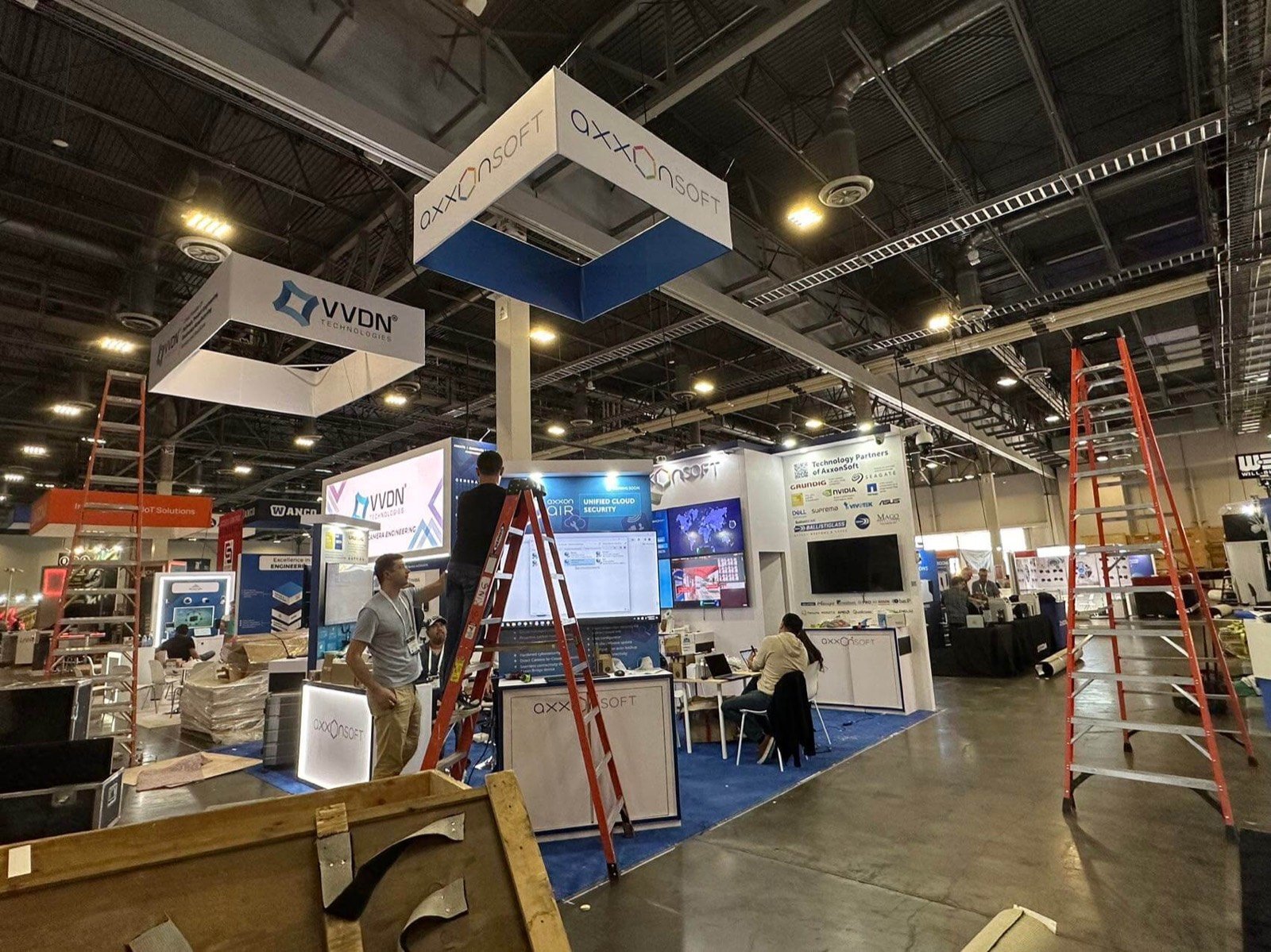

Tell the visitor who is being trained, what action the system supports and what they should watch before describing the full platform.

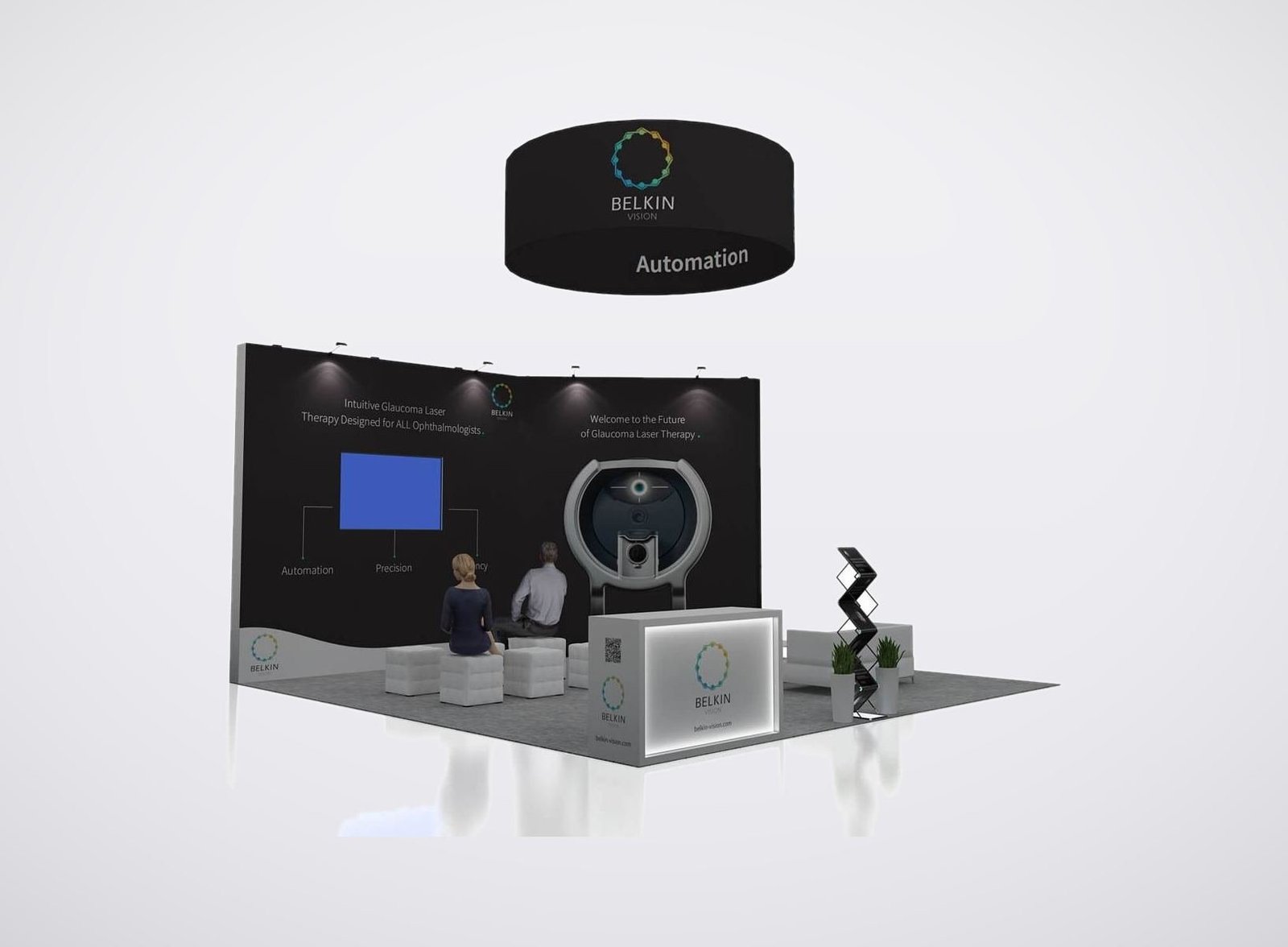
Plan the seat, controls, headset, movement, access, cables and exit around the real equipment rather than fitting the system into a finished booth drawing.

Use a shared screen, instructor view or short explanation point so program and technical buyers can understand the exercise while one participant operates it.

Place integration, acquisition, training, security and partnership discussions where the right specialists can review details without interrupting the next demonstration.
Choose the Exhibit Format from the System Being Demonstrated
Full-Size Simulator or Training Device
Start with the complete installed footprint, weight, entry, operator position, movement, sightlines, service access and utilities. The surrounding rental exhibit should explain the mission and support the buyer route without blocking the equipment.
XR, Desktop or Portable Trainer
Define the participant boundary, headset or controller handling, tracking area, sanitation and reset. An observer display can make an individual experience understandable to people waiting outside the active zone.
LVC, AI, Digital-Twin or Cyber Demonstration
Map the role, scenario, input, system response and result across presenter-controlled screens. Confirm network, accounts, device security, audio and an approved local or recorded fallback before the counter details are released.
Components, Displays, Research and Training Services
When the full system cannot travel, use representative hardware, interfaces, samples, architecture visuals or a guided workflow. The booth should connect each object to the training or readiness problem it helps address.
An I/ITSEC Exhibit Rental Built Around Technical Proof
I/ITSEC brings government, industry, academia and international participants into one modeling, simulation and training environment. Exhibitors may present flight or vehicle simulators, immersive training, distributed learning, AI, digital twins, cyber ranges, medical or public-safety training, components and professional services. Those offers require different booth layouts, even when the footprints are the same.
The exhibit first has to make the user, mission and training task understandable. The demonstration then needs a deliberate start point, operator position, observer view and reset path. Program managers, instructors, engineers, acquisition teams, partners and security specialists may require different follow-up conversations, so public product traffic and scheduled meetings should not compete for one space.
King Exhibits develops the I/ITSEC booth design around the confirmed equipment and sales plan. Rental walls, towers, counters, flooring, lightboxes, graphics, screens, furniture, storage and meeting space are selected for the approved layout. Any product support, enclosure, opening or other custom interface is quoted only after dimensions, loads, access and responsibility are confirmed.
The proposal states which exhibit elements and project services belong to King. The exhibitor remains responsible for the product, software, data, claims, operating procedure and company security policy. Organizer approval, venue services, electrical, internet, material handling, labor, rigging and other official inputs are included only when the accepted quotation says so.
Organize the Booth Around How Buyers Evaluate Training Technology

Let operators and instructors see the controls, feedback, scenario flow and training result. Keep staff access close enough to guide the exercise and reset the station without crossing the visitor route.
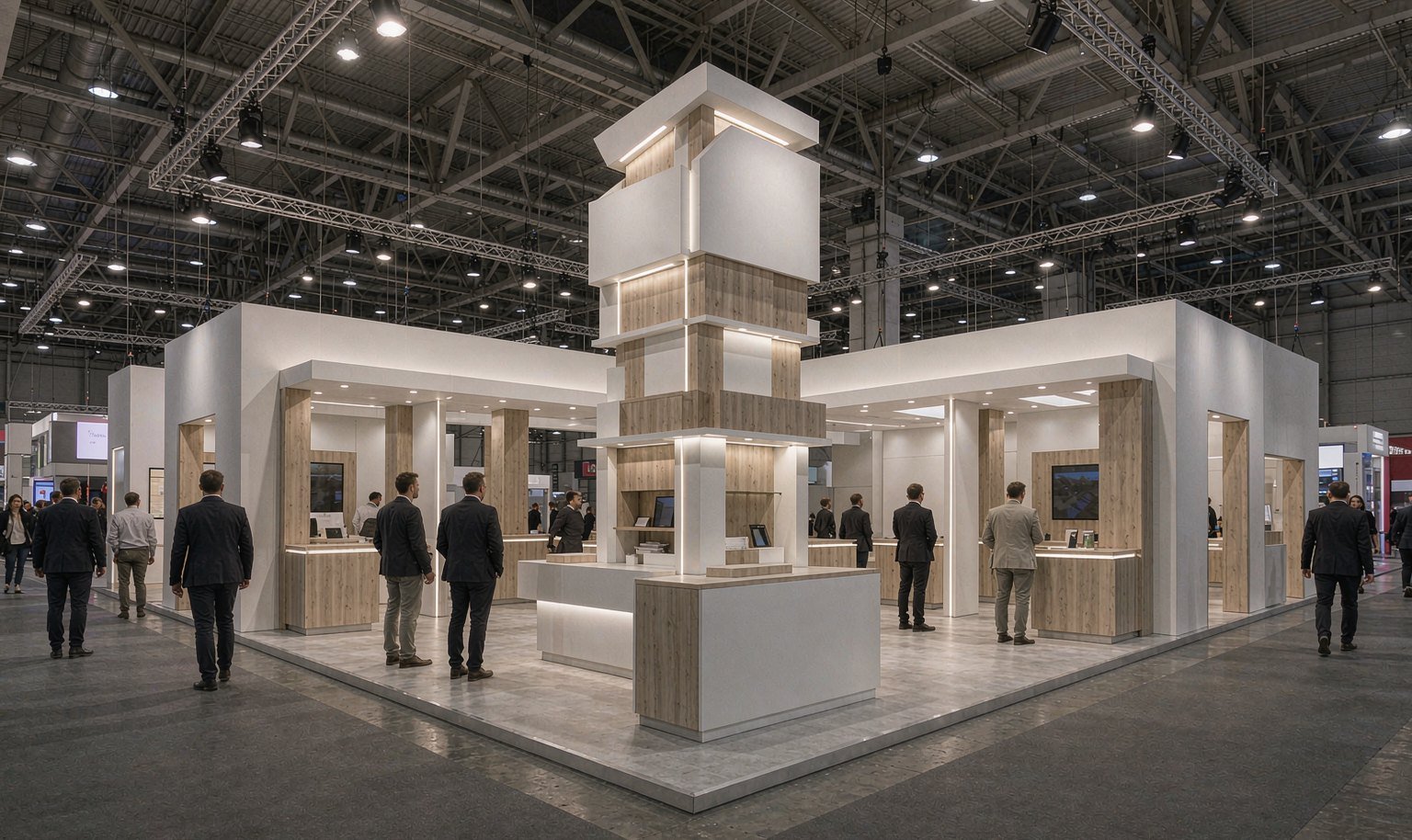
Give program, procurement and business-development teams a place to connect mission need, deployment scale, schedule, support and commercial scope after the public demonstration establishes relevance.
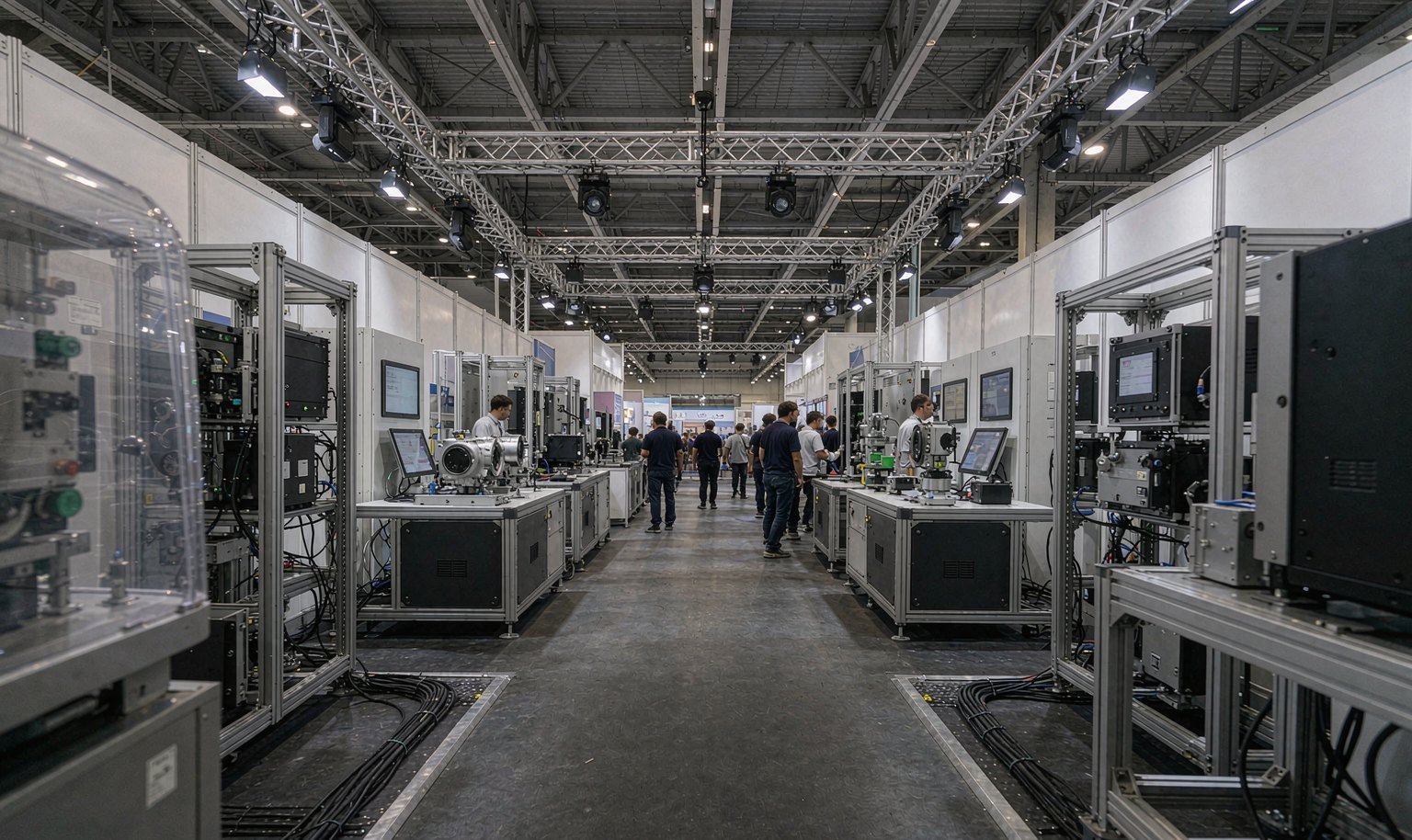
Use a shared screen, system diagram or equipment view for hardware, software, interoperability, LVC, data and platform questions. Deeper material can move away from the main aisle when required.
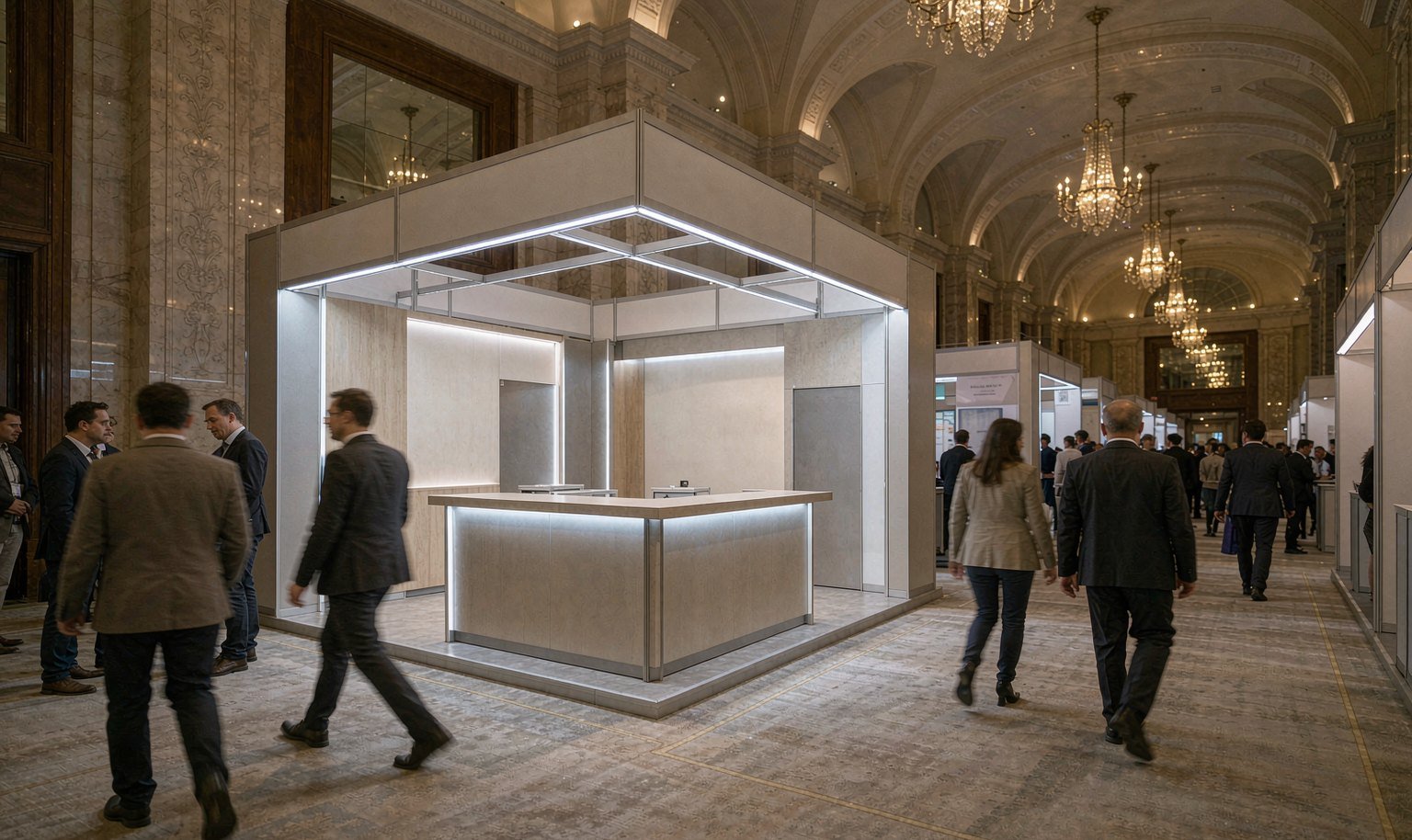
Angle public screens and displays for approved content. Keep credentials, restricted diagrams, limited-distribution material and sensitive conversations within the access and sharing rules defined by the exhibitor.
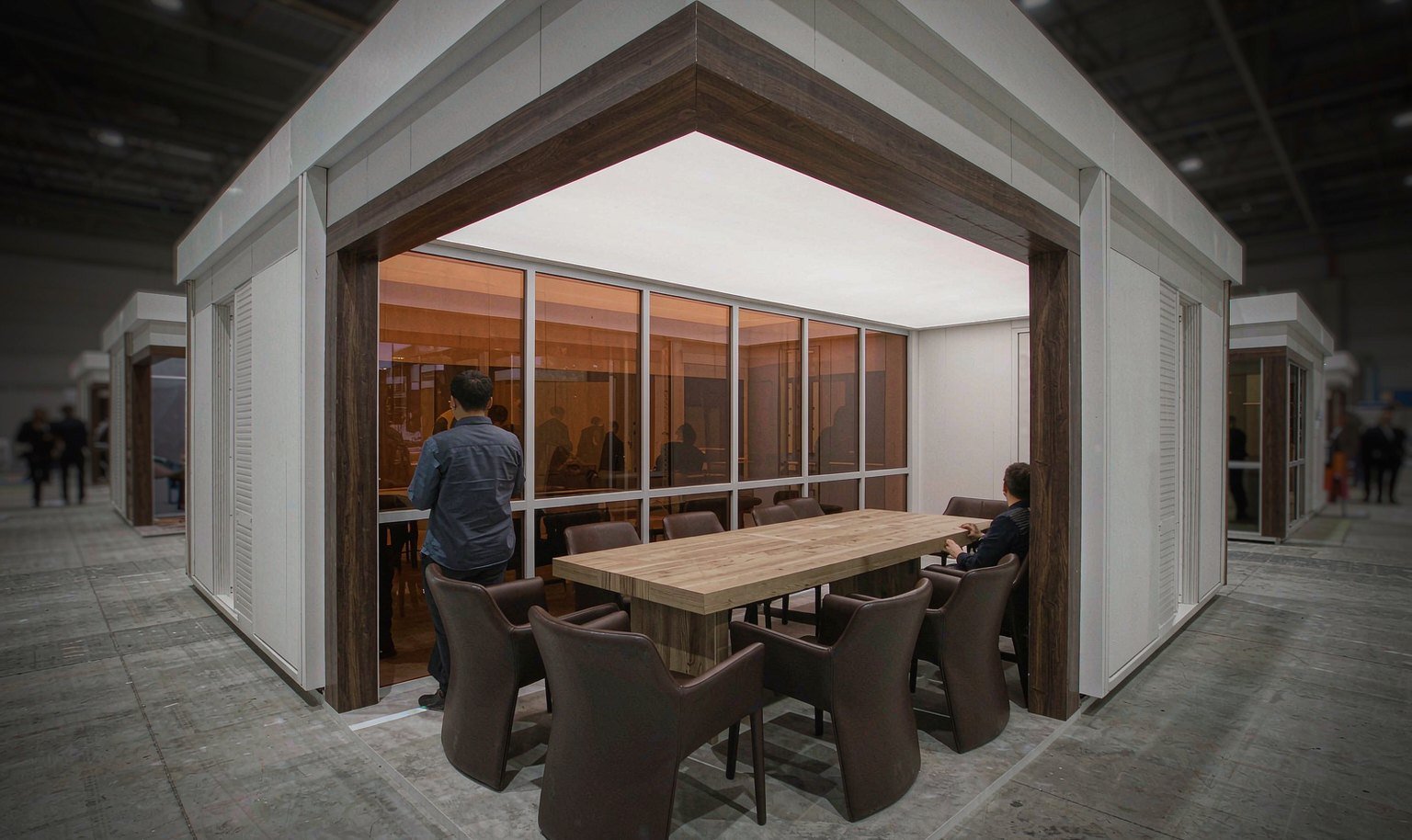
Provide scheduled seating when a demonstration leads to a teaming, research, channel or international-program discussion. Reception should identify the host and route the group without exposing meeting details to passing traffic.
Draw the Complete Simulator Envelope Before the Booth
Record the installed footprint, weight, moving parts, steps, doors, operator position, instructor position, viewing sides, ventilation and service access. Add the delivery route and the space technicians need during setup or reset. King Exhibits can place that confirmed envelope into the 3D plan before counters, screens or walls close around it. The result is a booth concept the product team can review against the real training device, not a shipping rectangle.
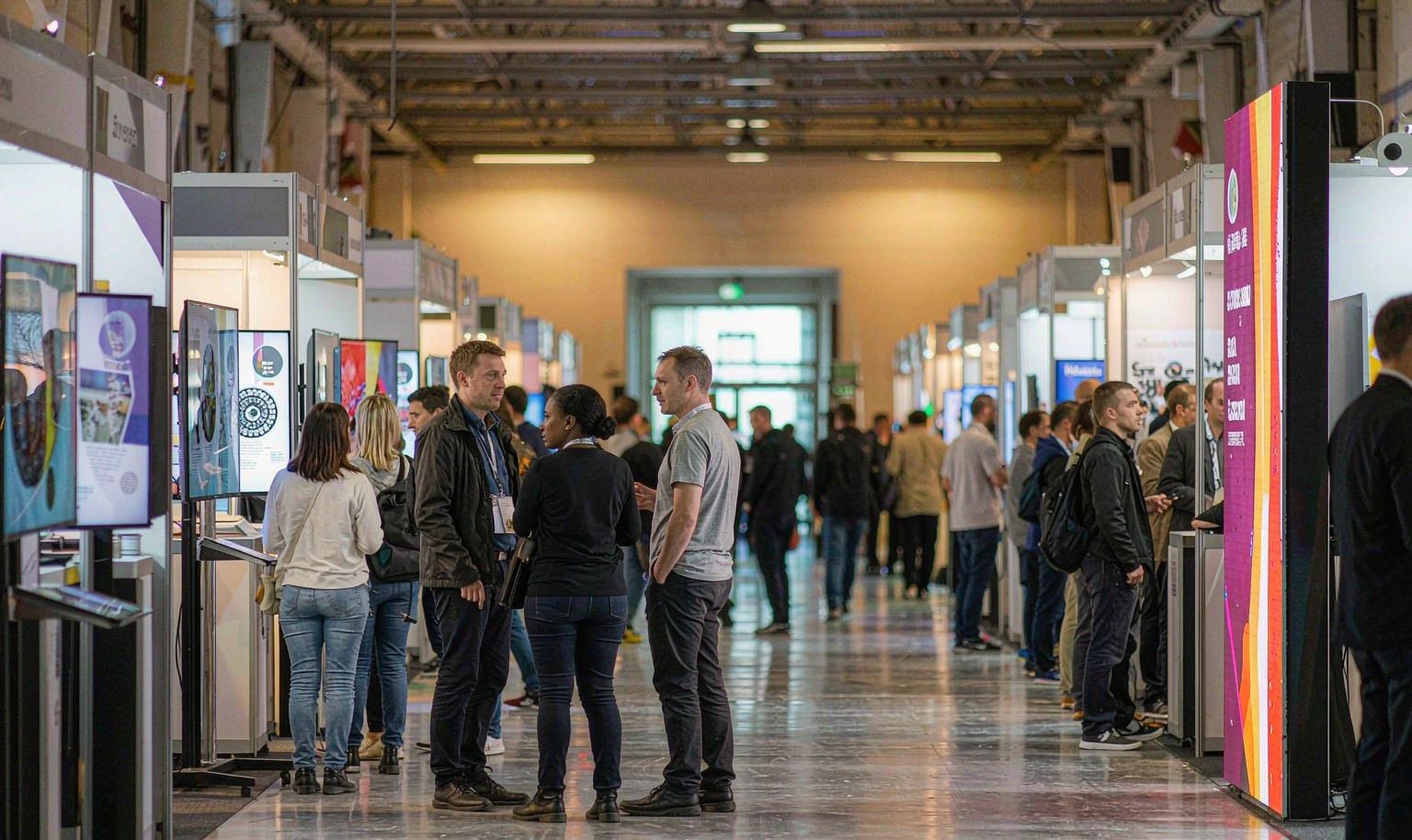
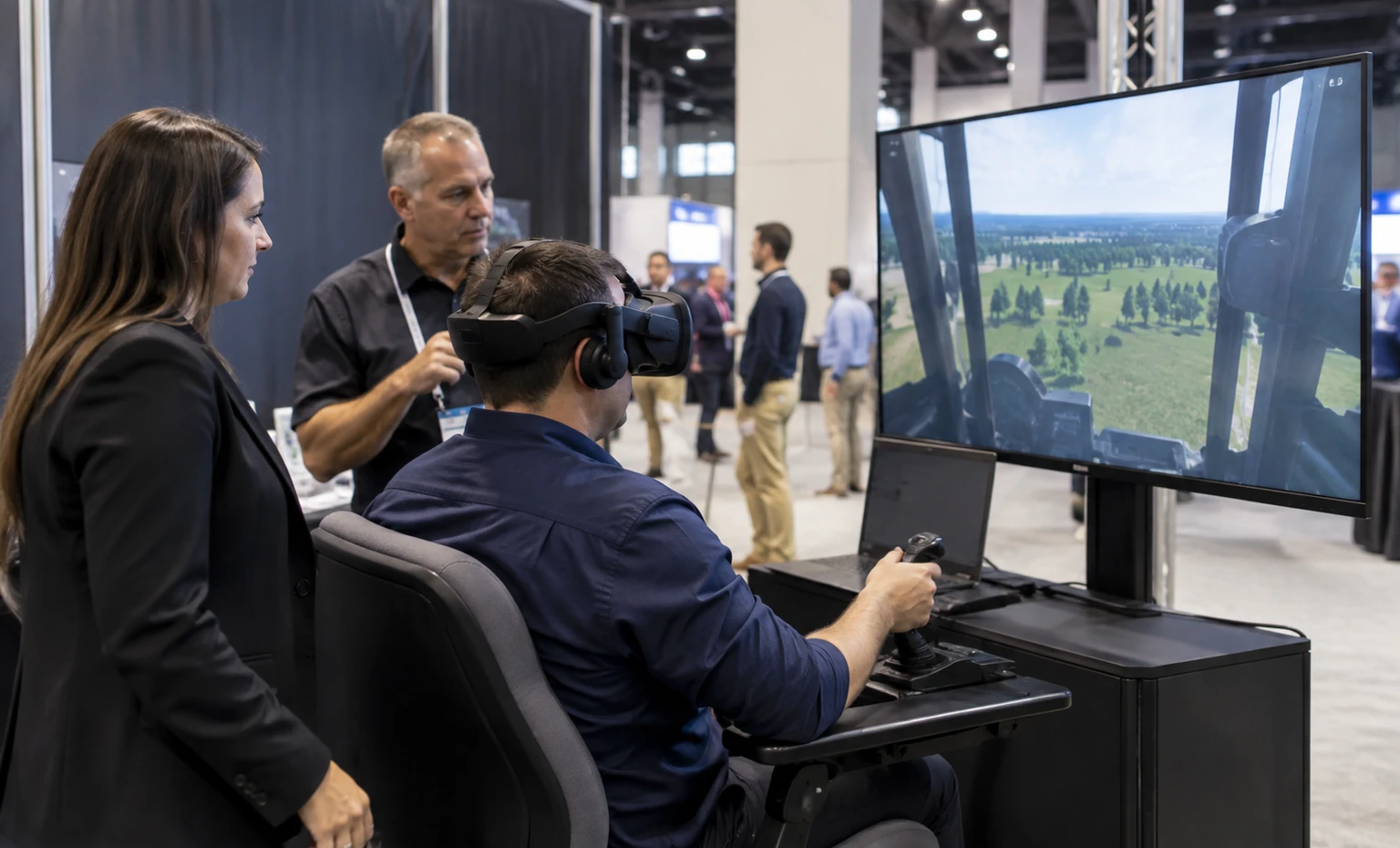
Design One Demonstration for the User and the Observer
Write the shortest scenario that shows the training problem, participant action, system response and useful result. Decide what the operator sees, what the instructor controls and what appears on the observer display. List login, network, audio, tracking, device and reset requirements, then prepare approved local or recorded content for a failed connection. This operating script gives the physical station a clear purpose and keeps waiting visitors from crowding the active user.
Separate Public Proof from Restricted Detail
List what may appear on the aisle screen, what requires a qualified conversation and what must not be displayed or recorded. Position public demonstrations for visibility, then move architecture, program, security or commercial detail to an appropriate discussion area. Graphics, screen angles and partitions can support that plan, but the exhibitor still controls access, data, distribution and photography rules. Current I/ITSEC procedures determine whether special equipment, replicas or activities need additional approval.
Review the Training System and the Exhibit on One 3D Plan
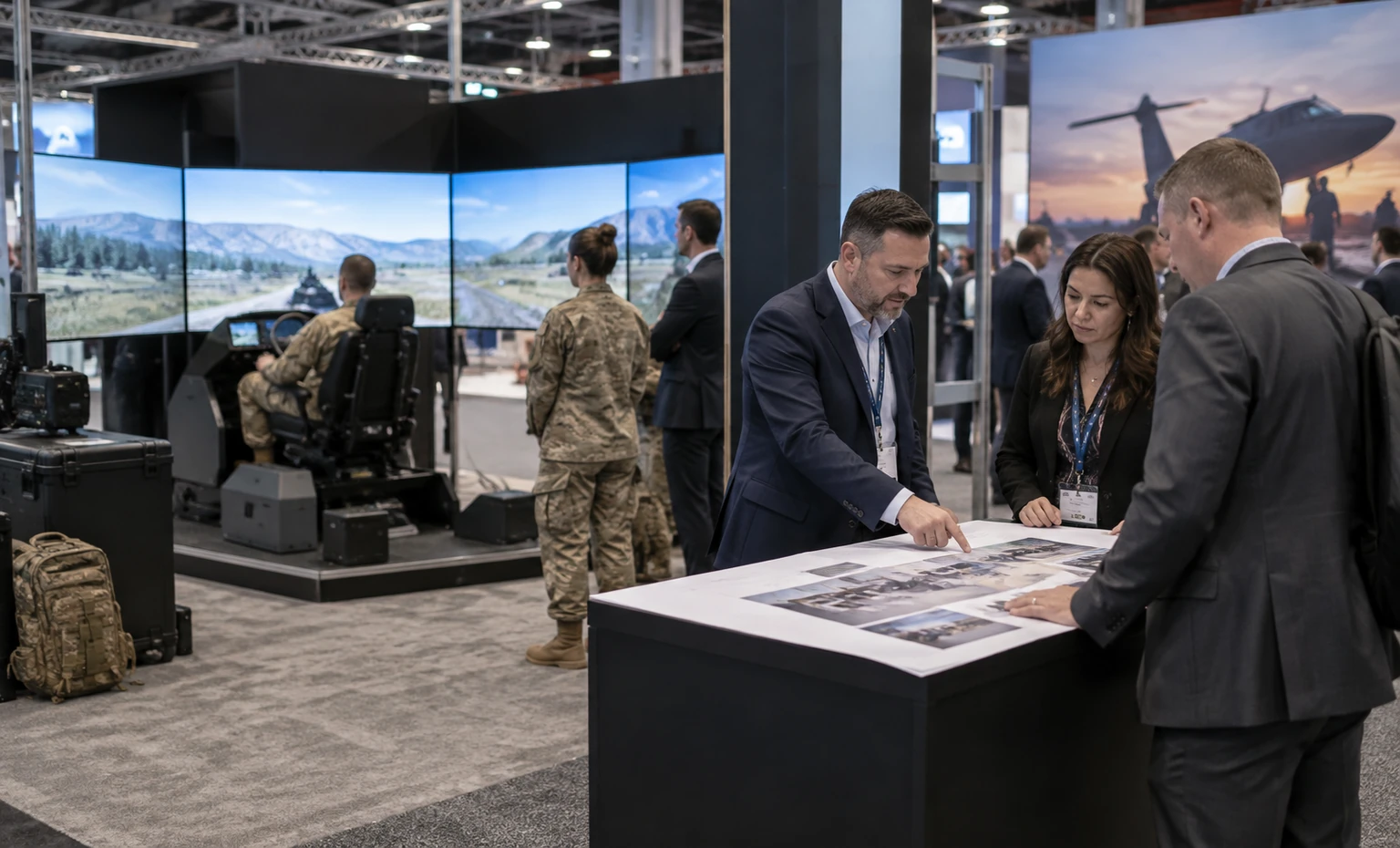
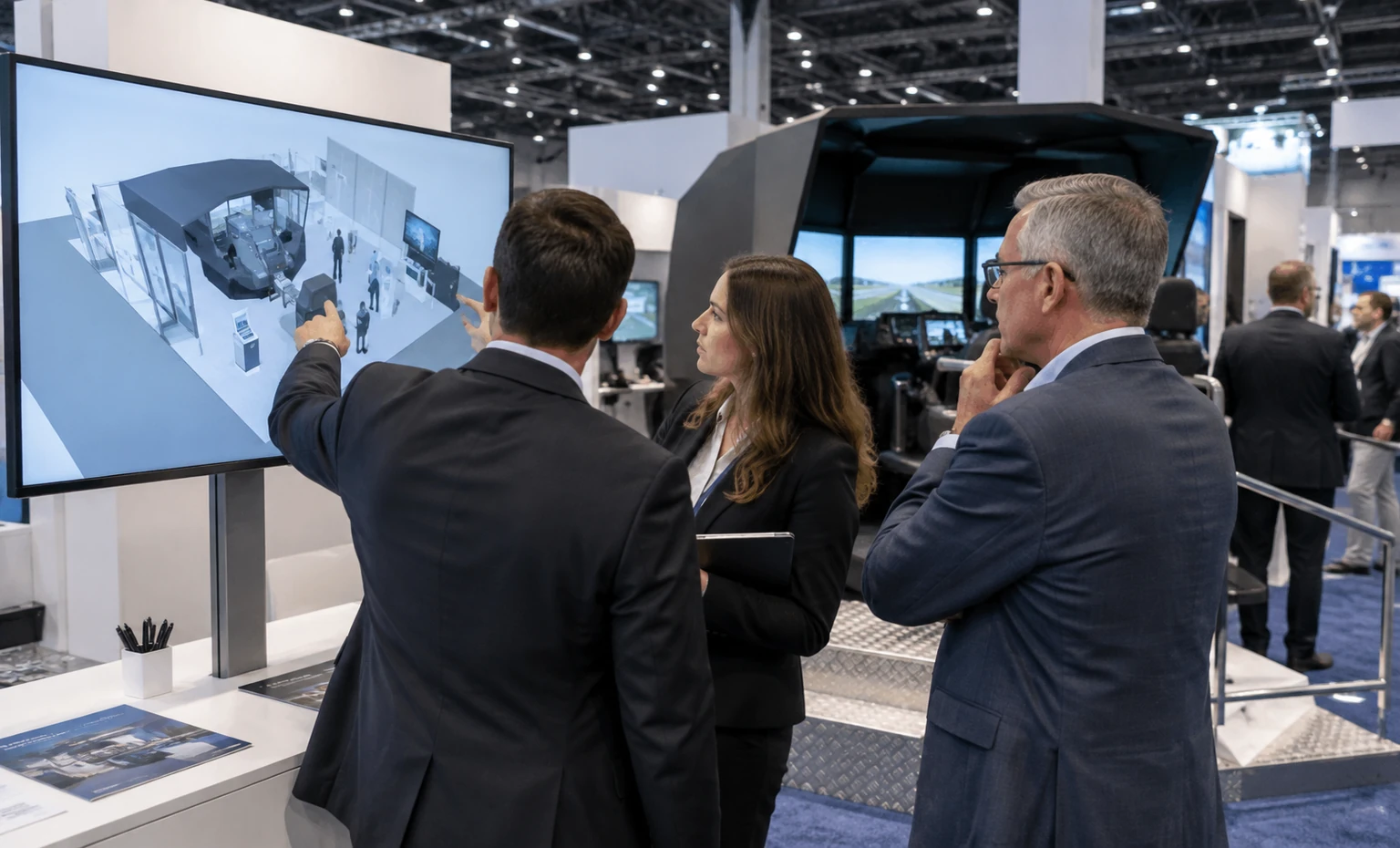
King Exhibits brings the confirmed simulator or device envelope, operator and observer positions, public messages, screens, meetings and storage into the same 3D review. Marketing can check recognition and visitor flow while product and engineering teams examine access, equipment interfaces and demonstration space.
The reviewed layout then guides the rental structure, graphics and the specific product supports or openings included in the proposal. A named equipment and station list can continue into project coordination and packing, reducing the chance that a screen, cable path, control side or backup device disappears between design and show preparation.
The quotation separates King’s exhibit work from organizer, venue and exhibitor responsibilities. Procurement can compare design and scope together instead of relying on an undefined turnkey label, while the product and security teams retain control of technology, content and operation.
Complete the Current I/ITSEC Release Checks
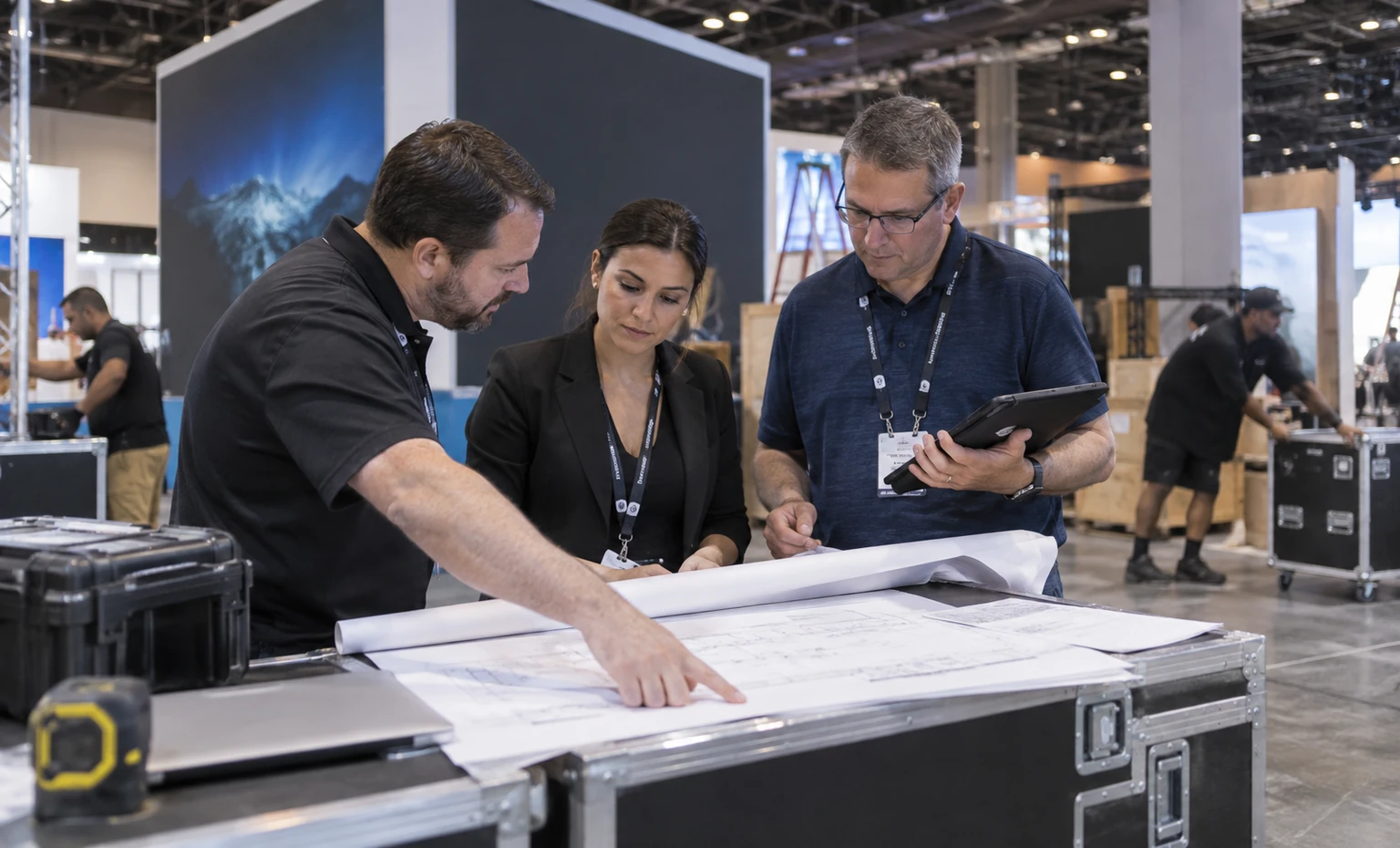
I/ITSEC 2026 is scheduled for November 30–December 3 in the OCCC South Concourse. Use the active assignment, exhibitor resources, deadlines and provider information before releasing production or placing orders.
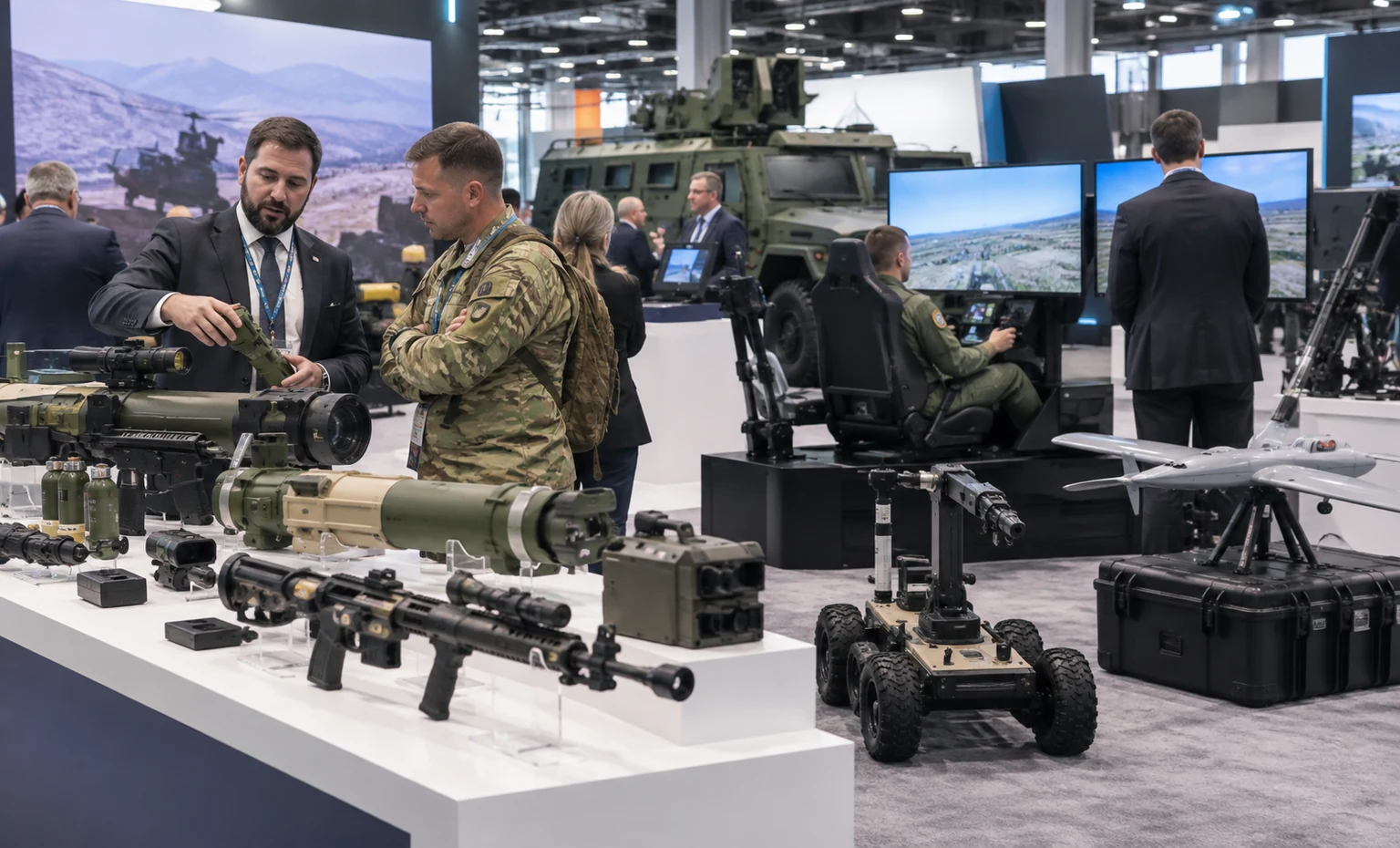
Identify simulators, replicas, inert items, vehicles, weapons-related components, moving equipment and extraordinary demonstrations. Do not assume an item is approved because it is disabled, simulated or part of a trainer.
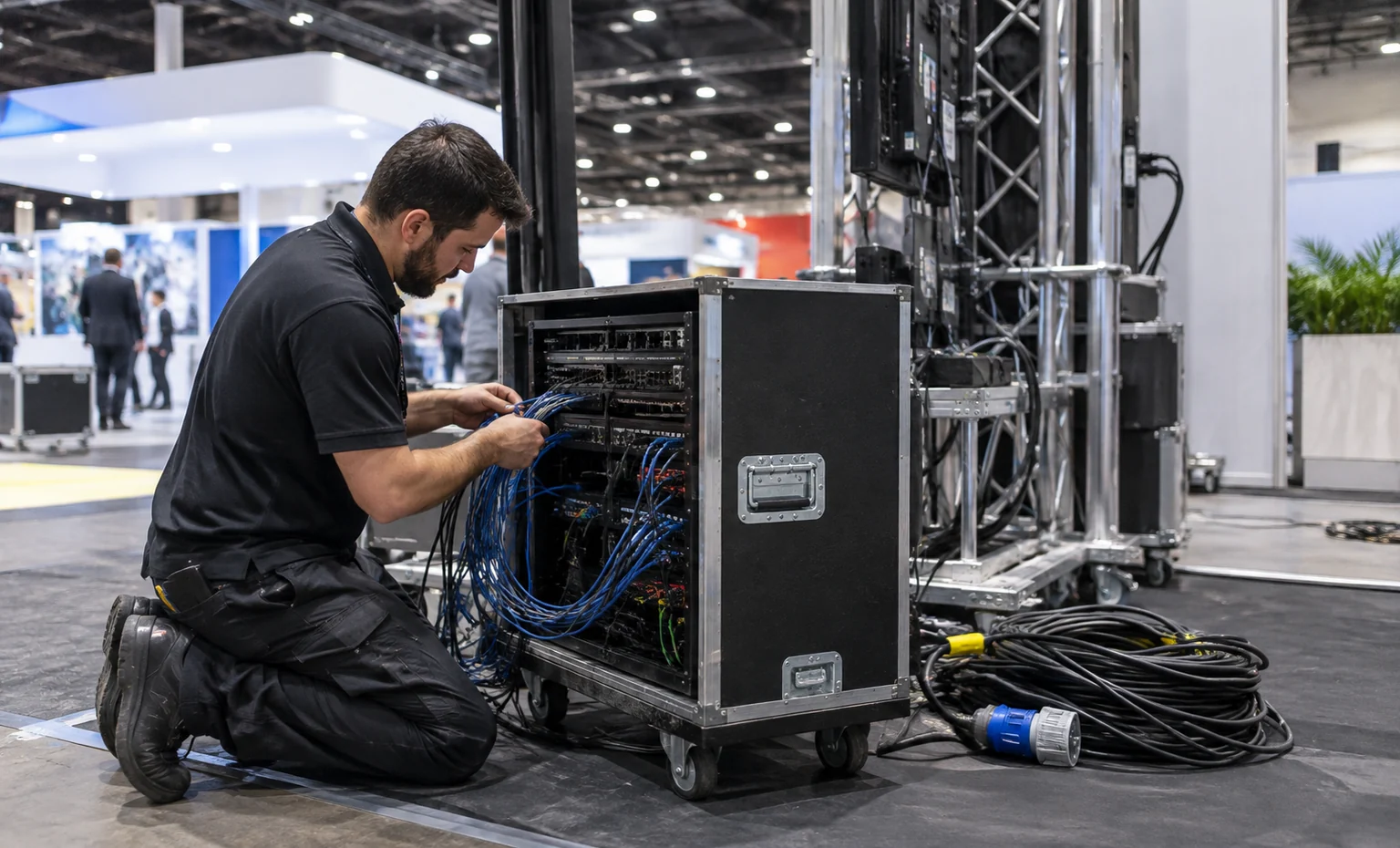
Document power, data, internet, audio, tracking, ventilation, rigging and any specialist handling. Assign the order owner and confirm whether each item is inside or outside King’s accepted scope.
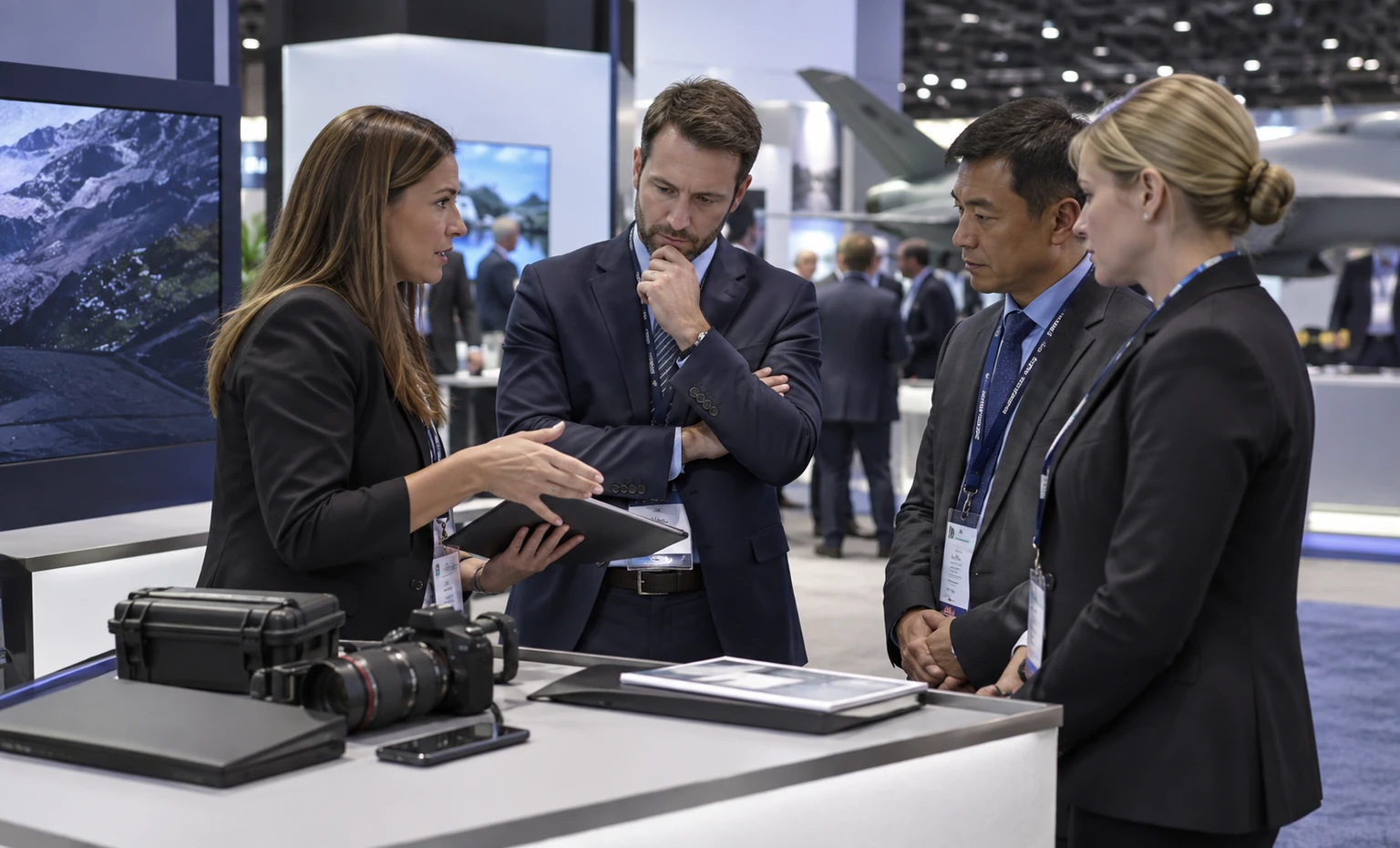
Separate open-distribution graphics from restricted technical or program material. Record the exhibitor’s rules for screens, devices, photography, recording, credentials and meeting access before the final booth briefing.
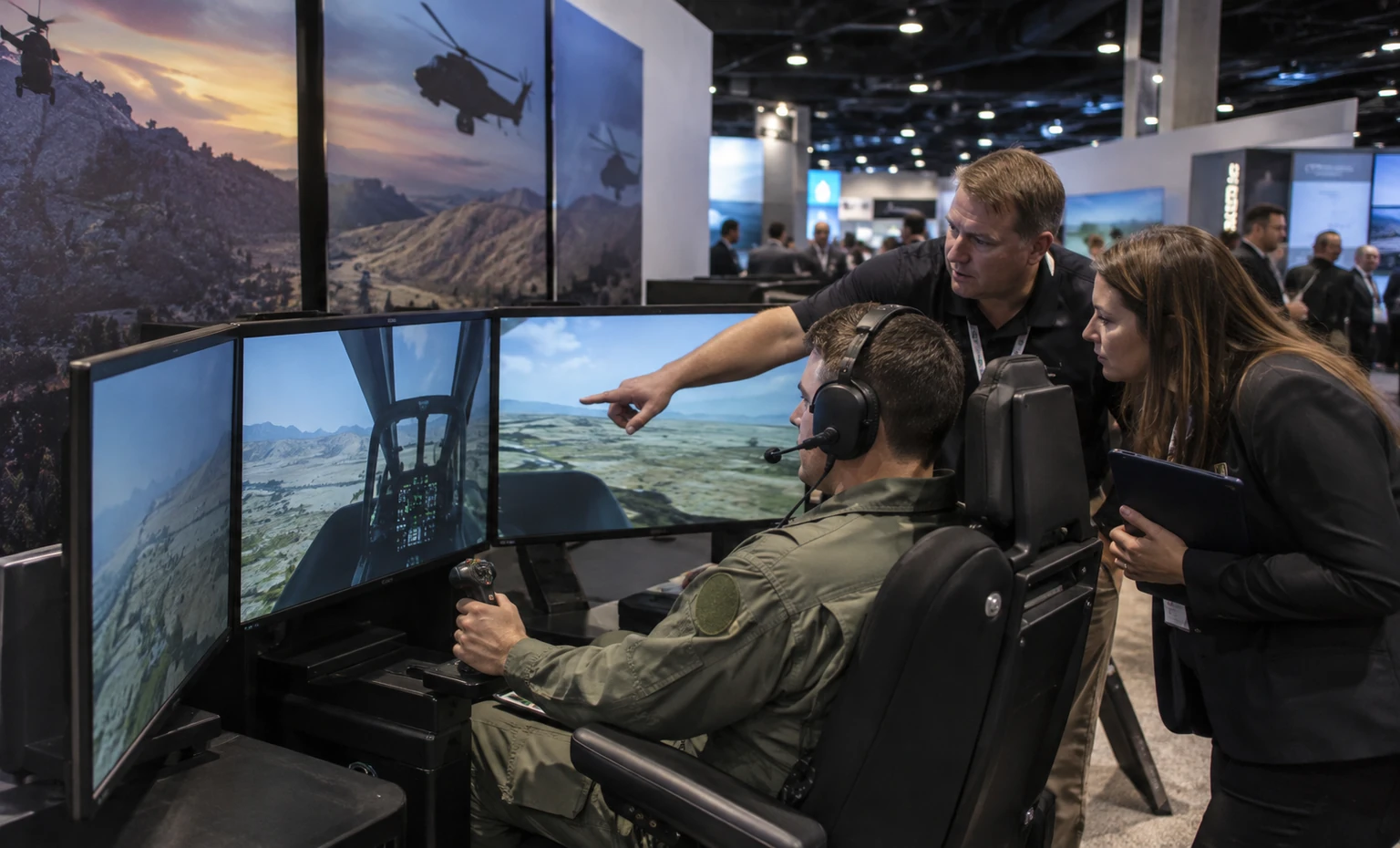
Move from Training-System Brief to I/ITSEC Show Floor
Provide the assignment, products, dimensions, weights, moving envelopes, users, observers, utilities, graphics, meetings, budget, schedule and requested services.
We map participant action, instructor control, observer content, reset, fallback and the next technical or commercial conversation.
Marketing, product, engineering, security and events teams check the structure, screens, equipment access, content zones, meetings and storage.
The accepted proposal identifies King’s exhibit elements and support while keeping organizer, venue and exhibitor inputs visible.
The responsible parties use the active I/ITSEC and OCCC resources for special items, services, contractors, freight, utilities and deadlines.
King performs only the contracted exhibit work; trained exhibitor personnel control the product, data, demonstrations and security procedures.
Yes, when you provide the installed footprint, weight, moving envelope, access, operating position, utilities and handling information. Current organizer and venue approval still controls whether and how the device may be displayed or operated.
Yes. A separate observer screen or instructor view can explain the scenario without placing everyone inside the participant boundary. Send the actual hardware, tracking area, audio and reset plan so the station can be sized correctly.
No security classification or secure-network service is implied. King can plan physical screen orientation, partitions and meeting zones when quoted, while the exhibitor remains responsible for networks, accounts, data, access, distribution and security policy.
Only when the current I/ITSEC, venue and security requirements permit them. Submit the exact item, status, use and proposed activity through the responsible approval process; do not rely on an inert or simulated label alone.
Only when the accepted proposal lists them. Official services and provider charges may remain separate from King’s rental exhibit work, so each service needs a named owner and order status.
Send the booth assignment, simulator and device list, dimensions and weights, demonstration sequence, screens, power and data, audience, meeting calendar, graphics, security limits, budget, schedule and requested onsite services.
Booth Sizes for Simulation Demos and Program Meetings
-
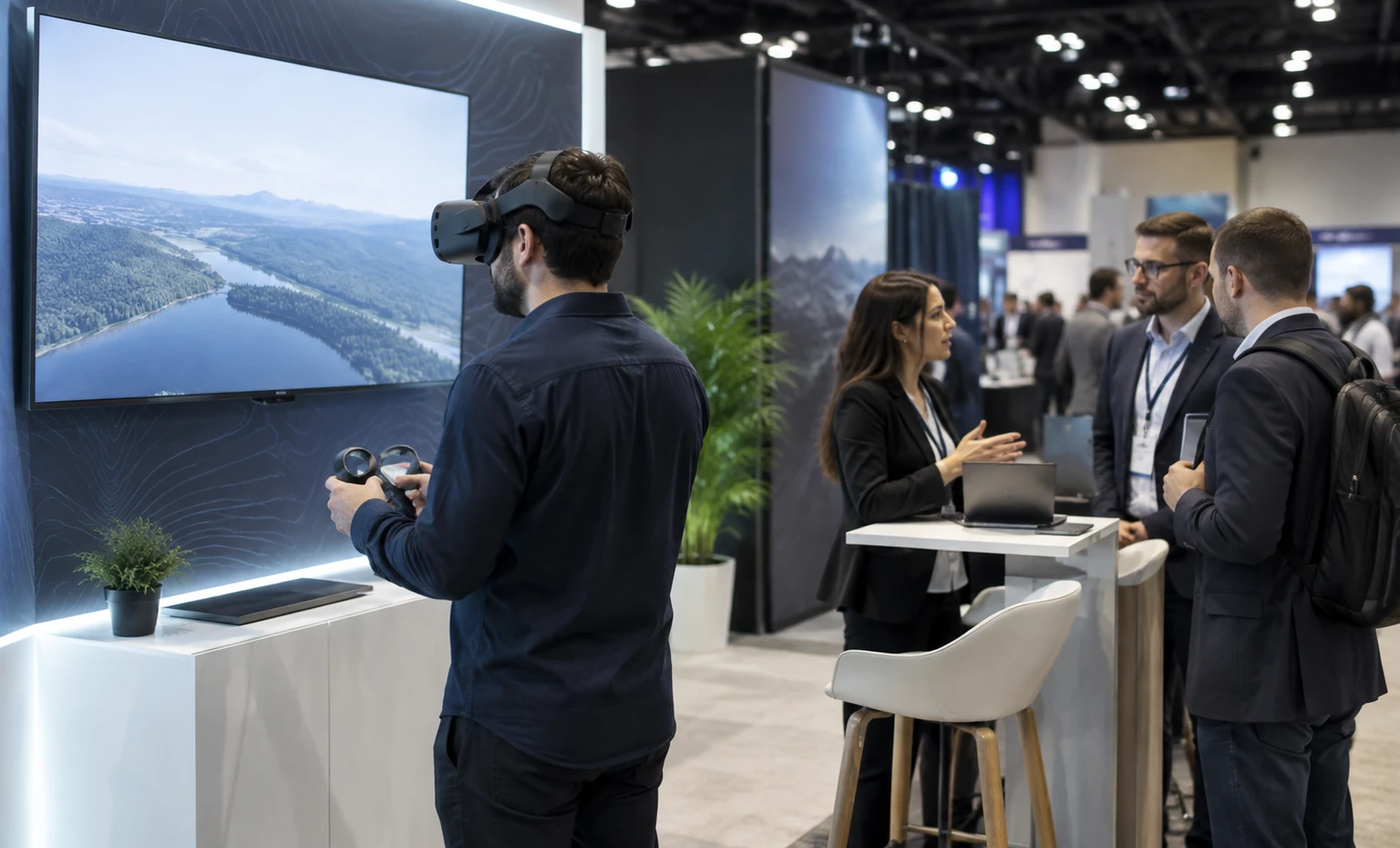
Fits one focused desktop, XR or compact trainer demonstration with an observer screen and a small technical conversation point.
-
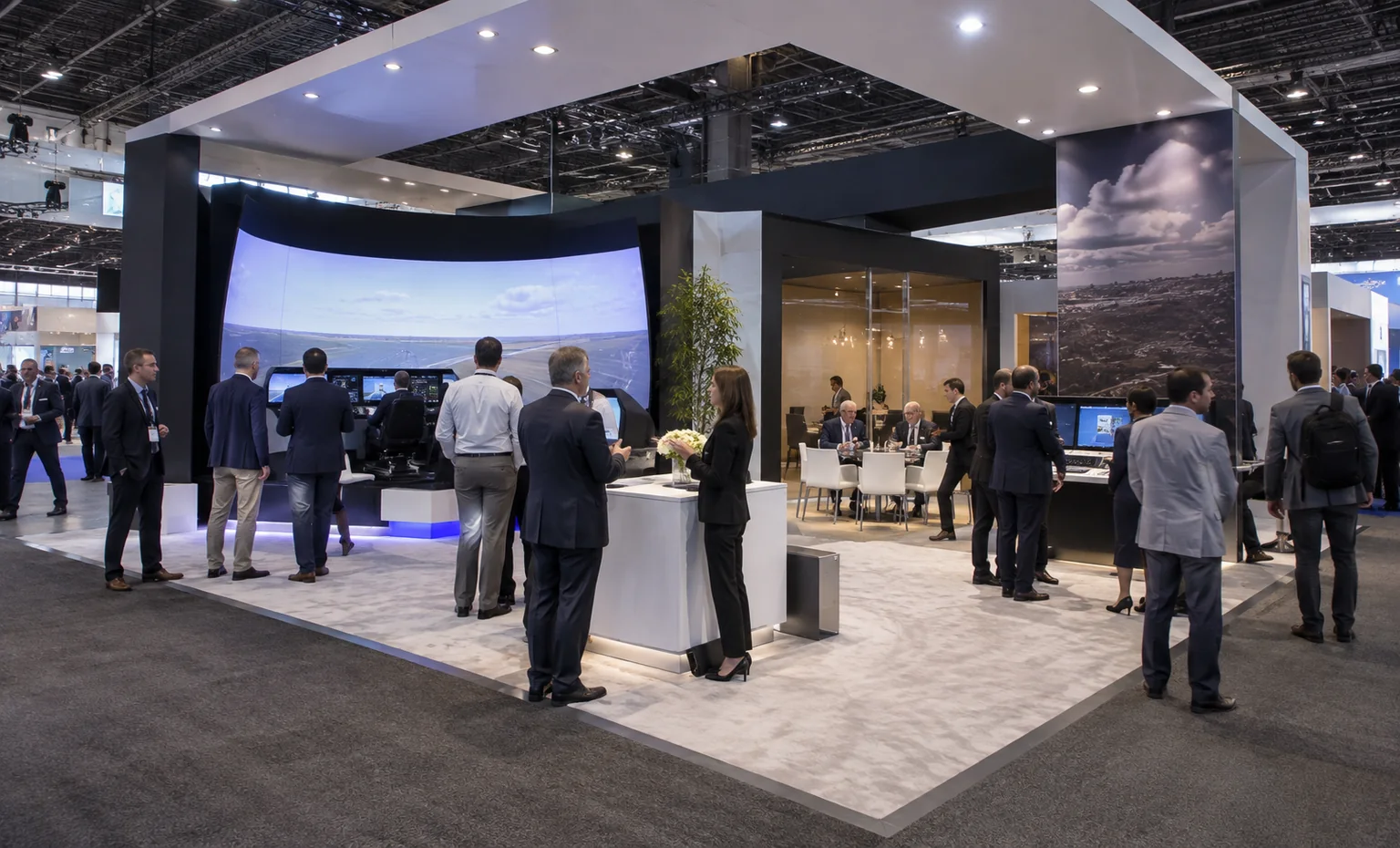
Supports a simulator or several guided stations with clearer observer circulation, storage and a scheduled meeting area.
-
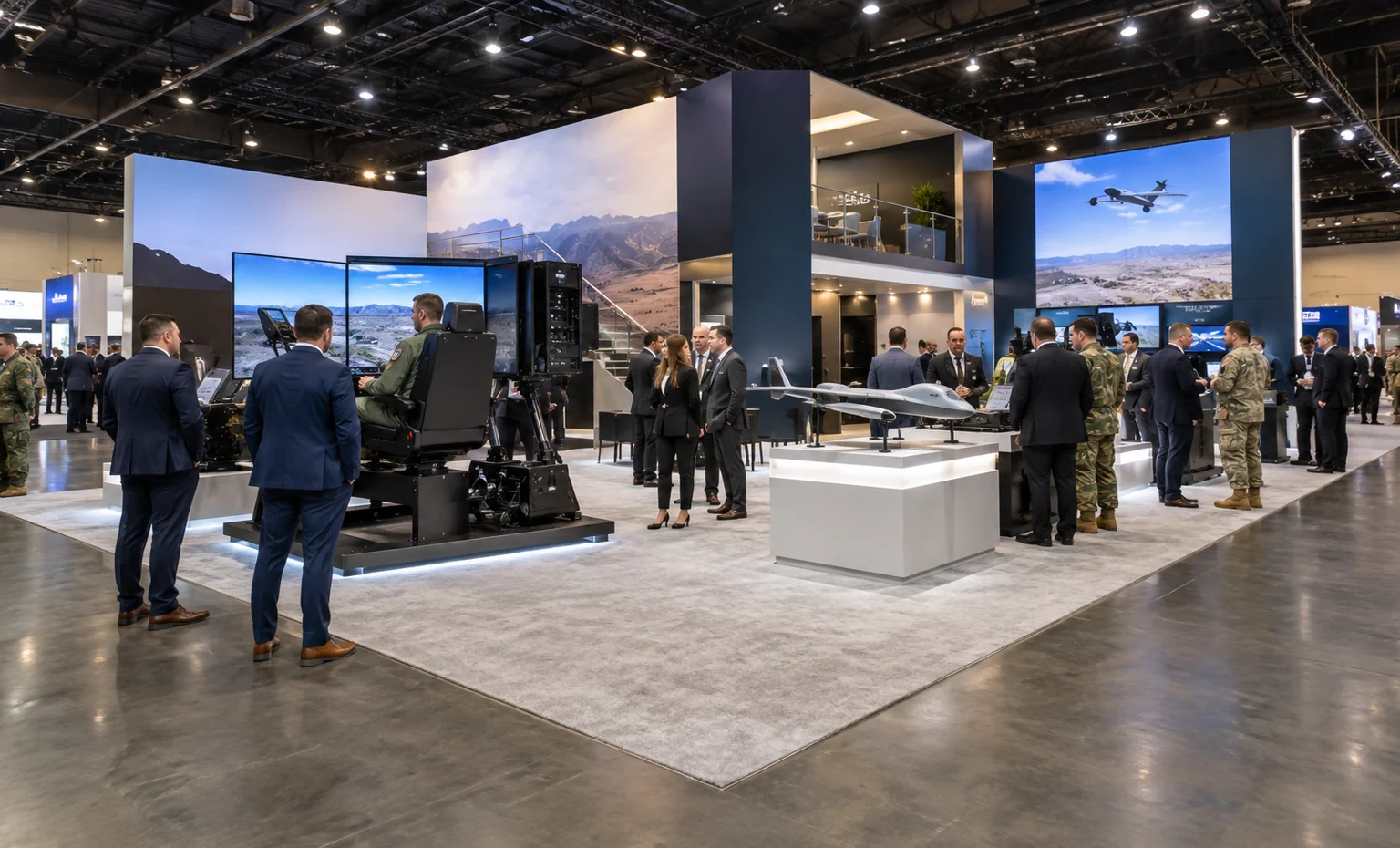
Adds room for a larger training system, several product teams or separation between public demos and program discussions.
-
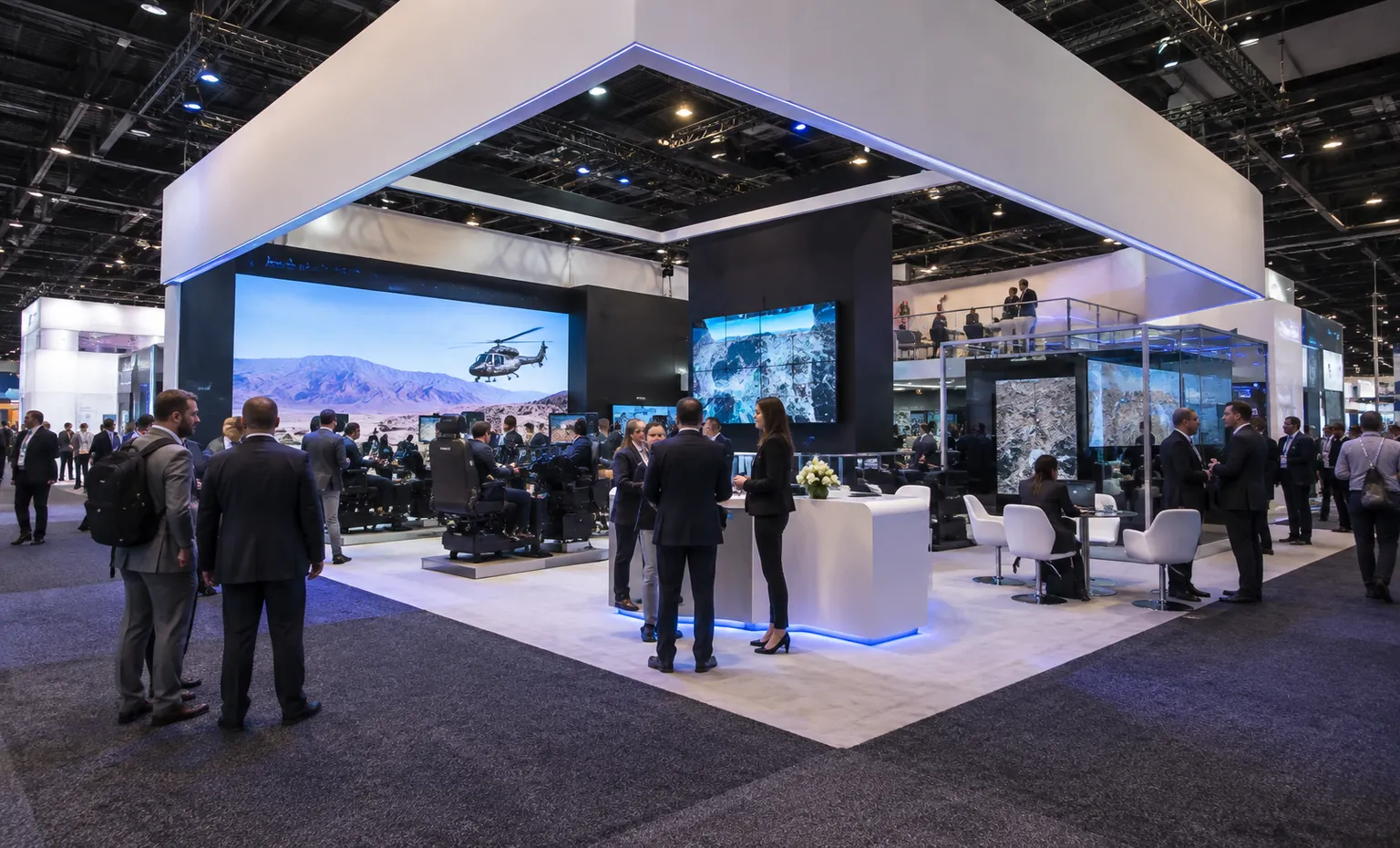
Provides more operating, observation and meeting capacity for full-size systems, partner displays and a multi-track demo schedule.