
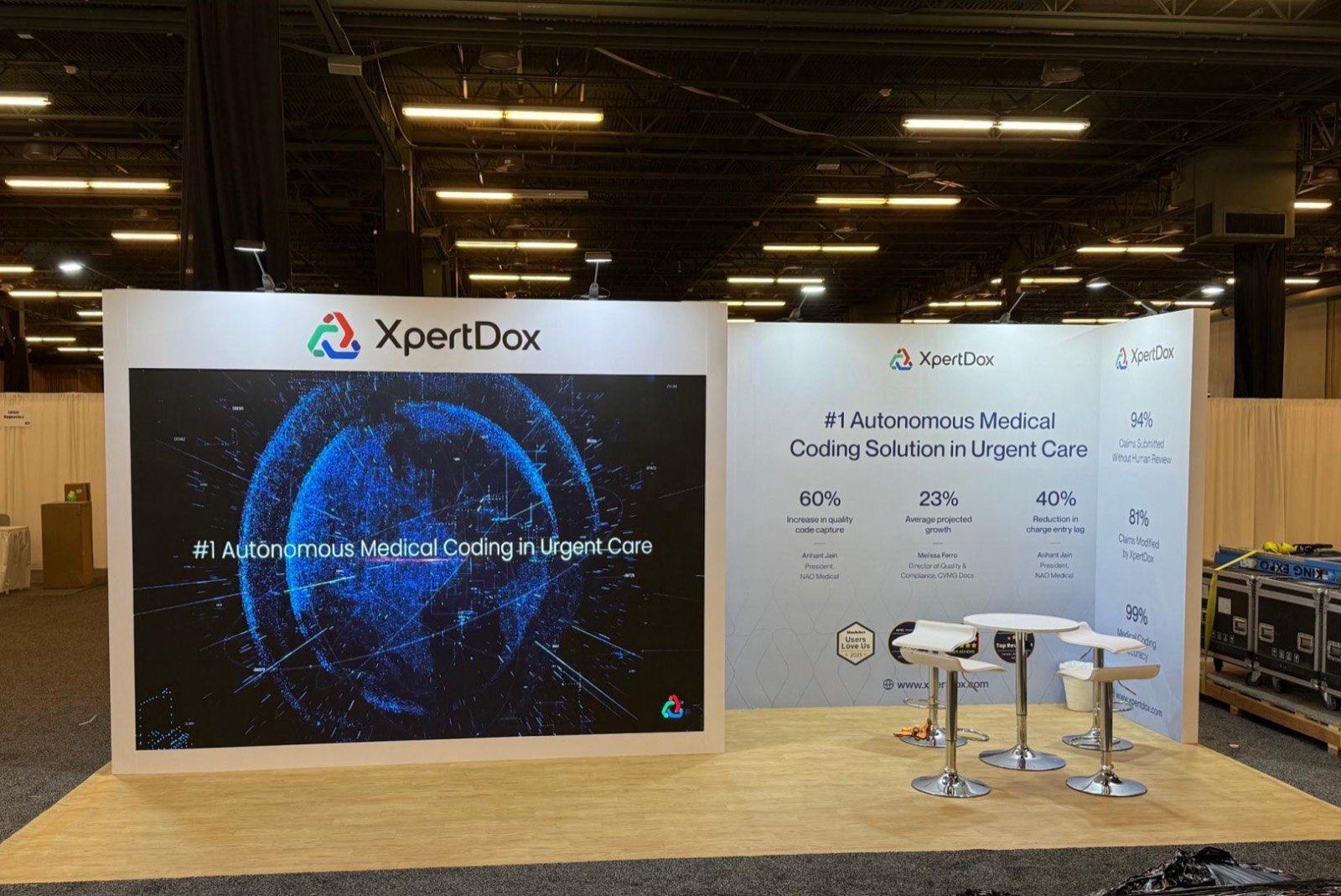

Tell a CIO, clinician, IT leader, payer or operations buyer which problem the station addresses before opening the software.

Give the host, guest, screen and device enough room for a repeatable workflow while other visitors can still enter.

Document network, login, device, media and offline options so one failed connection does not end the product conversation.

Use reception and meeting zones to connect qualified prospects with product, solutions, security, clinical or executive specialists.
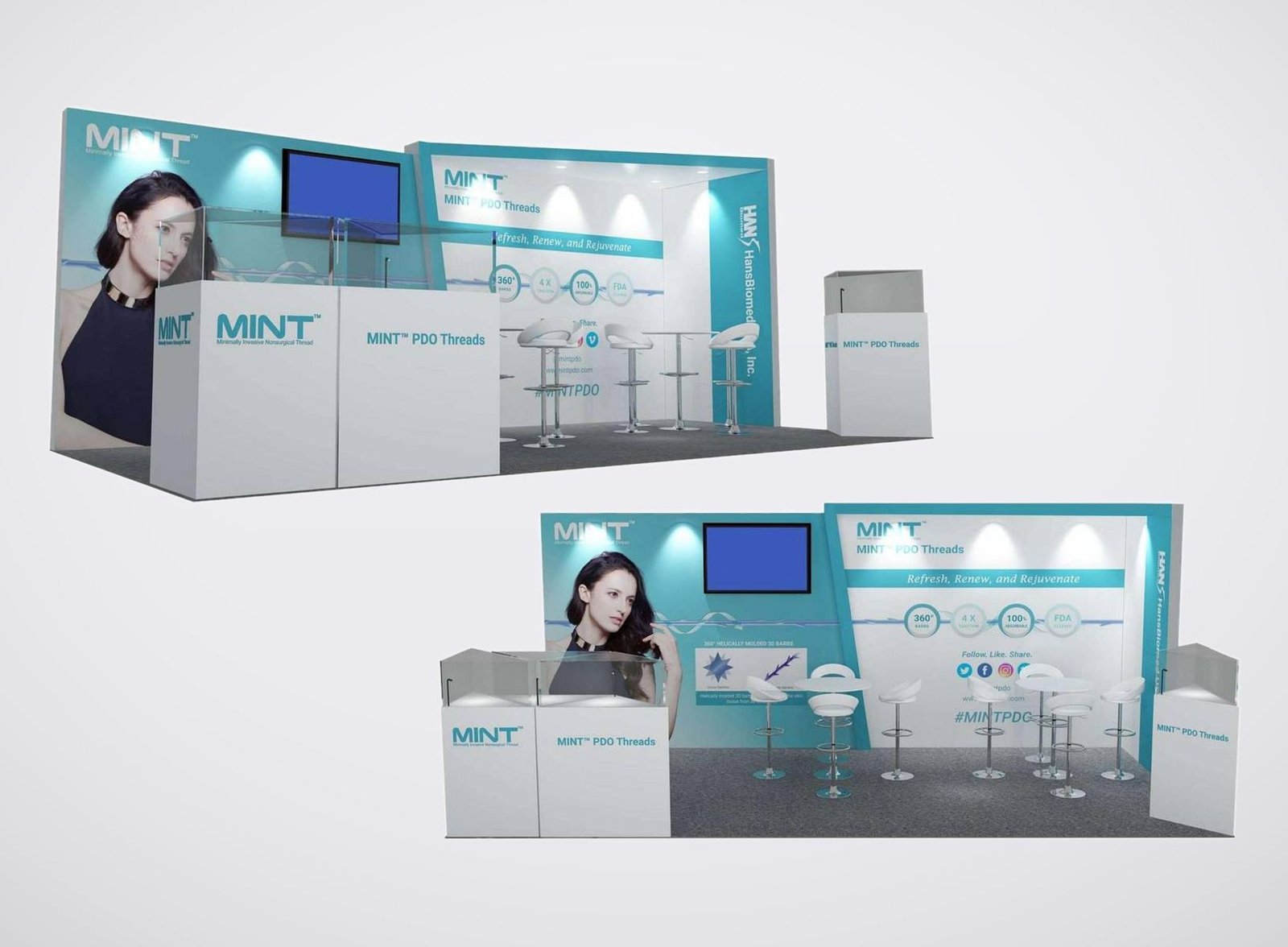
Select the Demo Station from the Healthcare Workflow
Clinical or Operational Software Workflow
Start with one authorized role and one task, such as reviewing information, coordinating care, managing capacity or completing an operational step. Position the guest beside the host so both can see the interface. A second screen can enlarge the workflow for observers without exposing unrelated information. Use approved sample, simulated or de-identified content and keep the demo length short enough to repeat during busy exhibit periods.
AI, Analytics or Interoperability Story
These solutions often span several systems and stakeholders. Show the input, transformation and usable output in a simple sequence, then let specialists handle architecture, governance, security and implementation questions. A large screen can explain the system relationship while a smaller station supports an interactive demonstration. Avoid graphics that promise clinical or financial outcomes beyond the company’s approved evidence.
Connected Device, Cybersecurity or Infrastructure Demonstration
Physical hardware and technical platforms need their real interfaces documented. Record device dimensions, weight, ventilation, power, data, mounts, cable paths, peripherals and operator access. Cybersecurity demonstrations may also need controlled screen angles and private technical conversations. The booth can show how the product fits a healthcare environment without displaying live credentials, protected health information or an unapproved production connection.
Healthcare Technology Exhibit Rentals Built for Repeatable Demos
HIMSS brings executives, clinicians, IT teams, government representatives, investors and other healthcare stakeholders into one exhibition. They do not evaluate the same product from the same angle. The aisle message should identify the user and healthcare task quickly. The demo can then show the relevant workflow, while the booth routes security, integration, clinical, operational and commercial questions to the appropriate specialist.
A reliable demo station is a small working system. It includes the screen, computer or device, host position, guest view, power, data, cables, audio, credentials, content and fallback. Those parts affect the counter size and orientation. A beautiful kiosk that hides service access, forces a guest to watch from behind the host or depends on one unsecured connection will weaken the sales conversation.
King Exhibits maps the complete demonstration environment in 3D. We locate public messages, demo pods, shared screens, hardware, reception, meetings, hospitality and storage, then configure rental walls, towers, lightboxes, counters, flooring, lighting and furniture around the plan. Confirmed device and interface information can guide quoted mounts, access panels, ventilated surrounds or worktops produced for the project.
The exhibitor remains responsible for the software, devices, credentials, privacy, cybersecurity, clinical claims and permitted data. Current HIMSS, McCormick Place and authorized-provider requirements determine show services and activities. The King proposal defines the physical exhibit and selected support included, while network, electrical, material handling, labor and other official inputs remain visible for the responsible team to order or approve.
Organize the Exhibit Around the People Evaluating the Solution
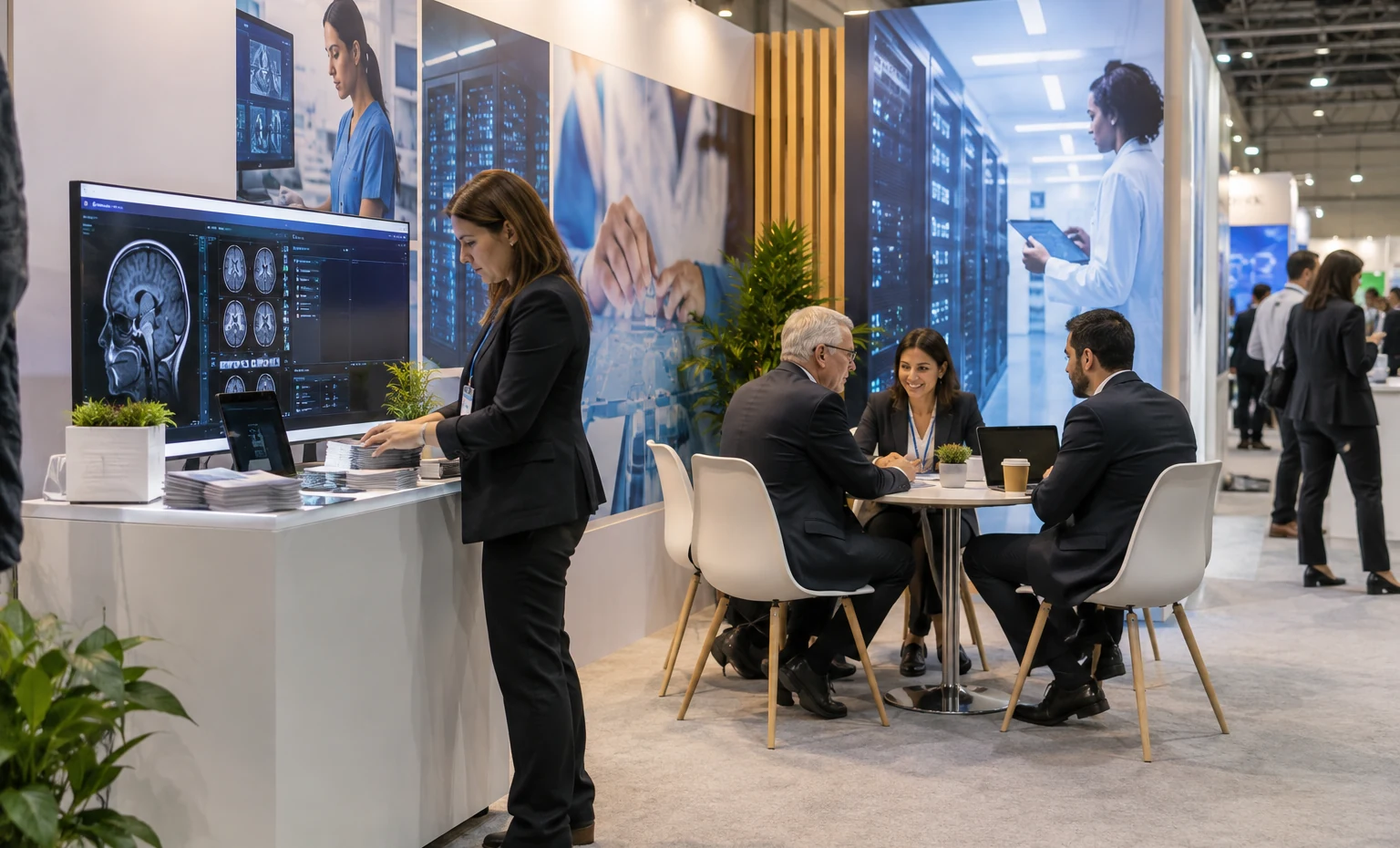
A concise company and market message can establish why the solution deserves a longer discussion. Use scheduled seating for strategic, partnership or investment conversations rather than letting hospitality consume the entire footprint. Reception should recognize the account and host quickly, while concealed storage keeps the meeting area ready for the next appointment.
Build One Demo Around One User and One Task
Begin with the person using the solution and the job being completed. Select the shortest sequence that proves the relevant value, then decide what the host says, what the visitor sees and what should appear on a larger observer screen. End with the next account question or meeting. A focused script makes screen content, station layout and staffing easier to plan, and it gives every demonstrator a repeatable starting point during a crowded show day.
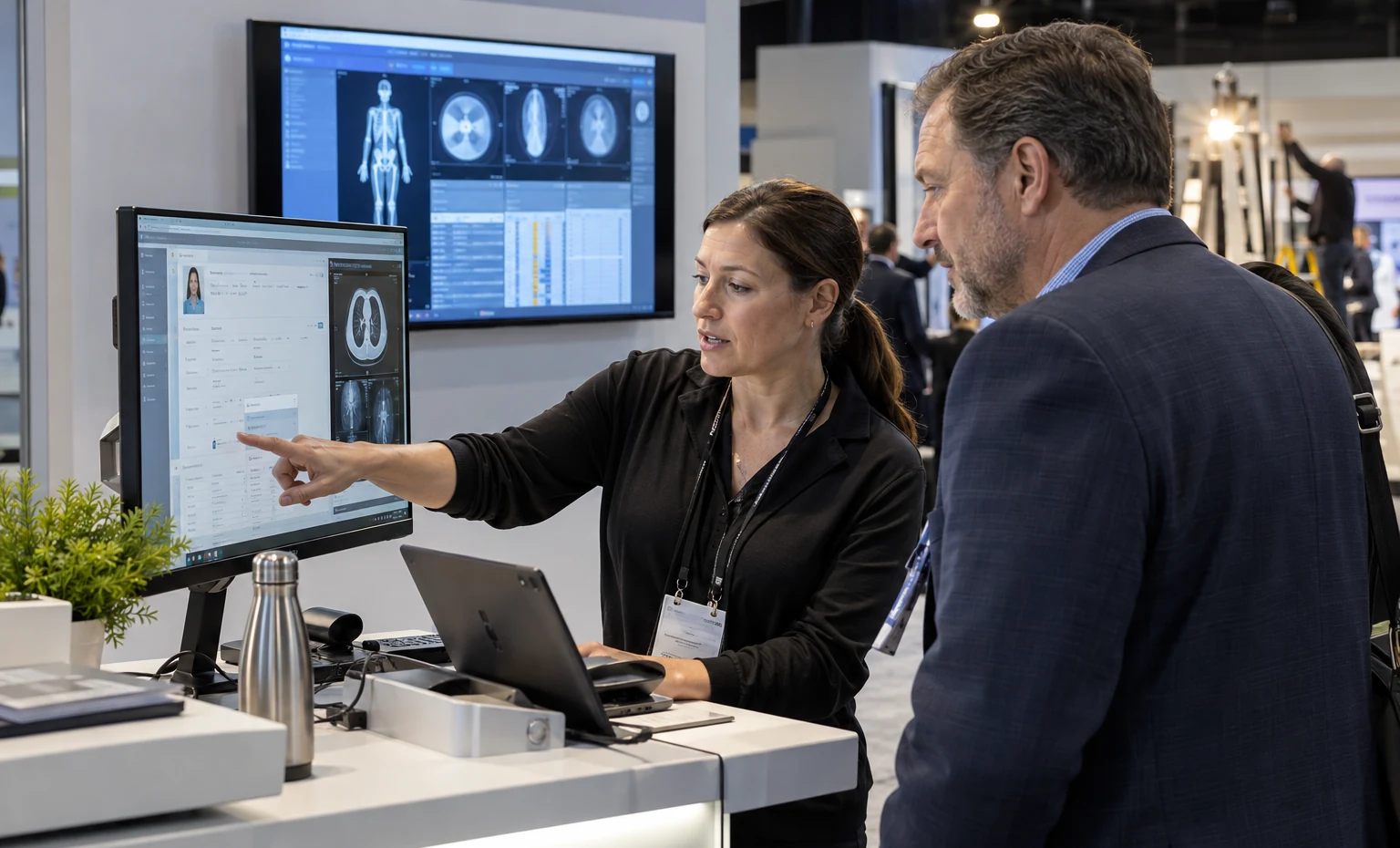
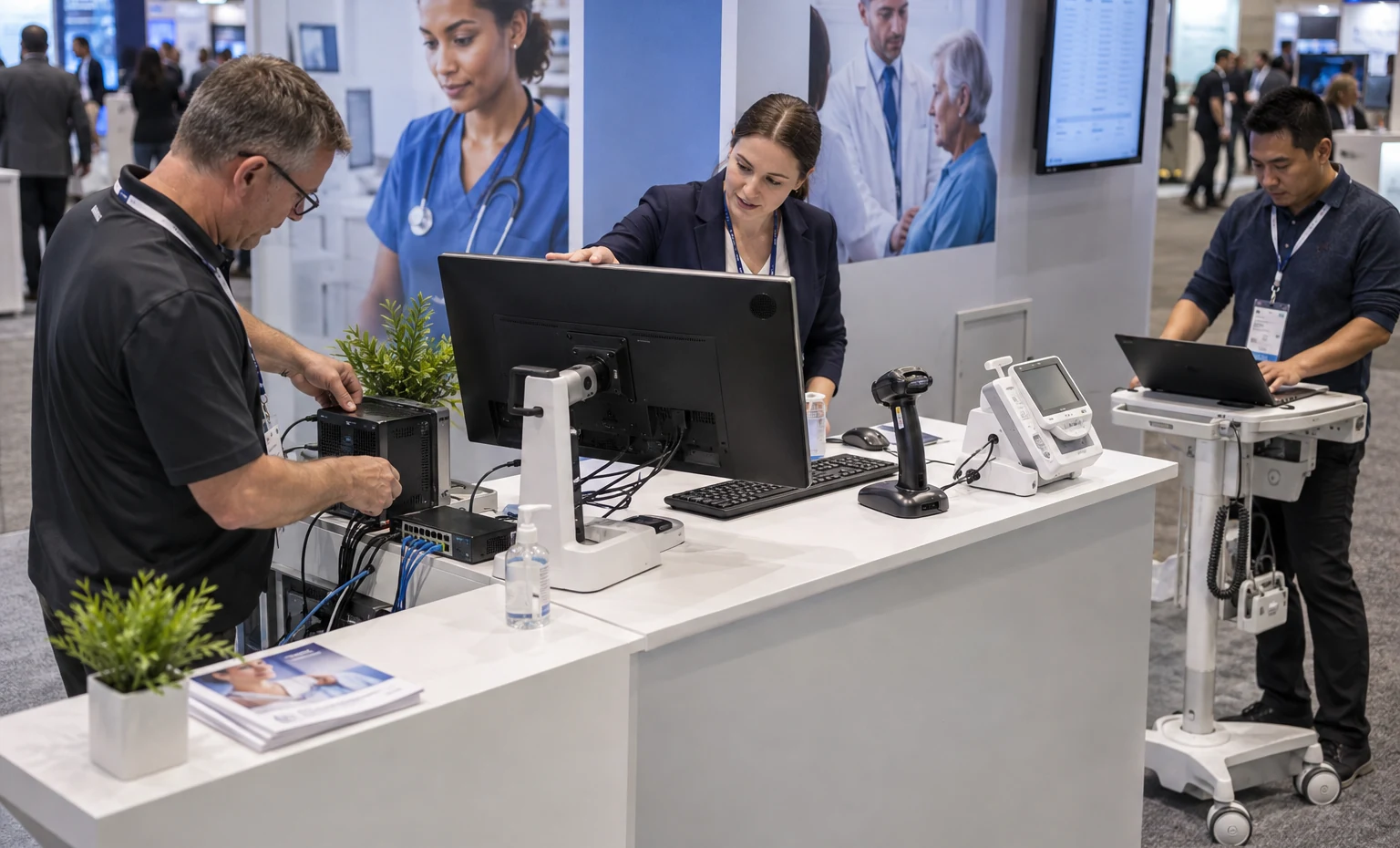
Freeze the Demo Hardware Before the Counter Detail
List every screen, computer, device, peripheral, charger, adapter, network connection and cable that the demonstration needs. Add mounting pattern, ventilation, plug, load, service side and who supplies each item. Record a fallback for login, internet and media failure. King Exhibits uses this schedule to size quoted counters, mounts and access openings. The product team can then test the same configuration it expects to use at the show instead of improvising connections during installation.
Control What the Aisle Can See and Hear
Healthcare technology conversations may include security, architecture, commercial terms or sensitive operational detail. Angle public screens toward the intended audience, keep credentials and notifications out of demonstrations, and use approved simulated or de-identified data. Place deeper technical reviews and account meetings away from the busiest edge. The layout can support privacy with distance, orientation and partitions, while the exhibitor defines access, content and data rules for every device and participant.
Turn the Demo Inventory into a Booth Your Product Team Can Test
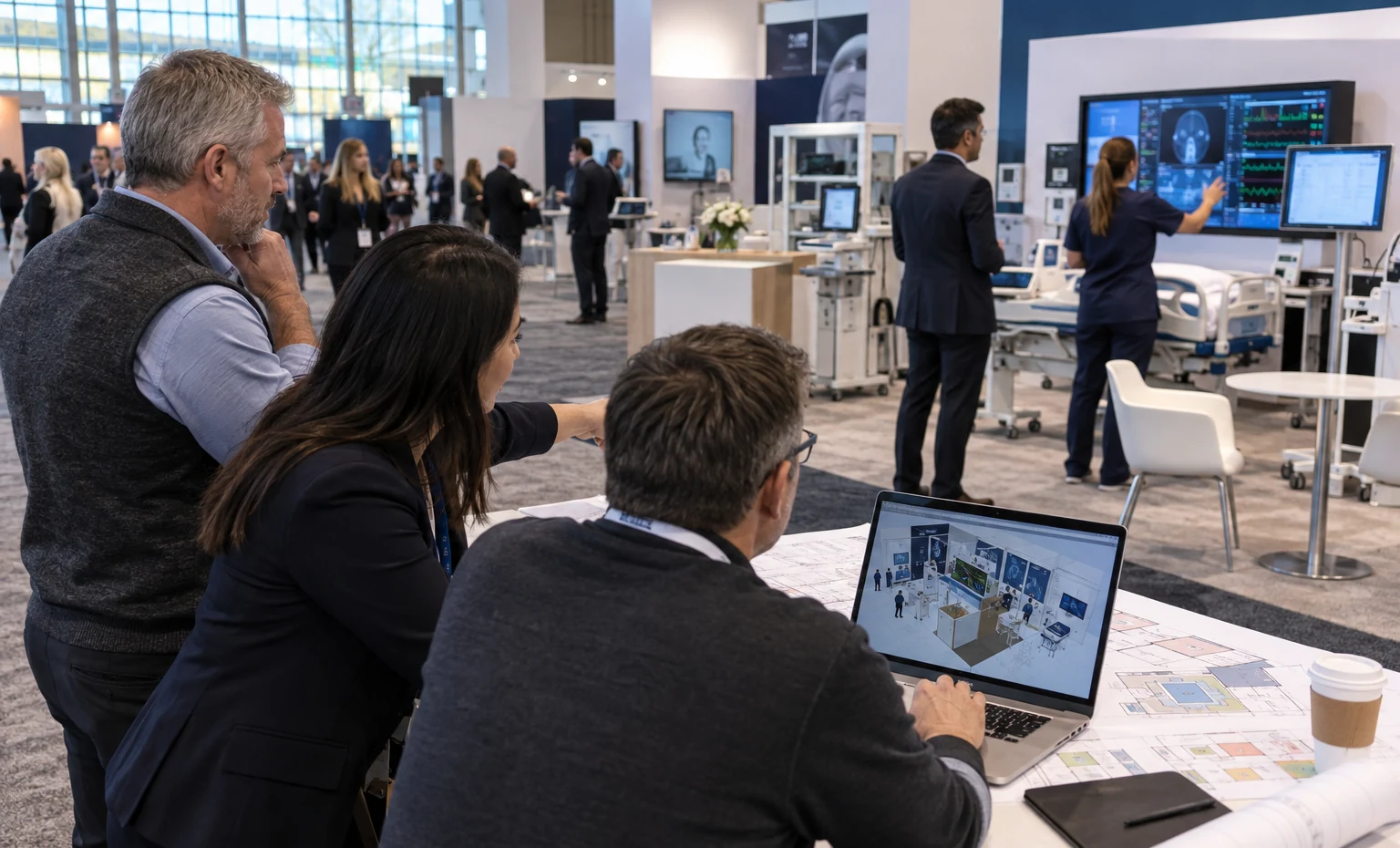

King Exhibits converts the product team’s demo inventory into a physical plan. Screens, devices, host and guest positions, power/data entry, cable access, reception, meeting rooms and storage appear together in 3D. Sales can review the visitor route while product and IT teams check whether each demonstration has the visibility, equipment and working room it requires.
Reusable walls, towers, lightboxes, counters, flooring and furniture form the main rental environment. Confirmed equipment schedules can drive fitted monitor supports, device mounts, counter openings, ventilation and removable service panels produced through our CNC and wood-fabrication capability. Graphics identify buyer roles and workflows at the final station locations instead of floating independently from the product.
For staging, the approved devices or representative dimensions allow the team to inspect sightlines, reach, cable paths and service access before shipping. The quote names the exhibit components, graphics, selected custom work, packing, freight coordination and installation support included. Official internet, electrical, handling, labor, rigging and related services are tracked as project inputs and included only when stated.
Build the HIMSS Booth from the Demo Schedule
What You Provide: Priority healthcare roles, problems, approved claims, products, desired next actions and account targets.
What We Do: We establish the aisle message and the demonstration route for each selected audience.
What You Provide: Scripts, screens, computers, devices, mounts, power, network, audio, cables, credentials, content, staff and fallback.
What We Do: We place the equipment and define the quoted physical interfaces in the 3D plan.
What You Provide: Booth assignment, open sides, meeting calendar, privacy, storage, graphics, budget, freight and installation needs.
What We Do: We complete the exhibit direction and issue the detailed King Exhibits proposal.
What You Provide: Final artwork, approved demo content, signed scope, current HIMSS requirements, official orders and onsite contacts.
What We Do: We produce and pack the booth work and coordinate the approved staging and show-site sequence.
Yes. Define each buyer role, workflow, host, duration, screen, device, network and next action. We will test how simultaneous demos affect aisle access, audio, sightlines, power, cables and staffing. Several focused stations usually communicate more clearly than one long platform tour.
Screens, mounts, counters and fitted interfaces can be included when specified in the proposal. Send model or performance requirements, size, orientation, mounting pattern, inputs, power, player/computer, ventilation and service access. The quote will identify what King supplies and what arrives from your product or AV team.
That depends on the application, security policy, bandwidth, latency, device count and current show options. Ask the product and IT owners to define the connection. Even with a dedicated service, prepare an approved offline, local or recorded fallback for the part of the workflow that can be demonstrated safely.
Only when your organization has confirmed that the data, consent, privacy, security and use comply with its policies and applicable requirements. Many exhibitors use approved simulated or de-identified data. King supplies only the physical display interface named in the proposal and does not approve data use.
Use shorter scripts, directional speakers or headsets where appropriate, stagger station orientation and keep observer screens readable without amplified narration. The 3D plan can increase distance and use walls strategically. The final audio method must comply with current show rules and should still allow nearby meetings to continue.
Footprint, walls, towers, graphics, lightboxes, screen and device count, fitted counters, cable access, meeting rooms, privacy, flooring, furniture and storage shape the price. Packing, freight and I&D are quoted when requested. Internet, electrical, material handling, labor, rigging and official AV may be separate show costs.
Often. Rental architecture, counters, lightboxes, mounts and meeting elements can move into another footprint. The next demo inventory, buyer roles, venue and service rules still need review. Durable company and platform graphics can remain, while event, campaign or workflow messages change.
Send the edition, booth size and number, open sides, buyer roles, solutions, demo scripts, equipment list, network/power, staffing, meetings, privacy, graphics, storage, budget, freight and the exhibit or onsite services you want priced.
Booth Sizes for Healthcare Demos and Enterprise Meetings
-

Fits one or two focused demos, a clear buyer message, compact storage and a small follow-up table.
-

Supports several open demo stations, better observer space and a protected meeting point with multiple aisle approaches.
-
Provides room for role-based demo zones, reception, enterprise meetings, hospitality and technical back-of-house support.