

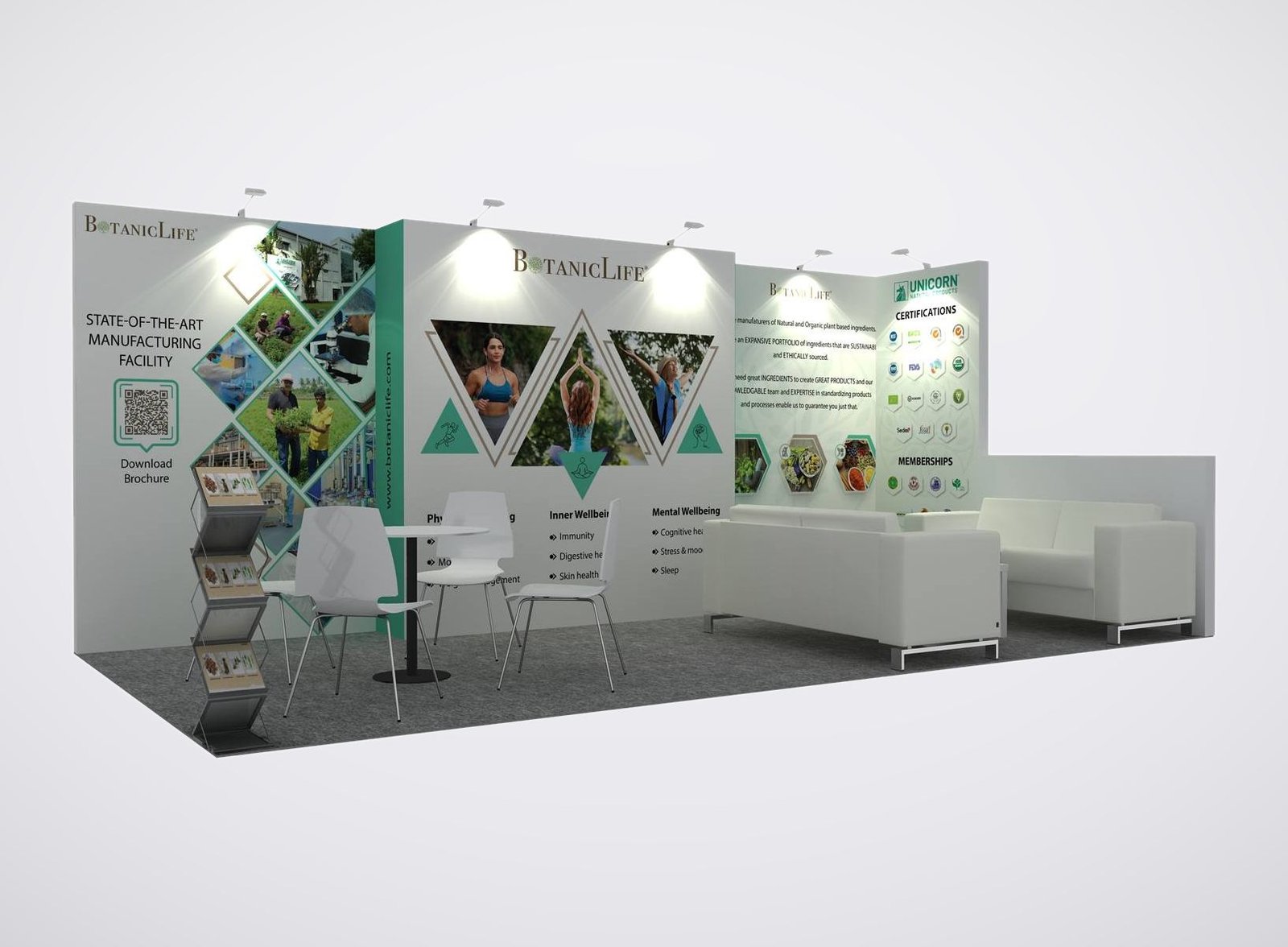
Display Options for Your Event Technology
- Demo counters accommodate your laptops, scanners or badge printers.
- Screen positions give visitors a clear view beside the operator.
- Branded graphics identify the event task your software supports.
- Enclosed storage keeps spare supplies close to the demonstration.
- Meeting furniture provides space to discuss an organizer’s requirements.
Show Organizers How Your Technology Works
A registration platform needs a place to run a check-in demonstration. A badge printer needs counter space, supplies and access for the person operating it. Your booth should make those tasks easy to follow while leaving room to discuss the next event a prospect is organizing.
Our exhibit booth rentals give event technology suppliers a layout tailored to the equipment and conversations they bring to Expo! Expo! Choose the demonstration you want visitors to try, then use the layout to give that activity a clear place. Rental structures with tailored graphics let you build the presentation around this show without purchasing a complete exhibit.
Choose a Layout for the Way You Demonstrate

Use a focused counter layout when one staff member walks a prospect through registration, ticketing or another event task. Leave room for the visitor to operate the device; a large screen alone does not provide that interaction.
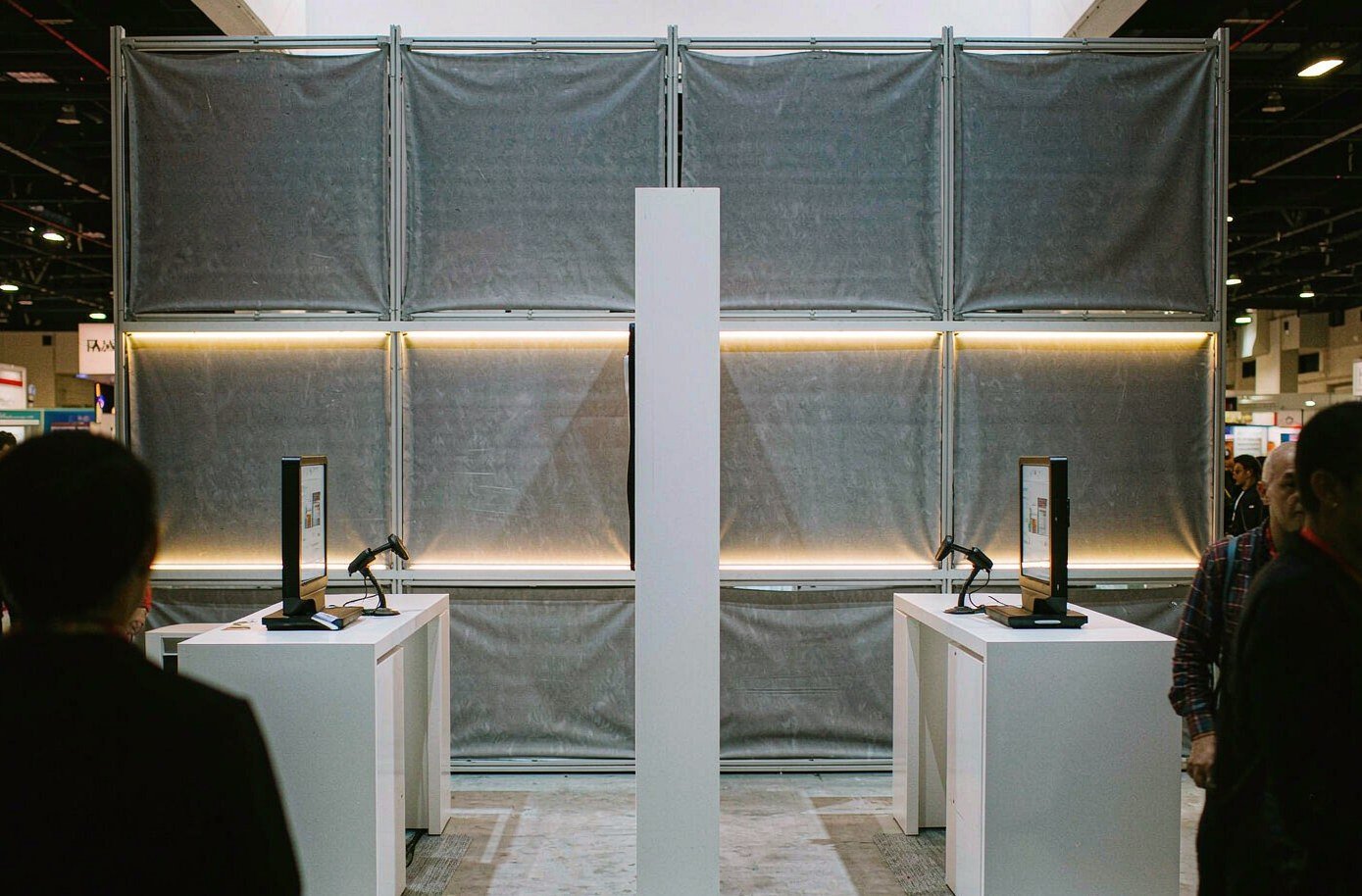
Give separate demonstrations their own counter and viewing position when more than one salesperson needs to work at once. The station count depends on your equipment dimensions, staffing and available floor space.
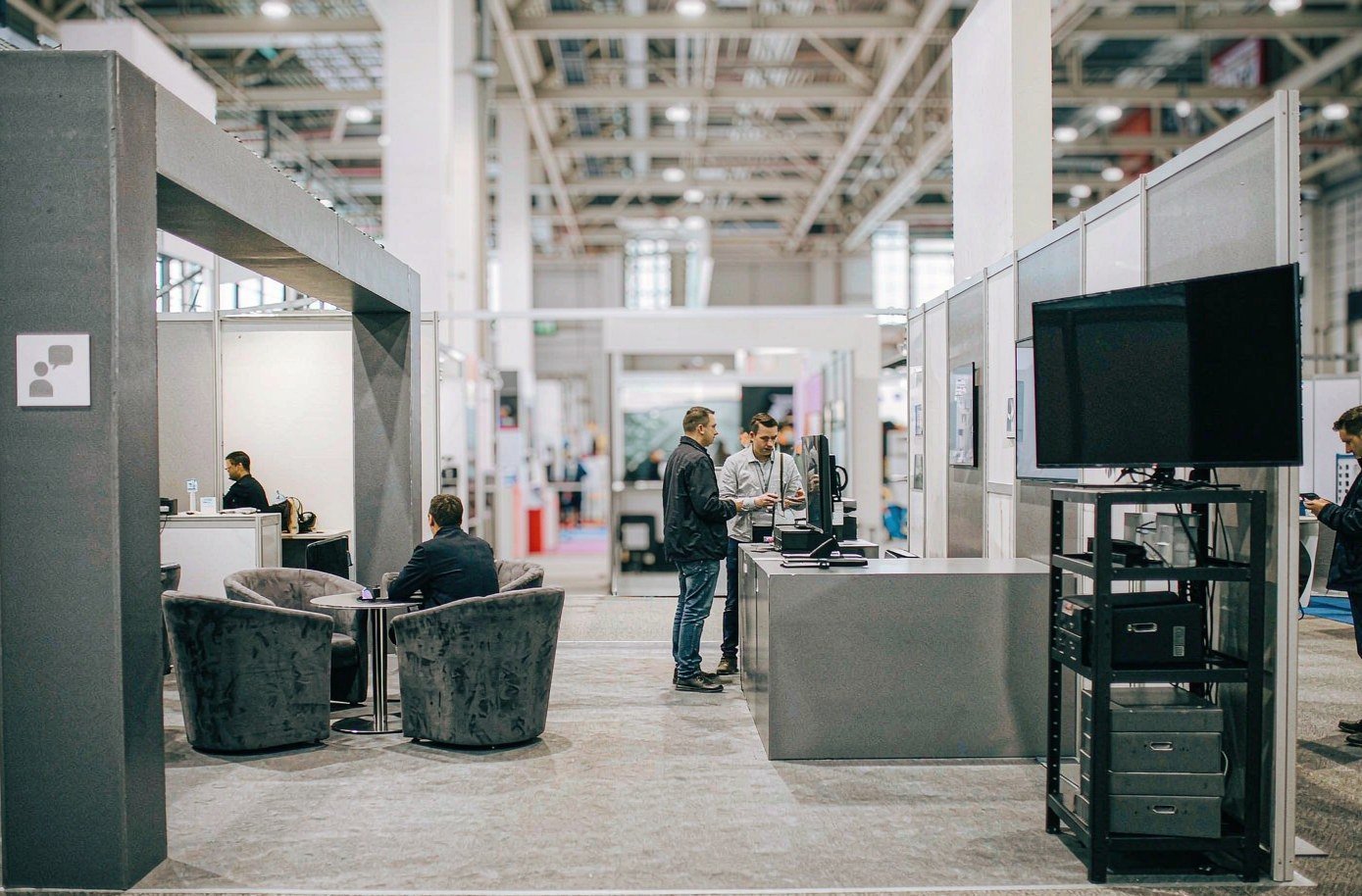
Pair the working demonstration with seating for discussions about the organizer’s event. Keep the conversation area out of the equipment access route so another colleague can continue the demo during a meeting.
Our Production Team Builds the Display Around Your Demo

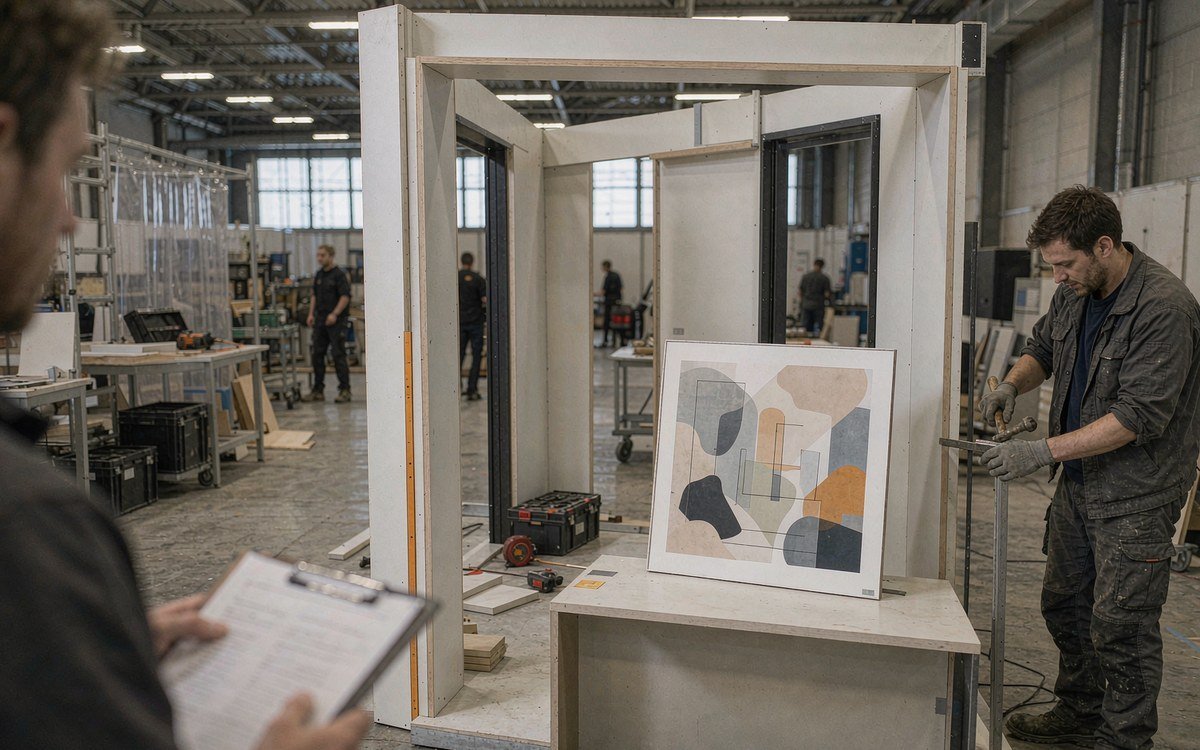
King Exhibits brings booth design, rental configuration, fabrication and graphics into the same project. Our Las Vegas production team checks key assembly, graphic and finishing details before venue delivery. For an event technology exhibit, the design discussion starts with what sits on the counter, where people stand and which surfaces carry your message. You review the 3D direction before those choices go into production.
Describe Your Booth Demonstration
Send your allocated booth plan, booked exhibit package, equipment dimensions and budget. Tell us who operates the demo and how many people should watch; we use those details to develop the layout direction.
We present the design and project quotation for your review. Confirm the equipment arrangement, graphics, furniture and delivery responsibilities so the approved proposal describes the exhibit you intend to use.
After approval, we coordinate production, pre-show checks, transport and installation within the agreed project. Supply the current exhibitor manual and service-center schedule so delivery and setup follow your move-in arrangements. Dismantling and return transport are planned with the project’s closing requirements.
Not necessarily. Expo! Expo! offers several exhibit packages. Tech Startup Central, for example, already includes a monitor, graphics and a standard outlet. Compare your booking with the demonstration you need to run before adding equipment or a new structure. Send the package details so we can assess where additional booth work would be useful and permitted.
The footprint, counter construction, graphics, screen arrangement, furniture and requested delivery services affect the price. Include any equipment you will supply and anything already covered by your organizer package. Ask for venue-billed services to be identified separately when comparing proposals, so your budget covers both the rental and the services needed to operate it.
No. Arrange your exhibit space and registration through IAEE. King Exhibits quotes the physical exhibit and agreed project services. Keep the organizer booking available when reviewing the proposal so its inclusions are clear.
Yes, the layout can accommodate your demonstration equipment. Tell us the devices, screens and viewing arrangement you need. Power and connectivity must be specified for the actual demonstration and confirmed through the event’s service channels; the booth structure does not itself provide an internet connection.
Use your exhibitor move-in schedule for delivery and setup. The 2026 exhibition is open on November 17–18, while the overall IAEE event runs November 16–18. Those public event dates do not replace your assigned freight or installation instructions.
Bring Your Demo Equipment into the Booth Plan
Send the booth number and dimensions, your IAEE package details, a list of devices and screens, and your working budget. Add a short description of the task visitors will try. We’ll use it to develop an Expo! Expo! exhibit layout and project quote.