
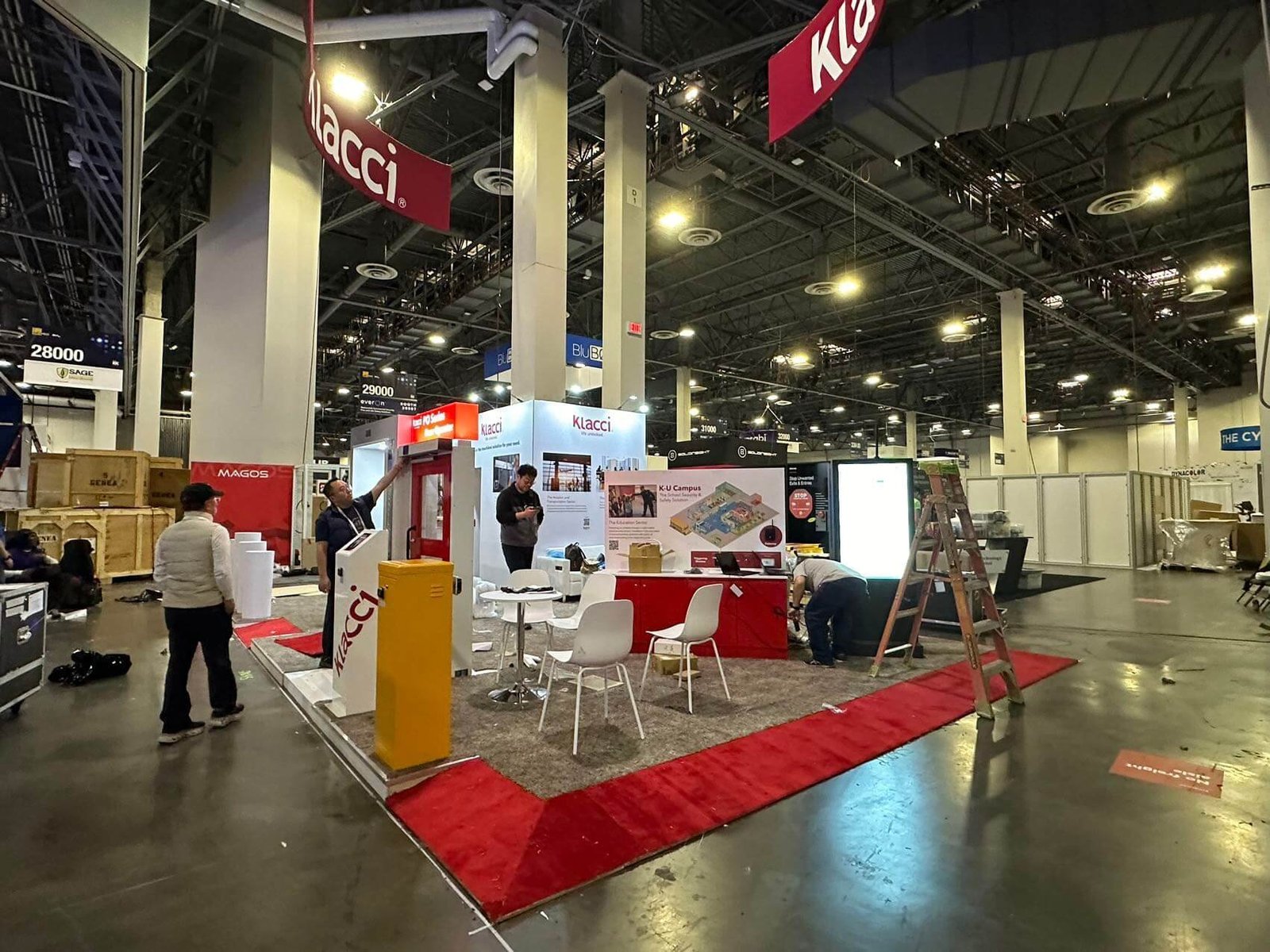


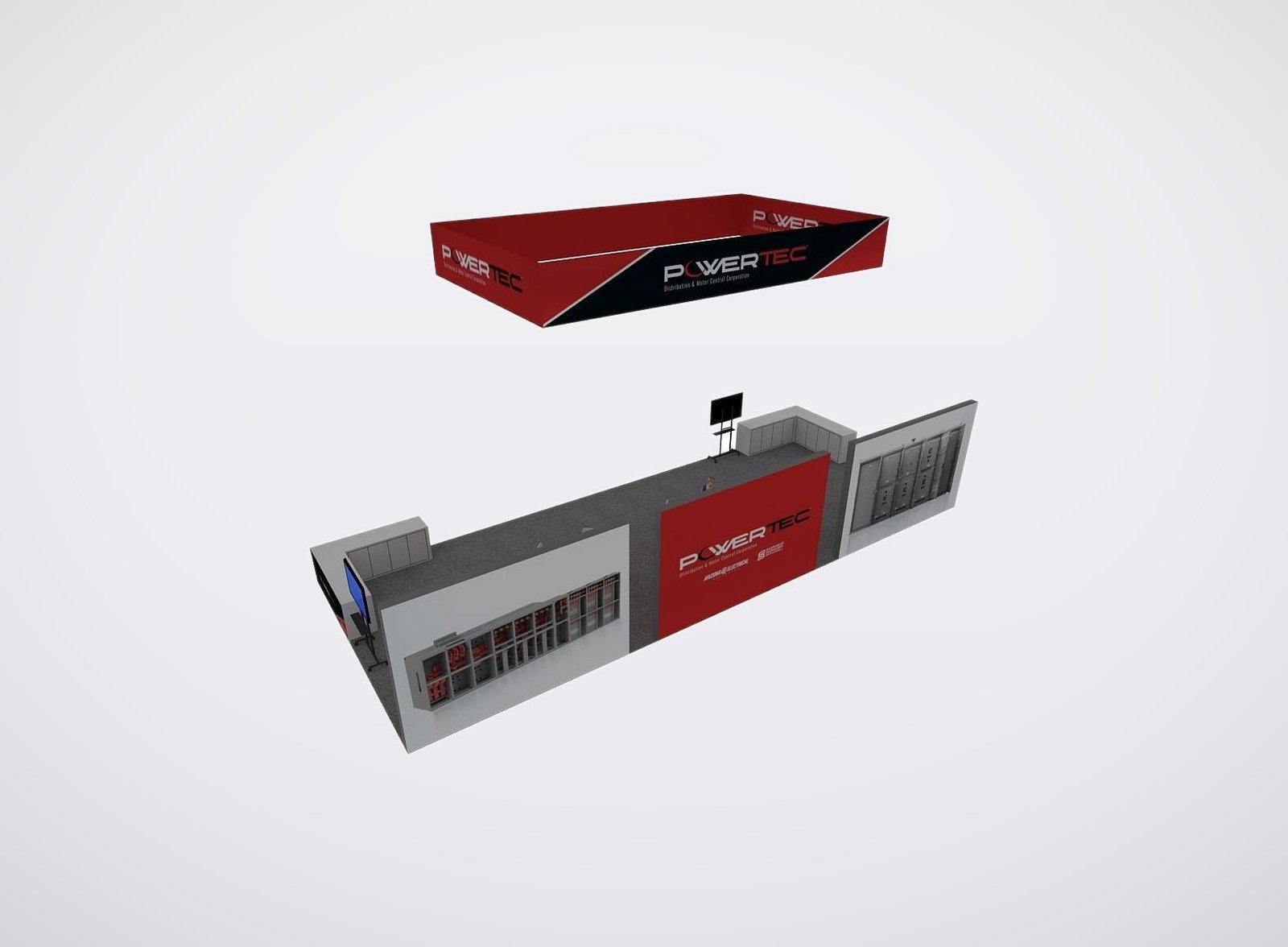
Select the Exhibit Format by What the Buyer Must Do
• Keep PPE comparisons clean, labeled, and easy to replenish.
• Demonstrate detection instruments from input through readable result.
• Guide software and wearables through one practical safety task.
• Show facility controls with enough space to explain real use conditions.
Choose an ASSP Exhibit Plan for Your Product and Demo Mix
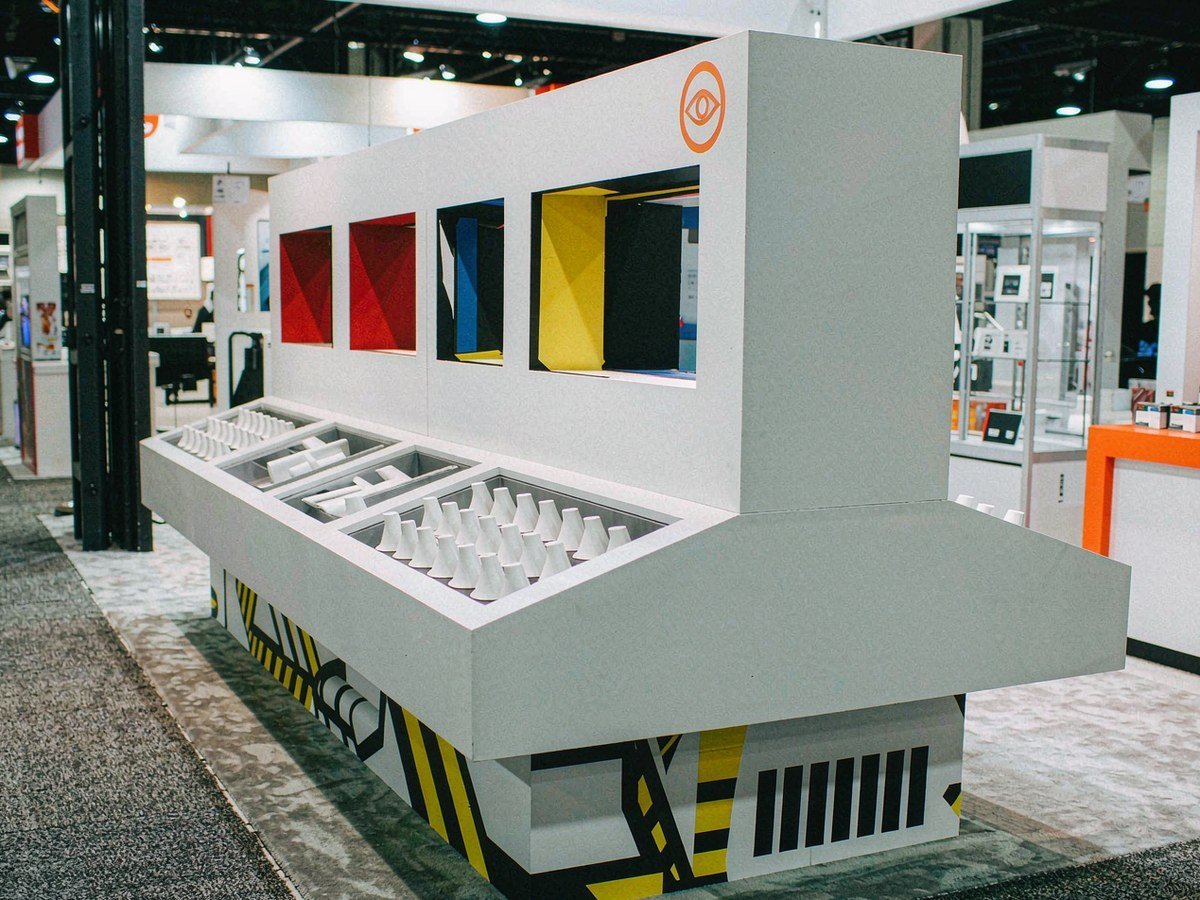
Use this plan for one main product family, such as PPE, an instrument line or an ergonomic device range. The exhibit concentrates the brand message, comparison surface, supervised inspection point and technical follow-up in a compact route. It suits teams that need buyers to examine a defined range rather than navigate several unrelated categories.
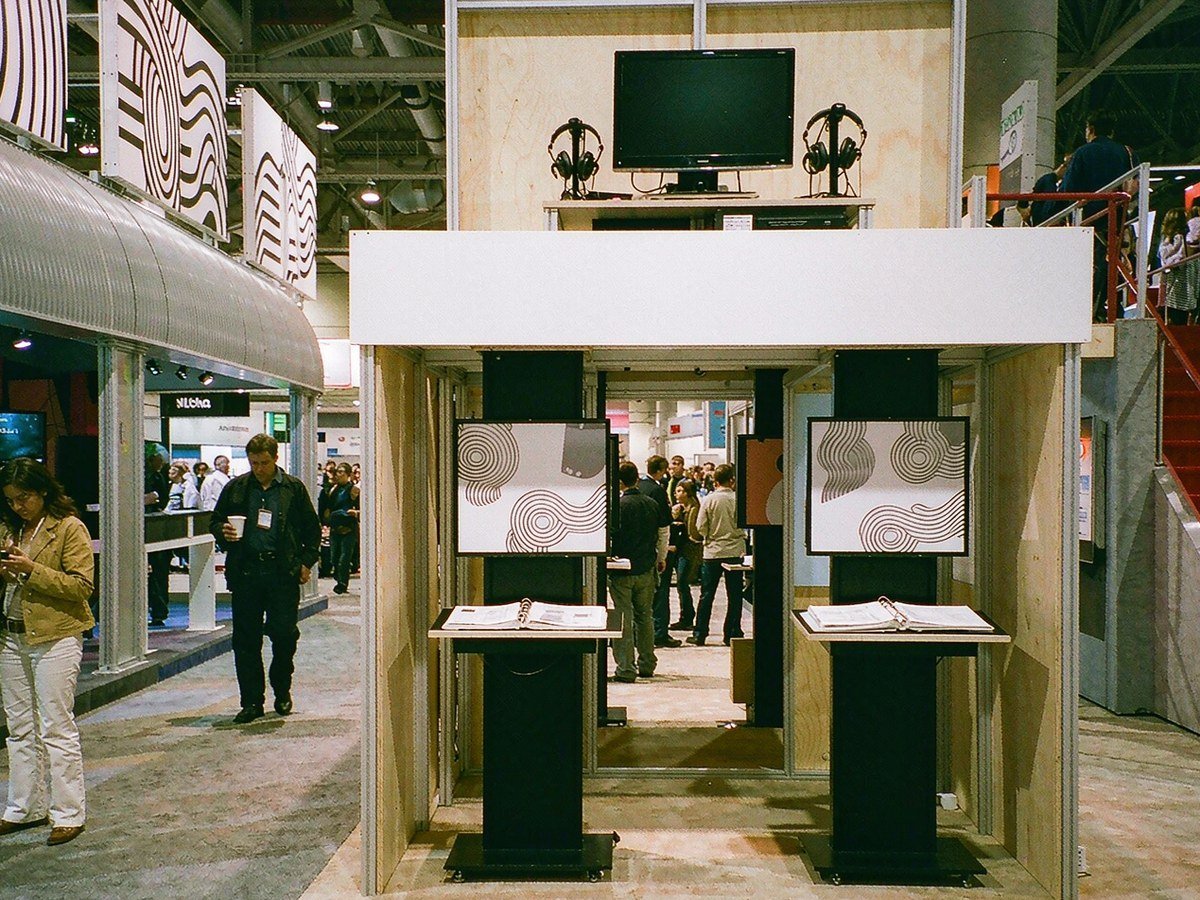
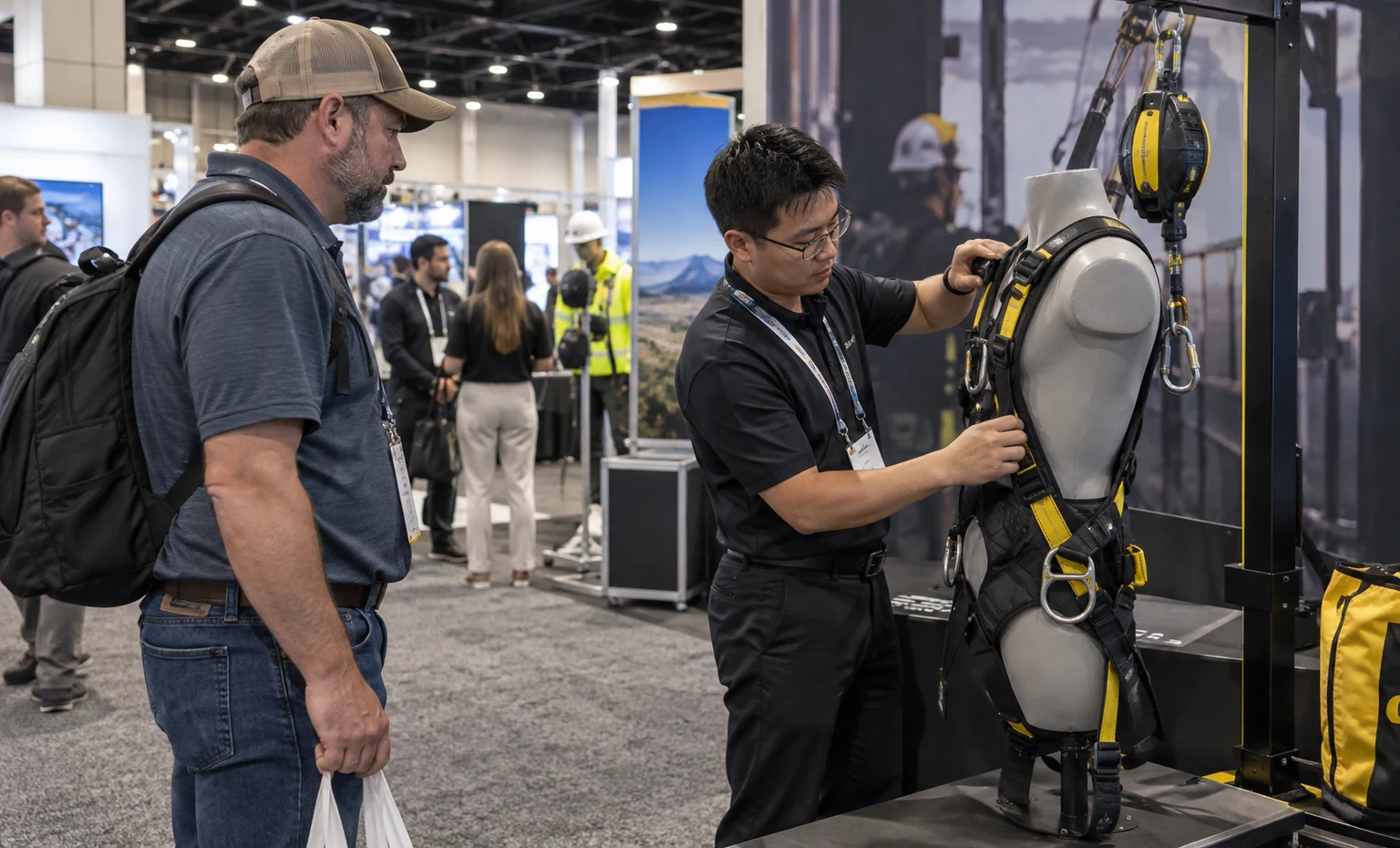
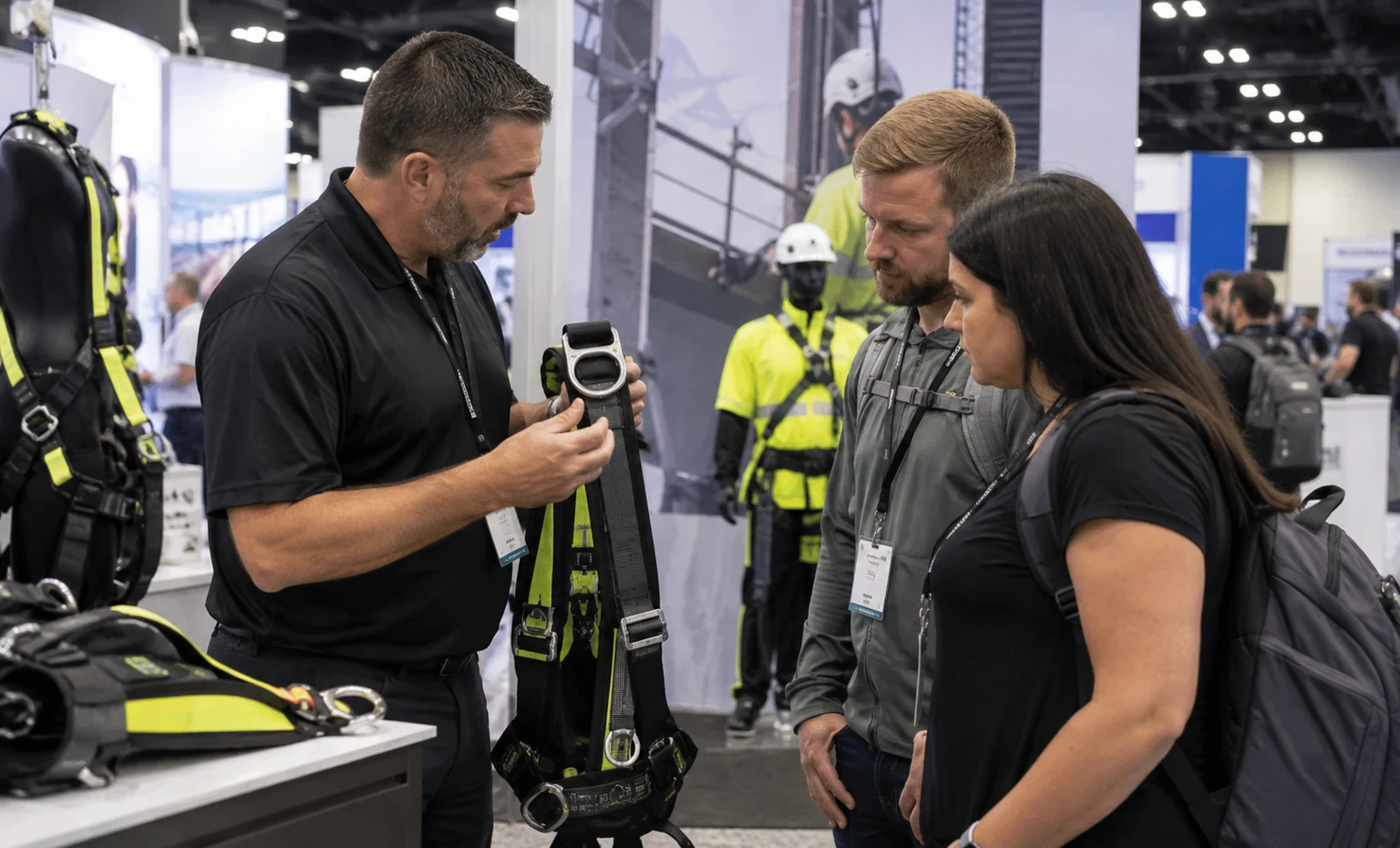
Choose this plan when buyers must compare models, sizes, protection levels, readings or accessories. Parallel stations use the same labeling and evidence structure so differences are easier to discuss. Shared staff-side stock and reset space support repeated comparisons without turning the aisle edge into a queue or replenishment area.
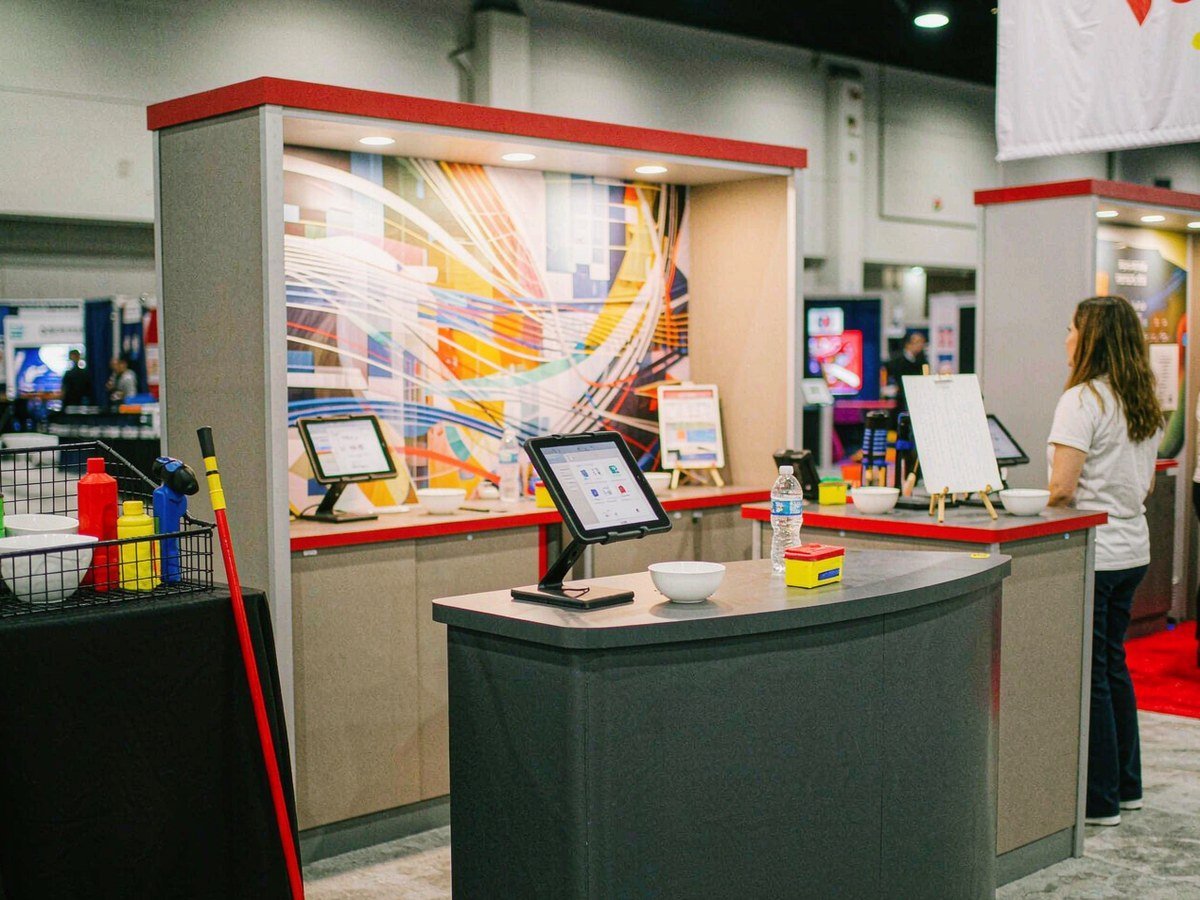
Combine a hands-on product station with a software, dashboard, training or connected-device demonstration when the physical and digital parts belong to one solution. The booth plan separates handling from screen viewing, records power and data dependencies, and provides a nearby technical table for integration, reporting or deployment questions.
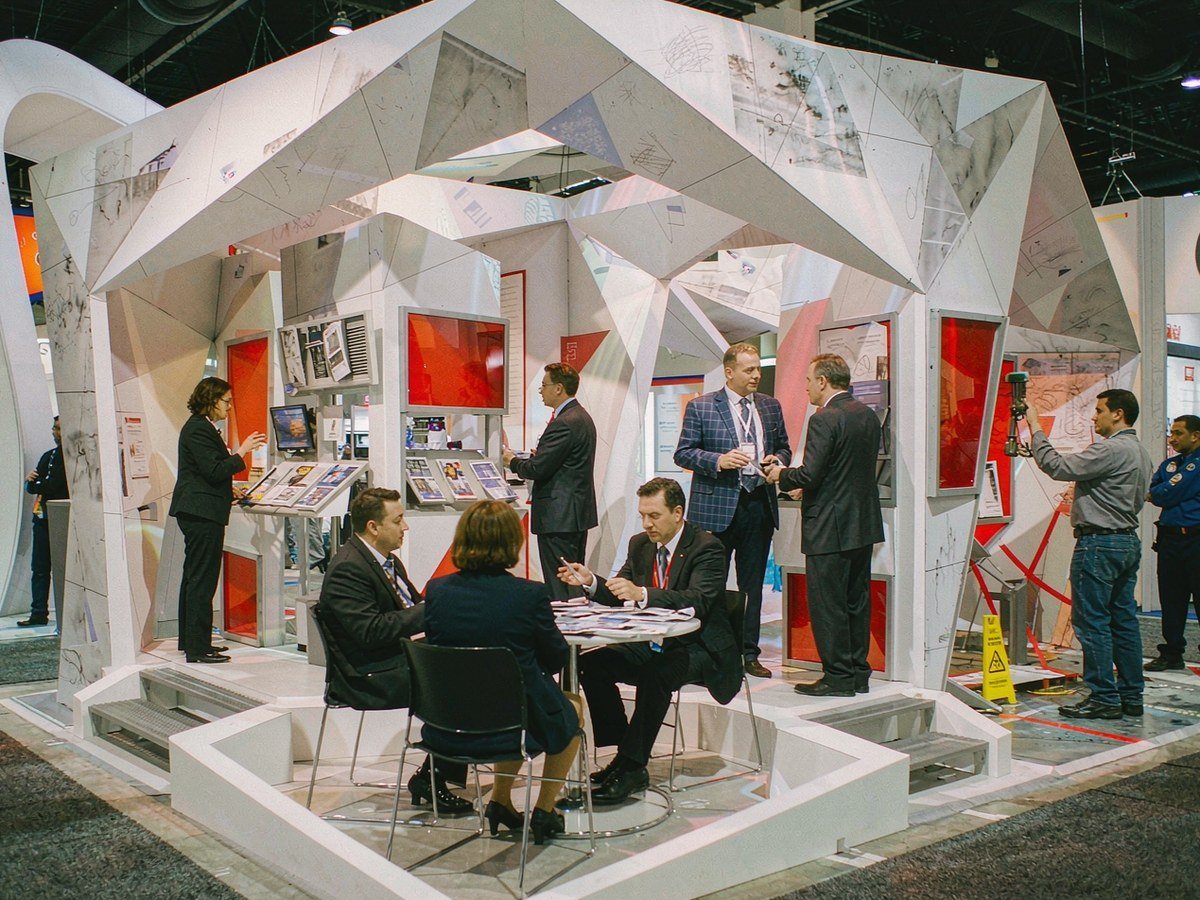
Use a multi-zone plan when the portfolio spans several safety categories or buyer teams. Each zone receives its own product name, interaction, evidence and reset needs, while shared wayfinding, storage and meeting space connect the exhibit. This option helps a broader line remain navigable without presenting every product as one undifferentiated system.
Design a Demo That Can Reset Between Visitors
Map one repeatable cycle before drawing the station: starting product state, staff action, visitor action, proof shown, safe stopping point and reset. Then place the operator, viewer, waiting position, cables, cleaning items, replacement stock and waste inside the booth footprint. This gives the 3D review a real operating sequence and exposes conflicts between a product mount, screen, counter, storage door and visitor flow before those details reach the show floor.
Attach Each Technical Claim to the Product It Describes
Build a claim sheet for every station using only exhibitor-approved information: product name, problem addressed, key specification, applicable standard or test reference, operating condition and limitation. That sheet becomes the source for the nearby graphic, screen and staff talking point. King Exhibits can organize the supplied content and graphics, but the exhibitor remains responsible for product accuracy, certification statements, regulated claims and the decision to present a live demonstration.
Plan Exhibit Freight and Product Freight as Two Connected Workstreams
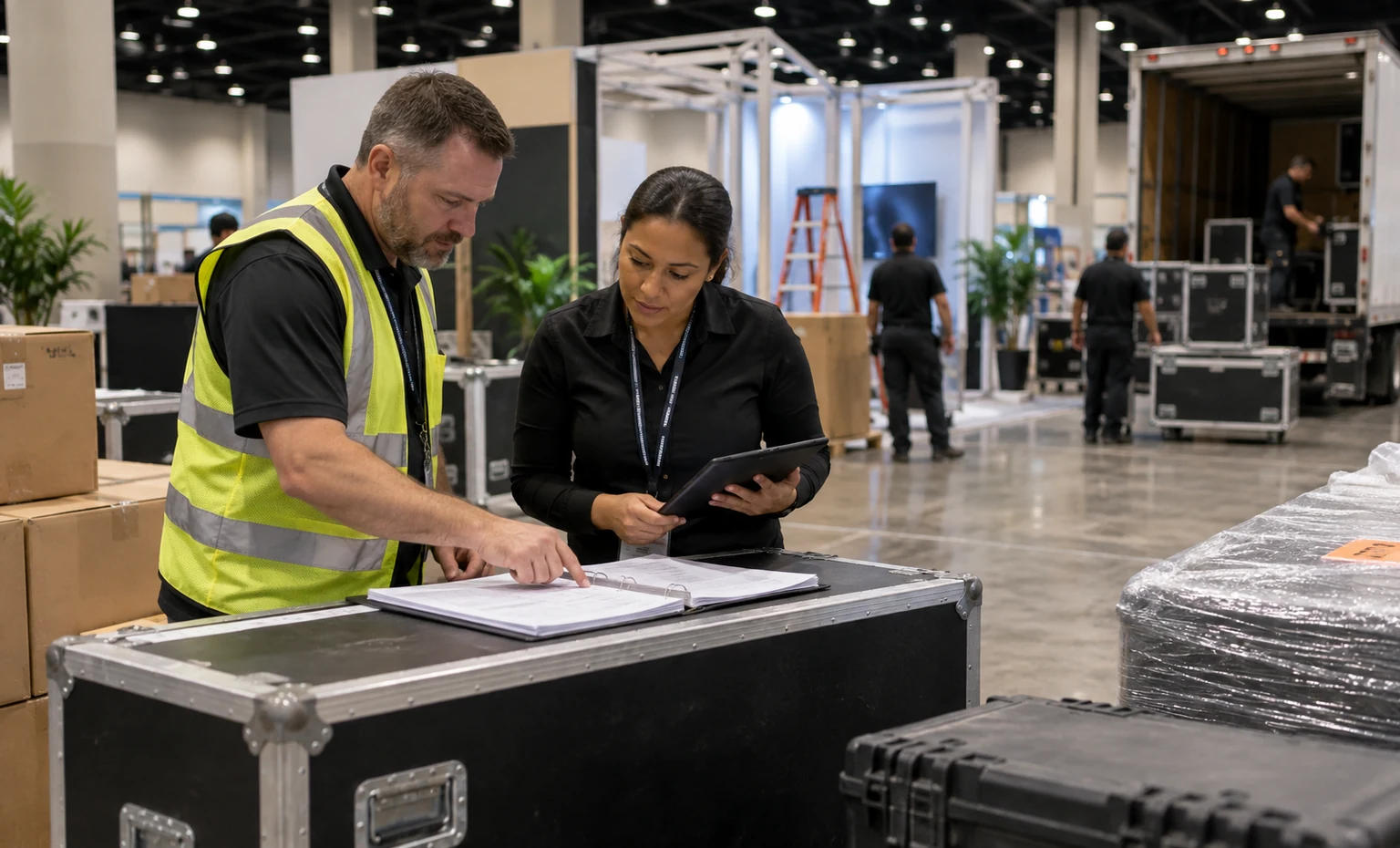
The rental structure may travel on a different schedule from instruments, samples, batteries, consumables or sales materials. List each shipment, owner, destination, required label, arrival window, material-handling need and return route. The active exhibitor manual controls approved addresses and dates. For the current New Orleans venue, event freight follows the show’s general-contractor instructions rather than being sent to the convention center on assumption, so routing must be confirmed before dispatch.
Review the Product, Space and Project Scope with One Exhibit Team
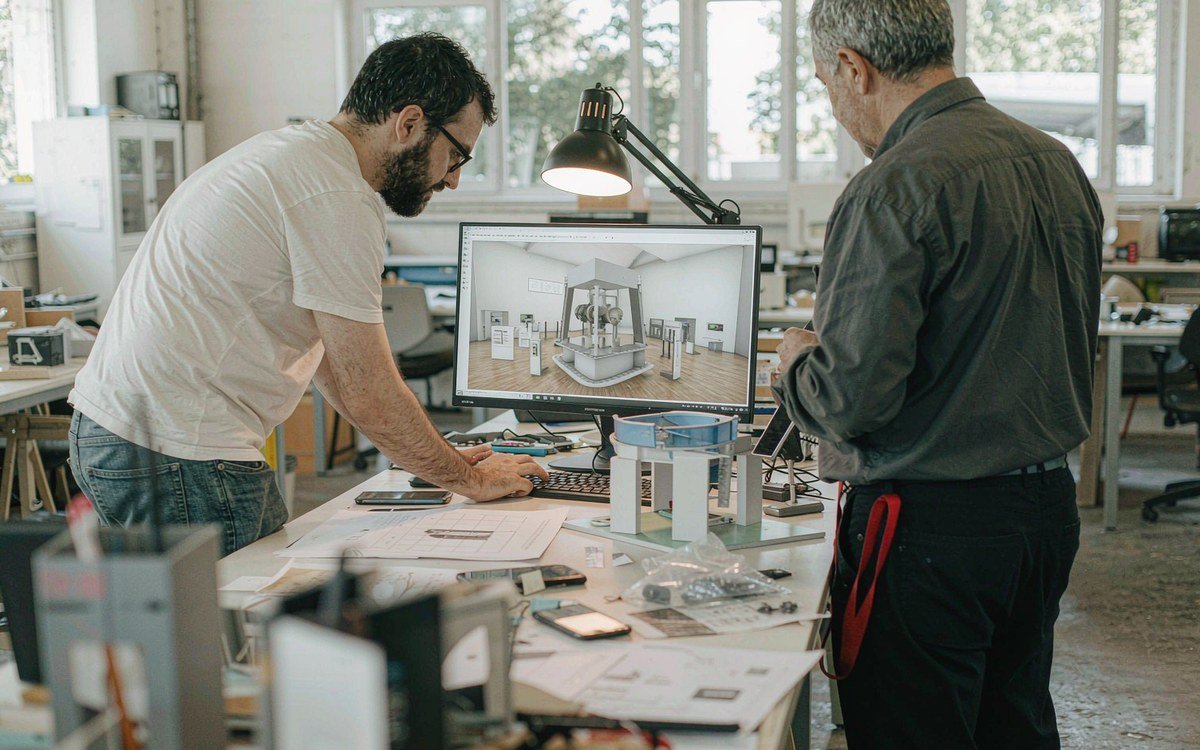
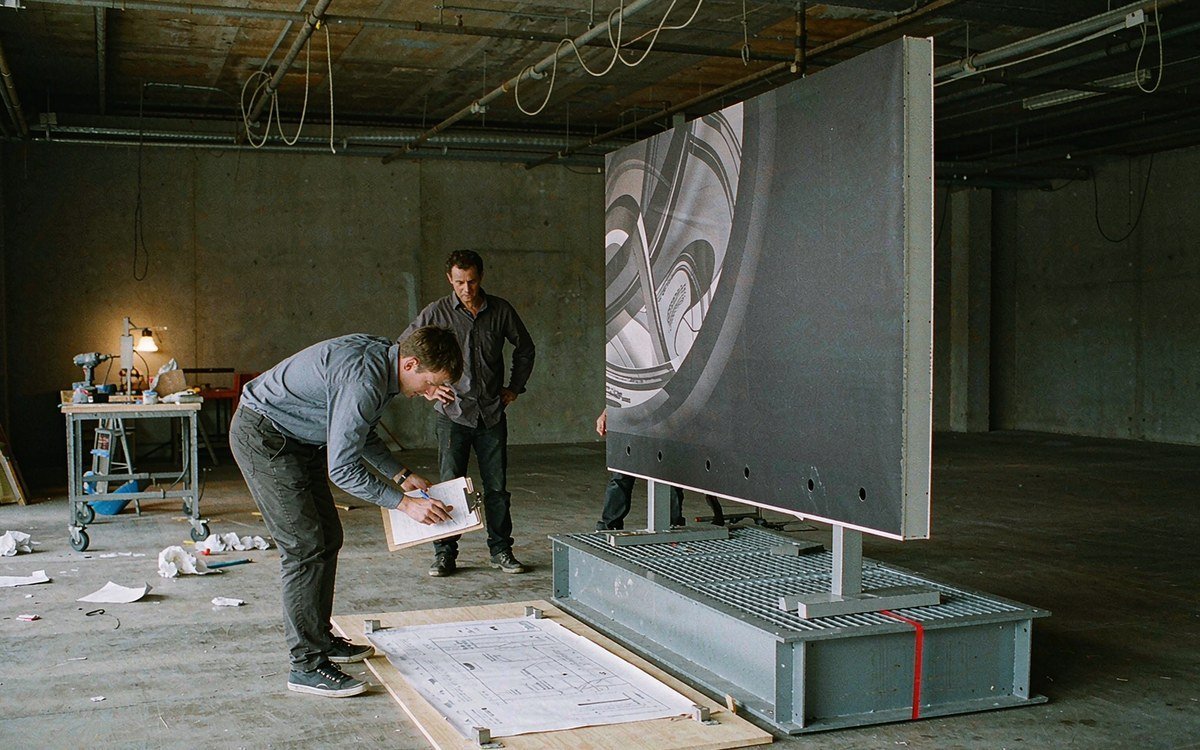
King Exhibits turns your space assignment and product brief into one build plan: 3D design, fabrication, graphics, show services and install — coordinated by a single project lead from bid to dismantle.
Build the 3D Review from a Station Register
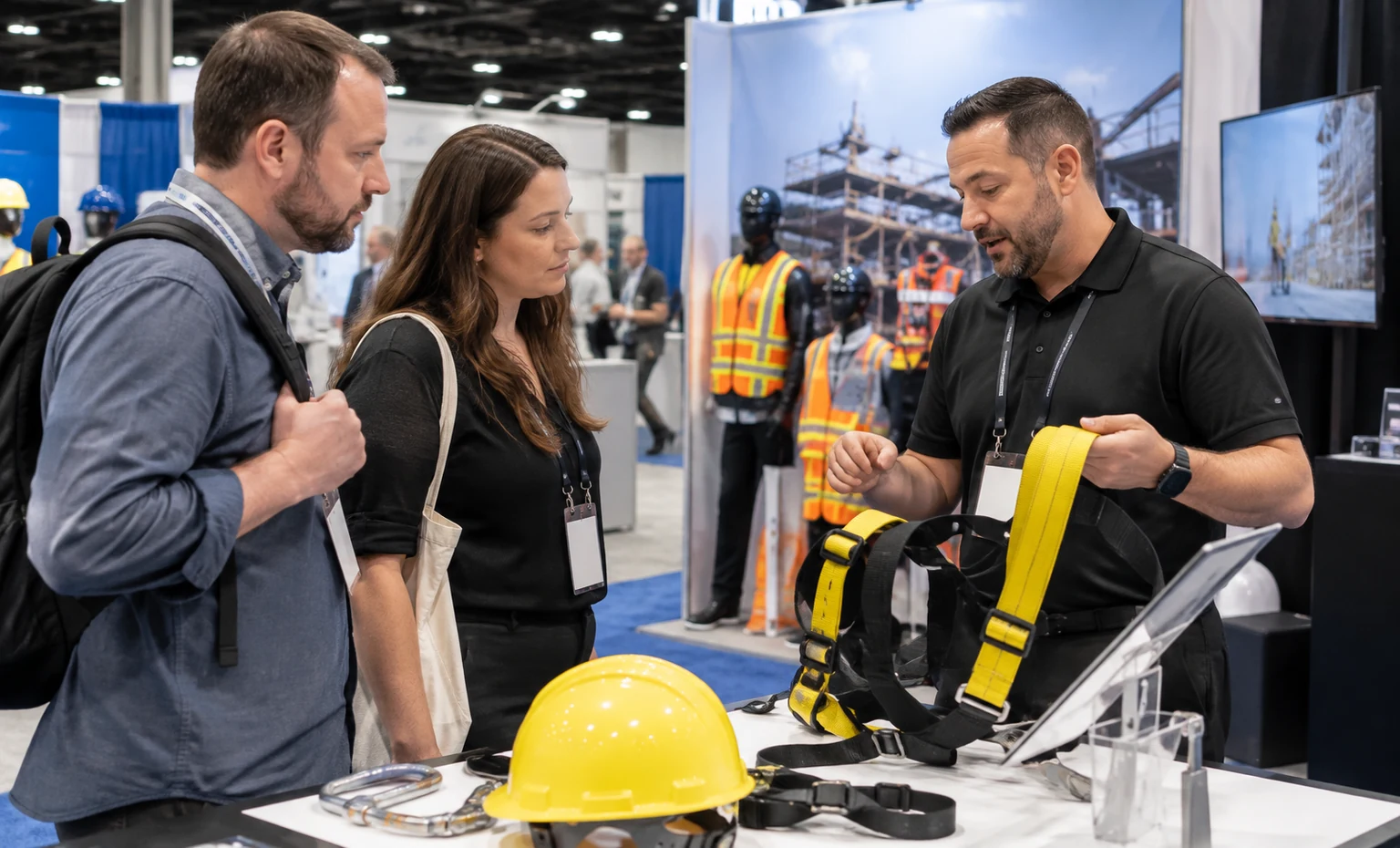
Name the exact product, the worksite problem it addresses and what the visitor should understand or decide after the interaction.
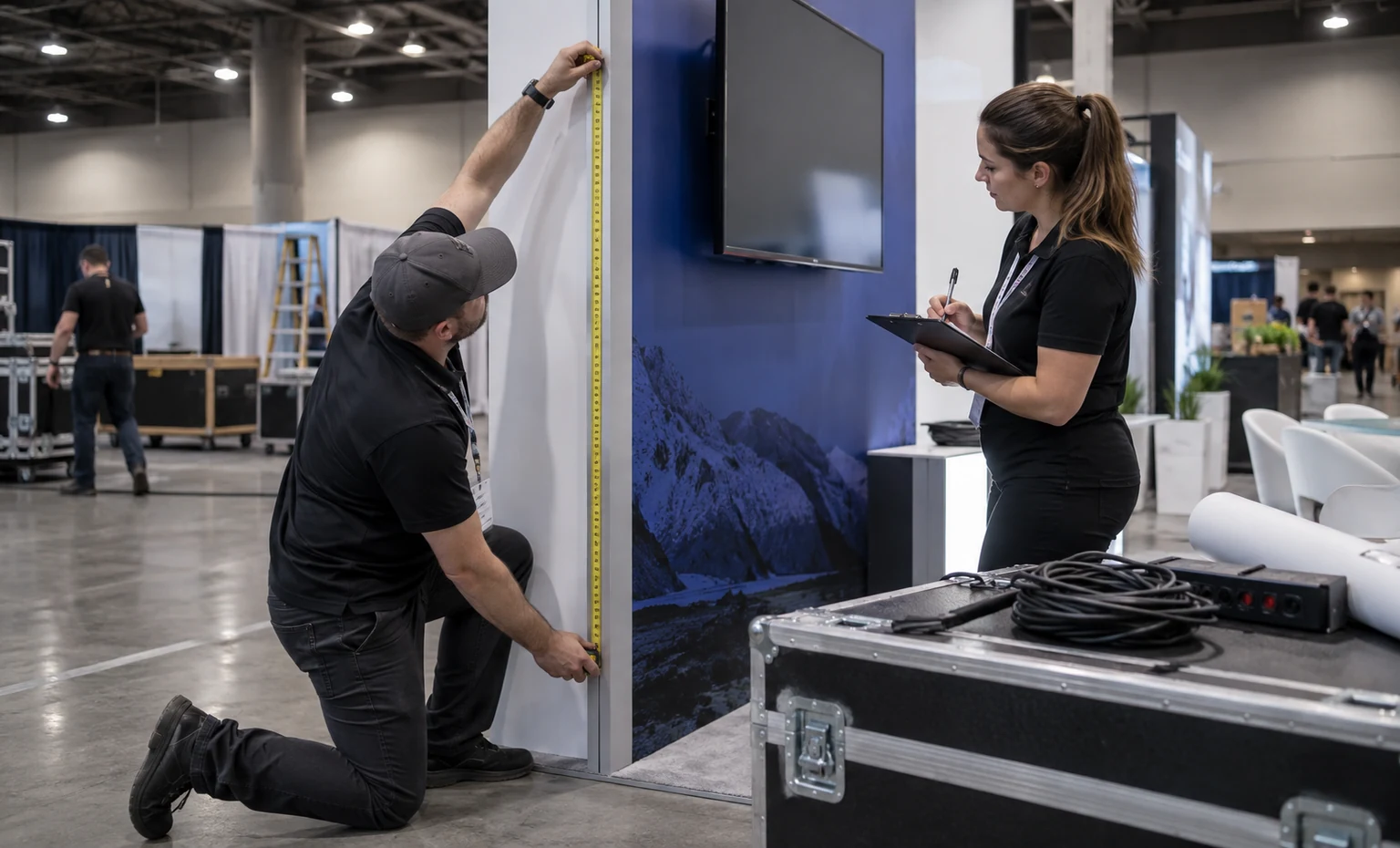
Record dimensions, weight, support, reach, screen, light, sound, power, data, cable route and any moving or replaceable part.
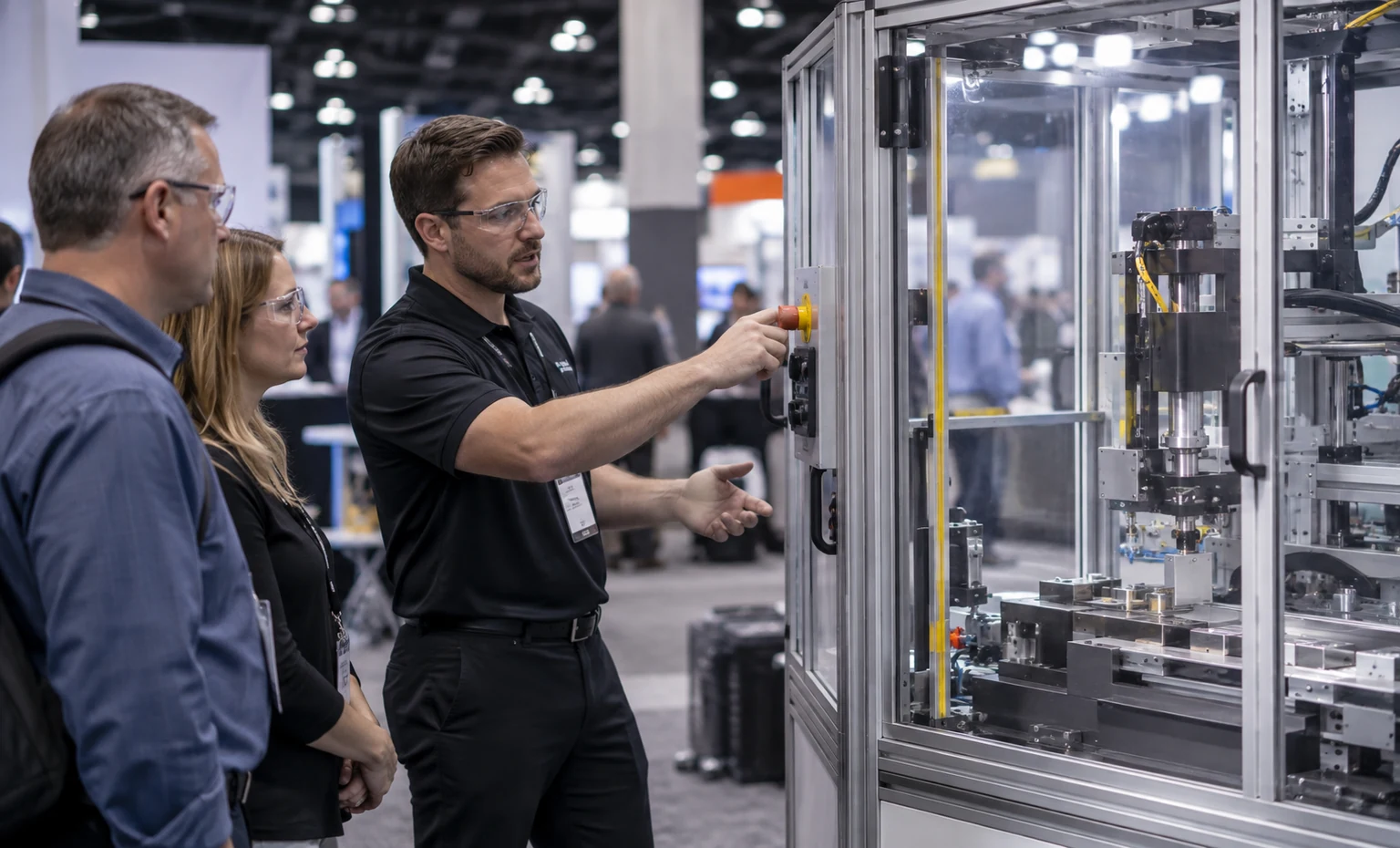
Define who operates the product, where the visitor stands, how long the cycle takes, how the station stops and how it returns to its starting state.
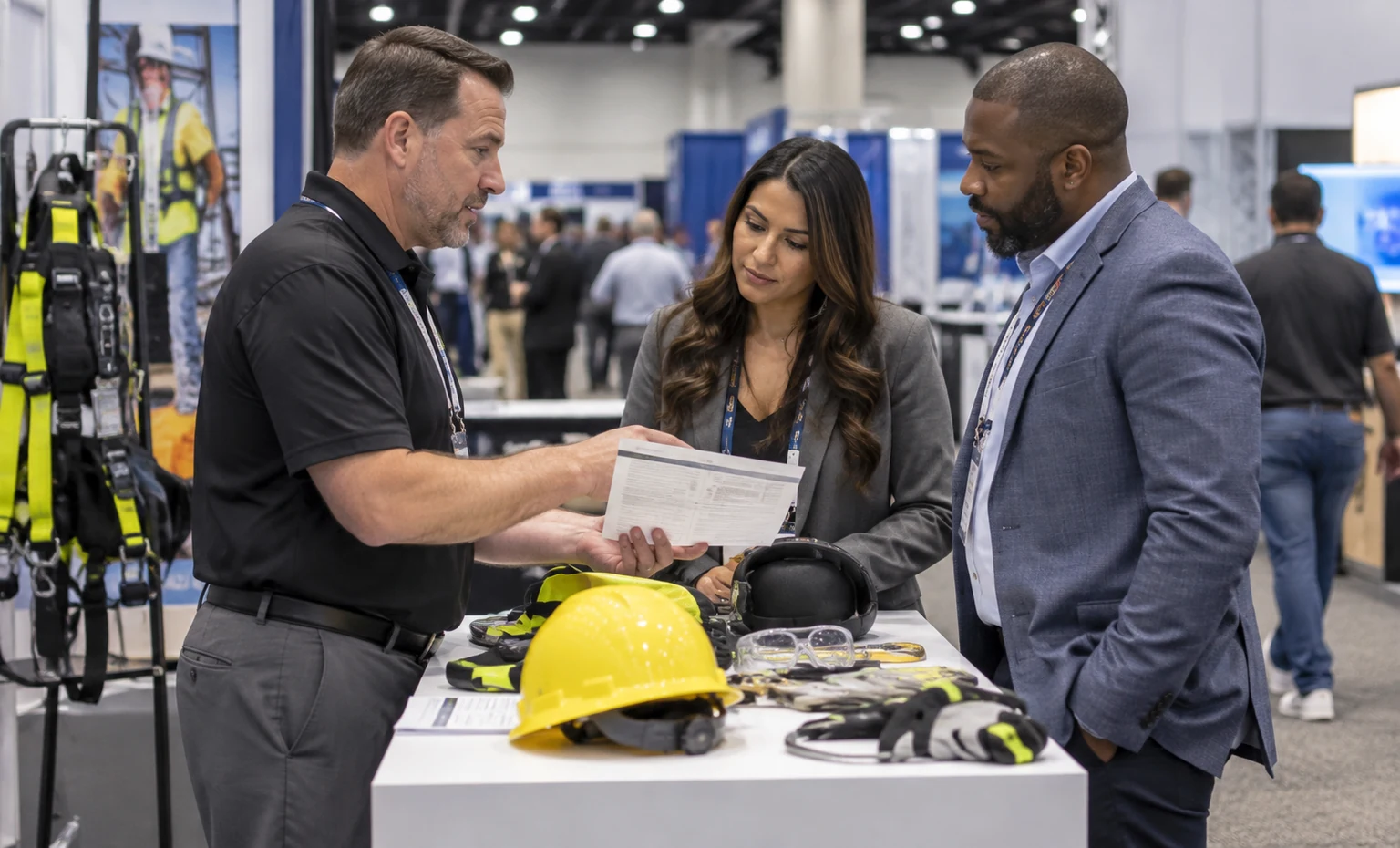
Supply approved specifications, standards or test references, use conditions, warnings and the claims that must not be made.
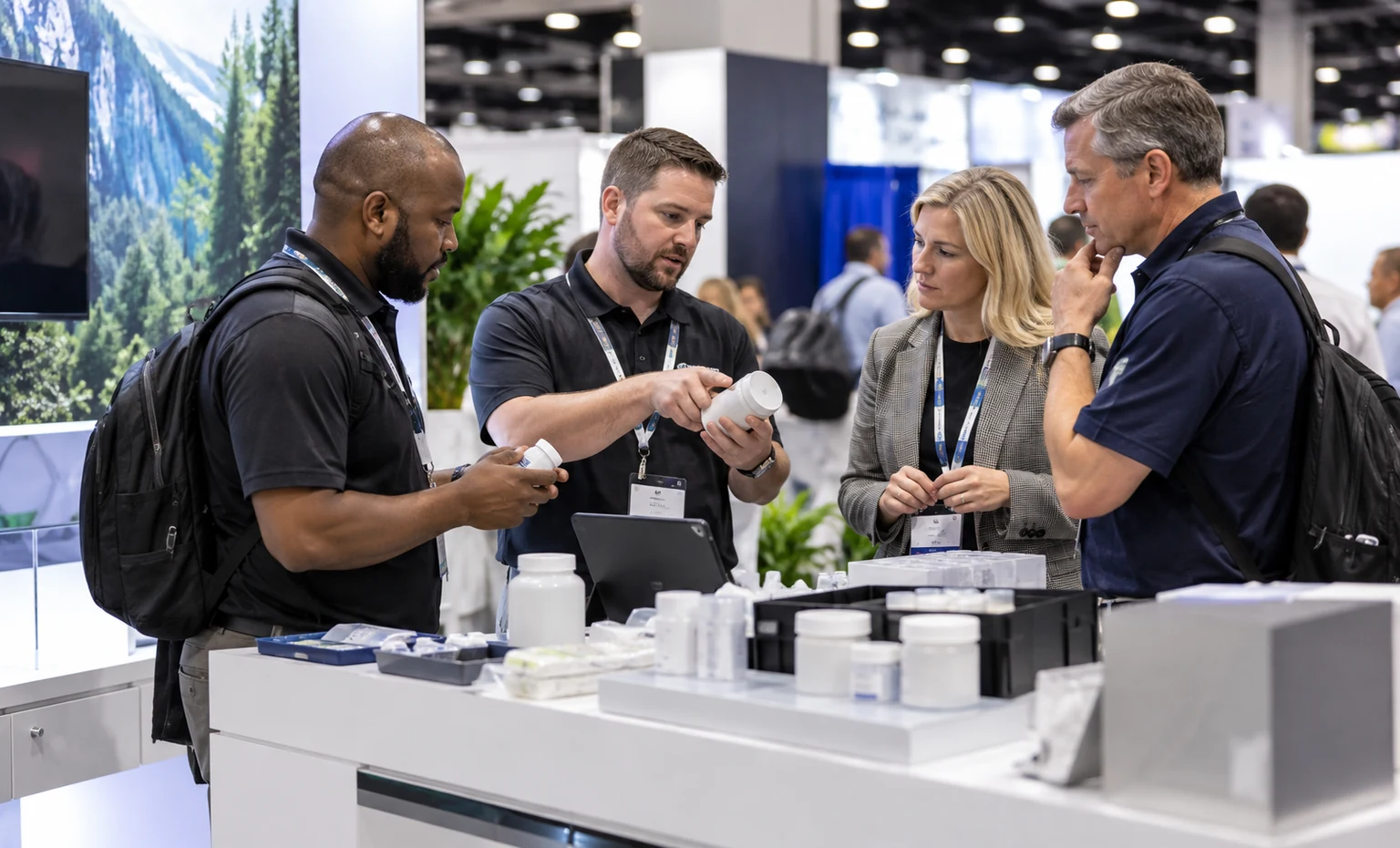
Estimate samples, sizes, consumables, charging, cleaning and secure storage, then identify whether the next step is a scan, technical meeting, trial, distributor discussion or quotation.
From ASSP Booth Design Brief to Approved Project Scope
Your Input: Show edition, venue, booth number, dimensions, open sides, product list, station register, brand files, budget and requested onsite work.Our Action: Check the required information, flag missing interfaces and define the initial design assumptions.Output: A confirmed design brief and open-item list.
Your Input: Product priorities, visitor actions, meeting needs and feedback from marketing, product, safety and operations teams.Our Action: Arrange recognition, interaction, evidence, reset, storage and follow-up areas within the supplied footprint.Output: A 3D exhibit direction for review.
Your Input: Approved design direction, active exhibitor manual, required submissions and selected options.Our Action: Identify rental components, custom work, graphics, project services, exclusions and dependencies in the proposal.Output: An accepted scope and responsibility register.
Your Input: Final artwork, approved technical content, product interfaces, shipping details and sign-offs.Our Action: Produce the agreed work and complete the pre-build or project checks included in the accepted scope.Output: Release records, open-site items and a packing/handling plan.
Your Input: Current service orders, freight status, product arrival, exhibitor contacts and authorized changes.Our Action: Perform or coordinate the quoted transport, installation, dismantling, storage and onsite work while tracking third-party dependencies.Output: The installed exhibit and a documented post-show handoff within the accepted scope.
Yes, when the exact product, visitor action and operating limits are provided. We can plan display, supervised handling, clean stock, mirrors or comparison points, staff-side replenishment and an internal waiting position. Product instructions, fit requirements, certification claims and show approval remain controlled by the manufacturer and current event rules.
We record the visitor task, device and screen positions, charging, power, data, sound, account access and reset sequence. We also recommend a supplied offline video, screenshots or guided fallback when a live connection is not essential, so the booth discussion does not depend on one network or device state.
Booth space is obtained from the organizer, not from the exhibit rental. Electrical, internet, rigging, cleaning, material handling, labor and other official services depend on the active exhibitor manual and accepted quotation. The proposal should name each included King Exhibits task and each organizer, venue, exhibitor or third-party responsibility.
Do not ship on that assumption. Current venue guidance routes event-specific freight through the address and general-contractor instructions in the exhibitor pack. Confirm the active ASSP Safety manual, carrier label, advance-warehouse or direct-to-show option, receiving dates and material handling before any booth or product freight is dispatched.
No. King Exhibits can arrange approved product information and supplied evidence graphics, but we do not certify the product, interpret regulations for the exhibitor or guarantee organizer approval. Your authorized technical or compliance owner must approve standards, test, certification and regulated claims before artwork release.
Send the show edition, venue, booth number, size, open sides, products and dimensions, demonstrations, screens, power/data, meetings, storage, graphics, freight plan, budget and requested installation, dismantling or onsite scope. Add the active exhibitor manual and deadlines when available. We will use the package to prepare a 3D direction and defined proposal.