
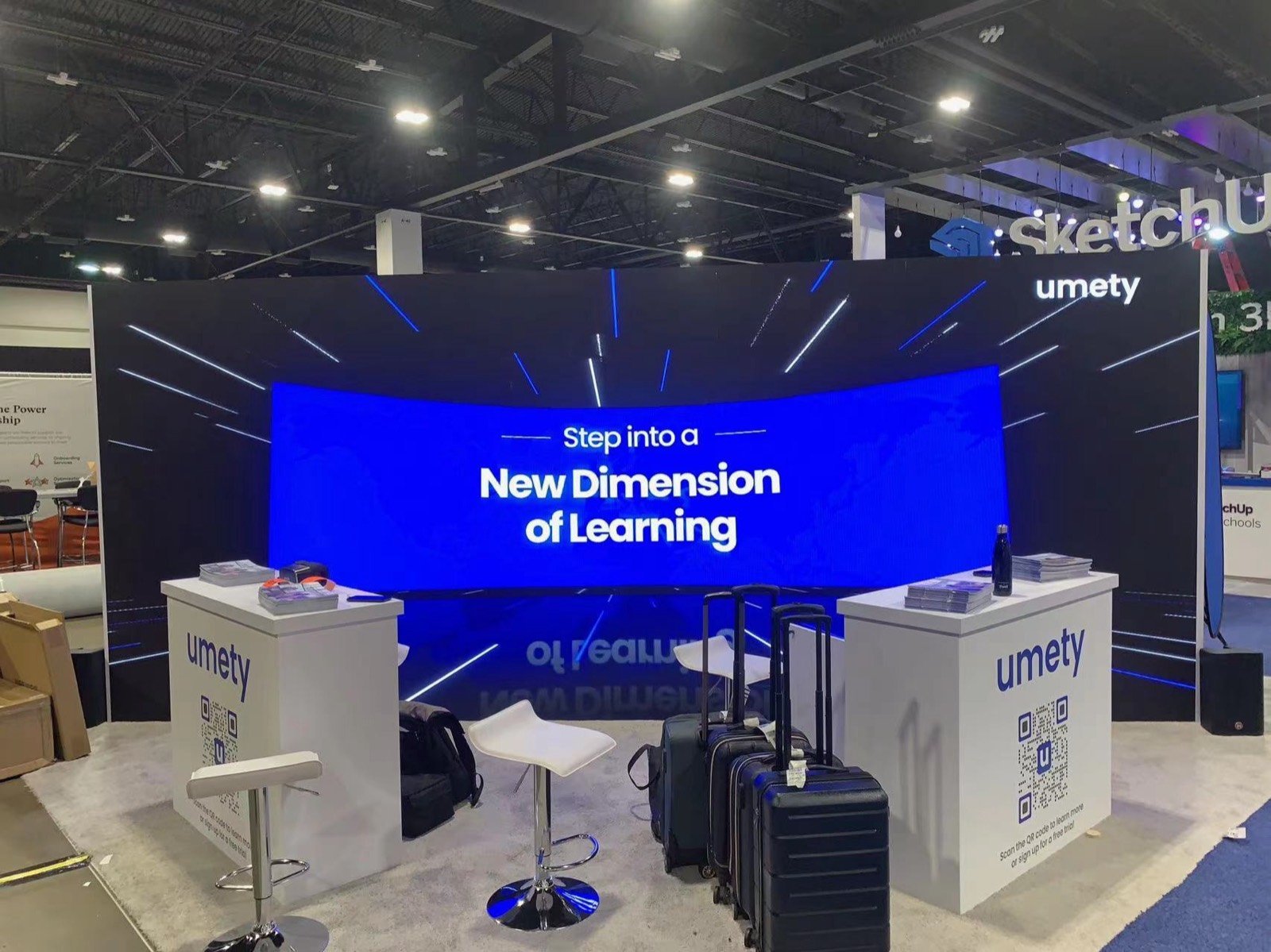
Build the Exhibit Around the Learning Experience
Edtech demonstrations work best when the visitor understands who is using the product and what happens next. Teacher tools may need a presenter display and a student view. Classroom hardware may need several reachable devices. Curriculum and content companies need organized samples and room to browse. Higher-education systems may need a guided administrative workflow plus scheduled meetings with institutional teams.King Exhibits can shape the rental booth around that activity. Screens, counters, seating and product displays support the demonstration, while branded walls and graphics explain the education problem from the aisle. Storage holds charging equipment, literature, replacement devices and staff belongings without crowding the learning station.Student data, accessibility, interoperability, security, curriculum and outcome claims must come from the exhibitor’s approved material. The design can make those topics easier to discuss, but it should not promise classroom results that the evidence does not support.
Choose a Format That Fits the Way People Learn the Product
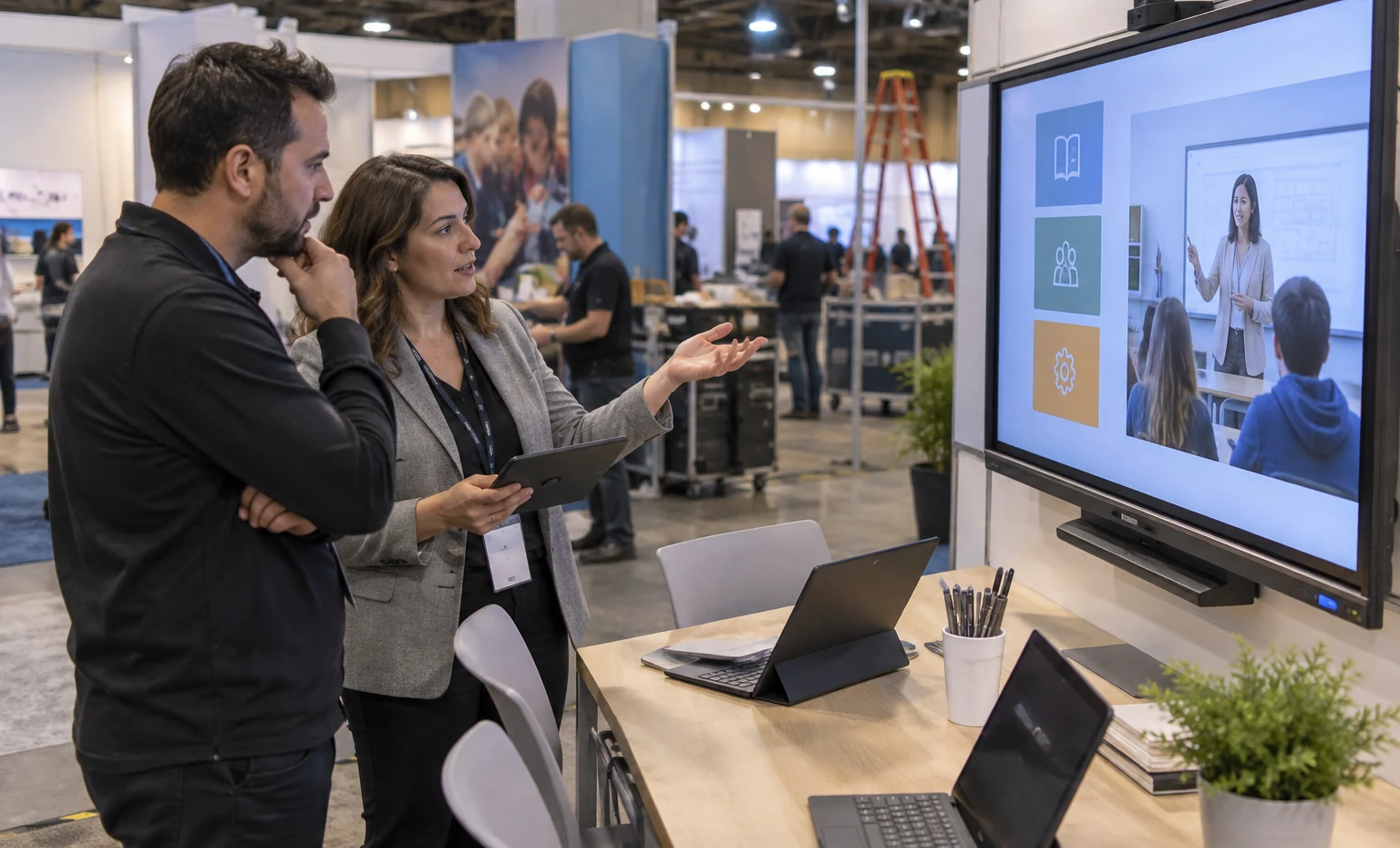
Use a presenter screen with several participant devices or seats. This suits platforms that become clear only after visitors follow a short lesson, assessment or collaboration task.
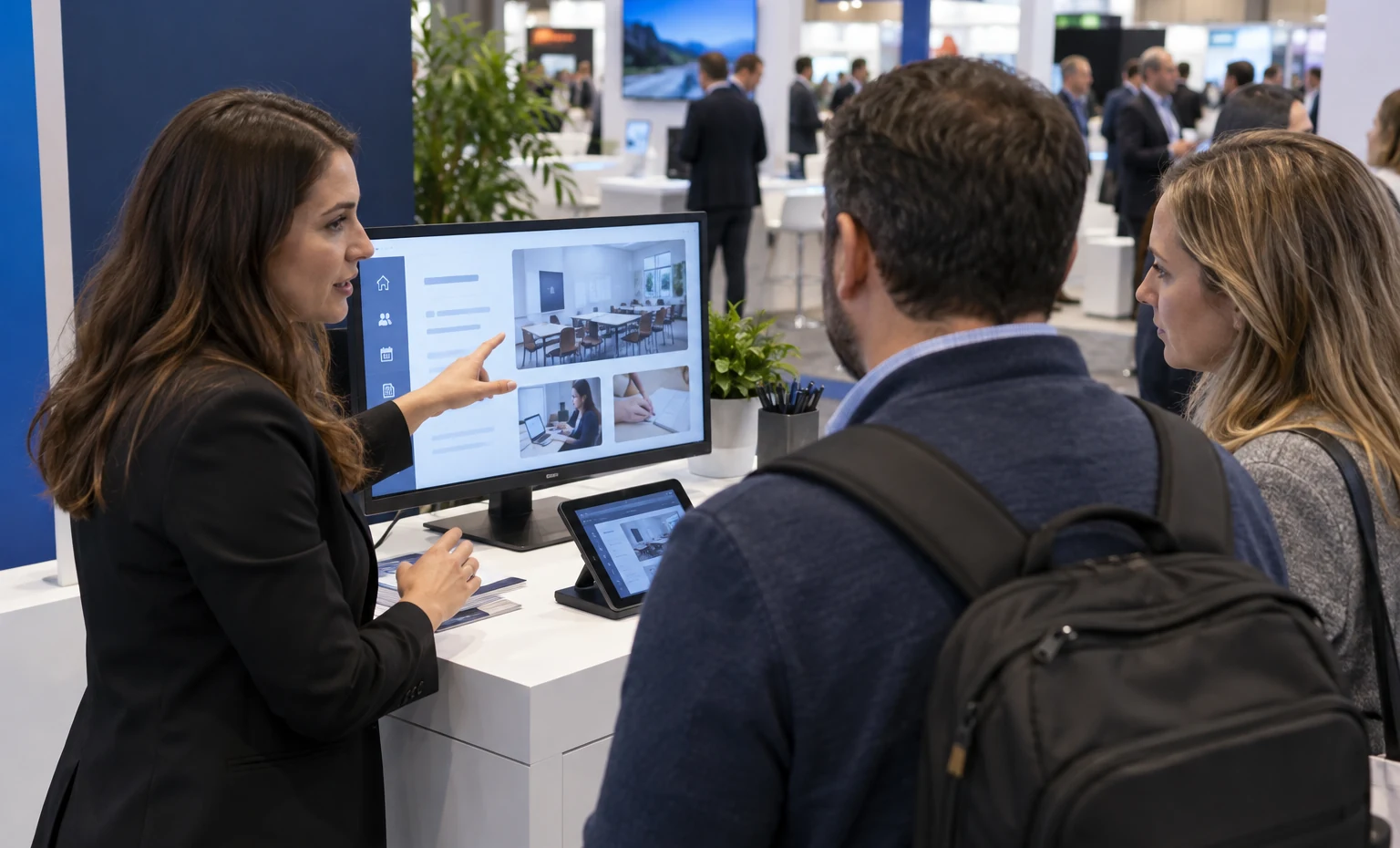
Give each visitor a screen, device or sample to explore with light staff support. This works for busy expo traffic and products with a quick, repeatable interaction.
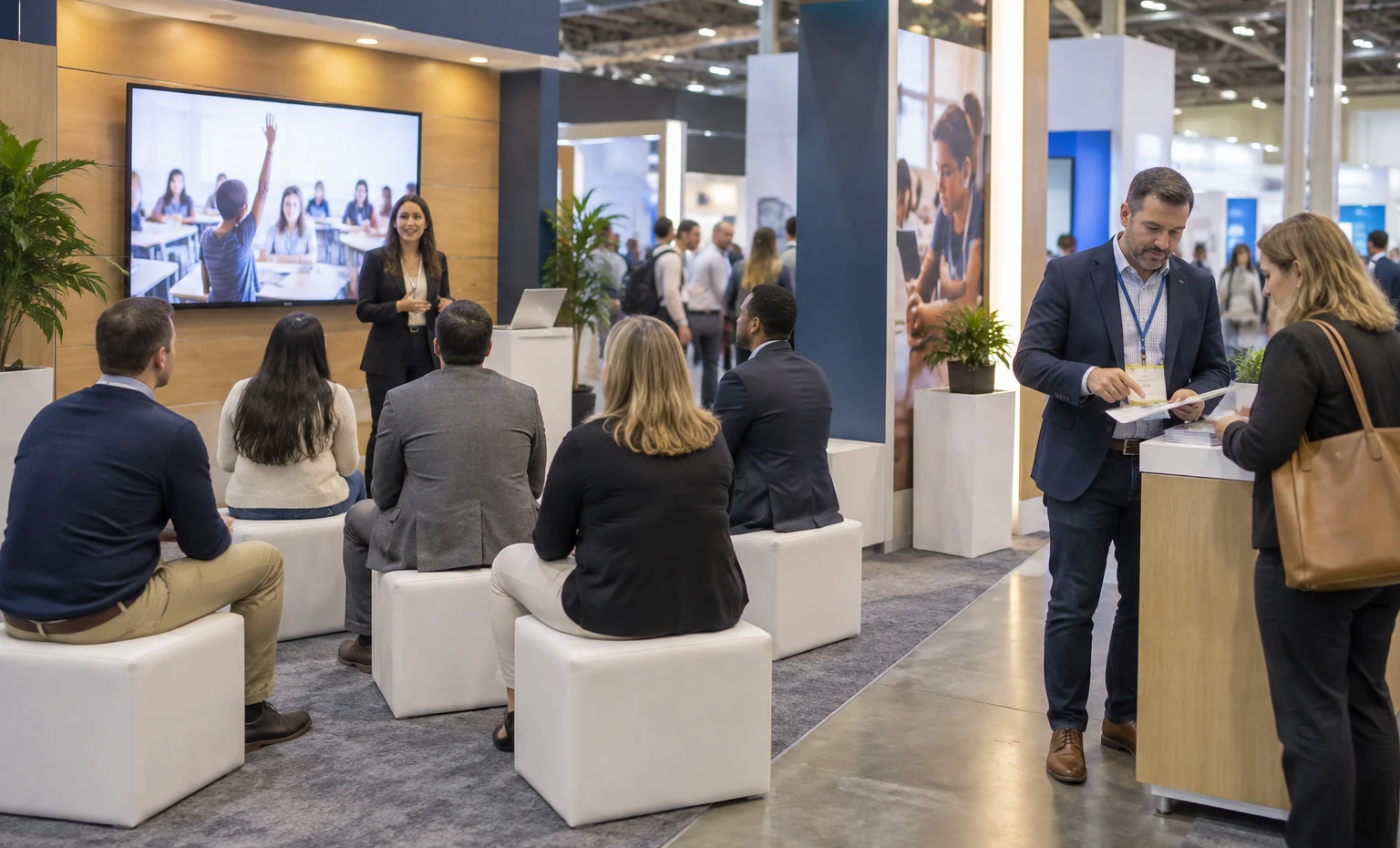
Create a small scheduled presentation zone for teaching practices, customer stories or product walkthroughs. Audience seating and sound should not block neighboring exhibitors or normal booth access.
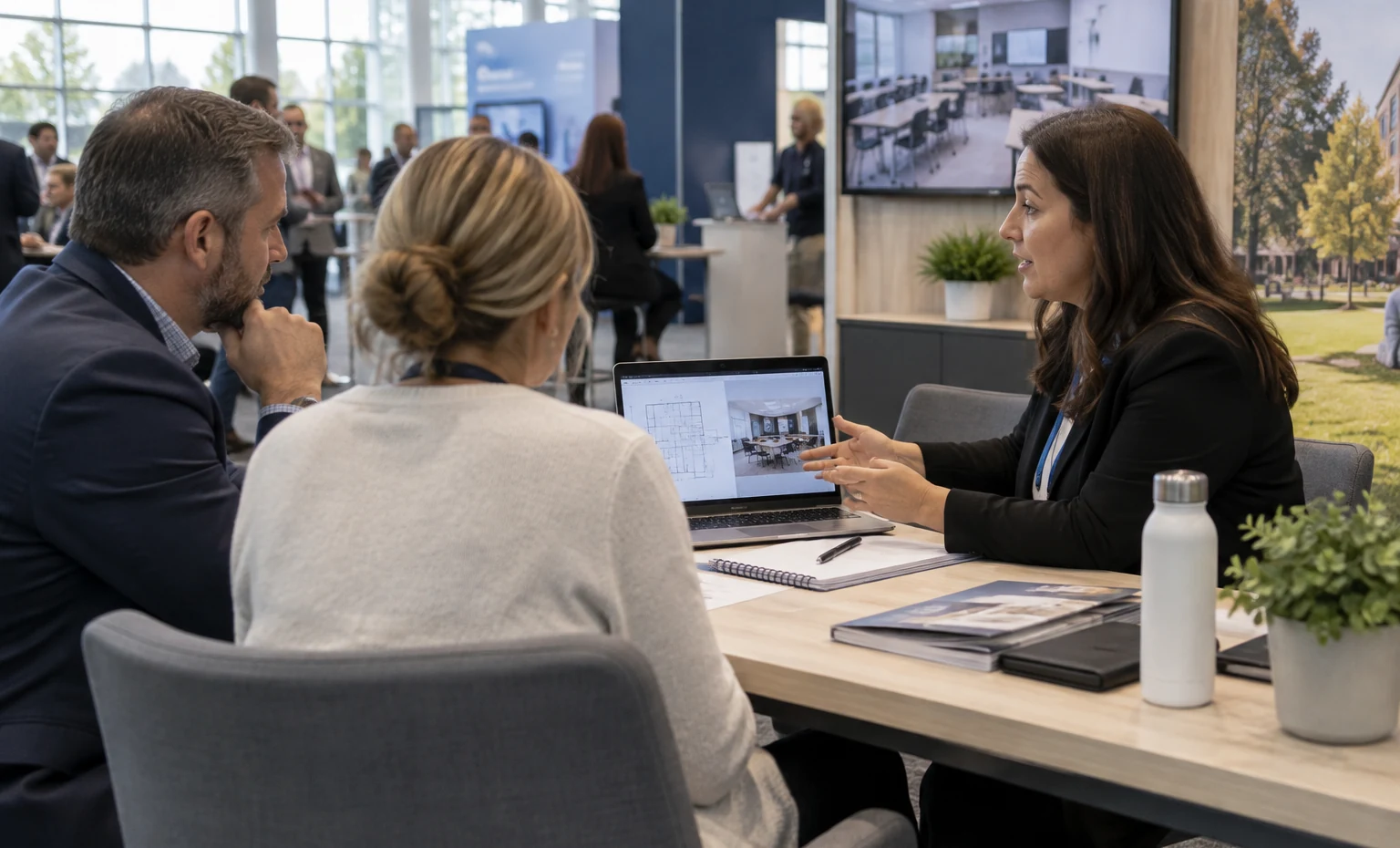
Reserve quieter tables or an enclosed room for implementation, procurement, integration and rollout discussions with larger buying teams.
Put the Teacher and Learner Views in the Same Demo
Many education products lose clarity when visitors see only the presenter dashboard. Show the teacher, administrator or trainer action beside the student or learner response whenever the product depends on both. Screen placement, device quantity and login flow should support that comparison without a long setup between visitors. King Exhibits can plan the physical stations and cable access; the exhibitor supplies accounts, approved demo data, devices and the tested lesson sequence.

Make Institutional Meetings Easy to Run
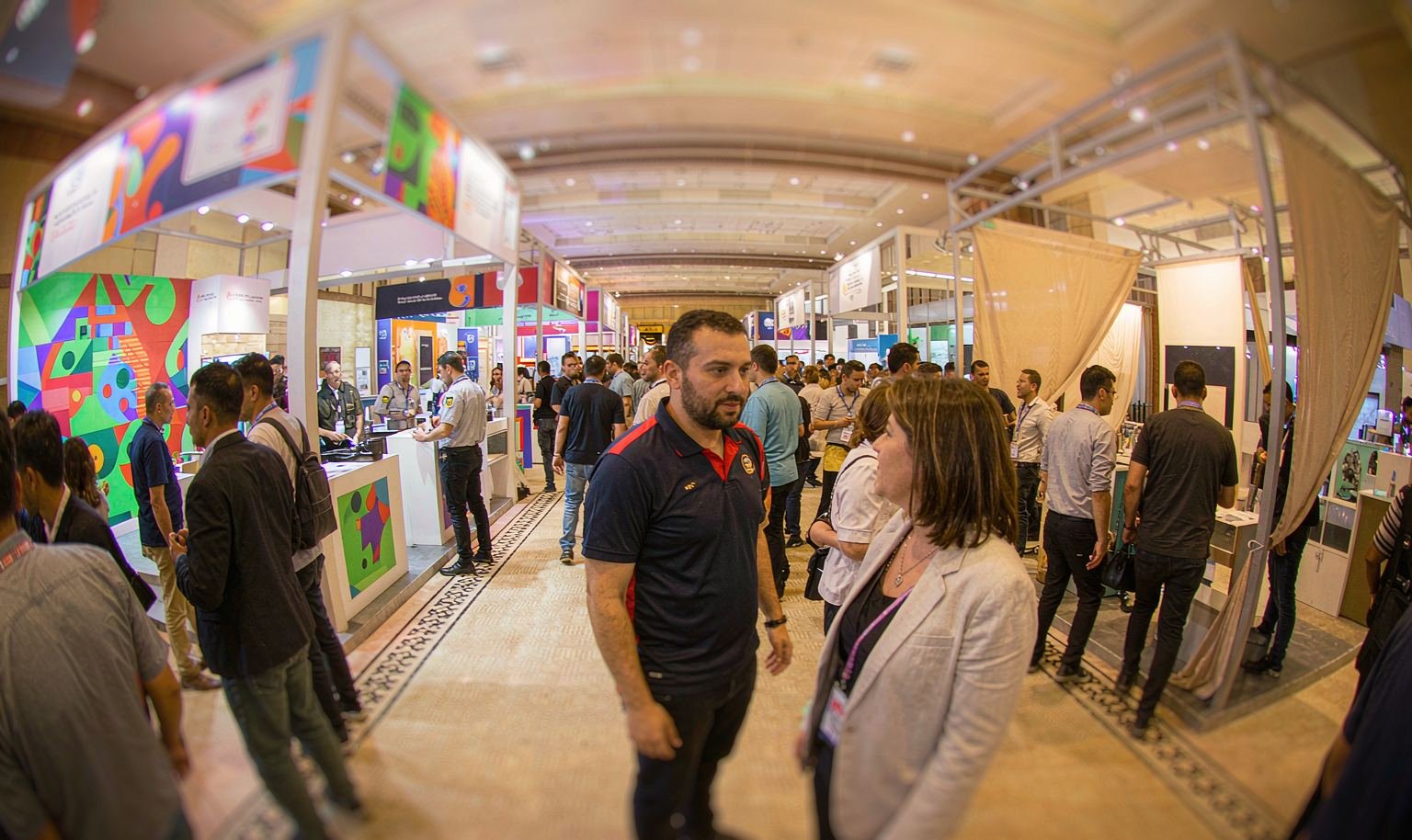
District and higher-education purchases can involve curriculum, technology, accessibility, privacy, finance and implementation stakeholders. Meeting space should fit the number of people expected and give the team a usable screen or table for deeper review. Keep public demonstrations visible at the front while moving rollout and procurement conversations away from traffic. The exhibit does not need to resemble a classroom everywhere; it needs to support a clear learning moment and a credible next discussion.
Devices, Presenters and Learners Reviewed in One 3D Plan
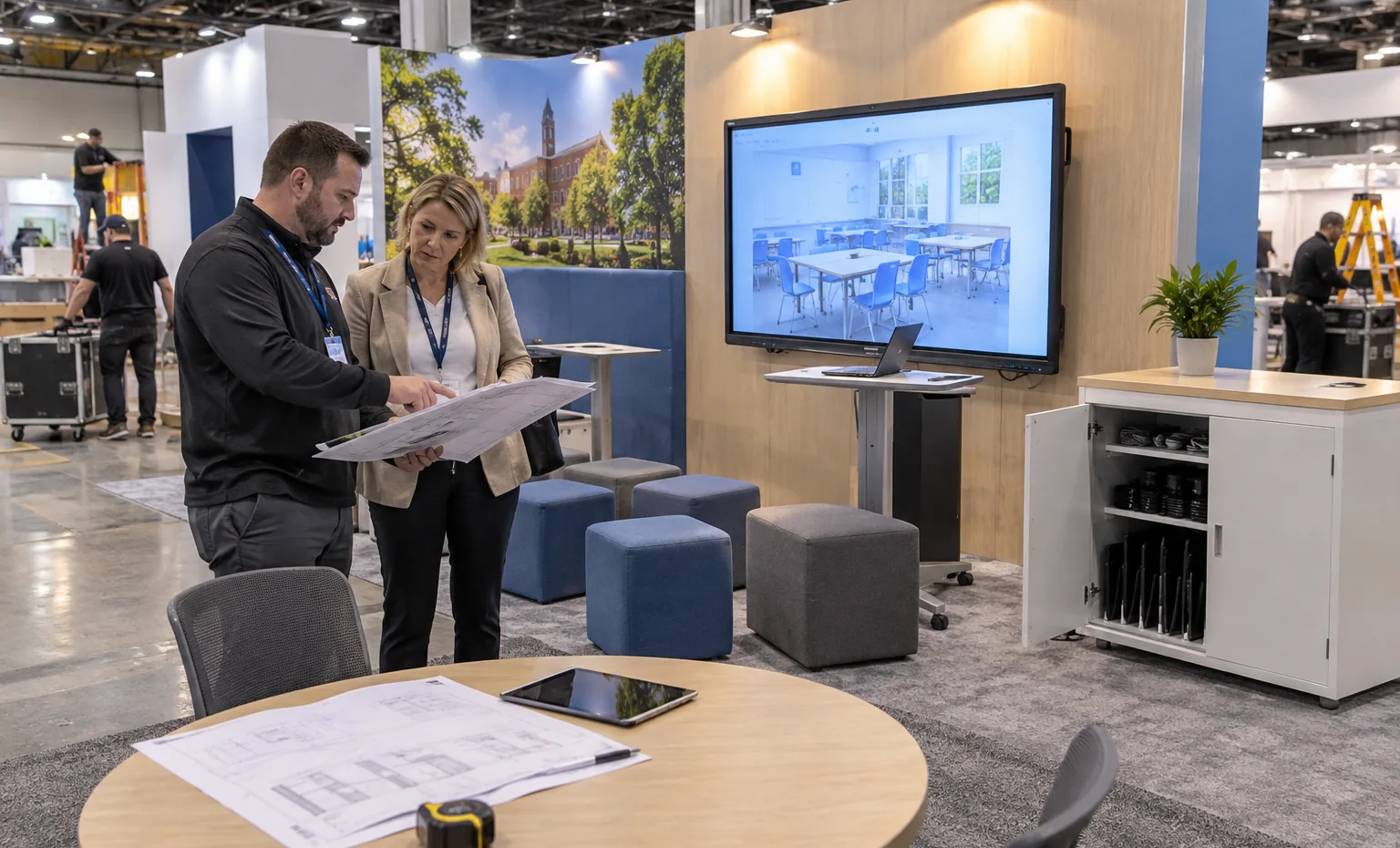
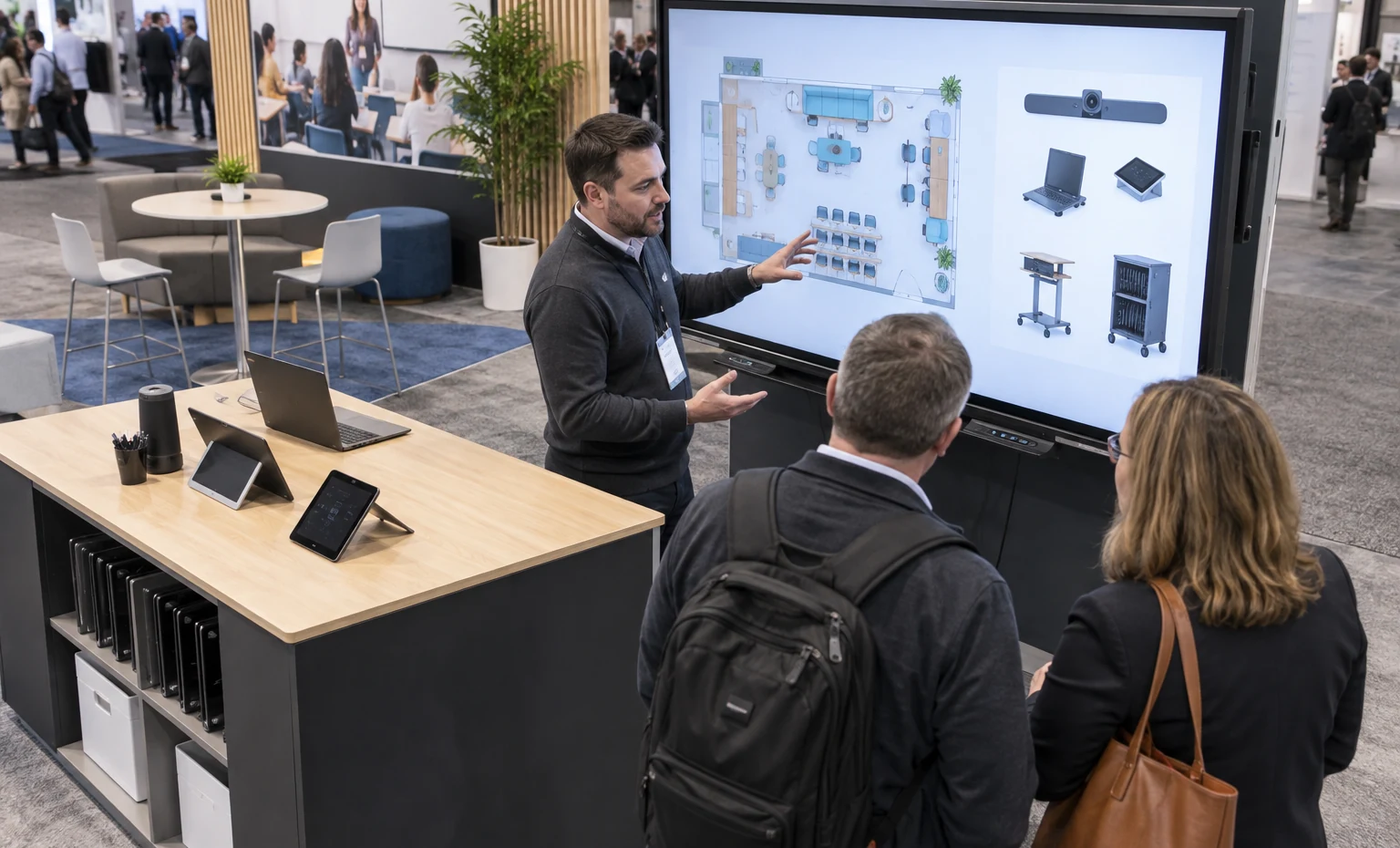
King Exhibits positions screens, devices, presenter sightlines, learner seats, storage and district-meeting space before rental preparation begins. Confirmed hardware sizes guide quoted mounts and charging or cable access, while custom graphics support the learning sequence rather than competing with it. Labeled pieces help the installer reproduce the approved setup. Education teams can review a practical classroom or demo experience before committing the exhibit.
Education and Learning Events Where We Can Build Your Booth

For education technology, classroom devices, digital learning and school-system leaders. Hands-on product experiences and visible classroom use help exhibitors move beyond broad innovation claims.
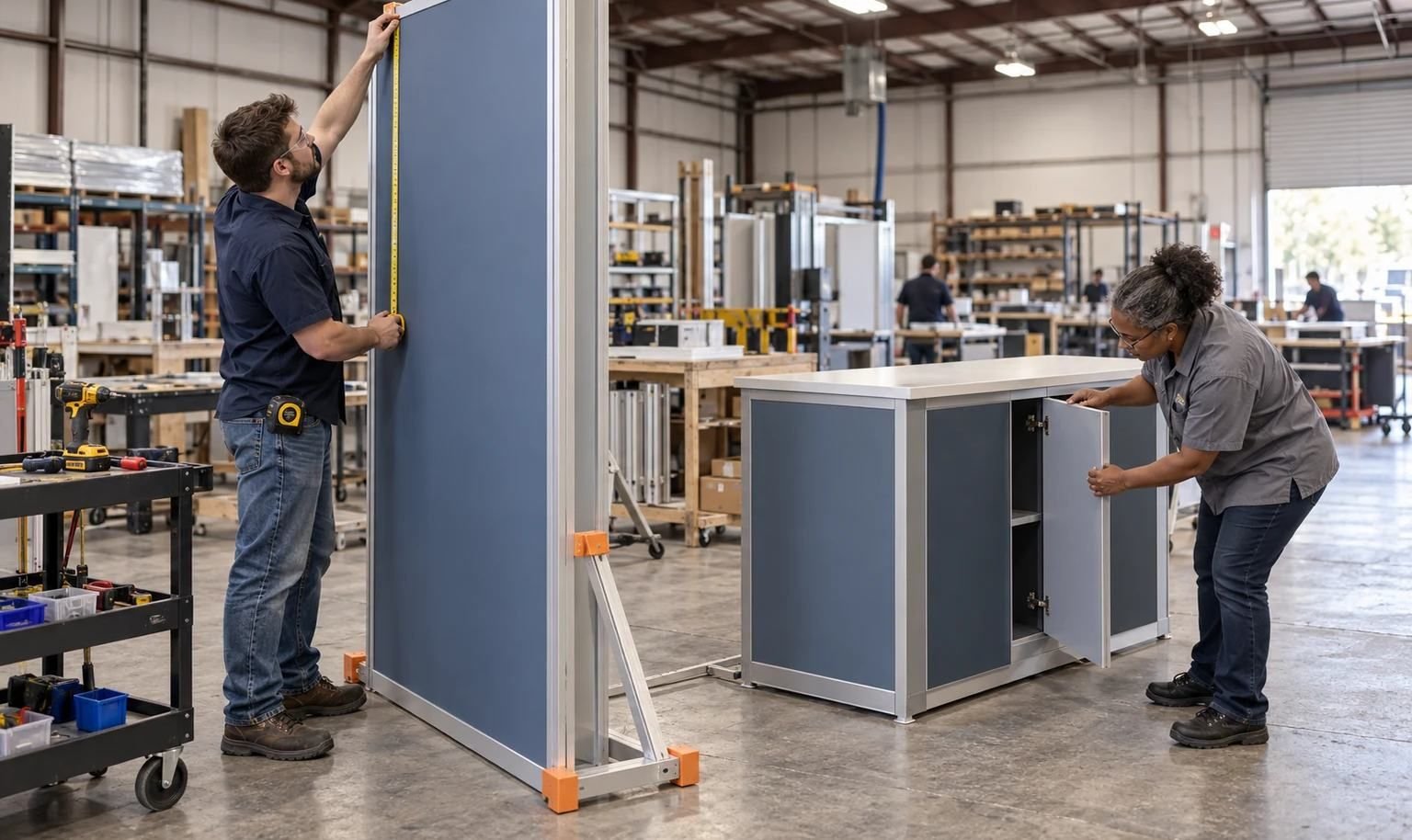
For classroom technology and education administrators. Demonstrations should connect the user experience with implementation, management and district-level questions.
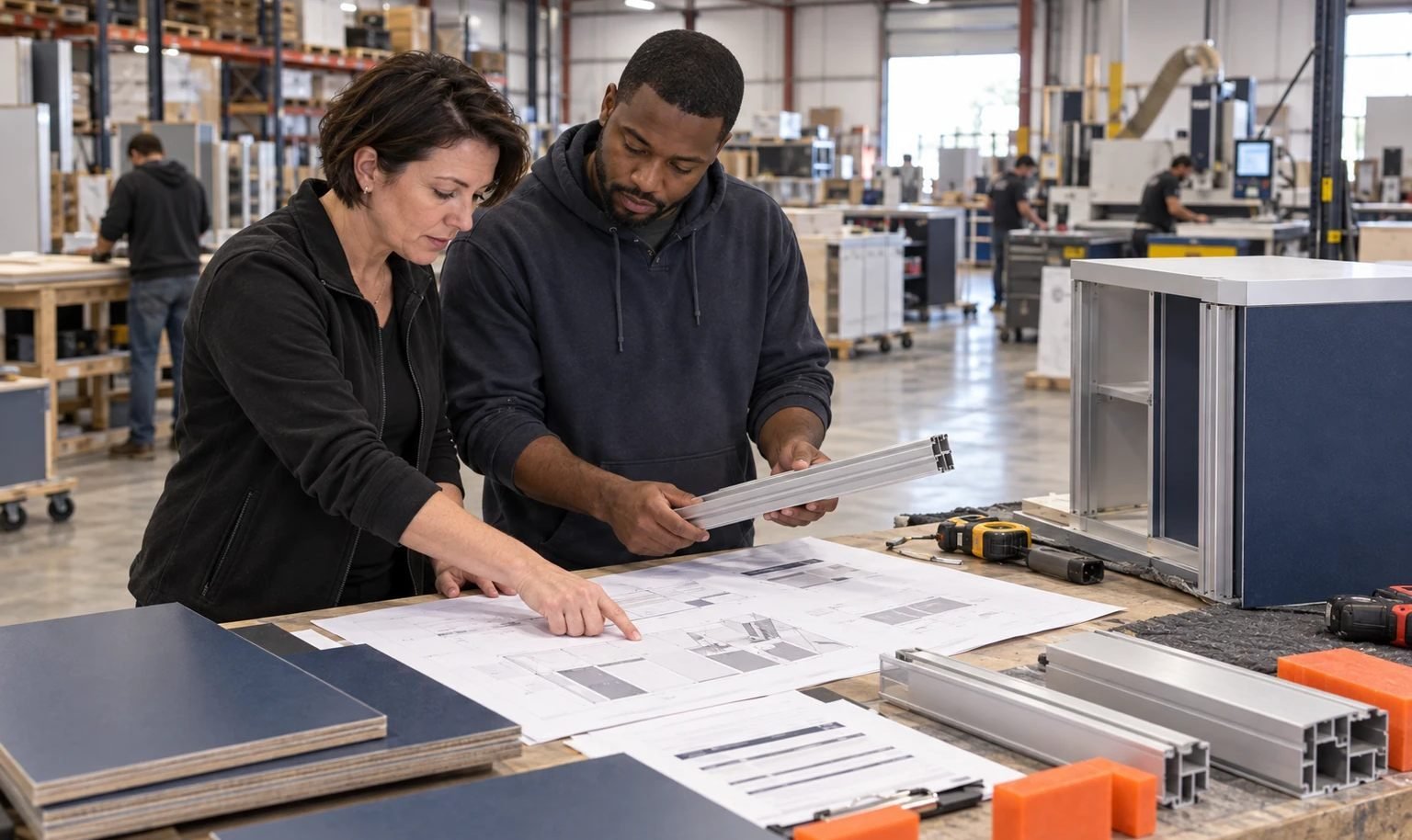
For higher-education technology, services and institutional buyers. Meeting space and clear integration or operational stories are often as important as the public product demo.
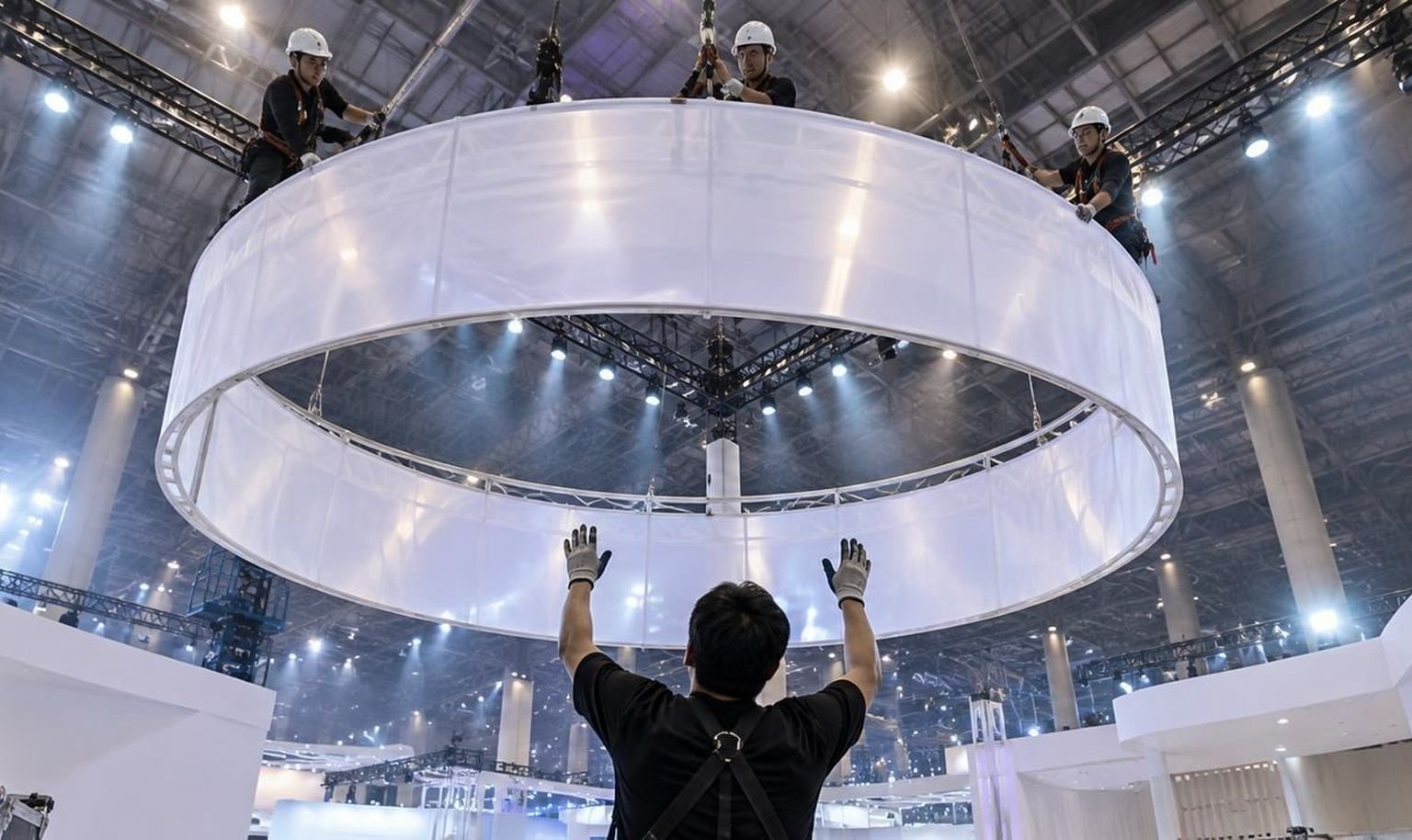
For learning technology, corporate training and digital content. Short learner experiences, content workflows and scheduled buyer meetings can share the same exhibit when each has a defined zone.
Equipment and Content to Confirm Before the Booth Drawing
List every laptop, tablet, headset, interactive display, classroom device and charging accessory that will travel. Confirm whether visitors stand, sit, share devices or join a scheduled session. Provide the login path, approved demo accounts, local backup, screen content and accessibility requirements.These details determine power, internet, counter dimensions, mounting, cable access, seating and storage. They also let King Exhibits separate what belongs in the rental quote from devices, software and content supplied by the exhibitor.
Yes. Share the participant count, session length, presenter position, devices, screens, seating, power, internet and reset time so the activity can be designed into the footprint.
Yes. Drop-in stations can support self-guided or staff-guided use when the exhibitor provides tested accounts, approved data, devices and a fast reset between visitors.
Yes. Open tables, semi-private areas or enclosed rooms can be planned according to the booth size, meeting calendar, group size and privacy needs.
Only items specifically listed in the proposal are included. The exhibitor normally supplies software, accounts, data and specialized devices; the booth plan coordinates their physical use.
Yes, when the rental structure is designed for reuse. Graphics, demo roles, footprint, venue rules and service orders should be reviewed for each audience and event.
Provide the event, footprint, product, target educators or institutions, demo sequence, devices, screens, seating, meetings, graphics status, budget and requested show services.
Booth Sizes for Education Exhibitors
-
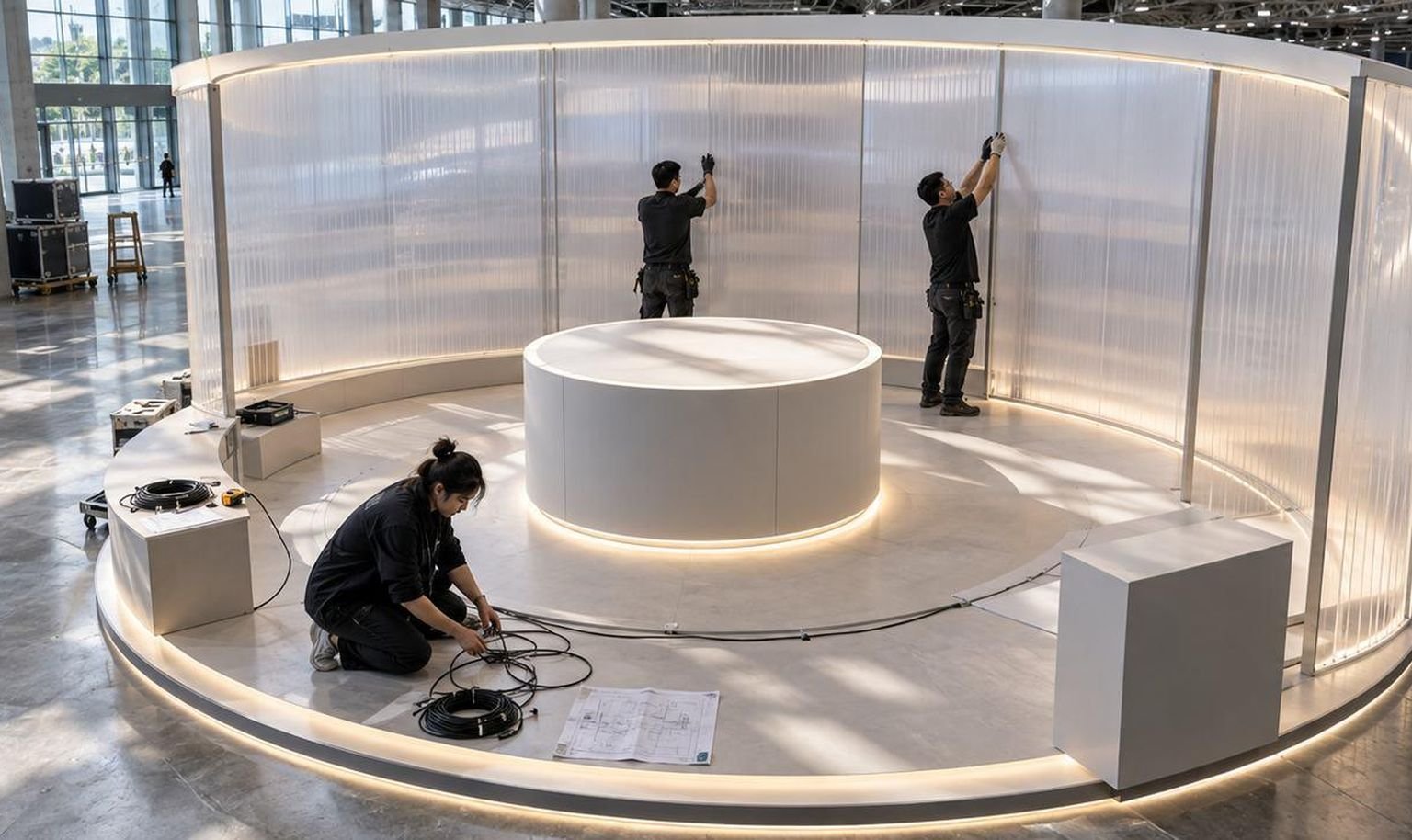
For several learning stations, guided sessions and institutional conversations in a linear layout.
-
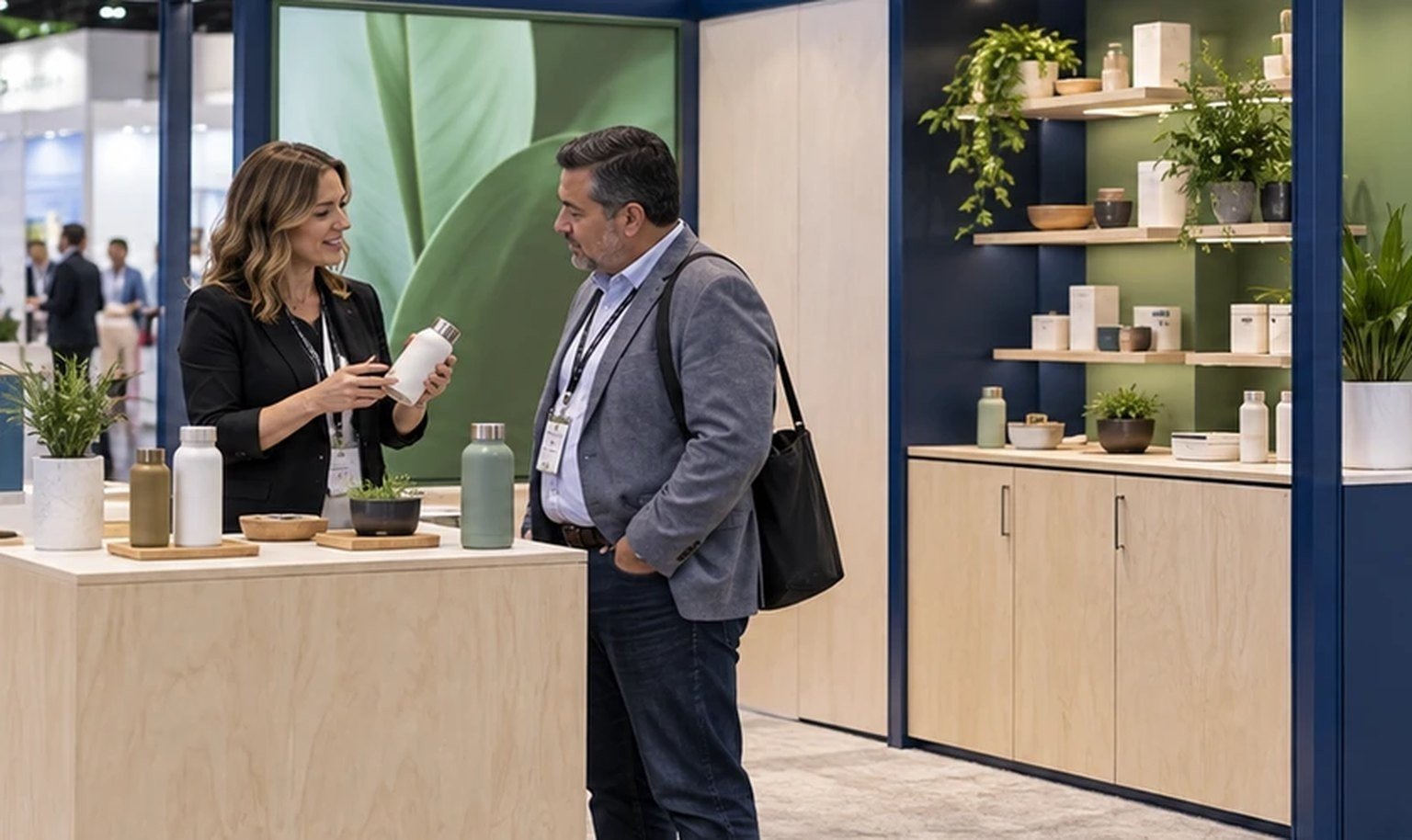
For several devices, a guided demo and a compact meeting point.
-
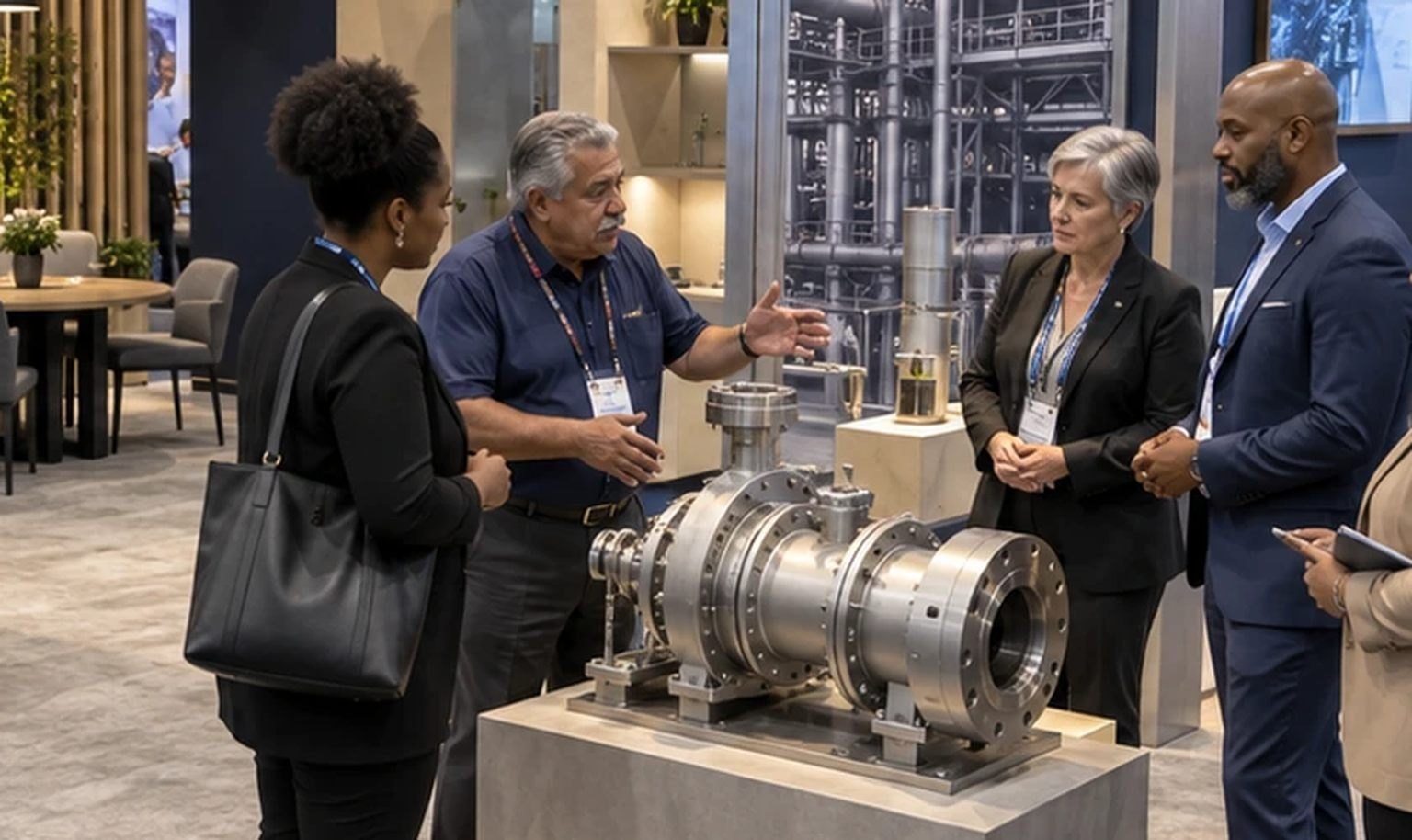
For classroom activity, island access and district meetings.
-

For mini sessions, multiple products and larger institutional teams.
Plan an Education Booth That Lets Visitors Learn by Doing
Choose the five-minute learning experience the booth must deliver. The product, devices, lesson sequence, session schedule and institutional meetings then give King Exhibits a practical basis for the stations, seating and rental environment.