
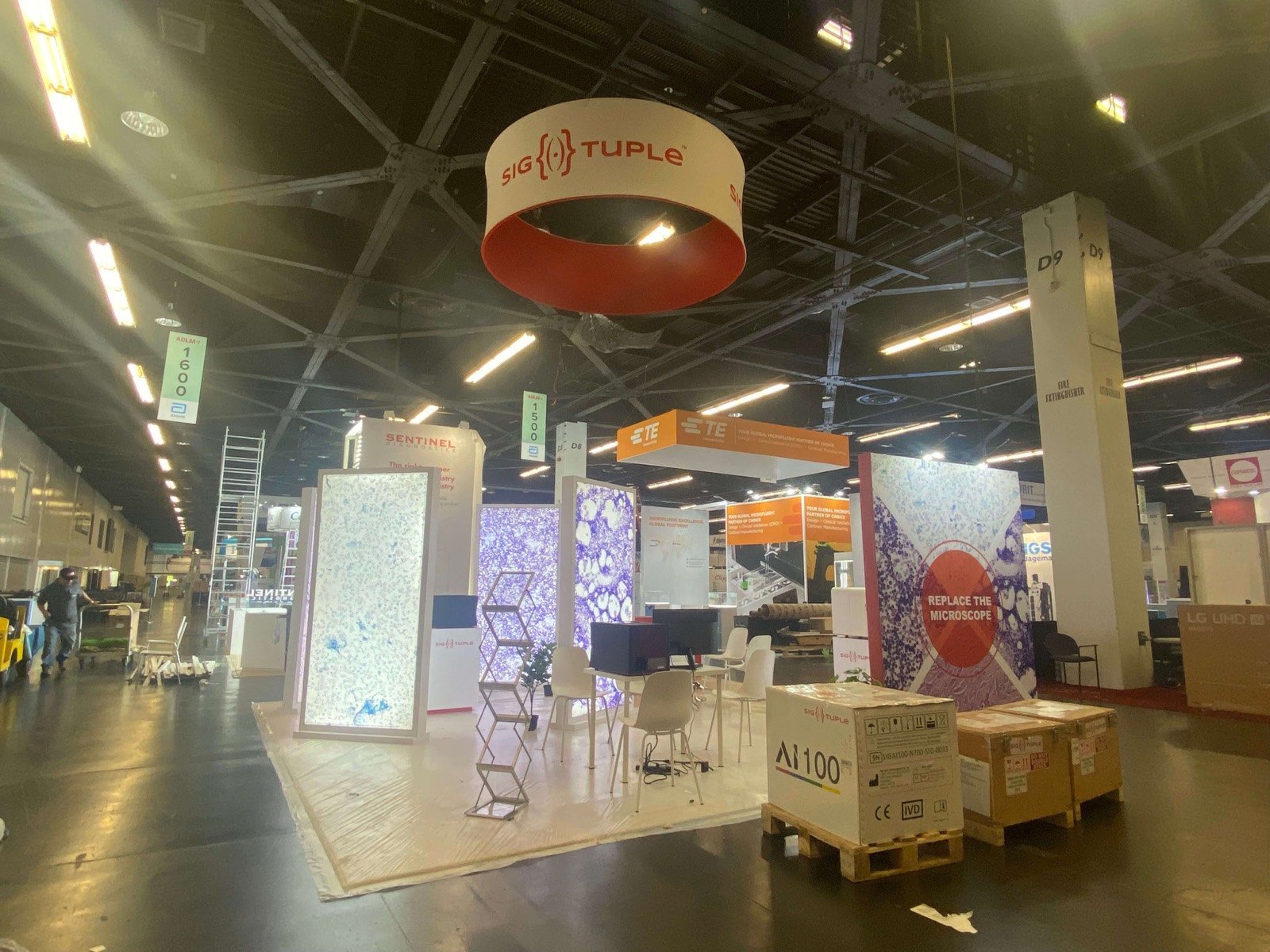


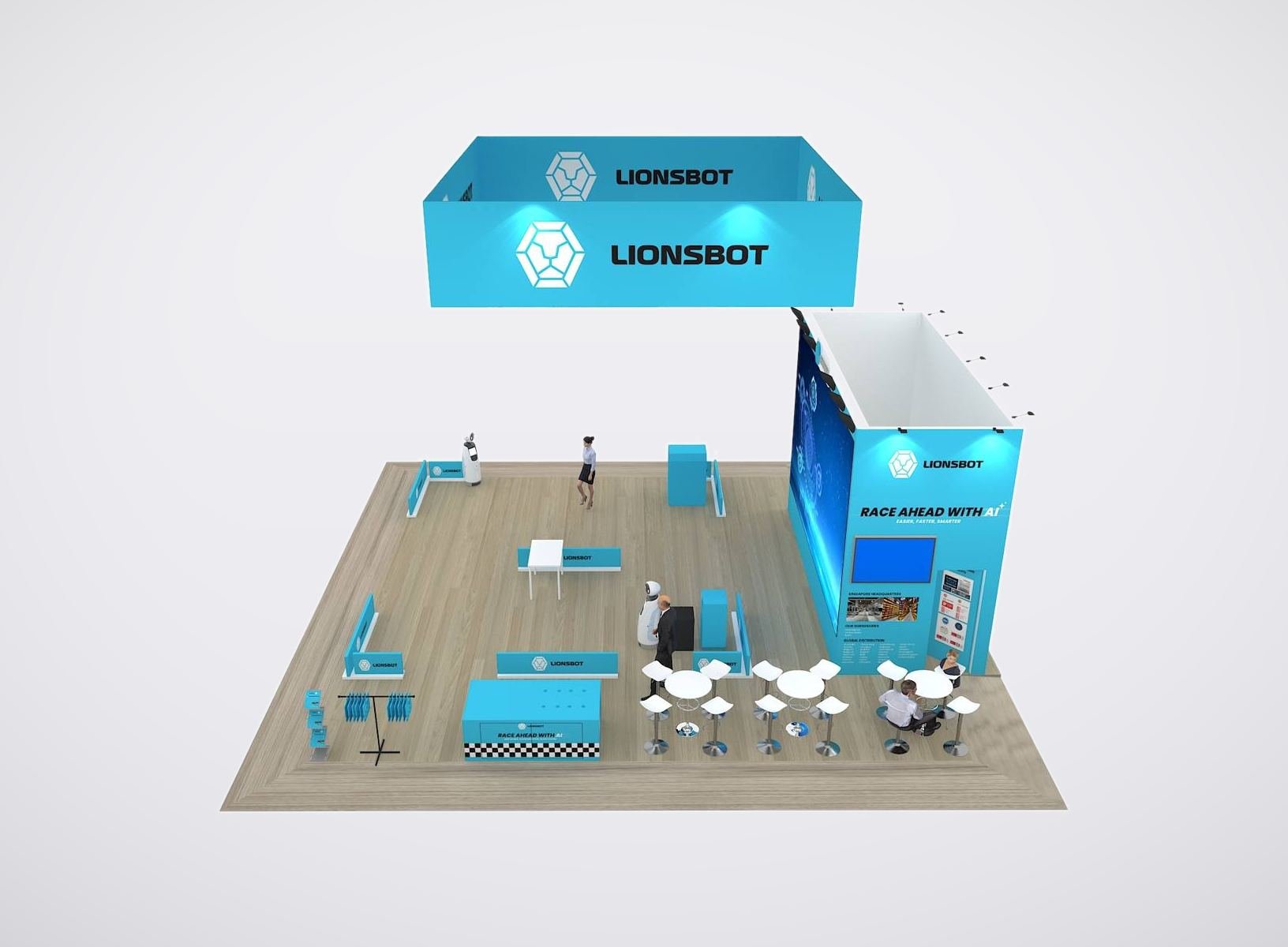
Choose the RSNA Exhibit Format by What Must Be Demonstrated
Focused Software or AI Exhibit
A 10×20 or compact island can support one strong workflow story, one or two controlled displays, a standing conversation point and secure storage. The design should keep the interface visible while preventing a small group from blocking the entrance.
Multi-Station Imaging Workflow Booth
A 20×20 or 20×30 layout can separate clinical review, enterprise workflow and technical integration demonstrations. Each station needs its own display, operator position, queue space and next conversation, rather than a row of identical screens with no clear purpose.
Equipment-Led Medical Imaging Exhibit
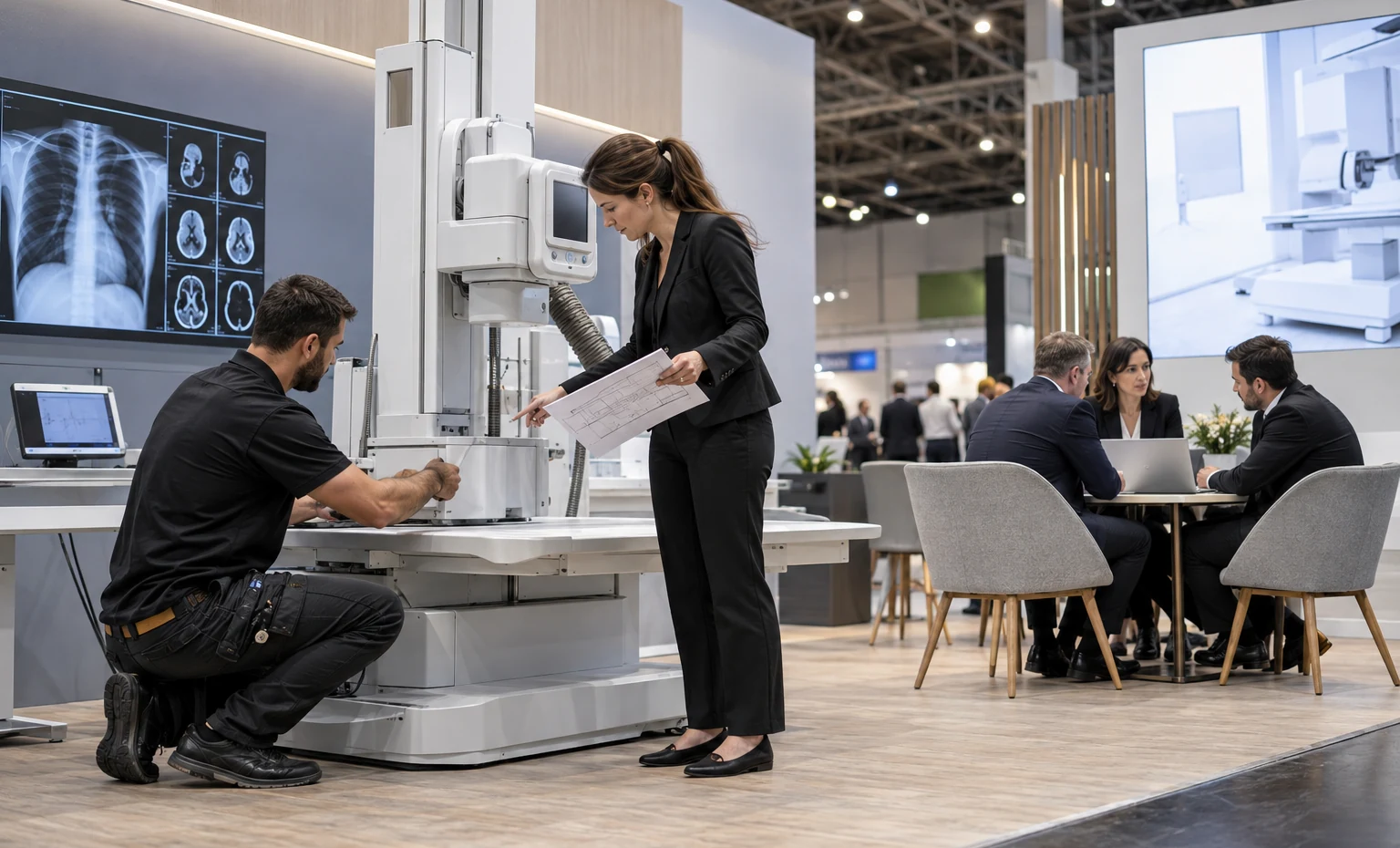
Imaging systems, mobile units, components and larger diagnostic equipment require confirmed delivery dimensions, weight, floor contact, service access and installation responsibility. Rental architecture can frame the product, but it must not restrict the device route or the specialist’s working clearance.
Large Island with Meetings and Presentation
A 30×40 or larger island can combine equipment, software, launch content, hospitality and enclosed meetings. The plan must control sound, visitor gathering and staff routes so the central presentation does not make individual product discussions harder.
RSNA Trade Show Booth Rental Built Around the Demo Brief
An RSNA exhibit is judged by more than its architecture. A clinical buyer may need to inspect image quality, a radiology leader may compare workflow and throughput, an IT specialist may ask about integration and security, and procurement may need an implementation conversation. The booth has to move these people toward useful proof without surrounding them with dense technical copy.King Exhibits develops the rental structure, branded surfaces and custom display details around those tasks. The working brief links every device, screen, claim, meeting area and storage need to a position in the floor plan. That link gives marketing, product, IT and exhibit operations one design to review before graphics and fabrication move forward.Rental walls, towers, lightboxes, flooring, counters and meeting components can control the main build cost. Custom work is then used where the product needs a fitted opening, reinforced support, special display mounting, secure storage or a brand-specific architectural feature. Your proposal identifies the agreed design, production, packing, coordination and onsite responsibilities instead of treating every possible show charge as part of one undefined package.
Build Separate Conversations for the People Who Approve Imaging Technology
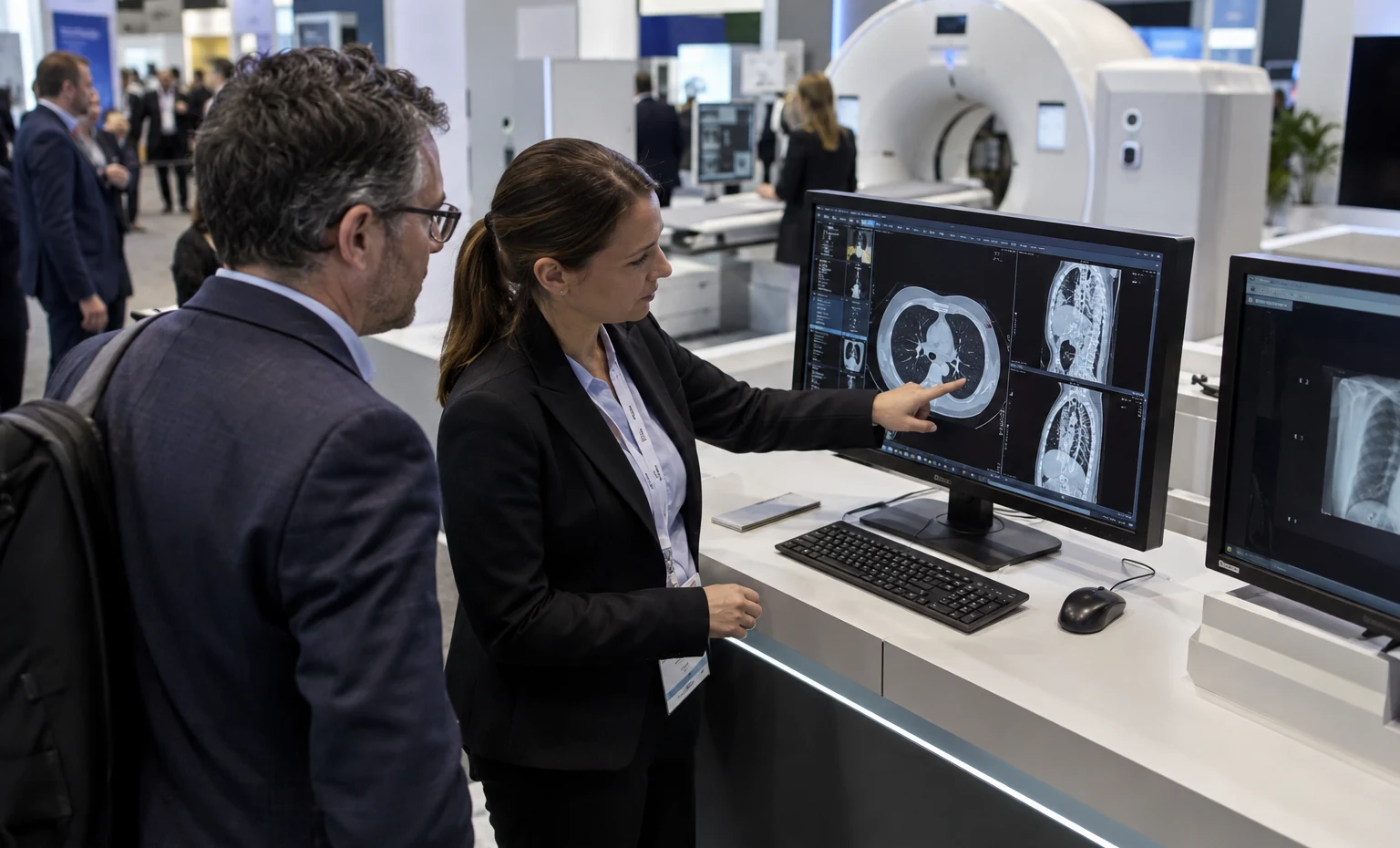
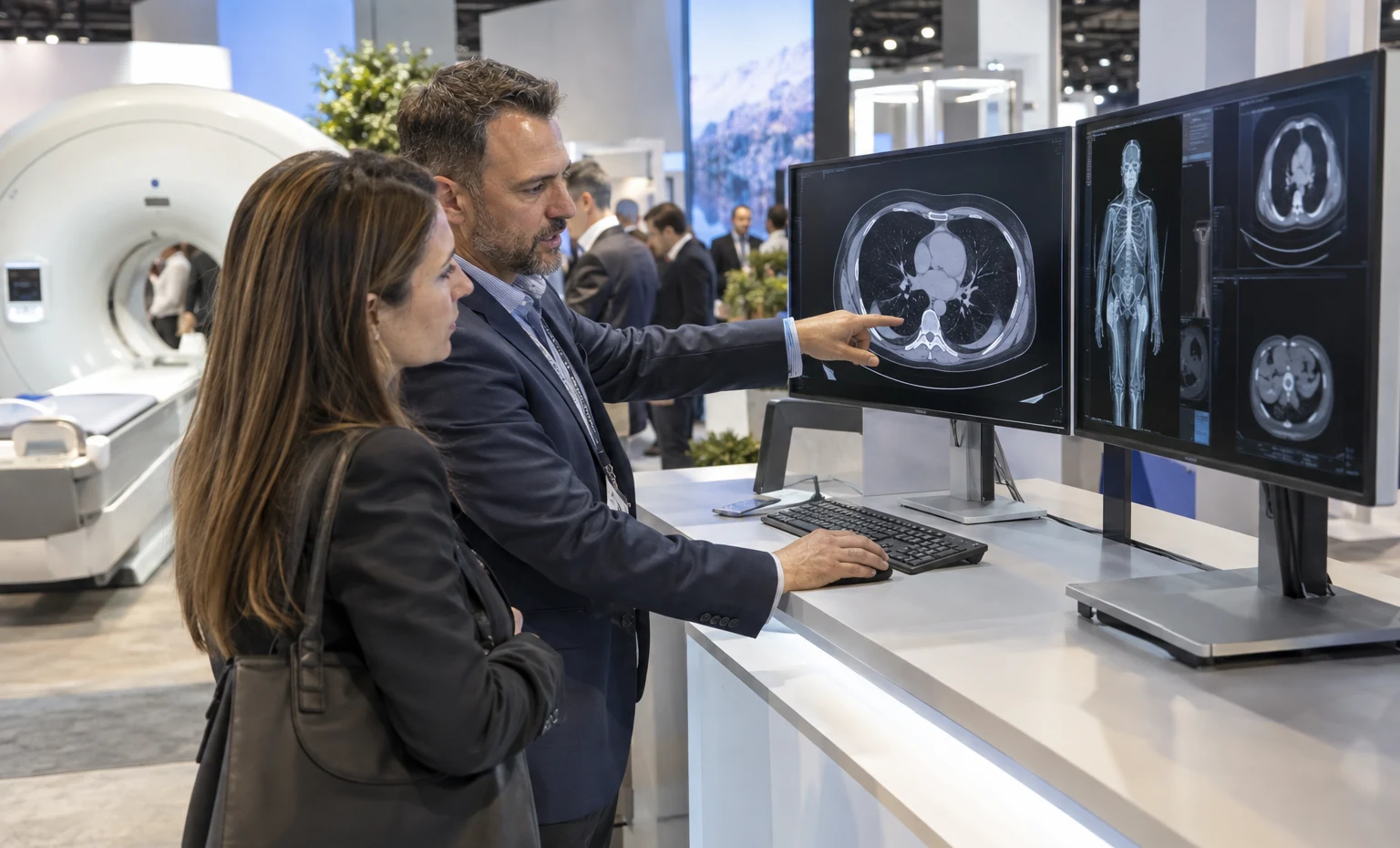
Start with the image, case or clinical task they recognize. Give them a comfortable viewing position and a direct path to the relevant feature, without forcing them through a general company presentation first.
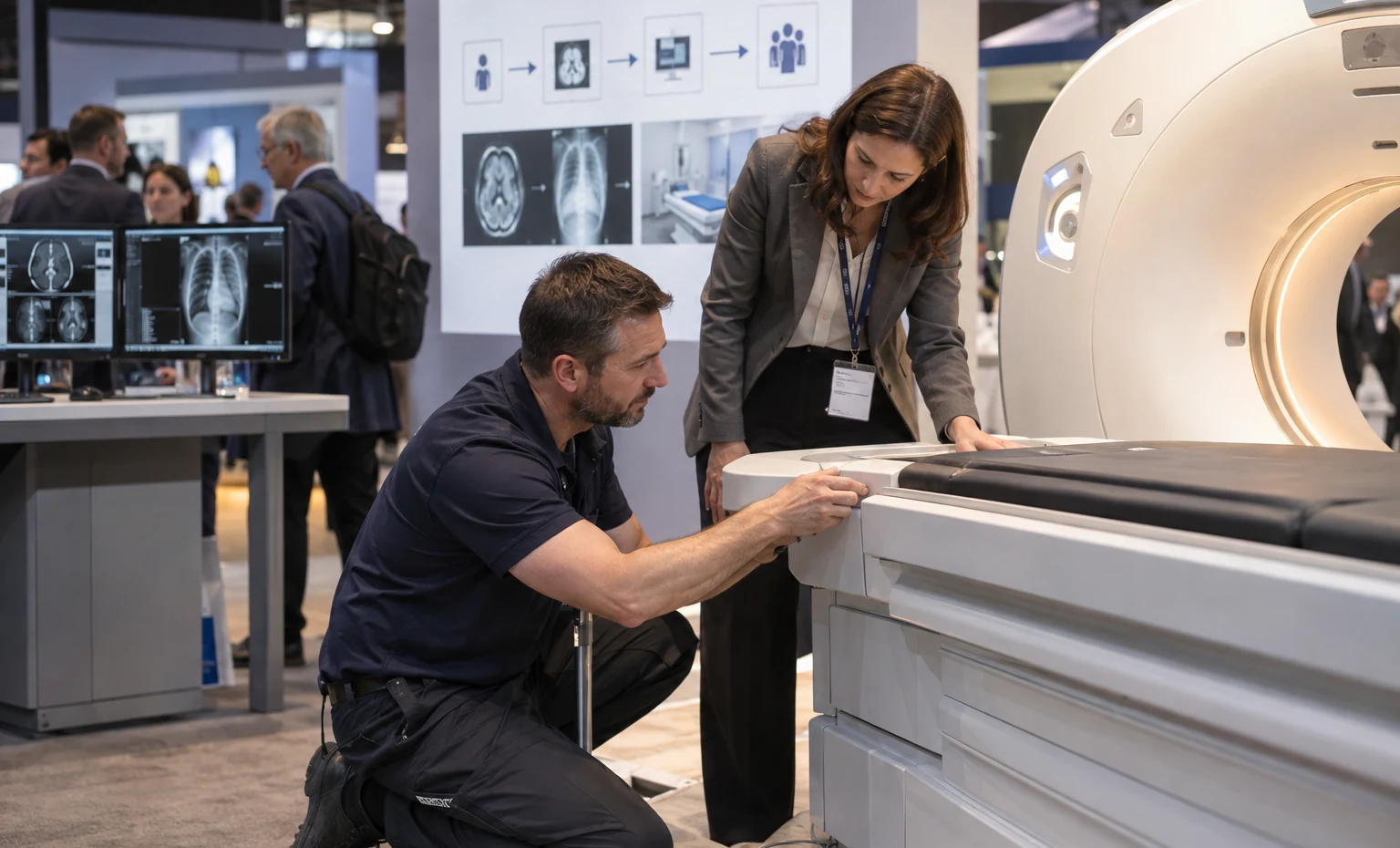
Show how the product affects workflow, capacity, consistency, staffing or service. A compact process graphic beside the live demonstration can make the operational value easier to discuss.
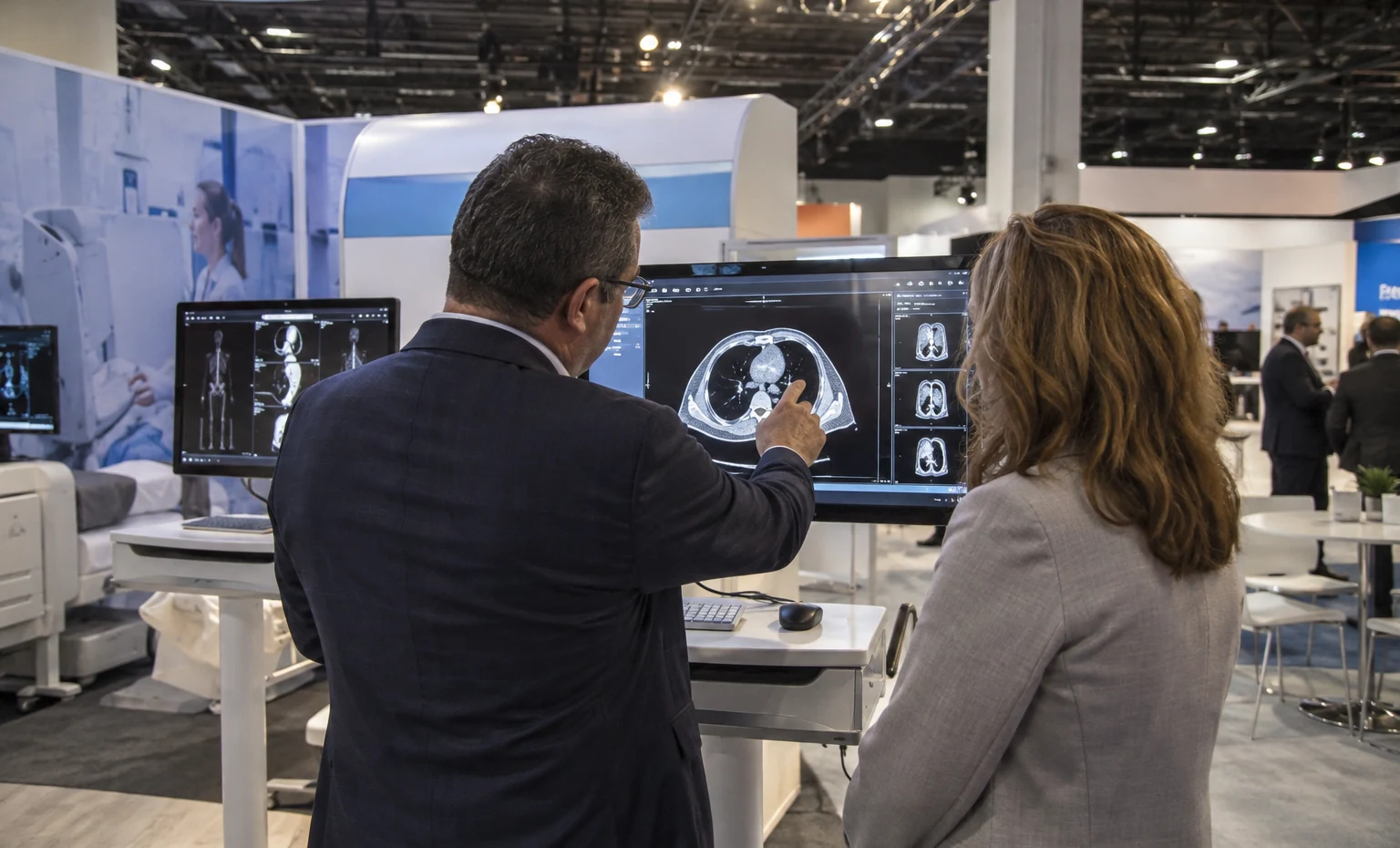
Keep integration, deployment, interoperability and security information close to the software demonstration. Private or semi-private seating helps when the conversation moves from interface features to the customer’s environment.
Provide a quieter place for implementation, commercial, distribution or partnership questions. This audience may not need another product demo; they need the right specialist and enough room to continue the decision.
Test the Diagnostic Display Before Approving the Wall
Use the intended display, representative images and final booth finishes during the review. Check glare, reflections, viewing distance, standing and seated eye lines, screen height and what aisle light reaches the image. Then confirm where the demonstrator stands and where two or three viewers can gather. This simple test determines the mount, hooding, wall color and demo footprint more reliably than placing a generic monitor rectangle in the rendering.
Release the Equipment Interface Before Custom Fabrication
Give every physical device or workstation an item number and a confirmed footprint. Record weight, floor contact, service doors, ventilation, operator position, delivery method, power, network and cable exit. King Exhibits can connect that sheet to the floor plan, fitted surround, support and packing record. When the product and exhibit teams approve the same interface, custom work is less likely to block access or require correction during installation.
Give Each Demo a Clear Opening and Next Step
Name the buyer, problem and result for every demo station. A radiologist may begin with image review, while an informatics lead starts with workflow or integration. Put that opening message beside the correct product and decide who takes over when the conversation becomes technical or commercial. The layout can then support short aisle demonstrations without sacrificing the quieter seating needed for implementation, partnership and purchasing discussions.
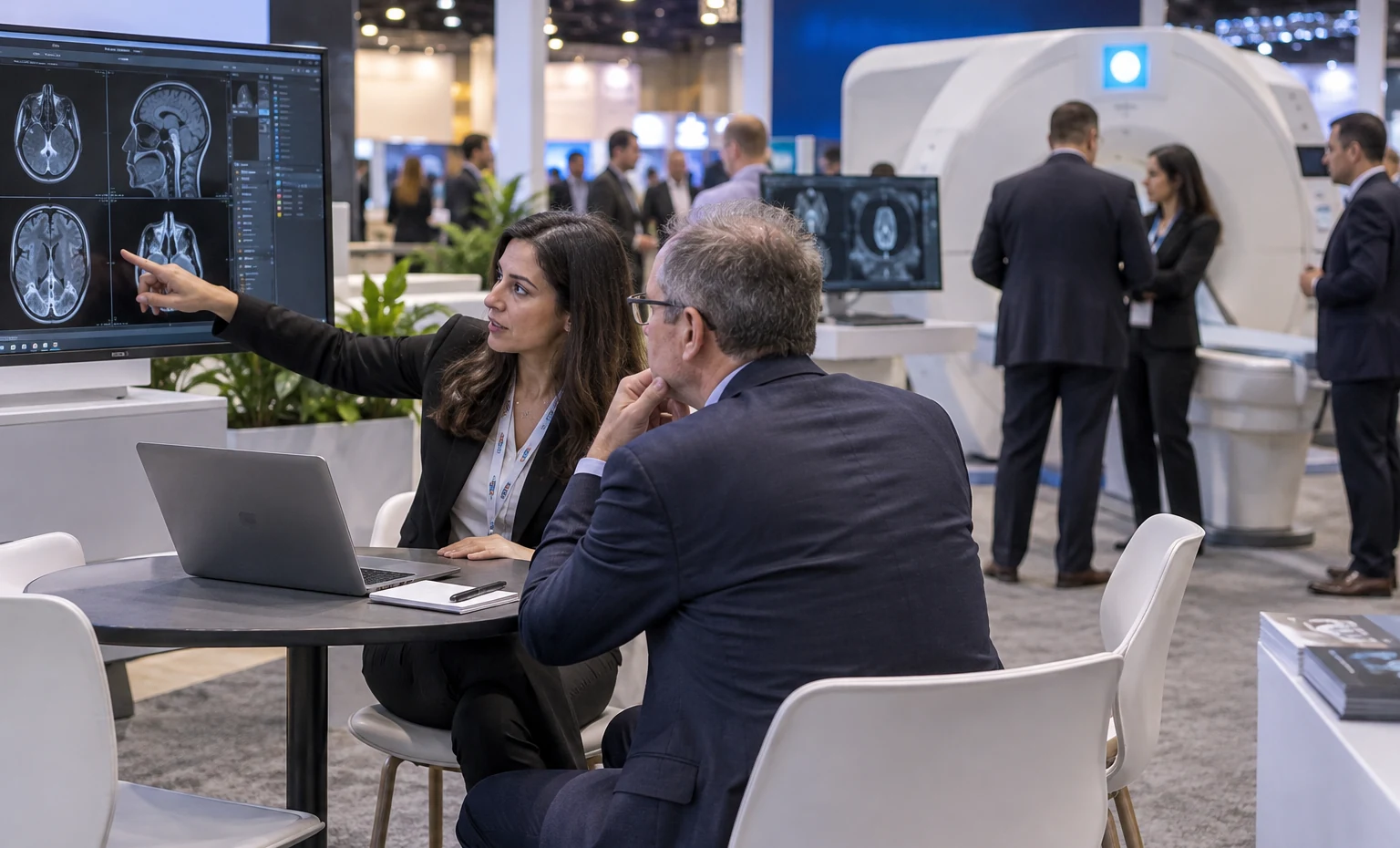
One Approved Plan Connects the Imaging Demo to the Built Exhibit
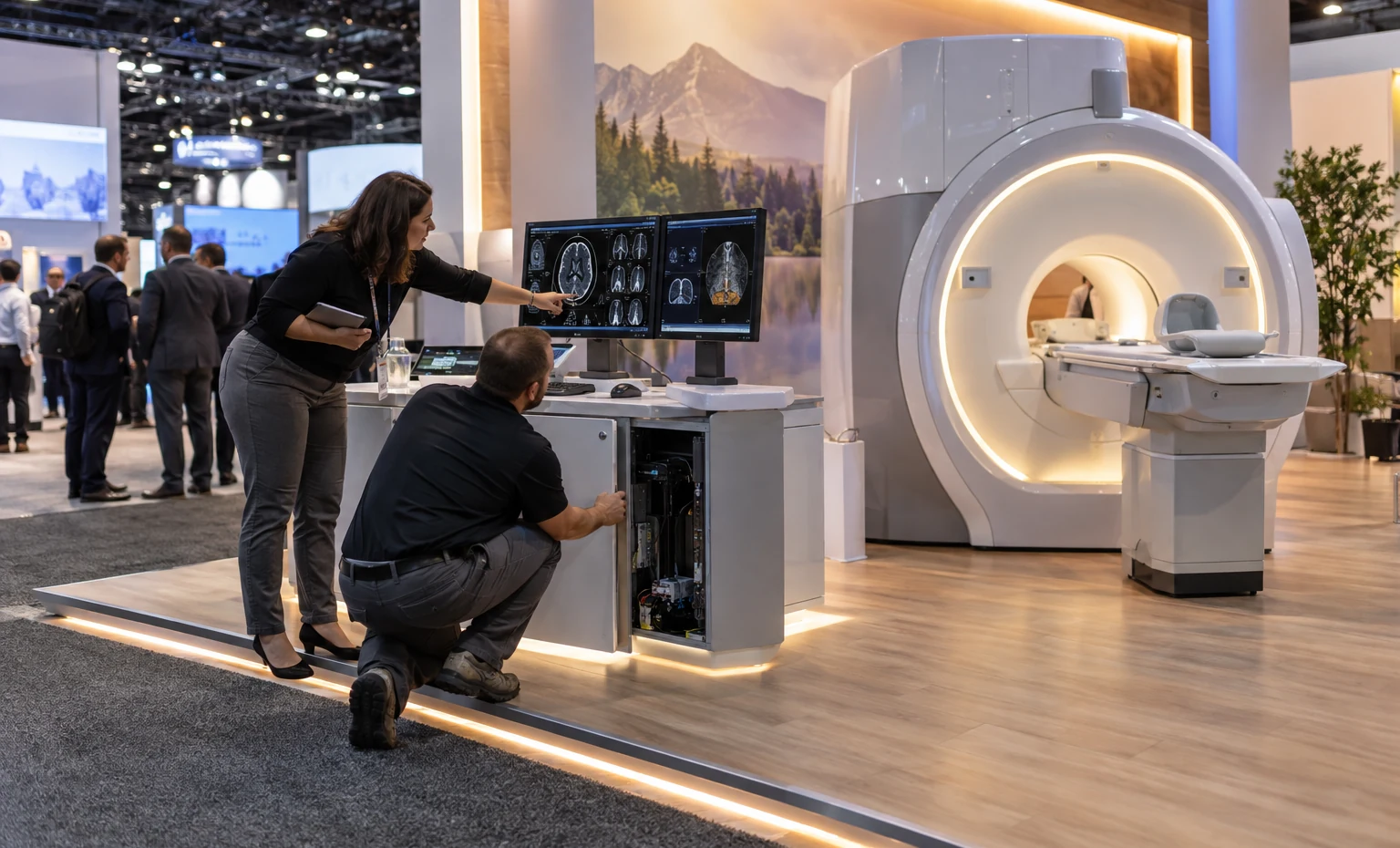
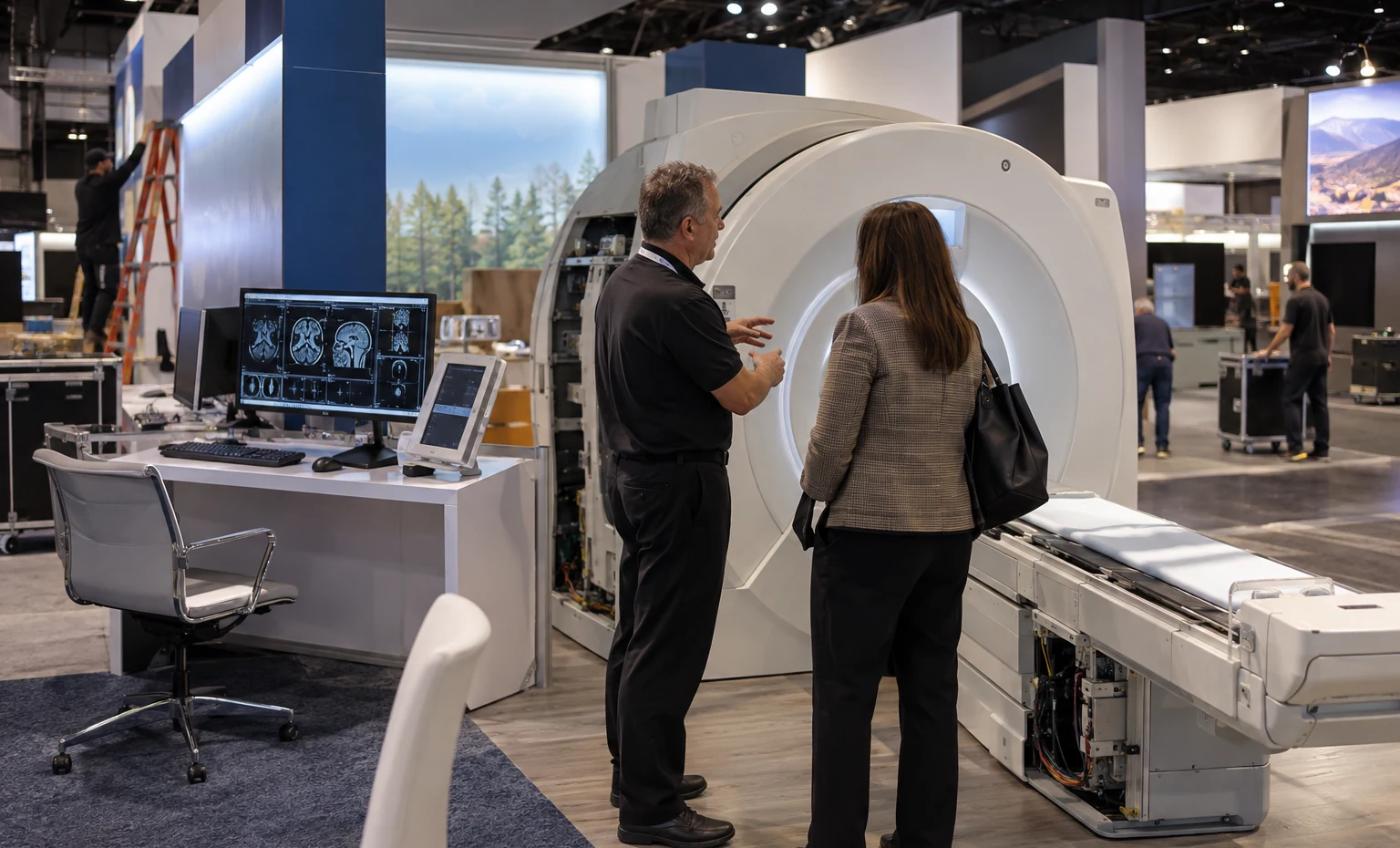
Your RSNA booth design is developed in 3D around confirmed equipment and demo requirements. Custom counters, surrounds, mounts, storage and branded details can be engineered into the approved rental system where quoted. Graphic production follows the final content map, so product claims, workflow visuals and station labels have defined positions rather than being fitted after fabrication.Before packing, the booth can be reviewed against the approved component, graphic and equipment-interface records. Piece identification then carries into packing and installation planning. This working continuity gives the exhibit manager a practical way to check what is being supplied, what arrives separately with the product team and what still belongs to the venue, organizer or another contractor.
Plan the RSNA-Specific Items Before Production Release
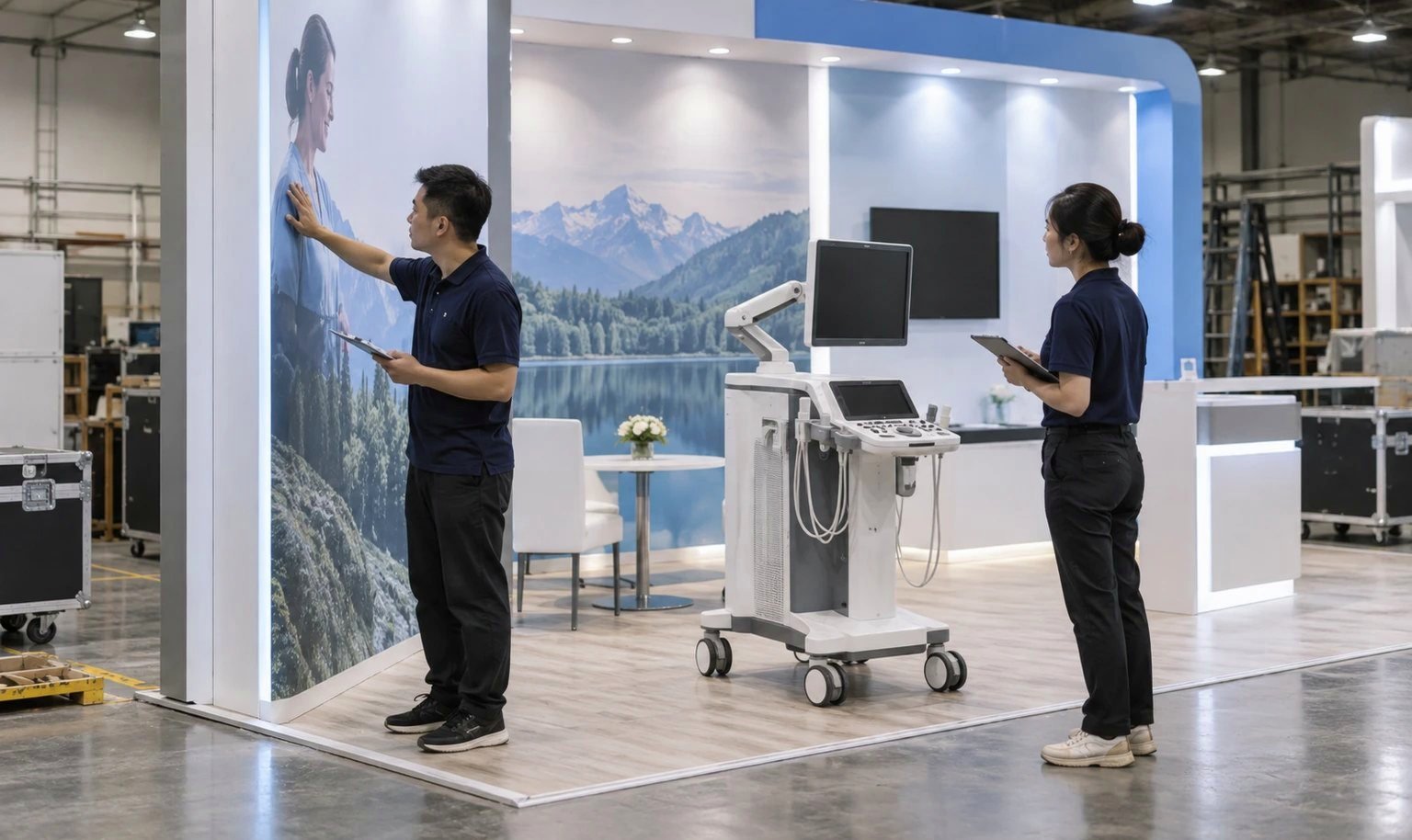
Current RSNA rules set conditions for booth presentations, sound direction, sound checks and certain launch or physician presentations. Treat the active edition’s form and sound requirements as design inputs. Aim audio into the exhibit, contain the audience within the footprint and leave individual demos usable during a presentation.
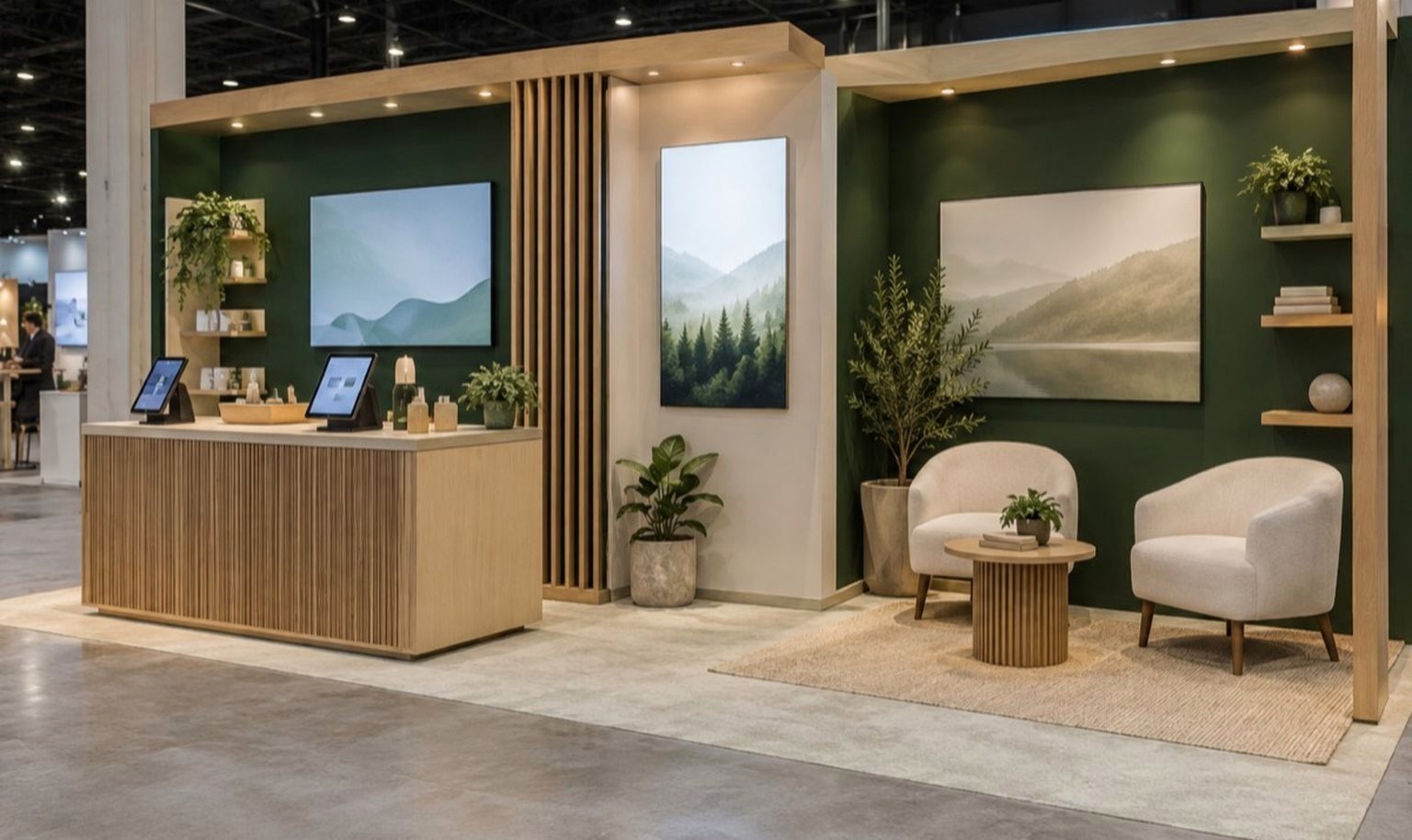
Decide whether every software station uses a live connection, local environment or recorded fallback. Use de-identified and approved content. Conceal keyboards, servers and cables without making support access difficult, and place sensitive discussions away from open demo traffic.
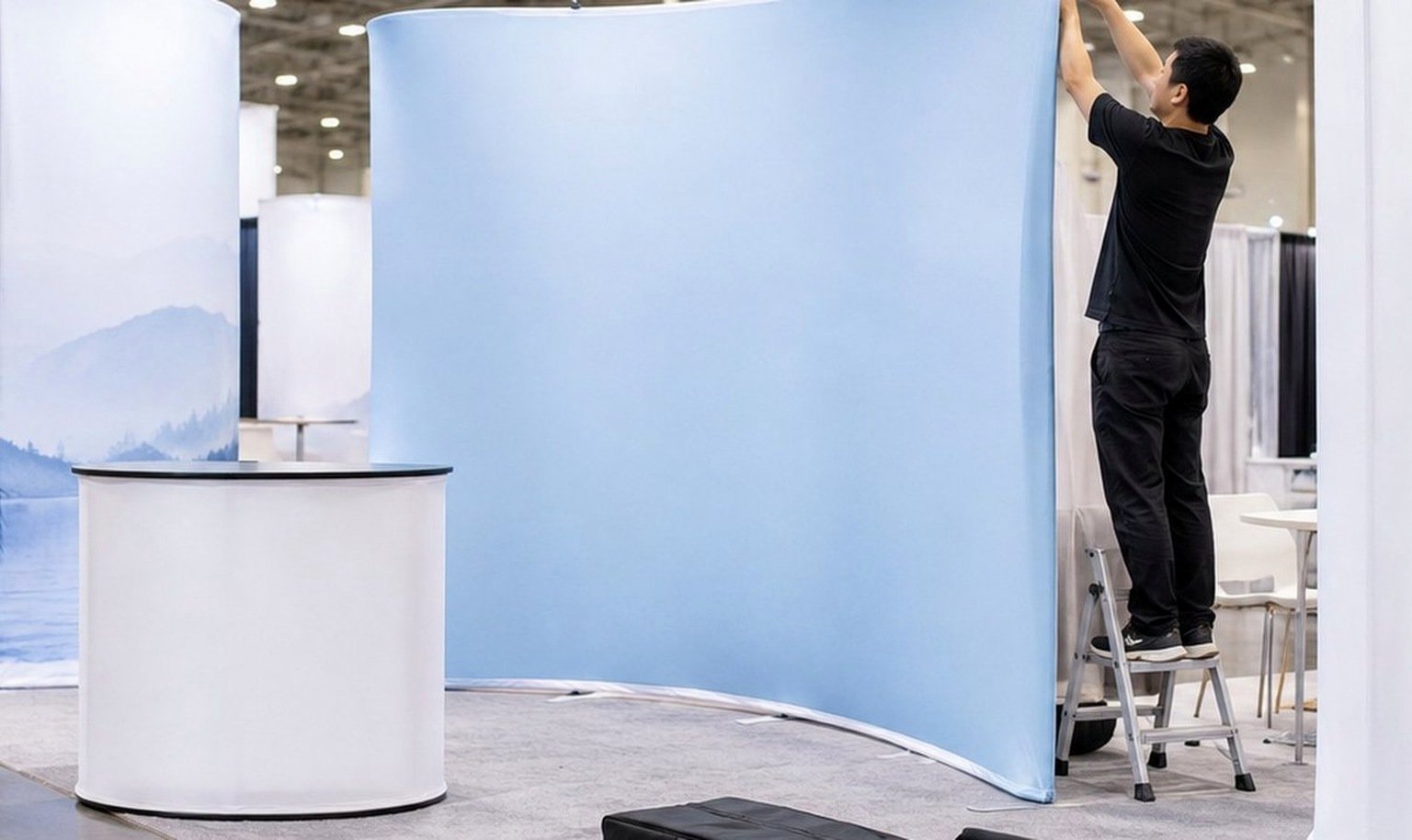
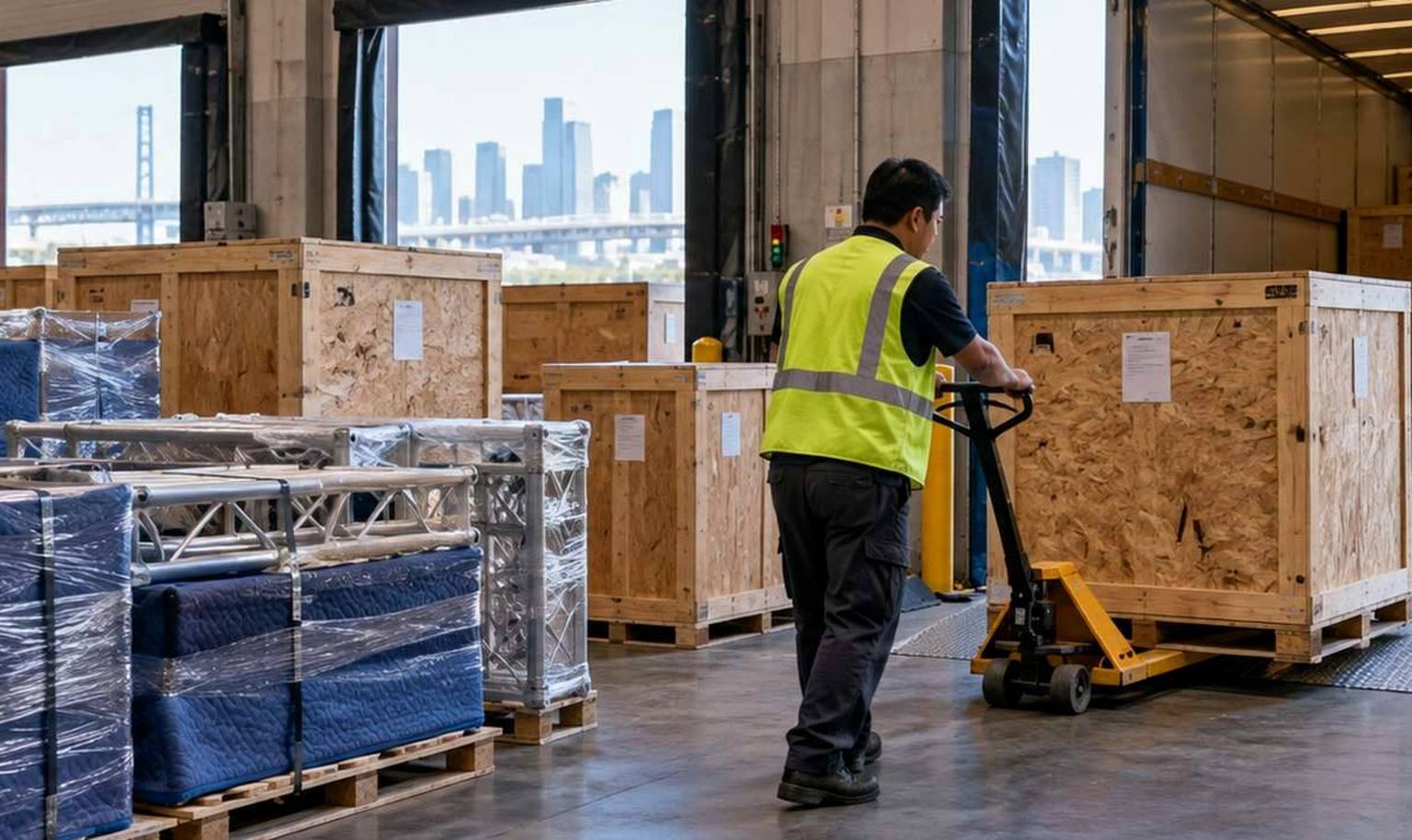
Separate the exhibit crates from customer equipment, specialist tools and third-party deliveries. Confirm who receives, places, connects, calibrates and removes every major device. The floor plan must preserve delivery and maintenance access until each responsibility is assigned.
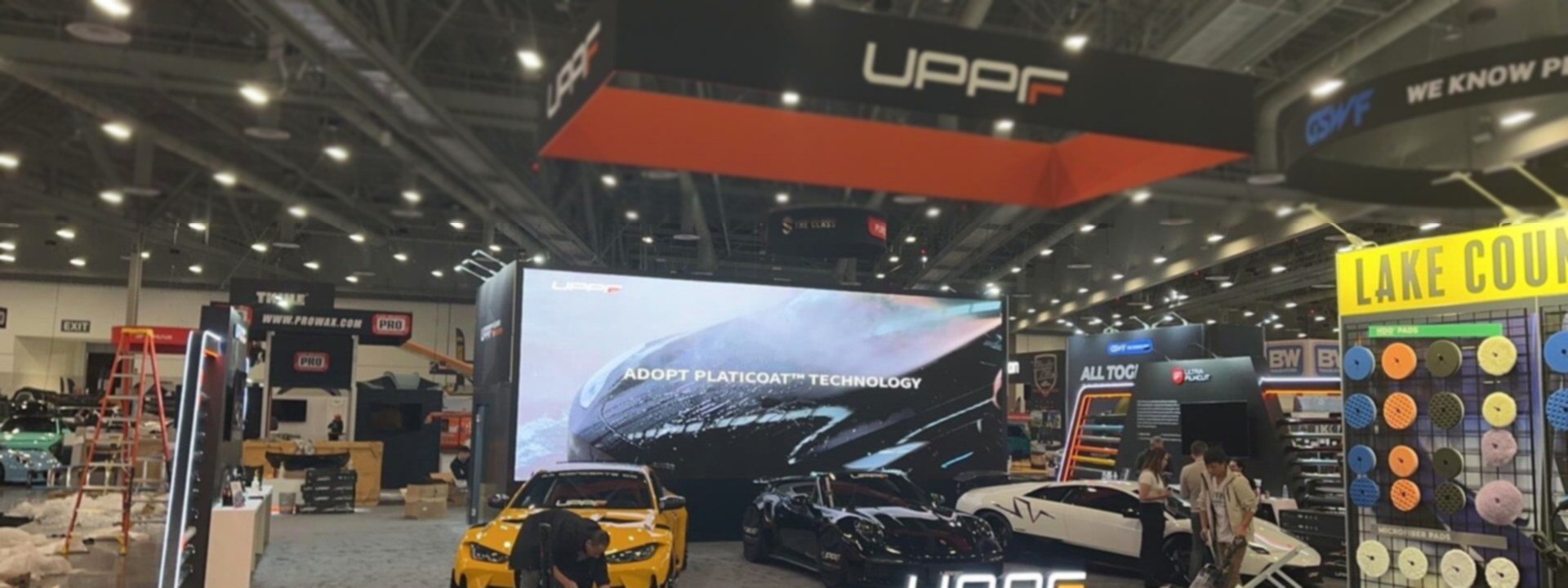
Professional photography, filming and major presentations may require current RSNA forms or contractor documentation. Check the active rules before booking production activity. Camera positions, lighting and audience space should be reviewed without compromising neighboring exhibits or routine booth operation.
From Imaging Brief to an Installed RSNA Exhibit
Send the space assignment, open sides, products, equipment dimensions, demo list, audience priorities, meetings, budget, freight and services you want included.
We map screens, workstations, equipment, operators, viewers, power, data, cables, storage and meeting transitions before choosing the architecture.
Review the layout, elevations, materials, graphics, interfaces and proposal. The accepted quotation defines King Exhibits’ rental, custom and project responsibilities.
Supply approved graphics, device information and final demo requirements. We close the production files against the approved design and agreed inputs.
Quoted components and graphics are produced, checked against the project records and prepared for the confirmed shipping and installation plan.
King Exhibits completes the onsite responsibilities in the accepted scope. Venue, organizer, official-provider and exhibitor-team work remains assigned to the responsible party.
Yes, when the equipment dimensions, weight, delivery route, floor contact, operator space, service access and installation responsibilities are confirmed early. Rental architecture can form the main environment, while quoted custom supports or surrounds address equipment-specific needs.
Send the display model, image type, intended viewer count and demo position. Review the real screen under representative booth lighting to determine glare control, wall finish, mounting height, viewing distance and visitor space.
Yes. The booth can include display mounts, demo counters, concealed cable routes, equipment storage and locations for required power or data. Your software environment, cybersecurity, content approval and live-connection decisions remain with your technical team unless another responsibility is explicitly quoted.
Yes. Audience space, sound direction and continued access to nearby demos must be planned together. The current RSNA rules, forms and sound requirements should be checked before the presentation layout and equipment are released.
The proposal identifies what King Exhibits supplies. Organizer or venue charges, show handling, utilities, rigging, internet, official services, specialty equipment labor and customer-product handling may be separate unless the accepted quotation says otherwise.
Send the show edition, booth number and size, open sides, equipment and demo list, display/network/power requirements, audience and meeting plan, graphics, crates, freight method, budget and the production or onsite work you want King Exhibits to include.
Compare Booth Sizes for Imaging Demos and Buyer Meetings
-
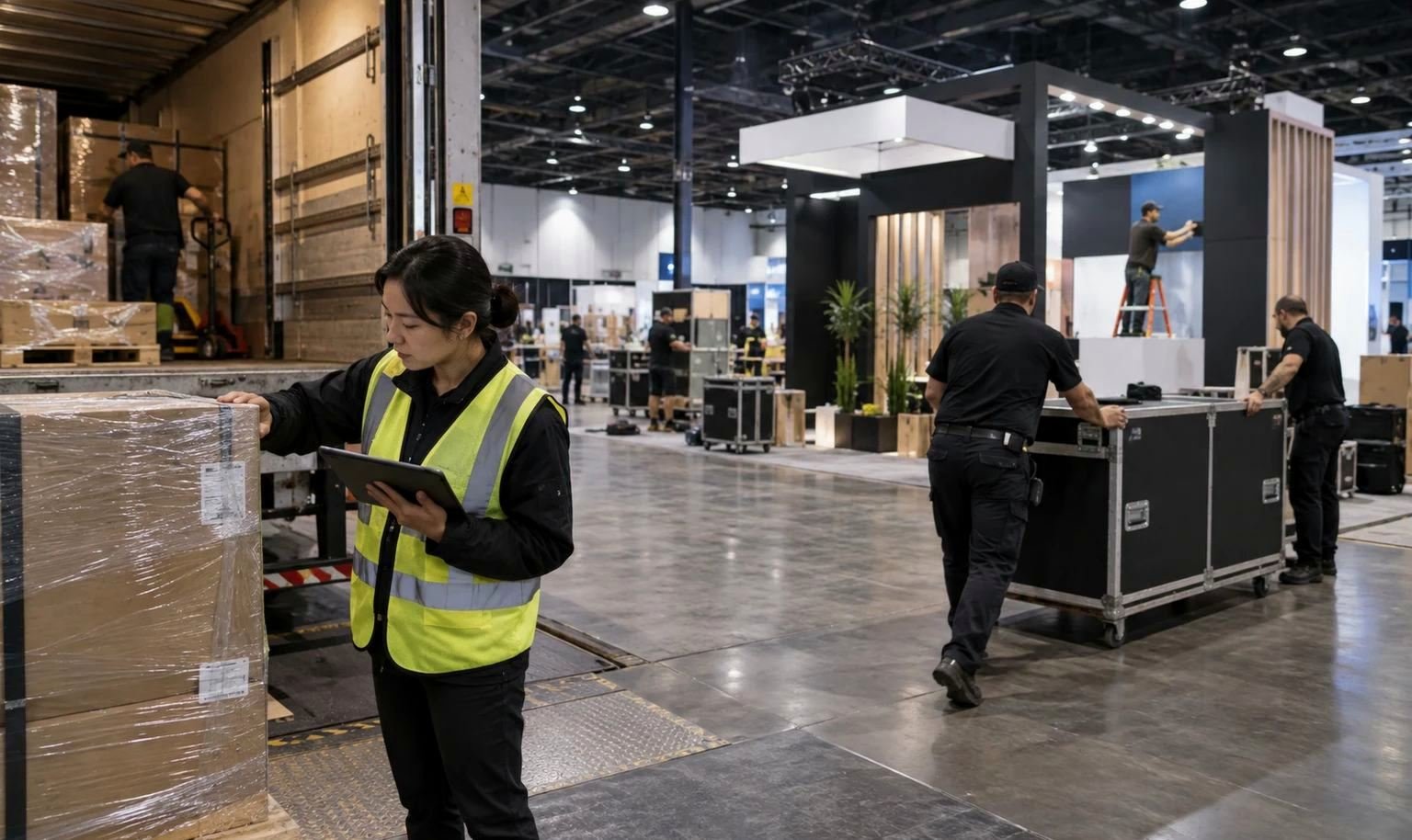
A practical size for one focused AI, software or workflow demonstration with clear branding, controlled screen viewing and a compact conversation point.
-
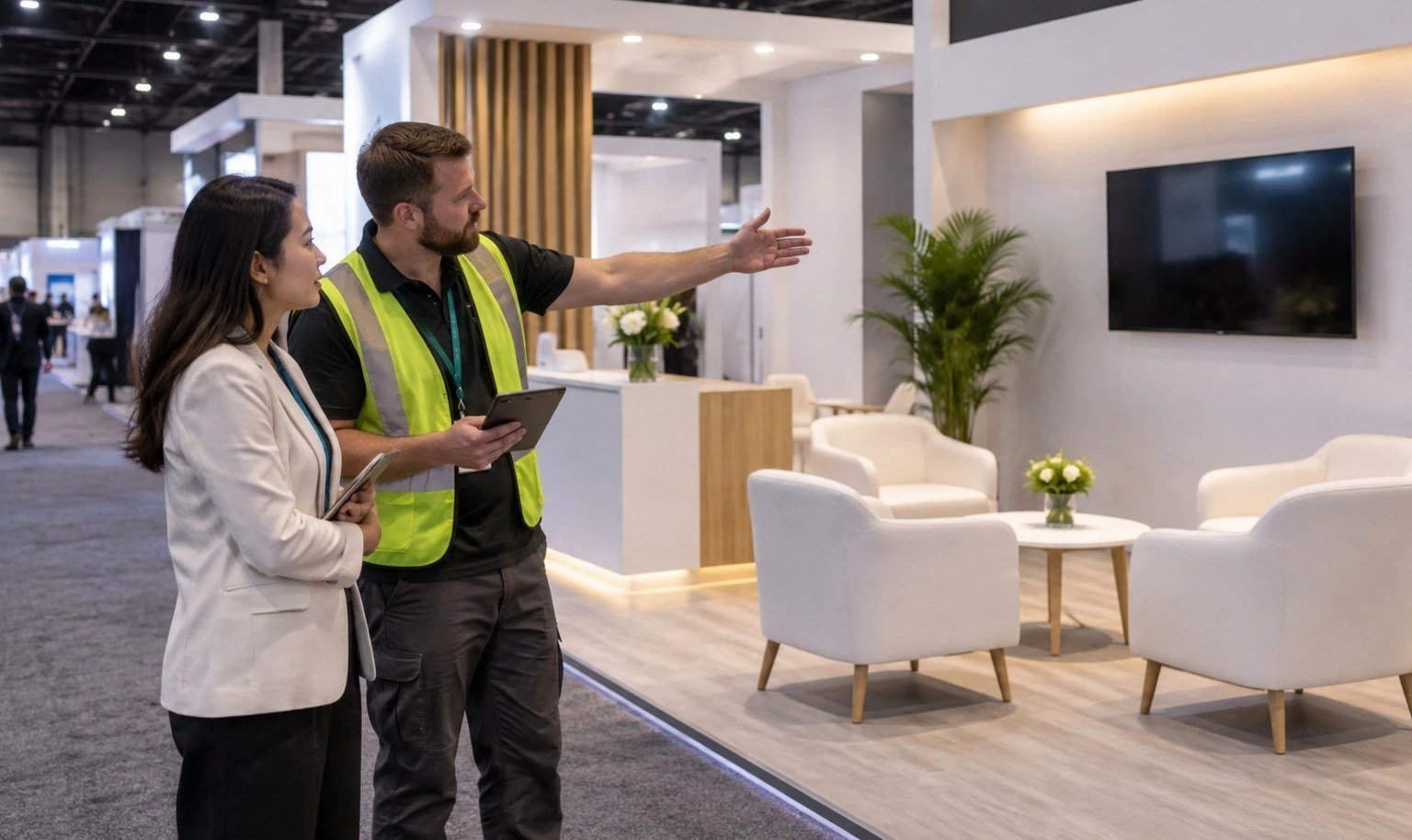
Supports several workstations, a small equipment display, storage and a separate place for qualified clinical or technical discussions.
-
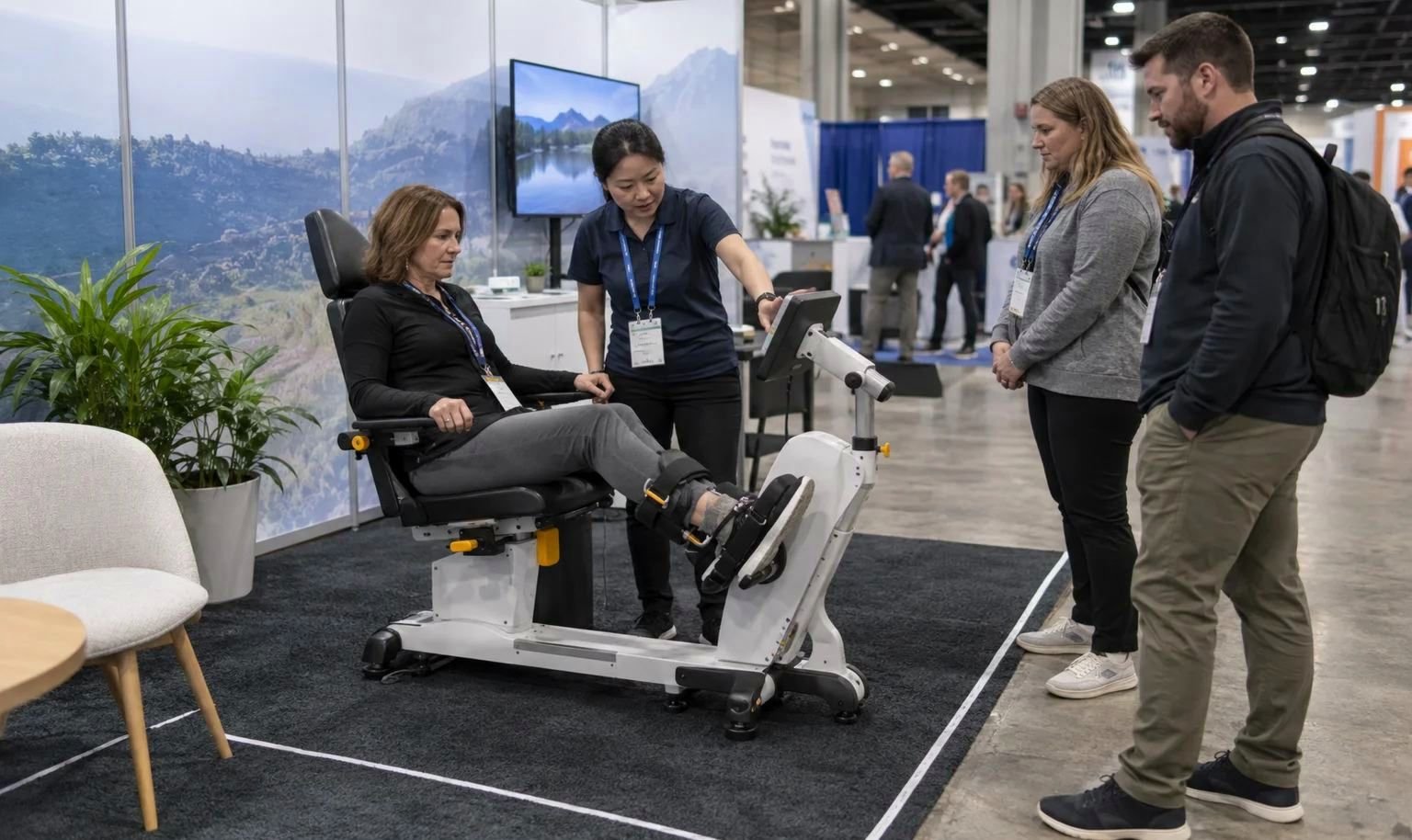
Creates room for imaging equipment, multiple product zones, a presentation, enclosed meetings and a stronger hospitality or partner area.